Run any timer on your phone, broadcast it live to every phone, tablet and TV in the room. One link, one code.
The host controls it from a phone. Everyone else just watches it count.
Countdown, stopwatch, intervals, or a plain clock, or grab a ready-made program like Tabata, EMOM, or a class period.
Get a link, a QR code, and a 5-letter code. All three point at the same live timer.
Tap the link on a phone, or type the code on any TV browser. Every screen counts down in sync.
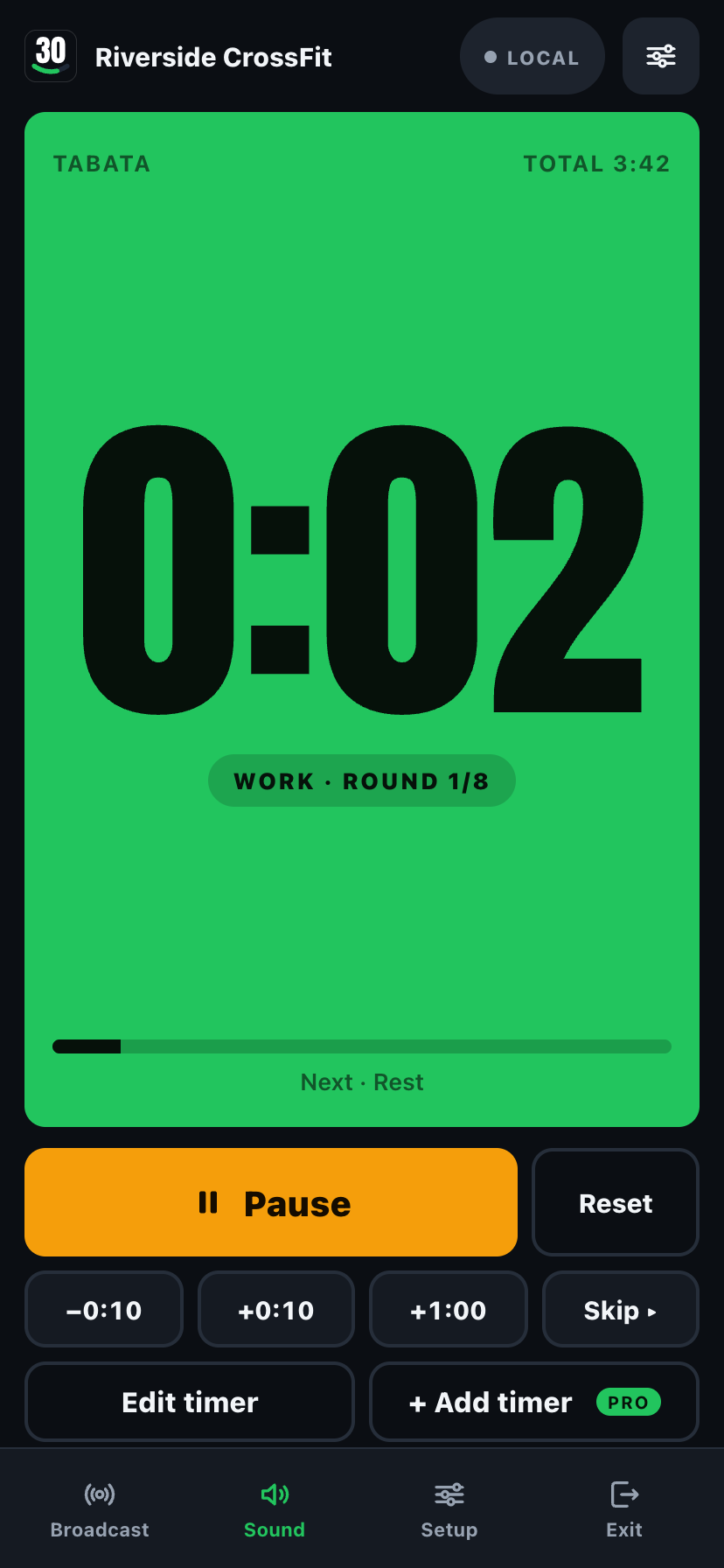
Run it on your phone,
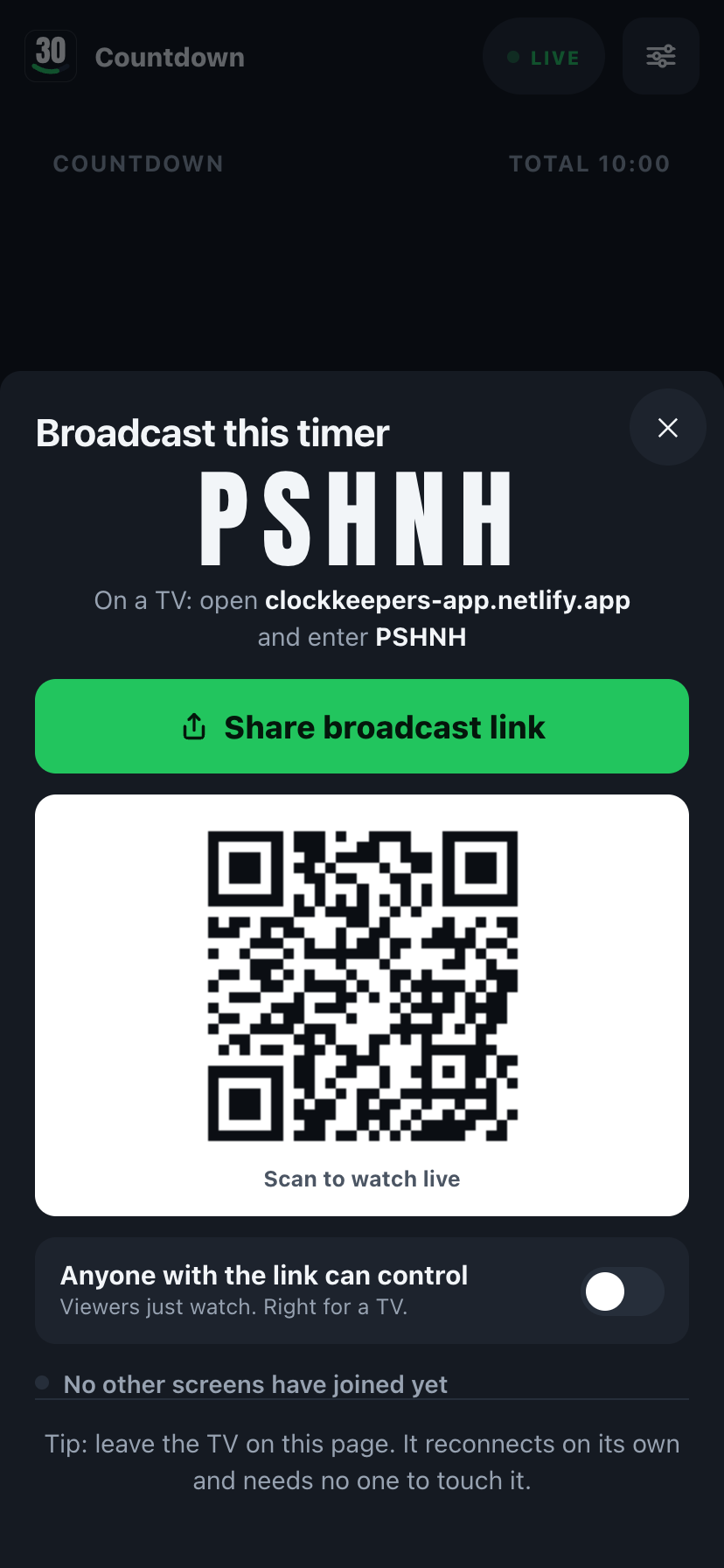
then tap Broadcast for a link, QR, or code.
The basics a timer app should have always had.
A link, a QR code, or a 5-letter code. The TV, a second phone, or a tablet on the wall all follow the same live clock, within a fraction of a second.
Cues fire through the silent switch, plus a spoken countdown, "three, two, one, rest", so you can hear it without looking up, and a confetti finish on every screen when an interval program ends.
The display stays awake while a timer runs, and a notification fires if the app is backgrounded when time's up.
Tabata, EMOM, AMRAP, HIIT, For time, boxing and MMA rounds for the gym; pickleball rounds with a court switch and round clocks for the court; class periods, Pomodoro, and a speech timer for the classroom; kids' turns at home.
Up to 12 segments per round, a get-ready period, your own labels and colors. Save it as a preset and run it again next time.
Pass the link to a co-coach or co-teacher and either of you can start, pause, or skip. No one has to hold the one phone that matters.
What you ran, how long it took, and when it finished, so you can pick up the same program tomorrow. A light tap on start, pause and reset, and a buzz when time is up. Turn it off in Setup.
On iPad, the board sits beside Start, Pause, and the interval program in a landscape rail or a portrait grid. Present fills the screen with just the board.
AirPlay to an Apple TV, or plug in with USB-C to HDMI. The board fills the TV while controls stay on your phone, and broadcasting keeps working alongside.
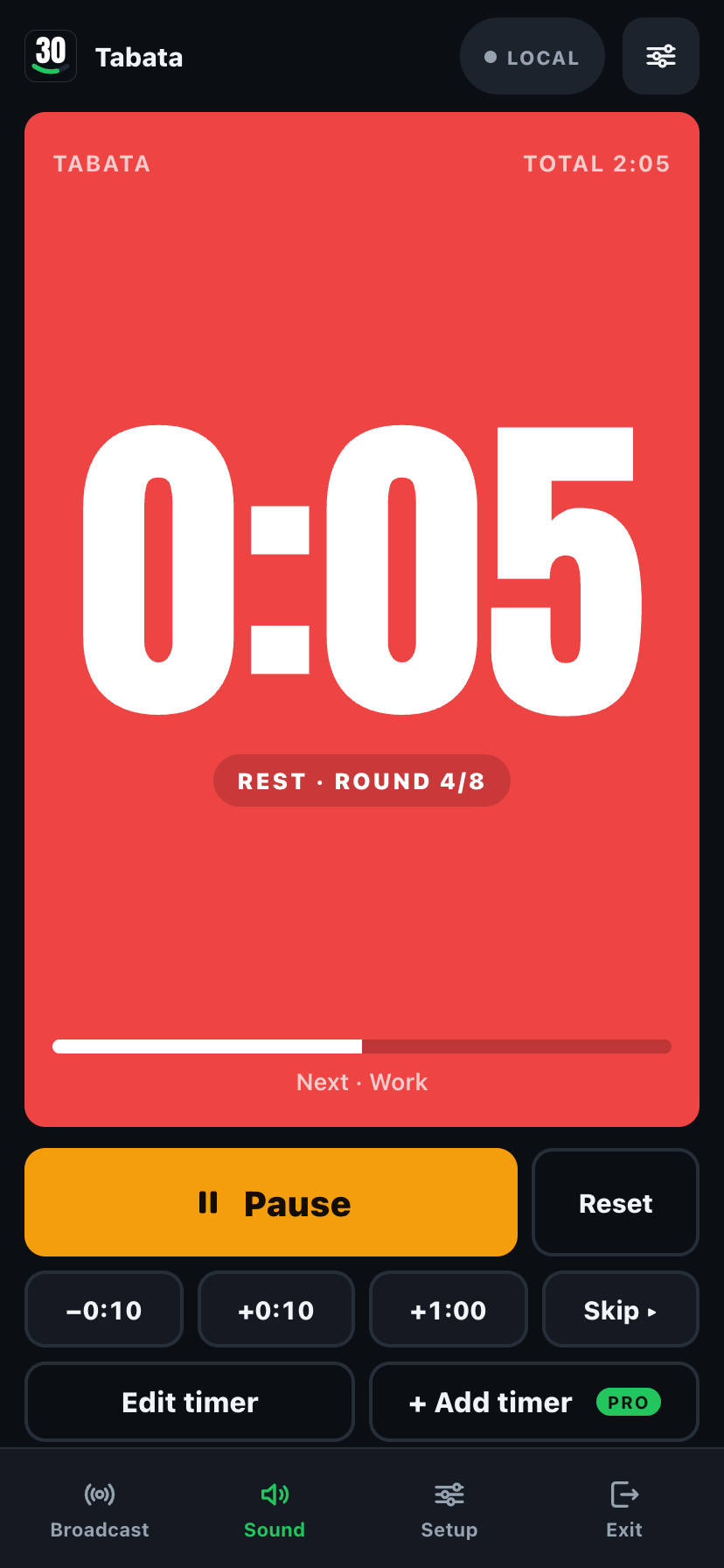
The interval builder: label each segment, set the color, set the rounds. Save it once, reuse it forever.
Half-fold the Duo and the timer stands up on the top half with big controls below. Lay it open between two people and both see the clock. Snap it shut to silence the alarm.
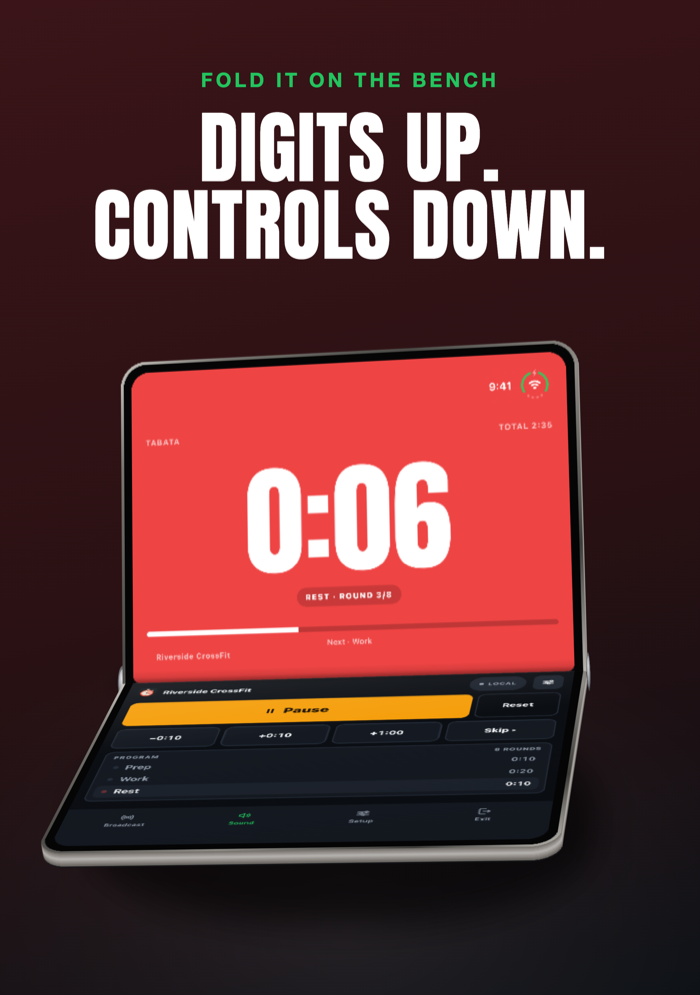
Bench Clock: the timer stands up, the controls lie flat.
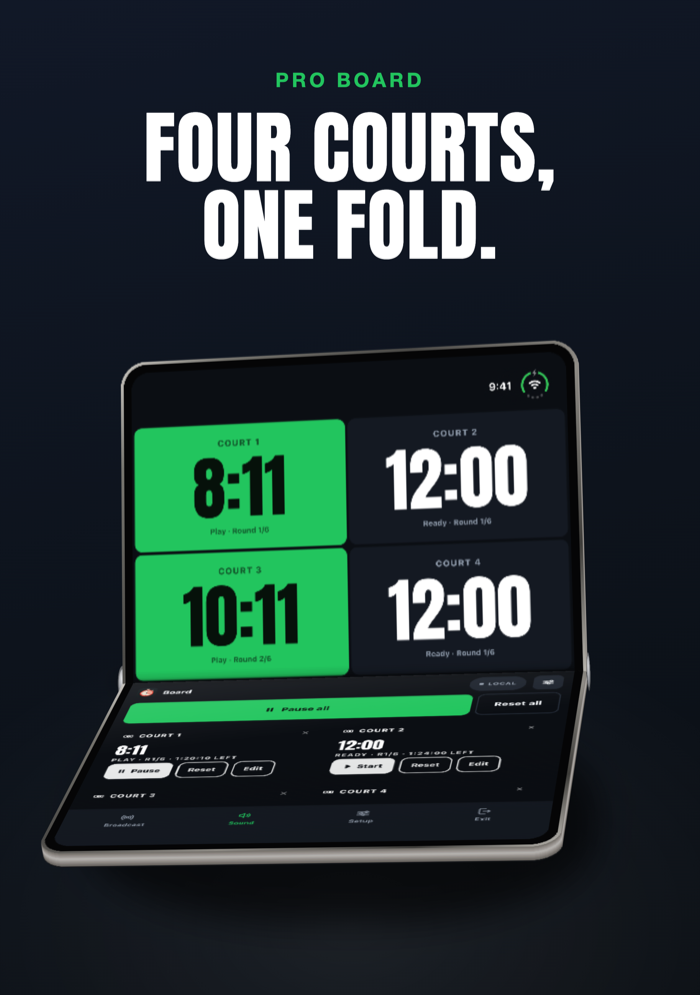
Board: every court's controls lie flat below the grid.
Same app, three very different Mondays.
Tabata, HIIT, boxing rounds, EMOM and AMRAP on the wall TV. Work and rest flood the screen green and red so nobody has to squint from across the floor.
A big countdown on the projector while you walk the room. A speech timer that turns amber, then red, as time runs out. No more guessing at the clock.
Round clocks with changeover breaks, "Round 3 of 8", one board the whole tournament desk can see, on one TV per court or one for all.
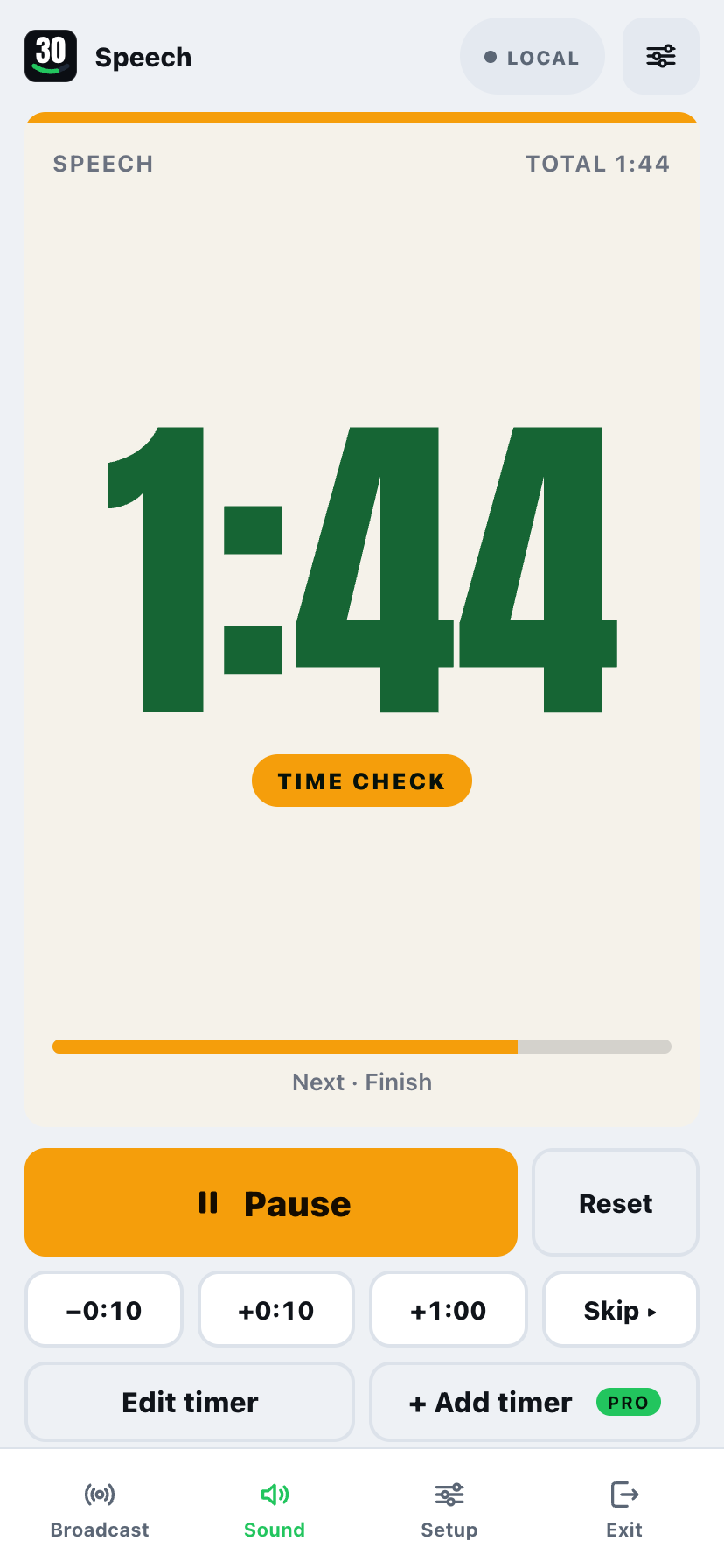
A speech timer that turns amber at 2:00 and red at 1:00. Control it from your phone while you walk the room.
No cast hardware, no mirroring, no app to install on the display. clockkeepers-app.netlify.app plus a 5-letter code is the whole setup, and it reconnects on its own if the Wi-Fi drops. Or skip the code and AirPlay or HDMI straight from your phone or iPad.
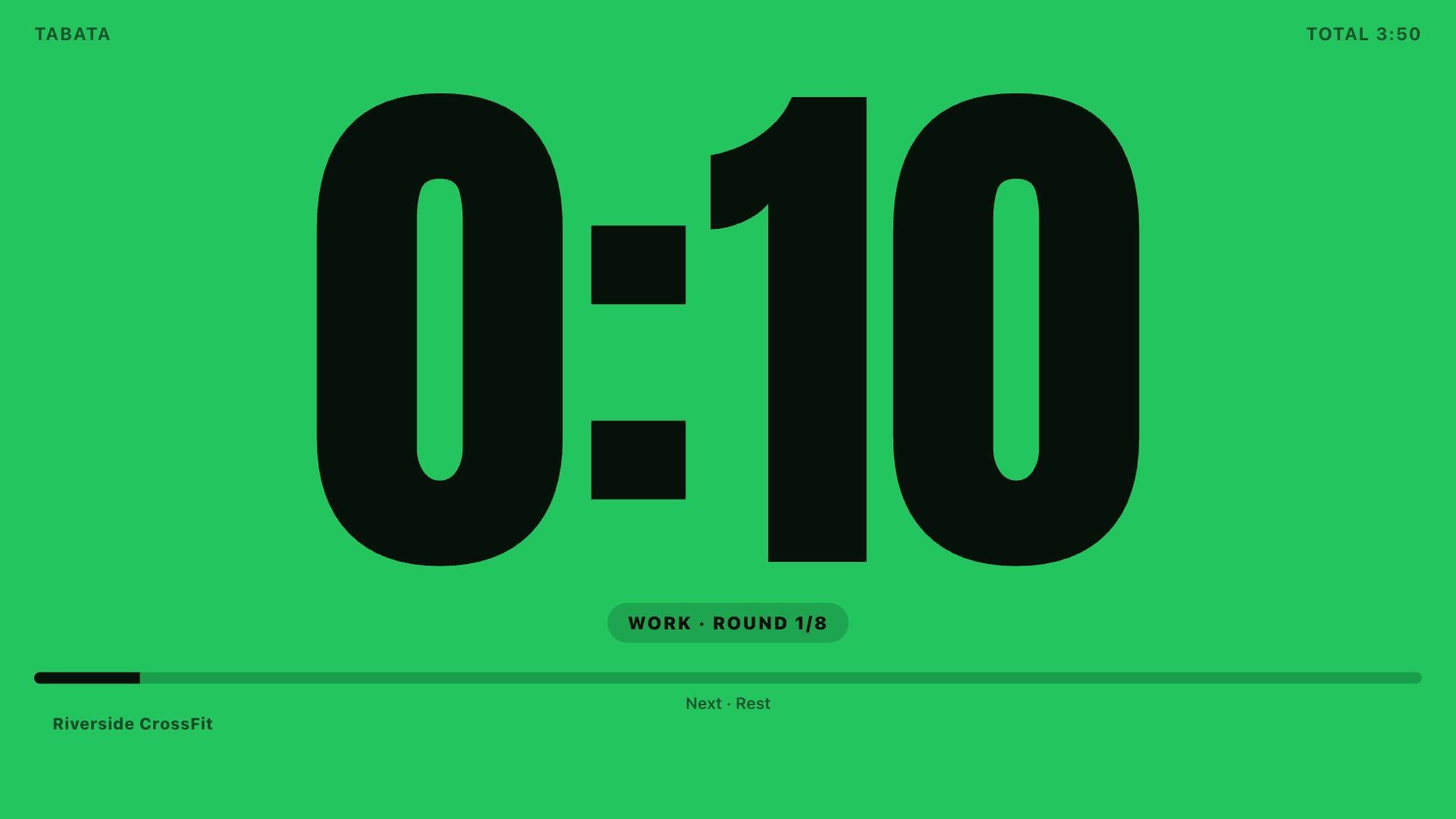
Full-bleed digits, phase color, and the round count. Readable from across the gym, the classroom, or the court.
Once, no subscription. Everything above works free (1 timer, up to 5 viewers, 3 saved presets). Pro adds room to grow. Buy it in the iPhone or iPad app, or once in your browser on a laptop or Chromebook.
Stations, courts, or groups on one board with Start all / Pause all. The TV auto-grids them.
Your gym, class, or event name, colors, and logo, on the board and on the TV.
Claim a name like ironworks so the gym TV bookmarks one link forever. Nothing expires.
LED, Stadium, Neon, Chalkboard, Minimal, Sunset, Aurora, Dot Matrix, Blueprint. Nine more looks for the display, and you can preview any of them full screen before you buy.
Gym air horn, ring bell, referee whistle, arcade tones, plus more voice cue variations.
No cap on watchers, unlimited saved presets, and the full session history instead of the last few.
The broadcast view is clean, just your timer, your colors, your room.
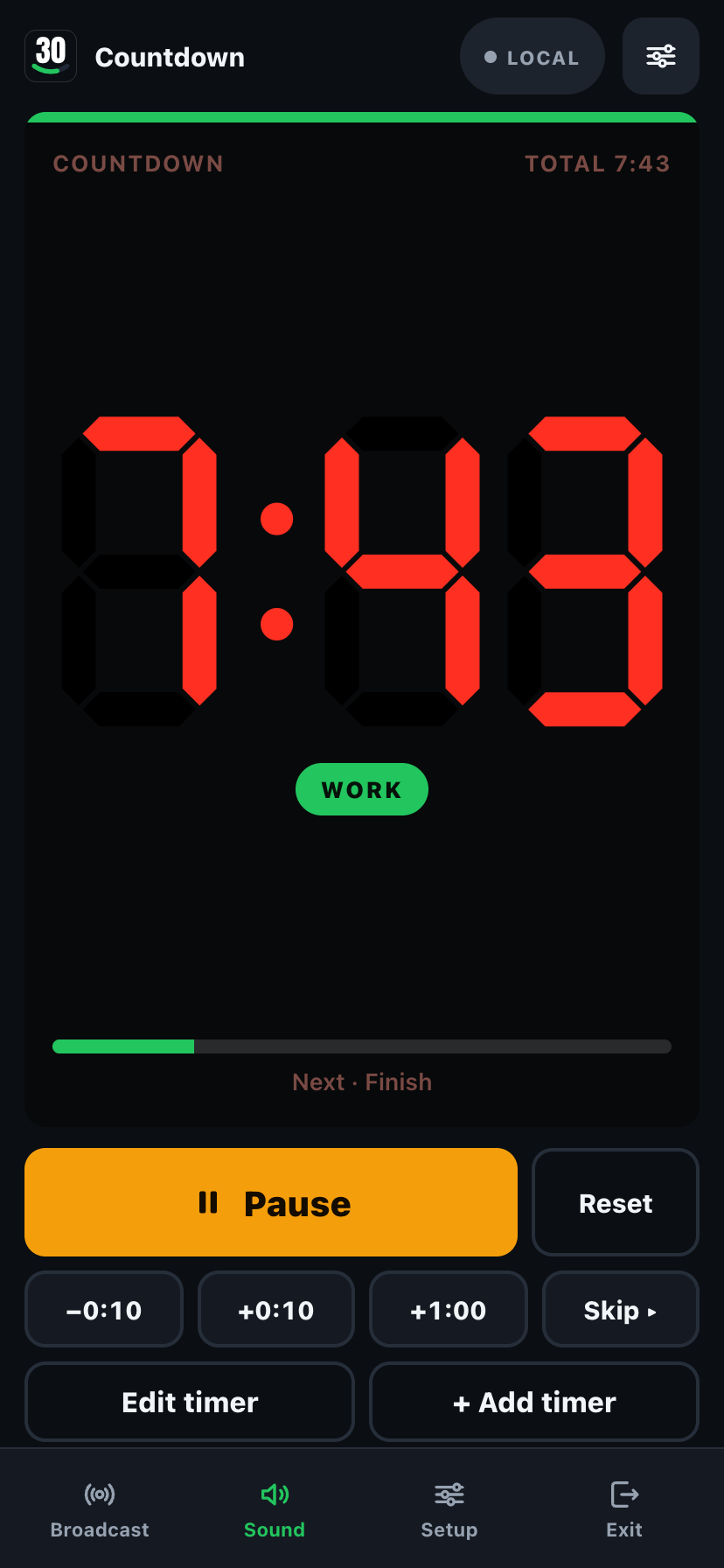
Nine Pro display themes, each rendering the same live timer.
No. Open clockkeepers-app.netlify.app in any TV browser and type the 5-letter code, or scan the QR code from a phone. Nothing installs on the TV.
Yes. Open clockkeepers-app.netlify.app in Chrome, Edge, Safari or Firefox and run a timer from there, free. ClockKeepers Pro is the same one-time $7.99 unlock, bought in the browser, and works in up to 3 browsers. Already have Pro in the iPhone or iPad app? Open Settings there and tap Use Pro on the web to get a code for your browser.
Yes. AirPlay to an Apple TV, or connect with a USB-C to HDMI adapter, no link or code needed. On iPad or phone, Present does the same full-screen job.
Yes, as a single-device timer with no connection at all. Broadcasting it to other screens needs an internet connection.
Viewers, yes. Any phone, tablet, or TV browser can open a link or type a code and watch. The host app is iOS first.
No. ClockKeepers Pro is a single one-time unlock, $7.99, yours for good, no renewal, ever.
Every screen is server-timed, not phone-timed, so they stay within a fraction of a second of each other, even over a long round. No drift.
No. There's no sign-up, no email, nothing to create. Pick a timer and tap Broadcast: that's the whole flow.
Yes. There are no accounts. Boards are identified only by a random code. See the privacy policy for details.
Question, bug, or a preset you'd love to see? Send a note and we'll get back to you.
Download on theApp Store ClockKeepers