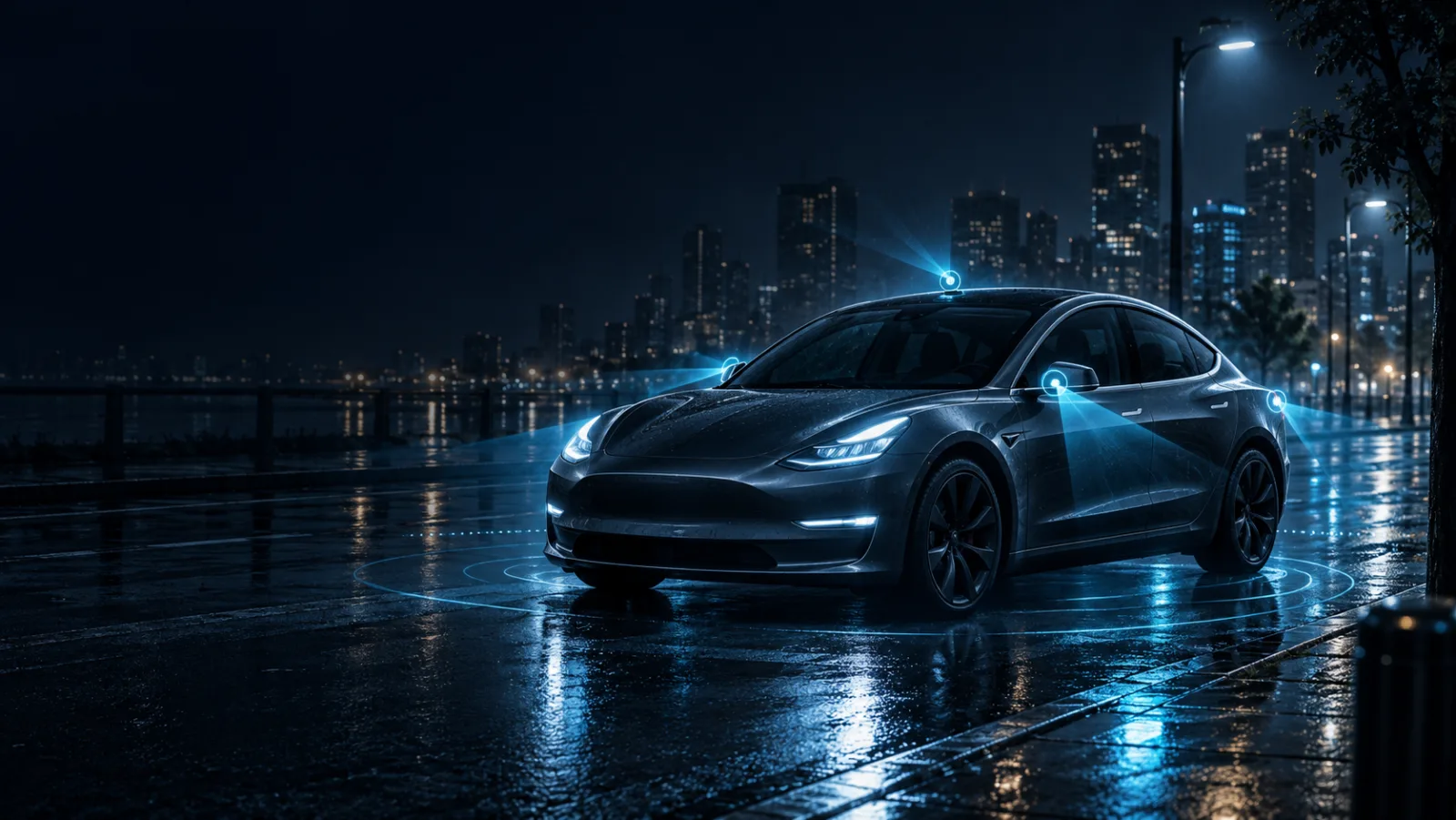

When someone hits your parked car, someone tries a door handle at 2 a.m., or a driver runs and leaves you the bill, the footage is already overwriting itself. Dashcam Vault finds it, plays it from the exact moment, and keeps a verified copy before it's gone.
$9.99 one-time · no subscription · requires macOS 14 or later.No staged demo footage, these are straight from the App Store listing, captured on an actual HW4 Sentry drive.
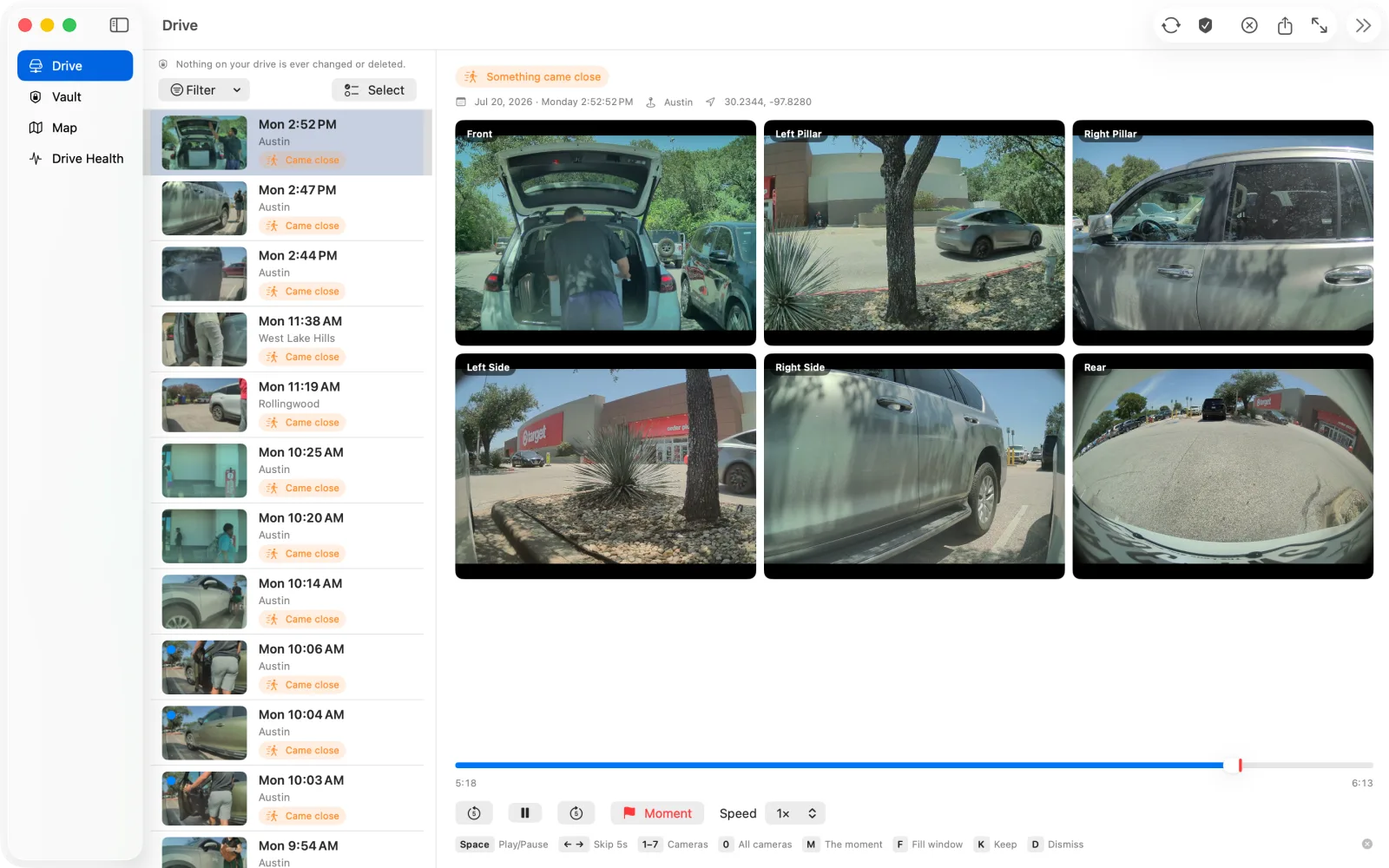
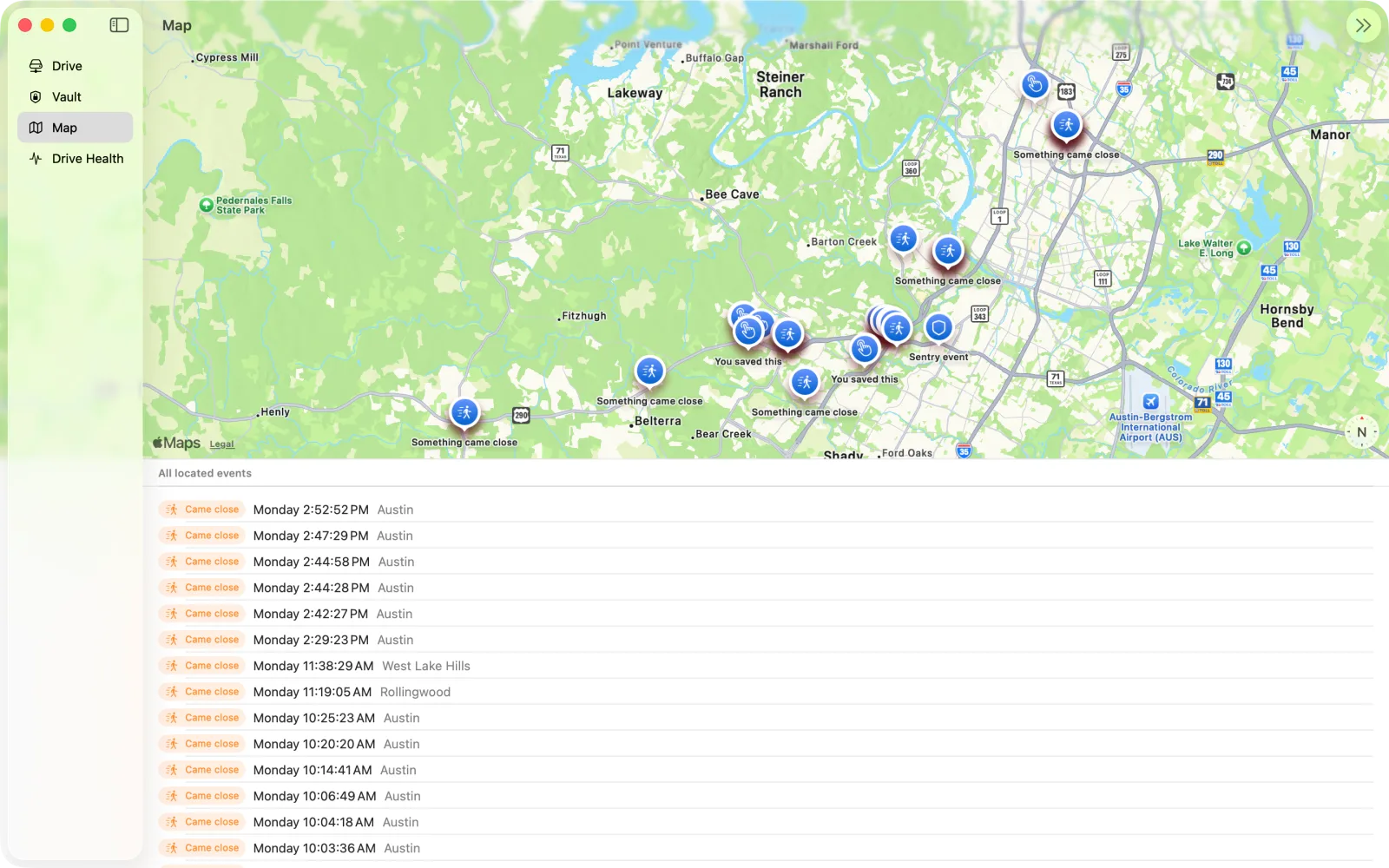
Connect the drive and Dashcam Vault reads it for you, a scan, then an inbox of what happened and why, not a folder of timestamps.
Sentry events show up with a plain-language reason, "Something came close," "Bump or impact detected," "You honked", instead of a filename. Recent driving, the rolling minutes that overwrite themselves, surfaces first: that's where unsaved footage usually lives. One filter button and a Select mode keep triage fast without burying the list in controls.
Selecting an event starts playing on its own, cued about ten seconds before whatever tripped it, with a red marker on the timeline showing exactly where. Most viewers leave you to scrub around and guess.
Open an event and it's already playing, backed up just far enough to give you the run-up, the approach, the honk, the second before impact. A red tick on the timeline marks the exact frame that triggered the event, and a full keyboard flow gets you through the rest: arrows to step, 1-7 for a camera, Space to pause, M to jump back to the moment.
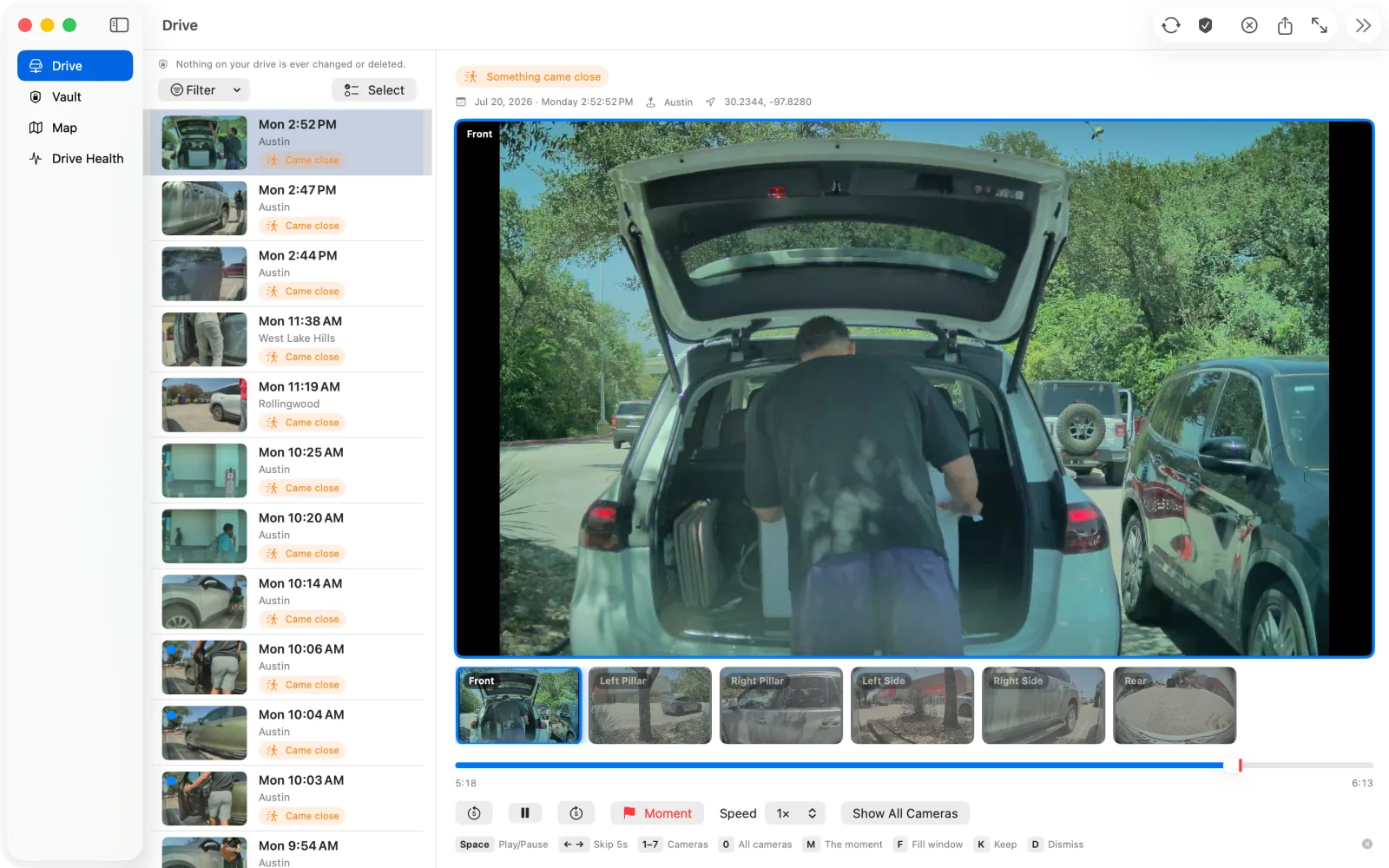
All six cameras, seven on a Cybertruck, stay synced on one continuous timeline. Click any tile and it takes over the window, with a fixed strip of every other angle right below it to jump between them.
The full-window view keeps a thumbnail strip of every camera underneath, so switching angles never means losing your place in the moment. Prefer the keyboard? 1 through 7 jump straight to a camera, 0 goes back to all of them.
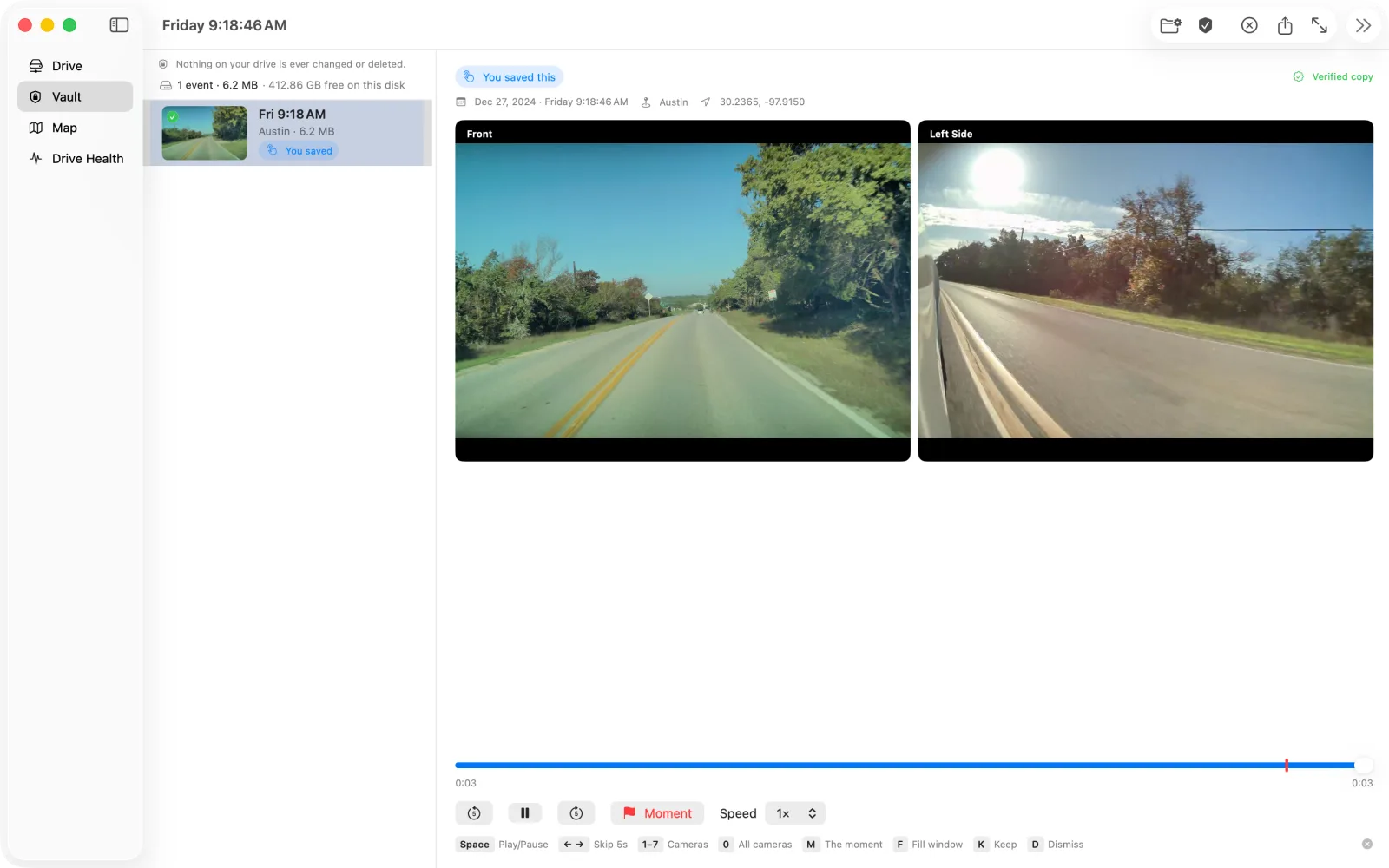
Every archive runs a byte-for-byte SHA-256 check against the original, so a copy is provably identical, not just fast. Re-import the same drive later and Dashcam Vault skips what it already has. Delete something and it goes to the macOS Trash, never gone for good. And through all of it, your source drive stays strictly read-only.
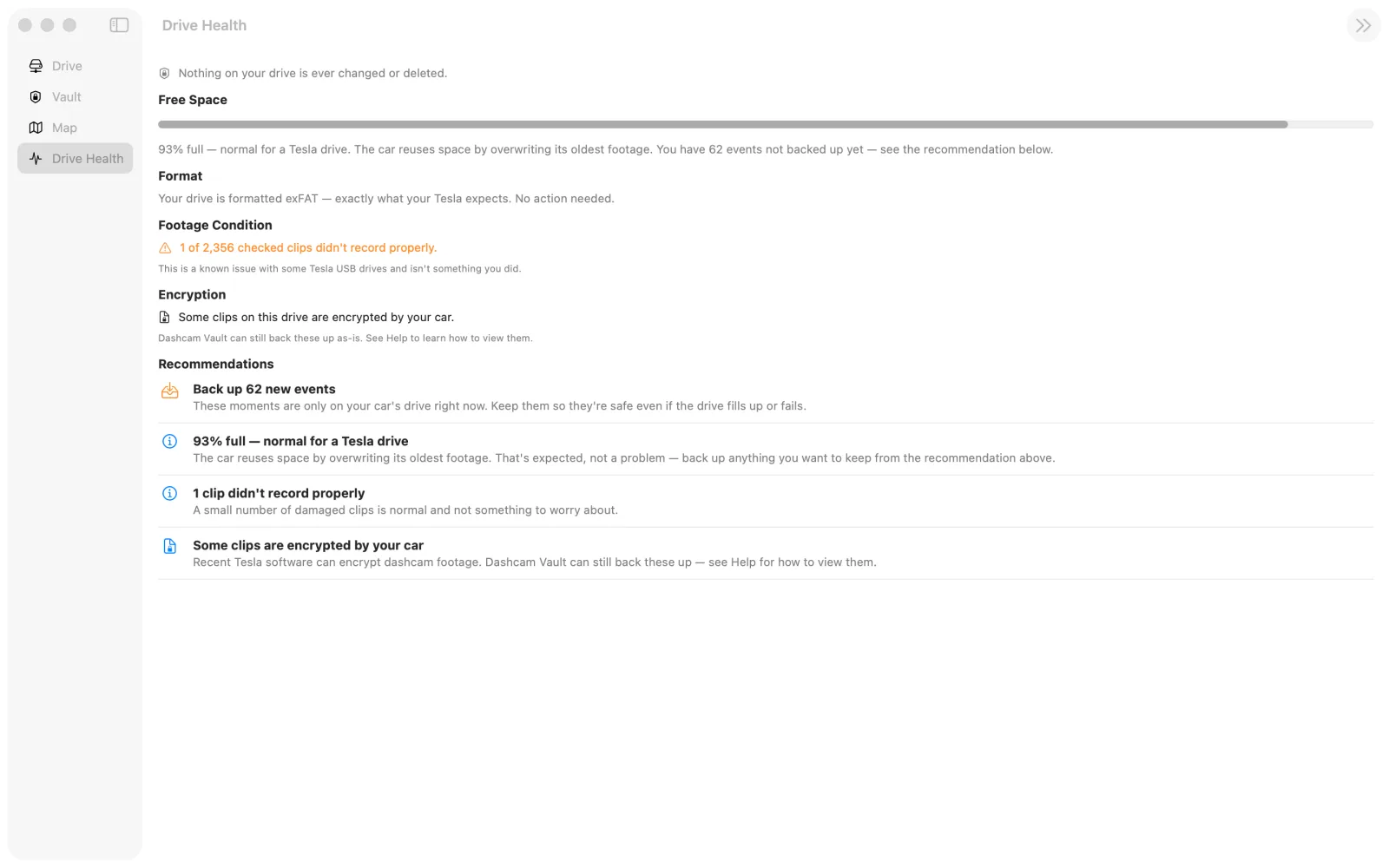
Tesla's drive is designed to fill up, the car quietly records over its oldest footage to make room for new. That's expected, not an emergency. What matters is whether the clip you needed got archived before its turn came around.
Dashcam Vault shows how full the drive is without treating it as a crisis, tells genuine file corruption apart from clips your car encrypted itself, and explains each one calmly instead of throwing a generic error. Recent Tesla firmware can encrypt Sentry and Dashcam clips at the source, Dashcam Vault detects that, says so plainly, and shows you how to bring them in after decrypting them in Tesla's viewer.
Tesla drives are messy in the field, partial recordings, the odd corrupt file, drives that get unplugged mid-scan. Dashcam Vault is built around that reality, not a clean demo.
Export a single clip and hand it off the way you'd hand off any file, no upload, no account.
One export, one .mp4, named with the date, time, and camera, ready for an adjuster or a police report. Time, date, and location travel with it, the facts an insurance form asks for.
Clips from Tesla software 2025.44.25 or later carry the car's own driving data. Dashcam Vault shows it right on the video, and can put every camera in one shareable file.
Speed, gear, brake and accelerator, turn signals, steering and driver-assist state appear in sync with the footage. Older clips simply play without it.
Export all cameras as a single synced grid with the date, time and speed burned into every frame. Export the whole event or just the minute around the moment. The camera grid also fills your window at the footage's real shape.
Starting with firmware 2026.20, Tesla can encrypt Sentry and Dashcam clips at the source. Only Tesla can decrypt them, and Dashcam Vault never does it for you or asks for your Tesla account. It detects encrypted clips, tells you plainly what's going on, and still archives them byte-for-byte. To watch them here, decrypt and download them at dashcam.tesla.com (Tesla's own tool), then choose File > Import from Tesla's Viewer or drag the downloads in. They're matched back to their events and play in sync with the other cameras, and you can export and keep them like any other footage. If footage speed matters to you, right after an accident or a break-in, switch "Encrypt Dashcam Recordings" off in your car so new clips play here the moment you plug in. A 30-second in-app guide walks through it.
Opens one clip at a time. No drive scan, no events, no archive.
Show what's on the drive today. Once Tesla deletes it, it's gone.
Keeps your whole camera history safe for the day you need it, one $9.99 purchase, not another subscription.
Try the direct download free on your own drive. Keep, Export and Drive Health unlock with a $9.99 license, or buy the Mac App Store version, same $9.99 either way. No in-app purchases, no subscription.
Grab the notarized Mac app below. It is a free trial: scan your own drive and watch every event with no key. Keep, Export & Share and Drive Health unlock when you enter the license key from your purchase email (Dashcam Vault → Enter License Key). Sample footage is open to try, too.
Questions before you buy? Get in touch.