Three families, ten calculators
The keys your class already knows.
Switch families with one tap. Each calculator remembers its own memory, history, lists, graphs and programs.
Classic
Graphing and scientific for algebra, precalculus, calculus and statistics: Y= graphing, tables, statistics and a two-line scientific.
- Classic Graphing 84 Free
- Classic Scientific 30 Free
- Classic Financial II Pro
- Classic CAS Pro
Natural
Fractions, roots and π shown the way your textbook writes them, with an equation solver and color graphing.
- Natural Scientific 991 Free
- Natural Color Graphing Free
RPN
Stack-based scientific, financial and programmable models for engineers, finance students and power users.
- RPN Scientific 15 Free
- RPN Financial 12 Pro
- RPN Advanced 42 Pro
- RPN Power 48 Pro
See it
Graph, solve, explain.
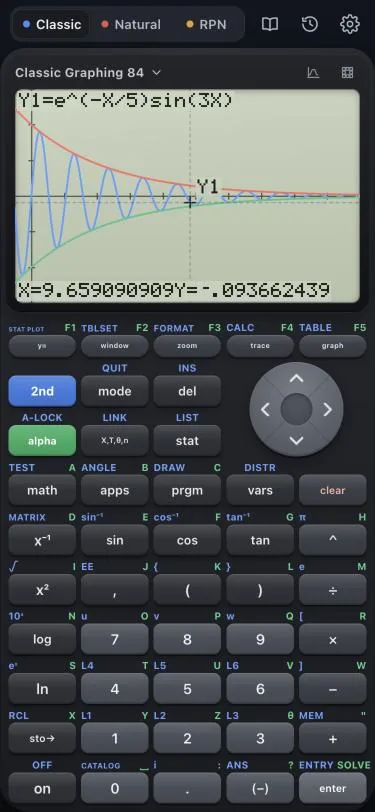
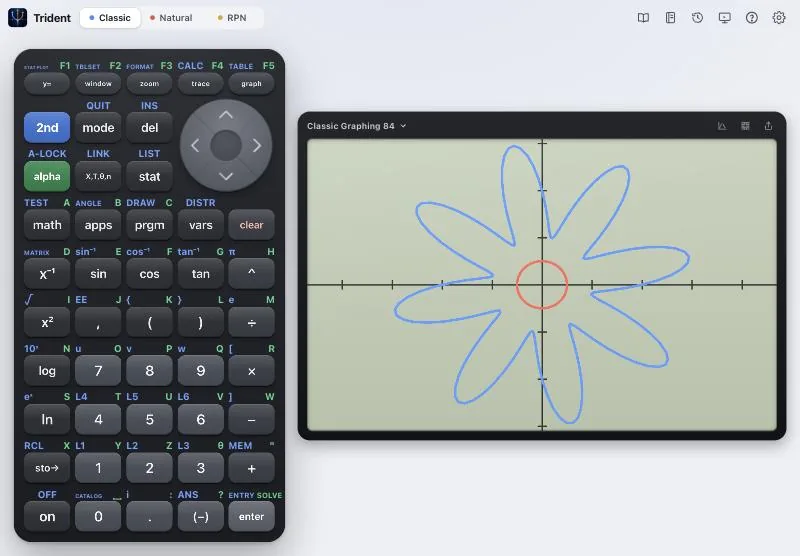
Graph, trace and solve 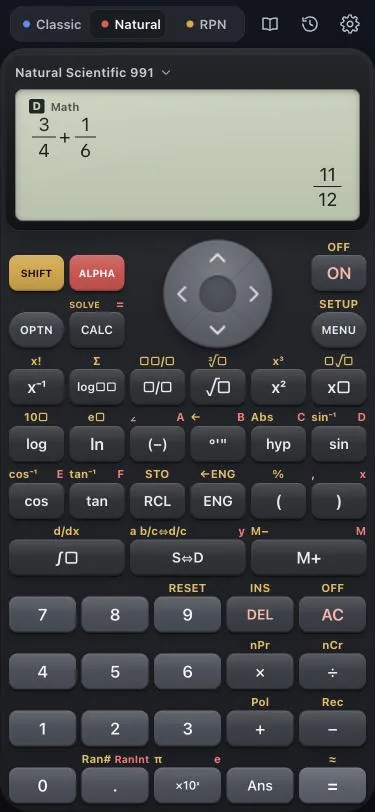
Fractions as in your book 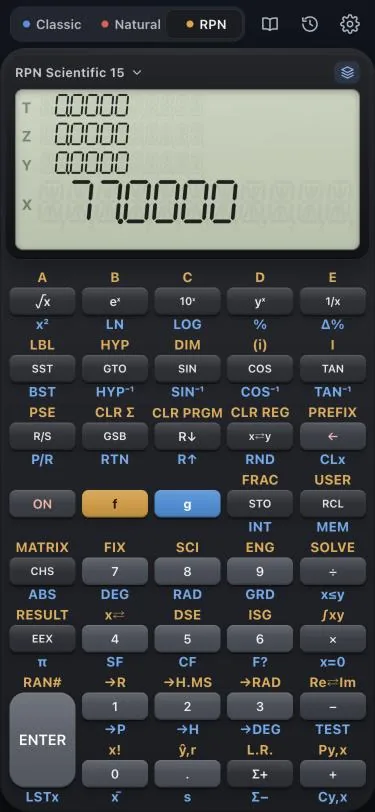
RPN with a real stack 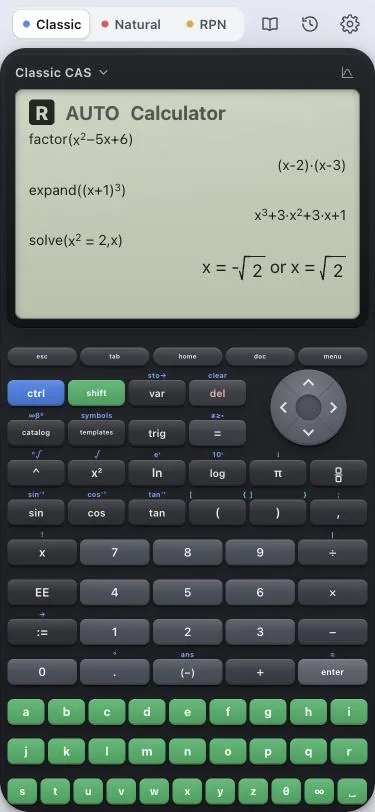
Symbolic algebra 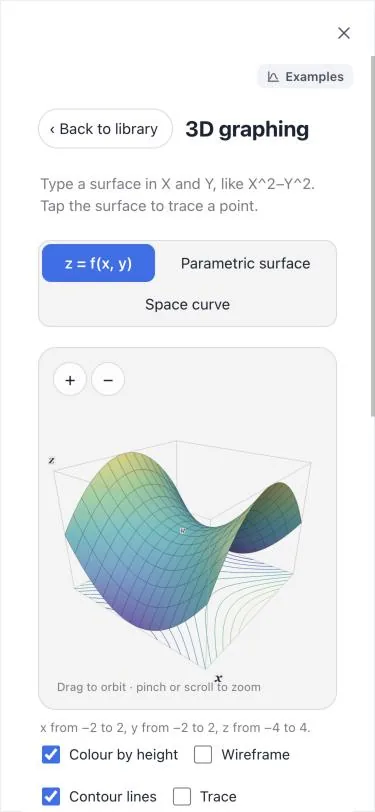
3D labs 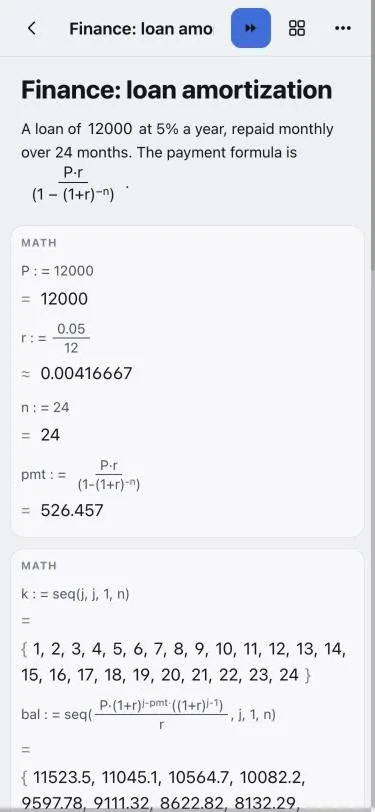
A notebook that runs 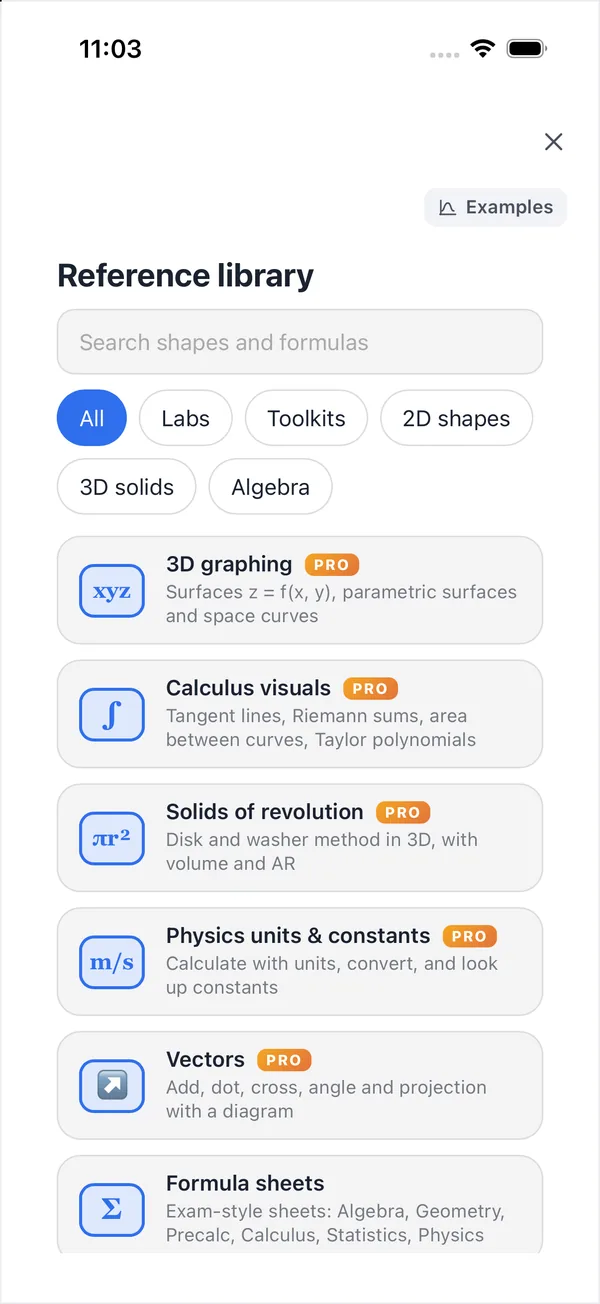
Reference library 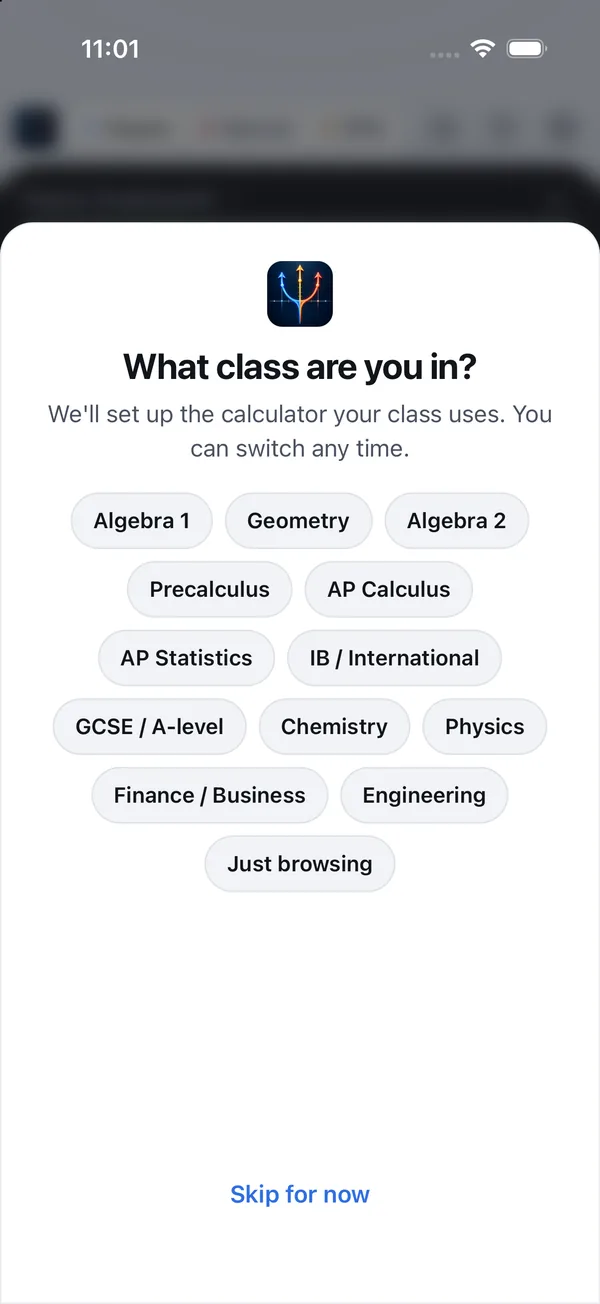
Set up for your class
Highlights
More than a keypad.
Graphing and trace
Trace, zoom, tables and calculation tools: zeros, minimum, maximum, intersections and integrals.
Exact answers
Fractions, roots and π kept exact, with decimals whenever you want them.
RPN and programming
A four-level stack, keystroke programs and the RPL stack language on the power model.
Financial Pro
Time value of money, cash flows, NPV, IRR and amortization.
CAS and steps
Solve, factor, expand, differentiate and integrate symbolically (Pro), and step-by-step explanations of your results.
Notebook
Runnable cells for math, data and plots. Saving and export come with Pro.
3D labs and AR Pro
Solids of revolution, surfaces and calculus visuals you can turn in your hands or place in the room.
Reference library
Shapes and formula cards with a Calculate button, plus seven subject toolkits.
TV and projector
Presenter mode puts the calculator on the big screen with a large key history.
Exam practice
Timers and restrictions to rehearse with. Practice only, never approval for a real exam.
Class links and QR
Teachers share one setup link or QR code and the whole class opens the same calculator.
15 languages
Including right-to-left Arabic, Hindi, Japanese, Korean and both Chinese scripts.
Works offline
The app needs no connection, and the web app keeps working offline after your first visit.
No ads, no tracking
No advertising, no tracking SDKs and no account needed to calculate.
On the web too
Laptops and Chromebooks, no install needed.
The same calculators run in any modern browser at sviewstudios.com/trident/app. Install it from the browser to open it like an app, and it keeps working without a connection.
Open the web app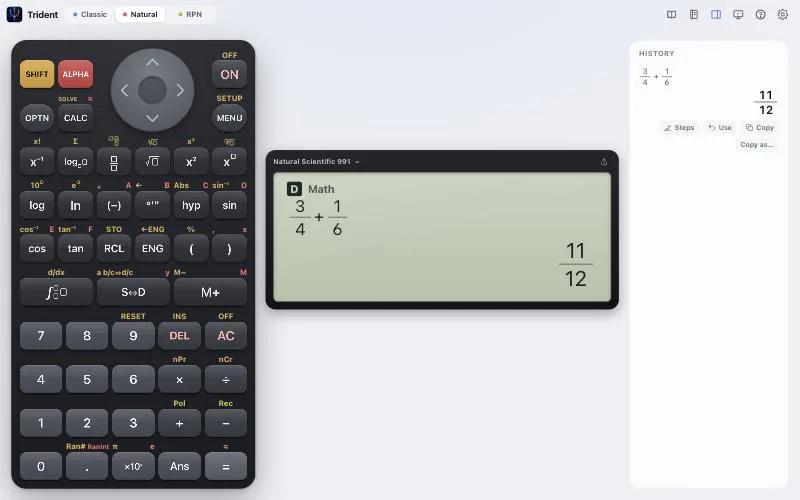
For teachers and schools
Set up the whole class in one link.
- Class setup links and QR codes: pick a calculator, a graph and an optional exam-practice preset.
- Presenter view with key history, freeze and a pointer for the projector or TV.
- Deploys through Apple School Manager on iPad and the Google Admin console on Chromebooks.
- Verified teachers get Trident Pro free.
Pricing
Free for students. Pro when you need more.
Trident
No ads and no time limits.
- Five calculators: Classic Graphing 84, Classic Scientific 30, Natural Scientific 991, Natural Color Graphing and RPN Scientific 15
- Step-by-step explanations and the notebook
- Reference library and seven subject toolkits
- Presenter mode, exam practice and class links
Trident Pro
- Financial and advanced RPN models: Classic Financial II, RPN Financial 12, RPN Advanced 42 and RPN Power 48
- Symbolic algebra with Classic CAS
- Saving and exporting notebooks
- 3D labs and AR
- Premium skins and presenter extras
Verified teachers get Pro free. Prices are in US dollars and vary by region. Subscriptions renew automatically unless cancelled at least 24 hours before the period ends; manage them in your Apple Account settings.
Questions
Good to know.
Can I use Trident in an exam?
No. Trident is not approved for use in any exam, and phones are not allowed in most exams. Exam practice mode is for rehearsal only: it restricts the app the way many exams restrict calculators and adds a timer, so students can practice.
Does it work offline?
Yes. The iPhone and iPad app needs no connection. The web app keeps working offline after your first visit, and you can install it from your browser.
What about privacy?
No ads, no analytics and no tracking SDKs. Your calculator work stays on your device unless you choose to sync. Read the privacy policy.
Do I need an account?
No. Every calculator works without signing in. Sign-in is optional, only for syncing between devices and for the teacher program, and it is not offered to anyone under 13.
Which devices does it run on?
iPhone and iPad (portrait and landscape), a TV or projector through AirPlay or HDMI in presenter mode, and any modern browser on laptops and Chromebooks.
Which languages?
15: English, Spanish, Portuguese, French, German, Italian, Simplified and Traditional Chinese, Japanese, Korean, Vietnamese, Indonesian, Hindi, Arabic and Turkish.
Is Trident made by a calculator manufacturer?
No. Trident is made by South View Studios and is not affiliated with any calculator manufacturer. The calculator families are our own clean-room designs, with our own names, keys, fonts and skins.
How do I restore Pro?
Open Settings, then Trident Pro, and tap Restore purchases while signed in to the same Apple Account. Purchases are handled by Apple.
Every calculator, one app.
Support · Privacy · Accessibility · For schools
Not affiliated with any calculator manufacturer. Not approved for use in exams. Exam names belong to their owners.