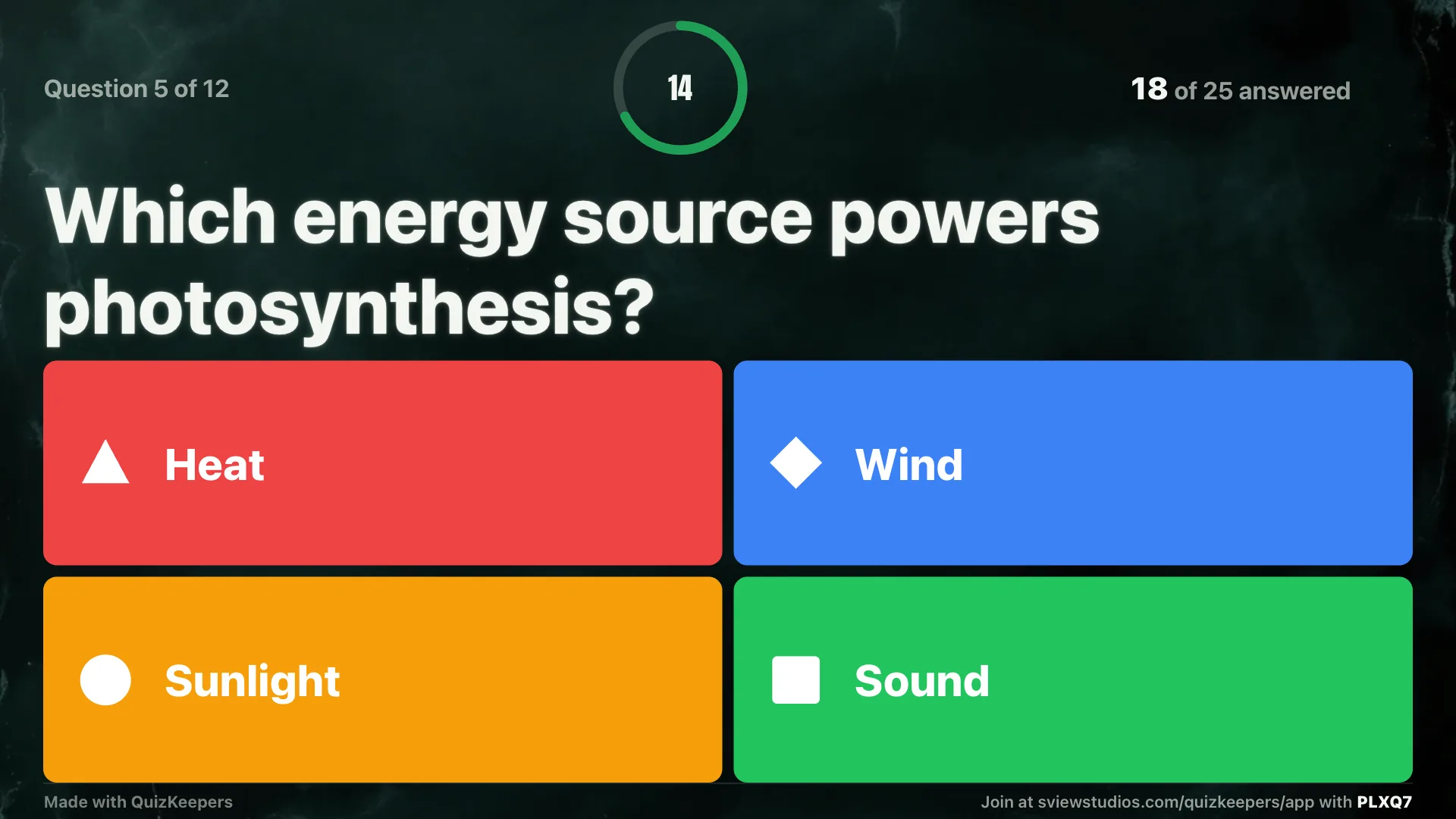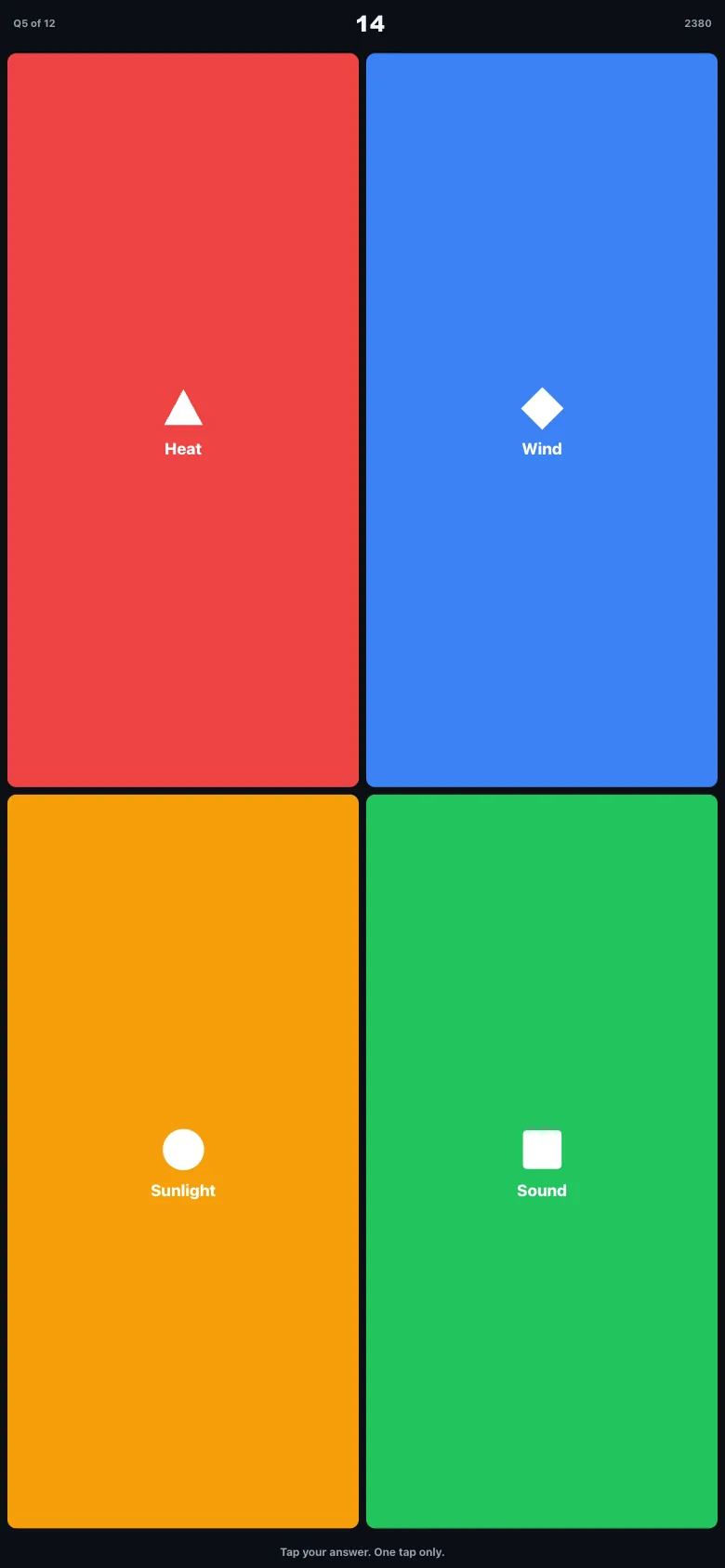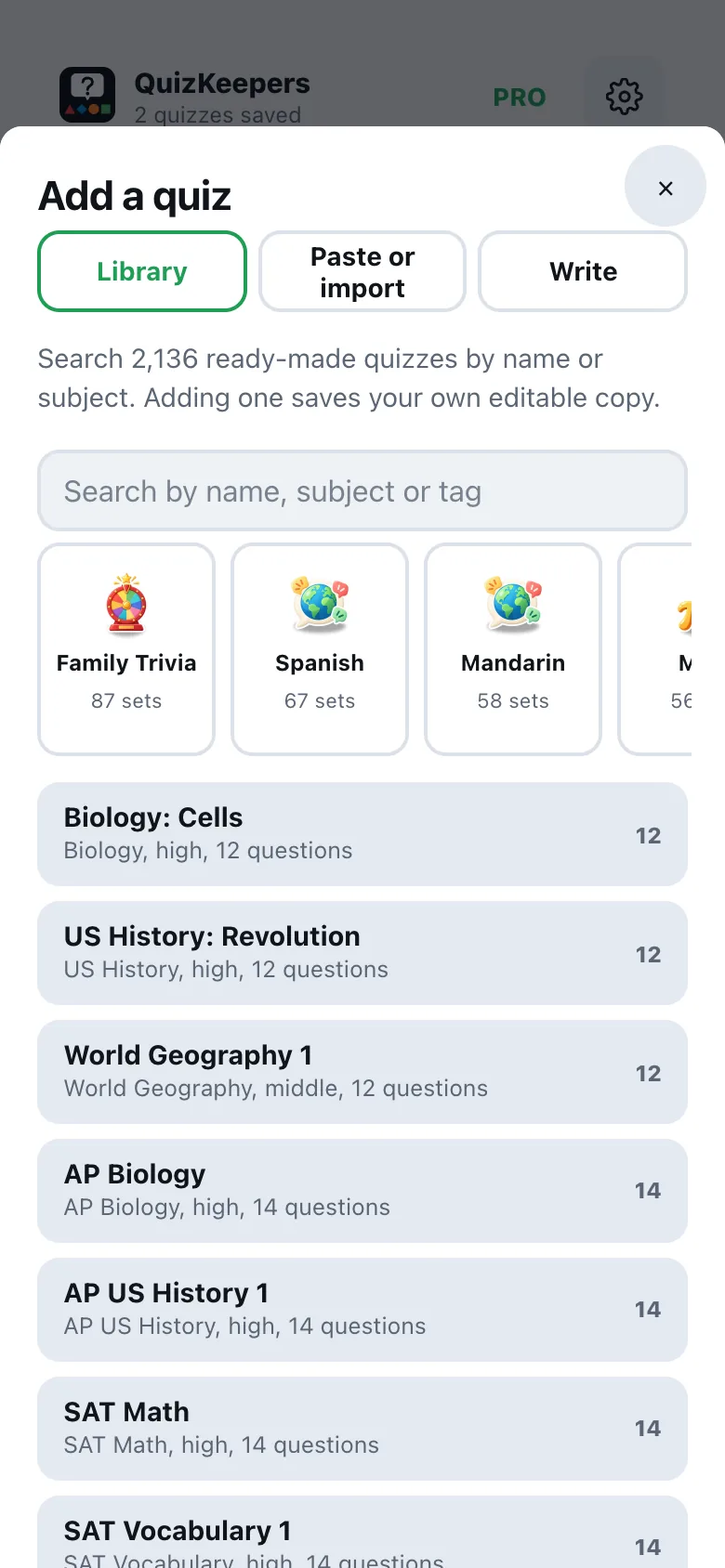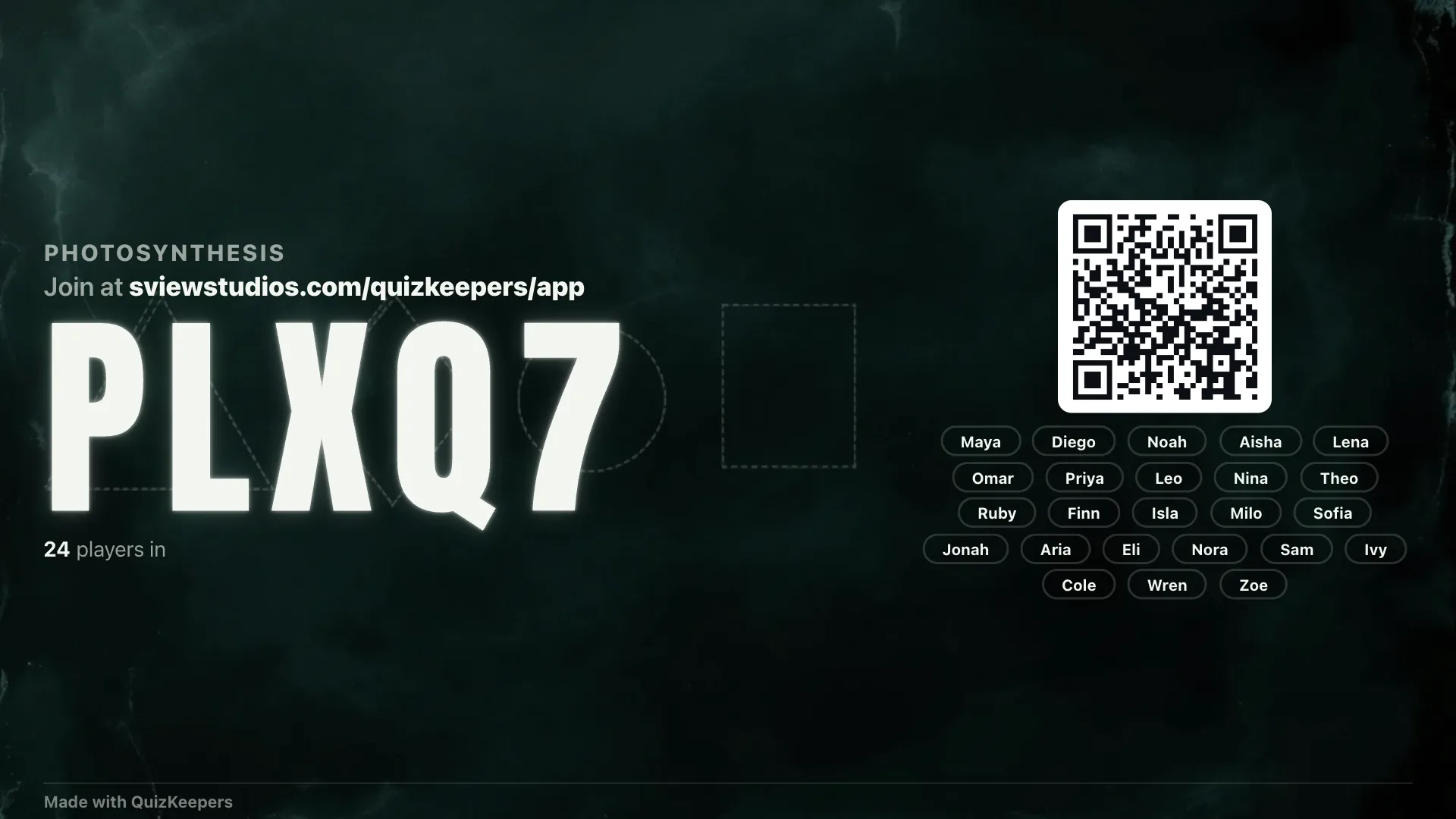
Pick a quiz from the library and host it in two taps, or build your own. The questions go on the projector or TV with a link, in type the back row can read. Students answer on their phones with a code and a nickname, no accounts.
The teacher runs it from a phone, laptop or iPad. Students just need a code.
Type questions, paste a CSV, or generate one from notes or a PDF with AI, checked before it runs.
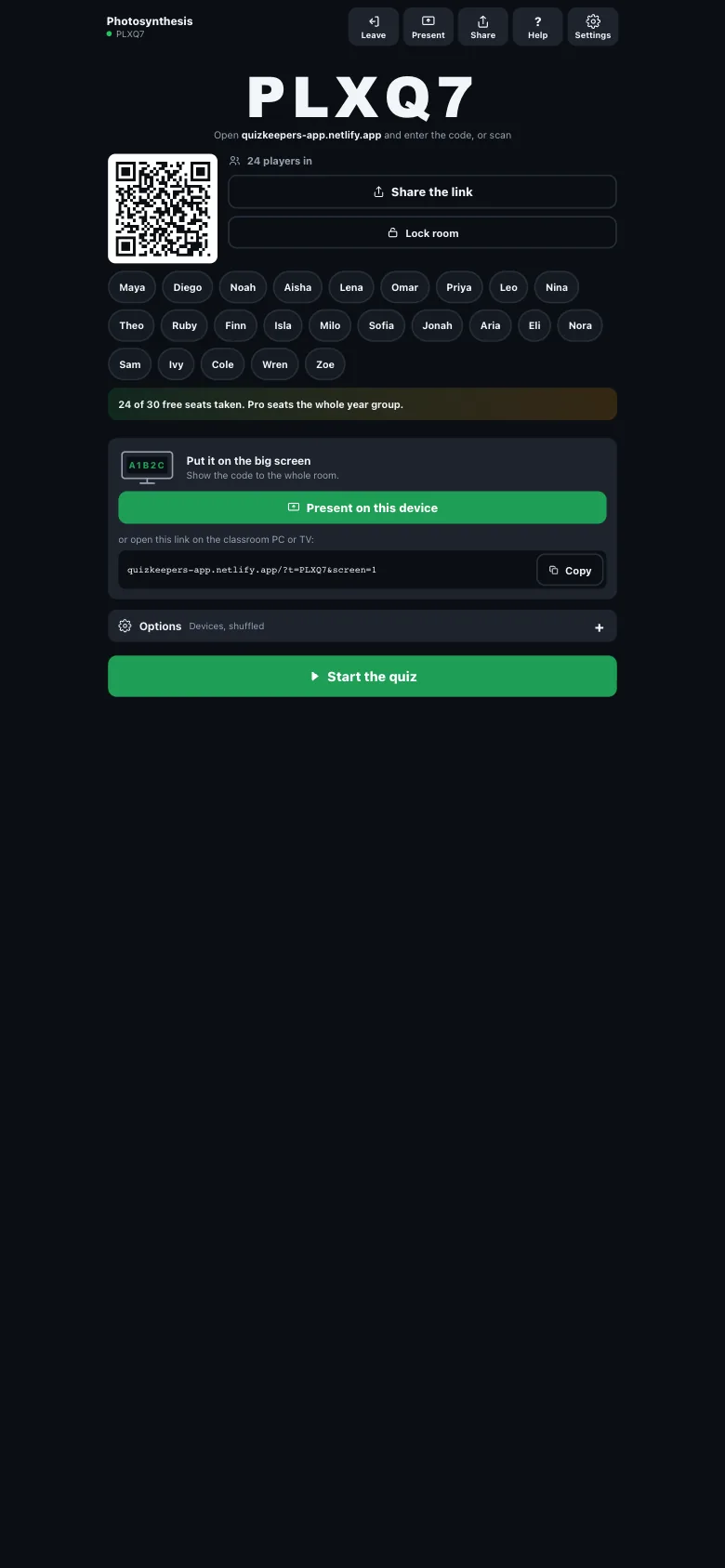
Open the screen URL on the classroom PC, an iPad, or AirPlay it, and share the join code and QR.
They type the code, pick a nickname, and answer four tiles a question. The screen tallies live.

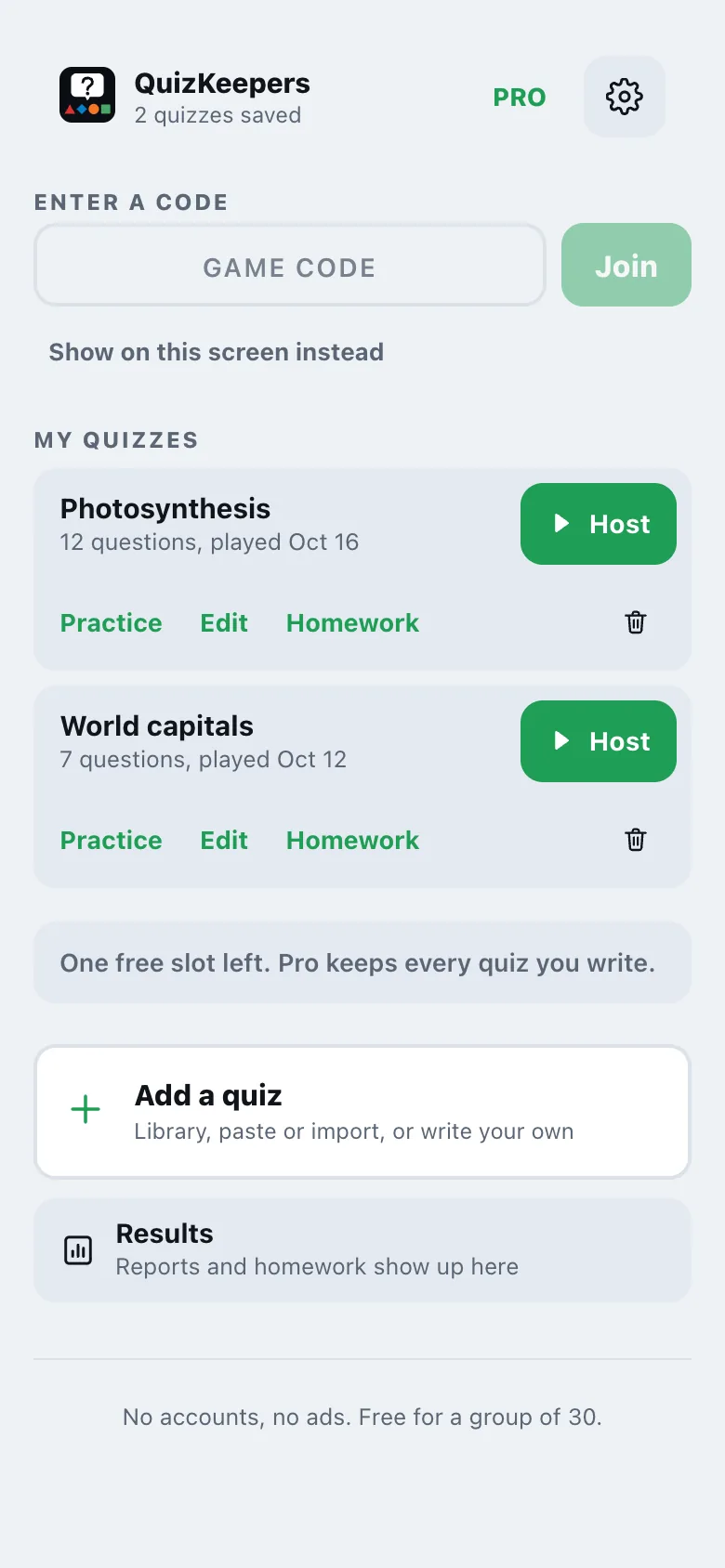
Start a game from your phone,

then share the link, QR, or code with the class.
Same quiz, same screen. Pick the mode that fits the room you're actually in.
Students join on their own phones with the code and a nickname. Four tiles, a countdown, a leaderboard after every question.
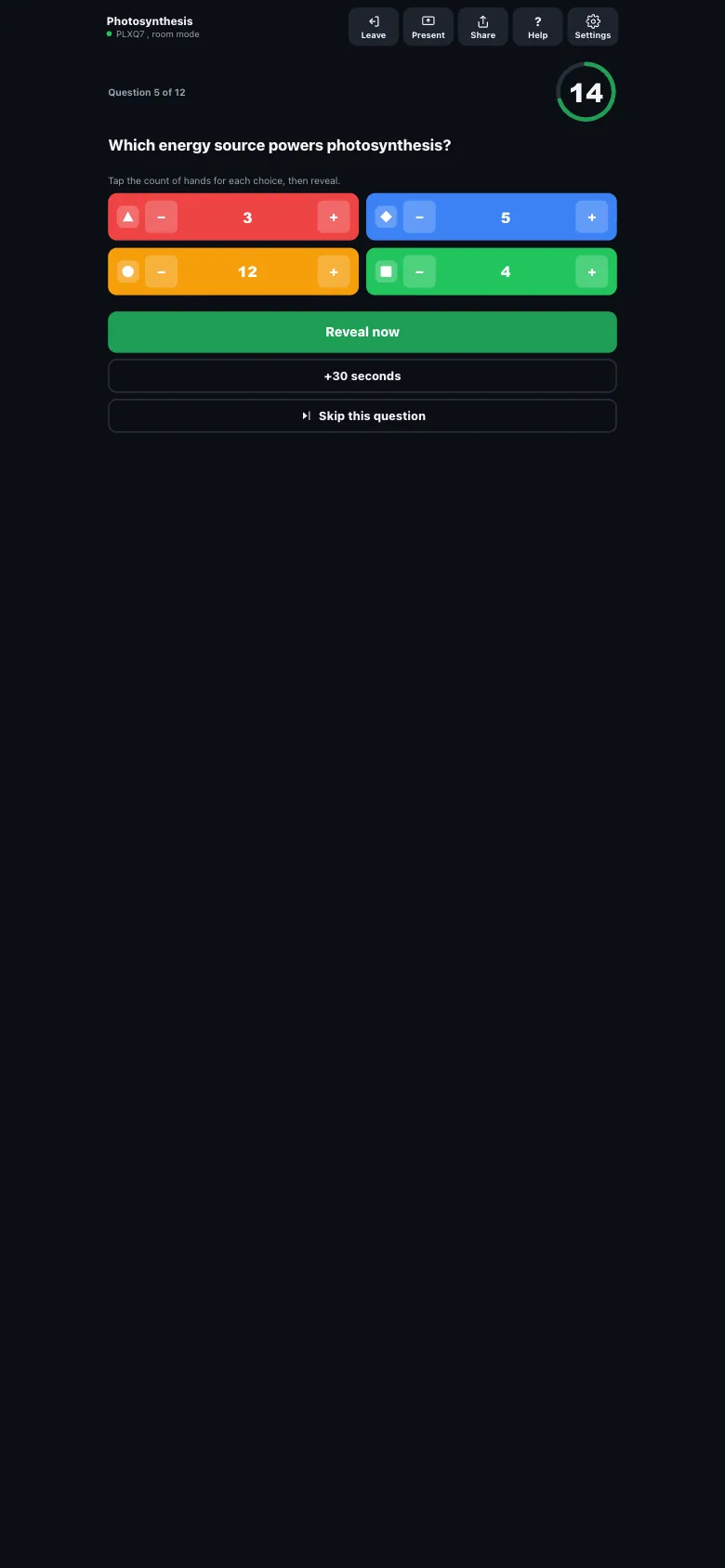
No student devices needed. The teacher taps in the count of raised hands for each choice, right on the same screen.
Players pick a team in the lobby, and the screen tracks two team totals instead of individual scores.

A player's phone shows four tiles, shape and colour only. Tap once, locked.
The basics a class quiz should have always had.
Open quizkeepers-app.netlify.app in any browser, including the classroom PC, no software to install on the display.
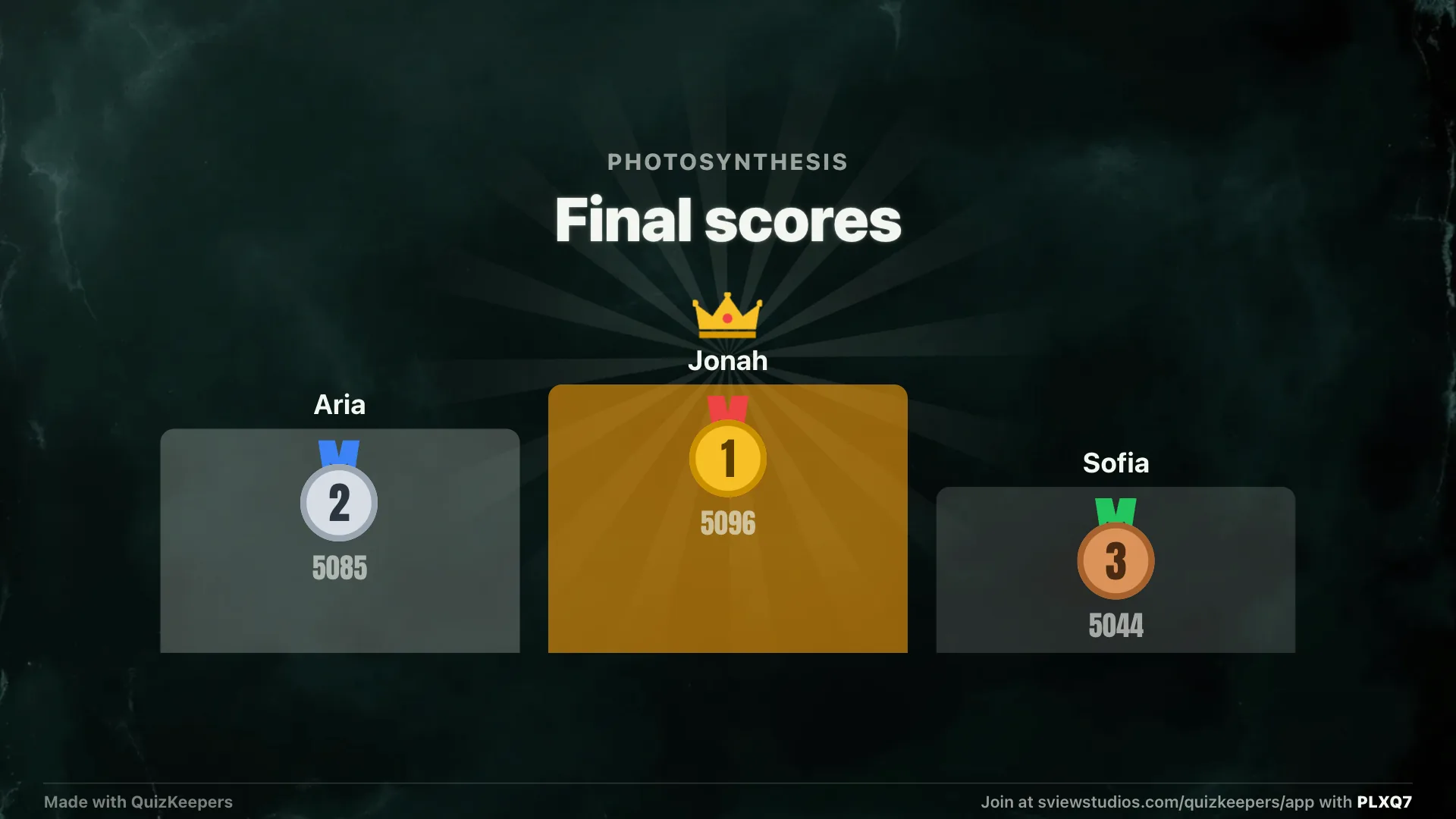
Faster correct answers earn more points, and a streak bonus rewards consecutive right answers. Wrong or no answer scores zero.
Bring in questions with a spreadsheet, then export a CSV report of any finished game: per-question and per-player results.
See which questions the room got wrong most, not just who won, saved locally for your last 20 games.
Paste plain question-and-answer pairs and read them aloud in Room mode, or let AI turn them into multiple choice.
Nicknames are checked and must be unique per room, so a projector full of students stays readable and appropriate.
On iPad, the question rail sits beside the stage and a live panel: who's answered, the fastest correct, the current top 5.
AirPlay to an Apple TV, or plug in with USB-C to HDMI. The stage fills the display while control stays on your phone or iPad.
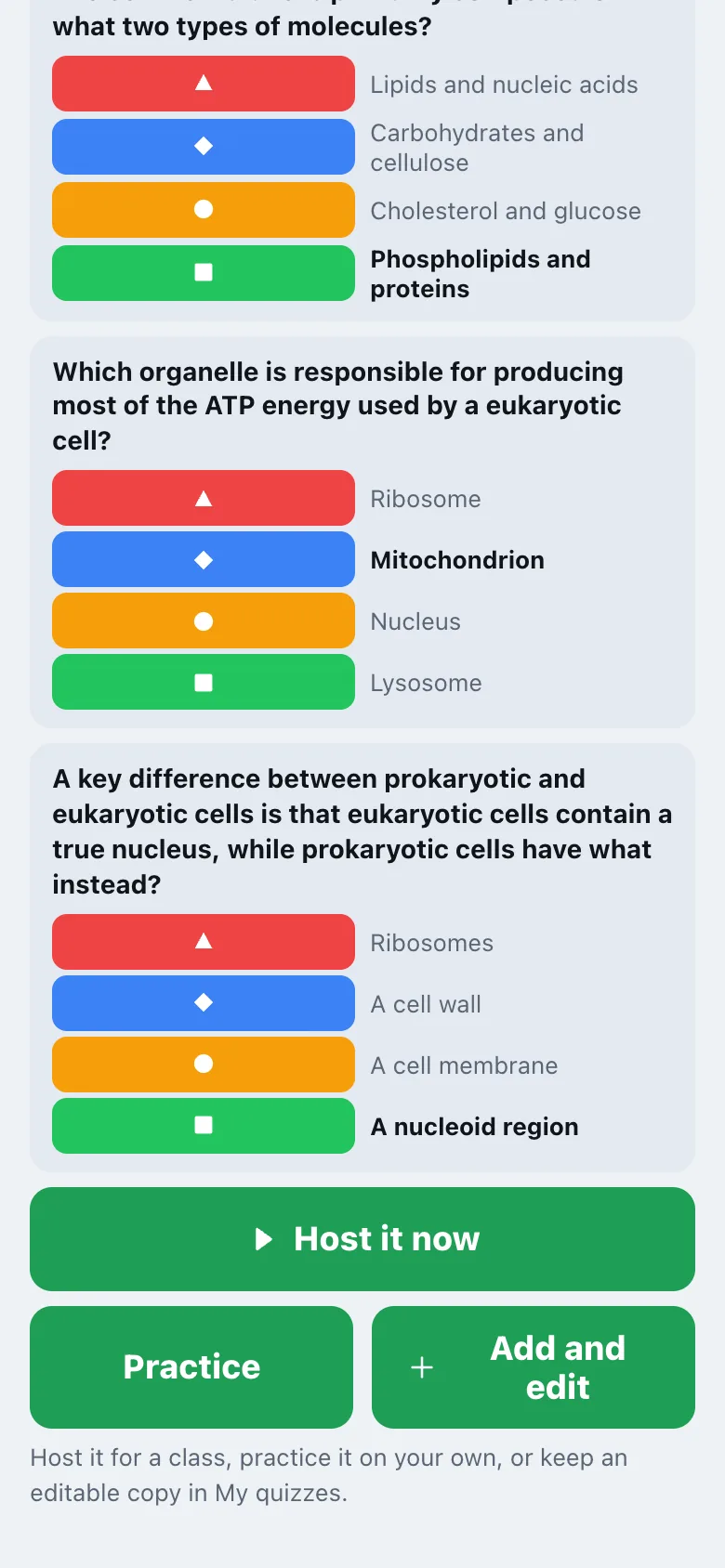
Featured picks, every school subject, searchable by name or tag. Host one straight from the preview, or keep an editable copy of your own.
Geometry questions draw the actual triangle or circle from validated specs, and math renders as math: superscripts, fractions, radicals.
Attach a photo to any question you write: a diagram from your notes, a map, a specimen. It shows on the projector and on student phones.
Sign in with Apple or Google and your quizzes, reports and settings follow you from phone to iPad to laptop.

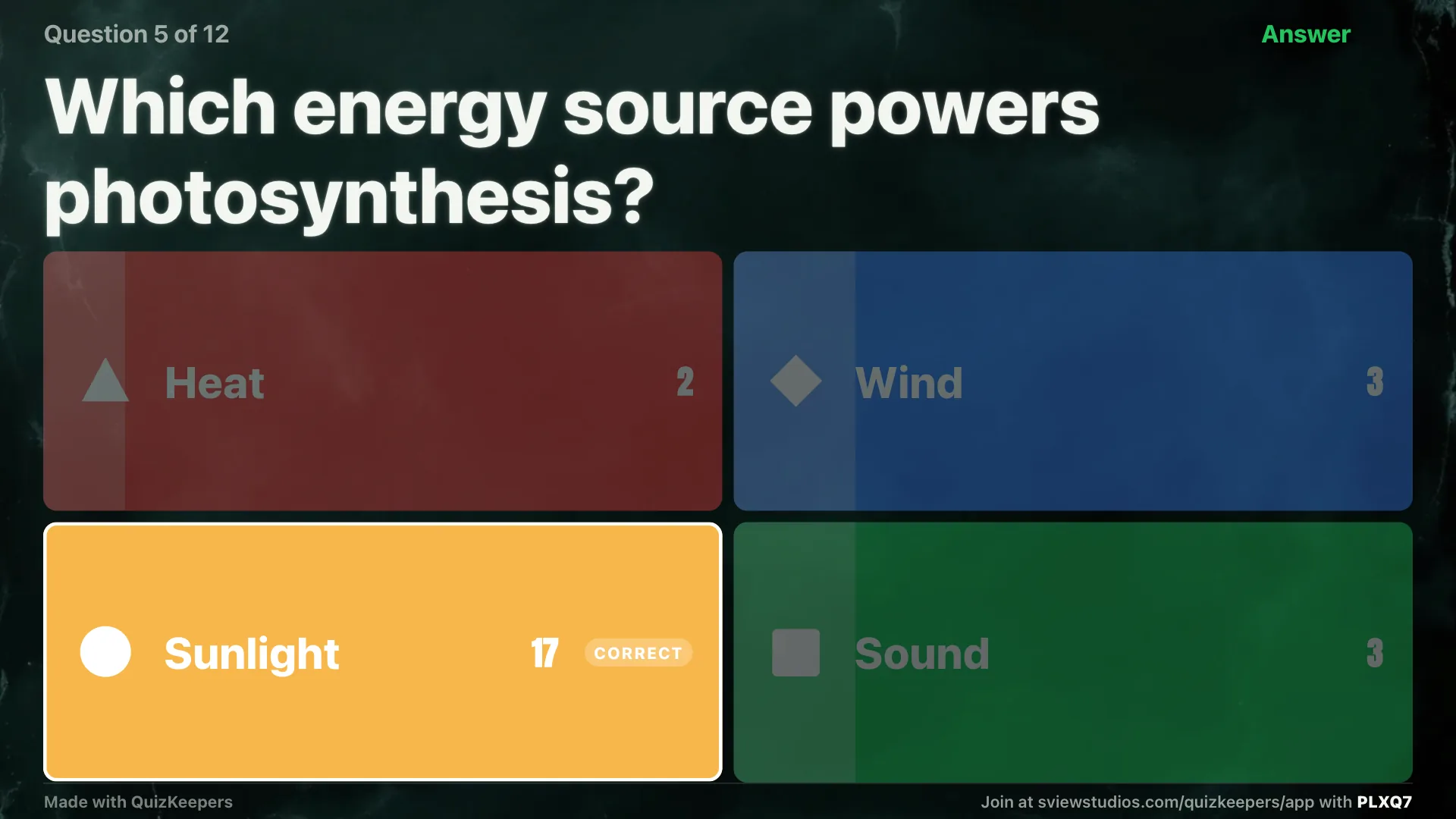
Reveal: bars animate to the counts, the correct tile glows, and the explanation shows underneath.
Same app, four very different sessions.
A review game before the test, an exit ticket, or Room mode when the wifi or the devices aren't there.
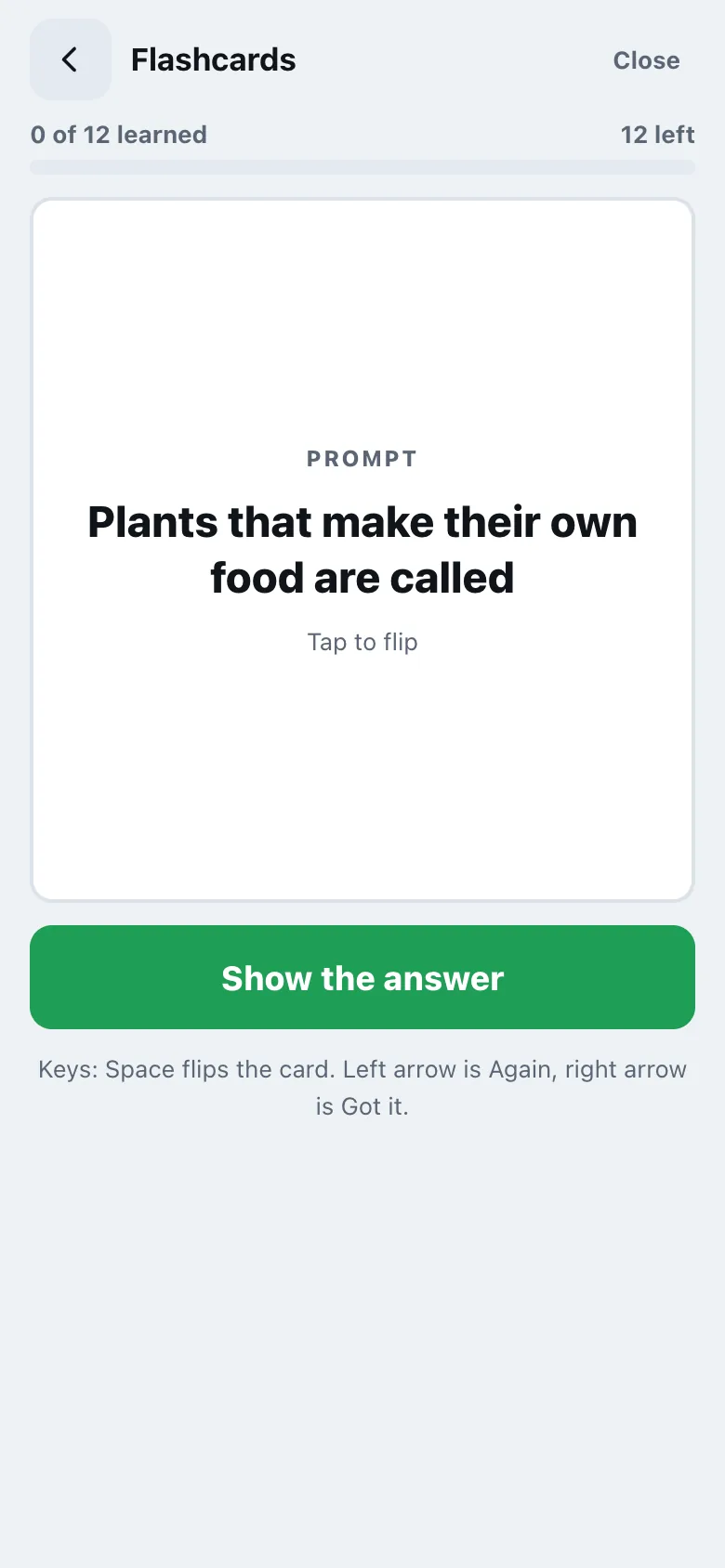
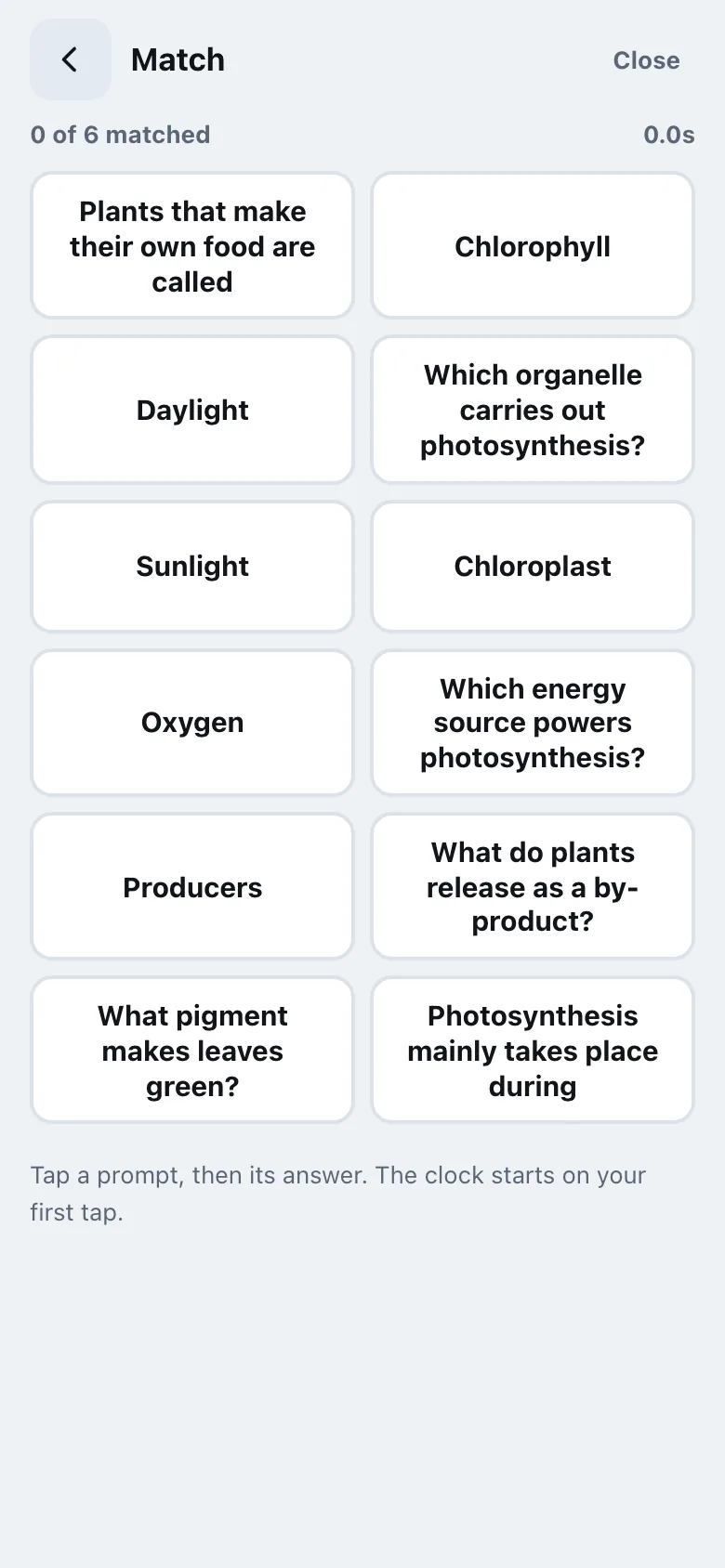
Turn a lesson's terms into a quick game, or build a deck once in FlashKeepers and quiz it here live.
Put the questions on the living room TV, everyone joins from their phone, no accounts for anyone.
A knowledge check between sessions, with a report you can export when the workshop wraps.

The iPad console: question rail on the left, the stage in the middle, live answers on the right.
No cast hardware, no mirroring, no app to install on the display. quizkeepers-app.netlify.app plus a 5-letter code is the whole setup, and it reconnects on its own if the Wi-Fi drops. Or skip the code and AirPlay or HDMI straight from an iPad.

Full-bleed question, four tiles, and a countdown ring. Readable from the back row of any classroom.
Once, no subscription. Everything above stays free. Pro just adds room to grow.
Free holds 30 players a game and 3 saved quizzes. Pro removes both caps entirely.
Paste notes, a PDF, or question-and-answer pairs and get multiple choice with plausible distractors and explanations, in a tray to accept or edit.
Players pick a team in the lobby, and the screen shows two team totals instead of individual scores.
Chalk, Paper, Night, Stadium for the projector, plus your school or class name on screen.
Search across every saved quiz, and duplicate or merge quizzes instead of rebuilding them.

Four Pro screen themes, each rendering the same live question.
No. Open quizkeepers-app.netlify.app in any browser, including the classroom PC, and type the 5-letter code, or scan the QR from a phone. Nothing installs on the display.
No. Students join with the room code and a nickname. There's no sign-up and no email, for the teacher or for students.
A free game holds 30 players, enough for a full class. Pro removes the cap entirely.
Yes. AirPlay to an Apple TV, or connect with a USB-C to HDMI adapter, no link or code needed. On iPad, Present does the same full-screen job.
Use Room mode. The same screen runs the quiz with no student devices at all; the teacher taps in the count of raised hands for each choice.
No. QuizKeepers Pro is a single one-time unlock, $7.99, yours for good, no renewal, ever.
Yes. Every draft is verified against the source text before it lands in the tray, and you accept or edit each question before the quiz runs.
Yes. Students give only a nickname, no account, no personal information. Rooms are single use. See the privacy policy for details.
Question, bug, or a feature you'd love to see? Send a note and we'll get back to you.
Coming soon to theApp Store