 QuizKeepers
A free Kahoot alternative. No subscription.
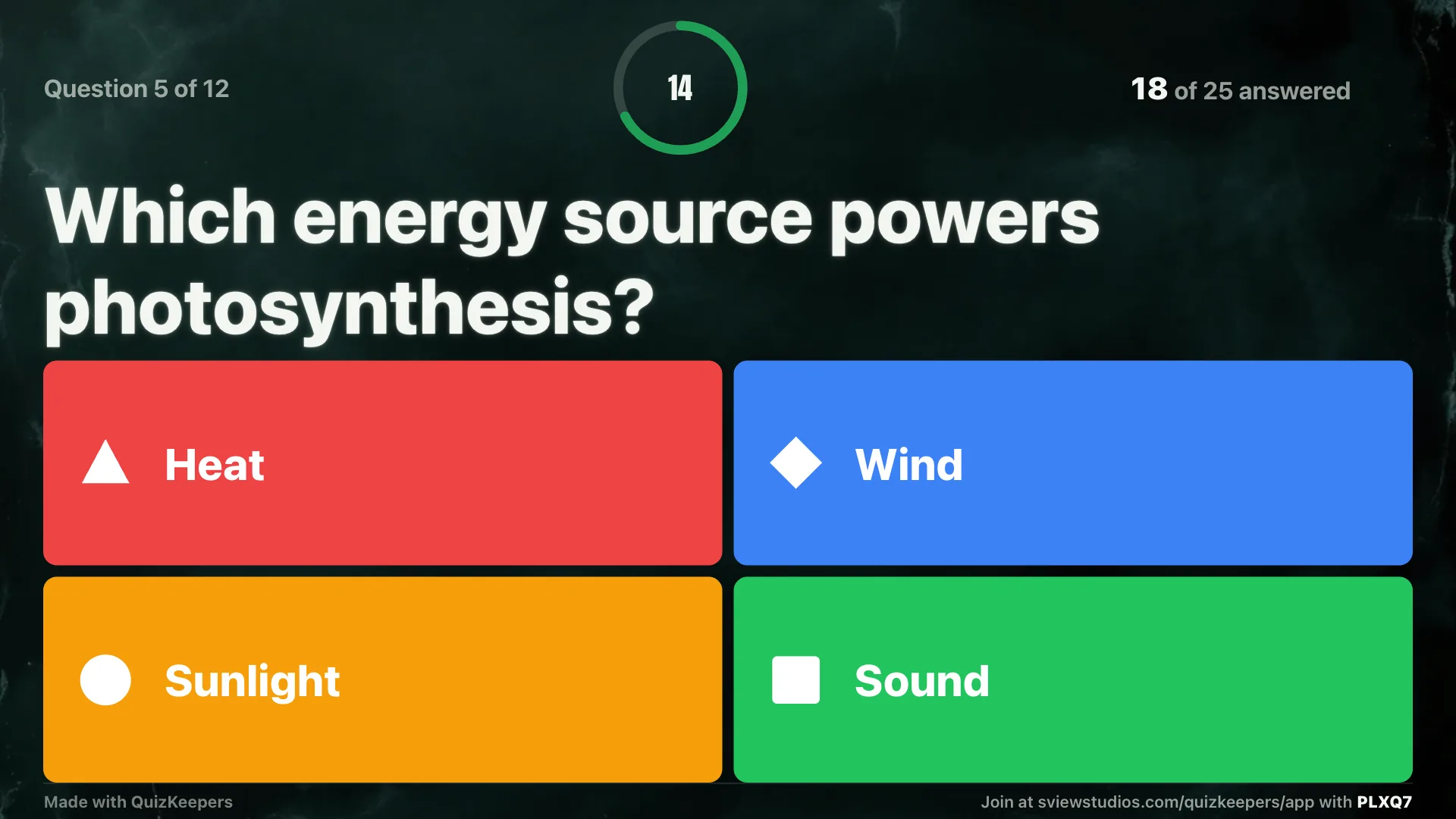
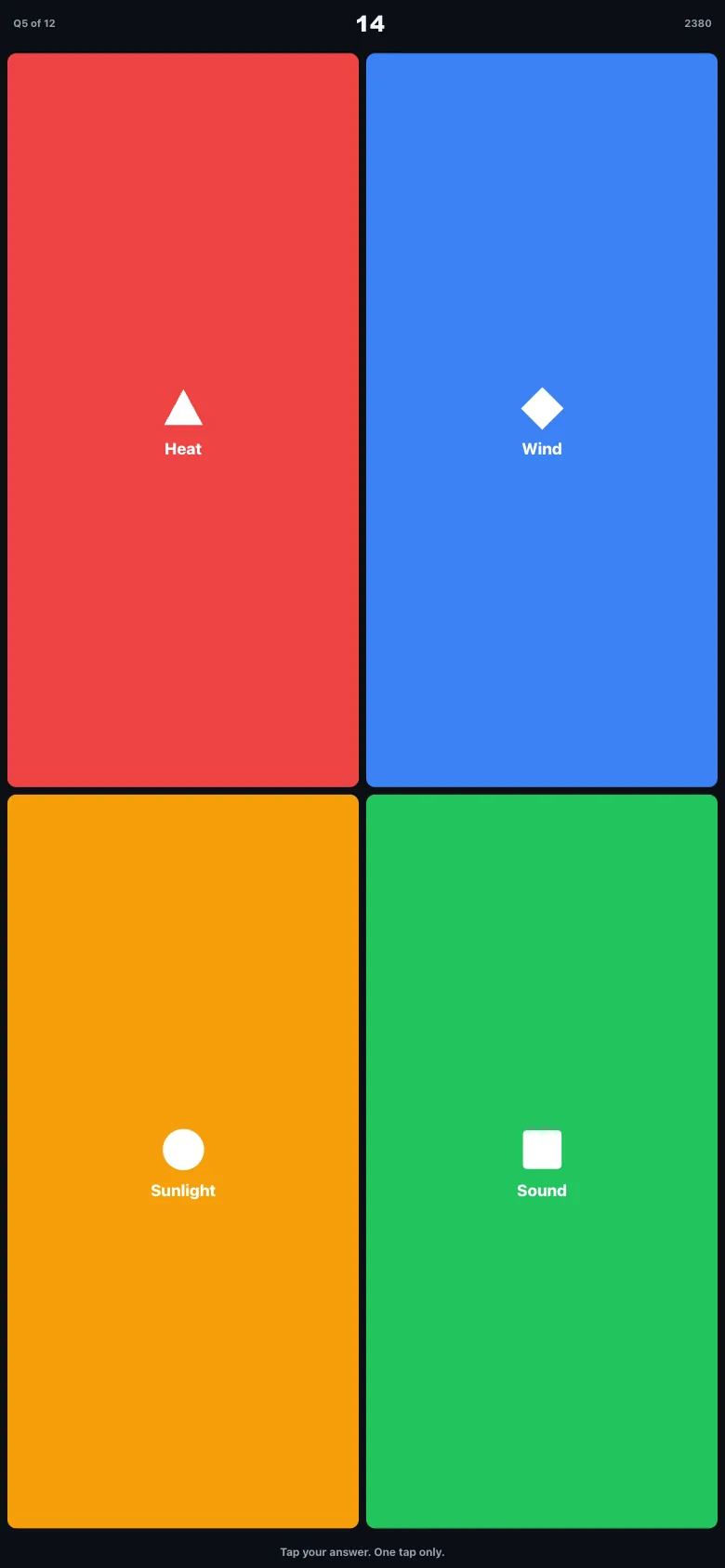
QuizKeepers runs the same live class quiz: questions on the projector, answers on phones. It's free for 30 players, nobody makes an account, and Pro is a one-time $7.99.
QuizKeepers is independent and not affiliated with Kahoot AS.
QuizKeepers vs Kahoot!
| Feature | QuizKeepers | Kahoot! |
|---|---|---|
| Price | Free for 30 players, Pro $7.99 once | Subscription, Kahoot!+ plans about $3 to $49 a month, billed yearly |
| Players need an account | No, nickname only | No, game PIN and nickname |
| Teacher needs an account | No | Yes, to host |
| Play with no student devices | Yes, Room mode: the teacher taps in raised hands | No hand-count mode |
| Ready-made library | 2,136 curated quizzes across 286 subjects, all free | Huge community library, quality varies |
| Typeset math and geometry diagrams | Built in | Not a focus |
| School or district pricing | Same $7.99, any class size with Pro | Custom quote |
Which one should you pick?
Pick Kahoot if
You want music, many question types like polls, puzzles and word clouds, and LMS integrations, and your school already pays for it.
Pick QuizKeepers if
You want the same projector-and-phones game without a yearly plan, without accounts, and with a mode for rooms where students don't have devices.
Questions
Is QuizKeepers made by Kahoot AS?
No. QuizKeepers is an independent app by South View Studios and is not affiliated with, endorsed by, or sponsored by Kahoot AS.
Can I use my own questions?
Yes. Host any of the 2,136 library quizzes as they are, add a copy and edit it, or write your own. You can paste questions or a term list, or import a CSV.
Is QuizKeepers Pro a subscription?
No. Pro is a one-time $7.99 purchase. The free plan holds 30 players a game and 3 saved quizzes.
What if my students don't have devices?
Use Room mode. The questions go on the shared screen, students raise their hands, and the teacher taps in the count for each answer.
Do students need to install anything?
No. Students open the join link in any browser, or scan the QR code, then type the room code and a nickname.