 QuizKeepers
A free Blooket alternative. No subscription.
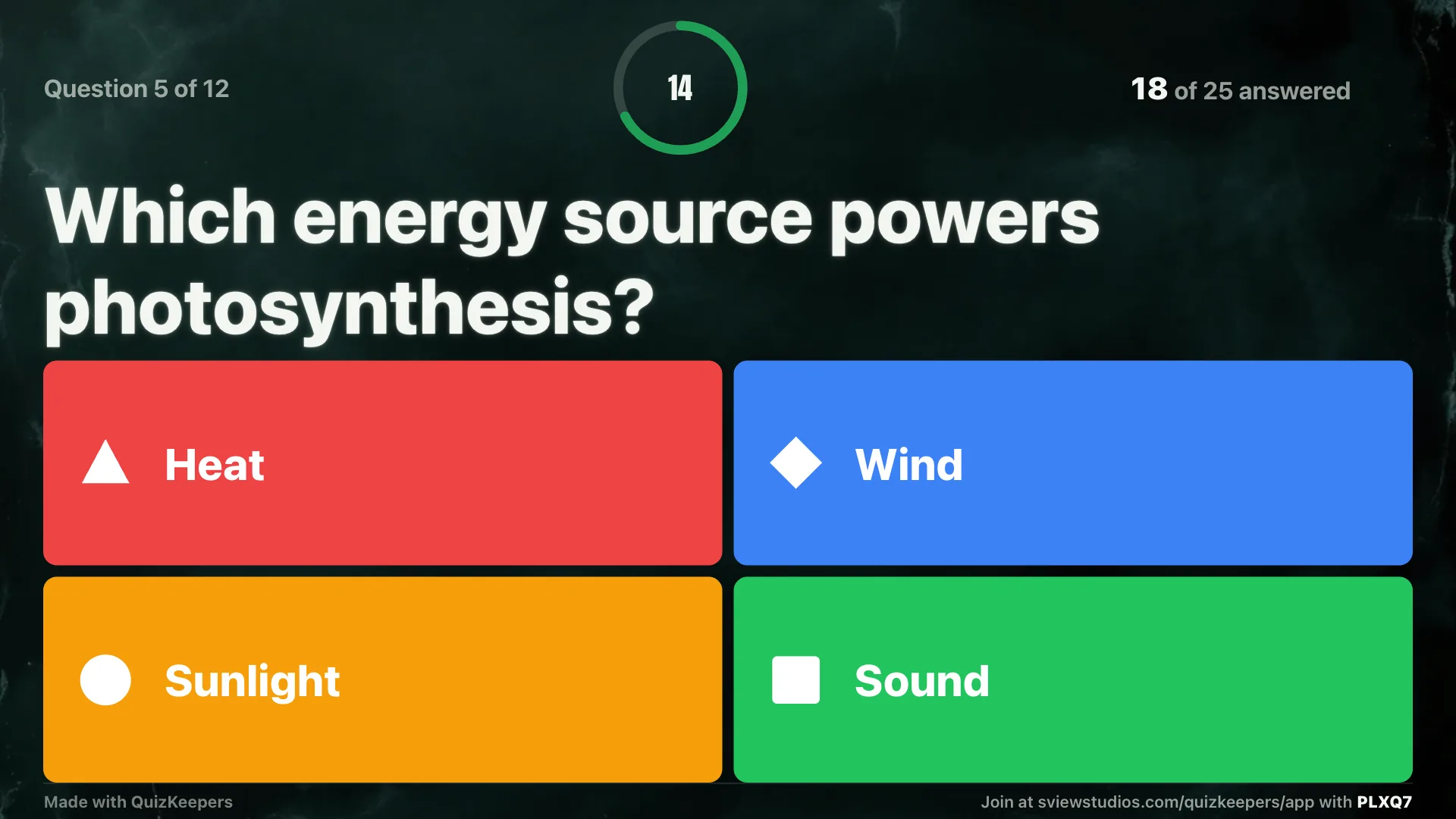
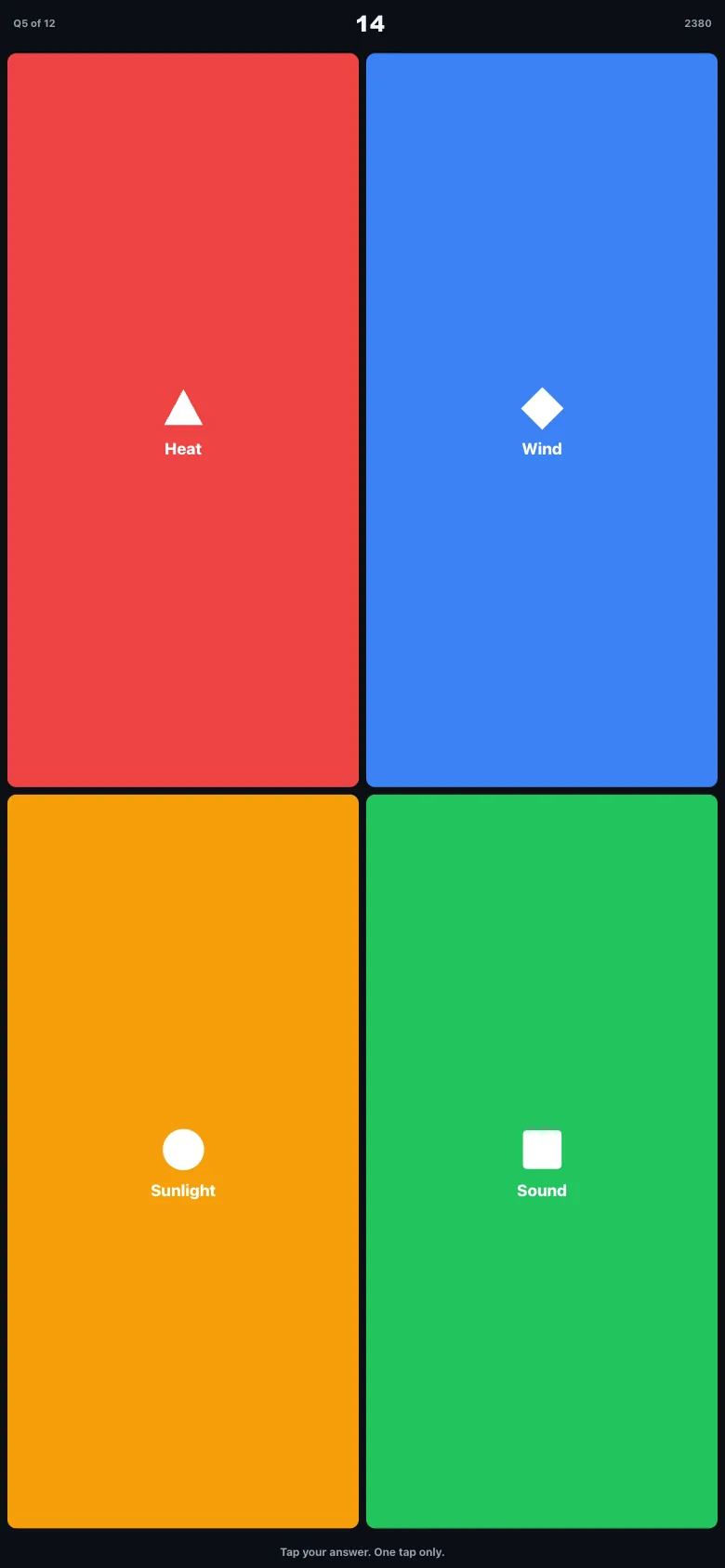
QuizKeepers runs the same live class quiz: questions on the projector, answers on phones. It's free for 30 players, nobody makes an account, and Pro is a one-time $7.99.
QuizKeepers is independent and not affiliated with Blooket, Inc.
QuizKeepers vs Blooket
| Feature | QuizKeepers | Blooket |
|---|---|---|
| Price | Free for 30 players, Pro $7.99 once | Subscription, Blooket Plus about $5 to $10 a month reported |
| Players need an account | No, nickname only | No, game ID, QR code or link |
| Teacher needs an account | No | Yes |
| Game style | Straight quiz: the best answer wins, with a leaderboard and podium | Arcade game modes where luck can matter |
| Play with no student devices | Yes, Room mode: the teacher taps in raised hands | No hand-count mode |
| Ready-made library | 2,136 curated quizzes, all free | User-made sets; verified sets are Plus only |
Which one should you pick?
Pick Blooket if
Your students are motivated by arcade game modes and collecting avatars, and the game is the point.
Pick QuizKeepers if
You want the questions, not the game, to be the focus, and a one-time price with no accounts.
Questions
Is QuizKeepers made by Blooket, Inc.?
No. QuizKeepers is an independent app by South View Studios and is not affiliated with, endorsed by, or sponsored by Blooket, Inc.
Can I use my own questions?
Yes. Host any of the 2,136 library quizzes as they are, add a copy and edit it, or write your own. You can paste questions or a term list, or import a CSV.
Is QuizKeepers Pro a subscription?
No. Pro is a one-time $7.99 purchase. The free plan holds 30 players a game and 3 saved quizzes.
What if my students don't have devices?
Use Room mode. The questions go on the shared screen, students raise their hands, and the teacher taps in the count for each answer.
Do students need to install anything?
No. Students open the join link in any browser, or scan the QR code, then type the room code and a nickname.