
RPN Scientific 15 manual · Chapter 4 of 12
Everyday calculations
Arithmetic in RPN, keying in numbers and exponents, negative numbers, percentages and recalling the last X.
4.1Add, subtract, multiply and divide#
All four operations work on Y and X and leave the answer in X. Subtraction is Y − X and division is Y ÷ X, so key in the first number first.
Subtract: 10 − 4
Key in 10, ENTER, 4 and press −.
10ENTER4−
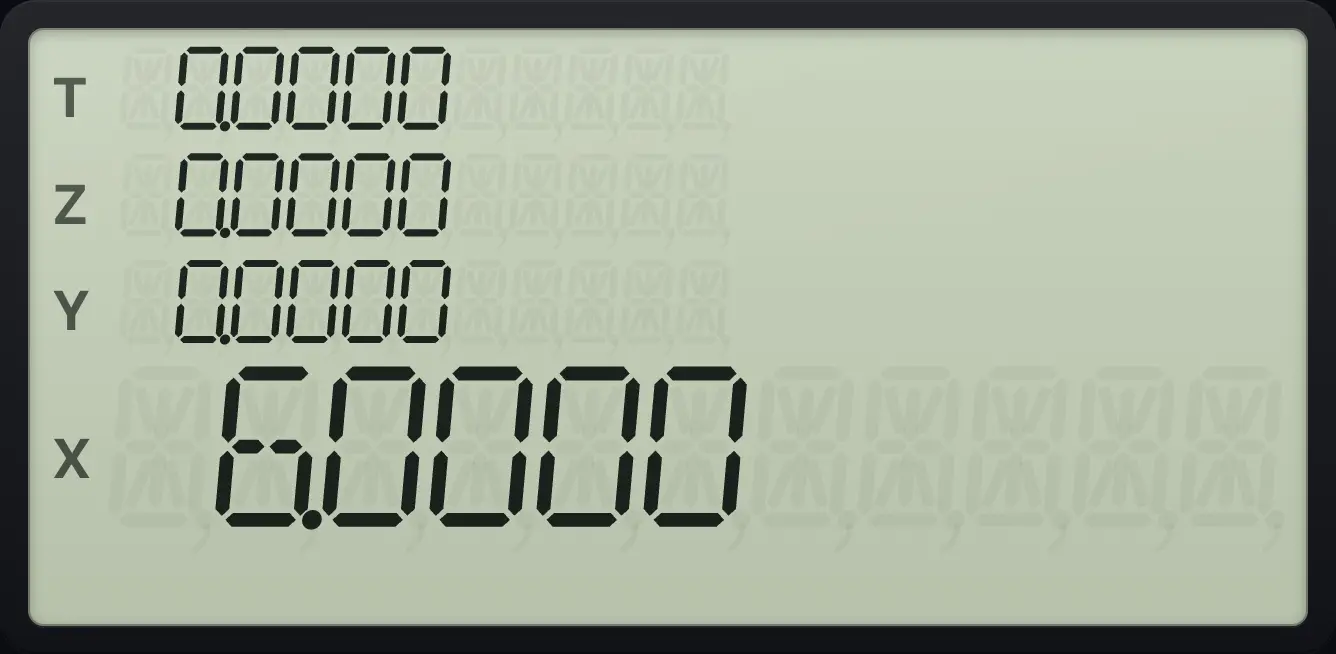
6.0000Divide: 10 ÷ 4
Key in 10, ENTER, 4 and press ÷.
10ENTER4÷
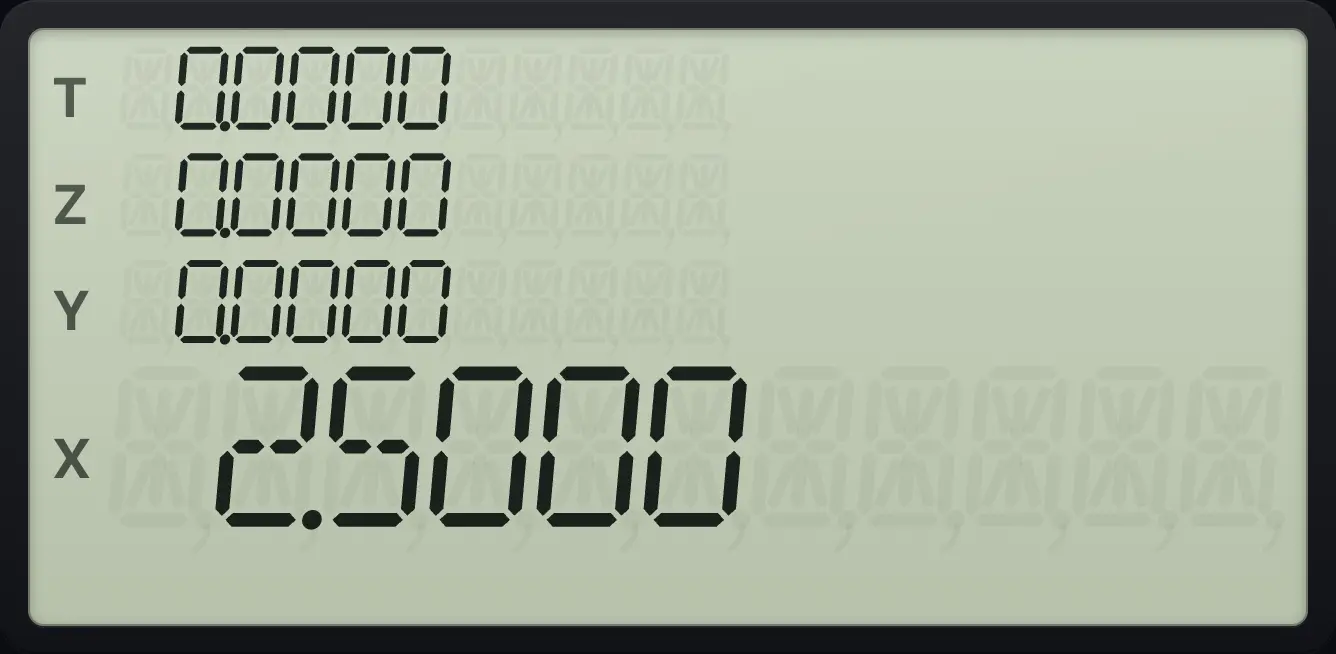
2.5000Multiply and add: 6 × 7 + 8
Multiply 6 and 7. Key in 8 (the 42 lifts to Y) and add.
6ENTER7×8+
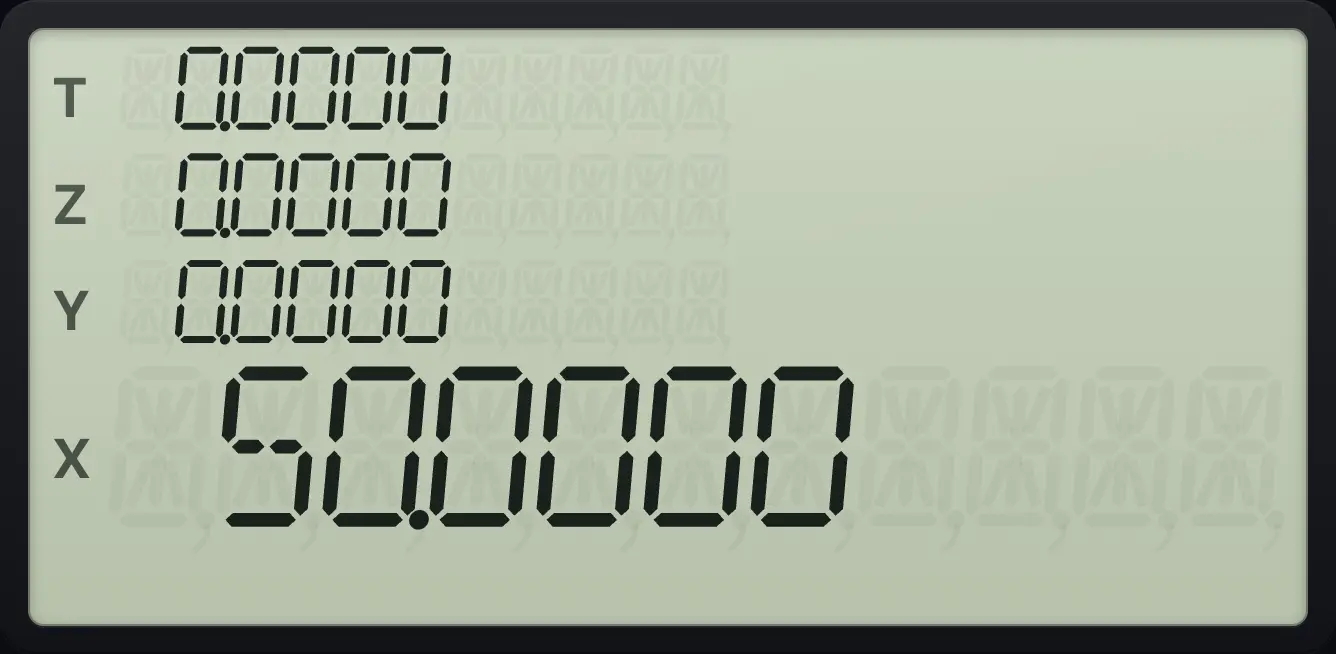
50.00004.2Negative numbers: the CHS key#
RPN has no separate "minus sign" key for typing. Use CHS (change sign). Key in the number, then press CHS. While you are typing, CHS changes the sign of the number being typed. After a result, it changes the sign of X.
Add a negative number
Key in 5, press CHS, press ENTER, key in 3 and add.
5CHSENTER3+
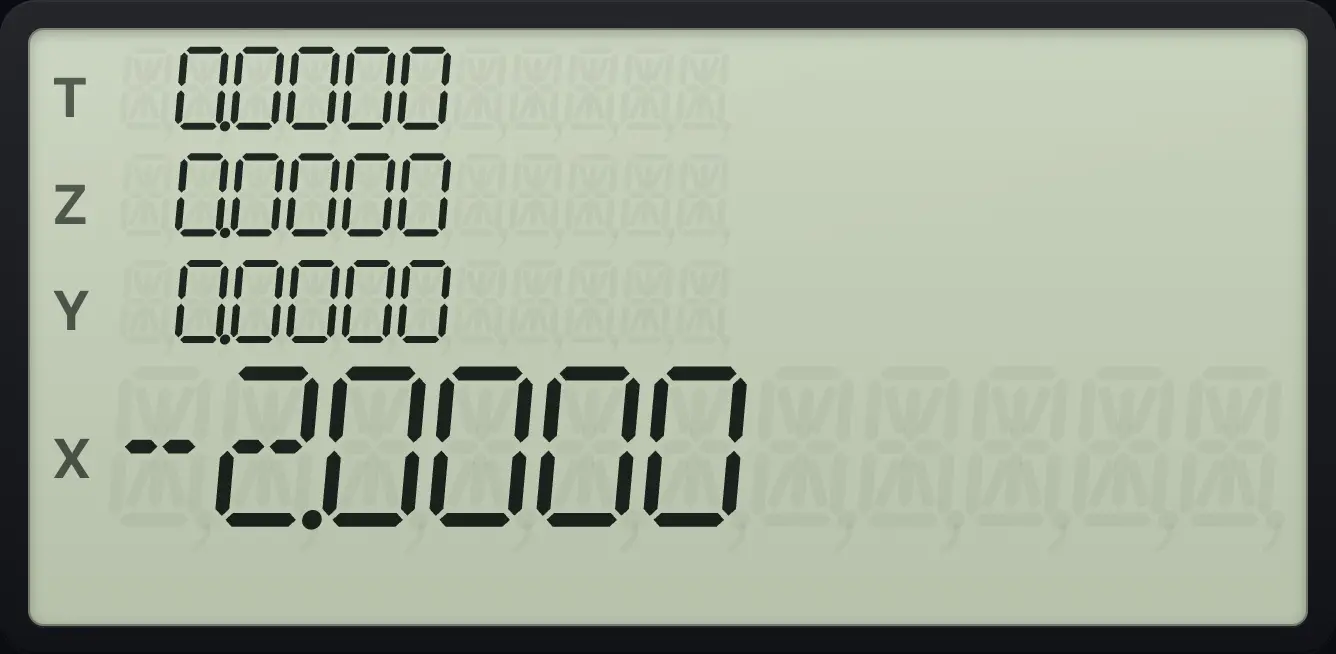
−5 + 3 = −2.0000.Change the sign of an answer
Add 2 and 3, then press CHS.
2ENTER3+CHS
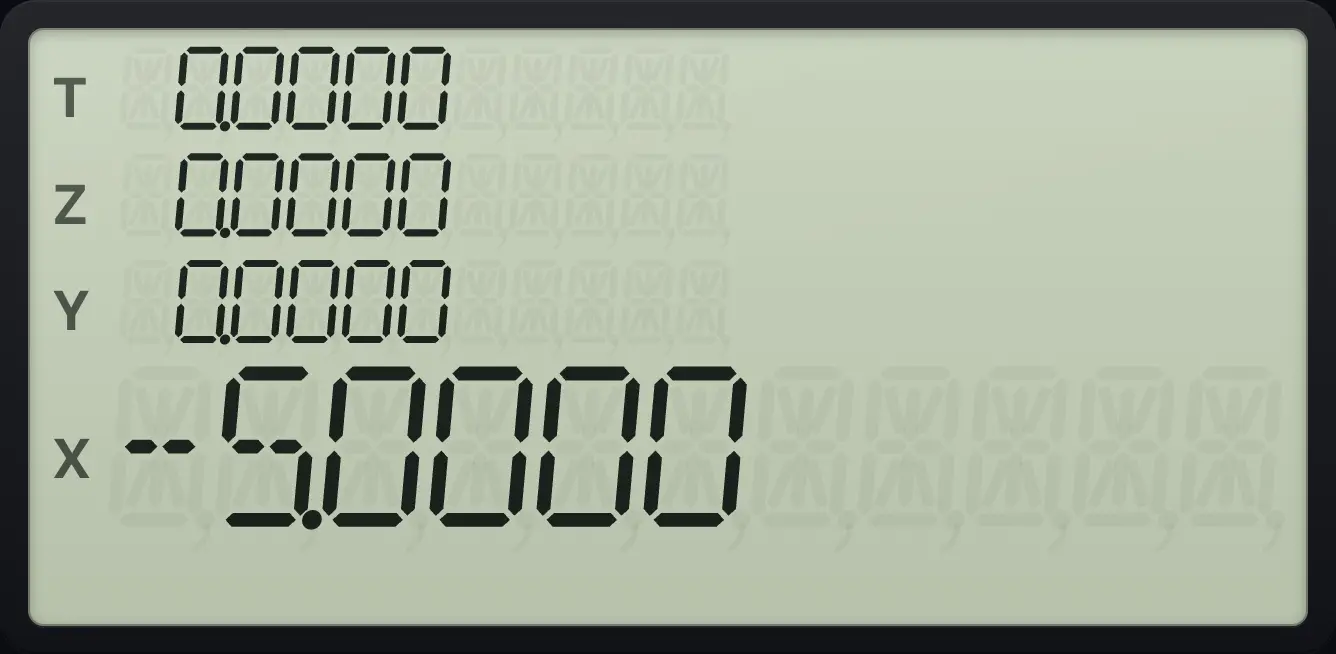
-5.0000To type a negative exponent, press CHS after EEX. See the next section.
4.3Very large and very small numbers: EEX#
Press EEX to type a power of ten. Key in the mantissa, press EEX, then key in the exponent (one or two digits). Press CHS after EEX for a negative exponent. EEX with nothing typed gives 1 as the mantissa, so EEX 3 is 1000.
Key in 1.5 × 10³ and double it
Key in 1.5, press EEX, then 3. ENTER, key in 2 and press ×.
1.5EEX3ENTER2×
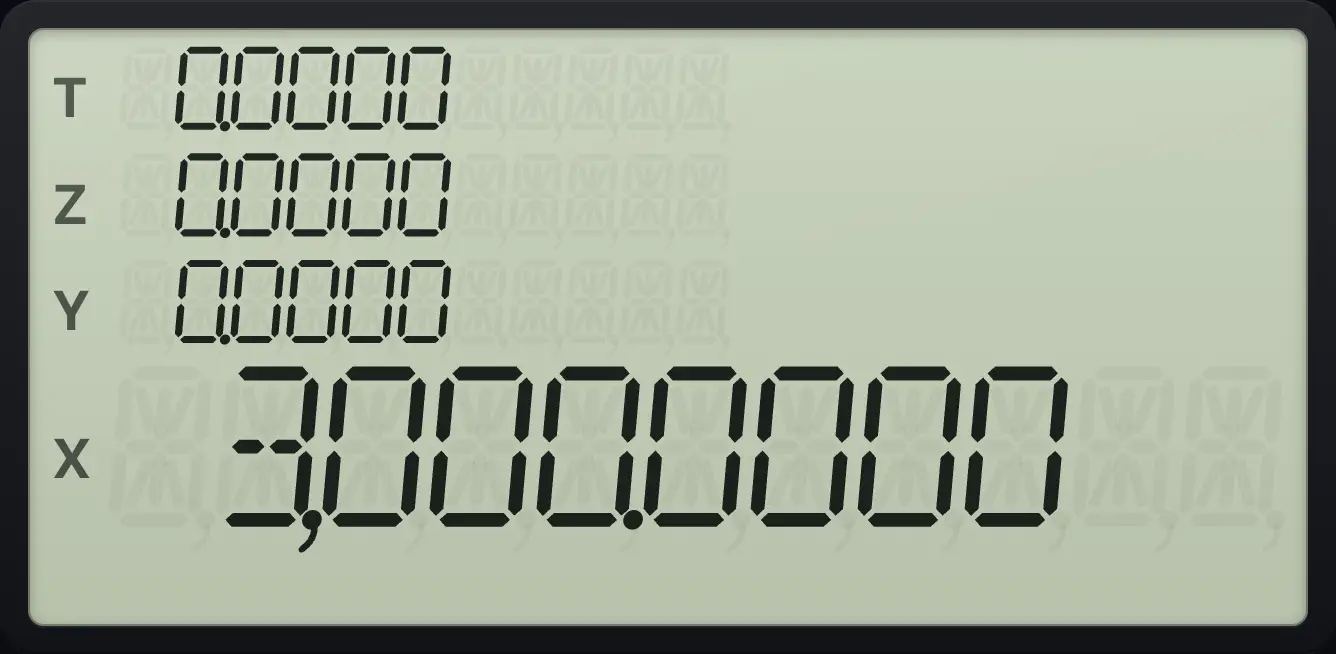
3,000.0000A very small number
Key in 2, EEX, CHS, 5 to get 2 × 10⁻⁵. Switch to SCI 2 to see it.
2EEXCHS5fSCI82
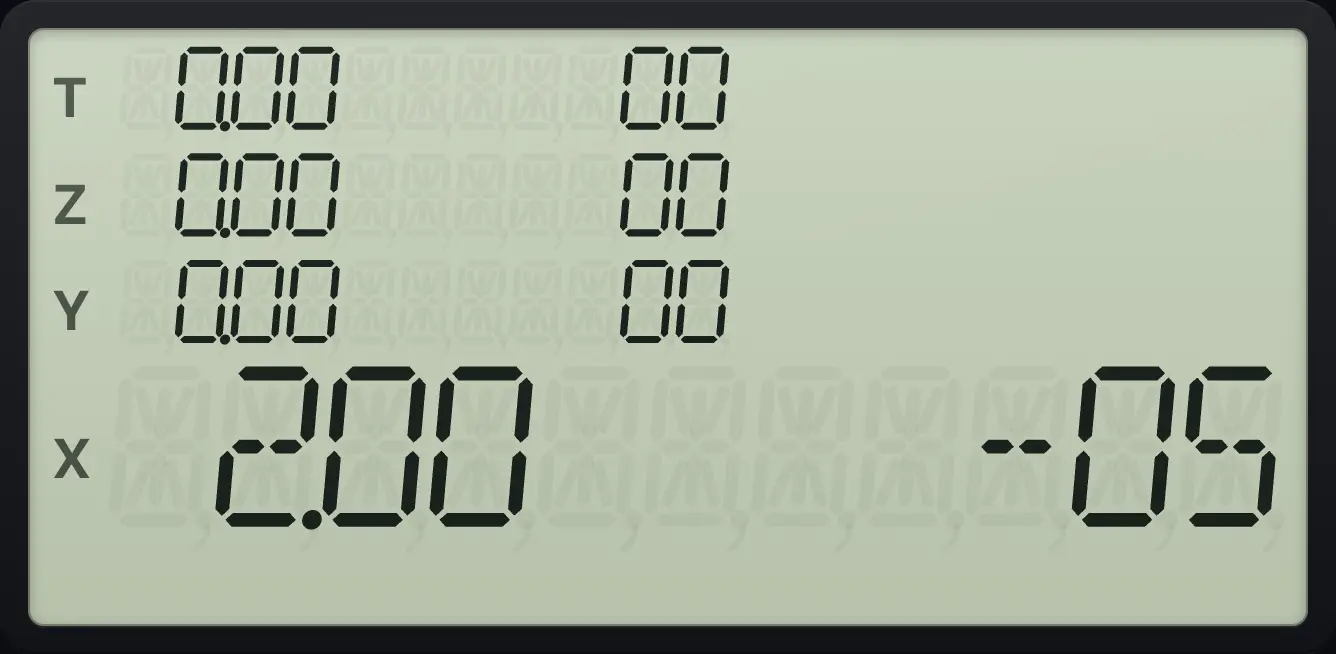
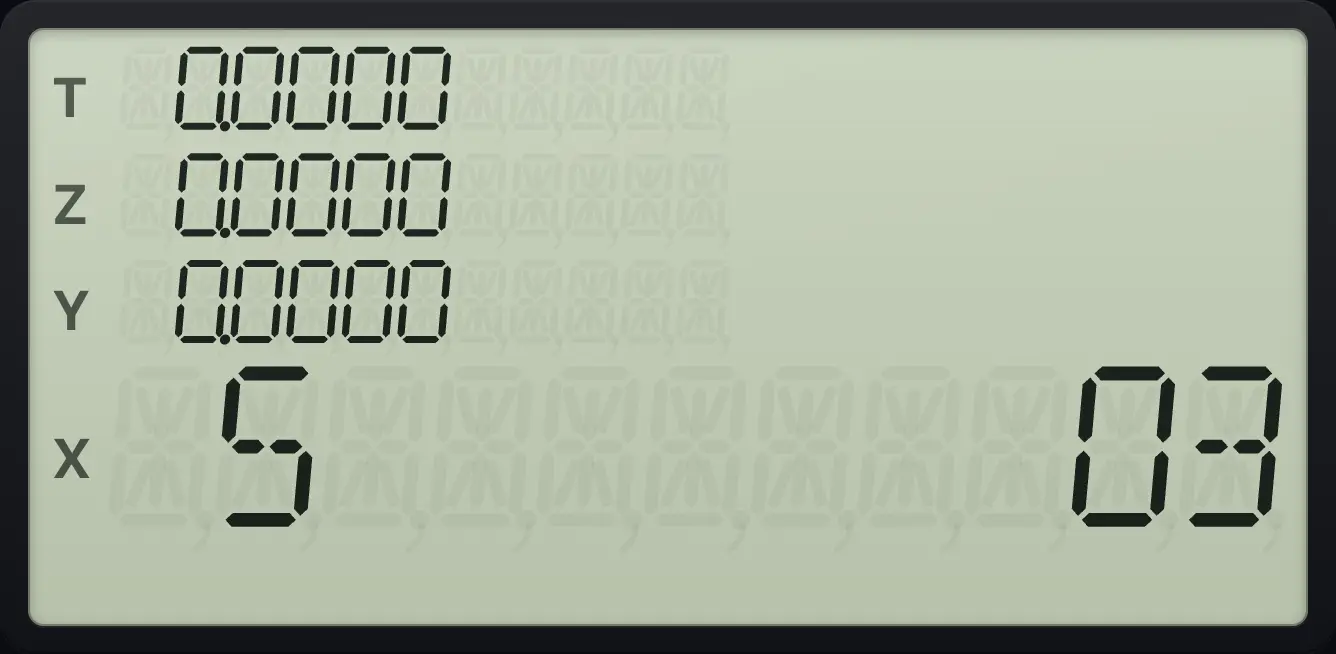
The display reads 2.00 -05 (two followed by the exponent −5).The calculator holds numbers from about 1 × 10⁻⁹⁹ to 9.999999999 × 10⁹⁹. A larger result becomes 9.999999999 × 10⁹⁹ and flag 9 is set. A smaller one becomes zero.
4.4Percentages and percent change#
g%yˣ (%) finds X percent of Y. Y stays in place, so you can add or subtract the result straight away. gΔ%1/x (Δ%) finds the percent change from Y to X.
Find 8% of 100
Key in 100, ENTER, 8 and press g, %.
100ENTER8g%yˣ
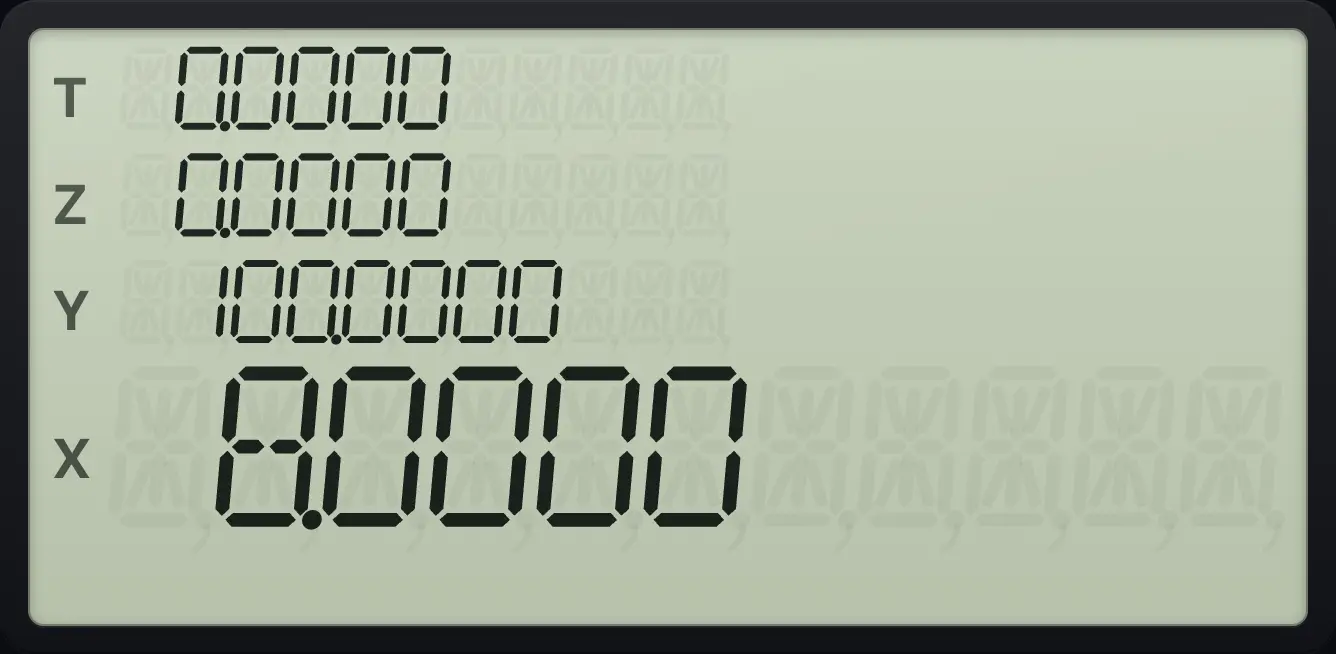
X shows 8.0000. Y still holds 100.0000.Add 15% to 200
Key in 200, ENTER, 15, g %. Y still holds 200, so press + to add.
200ENTER15g%yˣ+
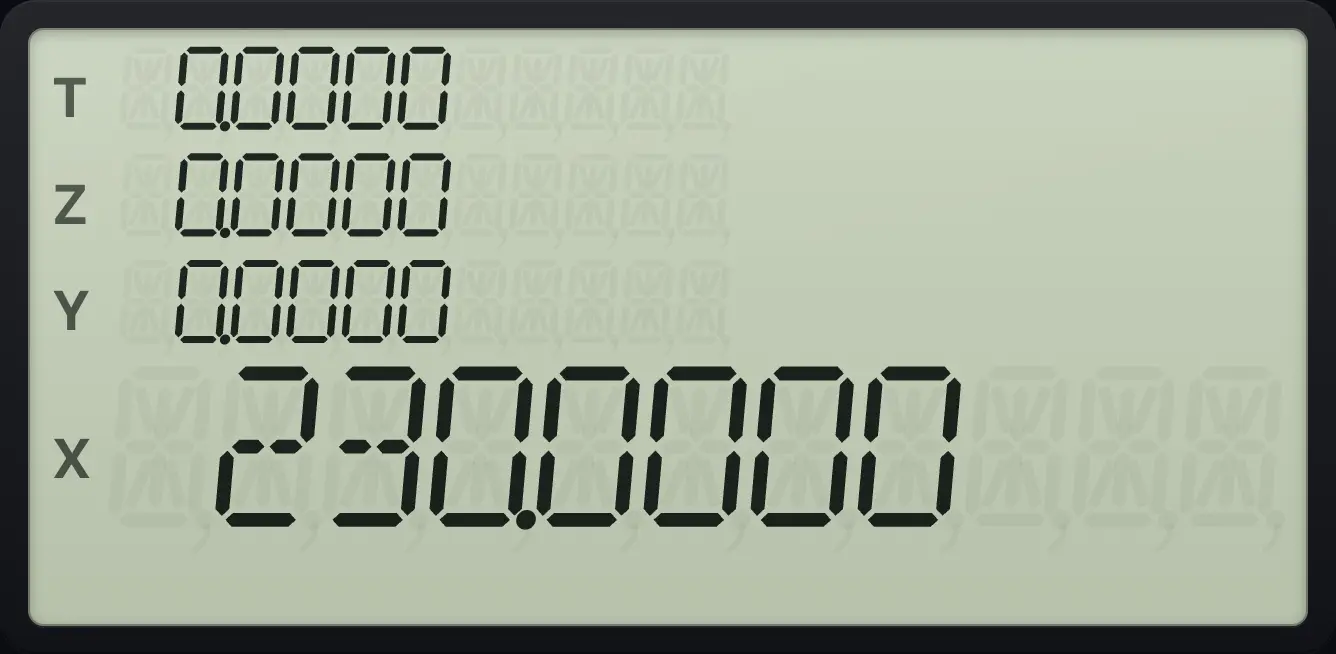
230.0000Percent change from 40 to 50
Key in 40, ENTER, 50 and press g, Δ%.
40ENTER50gΔ%1/x
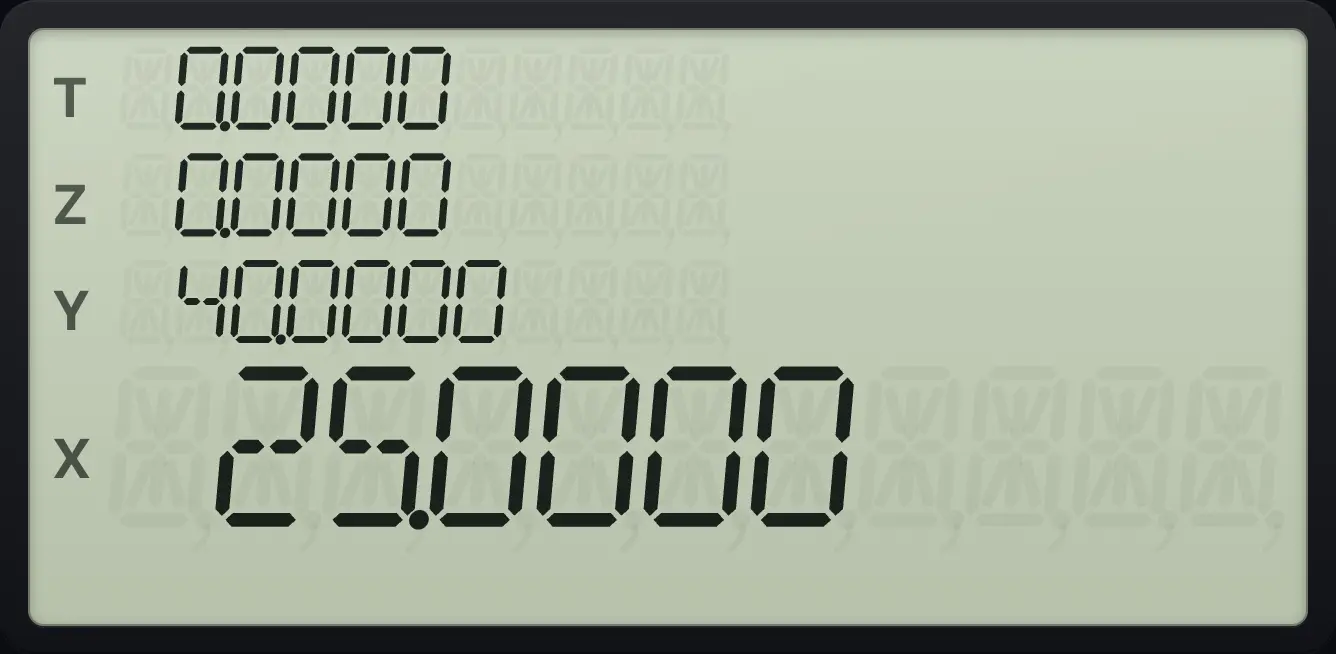
The change is +25.0000 percent.4.5Reciprocal, square and powers#
1/x gives 1 ÷ X. gx²√x squares X. yˣ raises Y to the power X.
Reciprocal of 8
Key in 8 and press 1/x.
81/x
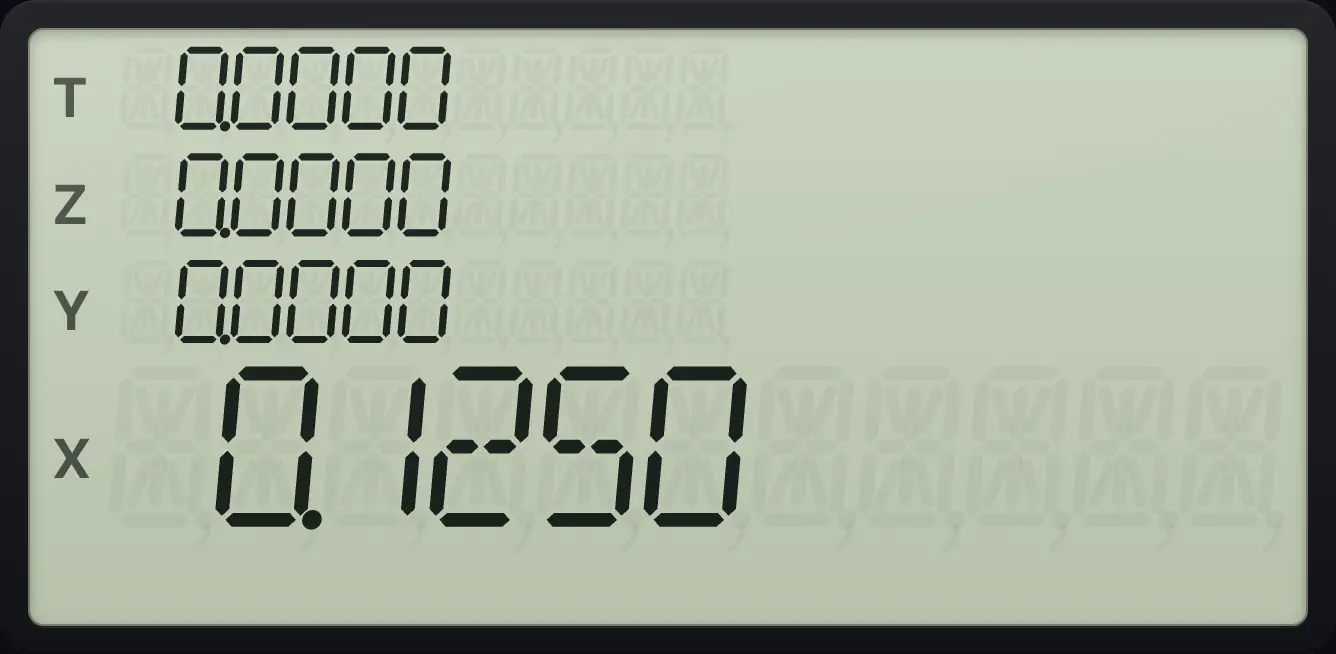
0.12502 to the power 10
Key in 2, ENTER, 10 and press yˣ.
2ENTER10yˣ
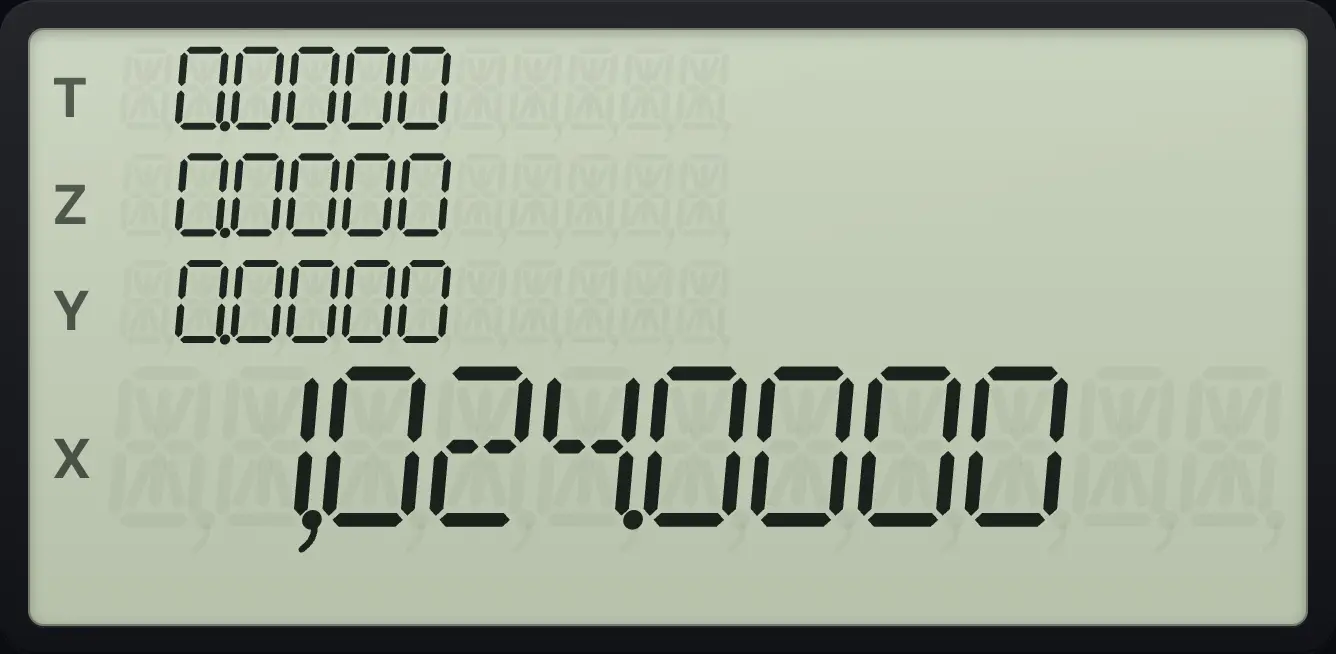
1,024.00004.6Use the last answer again#
The last answer is already in X. Just carry on: key in the next number (the answer lifts to Y) or press a function. To use the number that was in X before the last operation, press gLSTxENTER (LSTx).
Use an answer in the next step
Work out 3 + 4. Then key in 2 and multiply.
3ENTER4+2×
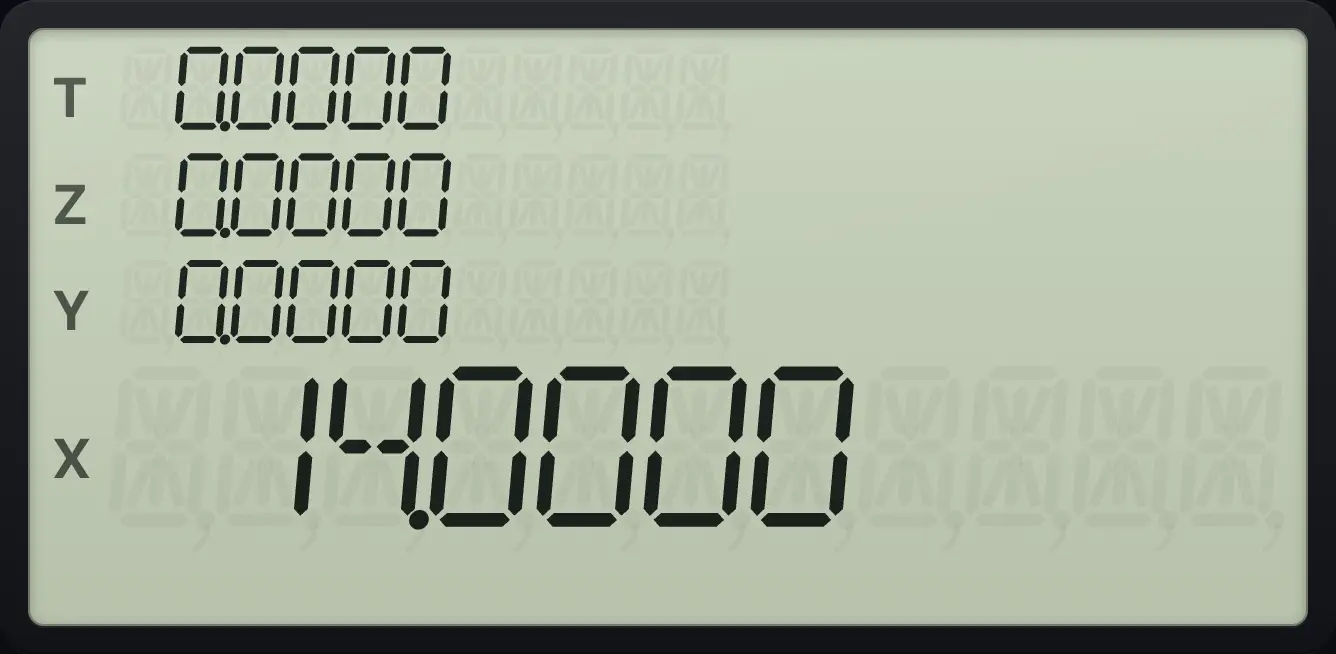
14.0000See also How RPN and the stack work: Bring back the last number with LSTx
4.7The history list#
The app records each finished calculation in the history panel, with a note of the keys you pressed and the result. You can use it to look back at your work. The panel is part of the app, not of the calculator keys, so it does not change the stack. See the history guide for how to reuse an entry.
See also See your past calculations in HistoryReuse an earlier result
HP-15C is a trademark of HP Inc.. Trident Calculator is an independent product by South View Studios and is not affiliated with, sponsored by or endorsed by HP. The name is used only to describe the kind of calculator this model resembles; Trident's names, keys, display, fonts and software are its own clean-room design.