
RPN Scientific 15 manual · Chapter 6 of 12
Display and angle modes
FIX, SCI and ENG number formats, the angle units degrees, radians and gradians, showing all digits, USER mode, flags and the default settings.
6.1Set the number of decimals: FIX, SCI and ENG#
Three display formats control how X is shown. They never change the stored number, only what you see.
| Format | Keys | Shows | Example (π) |
|---|---|---|---|
| FIX n | fFIX7 then a digit | n digits after the point | FIX 4: 3.1416 |
| SCI n | fSCI8 then a digit | One digit, a point, n digits and a power of ten | SCI 4: 3.1416 00 |
| ENG n | fENG9 then a digit | n + 1 significant digits with an exponent that is a multiple of 3 | ENG 2: 3.14 00 |
The default is FIX 4. The digit can be 0 to 9. In FIX, a number too big to fit in ten digits, or one that would round to zero, is shown in SCI format automatically. Press TAN instead of a digit to take the number of decimals from the I register.
Show π with 2 decimals
Press f, FIX, 2, then g π.
fFIX72gπEEX
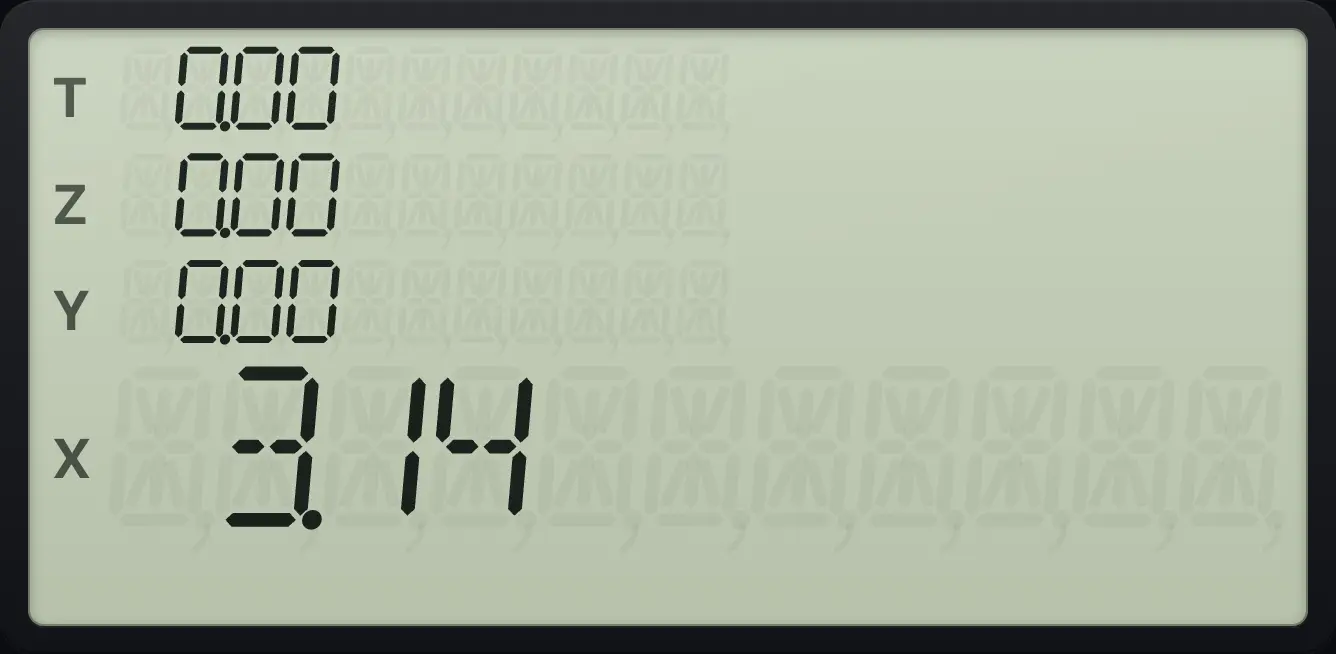
3.14Scientific display
Key in 12345.678, then set SCI 3.
12345.678fSCI83
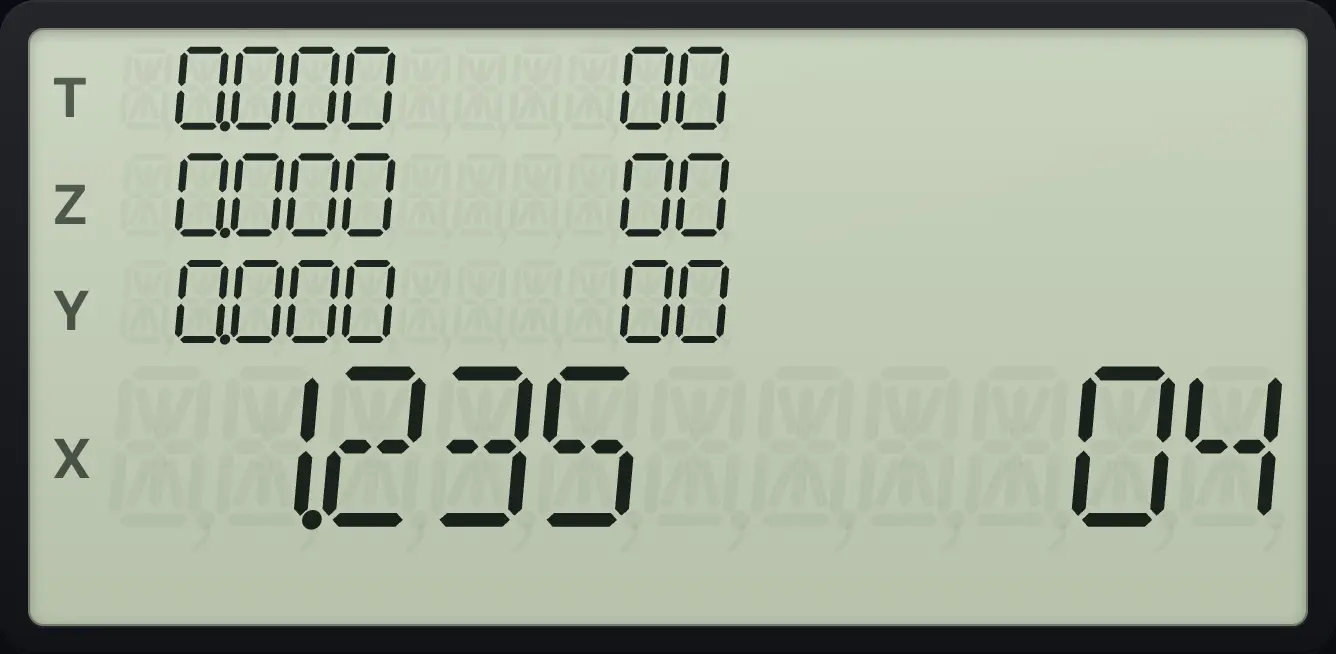
The display reads 1.235 04: 1.235 × 10⁴.Engineering display
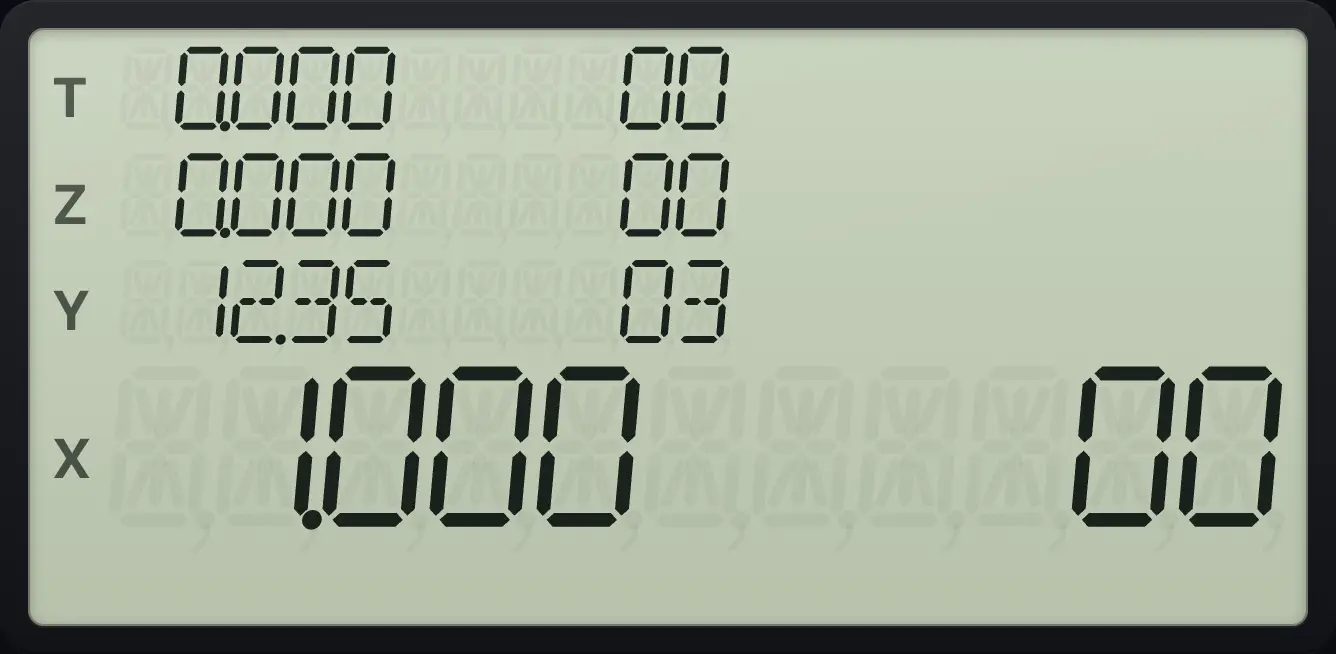
Key in 12345.678, then set ENG 3.
12345.678fENG93
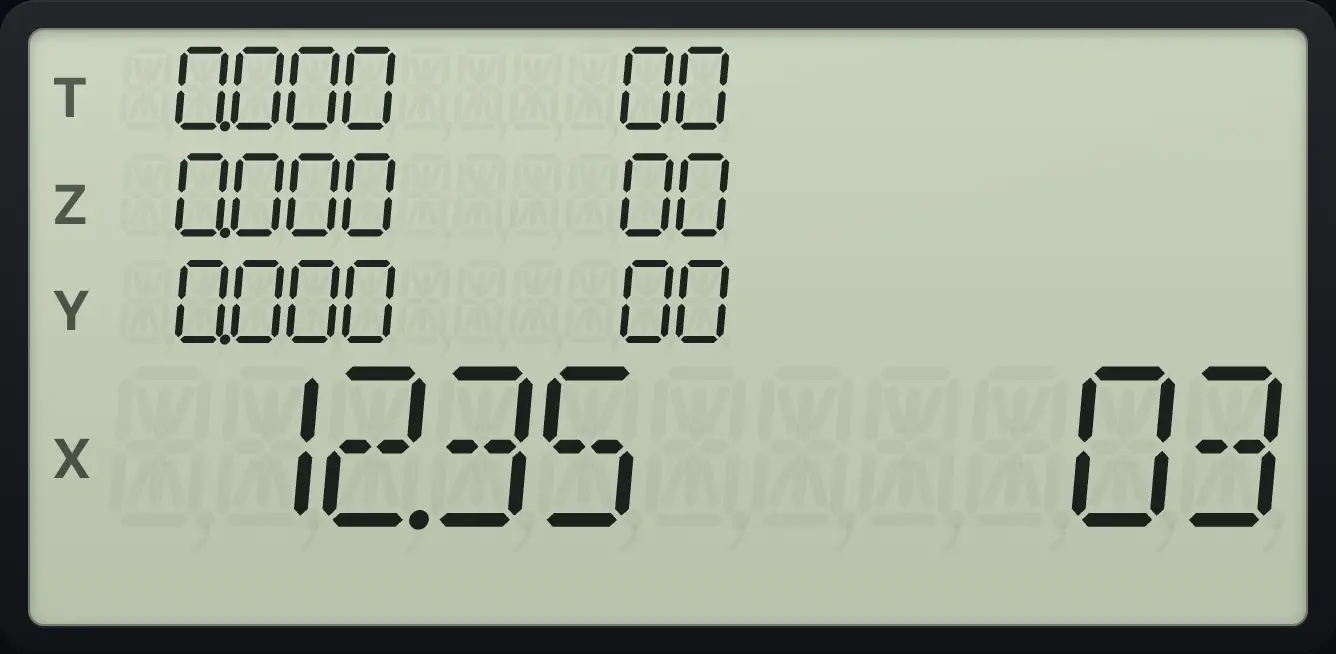
The display reads 12.35 03: 12.35 × 10³.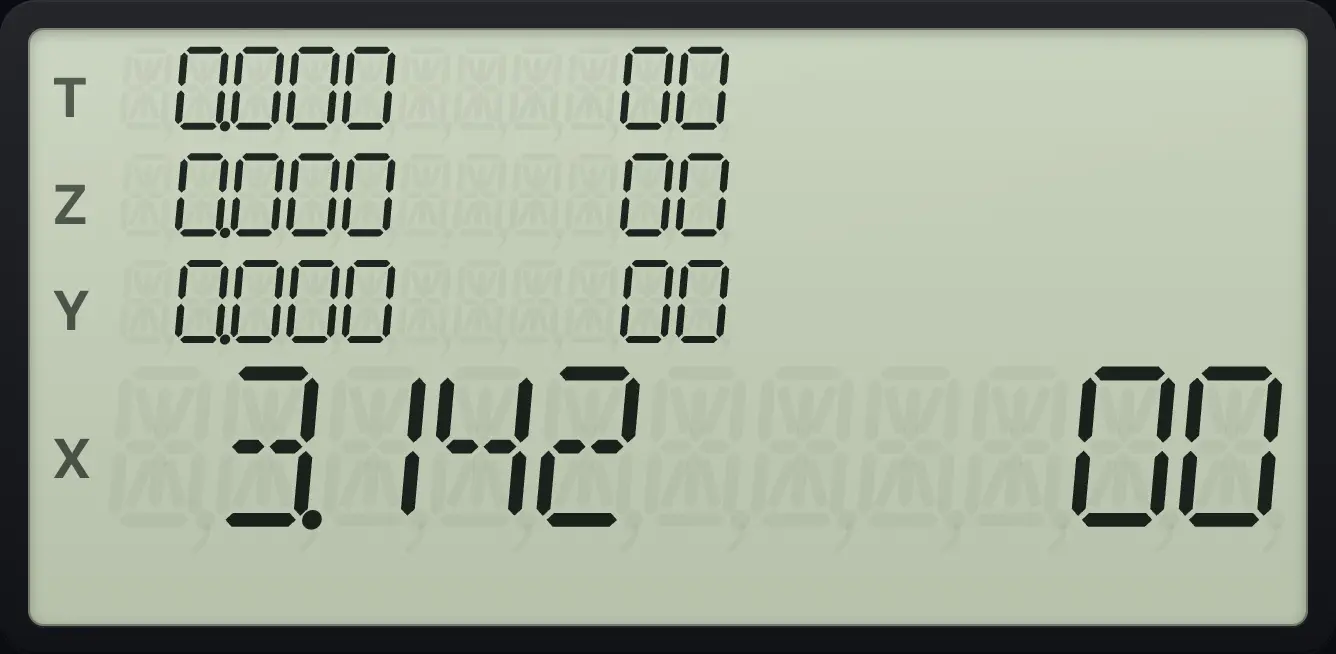
6.2Show all the digits of a number#
fPREFIX← (PREFIX) shows all ten digits of X (without the point). It stays on screen until you press the next key.
See the full digits of the square root of 2
Key in 2, press √x, then f, PREFIX.
2√xfPREFIX←
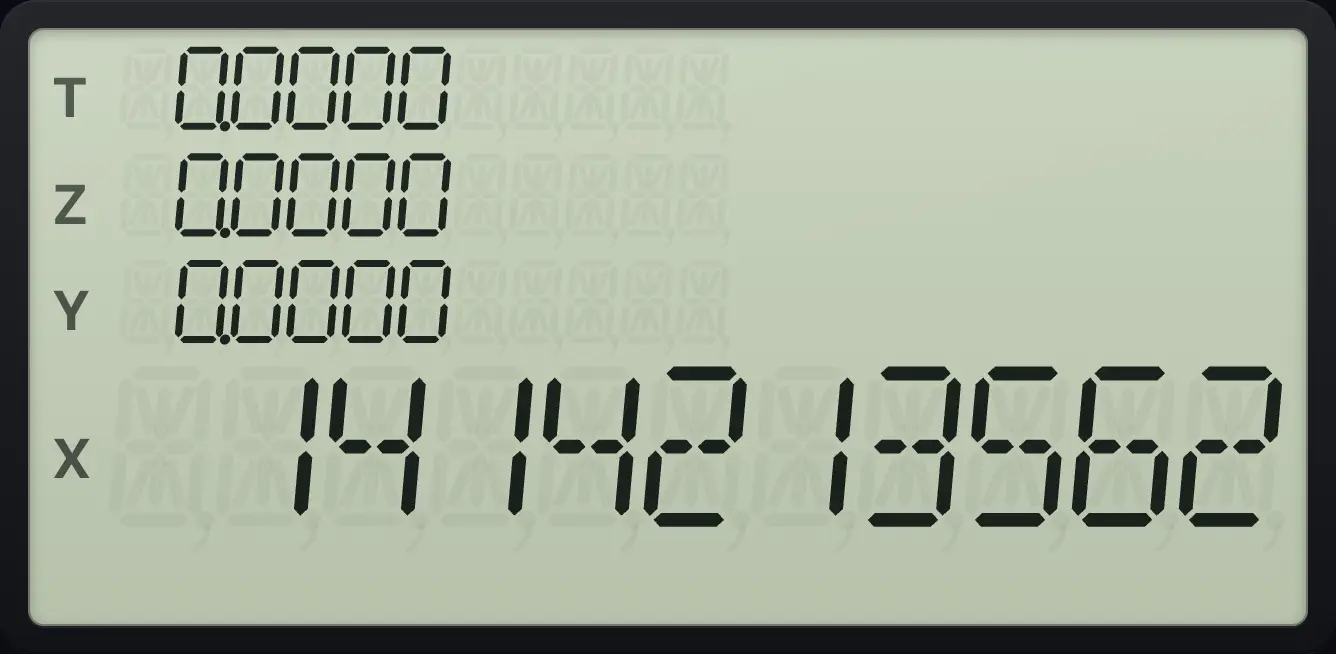
14142135626.3Choose degrees, radians or gradians#
The angle unit affects SIN, COS, TAN, the inverse functions, →P and →R. Hyperbolics and →RAD/→DEG do not depend on it.
| Unit | Keys | Full circle |
|---|---|---|
| Degrees (DEG) | gDEG7 | 360 |
| Radians (RAD) | gRAD8 | 2π |
| Gradians (GRD) | gGRD9 | 400 |
The default is degrees. The current unit is shown at the edge of the display.
Sine of 1 gradian
Press g, GRD. Key in 1 and press SIN.
gGRD91SIN
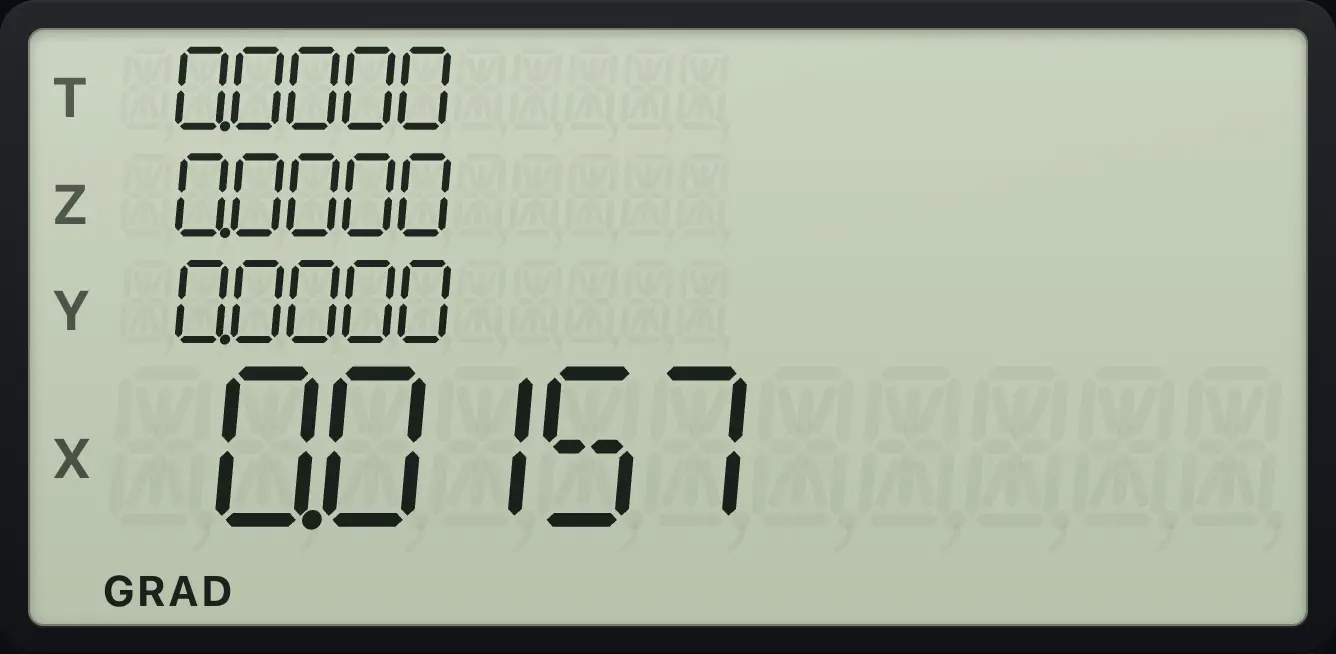
0.01576.4USER mode#
Press fUSERRCL (USER) to turn USER mode on or off. In USER mode the five keys A to E (√x, eˣ, 10ˣ, yˣ, 1/x) run the program labels A to E directly, so you can run a program with one key. The main function of that key is then on the f layer.
Run a program with the plain key
Enter a program under label A that squares and adds 1, then turn USER mode on and press the A key with 5 in X.
gP/RR/SfLBLSST√xgx²√x1+gRTNGSBgP/RR/SfUSERRCL5√x
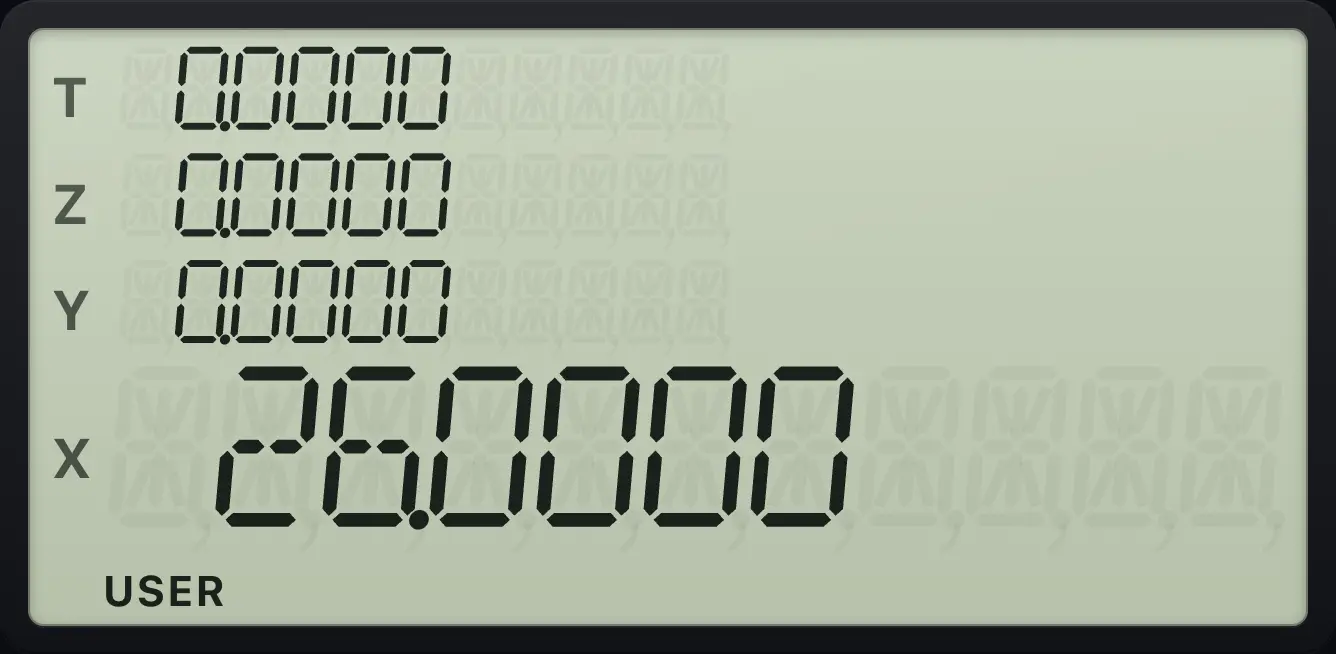
5² + 1 = 26.0000, run just by pressing the √x key.The main function moves to the f layer
In USER mode, press f then √x to get the square root.
fUSERRCL9fA√x
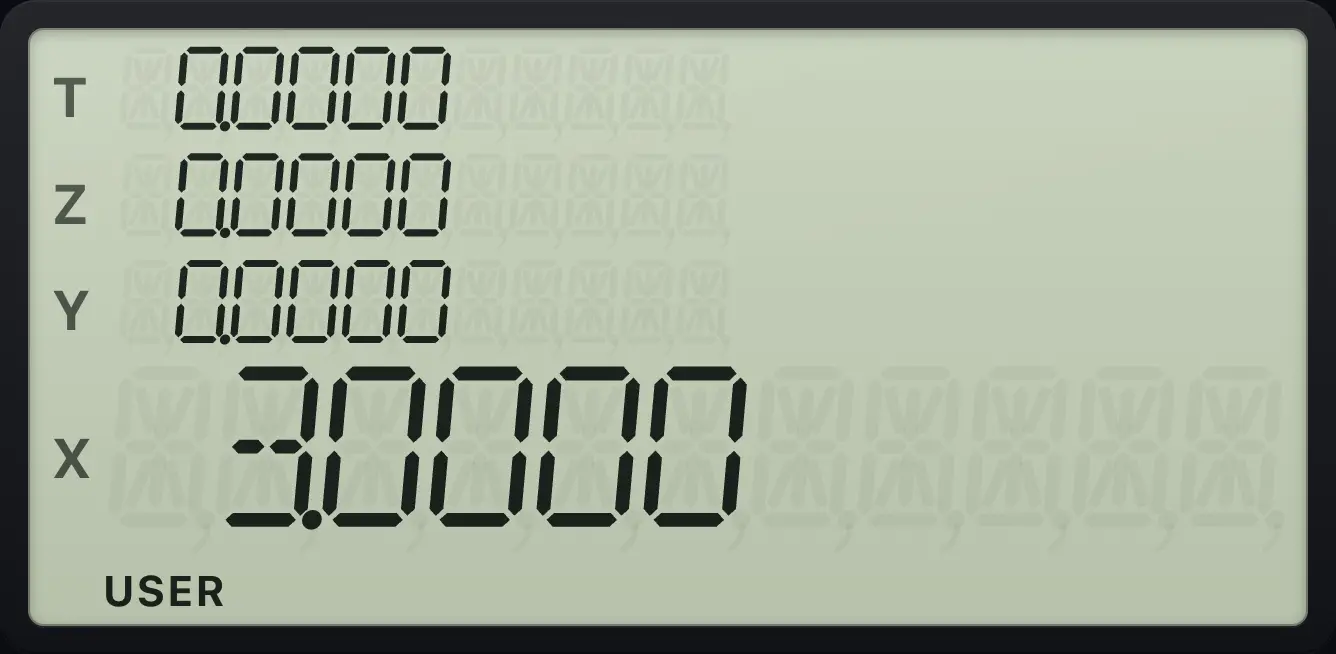
3.0000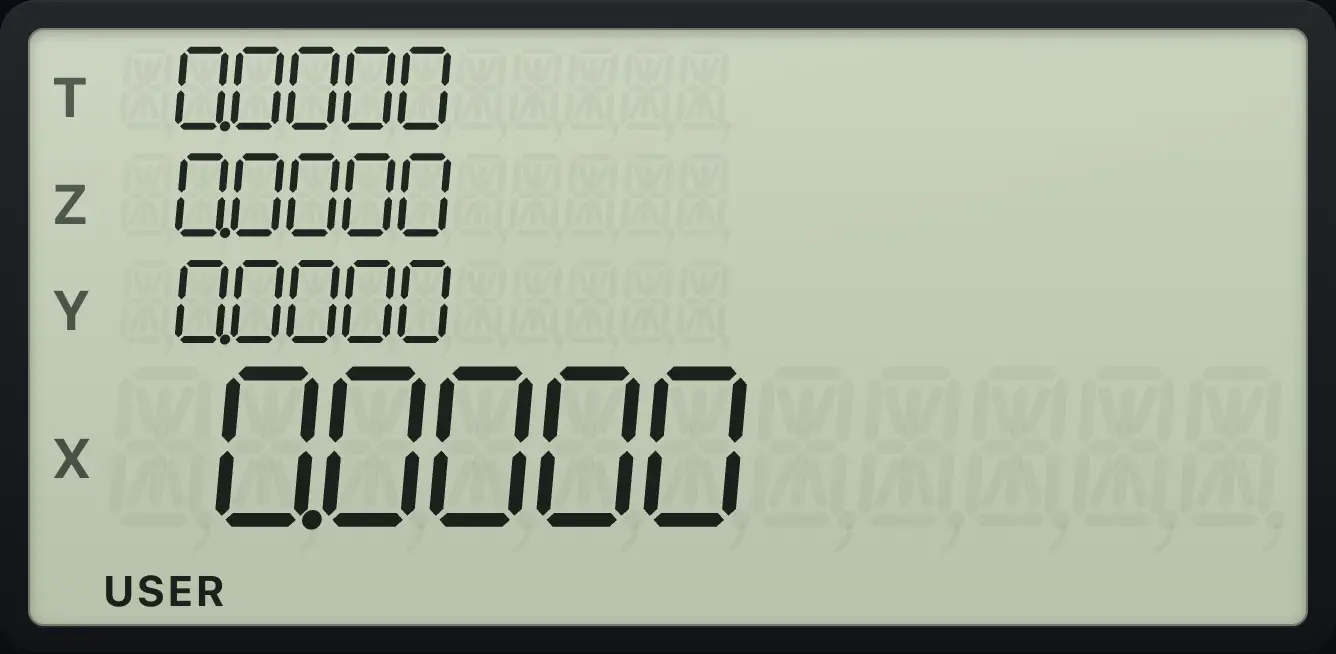
6.5Flags#
There are ten flags, numbered 0 to 9. A flag is a yes/no switch that a program can set, clear and test. gSF4 (SF) sets a flag and gCF5 (CF) clears it, each followed by the flag number. gF?6 (F?) tests it, and is used inside programs. All flags start cleared.
Flag 9 is special: the calculator sets it by itself when a result is too large for the display (an overflow). Clear it with CF 9.
6.6Default settings#
| Setting | Default |
|---|---|
| Display format | FIX 4 |
| Angle unit | Degrees |
| USER mode | Off |
| Program mode | Off |
| Flags 0 to 9 | All clear |
| Stack, registers, I | All zero |
HP-15C is a trademark of HP Inc.. Trident Calculator is an independent product by South View Studios and is not affiliated with, sponsored by or endorsed by HP. The name is used only to describe the kind of calculator this model resembles; Trident's names, keys, display, fonts and software are its own clean-room design.