RPN Scientific 15 manual · Chapter 7 of 13
Complex numbers
Complex mode: enter a complex number with f I, see its imaginary part, and calculate with it.
7.1Complex mode and the imaginary stack#
In Complex mode (flag 8, shown by the C annunciator) every stack register and LAST X has a second, imaginary part. The display always shows the real part. Complex mode starts when you press fITAN (I) or fRe⇄Im− (Re⇄Im), or set flag 8 with gSF4 8; clearing flag 8 with gCF5 8 ends it and drops the imaginary parts.
To enter a + bi, key a, press ENTER, key b and press fITAN (I): Y becomes the real part and X the imaginary part of one number, and the stack drops. A number you key in has an imaginary part of 0. Press f(i)COS ((i)) to see the imaginary part of X; fRe⇄Im− (Re⇄Im) swaps the two parts.
Enter 2 + 3i and look at it
Key 2, ENTER, 3, then f I.
2ENTER3fITAN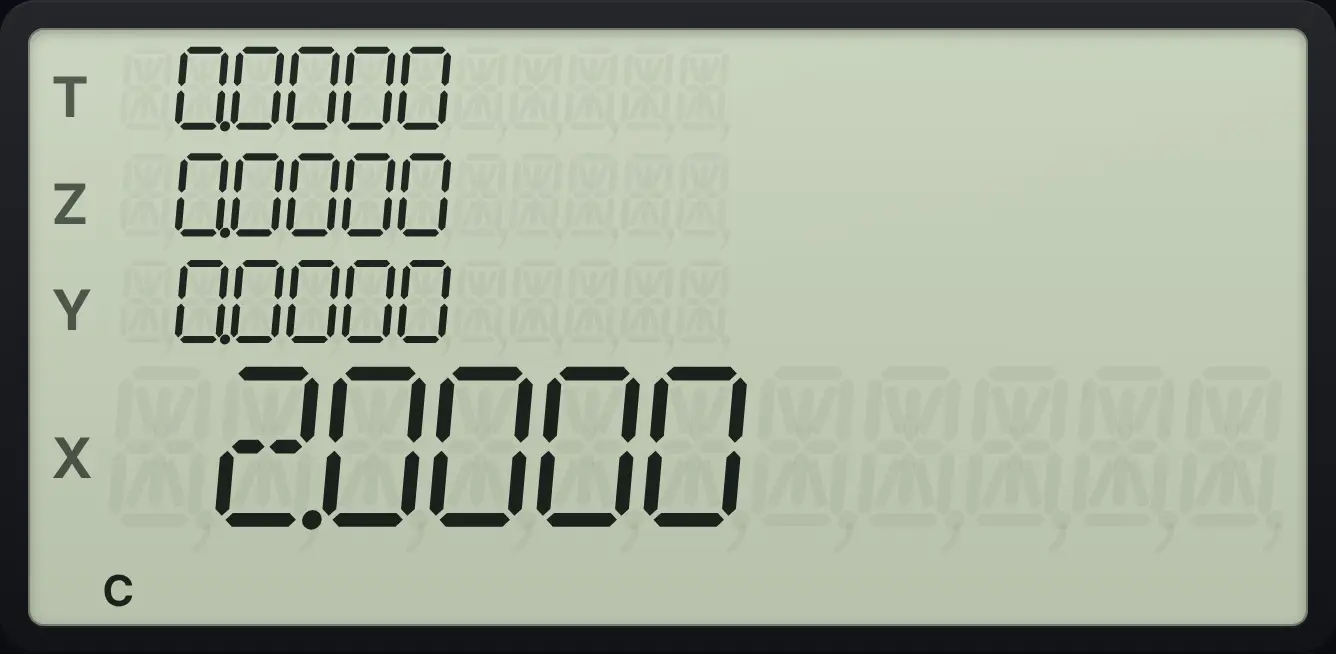
Press f (i) to see the imaginary part.
f(i)COS
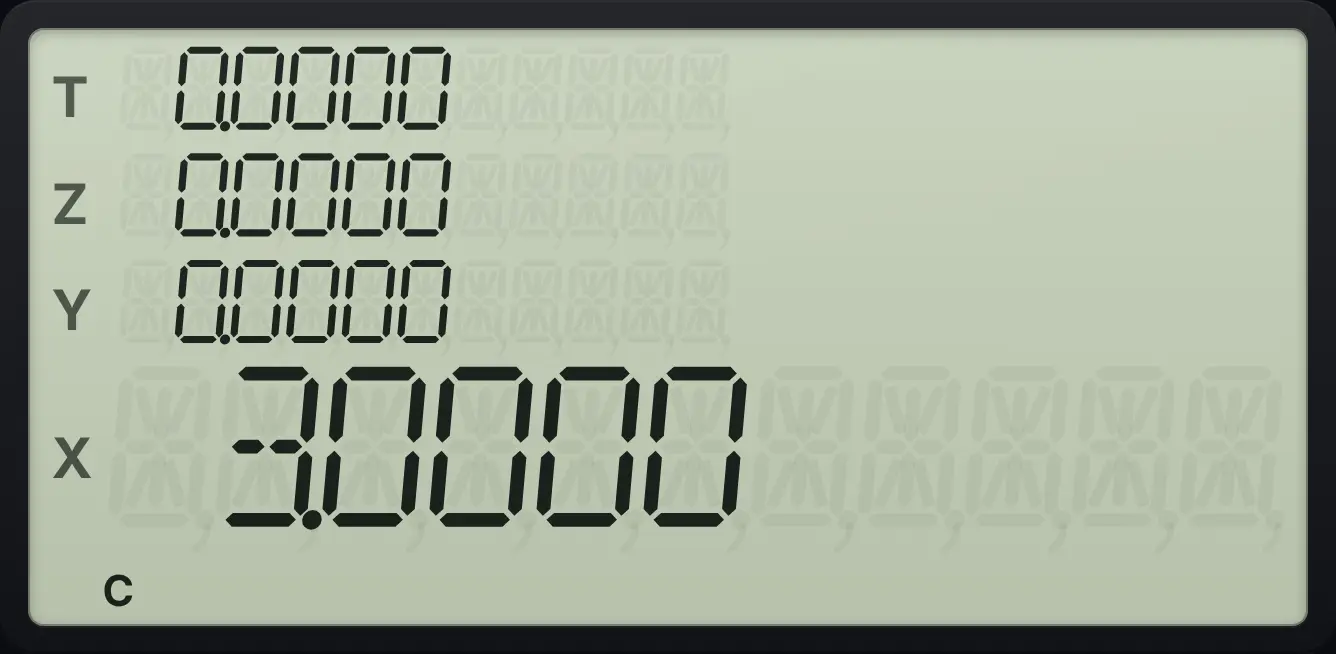
3.0000Swap the parts
Re⇄Im turns 2 + 3i into 3 + 2i: the display shows 3.
2ENTER3fITANfRe⇄Im−
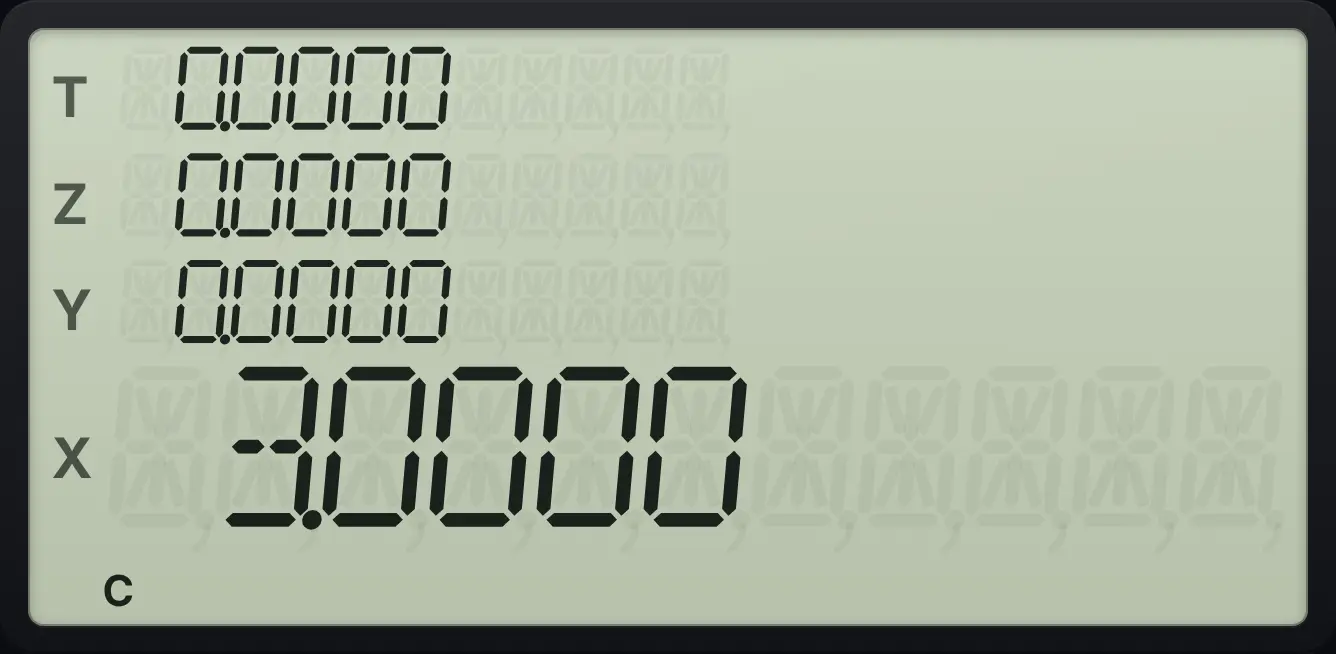
3.00007.2Calculate with complex numbers#
The four operations, x², √x, 1/x, yˣ, eˣ, LN, 10ˣ, LOG, ABS (the magnitude), the trigonometric and hyperbolic functions and their inverses all work on the whole complex number. Trigonometric functions use radians in Complex mode. →P turns X into magnitude (real part) and angle (imaginary part, in the current angle unit) and →R turns it back. CHS, CLx, INT, FRAC, RND and the other functions act on the real part only. x=0, TEST 0, TEST 5 and TEST 6 compare both parts.
Multiply (2 + 3i)(4 − 5i)
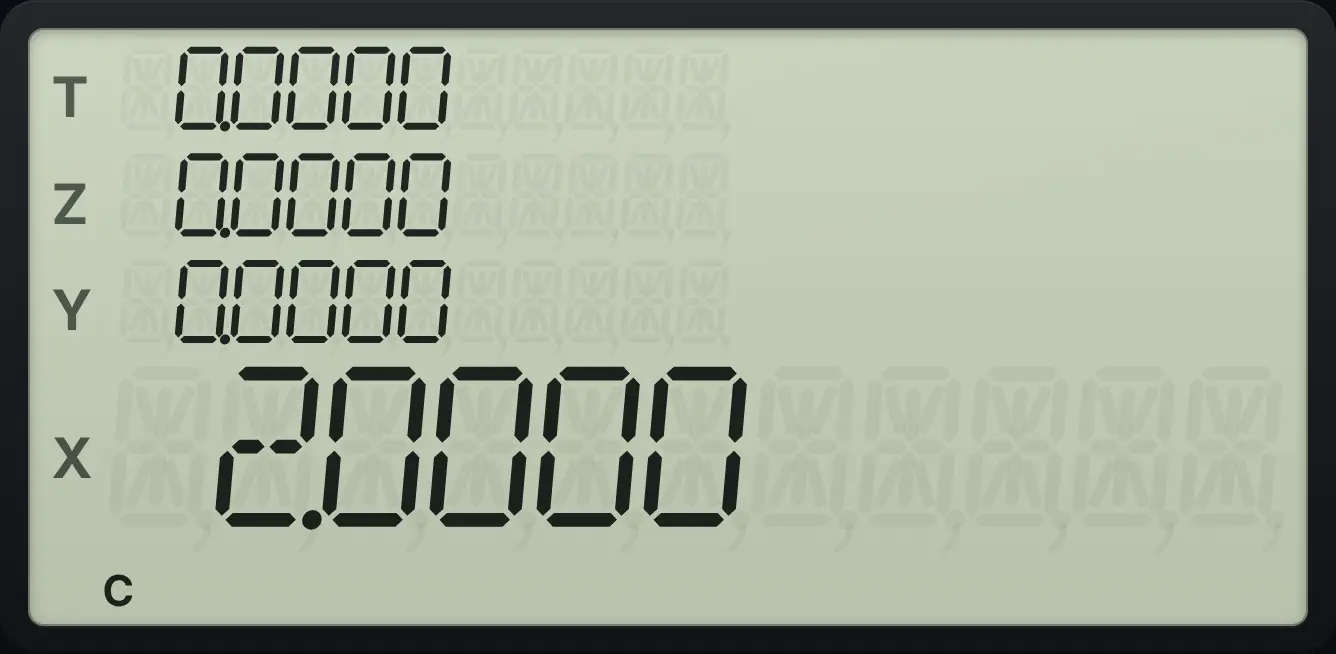
Enter 2 + 3i, then 4 − 5i, and multiply. The real part is 23.
2ENTER3fITAN4ENTER5CHSfITAN×f (i) shows the imaginary part.
f(i)COS
2.0000The square root of −4
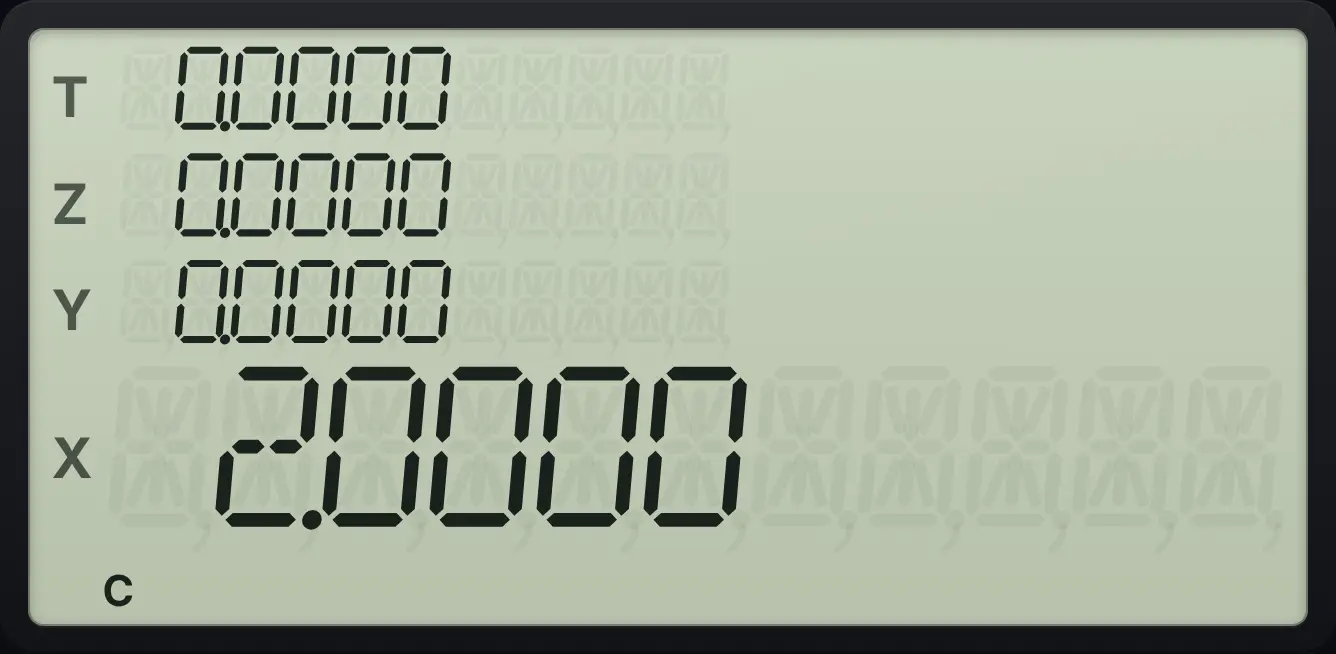
In Complex mode √−4 is 2i: set flag 8, take the root and look at the imaginary part.
gSF484CHS√xf(i)COS
2.0000Magnitude of 3 + 4i
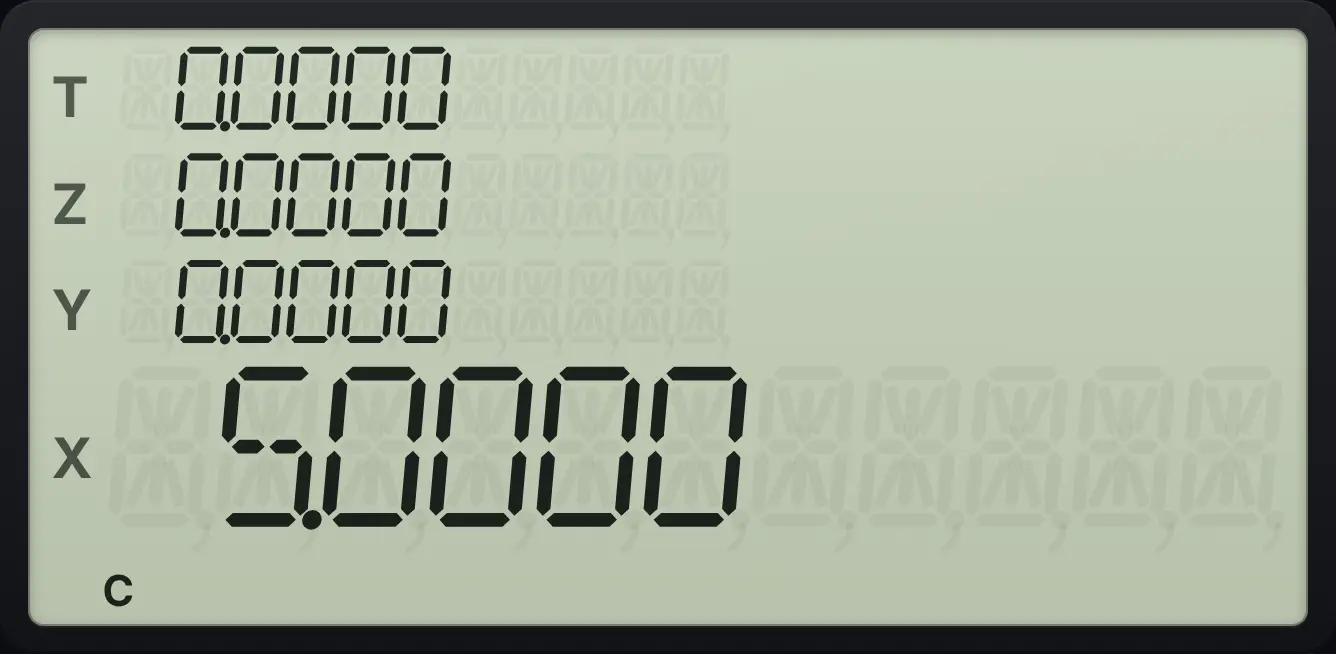
ABS (g CHS) gives 5.
3ENTER4fITANgABSCHS
5.00001 + i in polar form
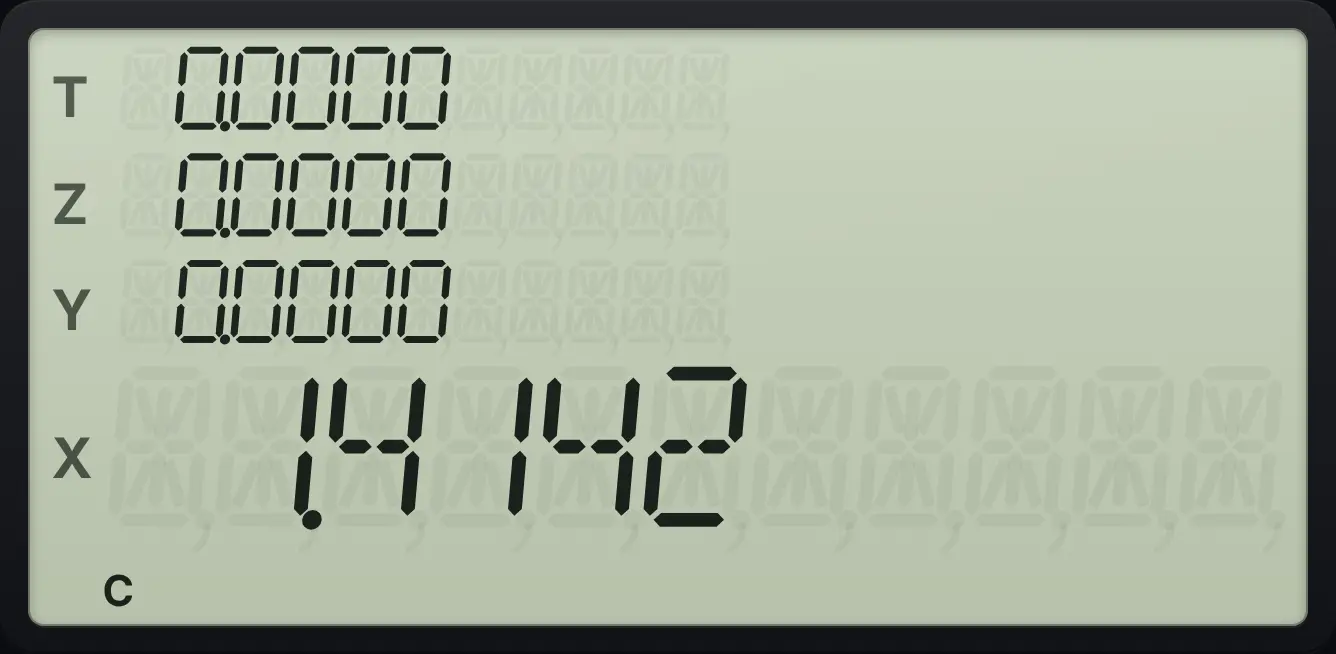
g →P: magnitude 1.4142 in the real part.
1ENTER1fITANg→P1
1.4142HP-15C is a trademark of HP Inc.. Trident Calculator is an independent product by South View Studios and is not affiliated with, sponsored by or endorsed by HP. The name is used only to describe the kind of calculator this model resembles; Trident's names, keys, display, fonts and software are its own clean-room design.