
RPN Scientific 15 manual · Chapter 11 of 12
Error messages
Every error the calculator can show, what it means and how to fix it.
11.1Clear an error#
When something goes wrong the display shows Error and a number. Press any key to clear it. That key is used only to clear the message, so press it again if you also wanted it to do its job. The stack keeps its values from before the error.
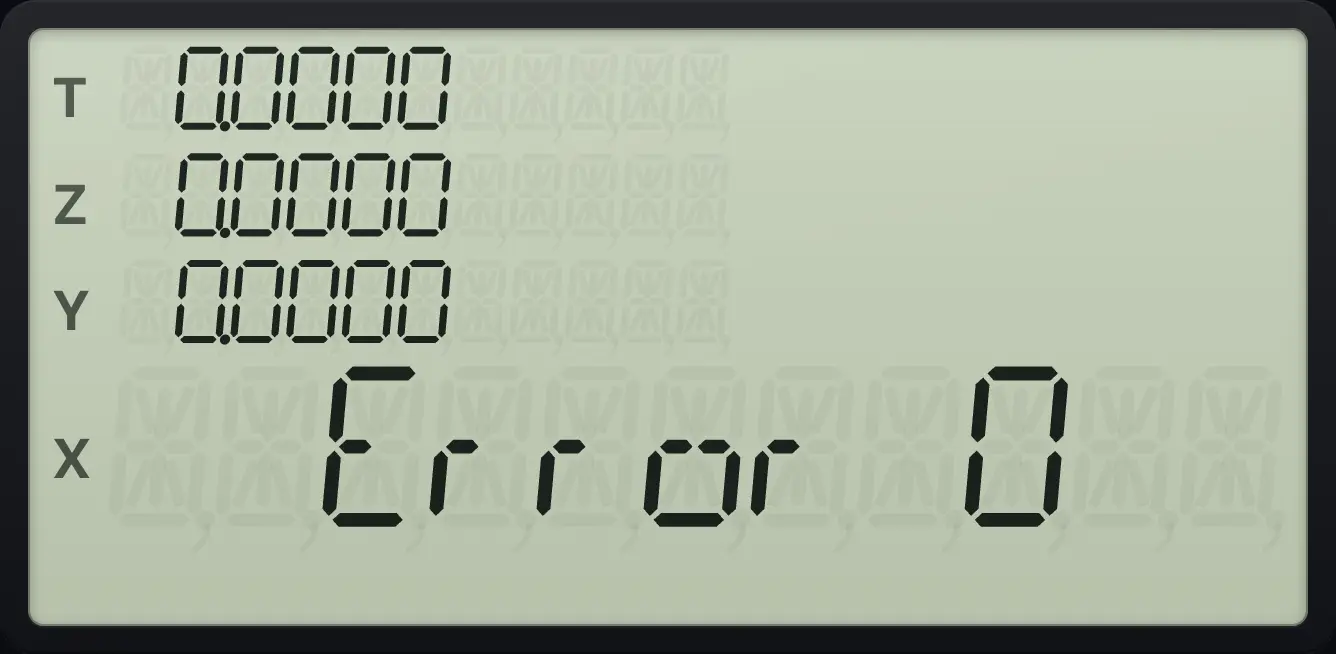
Divide by zero
Key in 0 and press 1/x.
01/x
Error 011.2All error numbers#
| Message | What it means | How to fix |
|---|---|---|
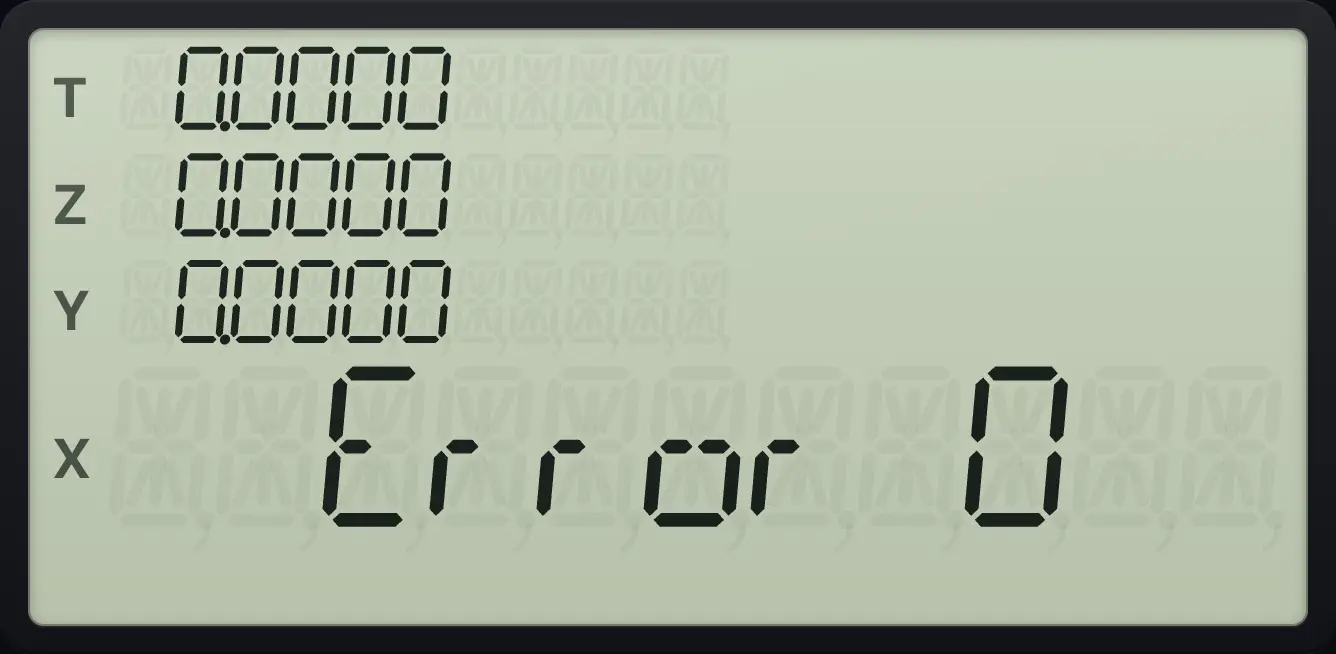
| Error 0 | An improper math operation: division by zero, square root or logarithm of a number out of range, inverse sine or cosine outside −1 to 1, a negative base with a fractional power, a negative factorial and similar. | Check the numbers in X and Y. Press gLSTxENTER (LSTx) to recover the number you used. |
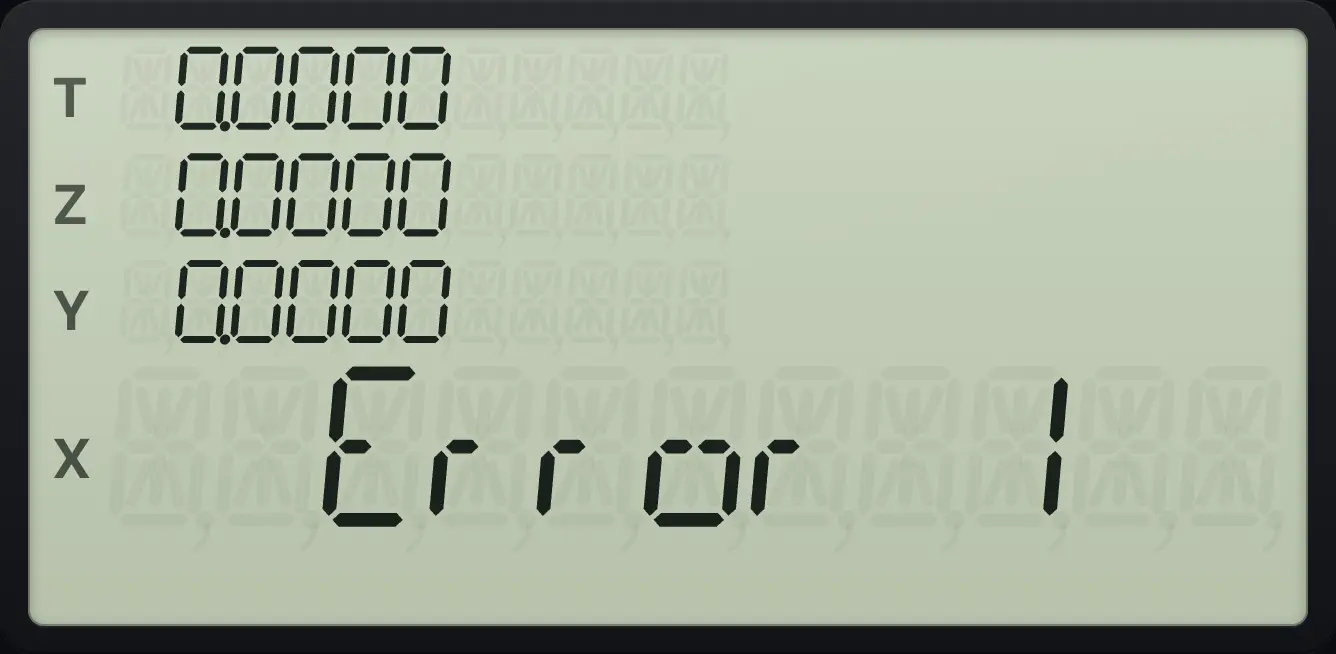
| Error 1 | The key belongs to a feature this model does not have: matrices or complex numbers (MATRIX, RESULT, Re⇄Im, I as complex). | These features are not included. See the reference chapter. |
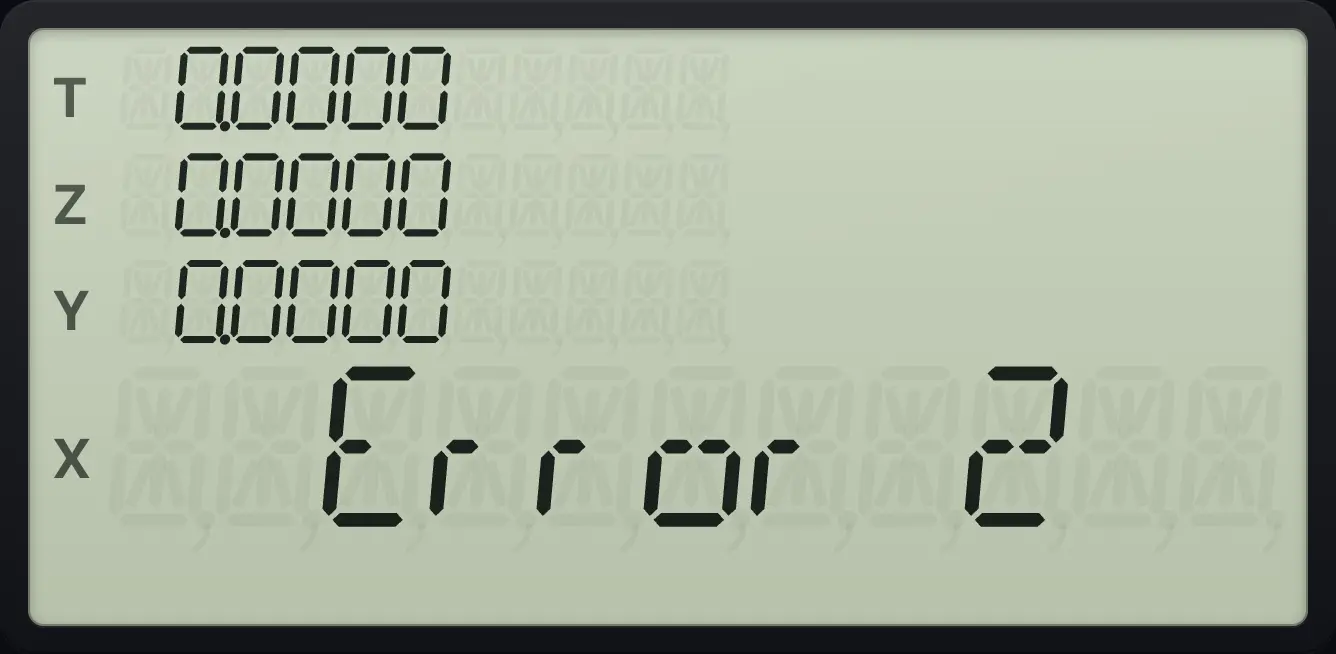
| Error 2 | A statistics error: no data for the mean, fewer than two points for the standard deviation or regression, or all x values equal. | Enter more data with Σ+. Clear with CLEAR Σ and start again if the data is wrong. |
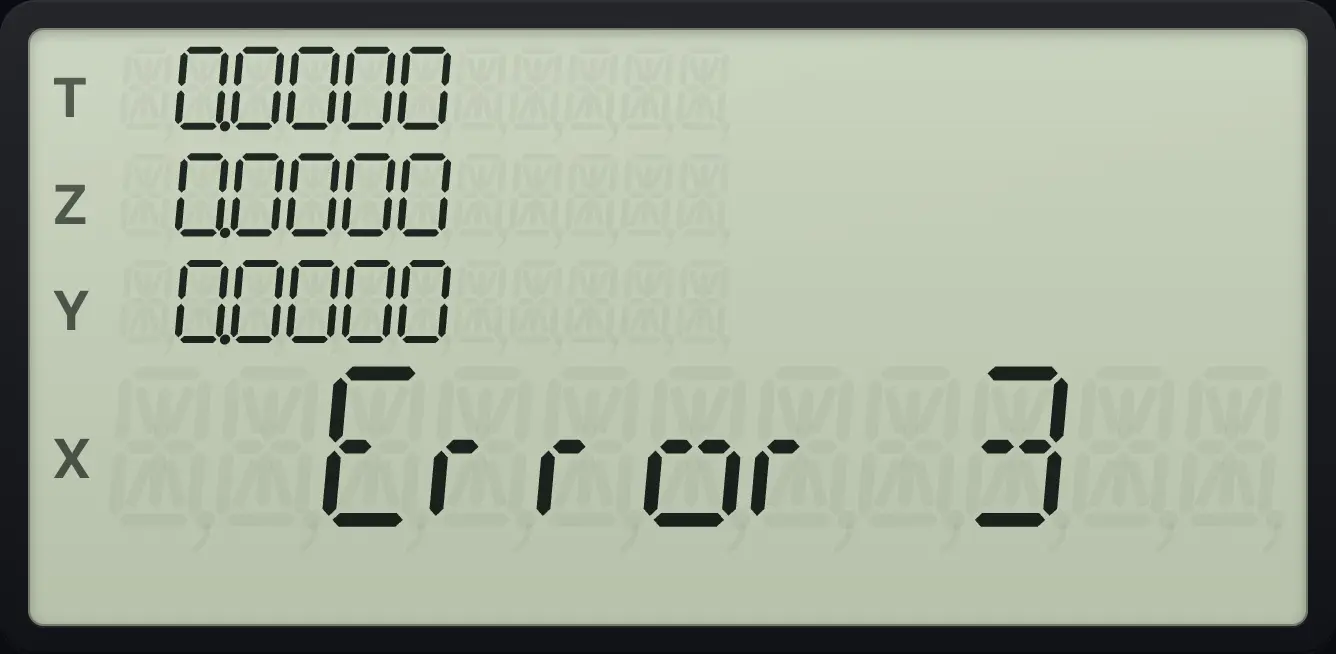
| Error 3 | A register number out of range, for example I holds 25 and you used (i). | Use a register from 0 to 19. Check the number in I. |
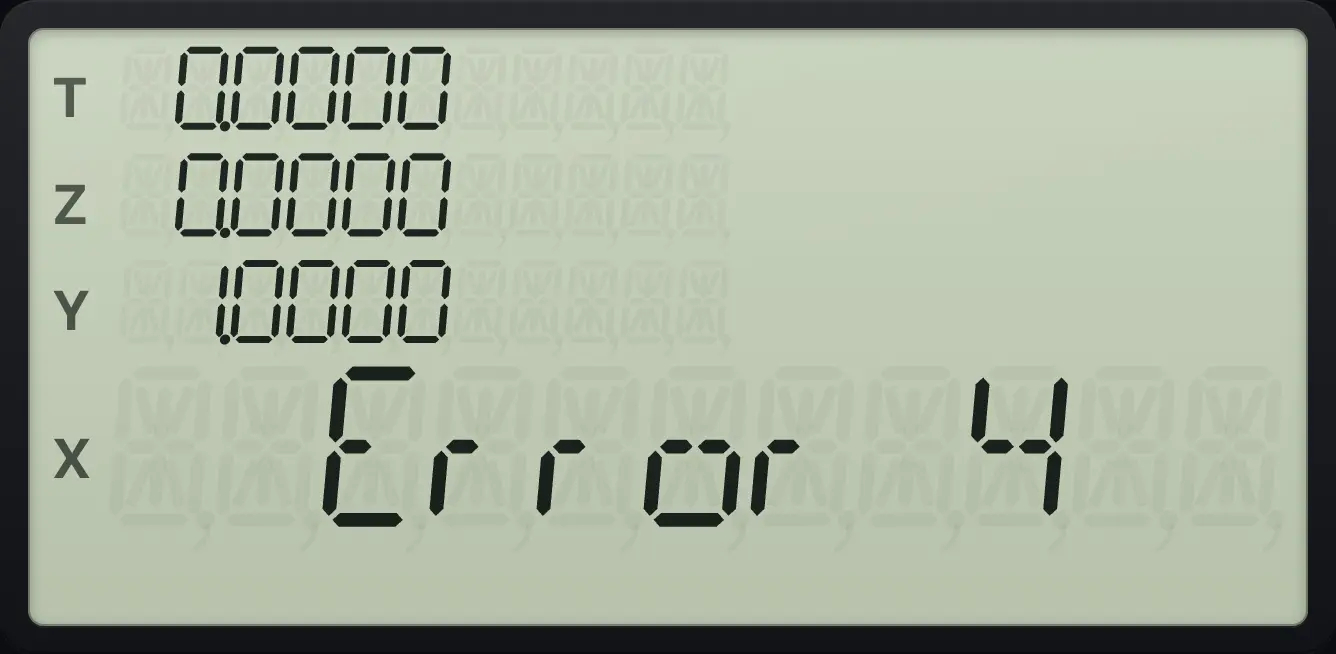
| Error 4 | A label or line number that does not exist: GSB, GTO, SOLVE or ∫xy to a missing label, or GTO CHS to a line beyond the end. | Check the label spelling. Make sure the program is in memory with LBL. |
| Error 5 | Subroutines are nested more than 7 levels deep (often a program calling itself with no end). | Rewrite the program so it returns, or use a loop. |
| Error 6 | A flag number outside 0 to 9. | Use a flag from 0 to 9. |
| Error 7 | SOLVE or ∫xy was started while one was already running. | Do not call SOLVE or ∫xy inside the function being solved or integrated. |
| Error 8 | SOLVE could not find a root. | Try other guesses, check the function, or look for a function that crosses zero. |
| Error 10 | Program memory is full (448 lines). | Delete lines or use CLEAR PRGM to start again. |
Out-of-range inverse sine
Key in 2 and press g, SIN⁻¹.
2gSIN⁻¹SIN
Error 0Standard deviation with no data
Clear and press g, s with nothing entered.
fCLR ΣGSBgs.
Error 2A register number that is too big
Store 25 in I, then press RCL (i).
25STOTANRCLCOS
Error 3A label that does not exist
Press SOLVE on a label with no program.
1ENTER2fSOLVE÷5
Error 4A feature that is not included
Press f, RESULT (a matrix key).
fRESULTEEX
Error 1HP-15C is a trademark of HP Inc.. Trident Calculator is an independent product by South View Studios and is not affiliated with, sponsored by or endorsed by HP. The name is used only to describe the kind of calculator this model resembles; Trident's names, keys, display, fonts and software are its own clean-room design.