
RPN Scientific 15 manual · Chapter 5 of 12
Functions
Roots, powers, logarithms, trigonometry in three angle units, hyperbolics, conversions, factorial, permutations, combinations, integer and fractional parts, rounding and random numbers.
5.1Square root, square, powers and roots#
√x is the square root of X (an error if X is negative). gx²√x squares X. yˣ raises Y to the power X. Any root is a power with a fractional exponent: the cube root of 27 is 27 to the power 1/3.
Square root of 144
Key in 144 and press √x.
144√x
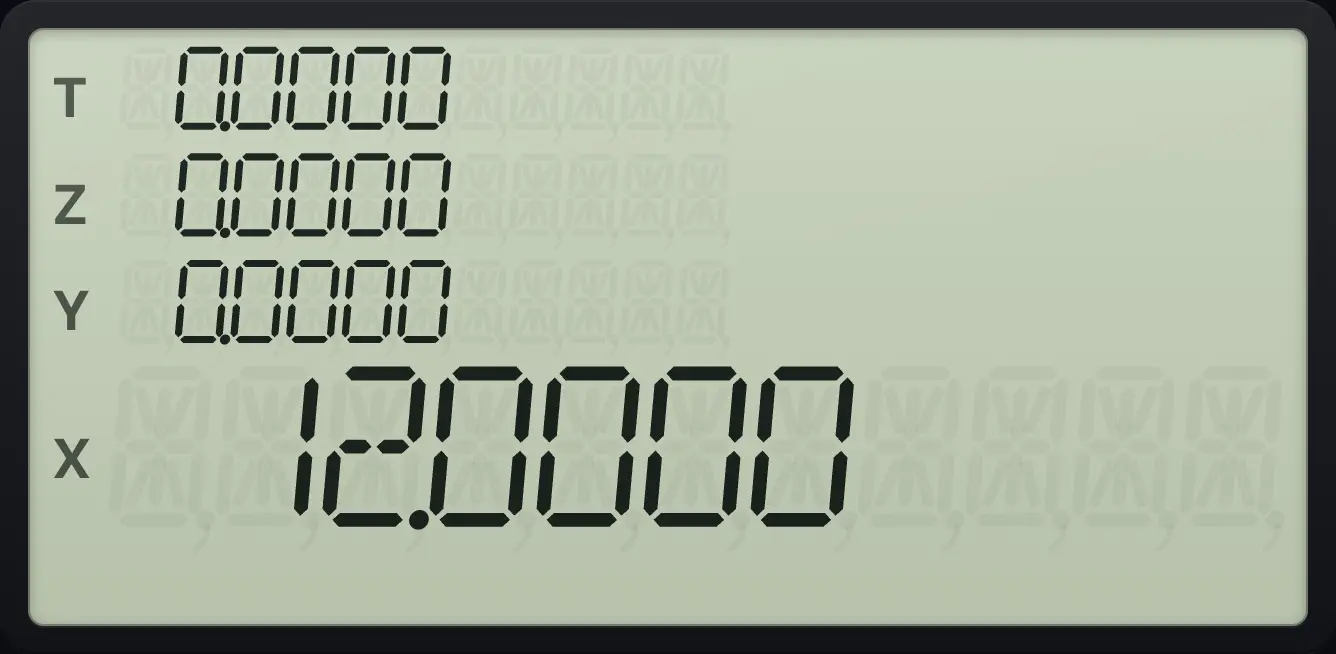
12.0000Square of 1.5
Key in 1.5 and press g, x².
1.5gx²√x
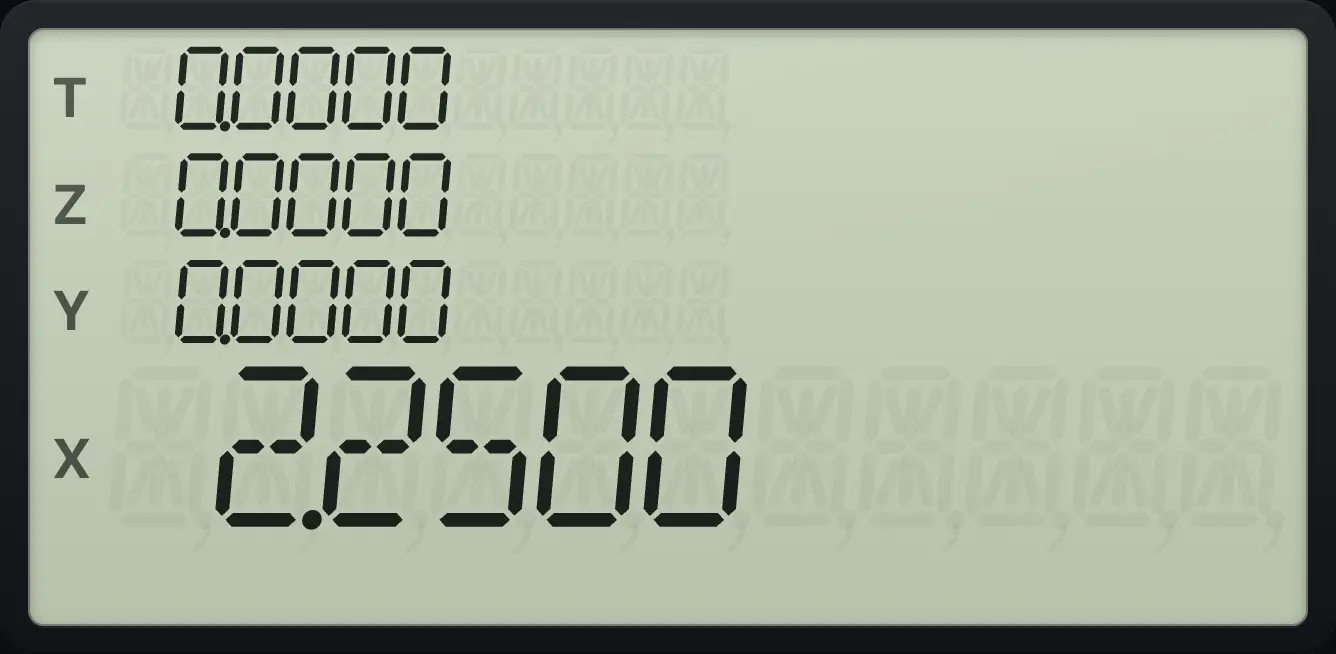
2.2500Cube root of 27
Key in 27, ENTER, then 3 and 1/x to get 1/3. Press yˣ.
27ENTER31/xyˣ
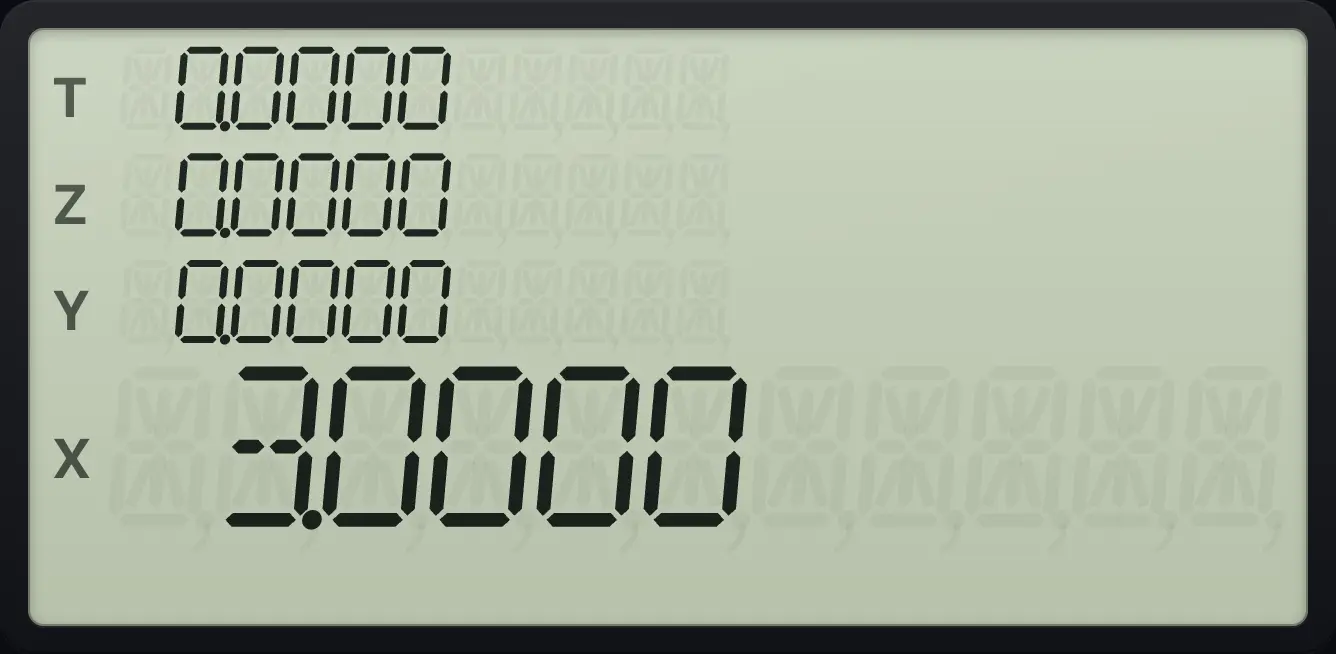
3.00005.2Exponentials and logarithms#
eˣ is e to the X (e is about 2.71828). gLNeˣ is the natural logarithm LN. 10ˣ is 10 to the X. gLOG10ˣ is LOG, the logarithm base 10. LN and LOG need X greater than zero.
e to the power 1
Key in 1 and press eˣ.
1eˣ
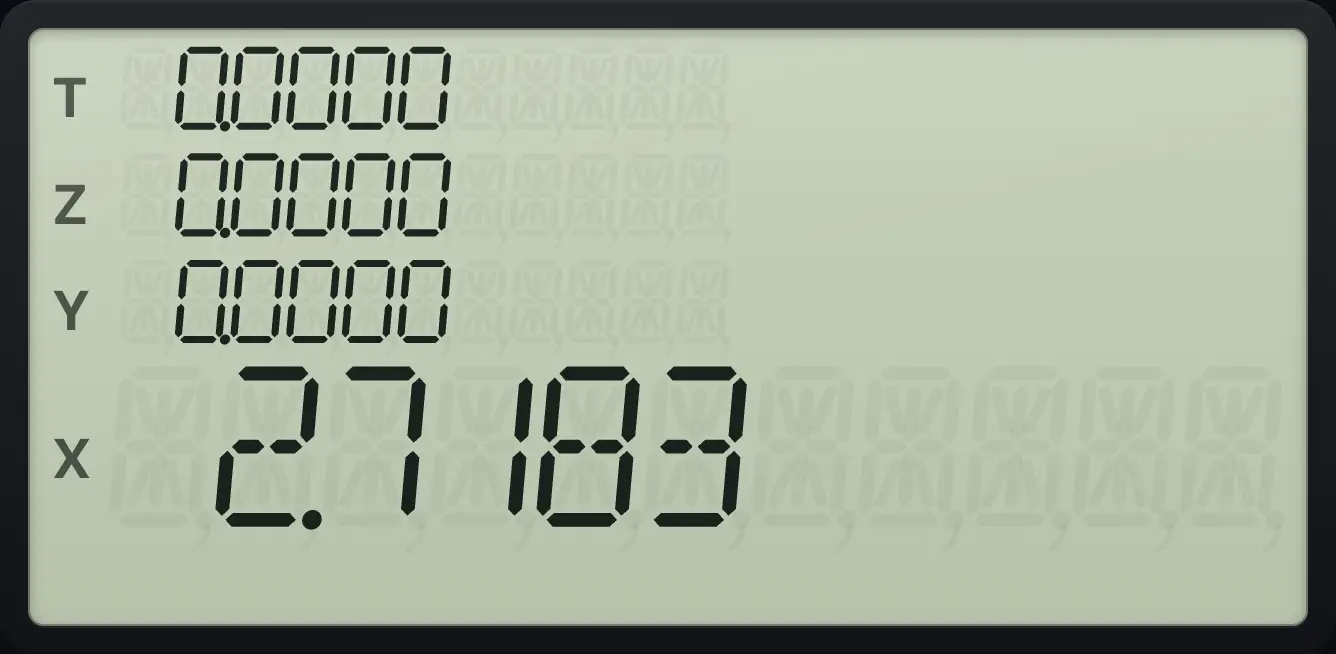
2.7183Natural log of 5
Key in 5 and press g, LN.
5gLNeˣ
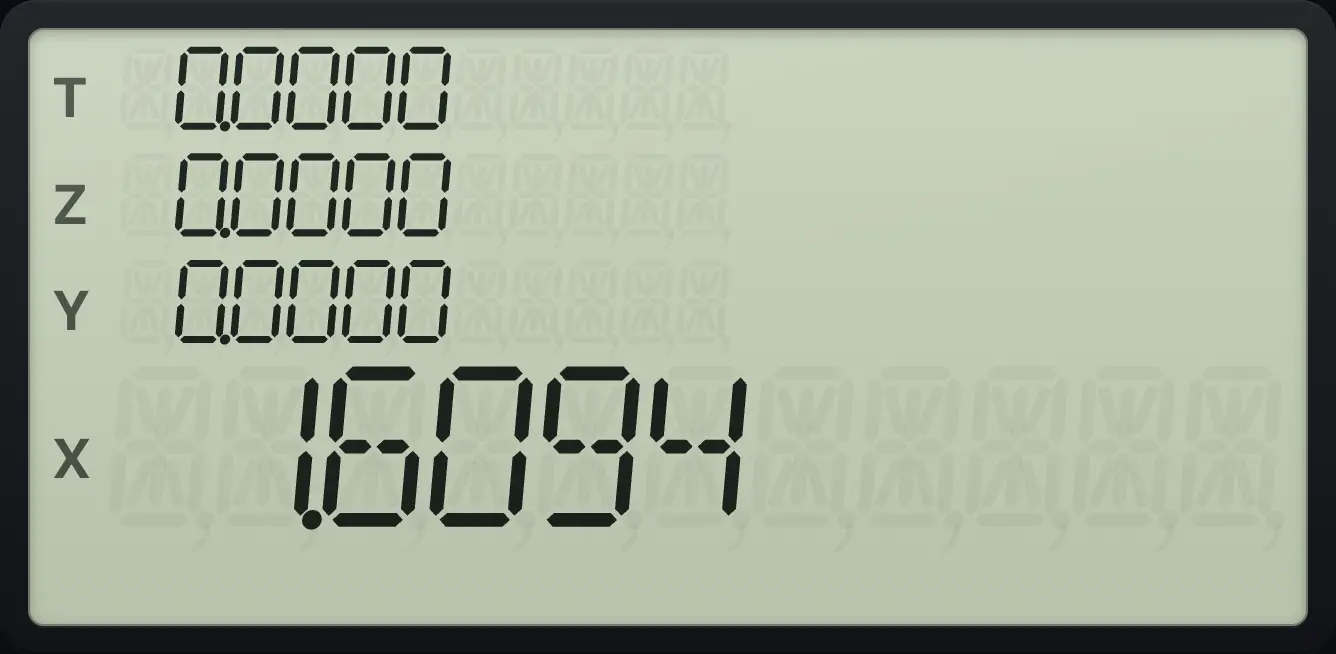
1.6094Log base 10 of 1000
Key in 1000 and press g, LOG.
1000gLOG10ˣ
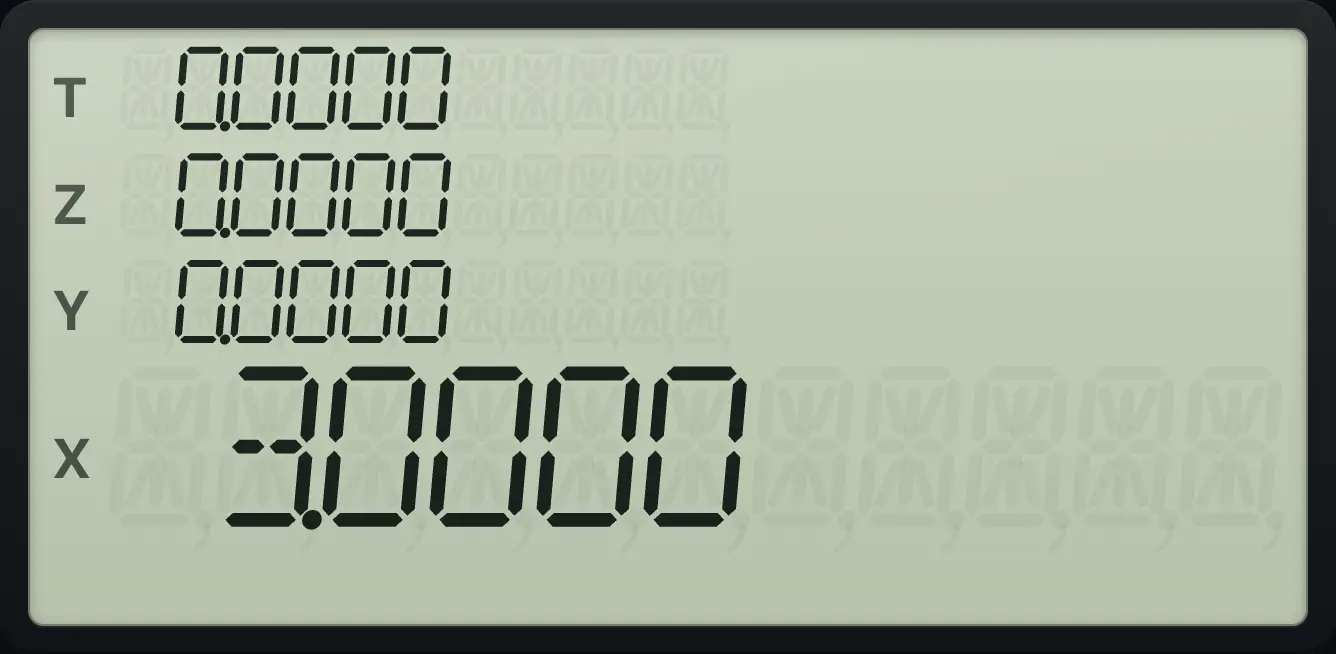
3.000010 to the power 2
Key in 2 and press 10ˣ.
210ˣ
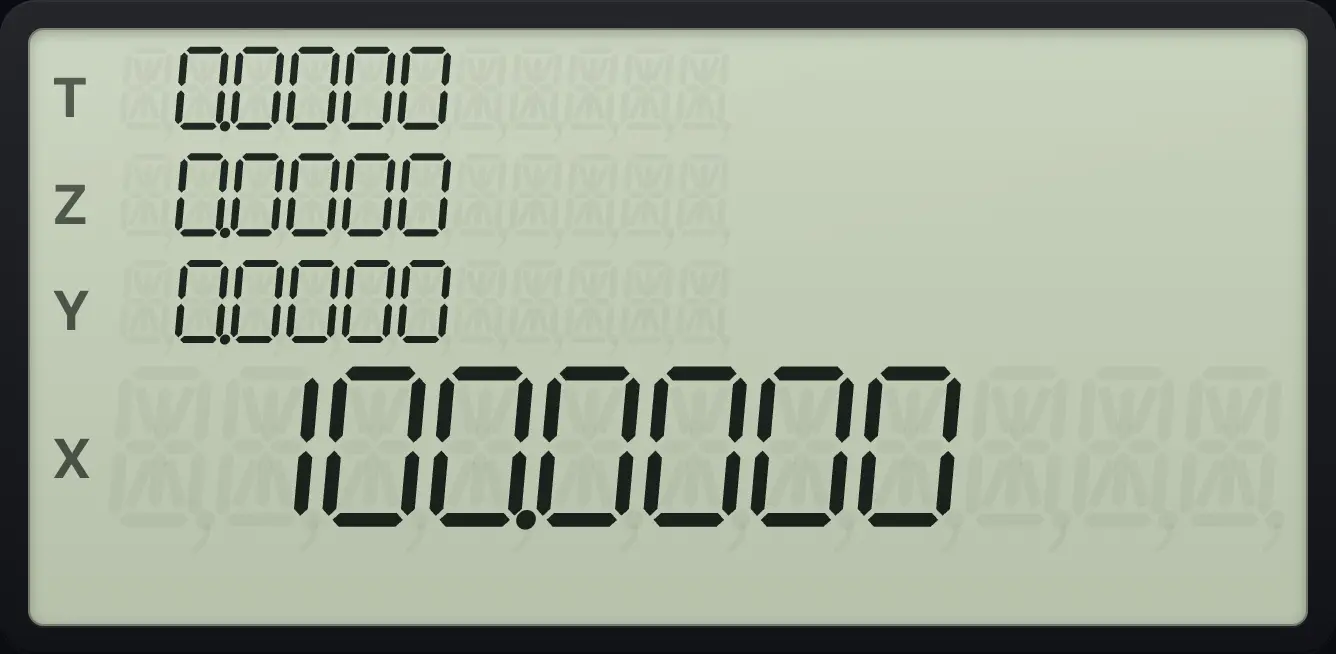
100.0000To find a log in another base, divide logs: the logarithm of 8 to base 2 is LN 8 ÷ LN 2.
Log of 8 base 2
Take LN of 8, then LN of 2, then divide.
8gLNeˣ2gLNeˣ÷
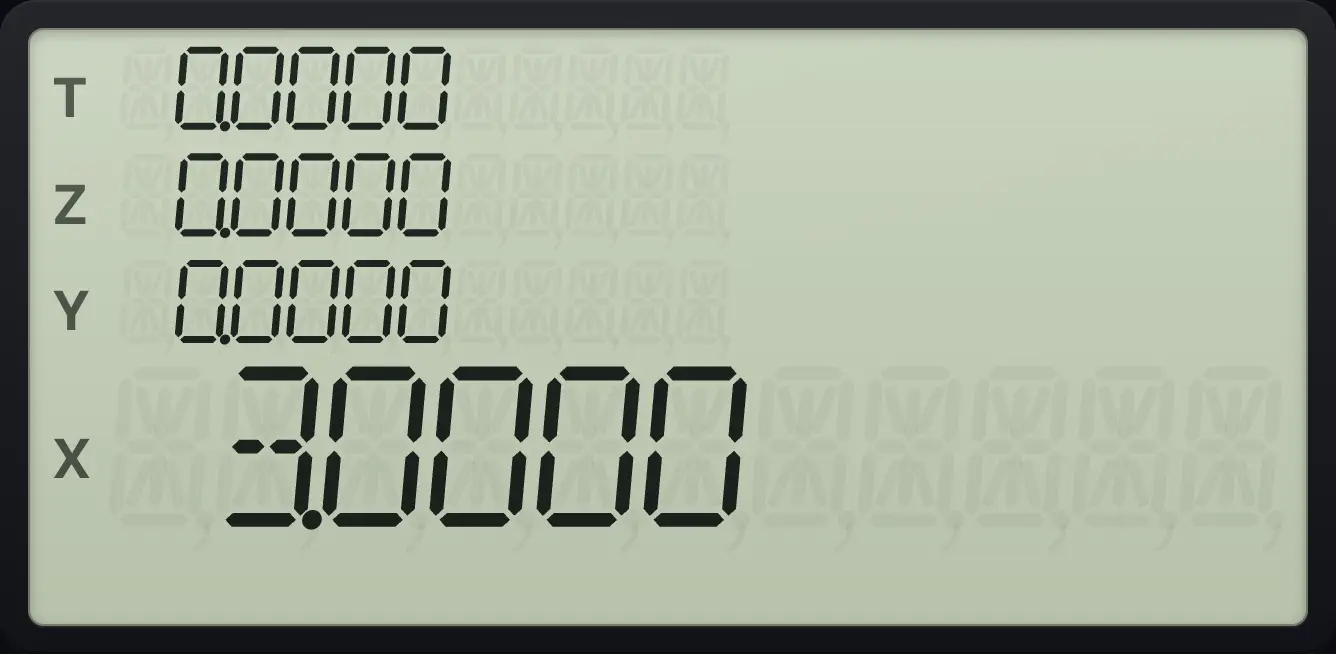
3.00005.3Sine, cosine and tangent#
SIN, COS and TAN work in the current angle unit (degrees unless you change it). The inverse functions are on the g layer: gSIN⁻¹SIN, gCOS⁻¹COS and gTAN⁻¹TAN. Inverse sine and cosine need X between −1 and 1.
Sine of 30 degrees
Key in 30 and press SIN.
30SIN
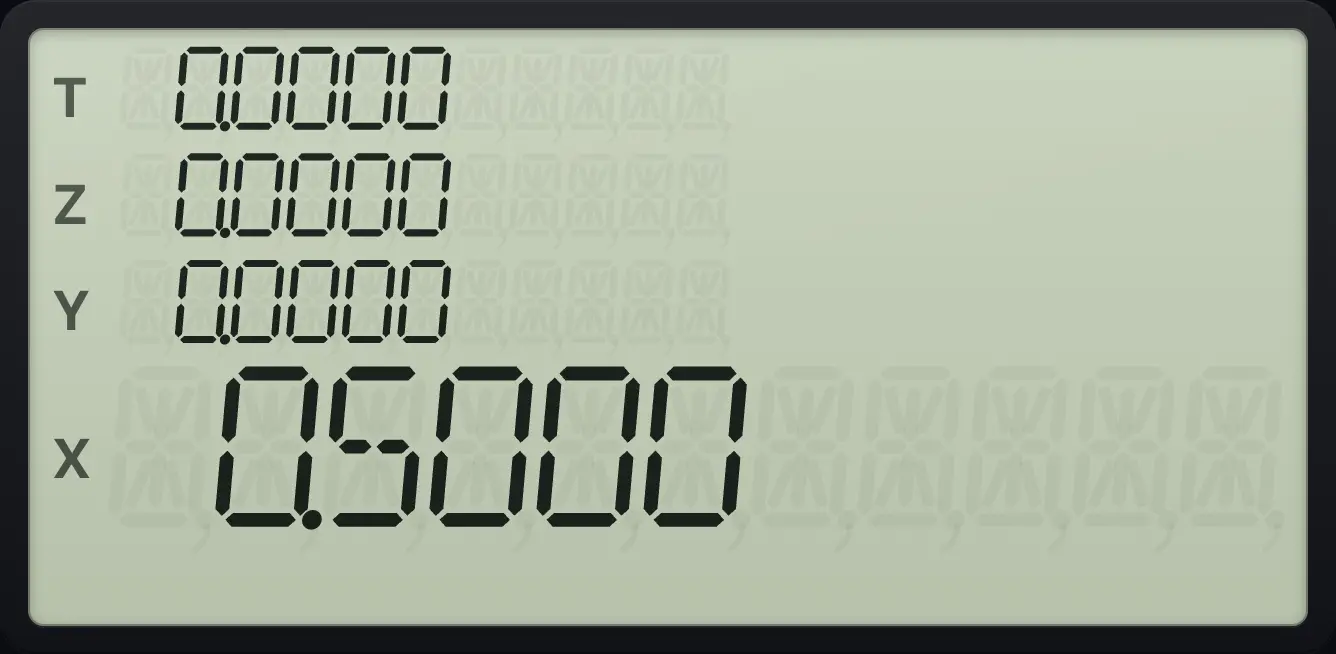
0.5000Angle whose sine is 0.5
Key in 0.5 and press g, SIN⁻¹.
0.5gSIN⁻¹SIN
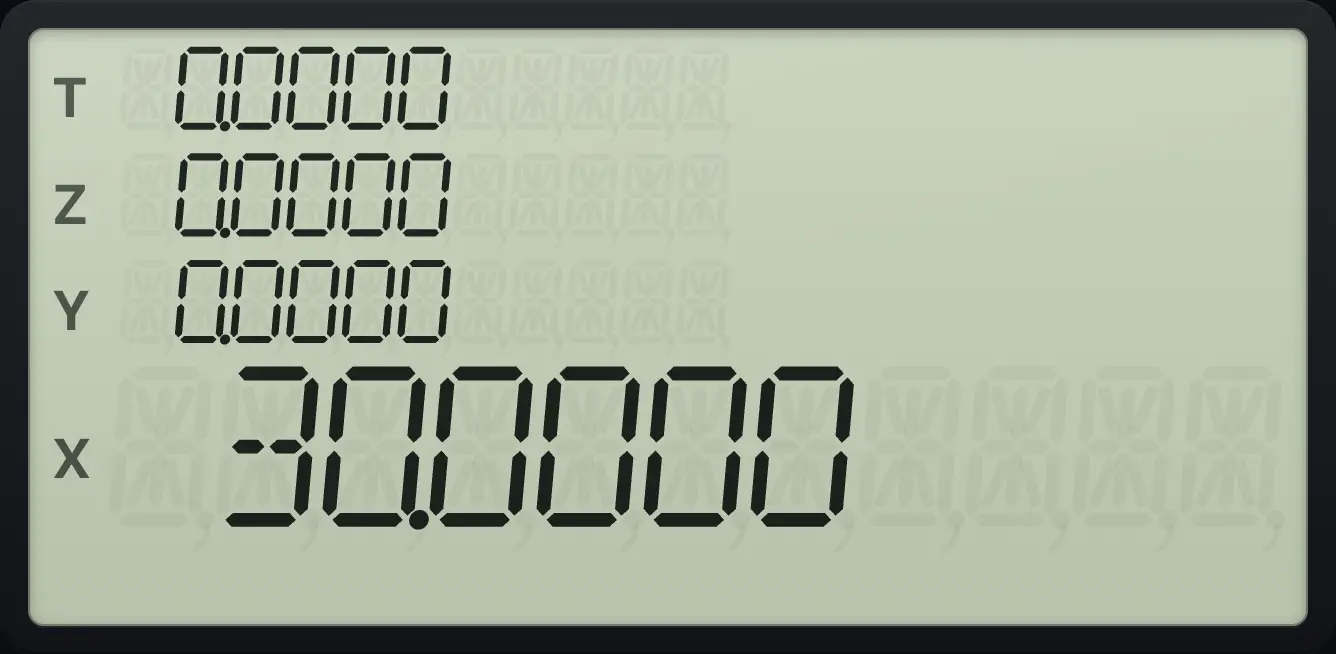
30.0000Tangent of 45 degrees
Key in 45 and press TAN.
45TAN
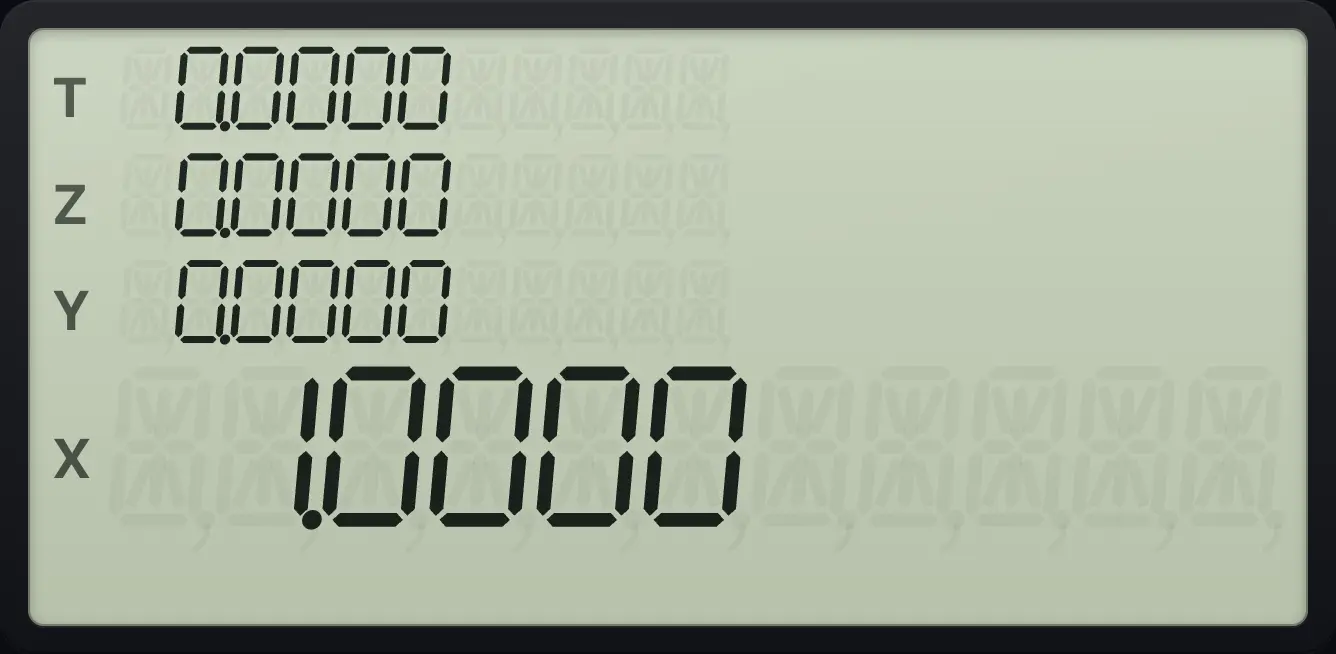
1.0000Arctangent of 1 in radians
Switch to radian mode with g, 8. Key in 1 and press g, TAN⁻¹.
gRAD81gTAN⁻¹TAN
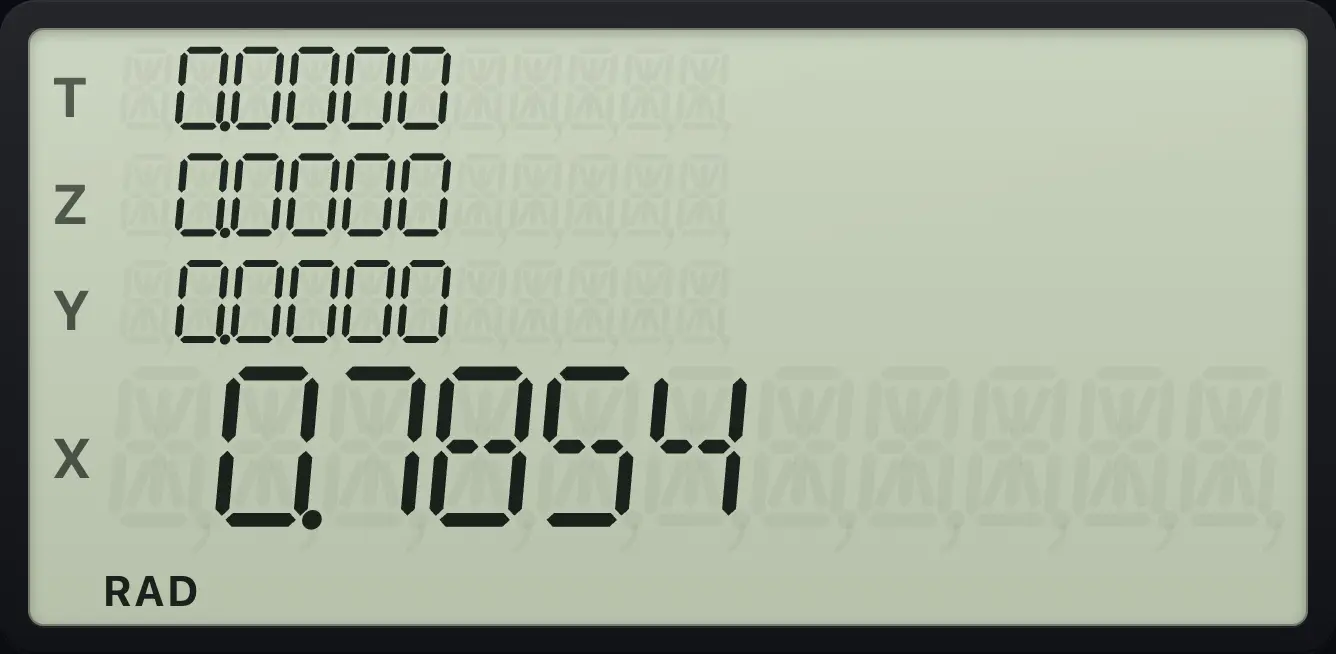
π/4, which is 0.7854.Sine of π/4 in radians
Switch to RAD, press g π, key in 4, ÷ and SIN.
gRAD8gπEEX4÷SIN
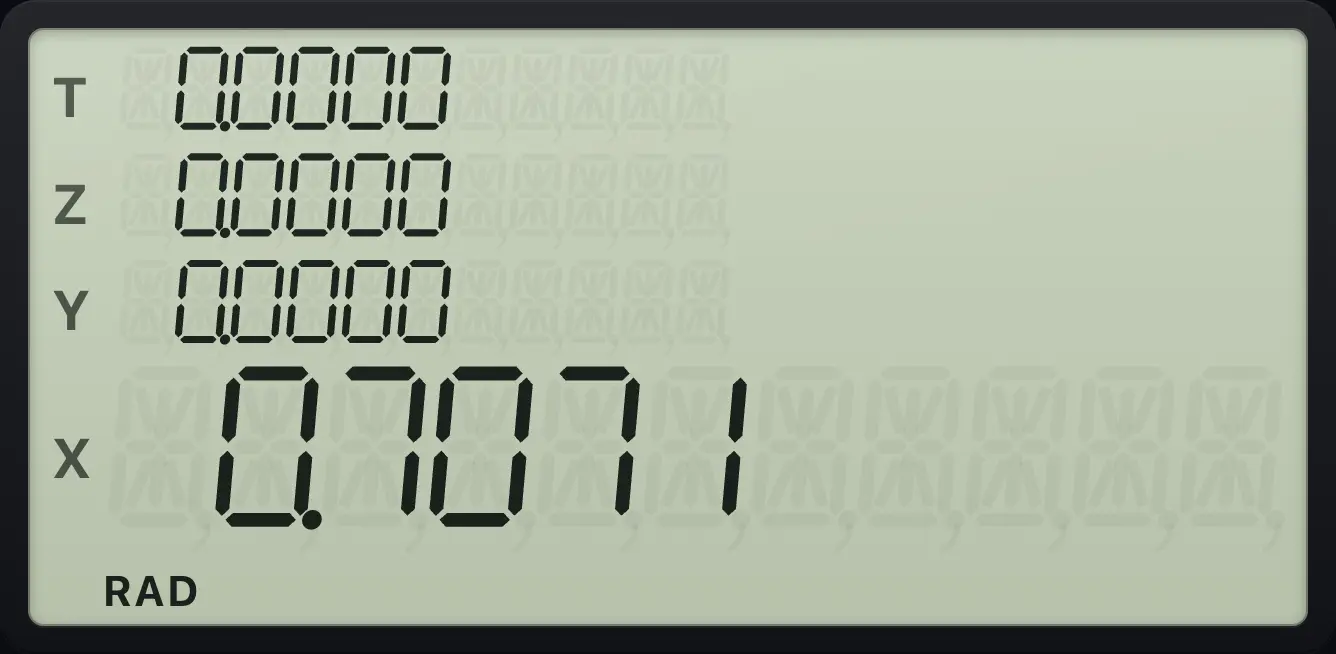
0.7071See also Display and angle modes: Choose degrees, radians or gradians
5.4Hyperbolic functions#
Press fHYPGTO (HYP) and then SIN, COS or TAN for the hyperbolic function. Press gHYP⁻¹GTO (HYP⁻¹) and then one of the same keys for the inverse. Hyperbolic functions do not depend on the angle unit.
Hyperbolic sine of 1
Key in 1, press f, HYP, then SIN.
1fHYPGTOSIN
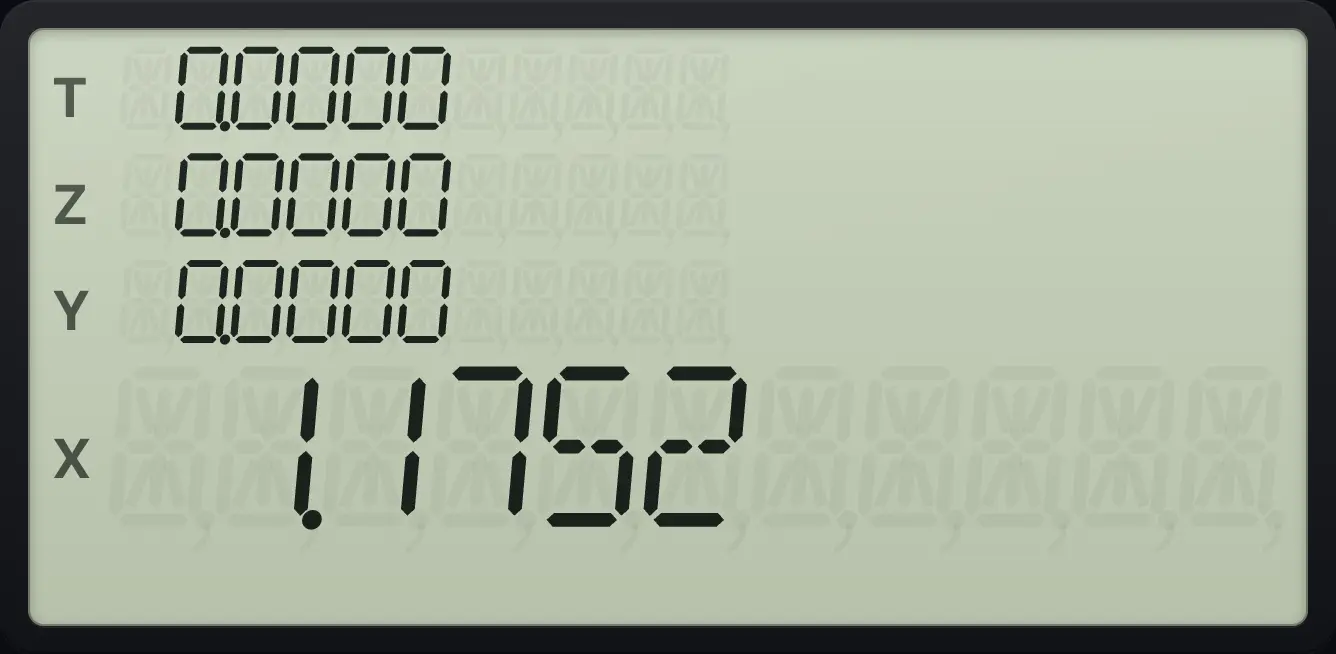
1.1752Hyperbolic tangent of 1
Key in 1, press f, HYP, then TAN.
1fHYPGTOTAN
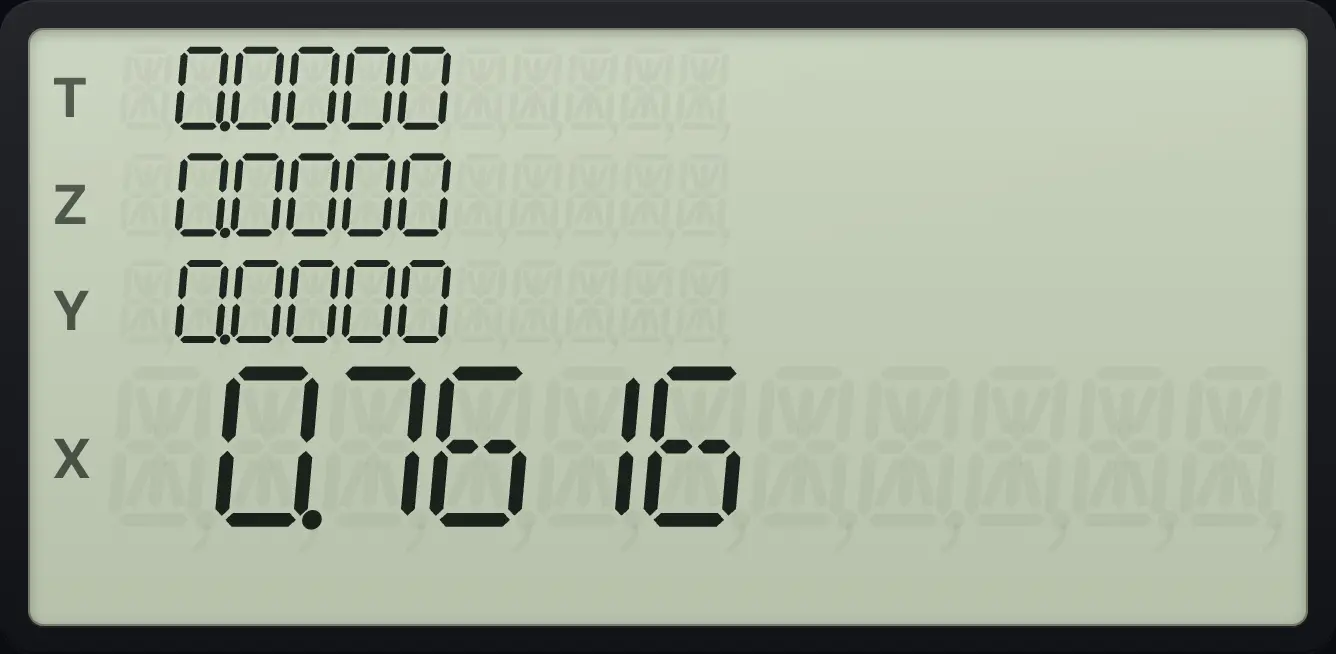
0.7616Go there and back
Take the hyperbolic sine of 1, then the inverse.
1fHYPGTOSINgHYP⁻¹GTOSIN
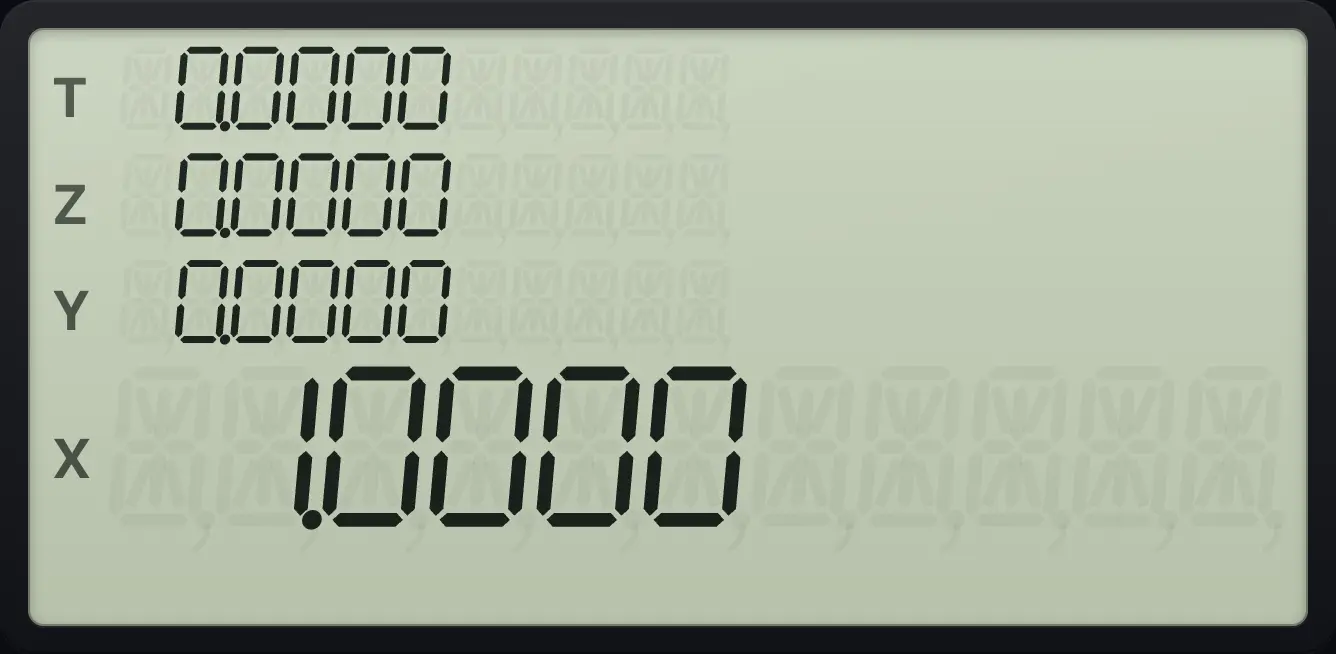
Back to 1.0000.HYP⁻¹ COS needs X of at least 1. HYP⁻¹ TAN needs X between −1 and 1. Outside those ranges you see Error 0.
- fHYPGTO
- HYP
- SIN
5.5The value of pi#
gπEEX puts π (3.14159265359) on the stack.
Area of a circle of radius 2
Key in 2, press g x², then g π and ×.
2gx²√xgπEEX×
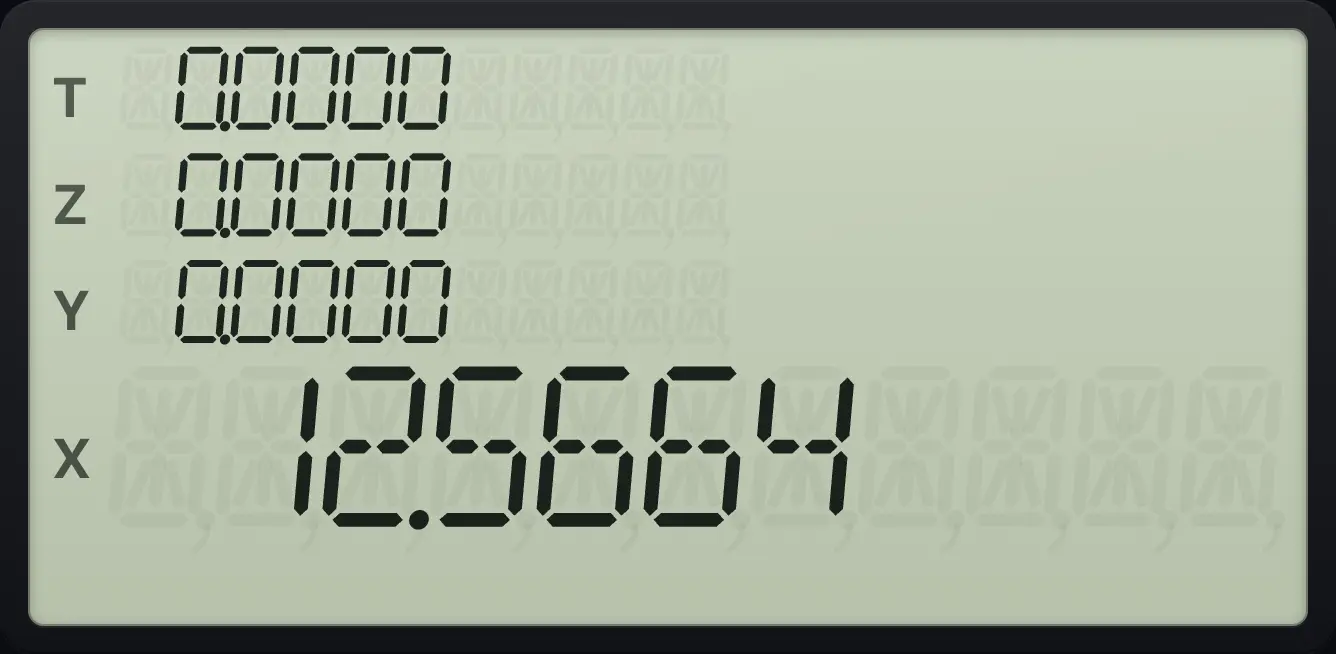
12.56645.6Convert between polar and rectangular coordinates#
g→P1 (→P) turns a point (x, y) into polar form. Put y in Y and x in X. The result is r in X and the angle θ in Y. f→R1 (→R) goes the other way: put θ in Y and r in X, and get x in X and y in Y. The angle uses the current angle unit.
Rectangular to polar: (3, 4)
Key in y = 3, ENTER, then x = 4, and press g, →P.
3ENTER4g→P1
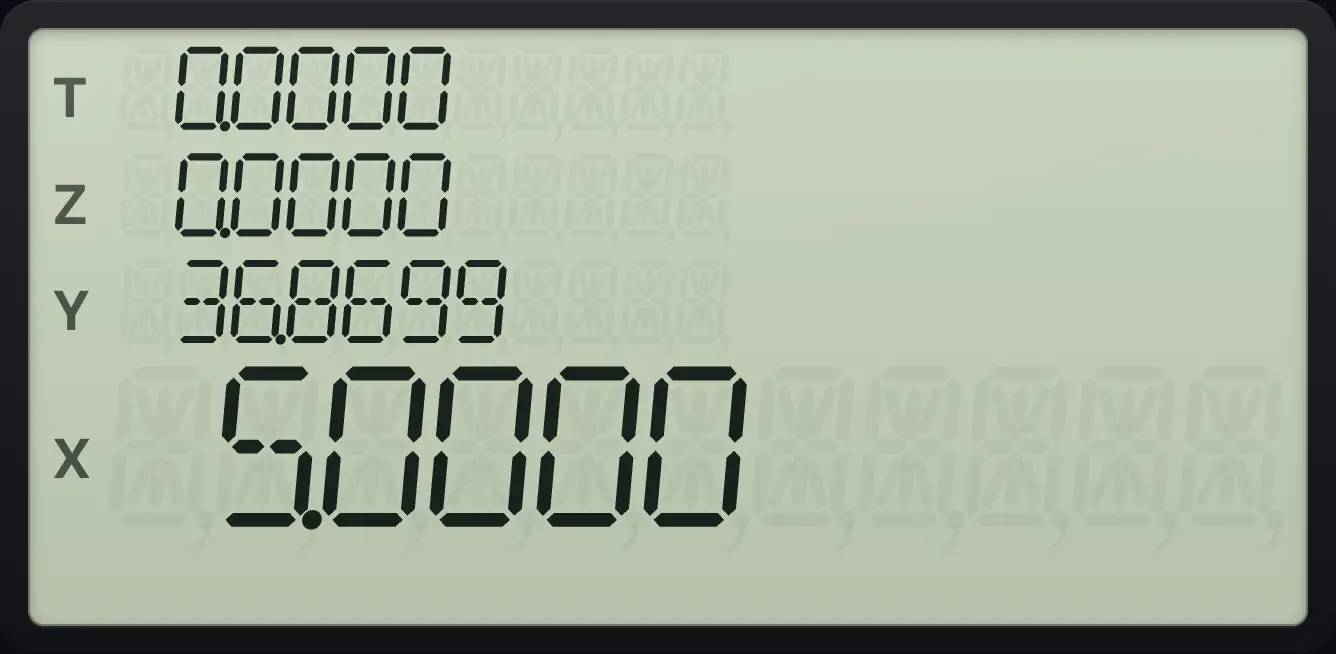
r = 5.0000 in X, θ = 36.8699 degrees in Y. The point is (x, y) = (4, 3).Polar to rectangular: r = 5, θ = 53.1301
Key in the angle first, ENTER, then r, and press f, →R.
53.1301ENTER5f→R1
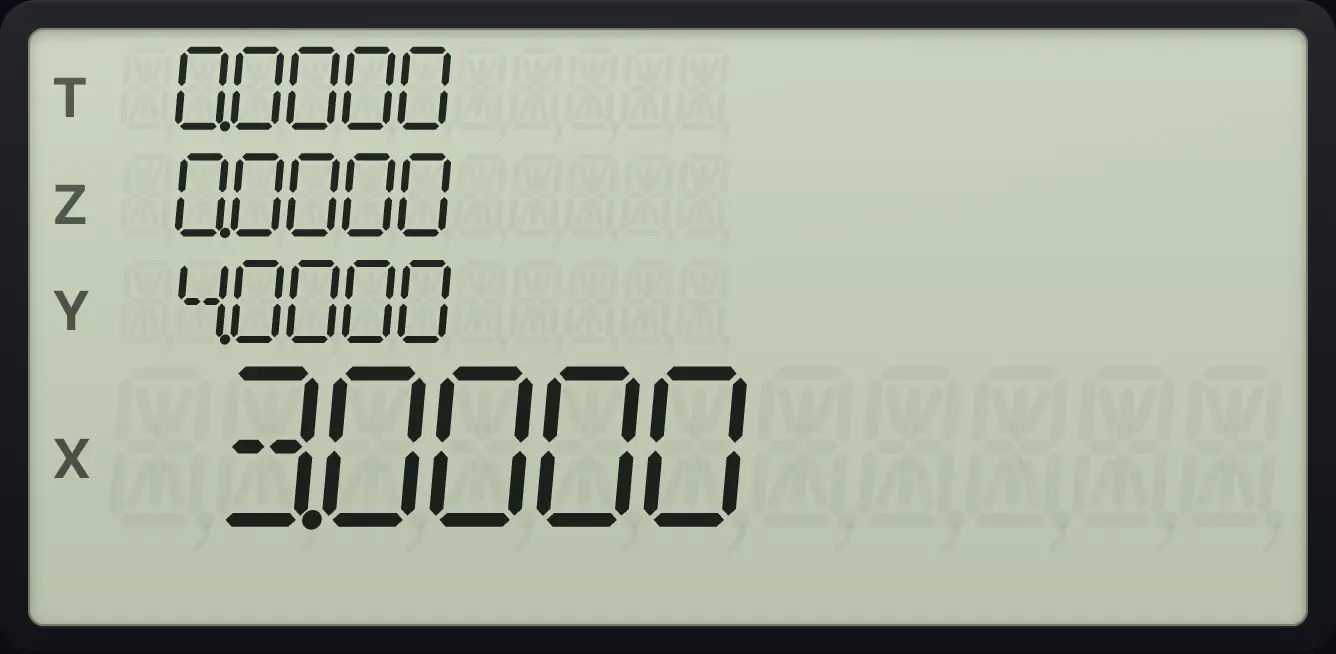
x = 3.0000 in X, y = 4.0000 in Y.5.7Convert degrees, radians and hours-minutes-seconds#
f→RAD3 (→RAD) converts X from degrees to radians. g→DEG3 (→DEG) converts radians to degrees. f→H.MS2 (→H.MS) converts decimal hours (or degrees) to hours.minutes-seconds, written H.MMSS. g→H2 (→H) does the reverse.
180 degrees in radians
Key in 180 and press f, →RAD.
180f→RAD3
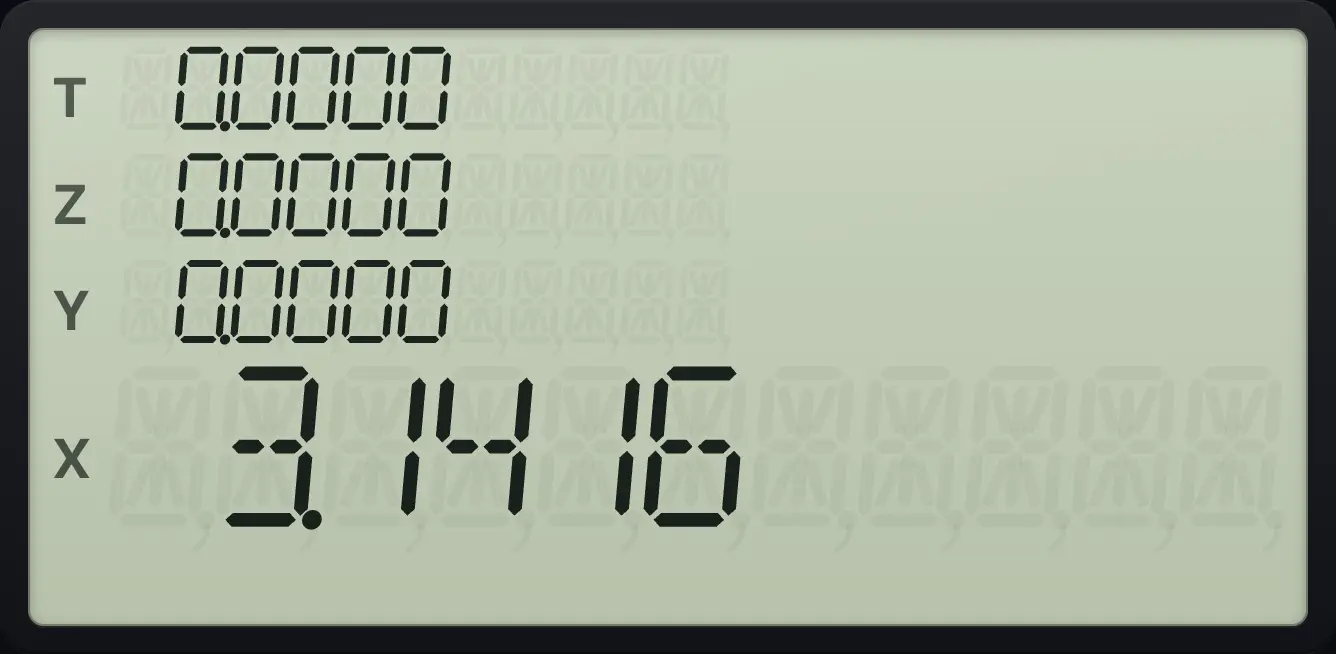
3.1416π radians in degrees
Press g π, then g →DEG.
gπEEXg→DEG3
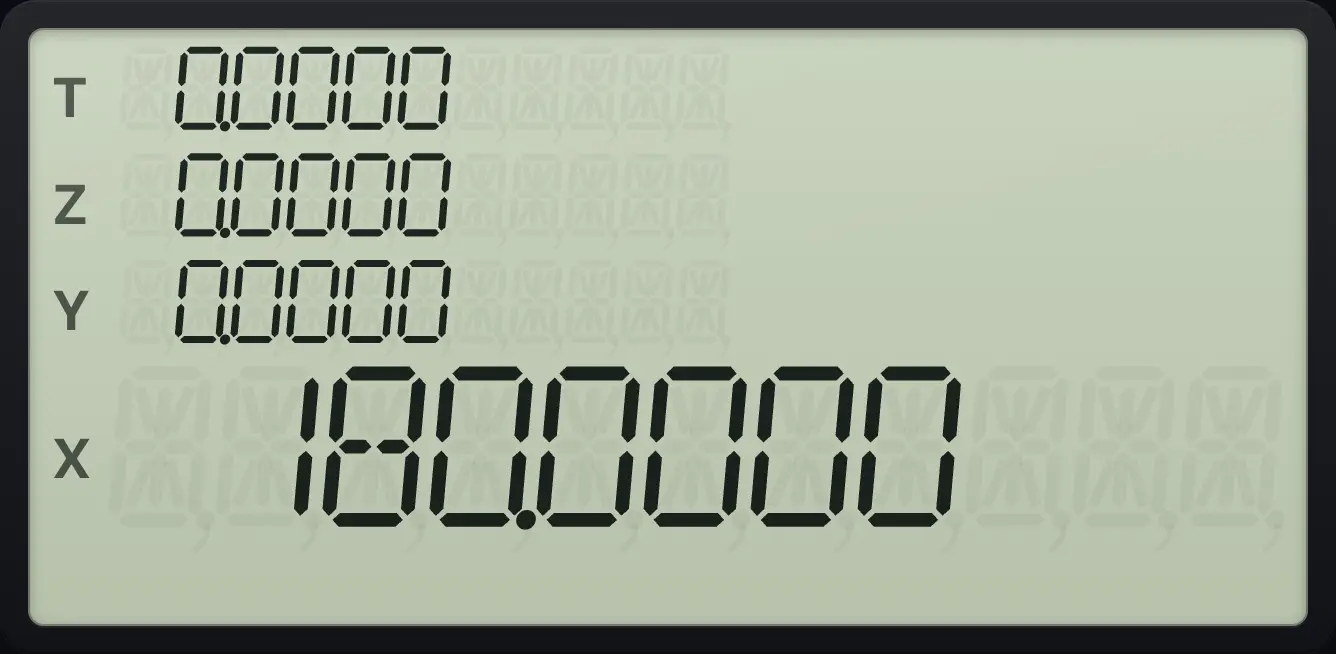
180.00002.5 hours as hours.minutes
Key in 2.5 and press f, →H.MS.
2.5f→H.MS2
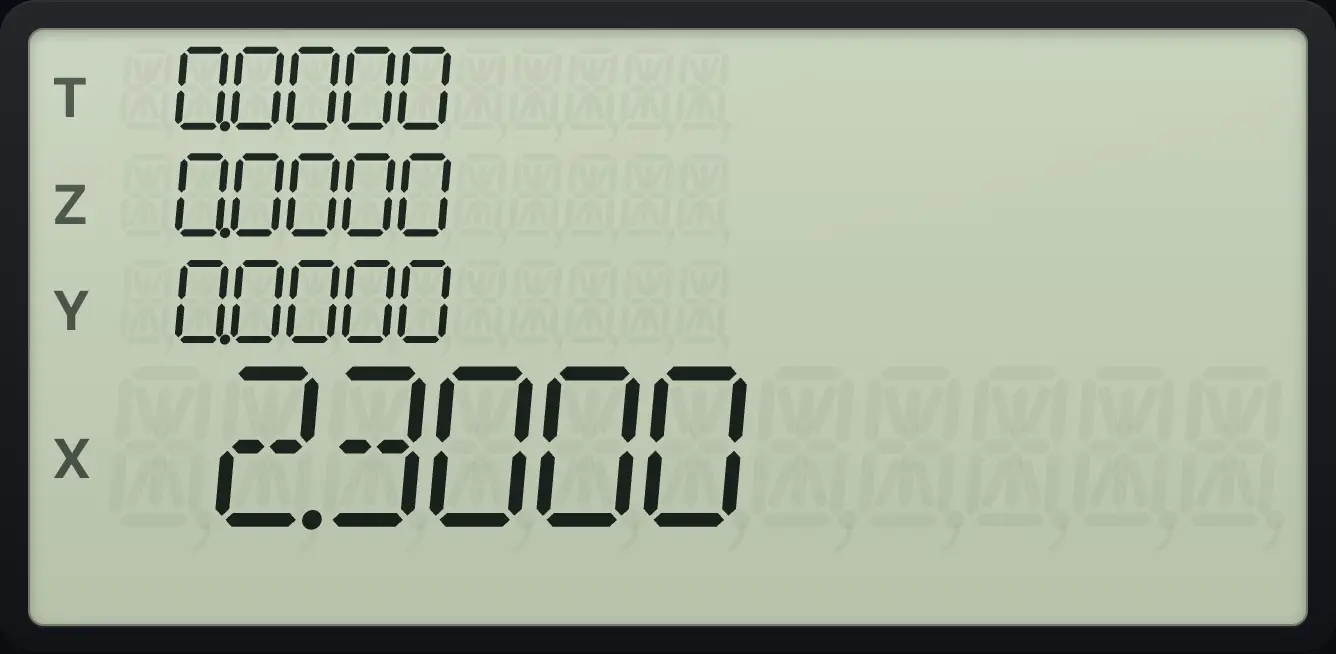
2 hours 30 minutes is written 2.3000.1 hour 30 minutes as decimal hours
Key in 1.3 and press g, →H.
1.3g→H2
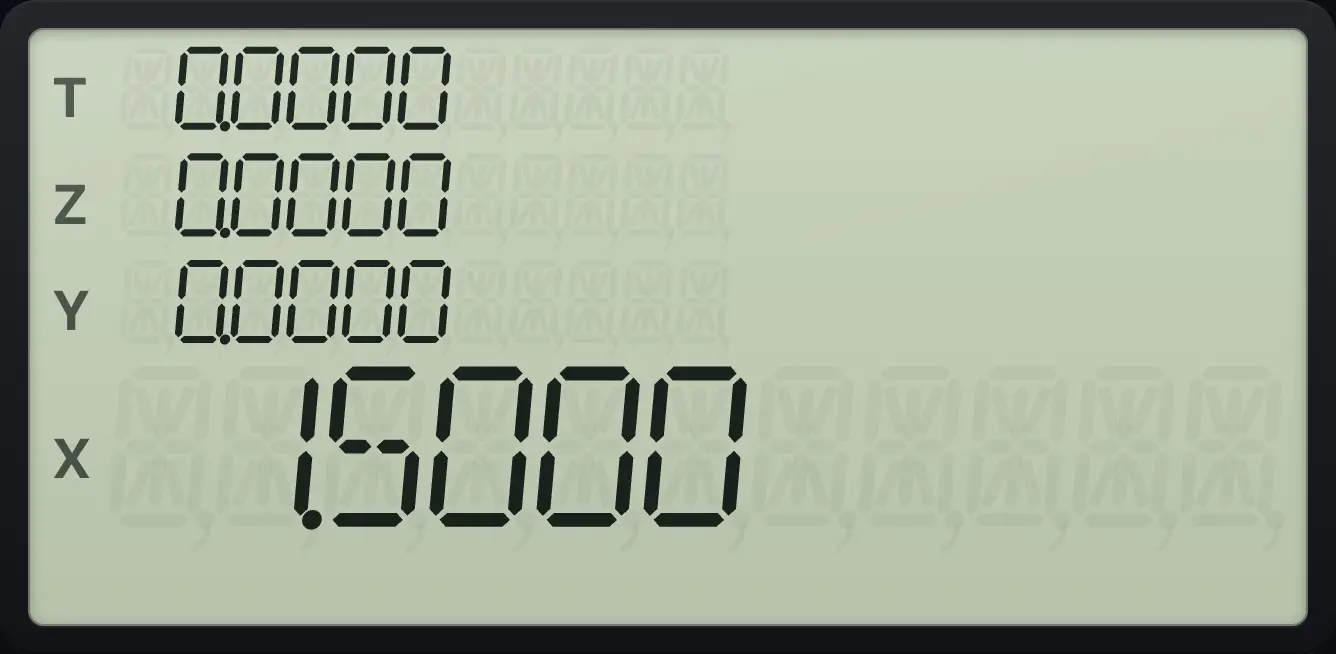
1.50005.8Factorial#
fx!0 (x!) gives the factorial of X. It also works for non-whole numbers (it uses the gamma function). Negative whole numbers give Error 0. Large values overflow to 9.999999999 × 10⁹⁹.
Factorial of 5
Key in 5 and press f, x!.
5fx!0
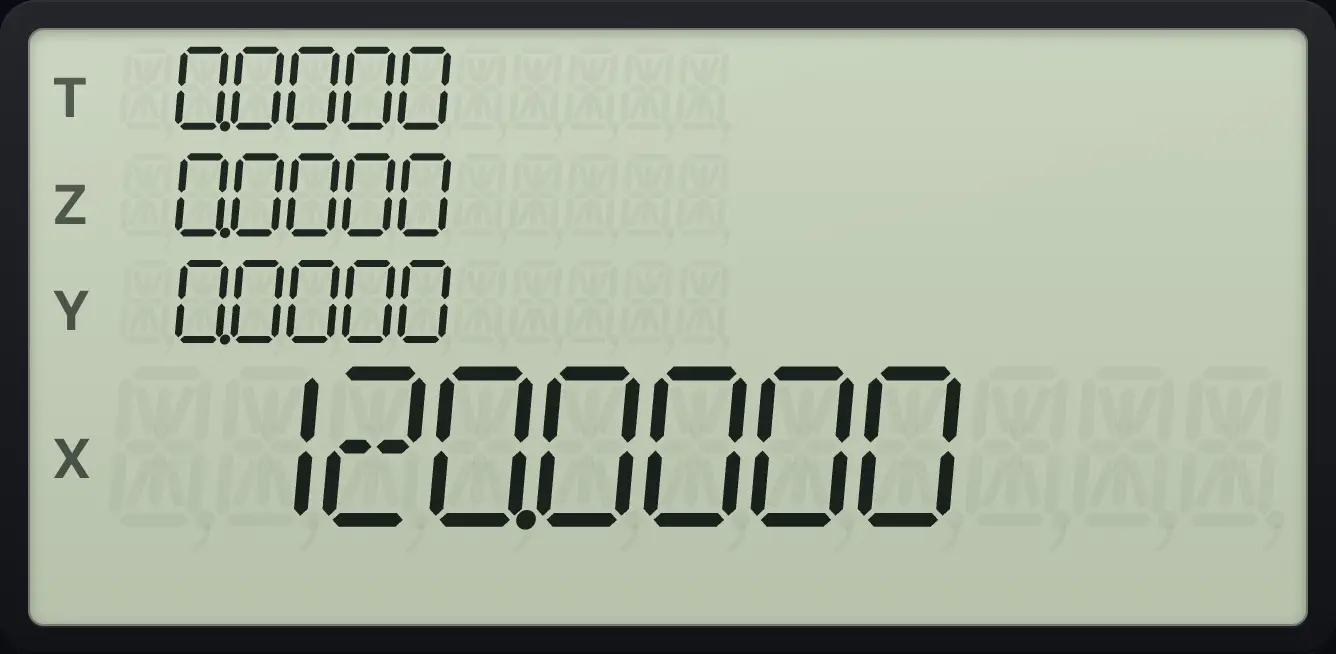
120.0000Factorial of one half
Key in 0.5 and press f, x!.
0.5fx!0
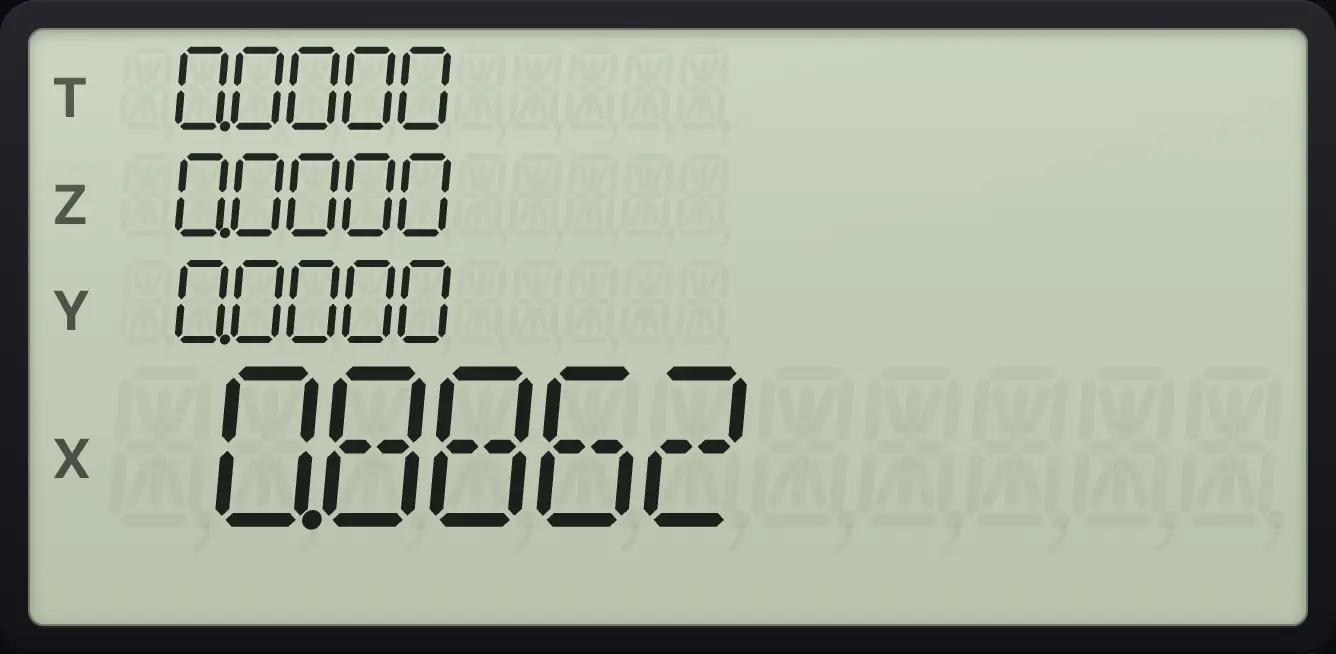
Half-factorial is 0.8862, which is half of the square root of π.5.9Permutations and combinations#
fPy,x+ (Py,x) counts ordered selections of X items from Y items. gCy,x+ (Cy,x) counts unordered selections. Both need whole numbers, with X not larger than Y.
Permutations of 4 items taken 2 at a time
Key in 4, ENTER, 2 and press f, Py,x.
4ENTER2fPy,x+
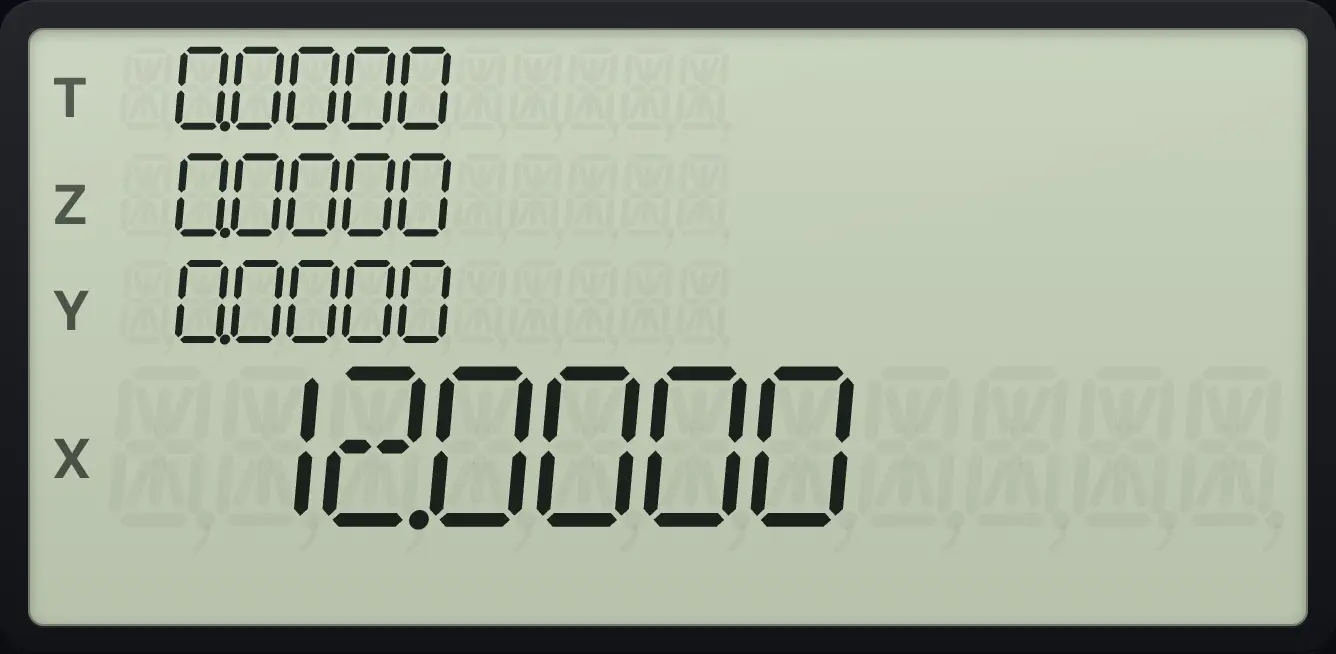
12.0000Combinations of 52 cards taken 5 at a time
Key in 52, ENTER, 5 and press g, Cy,x.
52ENTER5gCy,x+
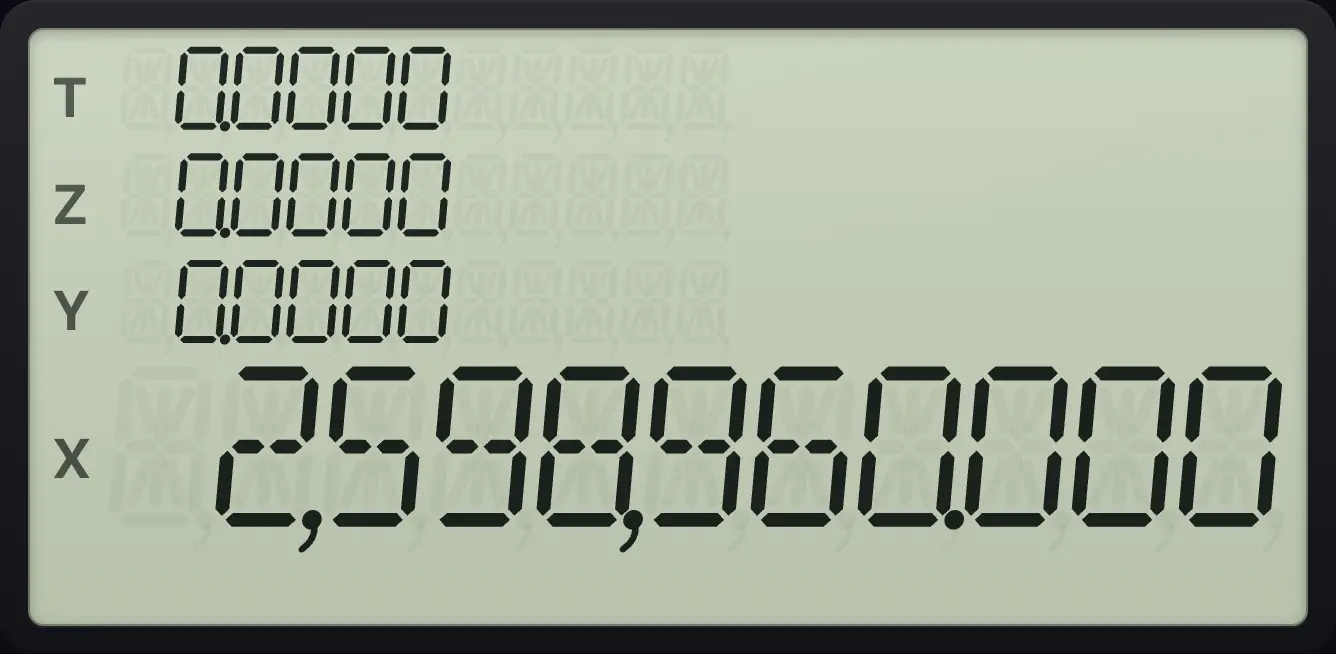
2,598,9605.10Integer part, fractional part and absolute value#
gINTSTO (INT) keeps the whole part of X. fFRACSTO (FRAC) keeps the part after the point. gABSCHS (ABS) removes a minus sign. For a negative number, INT and FRAC both keep the minus sign.
Integer part of 2.75
Key in 2.75 and press g, INT.
2.75gINTSTO
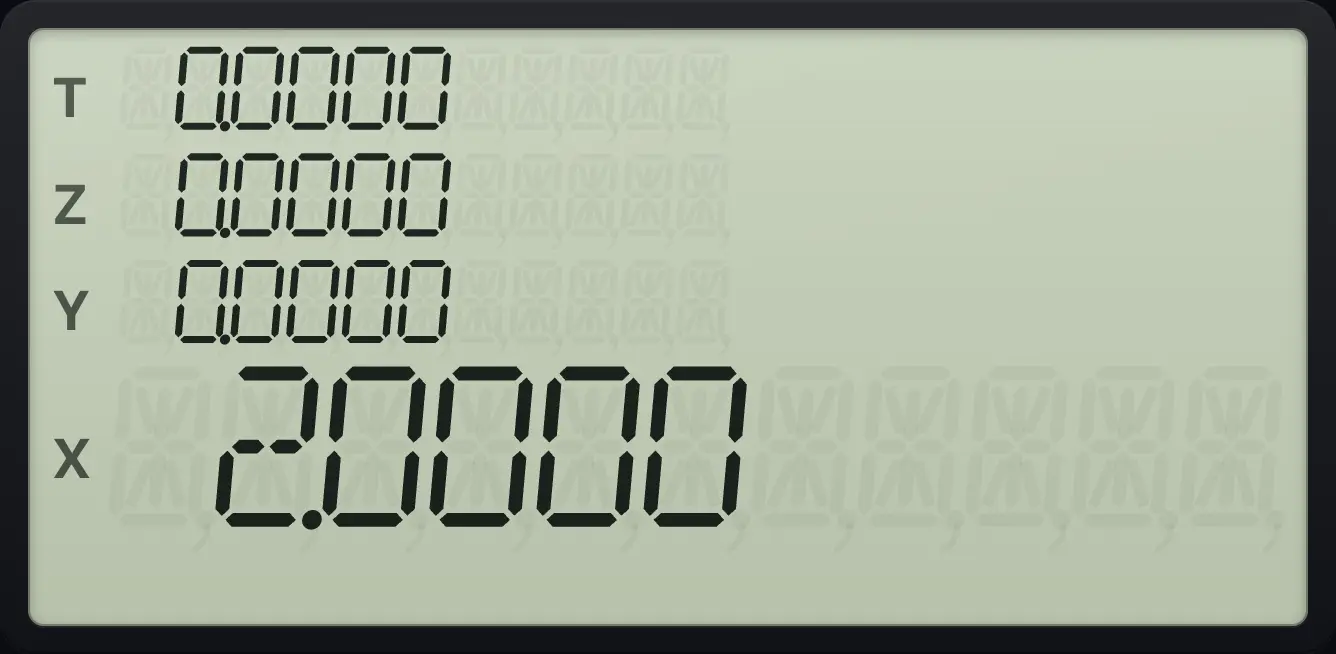
2.0000Fractional part of 2.75
Key in 2.75 and press f, FRAC.
2.75fFRACSTO
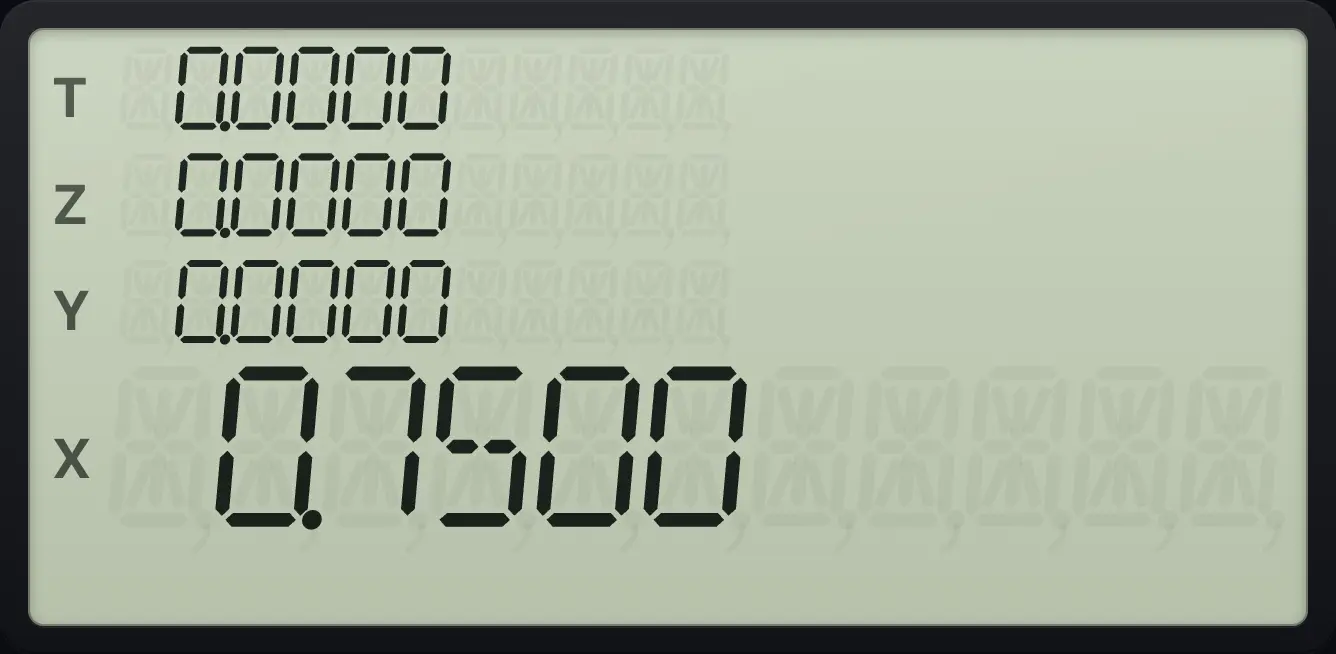
0.7500Absolute value of −4.37
Key in 4.37, CHS, then g, ABS.
4.37CHSgABSCHS
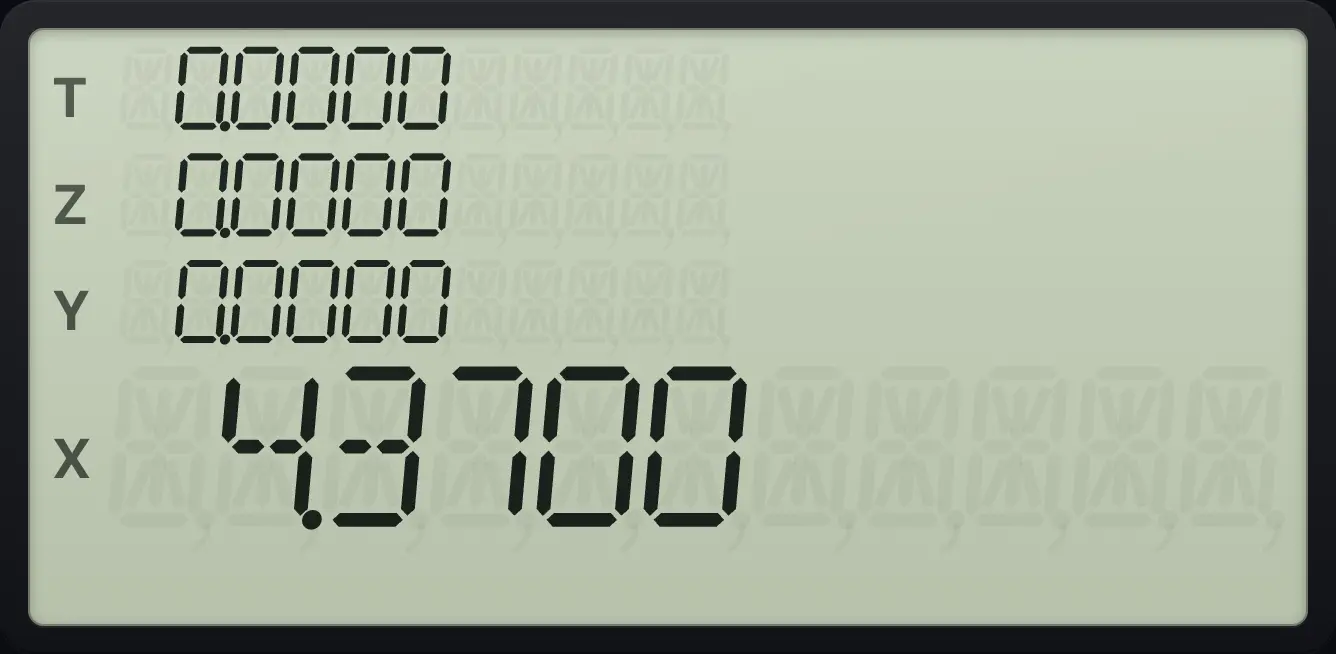
4.37005.11Round to the displayed digits#
The display setting only changes what you see. The calculator keeps 10 digits (and works with 13 inside). gRNDx⇄y (RND) really rounds the number in X to the digits shown, which is useful for money.
Round 1.23456 to two decimals
Switch to FIX 2, key in 1.23456 and press g, RND. Then switch to FIX 9 to prove it.
fFIX721.23456gRNDx⇄yfFIX79
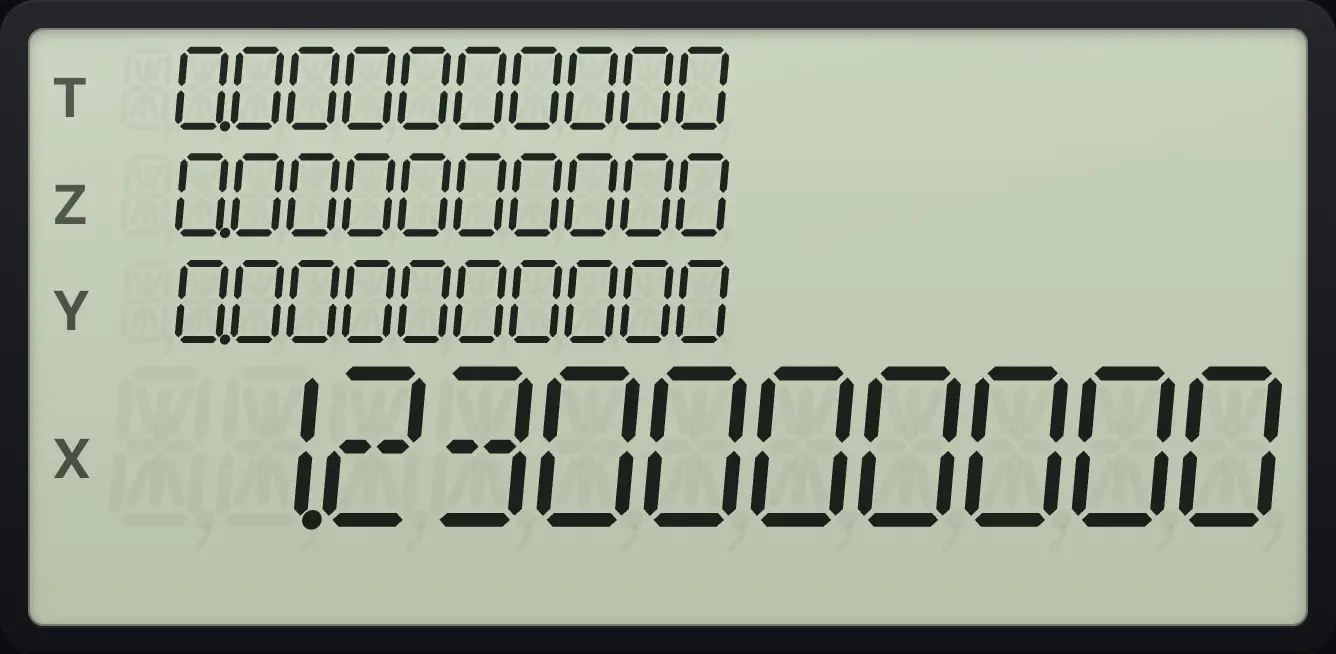
1.230000000See also Display and angle modes: Set the number of decimals: FIX, SCI and ENGRound answers to a set number of decimals
5.12Random numbers#
fRAN#ENTER (RAN#) puts a random number between 0 and 1 into X, with 10 digits. Each press gives a new number. To make the sequence repeat, store a seed first: key in a number, press STO, then f and ENTER. The same seed always gives the same sequence. RCL then fRAN#ENTER recalls the seed.
To get a whole number from 1 to 6, multiply by 6, add 1 and take the integer part: RAN#, 6, ×, 1, +, INT.
HP-15C is a trademark of HP Inc.. Trident Calculator is an independent product by South View Studios and is not affiliated with, sponsored by or endorsed by HP. The name is used only to describe the kind of calculator this model resembles; Trident's names, keys, display, fonts and software are its own clean-room design.