
RPN Scientific 15 manual · Chapter 10 of 12
Keystroke programming
Record keys as a program, label it, run it, use subroutines, tests, flags, loops with DSE and ISG, indirect addressing, editing and stepping.
10.1What a keystroke program is#
A program is a list of keystrokes the calculator remembers. You turn on program mode, press the keys you would normally press, and each key press becomes one line. Later you run the list with one command, and the calculator presses the keys for you.
Program memory holds up to 448 lines. Each line is one command. A command like fLBLSST 1 (a label) or STO 5 is stored as one line even though it takes several key presses. A multi-digit number takes one line per digit.
Whatever is in X when the program starts is its input. Whatever is in X when it ends is its answer. A program can also use the stack, the registers and the flags.
10.2Enter a program#
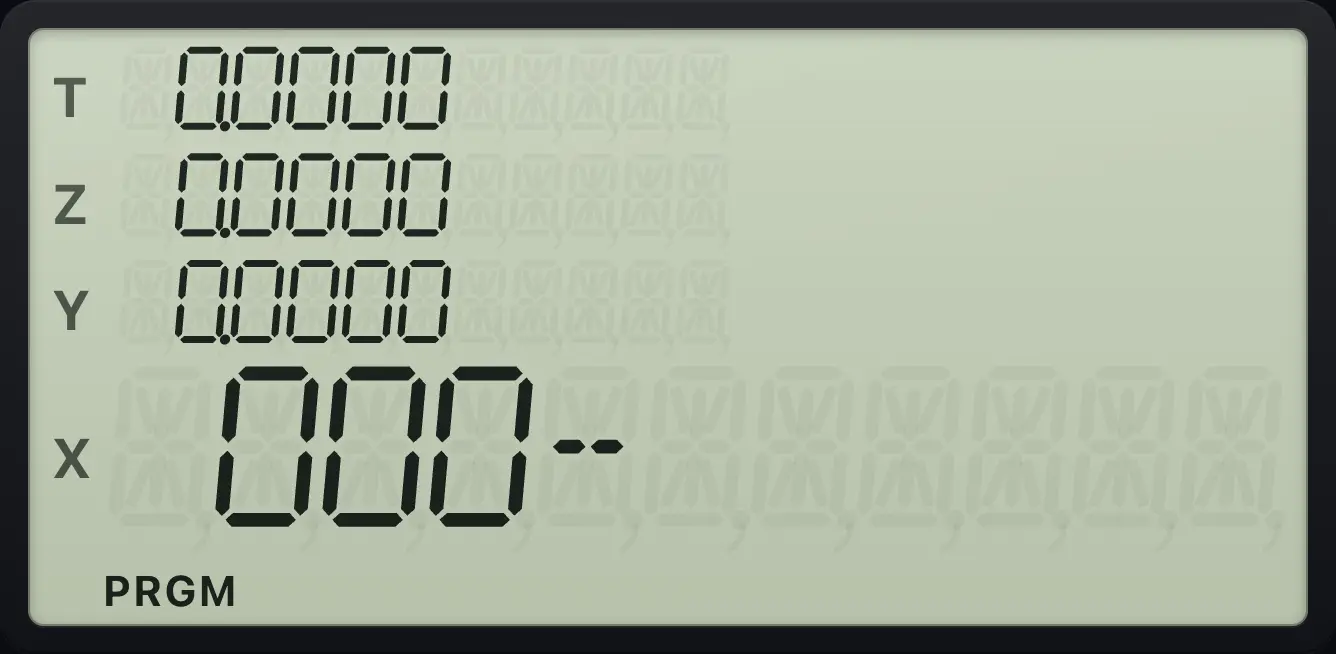
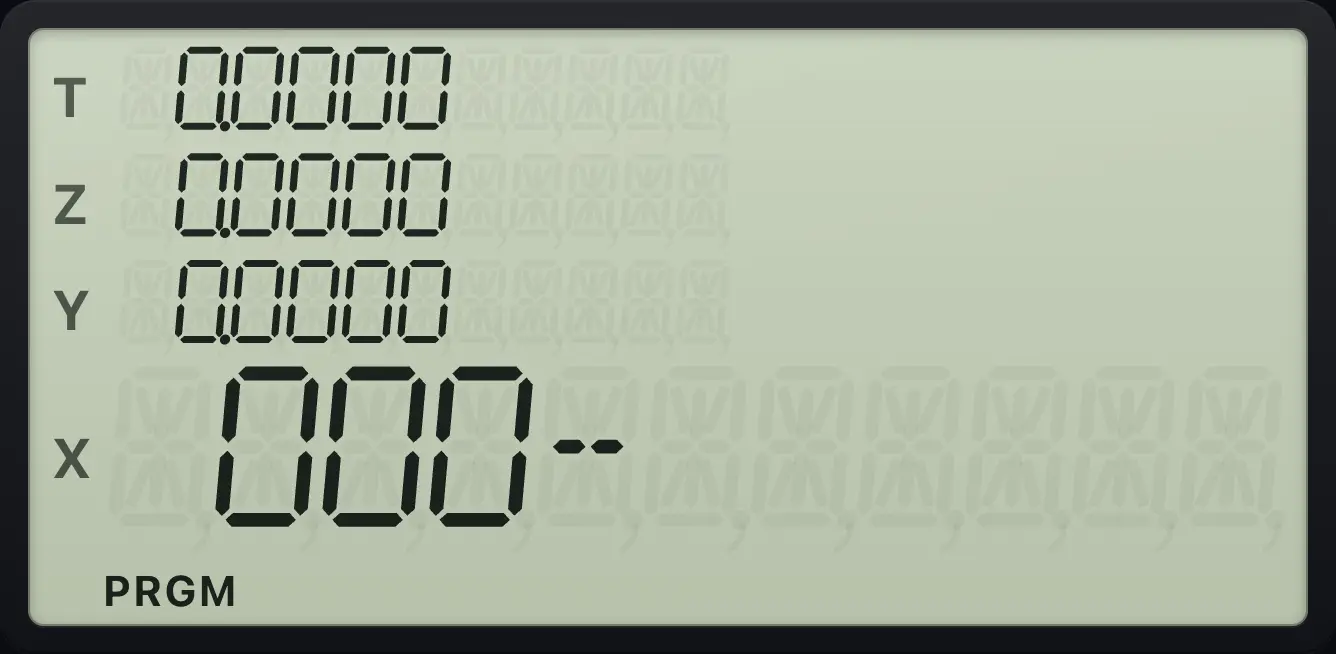
- Press gP/RR/S (P/R) to turn program mode on. The PRGM indicator lights and the display shows 000-.
- Start with a label: fLBLSST (LBL) and then a label. A label is a digit 0 to 9, a point and a digit (.0 to .9), or one of A, B, C, D, E (√x, eˣ, 10ˣ, yˣ, 1/x).
- Key in the steps just as you would for a hand calculation.
- End with gRTNGSB (RTN, return).
- Press gP/RR/S again to leave program mode.
While you record, nothing is calculated and the stack is not touched. New lines are inserted at the current line, after the line shown.
Area of a circle from its radius
Program mode on. LBL A, then x², π, ×, RTN. Program mode off.
gP/RR/SfLBLSST√xgx²√xgπEEX×gRTNGSBgP/RR/SKey in the radius 3 and press f, A.
3fA√x
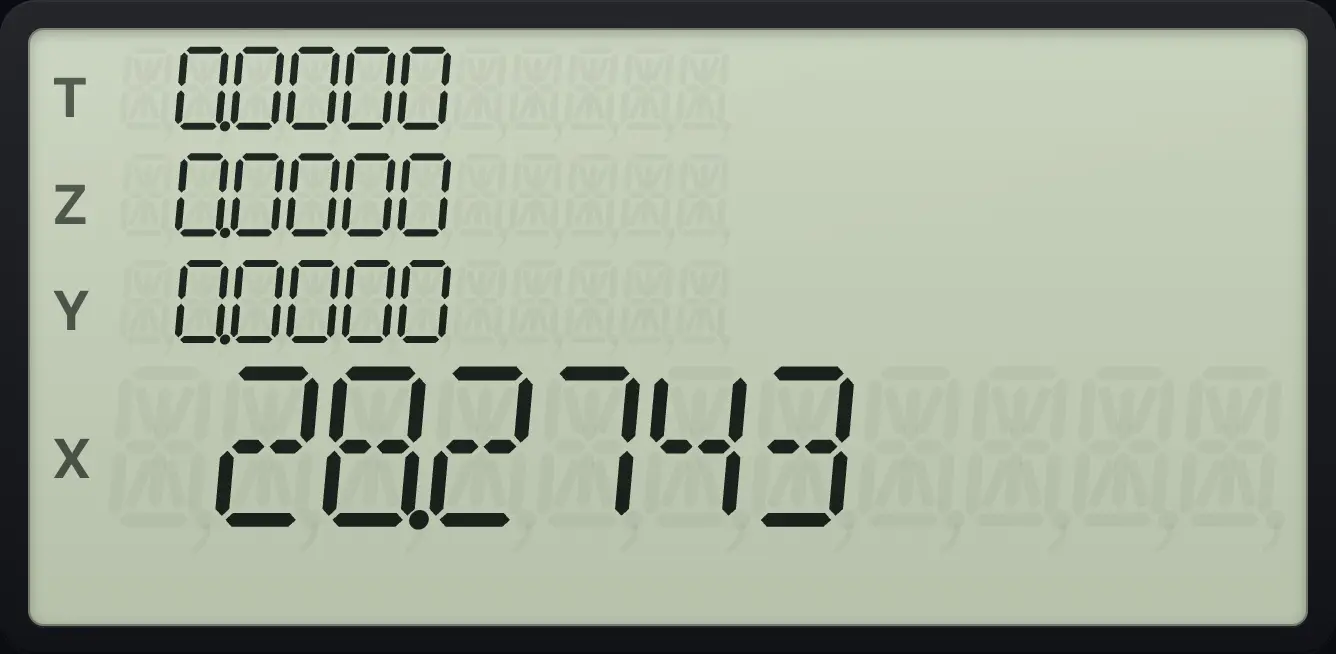
The area is 28.2743.Key in another radius and press f, A again to reuse the program. The earlier answer moves up the stack.
- gP/RR/S
- fLBLSST label
- your keys
- gRTNGSB
- gP/RR/S
10.3Read the program display#
In program mode the display shows the line number and the keycode of the command, for example 001- 42,21,11. The keycodes are the row and column of each key: 42 is f, 21 is SST and 11 is √x. So 42,21,11 is LBL A. Digits show as themselves. A register such as .1 shows as .1.
See the first line of a program
Enter the circle program, then press g, BST (g, SST) until you reach line 001.
gP/RR/SfLBLSST√xgx²√xgπEEX×gRTNGSBgBSTSSTgBSTSSTgBSTSSTgBSTSST
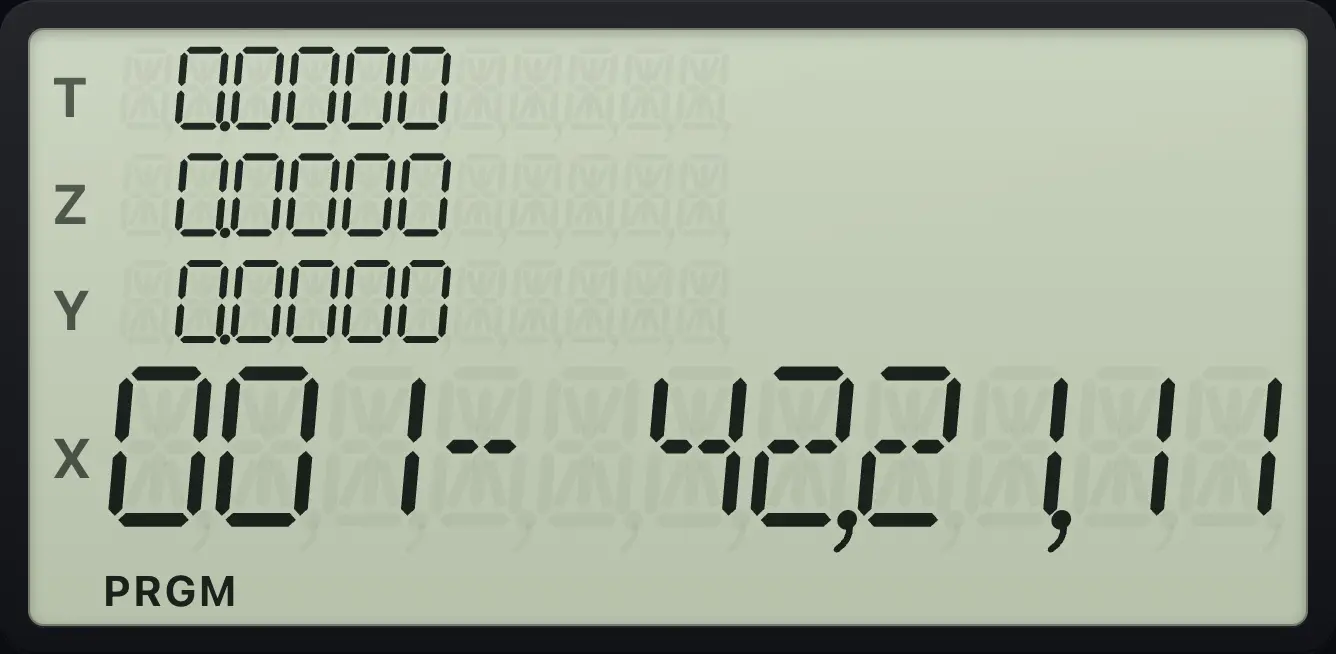
Line 001 reads 42,21,11 (f LBL A).See where a program ends
Press g, R/S for program mode, then LBL A, g RTN and read the last line.
gP/RR/SfLBLSST√xgRTNGSB
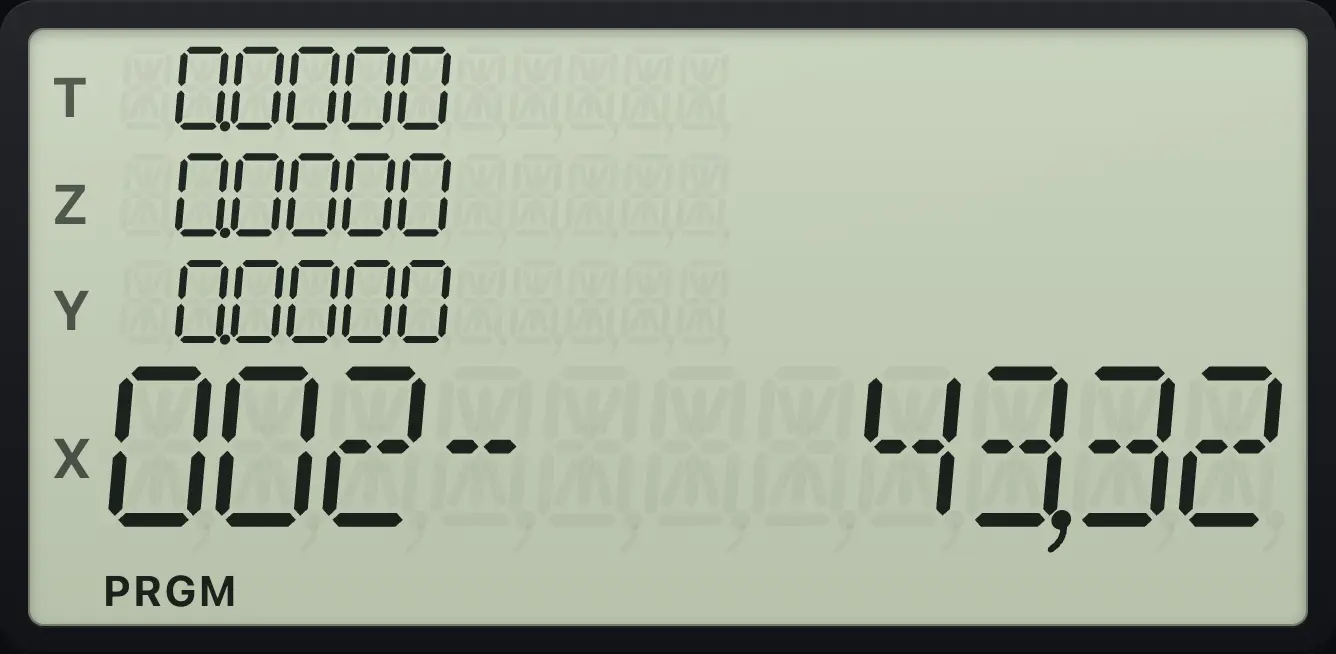
Line 002 is 43,32: g, GSB (RTN).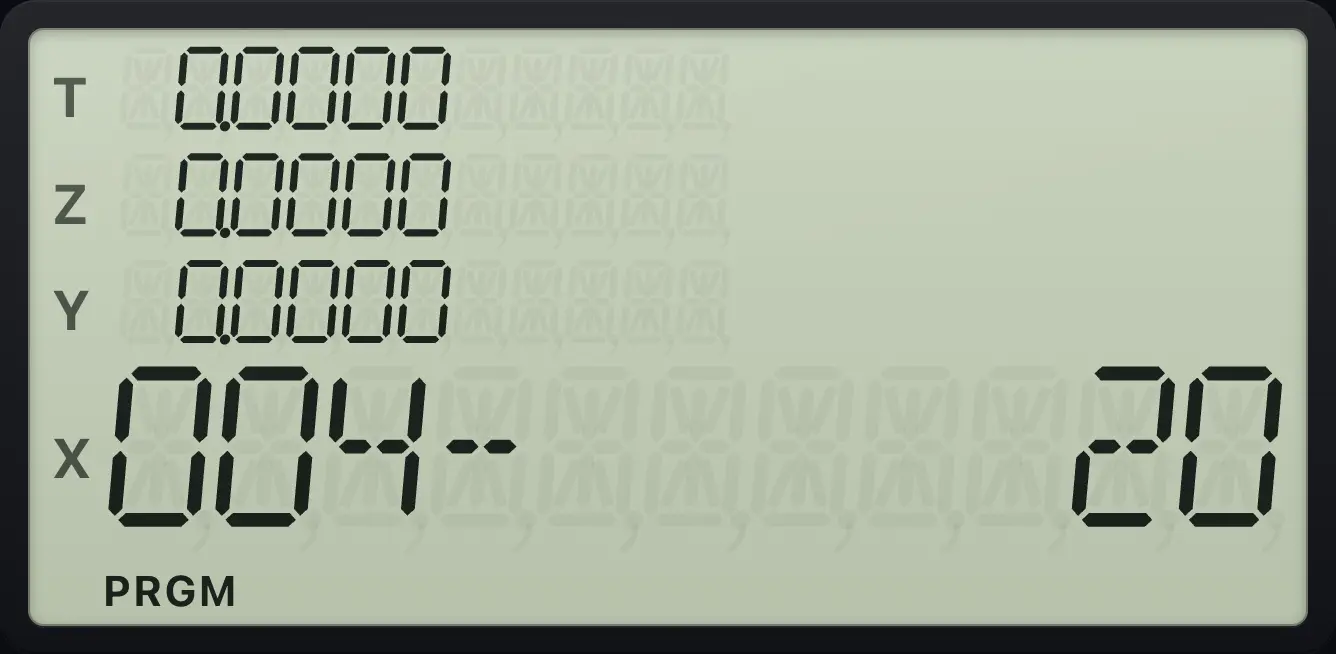
10.4Run a program#
There are four ways to start a program.
- f and then a label key from A to E (√x to 1/x): runs that label.
- GSB and then any label (a digit, a point and a digit, or A to E): runs that label as a subroutine, then returns.
- In USER mode, press a plain A to E key.
- GTO and a label (positions the program) and then R/S (R/S): runs from there.
The program runs until it reaches RTN, or until it stops at an R/S line. When it finishes, the display shows X. A program that runs off the end of memory acts as if it ended with RTN.
Run a label with GSB
Program label 9 = add 12 to X. Then run it on 3 with GSB 9.
gP/RR/SfLBLSST912+gRTNGSBgP/RR/S3GSB9
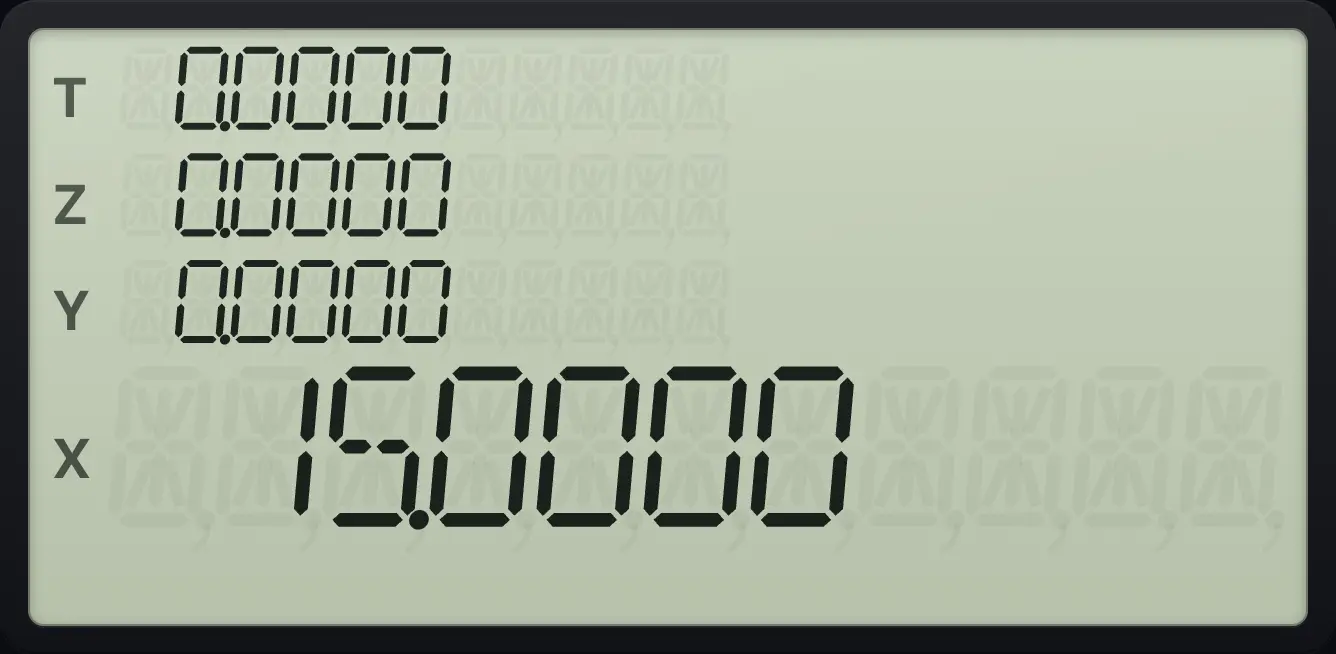
15.0000Run it twice in a row
Run label A (x² + 1) on 3, then run it again on the result.
gP/RR/SfLBLSST√xgx²√x1+gRTNGSBgP/RR/S3fA√xfA√x
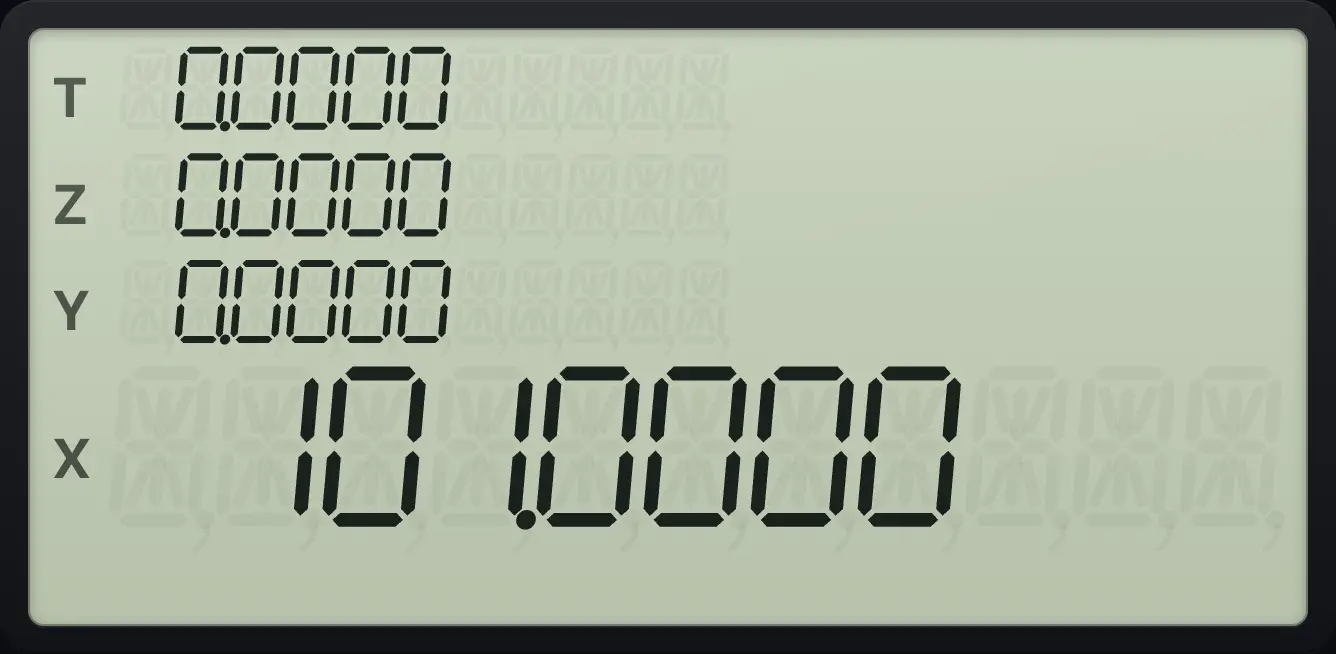
3² + 1 = 10, then 10² + 1 = 101.0000.10.5Stop for input: R/S inside a program#
Put R/S (R/S) in a program where it should pause. The calculator stops and shows X. Key in a number if you want, then press R/S to carry on from the next line.
Pause in the middle of a program
Label B: ×2, R/S, +3. Run it on 5 and then continue.
gP/RR/SfLBLSSTeˣ2×R/S3+gRTNGSBgP/RR/S5fBeˣR/S
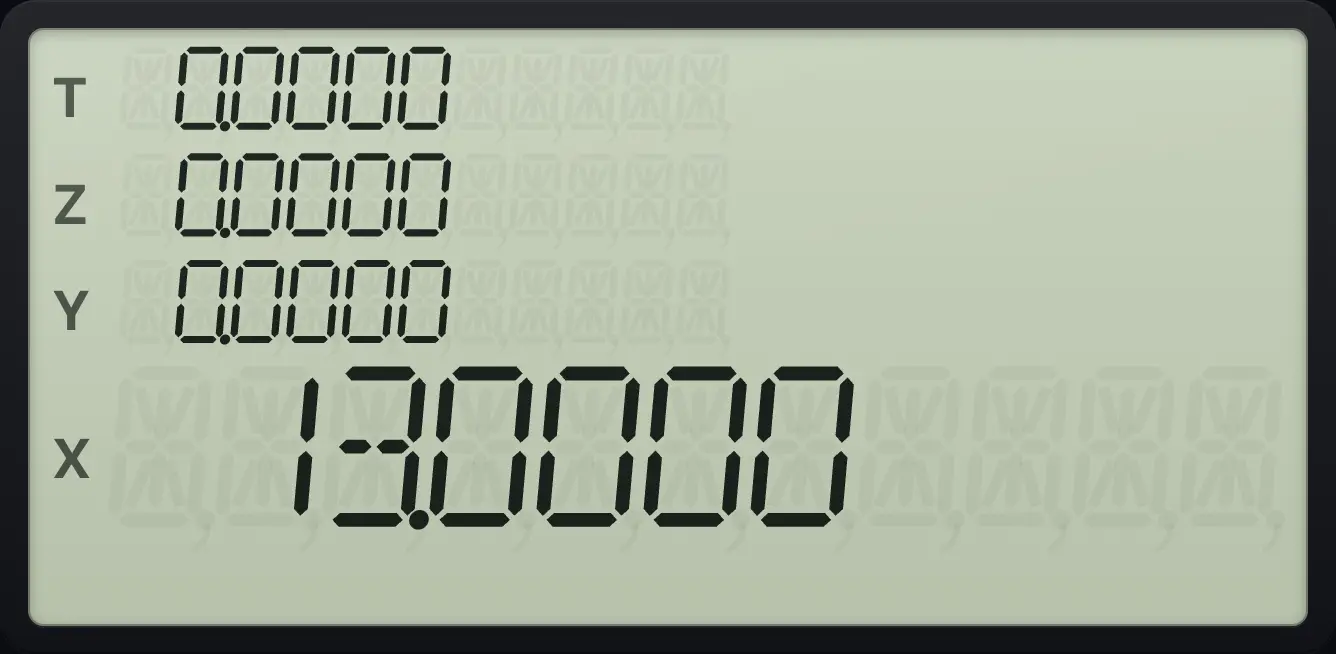
The first stop shows 10.0000. After R/S the program adds 3 and shows 13.0000.R/S pressed from the keyboard when no program is running starts it from the current line. If the pointer is at the end, it restarts from line 000.
10.6Run labels A to E with one key#
Turn on USER mode with fUSERRCL. The plain A to E keys then run your programs. Turn it off with fUSERRCL again. See Modes.
See also Display and angle modes: USER mode
10.7Use subroutines#
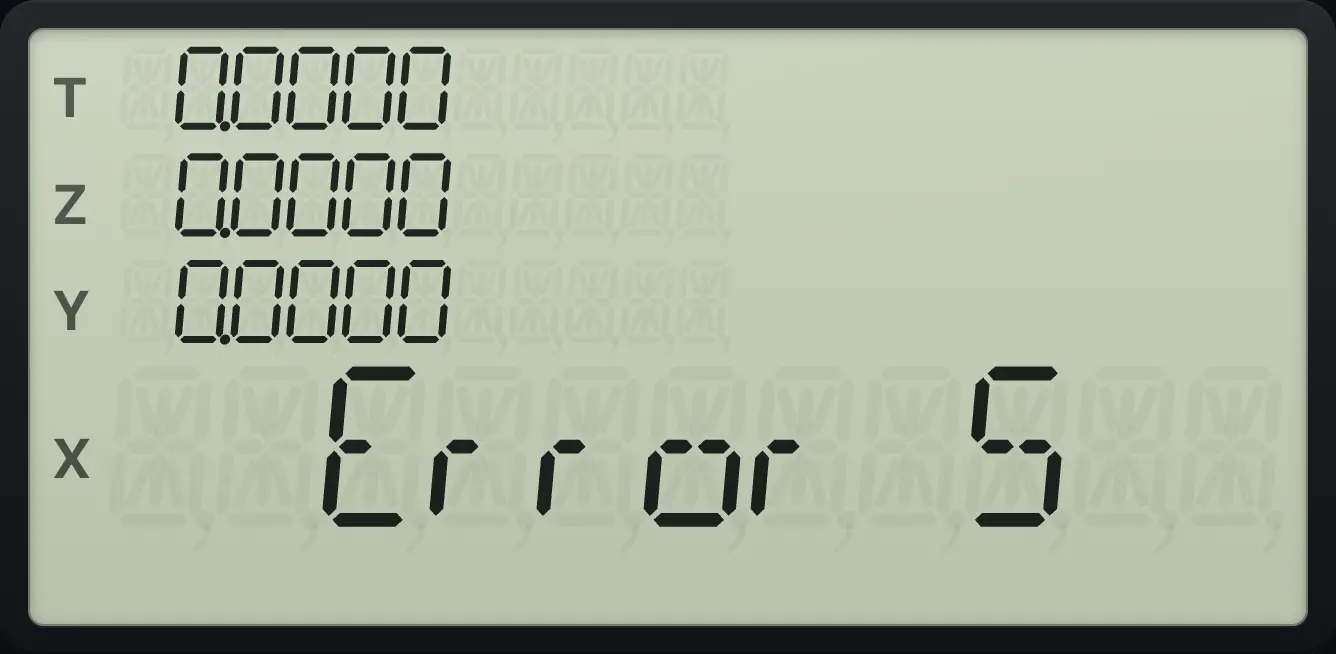
A subroutine is a labelled piece of a program that another part calls. In a program, GSB and a label jumps to that label. When the subroutine reaches RTN, the program continues with the line after the GSB. You can nest subroutines up to seven levels deep (Error 5 if you go deeper).
A program that calls a subroutine
Label B: call .2, then add 1. Label .2 multiplies by 10. Run B on 4.
gP/RR/SfLBLSSTeˣGSB.21+gRTNGSBfLBLSST.210×gRTNGSBgP/RR/S4fBeˣ
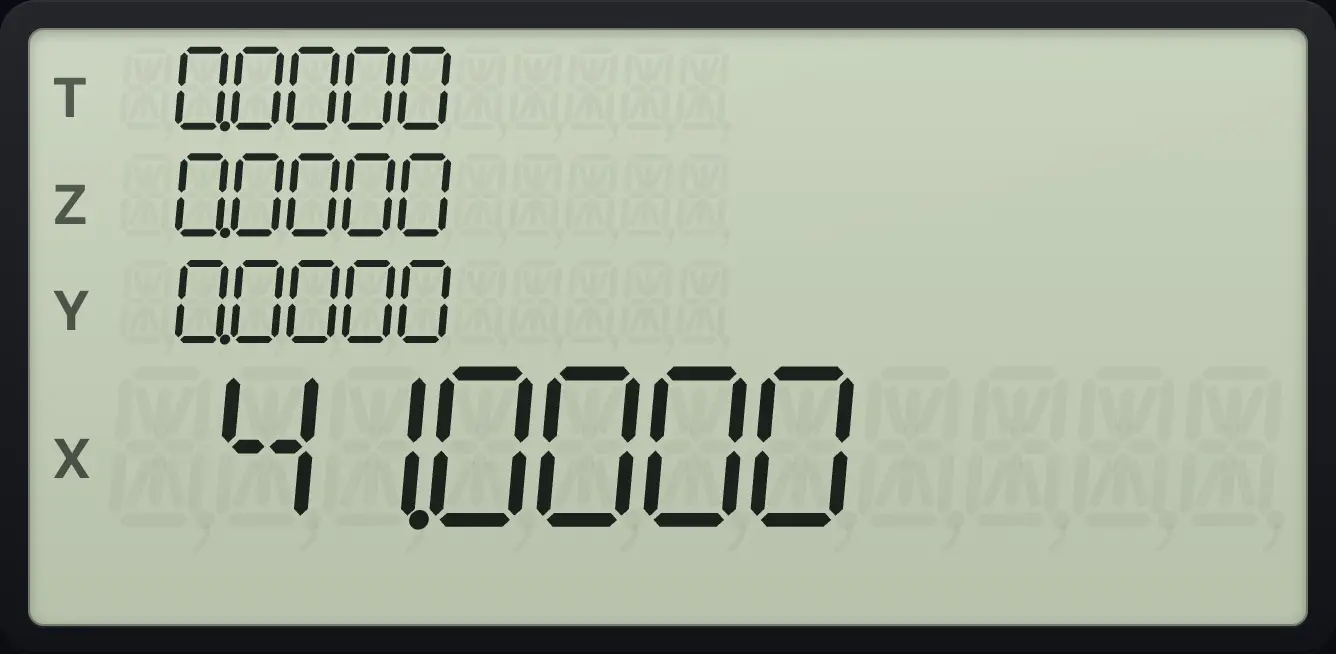
4 × 10 + 1 = 41.0000.A subroutine used twice
Label 1 squares x. Label 2 calls it twice: x⁴. Run on 3.
gP/RR/SfLBLSST1gx²√xgRTNGSBfLBLSST2GSB1GSB1gRTNGSBgP/RR/S3GSB2
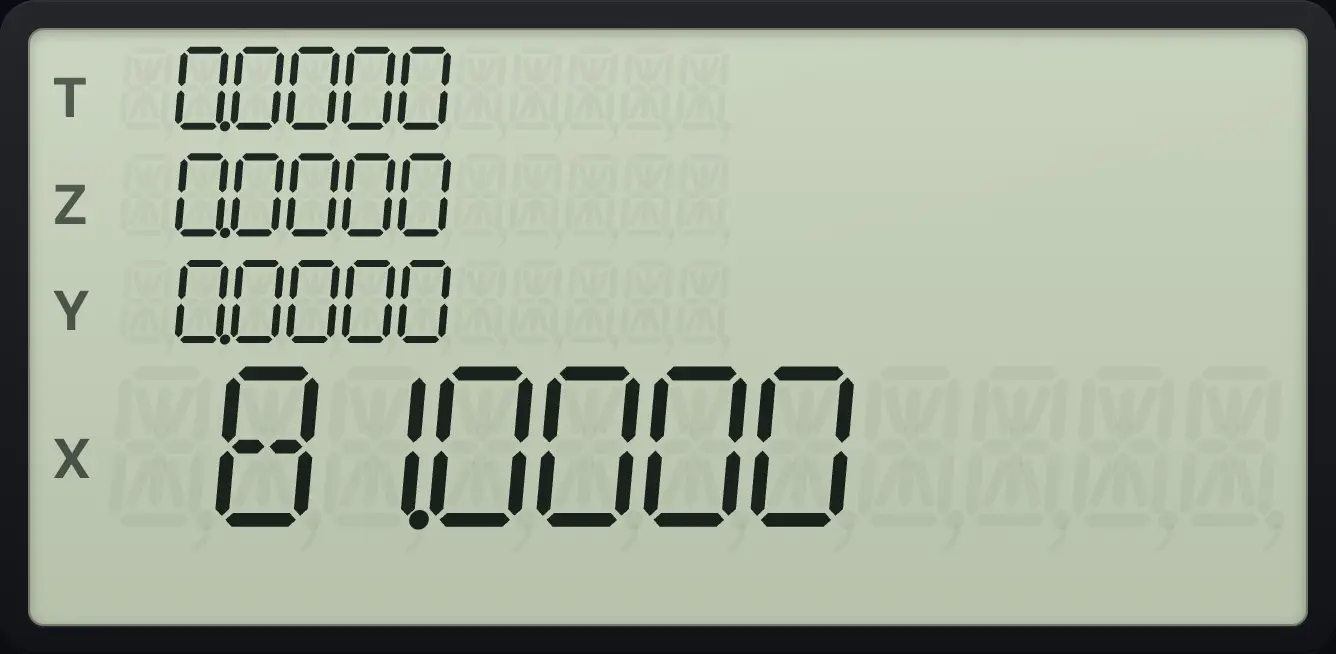
81.0000- run B
- GSB .2
- × 10 in .2
- RTN
- + 1
- RTN
10.8Jump with GTO#
In a program, GTO and a label jumps there for good, with no return. Use it to build loops or to skip lines. GTO searches forward from the current line and wraps around to the top if it must.
From the keyboard, GTO and a label only moves the program pointer. Press R/S to run from there. GTO CHS nnn (press GTO, CHS and three digits) moves to a line number. The line must exist, or you get Error 4.
Go to a label and run from there
Label 1 keys in 11. Press GTO 1 to place the pointer, then R/S to run from there.
gP/RR/SfLBLSST111gP/RR/SGTO1R/S
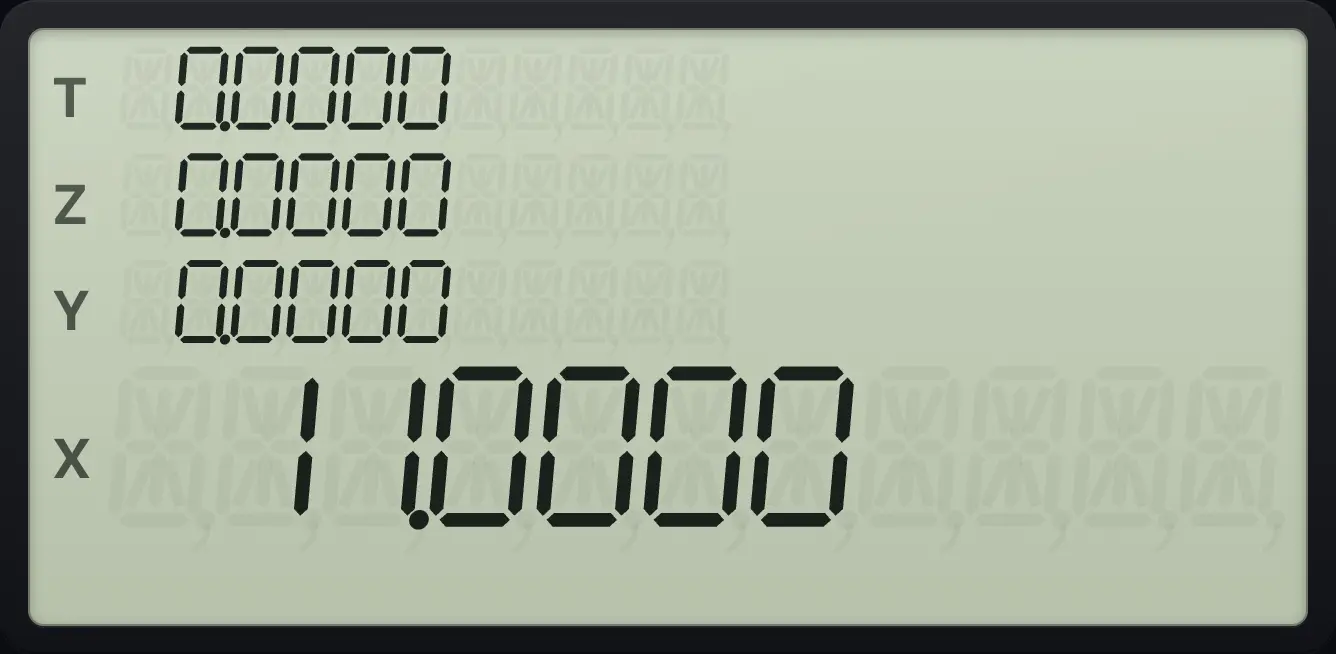
11.000010.9Make decisions with tests#
A test checks X (and sometimes Y). In a program, if the test is true, the next line is run. If it is false, the next line is skipped. The test keys are gx≤y÷ (x≤y) and gx=0× (x=0), and gTEST− (TEST) followed by a digit.
| Keys | True when |
|---|---|
| gx≤y÷ | X is less than or equal to Y |
| gx=0× | X equals zero |
| gTEST− 0 | X is not zero |
| gTEST− 1 | X is greater than zero |
| gTEST− 2 | X is less than zero |
| gTEST− 3 | X is greater than or equal to zero |
| gTEST− 4 | X is less than or equal to zero |
| gTEST− 5 | X equals Y |
| gTEST− 6 | X is not equal to Y |
| gTEST− 7 | X is greater than Y |
| gTEST− 8 | X is less than Y |
| gTEST− 9 | X is greater than or equal to Y |
The larger of two numbers
Label E: if X ≤ Y then swap. Key in 3, ENTER, 7 and run it.
gP/RR/SfLBLSST1/xgx≤y÷x⇄ygRTNGSBgP/RR/S3ENTER7fE1/x
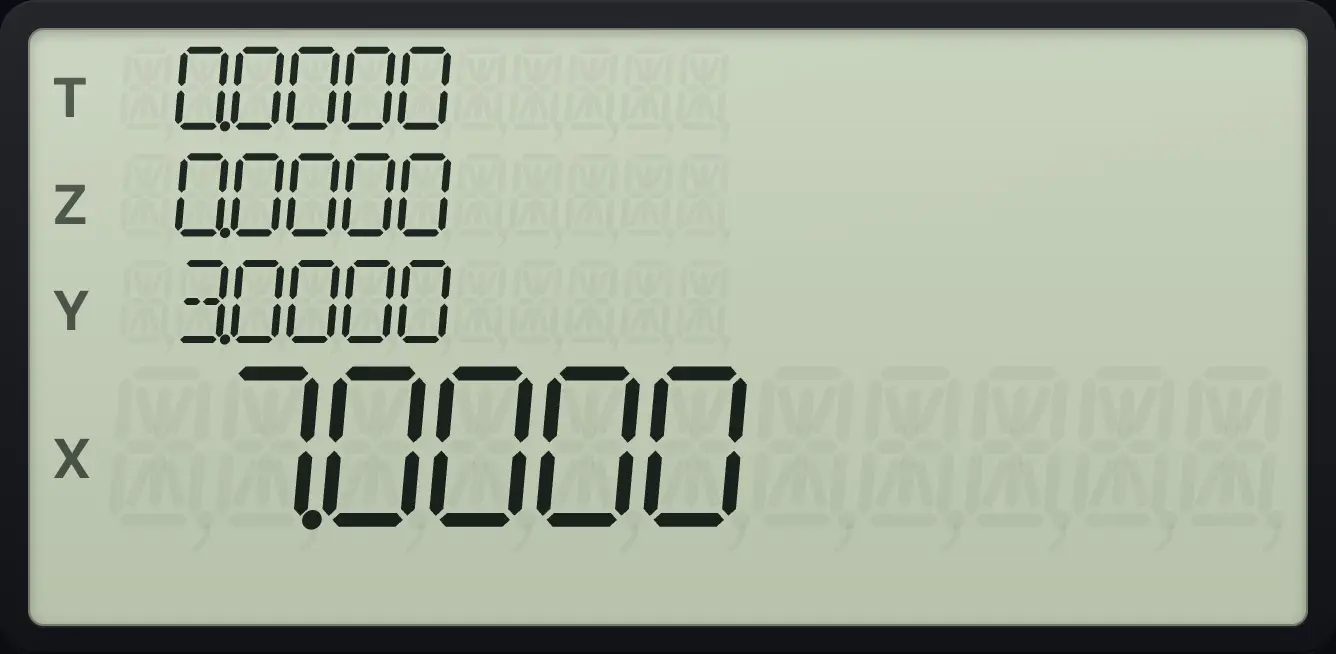
7.0000The larger of two numbers, the other way round
Same program, key in 7, ENTER, 3.
gP/RR/SfLBLSST1/xgx≤y÷x⇄ygRTNGSBgP/RR/S7ENTER3fE1/x
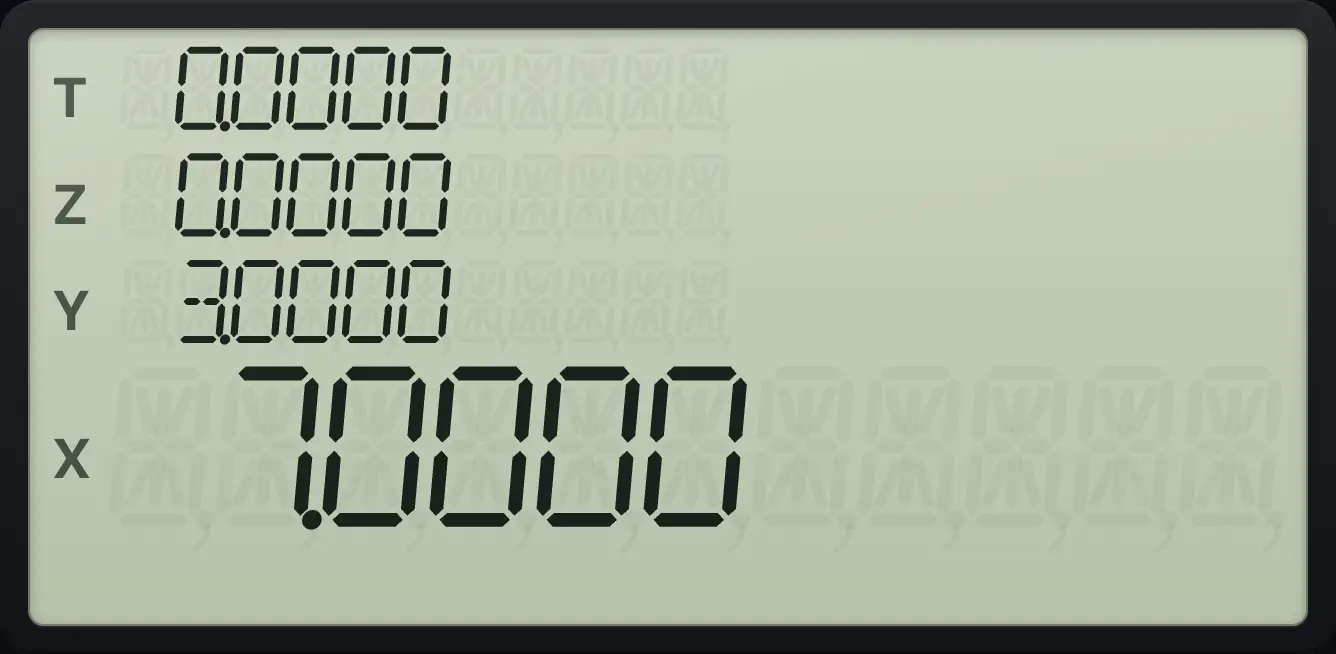
7.0000Absolute value with a test
Label 6: if X < 0 then change sign. Run it on −5.
gP/RR/SfLBLSST6gTEST−2CHSgRTNGSBgP/RR/S5CHSGSB6
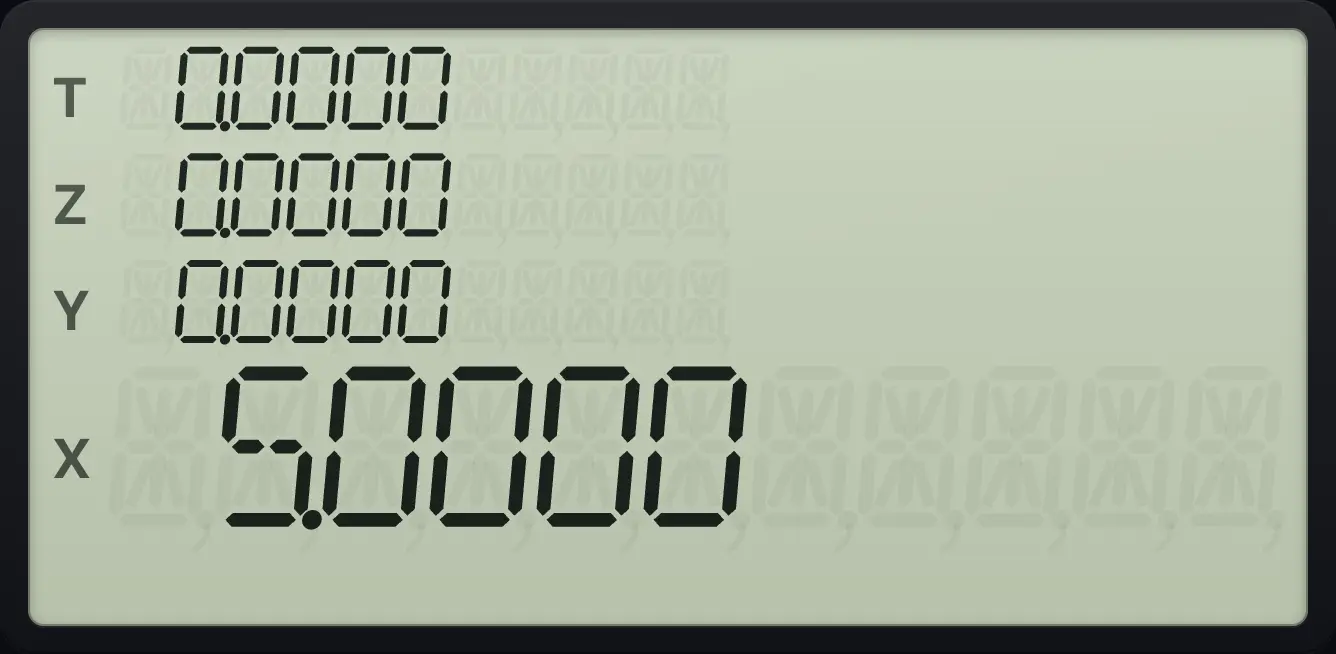
5.0000Branch on zero with x=0
Label 4: if X = 0 then GTO 5, else return 1. Label 5 returns 2. Run on 0.
gP/RR/SfLBLSST4gx=0×GTO51gRTNGSBfLBLSST52gRTNGSBgP/RR/S0GSB4
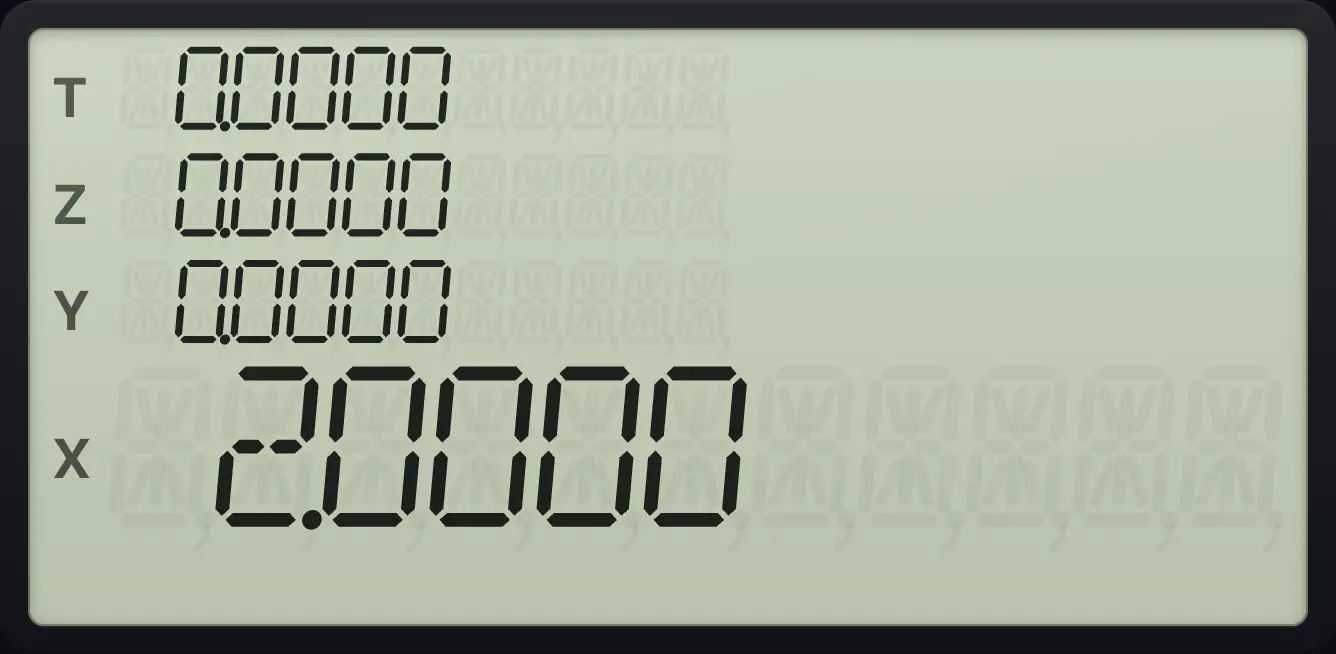
2.0000- test
- true: run next line
- false: skip next line
- continue
10.10Flags in programs#
gSF4 and a digit sets the flag, gCF5 and a digit clears it, and gF?6 and a digit (F?) is a test: if the flag is set, the next line runs; if not, it is skipped. A flag keeps its state after the program ends, so a program can remember things between runs.
Flag set: the program changes the sign
Label 7: if flag 3 is set then CHS. Set flag 3 first, key in 5 and run label 7.
gP/RR/SfLBLSST7gF?63CHSgRTNGSBgP/RR/SgSF435GSB7
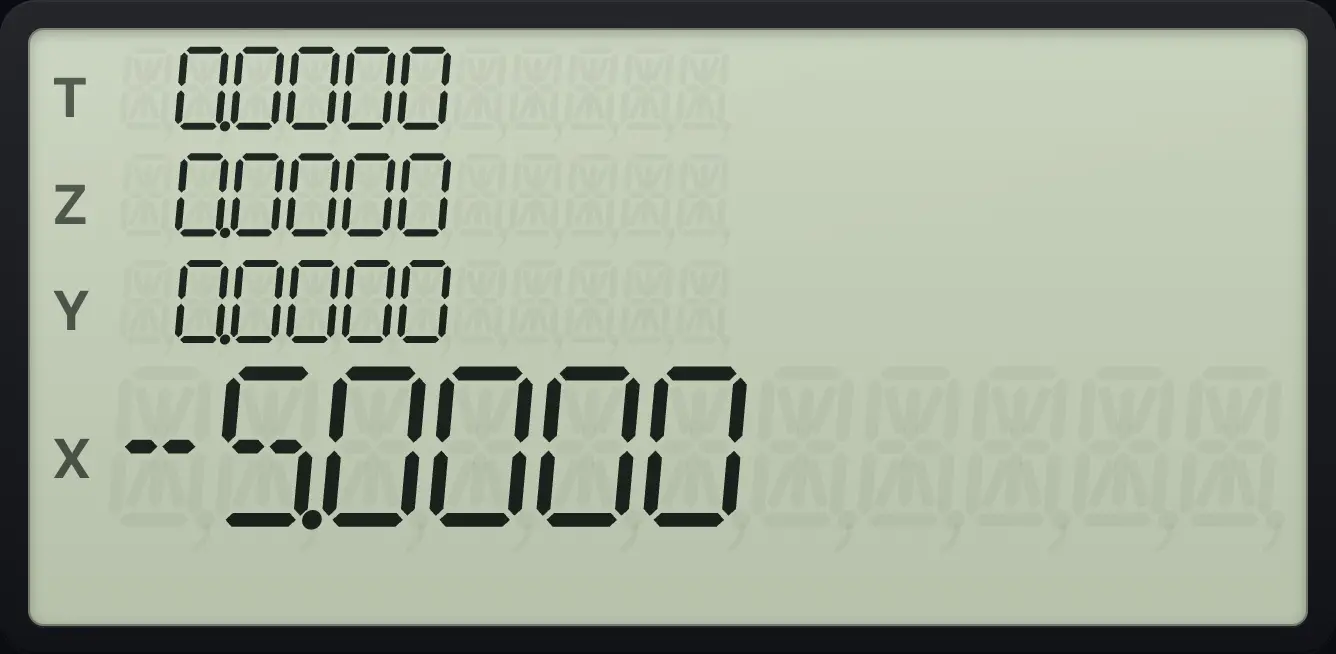
-5.0000Flag clear: the program skips the line
Same program without setting flag 3.
gP/RR/SfLBLSST7gF?63CHSgRTNGSBgP/RR/S5GSB7
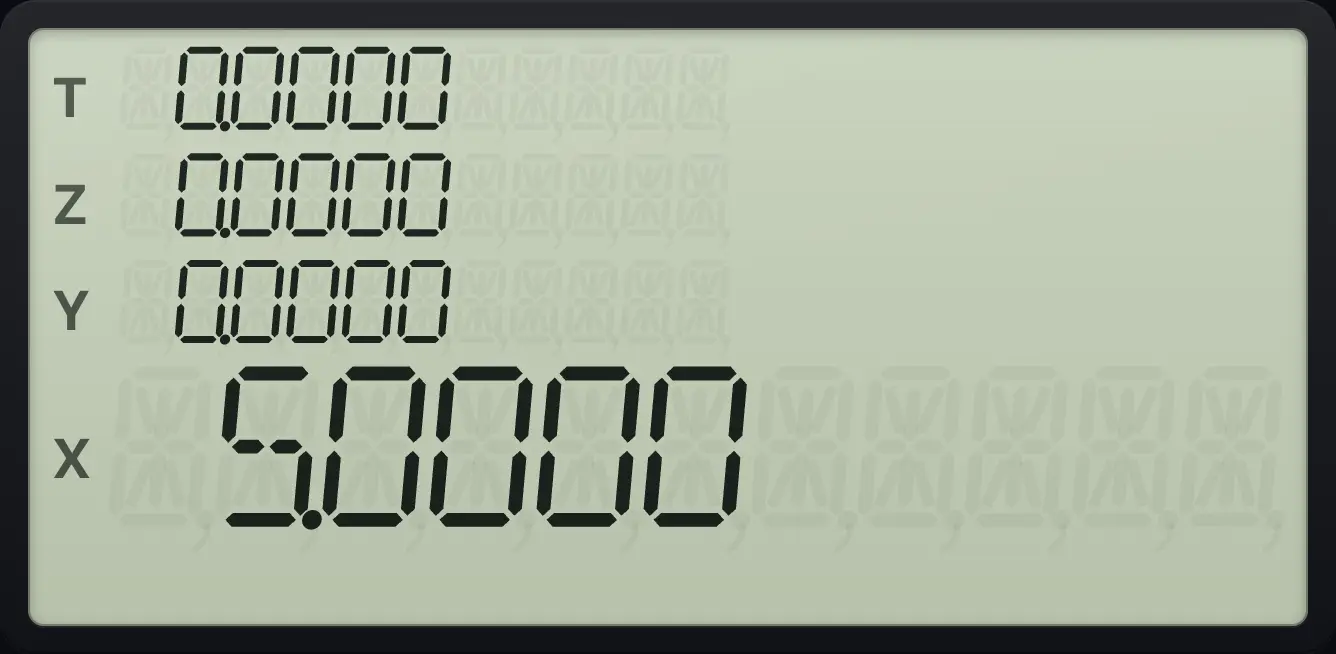
5.0000Remember that the line skipped is one line. A number like 10 is two lines, so skipping it only skips the 1.
10.11Loops: DSE (decrement and skip)#
A loop repeats lines. fDSE5 (DSE) and a register decrease the number in that register and skip the next line when it has counted down to its limit. A counter written as nnn.xxxyy holds the count nnn, the limit xxx (after the point) and the step yy. With a plain whole number such as 5, the limit is 0 and the step is 1. DSE steps 5, 4, 3, 2, 1, 0 and skips when the count reaches 0 or below.
Add up the numbers 1 to 5
Label C: 5 → R0, 0 in X. Label 1: add R0, DSE 0, go back to label 1. RTN. Run C.
gP/RR/SfLBLSST10ˣ5STO00fLBLSST1RCL0+fDSE50GTO1gRTNGSBgP/RR/SfC10ˣ
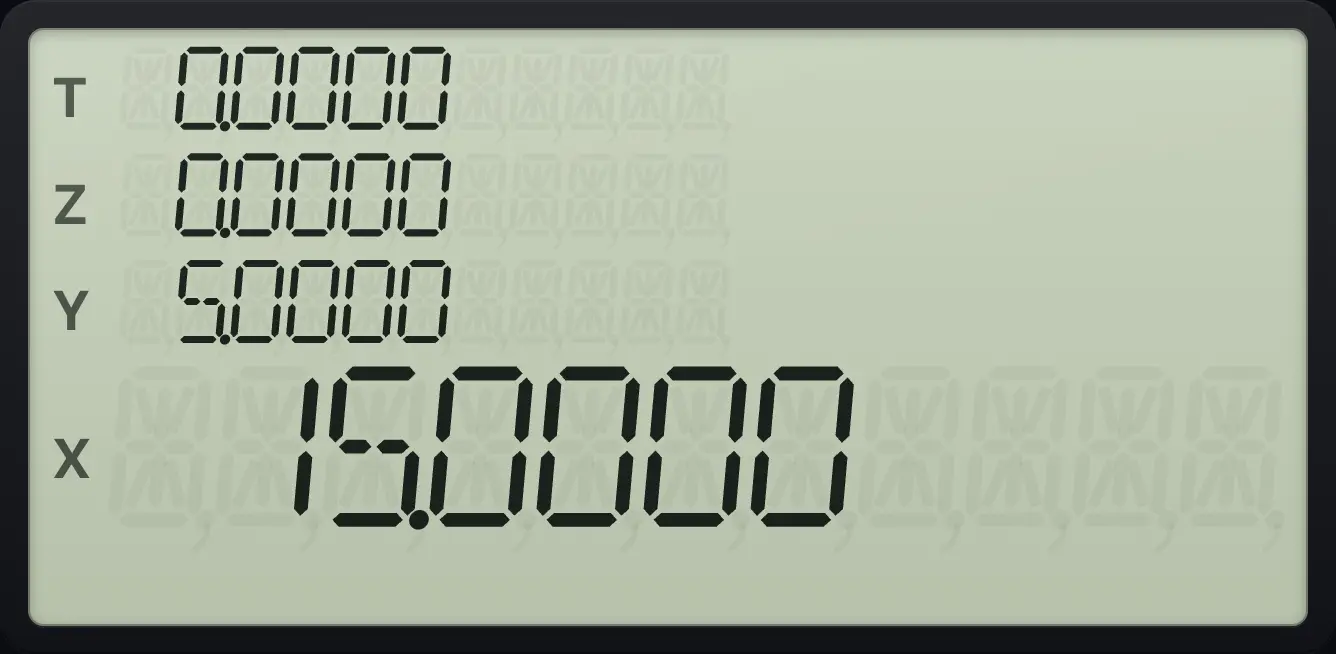
15.0000Factorial with a loop
Label B: STO 0, put 1 in X. Label 1: multiply by R0, DSE 0, loop. Run on 5.
gP/RR/SfLBLSSTeˣSTO01fLBLSST1RCL0×fDSE50GTO1gRTNGSBgP/RR/S5fBeˣ
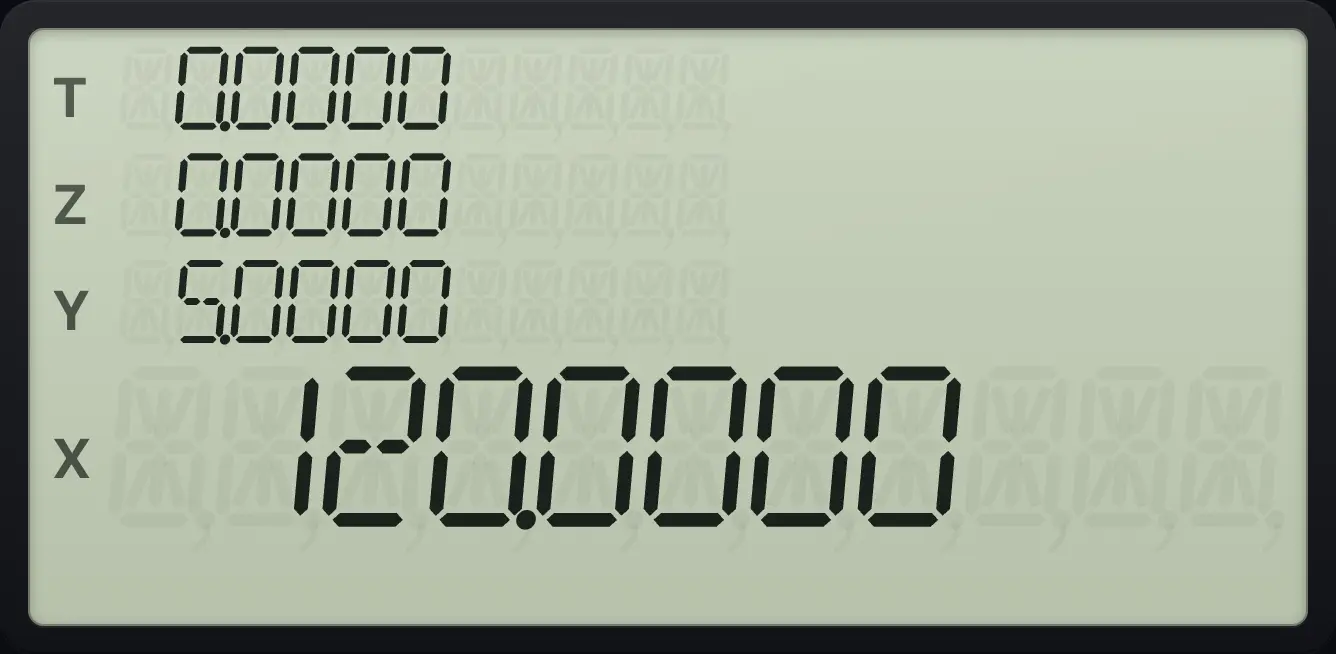
120.000010.12Loops: ISG (increment and skip)#
fISG6 (ISG) and a register increase the counter and skip the next line when it passes the limit. In 1.004 the count starts at 1, the limit is 4 and the step is 1 (the digits after the point are the limit xxx and the step yy). The loop runs for 1, 2, 3 and 4.
Sum of squares 1² to 4²
Label D: store 1.004 in R1, put 0 in X. Label 2: RCL 1, INT, x², add, ISG 1, GTO 2, RTN. Run D.
gP/RR/SfLBLSSTyˣ1.004STO10fLBLSST2RCL1gINTSTOgx²√x+fISG61GTO2gRTNGSBgP/RR/SfDyˣ
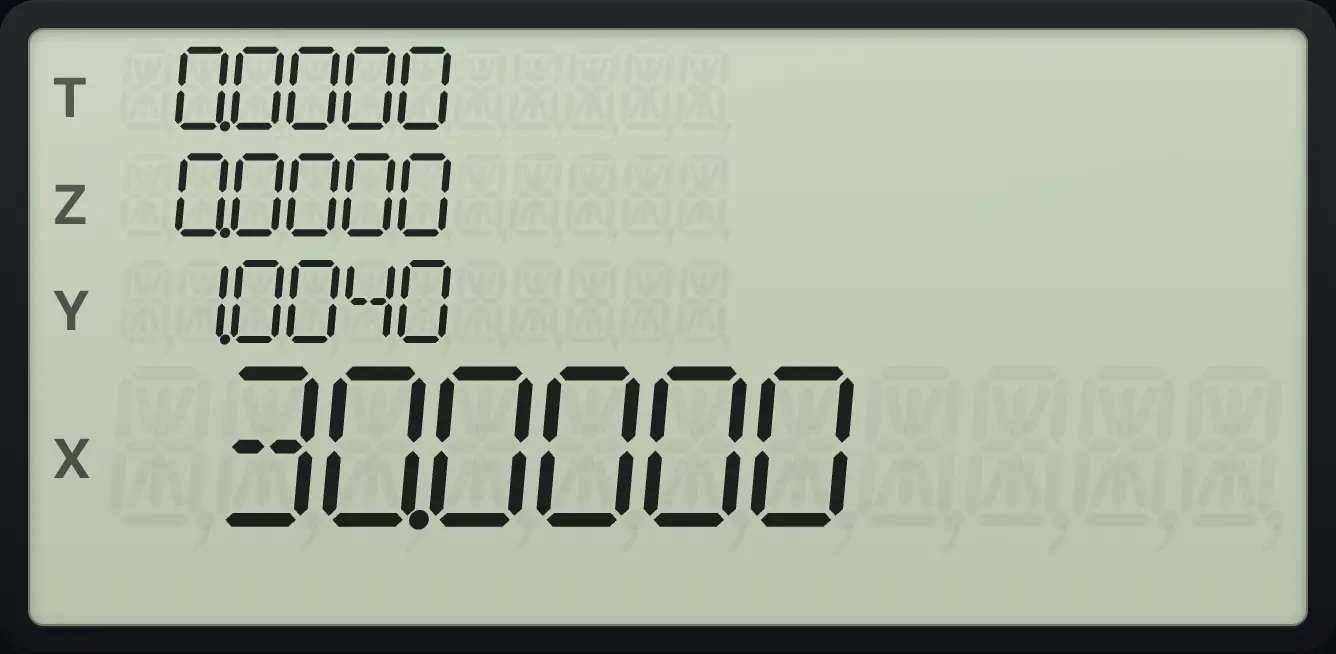
1 + 4 + 9 + 16 = 30.0000.Watch the counter move
Store 1.003 in R1, then press ISG 1 and recall it, twice.
1.003STO1fISG61RCL1fISG61RCL1
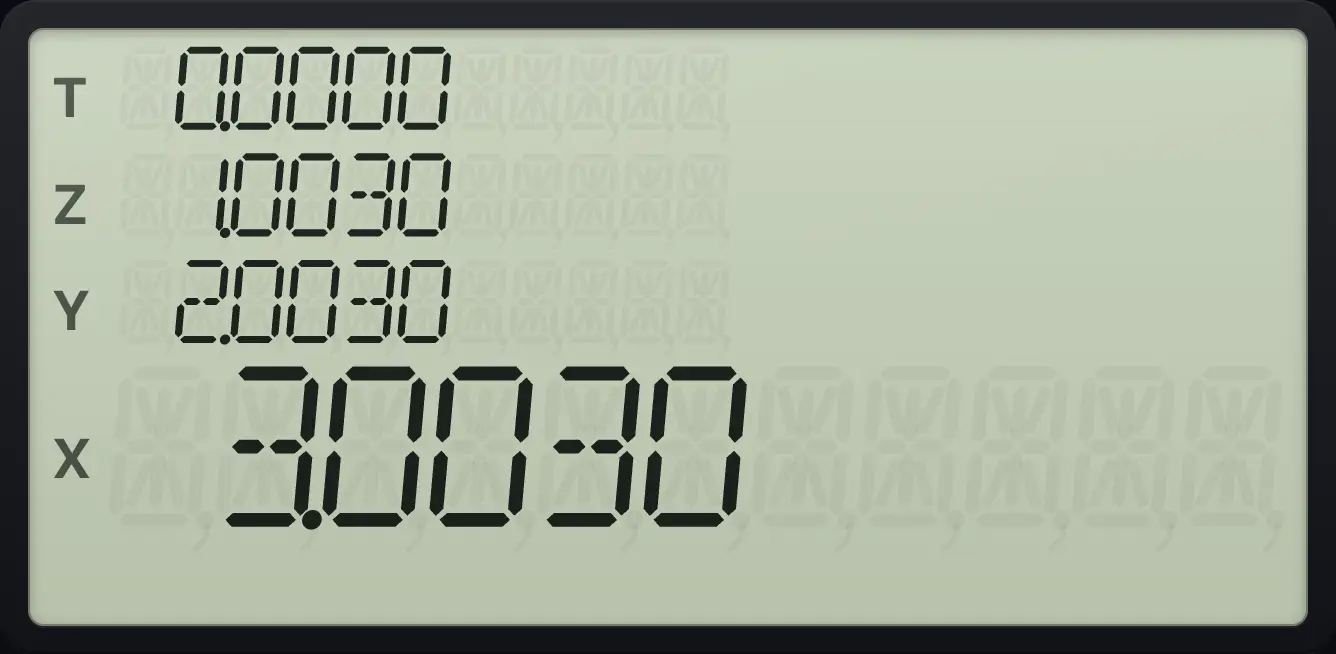
2.0030 3.003010.13Indirect addressing in programs#
The I register can choose a register or a label. GSB or GTO followed by TAN jumps to the label named by the number in I: 0 to 9 give labels 0 to 9, 10 to 19 give .0 to .9, and 20 to 24 give A to E. A negative I in GTO goes to that line number. STO (i) and RCL (i) use R(i), as described in Memory.
Choose a label with I
Label A is x² + 1. Store 20 in I (label A) and run GSB I on 3.
gP/RR/SfLBLSST√xgx²√x1+gRTNGSBgP/RR/S20STOTAN3GSBTAN
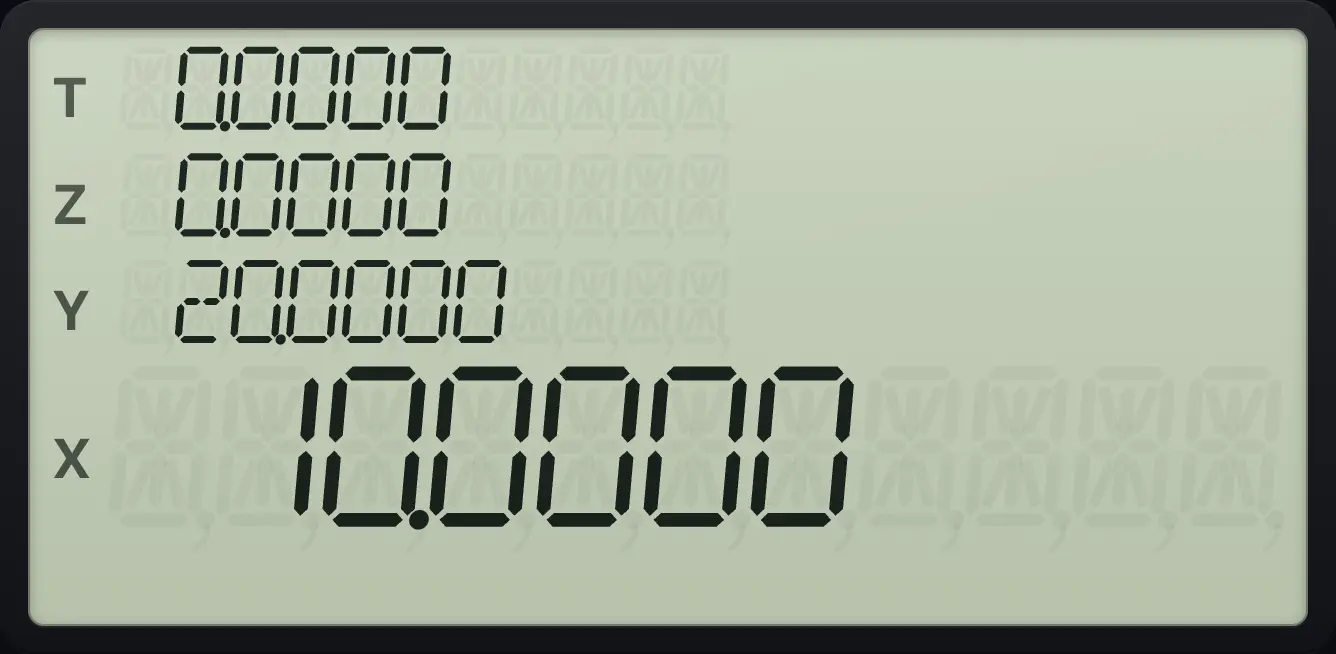
10.0000Loop through registers with (i)
Store 7 in R3 and 3 in I. Key in 0 and recall R(i).
7STO33STOTAN0RCLCOS
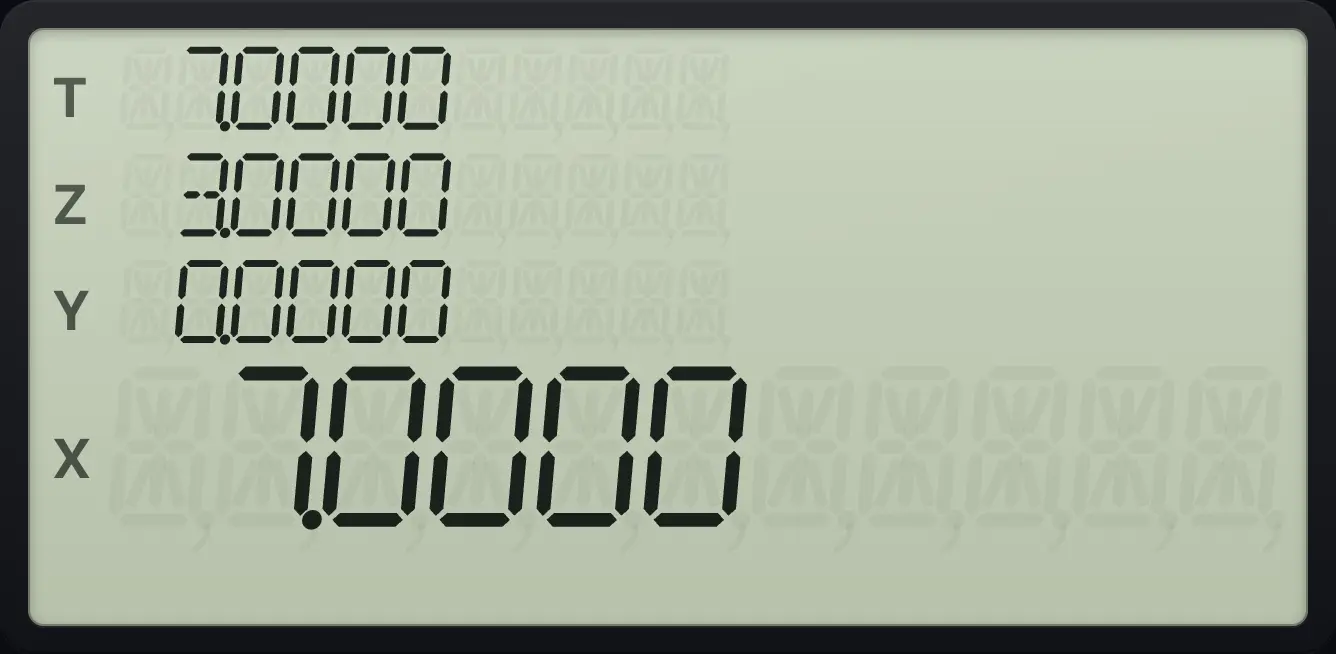
7.000010.14Edit, step through and clear programs#
In program mode, SST moves the pointer to the next line and gBSTSST (BST) moves it back. ← deletes the line shown. New keys are inserted after the line shown. GTO CHS and three digits jump to a line, for example 003.
Delete a wrong line
Enter 1, 2, then delete the last line with the back arrow.
gP/RR/S12←
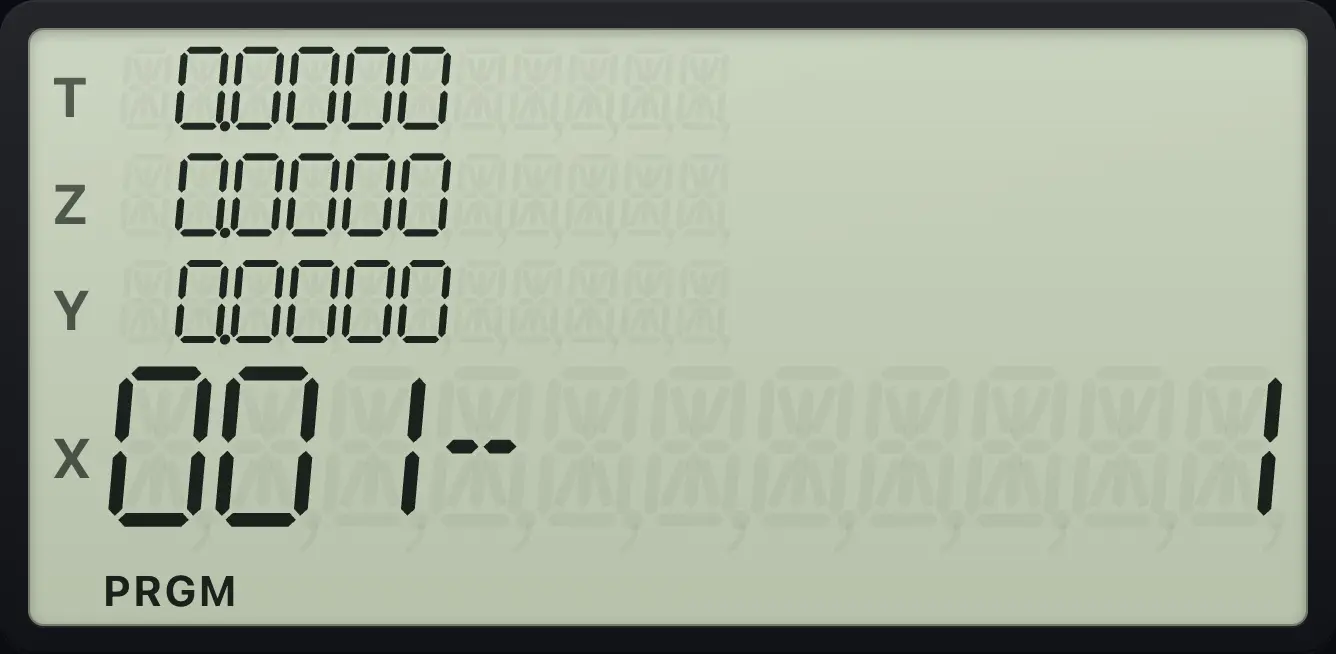
001- 1Jump to a line
Enter LBL A and the digits 1 and 2, then jump to line 001.
gP/RR/SfLBLSST√x12GTOCHS001
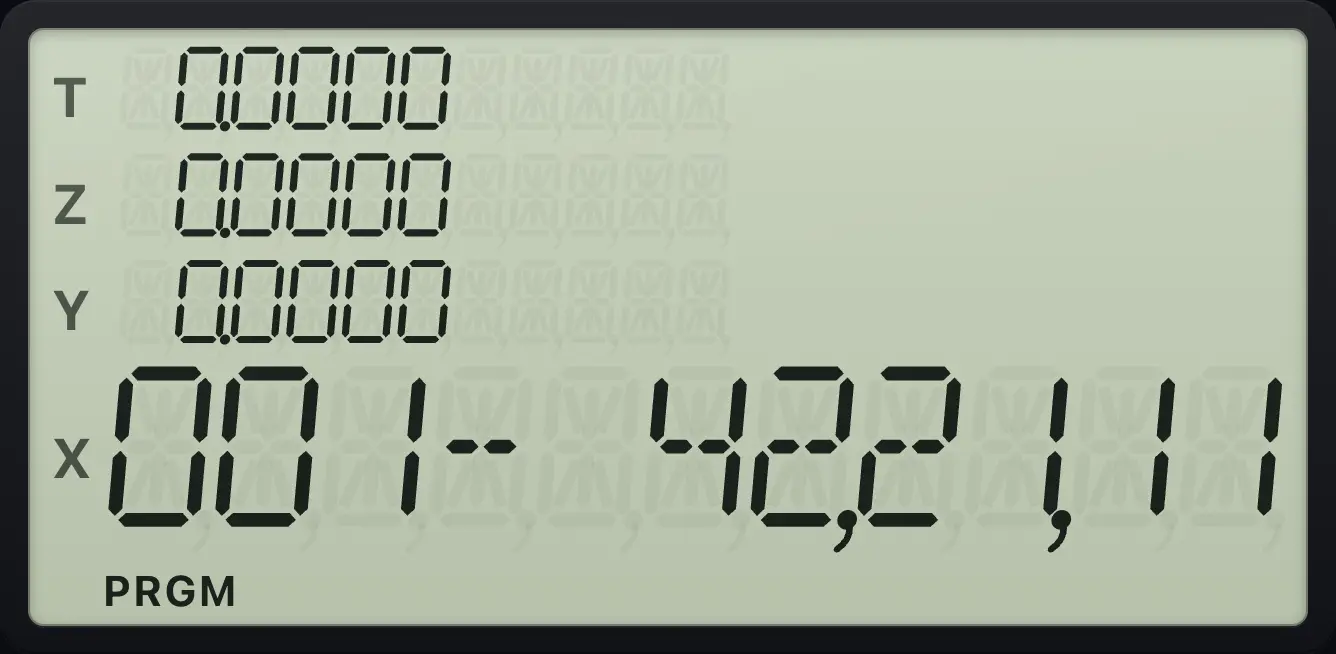
001- 42,21,11fCLR PRGMR↓ (CLEAR PRGM) in program mode erases the whole program and goes to line 000. Outside program mode it only moves the pointer to line 000. Use it before entering a fresh program.
Clear the program
Enter some lines, then press f, CLEAR PRGM.
gP/RR/SfLBLSST√x12fCLR PRGMR↓
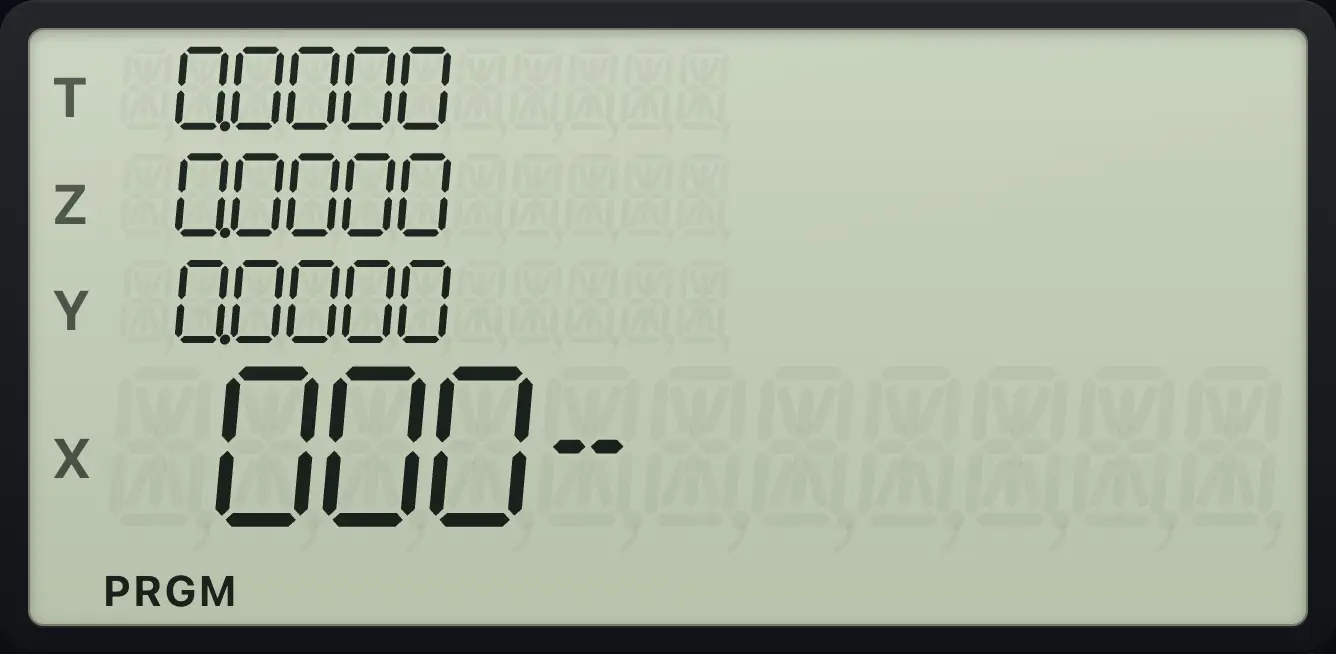
000-Not every key is recorded. These act at once instead: P/R, SST, BST, ←, CLEAR PRGM, PREFIX, USER and MEM.
10.15Run a program one line at a time#
Outside program mode, SST runs the next program line and shows the result. Use GTO and a label first to put the pointer at the start. Press SST again for each line. This is the best way to find a mistake: you see what each line does to X.
Step a program
Label 3 keys in 1, adds, then squares. Go to label 3, key in 3 and press SST three times (1, then +, then x²).
gP/RR/SfLBLSST31+gx²√xgRTNGSBgP/RR/SGTO33SSTSSTSST
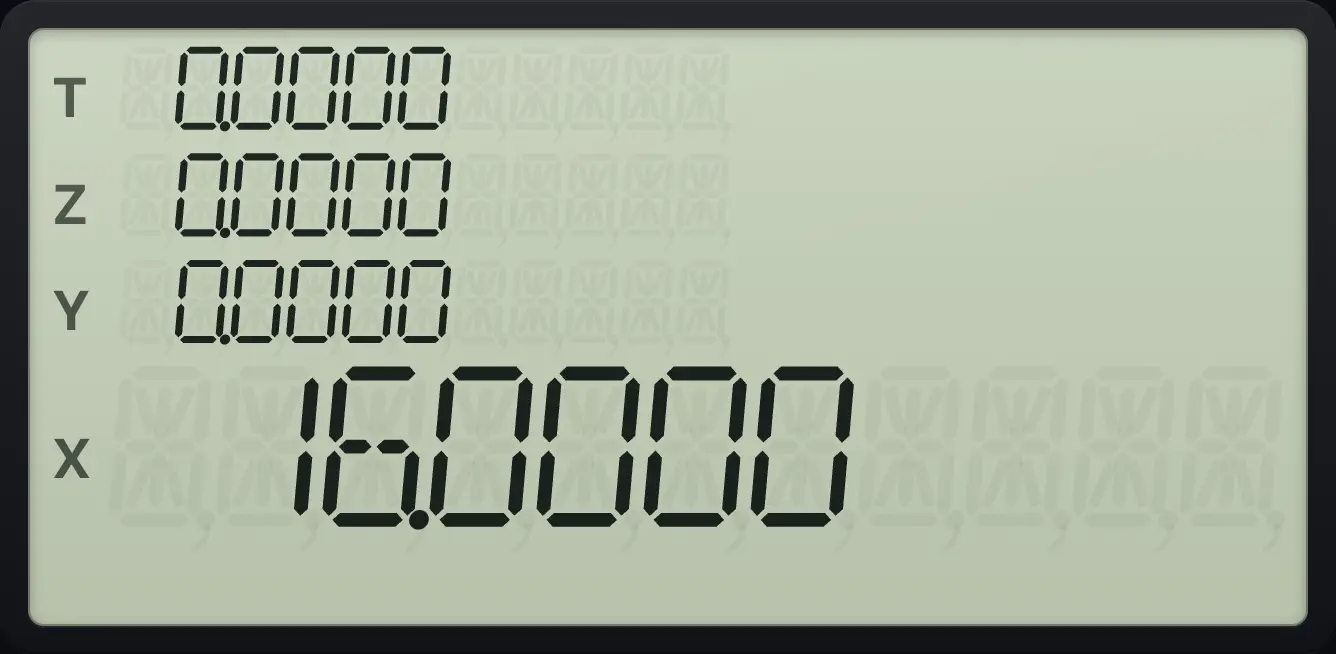
Line 1 keys in a 1 (3 moves up to Y), the add gives 4, and the square gives 16.0000.10.16Limits of programs#
- Program memory is 448 lines. A full memory gives Error 10 when you try to add another line.
- Subroutines nest up to 7 levels. A deeper call gives Error 5.
- A program that runs for a very long time (about a million steps) is interrupted so the app does not freeze.
- An error inside a program stops it and shows the error.
- A missing label gives Error 4.
A runaway program is stopped
Label 8 calls itself forever. Run GSB 8.
gP/RR/SfLBLSST8GSB8gP/RR/SGSB8
Error 5HP-15C is a trademark of HP Inc.. Trident Calculator is an independent product by South View Studios and is not affiliated with, sponsored by or endorsed by HP. The name is used only to describe the kind of calculator this model resembles; Trident's names, keys, display, fonts and software are its own clean-room design.