
Classic family · Instruction manual
Classic Scientific 30
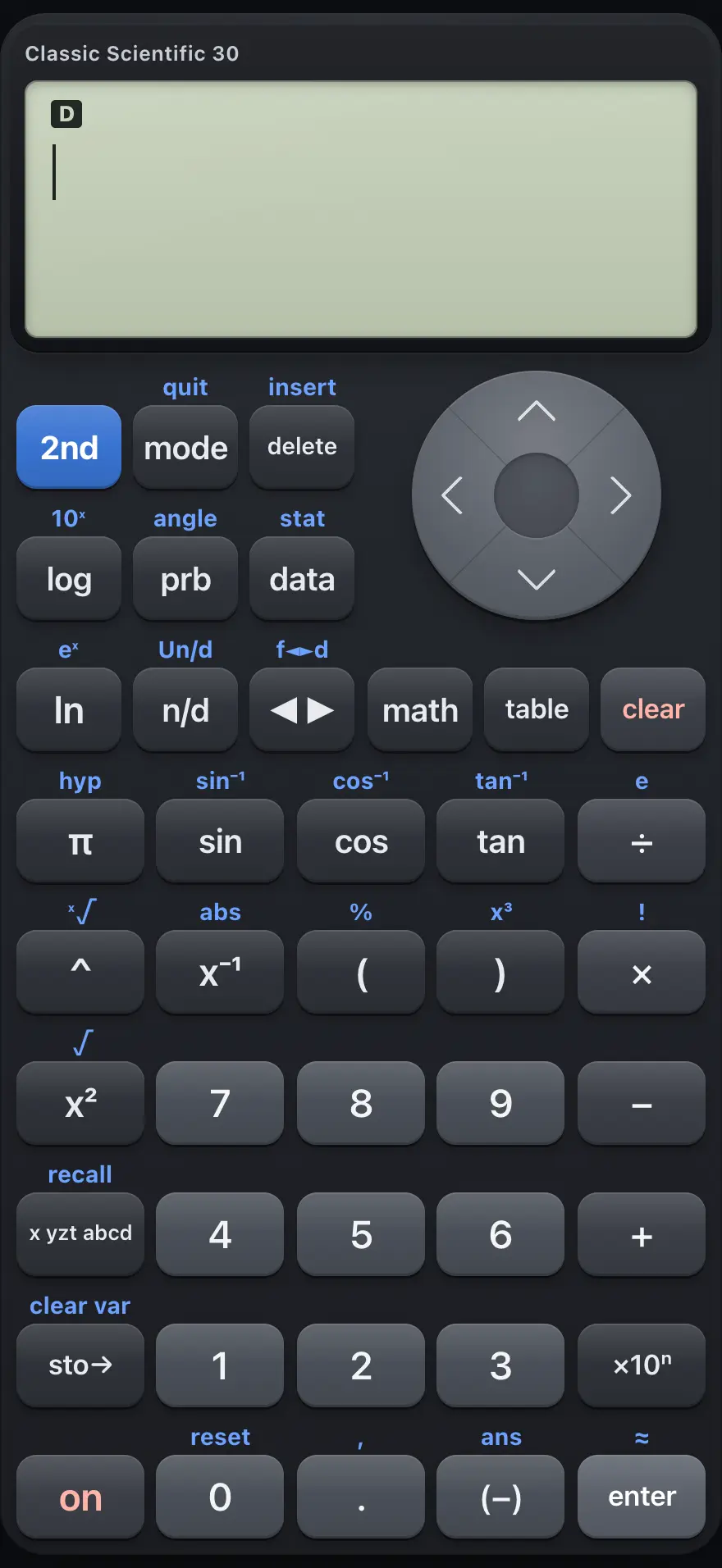
Classic Scientific 30 is a two-line scientific calculator: you type a whole expression on the top line and press enter to see the answer on the line below. It shows fractions, roots and powers the way you write them on paper, keeps a history of earlier lines, and adds a data editor with statistics and a function table. This manual covers every key, menu and mode, with worked examples you can follow key by key.
Designed to feel familiar if you have used a TI-30XS MultiView scientific calculator.
- 13 chapters
- 60 topics
- 119 worked examples
Contents
- 1Getting startedThe screen, the 2nd key, typing an expression, clearing, editing and using a laptop keyboard.
- 2Keyboard referenceEvery key with its primary function and its 2nd function, grouped by area of the keypad.
- 3Calculations and historyArithmetic, order of operations, powers, percent, scientific notation, the last answer and history.
- 4Fractions and exact answersTyping fractions and mixed numbers, switching between fractions and decimals, square roots and multiples of pi.
- 5Functions: logs, roots, trig, probabilityLogarithms, exponentials, roots, trigonometry, hyperbolic functions, probability, rounding functions and sums.
- 5.1Find a logarithm or an exponential
- 5.2Roots, cube roots and absolute value
- 5.3Find sine, cosine and tangent
- 5.4Find an angle from a ratio
- 5.5Hyperbolic functions
- 5.6Permutations, combinations and factorials
- 5.7Random numbers
- 5.8Round, absolute value, parts of a number
- 5.9Find the gcd and lcm
- 5.10Add up or multiply a series (Σ and Π)
- 6Degrees, minutes, seconds and polar conversionTyping angles in degrees-minutes-seconds, converting them, and converting between rectangular and polar coordinates.
- 7Complex numbersTurn on complex mode, type i, and use conj, real, imag and angle.
- 8Modes and settingsAngle unit, number format, decimal places, complex mode and the display style.
- 9Variables and memoryStore values in x, y, z and other variables, recall them, and clear memory.
- 10Data editor and statisticsEnter data in lists L1 to L3, then find one-variable statistics, two-variable statistics and regressions.
- 11Function tableMake a table of values for a function with a start value and a step.
- 12Error messagesEvery message the calculator can show, what it means and how to fix it.
- 13ReferenceResetting the calculator, number range and precision, display limits and what is not included.
TI-30XS MultiView is a trademark of Texas Instruments Incorporated. Trident Calculator is an independent product by South View Studios and is not affiliated with, sponsored by or endorsed by Texas Instruments. The name is used only to describe the kind of calculator this model resembles; Trident's names, keys, display, fonts and software are its own clean-room design.