
Classic Scientific 30 manual · Chapter 7 of 13
Complex numbers
Turn on complex mode, type i, and use conj, real, imag and angle.
7.1Turn on complex numbers#
In REAL mode, the square root of a negative number is an error. To work with complex numbers set the third line of MODE to a+bi (answers like 3+4i) or r∠θ (answers as a length and angle). Then CPX appears on the screen.
Square root of a negative number
Switch to a+bi, clear, then take the root of -4.
mode▼▼▼▶enterclear2nd√x²(−)4enter
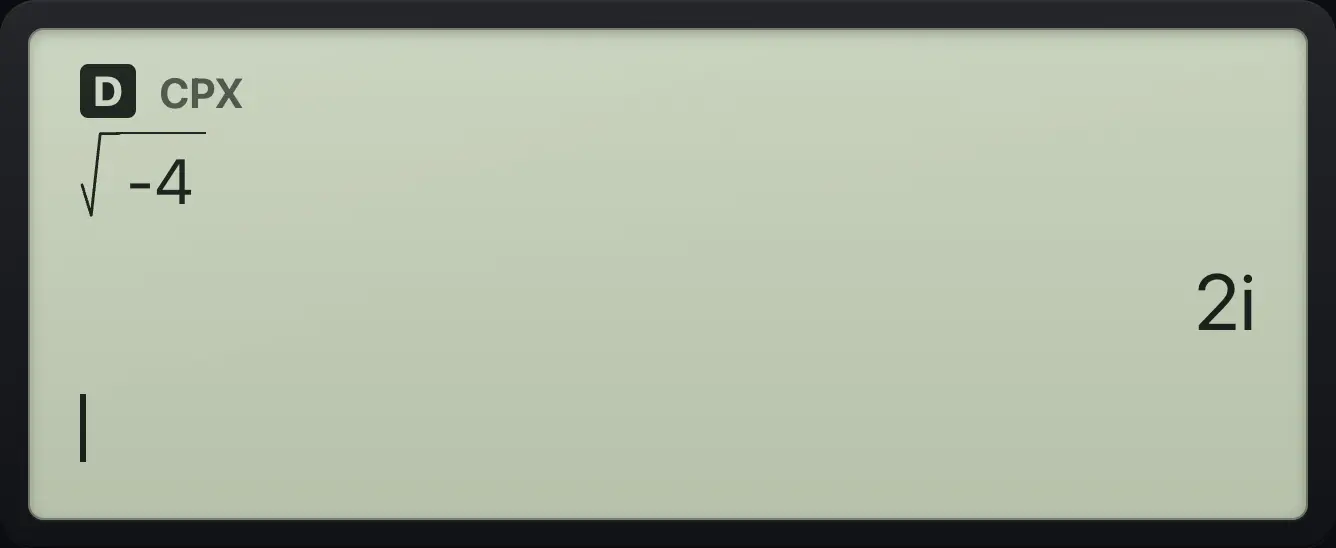
√(-4) 2iError in real mode
In the default REAL mode the same root is an error.
2nd√x²(−)4enter
![Result of the example "Error in real mode" The display shows: DOMAIN Error / [clear] to quit / ◄ ► to edit.](/trident/app/help/manual/img/6f970c30s.webp)
DOMAIN ErrorSee also Complex numbers
7.2Use i, conj, real, imag and angle#
![The CPX tab of the MATH menu. The display shows: MATH NUM [CPX] / 1:i / 2:conj( / 3:real(.](/trident/app/help/manual/img/dc400b4es.webp)
The CPX tab of the MATH menu (math, ▶, ▶) has i (item 1), conj( (2), real( (3), imag( (4) and angle( (5). conj changes the sign of the imaginary part, real and imag pick out the two parts, and angle gives the angle of the number.
Type a complex number
Press the i item from the CPX tab.
mode▼▼▼▶enterclear3+4math▶▶1enter
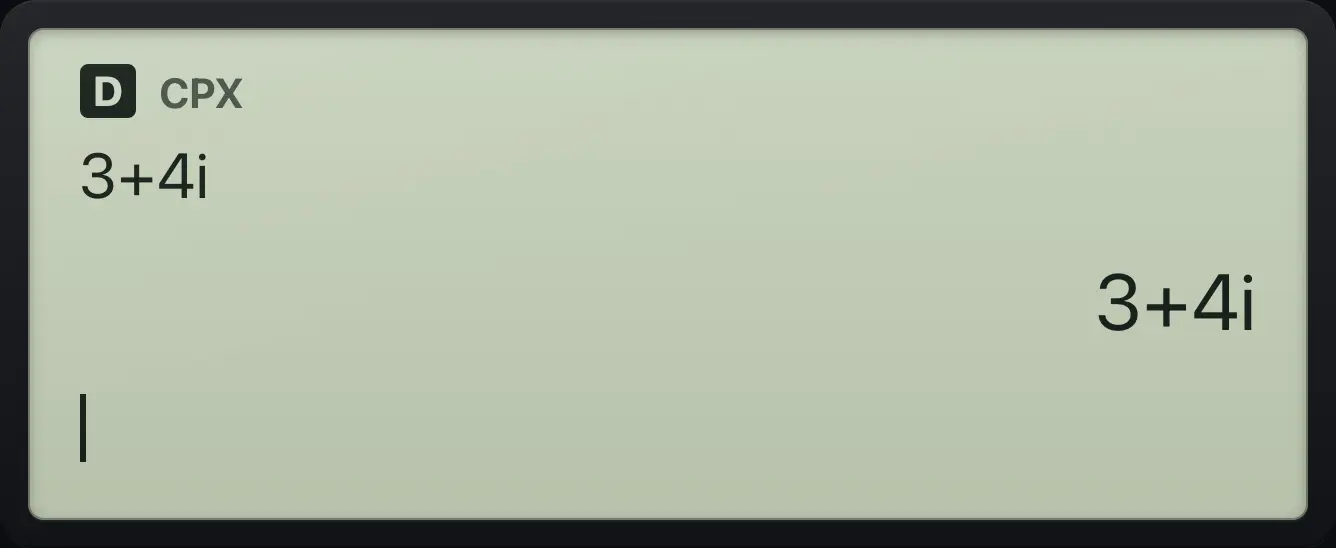
3+4iMultiply by the conjugate
(1+i)(1−i) is the real number 2.
mode▼▼▼▶enterclear(1+math▶▶1)×(1−math▶▶1)enter
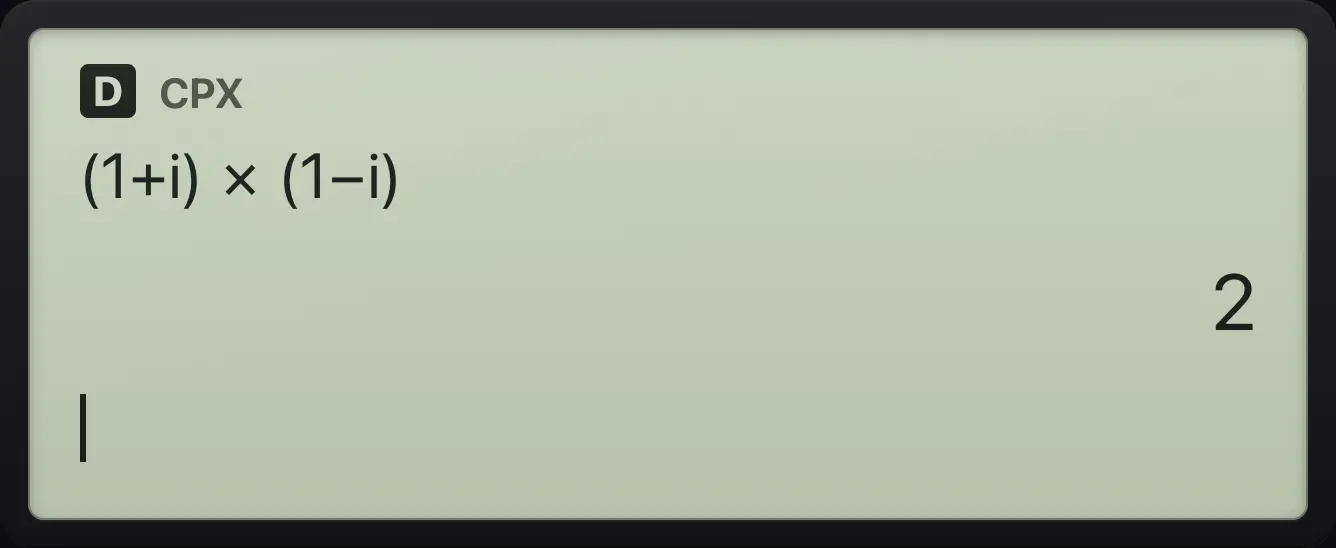
2Conjugate
Pick conj( and type 3+4i.
mode▼▼▼▶enterclearmath▶▶23+4math▶▶1)enter
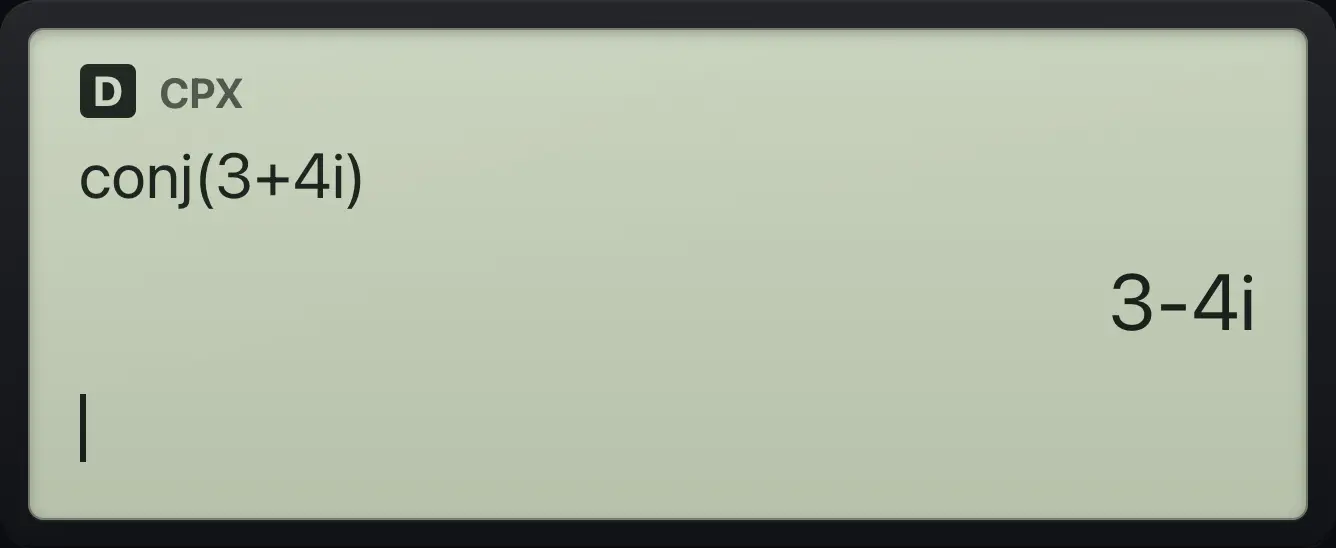
3-4iImaginary part
Pick imag( and type 3+4i.
mode▼▼▼▶enterclearmath▶▶43+4math▶▶1)enter
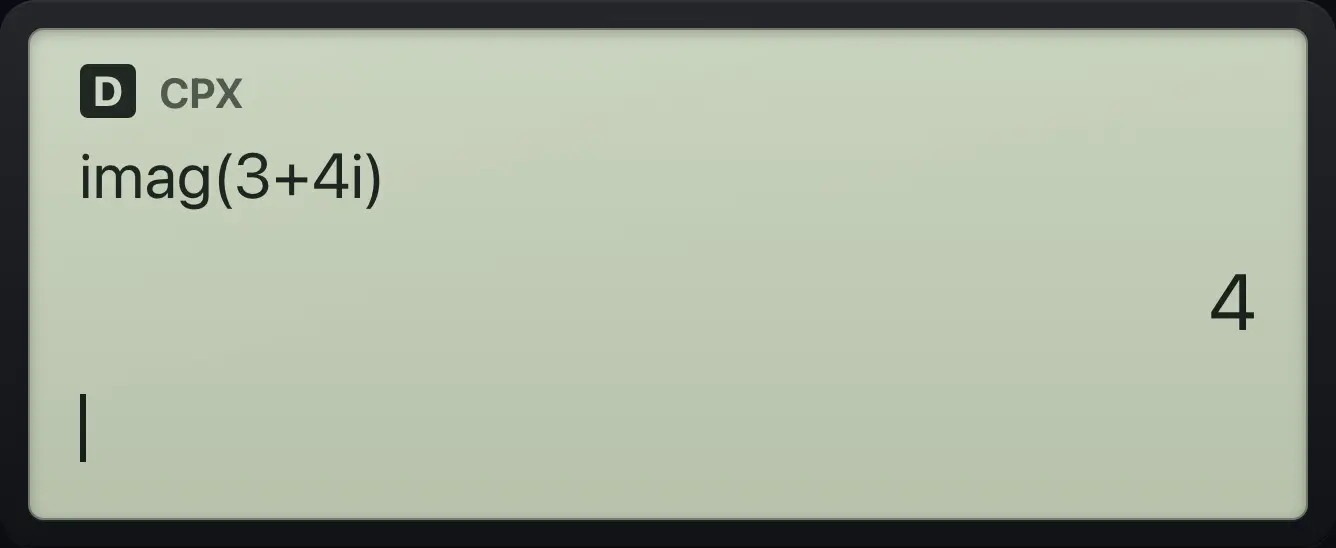
imag(3+4i) 4Angle of a complex number
Pick angle( and type 3+4i.
mode▼▼▼▶enterclearmath▶▶53+4math▶▶1)enter
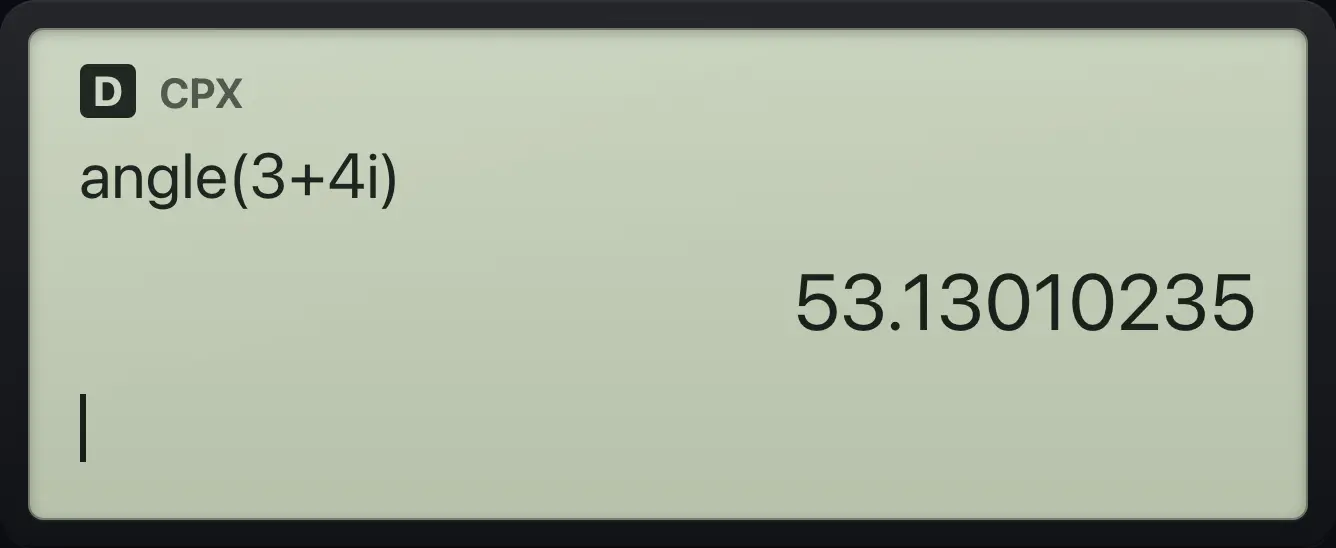
53.130102357.3Show complex answers in polar form#
Polar answer
Choose r∠θ on the complex line of MODE. The answer is a length and an angle.
mode▼▼▼▶▶enterclear3+4math▶▶1enter
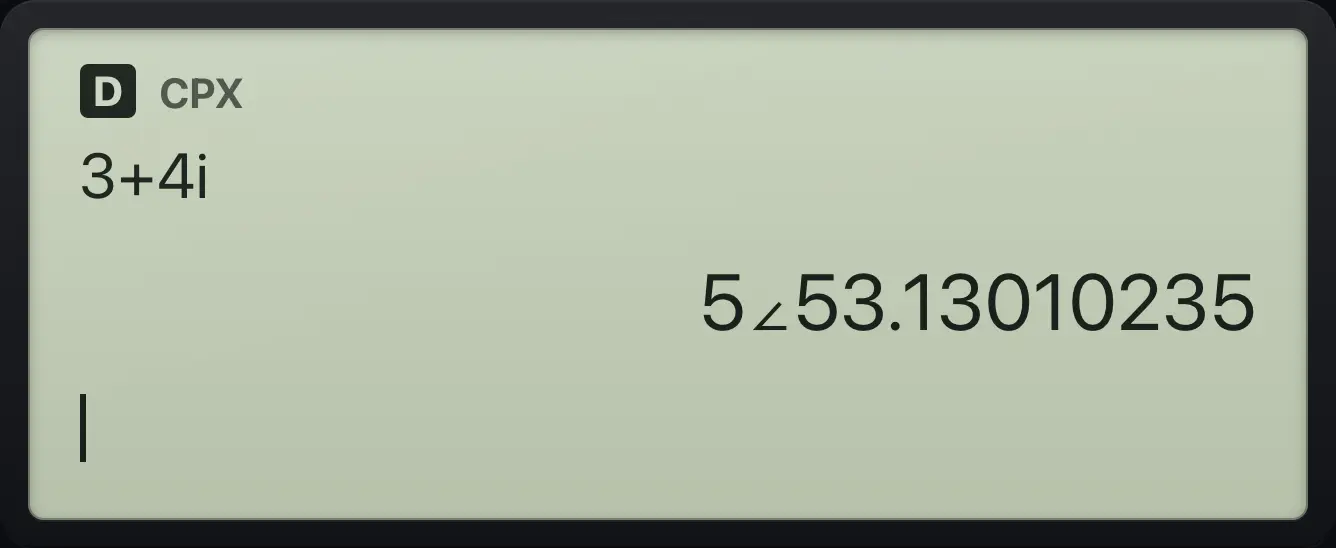
5∠53.13010235TI-30XS MultiView is a trademark of Texas Instruments Incorporated. Trident Calculator is an independent product by South View Studios and is not affiliated with, sponsored by or endorsed by Texas Instruments. The name is used only to describe the kind of calculator this model resembles; Trident's names, keys, display, fonts and software are its own clean-room design.