
Classic Scientific 30 manual · Chapter 6 of 13
Degrees, minutes, seconds and polar conversion
Typing angles in degrees-minutes-seconds, converting them, and converting between rectangular and polar coordinates.
6.1Enter an angle in degrees, minutes and seconds#
![The ANGLE menu: DMS tab. The display shows: [DMS] R◄►P / 1:° / 2:' / 3:".](/trident/app/help/manual/img/415bd7c0s.webp)
Press 2ndangleprb (ANGLE) to open the angle menu. Items 1, 2 and 3 type the degree, minute and second marks. Type the number first, then pick the mark. The answer is the angle in decimal degrees.
30 degrees 30 minutes
Type 30, pick the degree mark, then 30 and the minute mark.
302ndangleprb1302ndangleprb2enter
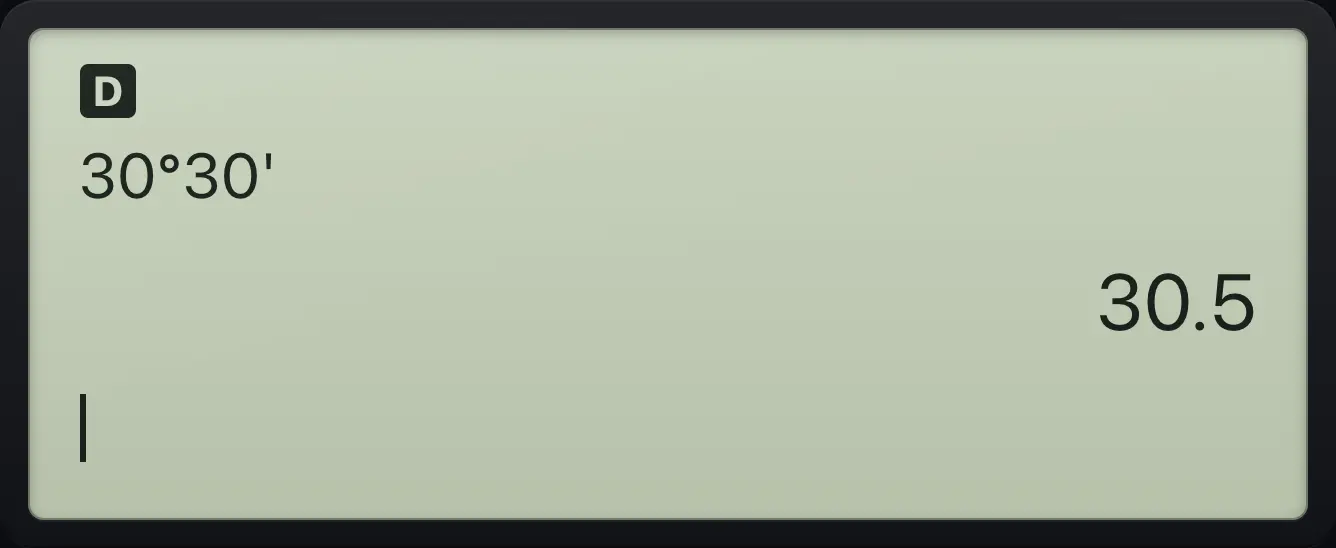
30°30' 30.5With seconds too
Add 45 and the second mark.
302ndangleprb1302ndangleprb2452ndangleprb3enter
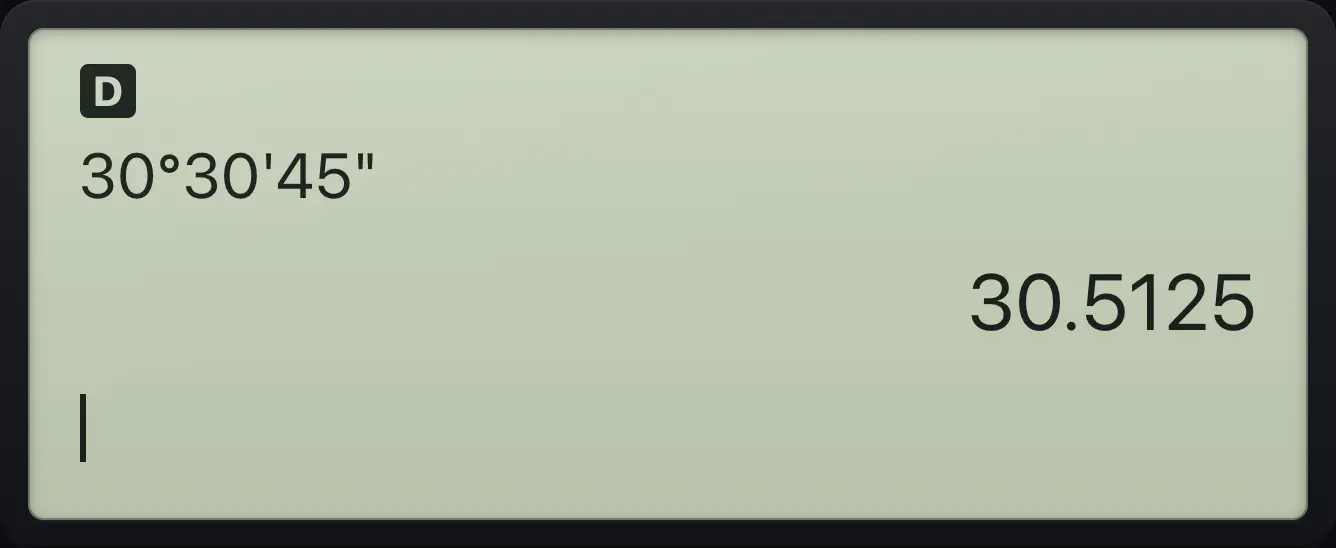
30.5125See also Degrees, minutes and seconds
6.2Convert decimal degrees to degrees-minutes-seconds#
Item 5 of the ANGLE menu is ►DMS. Put it after a number to show the angle in degrees, minutes and seconds. If you pick it on an empty line it works on the last answer.
1.55 degrees as DMS
Type 1.55, then choose ►DMS from the ANGLE menu.
1.552ndangleprb5enter
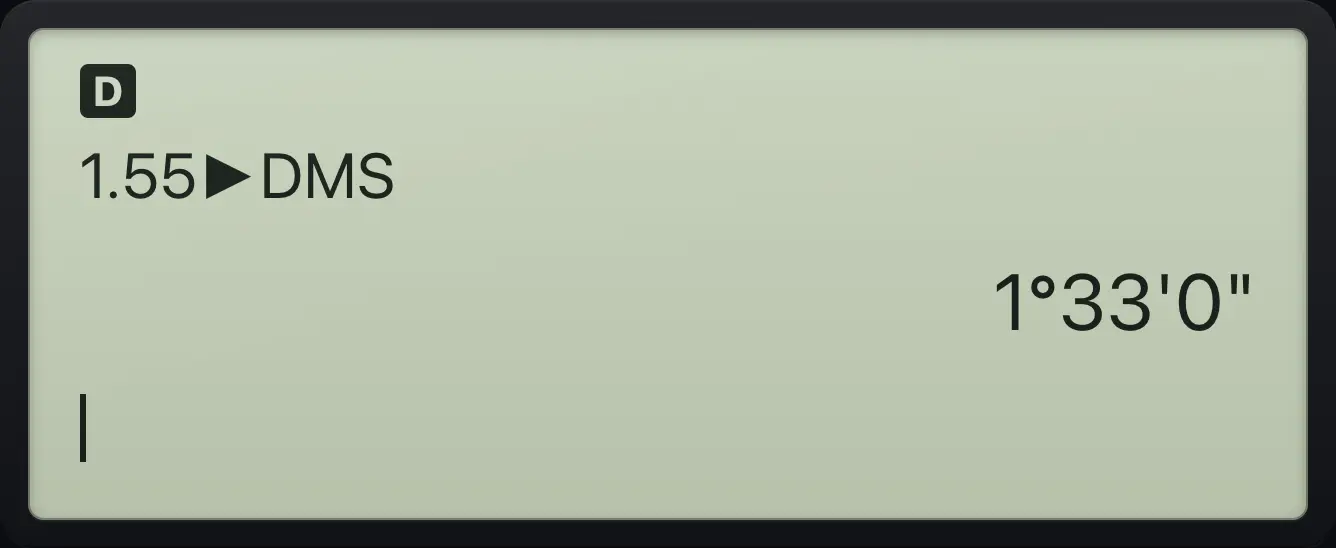
1.55►DMS 1°33'0"Convert the last answer
Work out 30.5, then pick ►DMS on a new line.
30.5enter2ndangleprb5enter
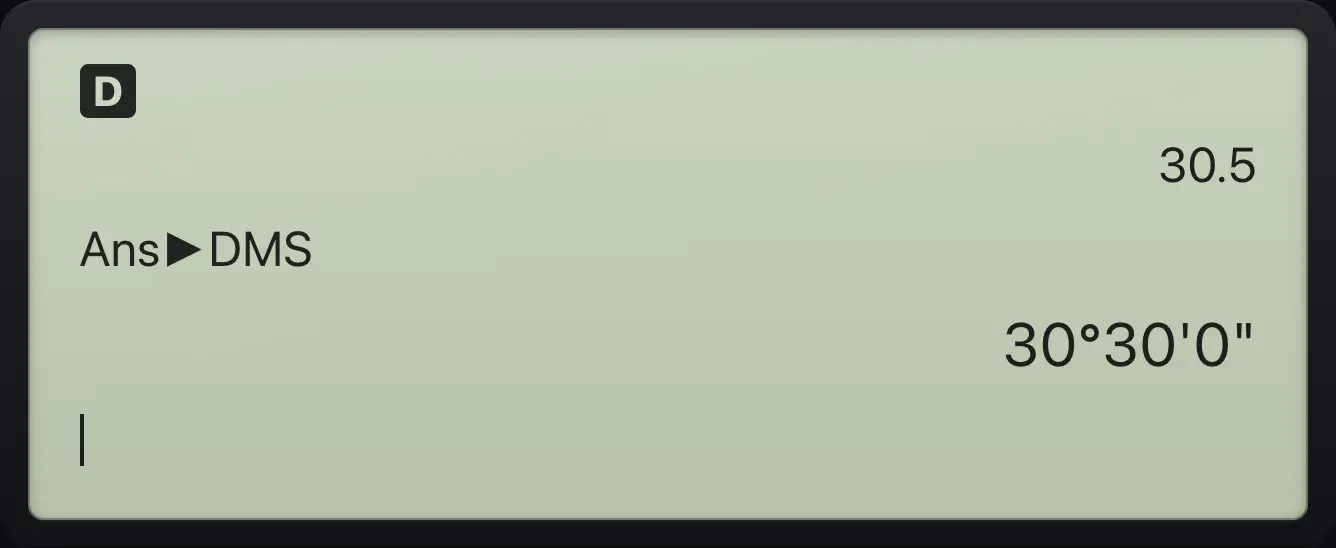
30°30'0"6.3Mark a number as radians#
Item 4 of the ANGLE menu is the small r. It marks a number as radians, even when the calculator is in degree mode, and converts it to the current unit.
180 radians in degrees
In degree mode, 180 radians is a large number of degrees.
1802ndangleprb4enter
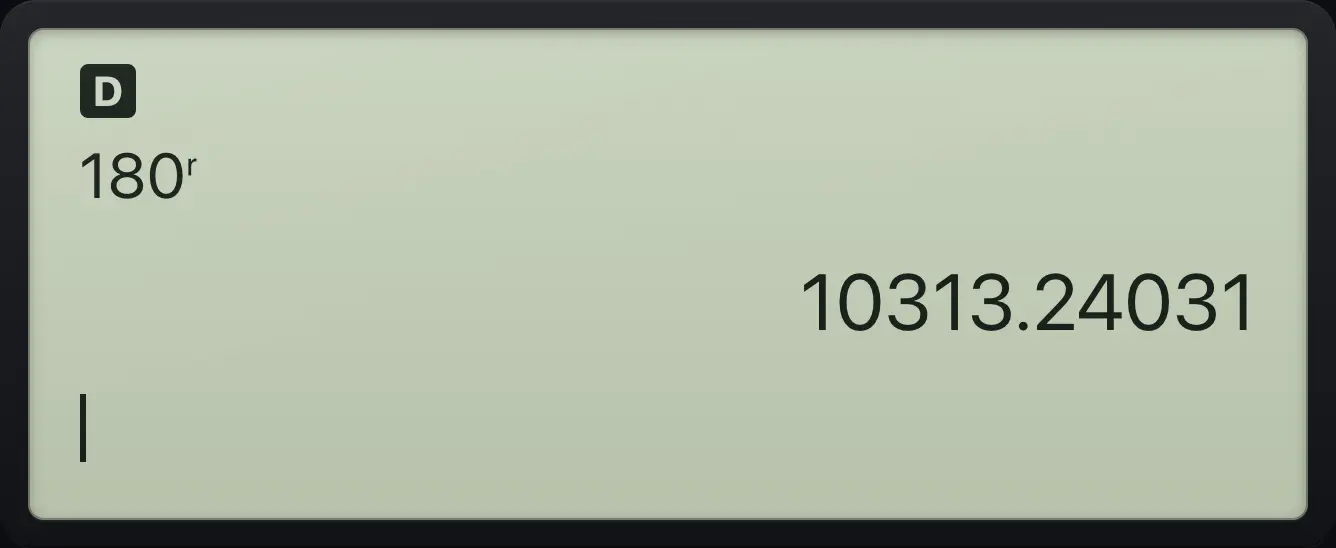
180ʳ 10313.240316.4Convert between rectangular and polar coordinates#
![The R◄►P tab. The display shows: DMS [R◄►P] / 1:R►Pr( / 2:R►Pθ( / 3:P►Rx(.](/trident/app/help/manual/img/61cfc466s.webp)
The R◄►P tab of the ANGLE menu (2ndangleprb then ▶) has four conversions. Type the two coordinates separated by a comma (2nd,.). The angle uses the current angle unit.
| Number | Function | Gives |
|---|---|---|
| 1 | R►Pr(x,y | The distance r from the origin. |
| 2 | R►Pθ(x,y | The angle θ. |
| 3 | P►Rx(r,θ | The x coordinate. |
| 4 | P►Ry(r,θ | The y coordinate. |
Distance for the point (3, 4)
Pick R►Pr( and type 3, comma, 4.
2ndangleprb▶132nd,.4)enter
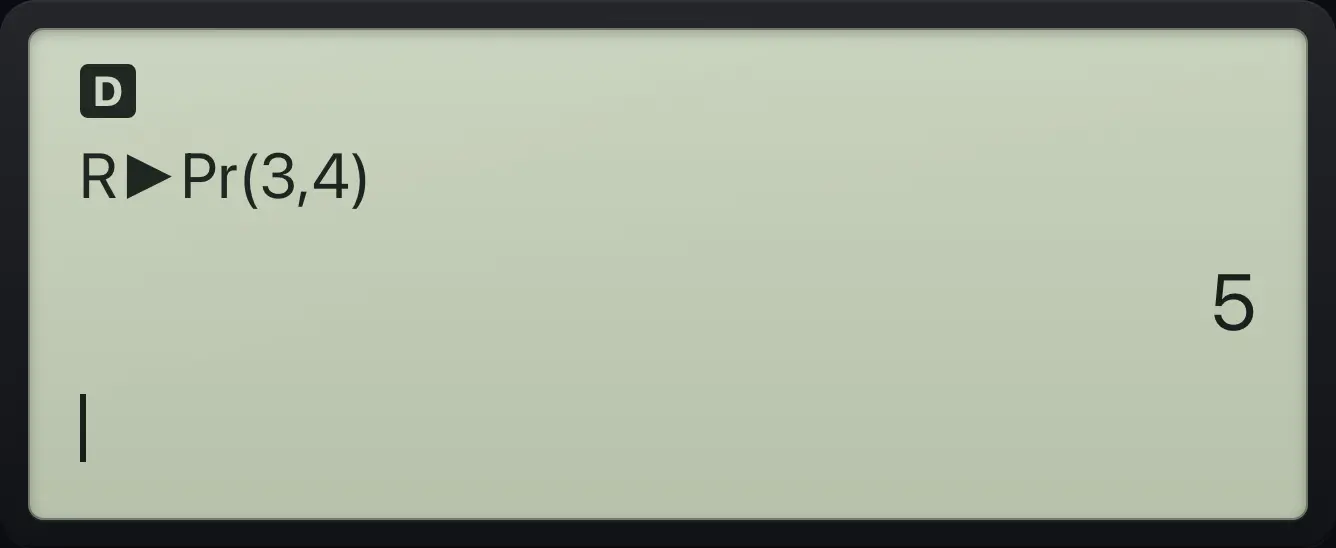
R►Pr(3,4) 5Angle for the point (3, 4)
Pick R►Pθ( with the same numbers.
2ndangleprb▶232nd,.4)enter
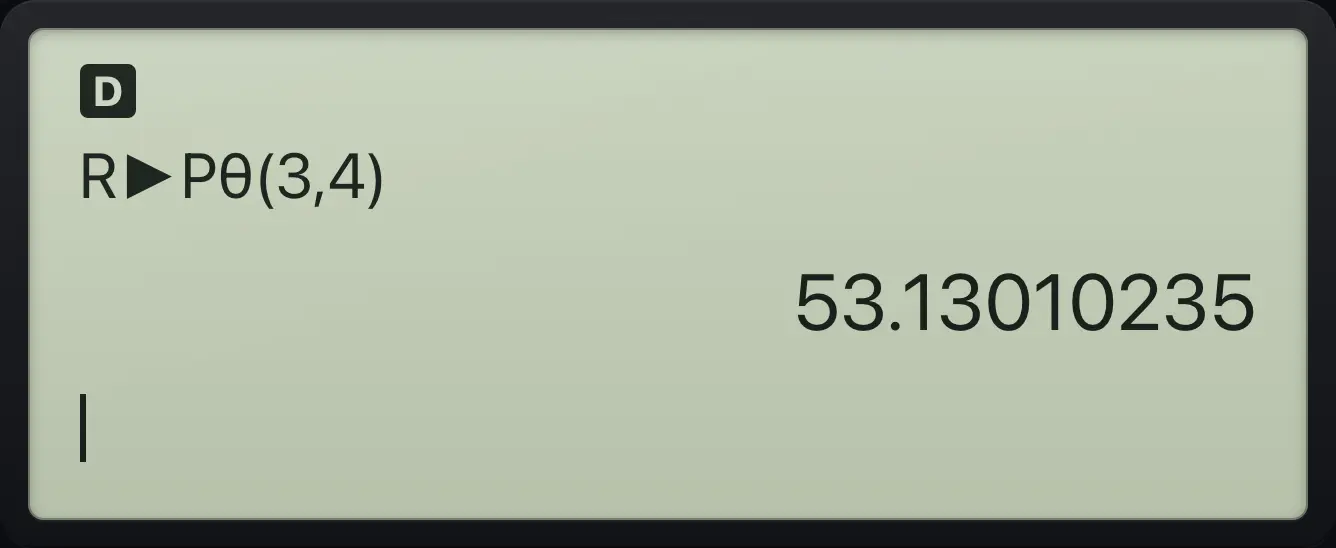
53.13010235x coordinate for r=5, angle 60
Pick P►Rx( with r = 5 and θ = 60 degrees.
2ndangleprb▶352nd,.60)enter
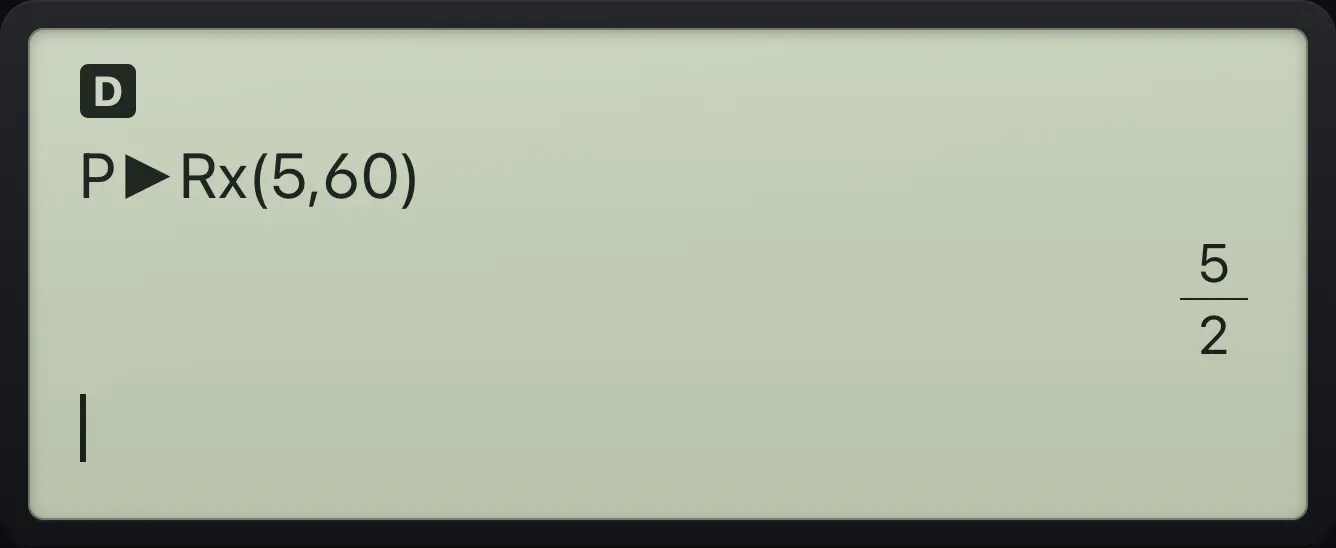
P►Rx(5,60) 5/2TI-30XS MultiView is a trademark of Texas Instruments Incorporated. Trident Calculator is an independent product by South View Studios and is not affiliated with, sponsored by or endorsed by Texas Instruments. The name is used only to describe the kind of calculator this model resembles; Trident's names, keys, display, fonts and software are its own clean-room design.