
Classic Scientific 30 manual · Chapter 5 of 13
Functions: logs, roots, trig, probability
Logarithms, exponentials, roots, trigonometry, hyperbolic functions, probability, rounding functions and sums.
5.1Find a logarithm or an exponential#
log is the base-10 logarithm and ln is the natural logarithm. Their 2nd functions are the opposites: 2nd10ˣlog is ten to a power and 2ndeˣln is e to a power. These templates open an exponent box, so type the power and press enter. 2nde÷ types the number e.
Log base 10
The log of 1000 is 3.
log1000enter
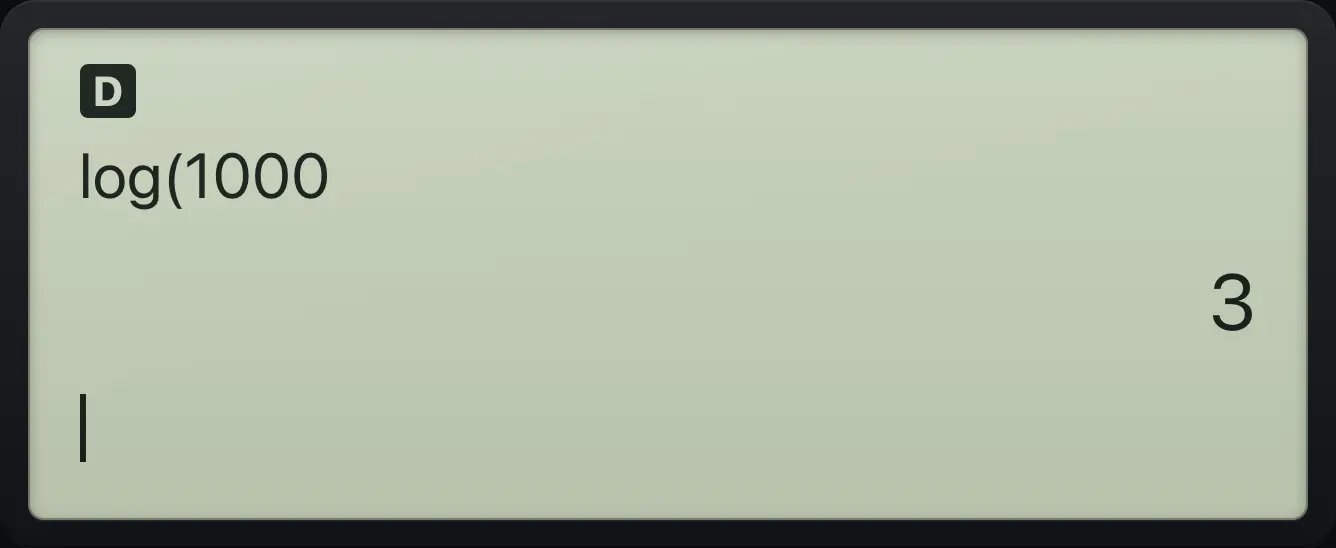
log(1000 3Ten to a power
Press 2nd and log, then type the exponent.
2nd10ˣlog3enter
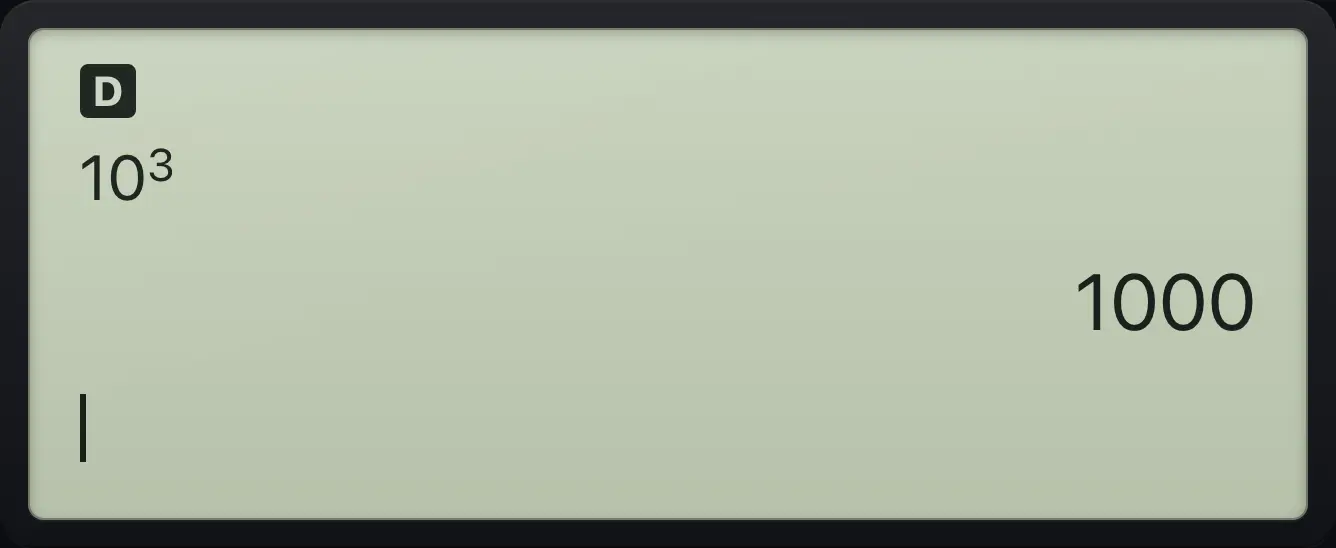
10^3 1000Natural log of e squared
ln of e squared is 2.
ln2ndeˣln2enter
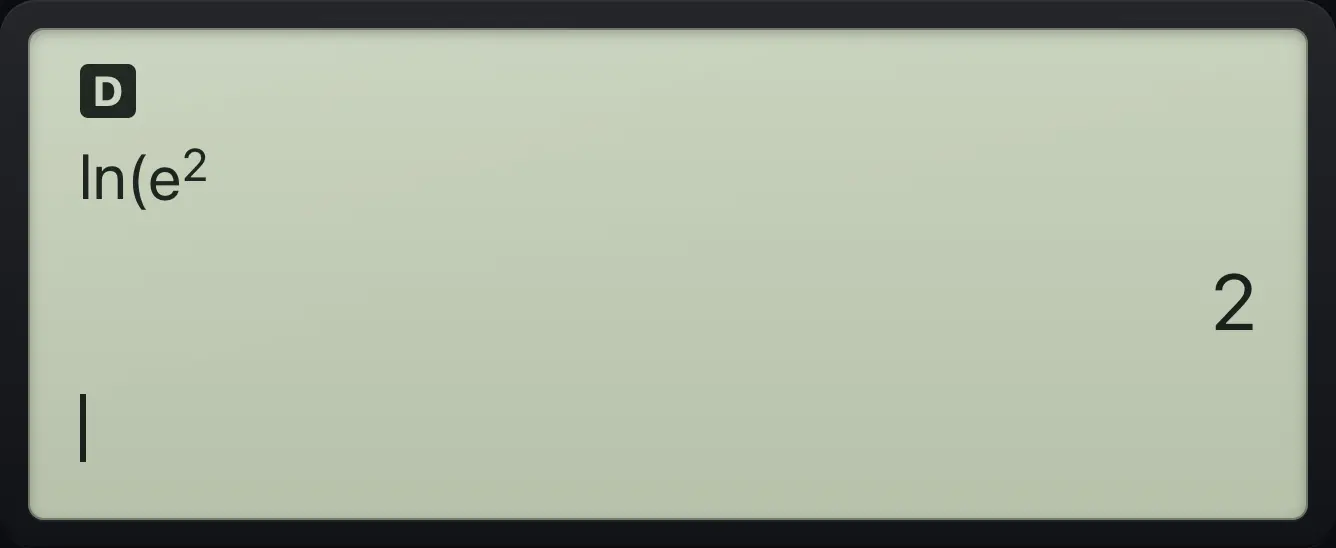
ln(e^2 2The number e
2nd then the divide key types e.
2nde÷enter
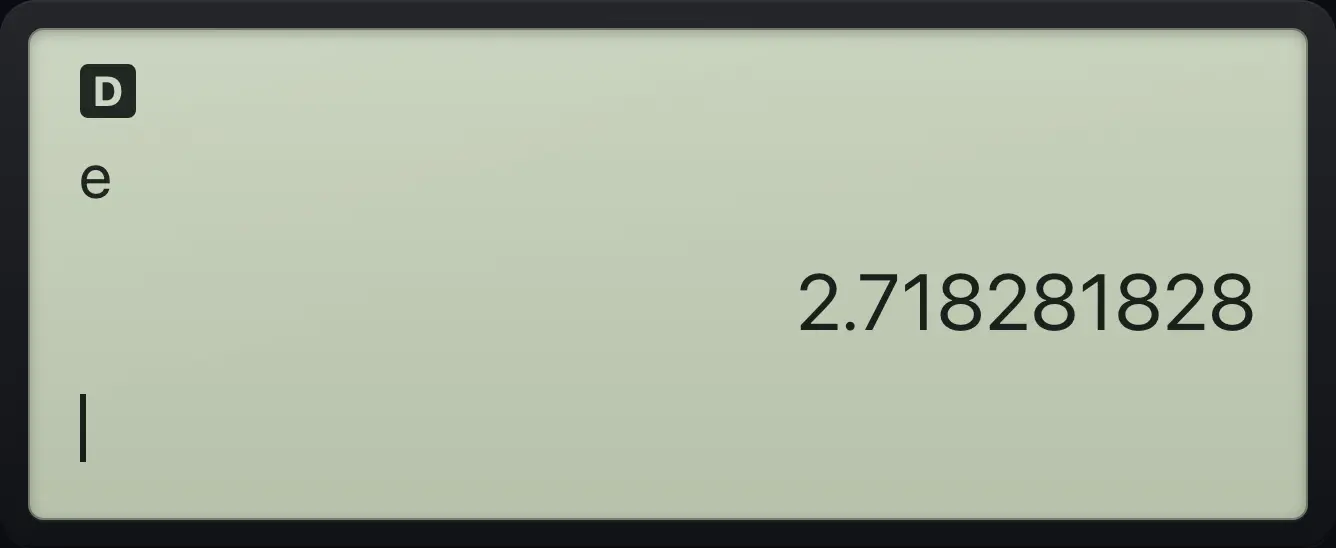
2.718281828See also Work with logarithmsNatural logs and the number eLogarithm with any base
5.2Roots, cube roots and absolute value#
For an x-th root press 2ndˣ√^. Type the root number (3 for a cube root), press ▶, then type the number under the root. For a square root use 2nd√x². Absolute value is 2ndabsx⁻¹, which opens bars you fill in.
Cube root of 27
Press 2nd and the power key, type 3, step right, type 27.
2ndˣ√^3▶27enter
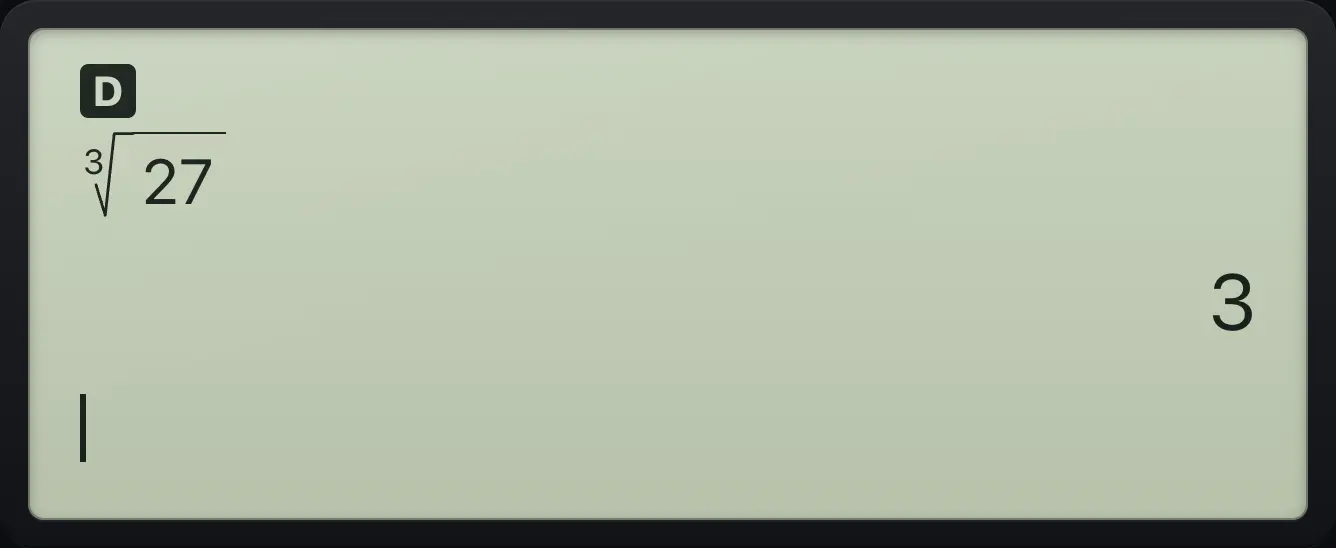
3√(27) 3Absolute value
The absolute value of -7 is 7.
2ndabsx⁻¹(−)7enter
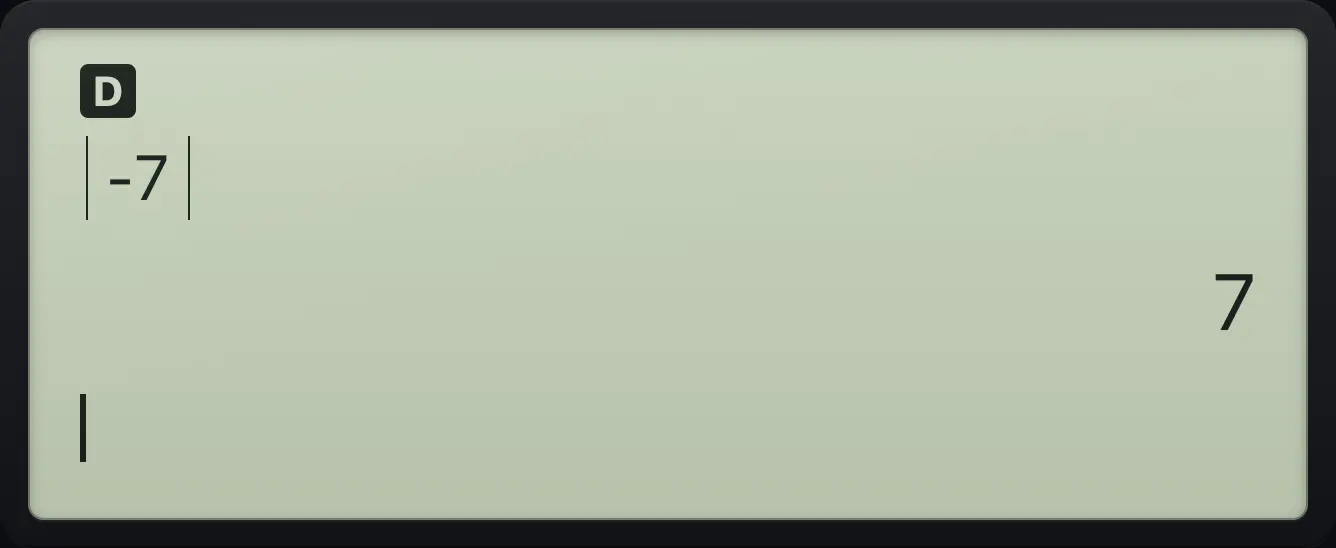
|-7| 75.3Find sine, cosine and tangent#
Sine, cosine and tangent open a bracket for you: type the angle and press enter. They use the angle unit in MODE (degrees at the start). Nice angles give exact answers in degree mode and in radian mode when you enter them with pi.
Sine of 30 degrees
In degree mode the sine of 30 is exactly one half.
sin30)enter
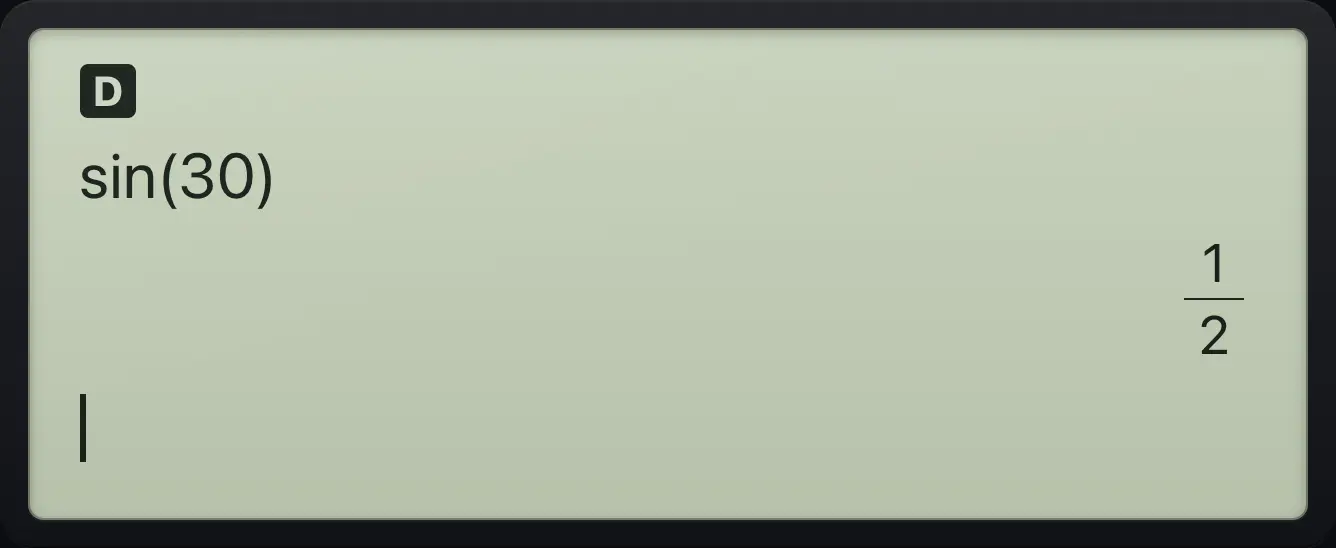
sin(30) 1/2Sine of 60 degrees
The sine of 60 is a root, kept exact.
sin60)enter
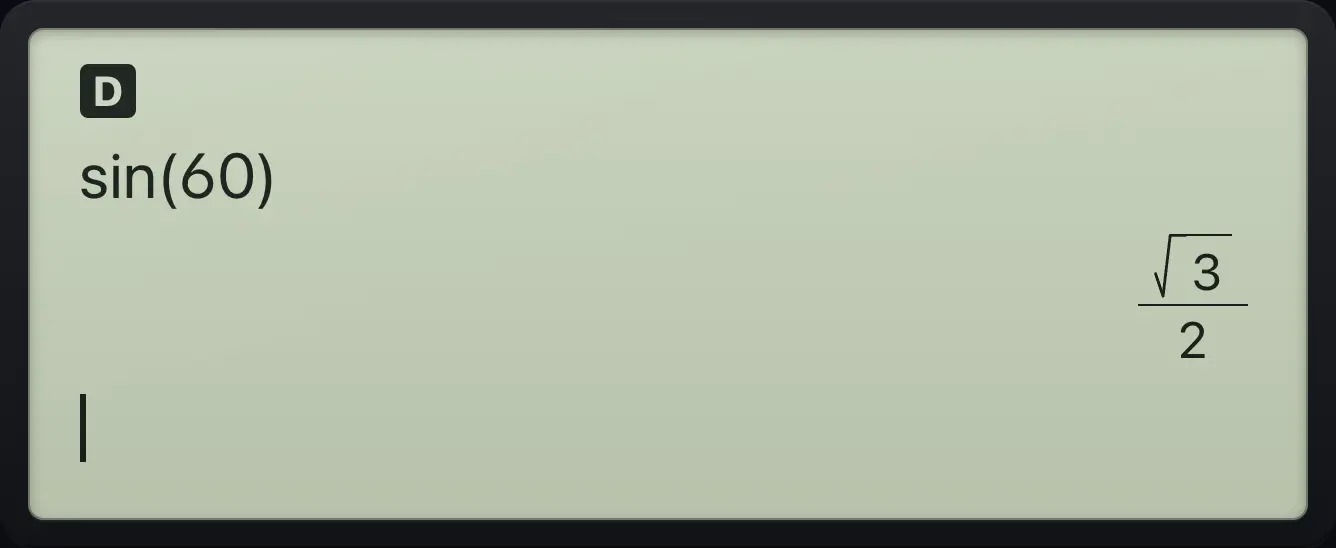
√3/2Tangent of 45 degrees
The tangent of 45 is 1.
tan45)enter
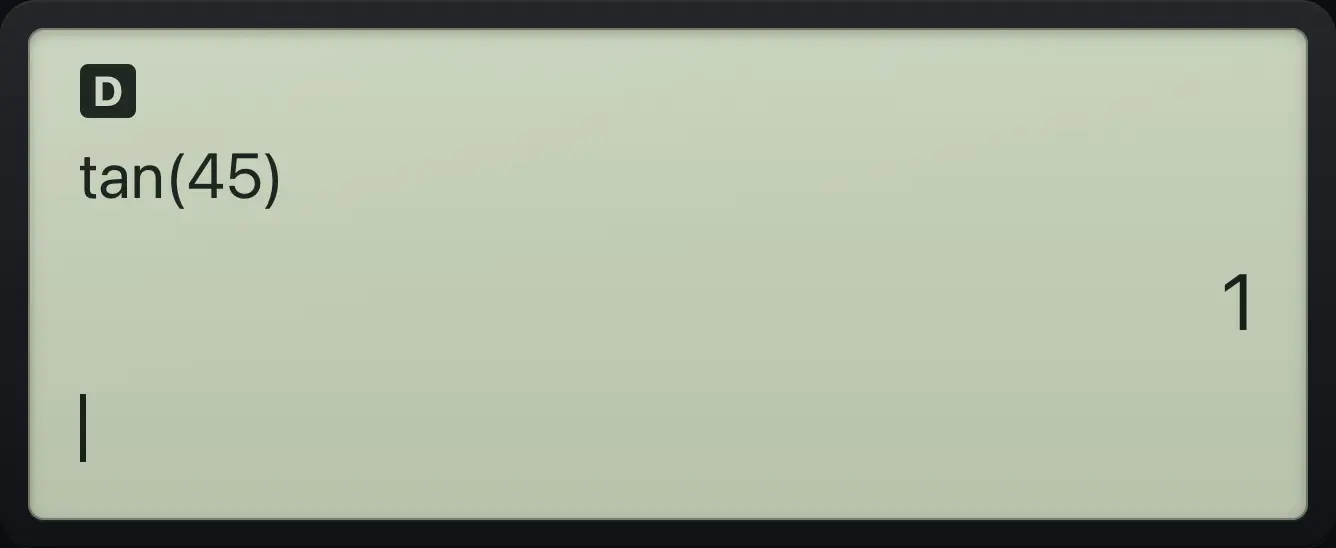
tan(45) 1Sine in radians with pi
Change to radians, clear, then find the sine of pi over 6.
mode▶enterclearsinn/dπ▼6▶)enter
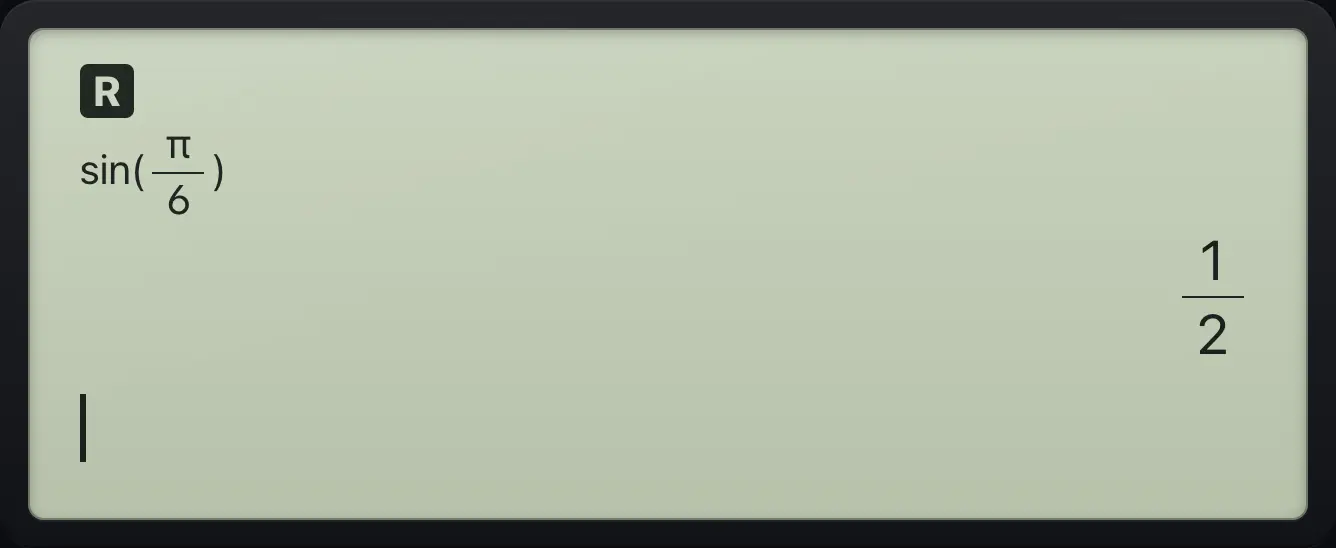
1/2See also Find sine, cosine and tangentSet degrees or radians
5.4Find an angle from a ratio#
The inverse functions are the 2nd functions of sin, cos and tan. The answer comes in the current angle unit.
Angle whose sine is 0.5
Inverse sine of 0.5 is 30 degrees.
2ndsin⁻¹sin0.5)enter
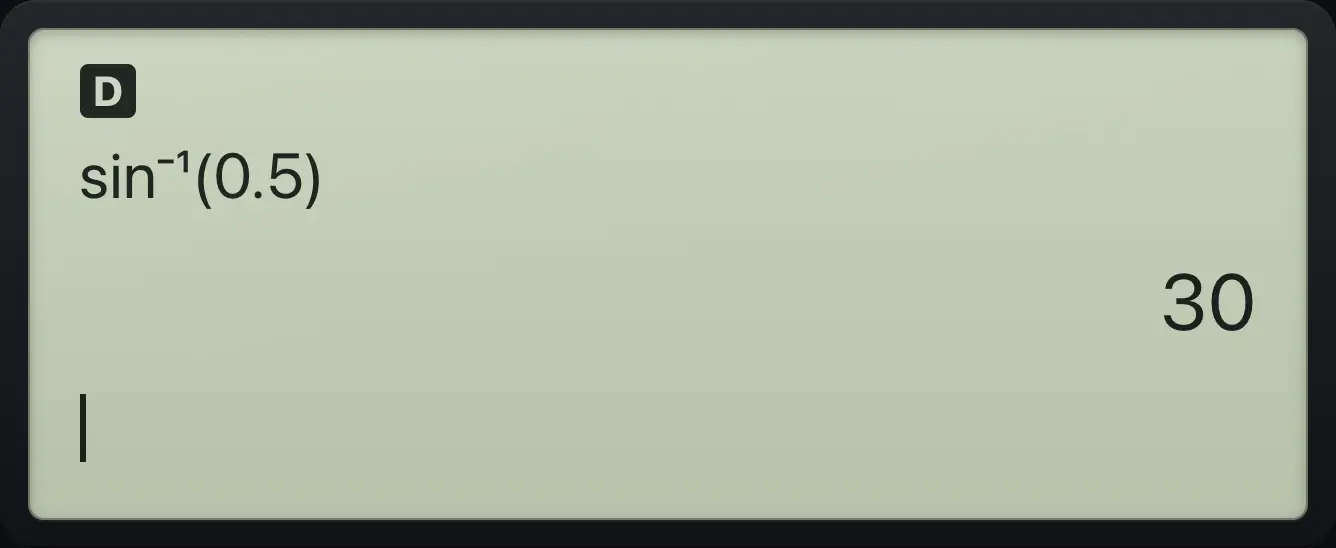
sin⁻¹(0.5) 30Inverse tangent of 1
The angle with tangent 1 is 45.
2ndtan⁻¹tan1)enter
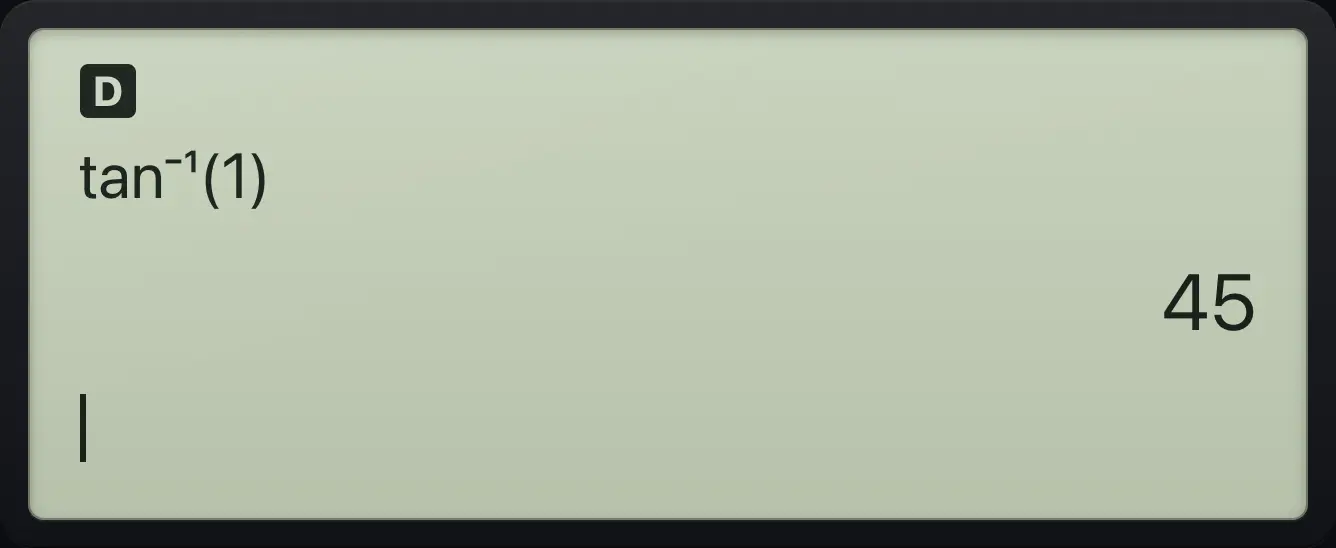
45Inverse sine in radians
In radian mode sin⁻¹(1) is pi over 2.
mode▶enterclear2ndsin⁻¹sin1)enter
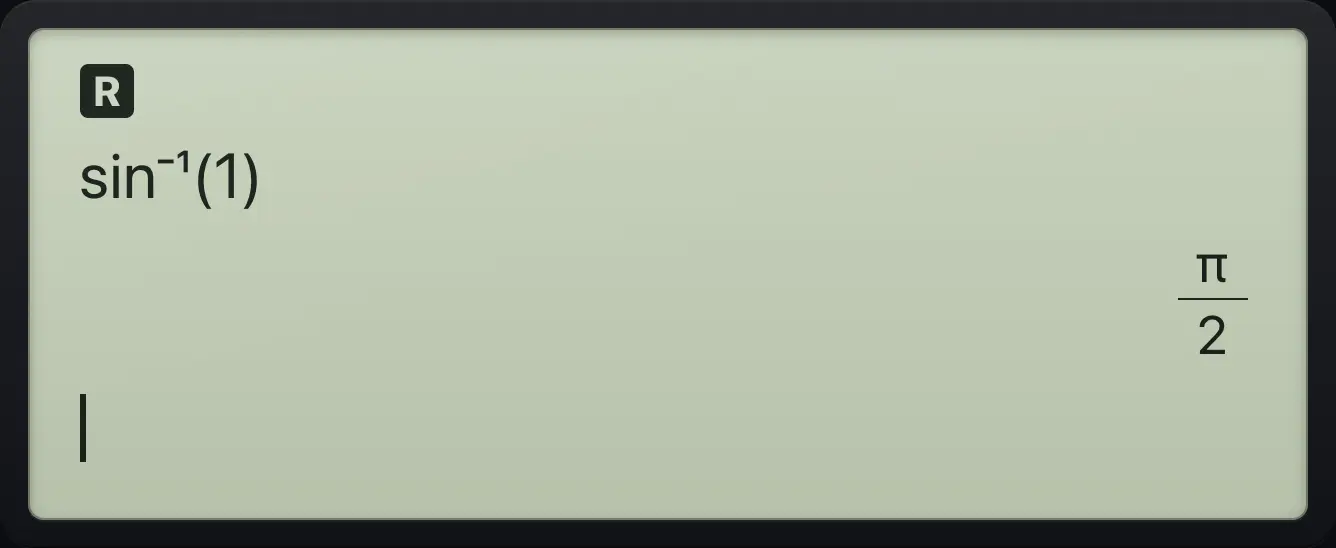
π/2See also Find an angle from a ratio
5.5Hyperbolic functions#
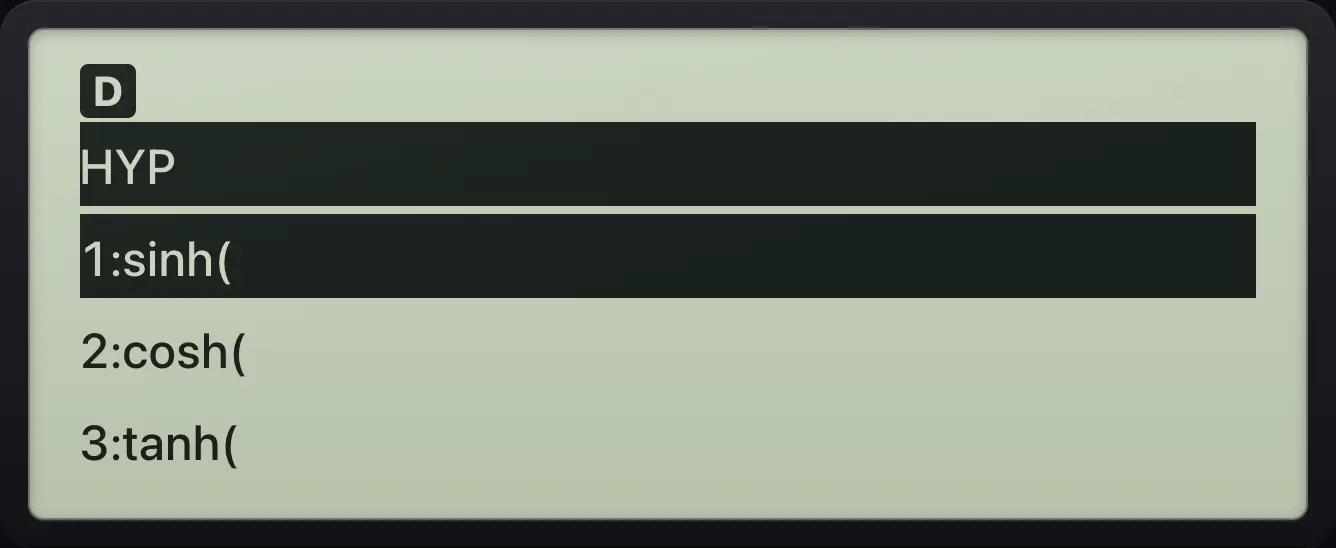
Press 2ndhypπ (HYP) to open a menu of sinh, cosh, tanh and their inverses. Press the number of the item you want, type the value and close the bracket.
| Number | Function |
|---|---|
| 1 | sinh( |
| 2 | cosh( |
| 3 | tanh( |
| 4 | sinh⁻¹( |
| 5 | cosh⁻¹( |
| 6 | tanh⁻¹( |
Hyperbolic sine of 1
Open HYP, choose 1 (sinh), type 1 and close the bracket.
2ndhypπ11)enter
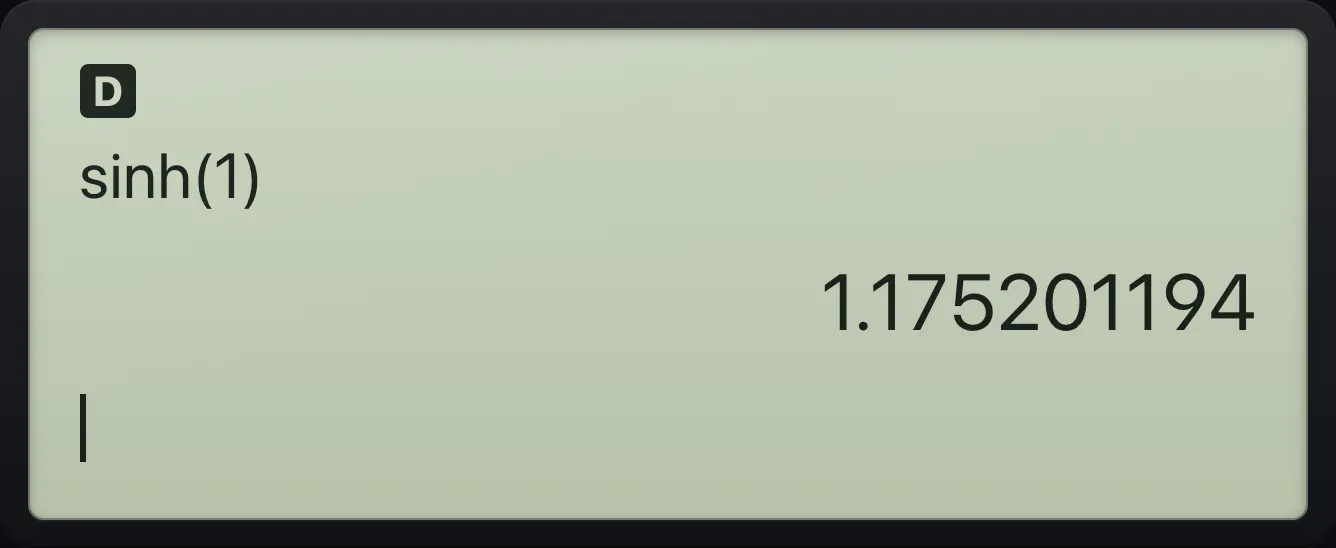
sinh(1) 1.175201194Inverse hyperbolic sine
Choose item 4, sinh⁻¹.
2ndhypπ41)enter
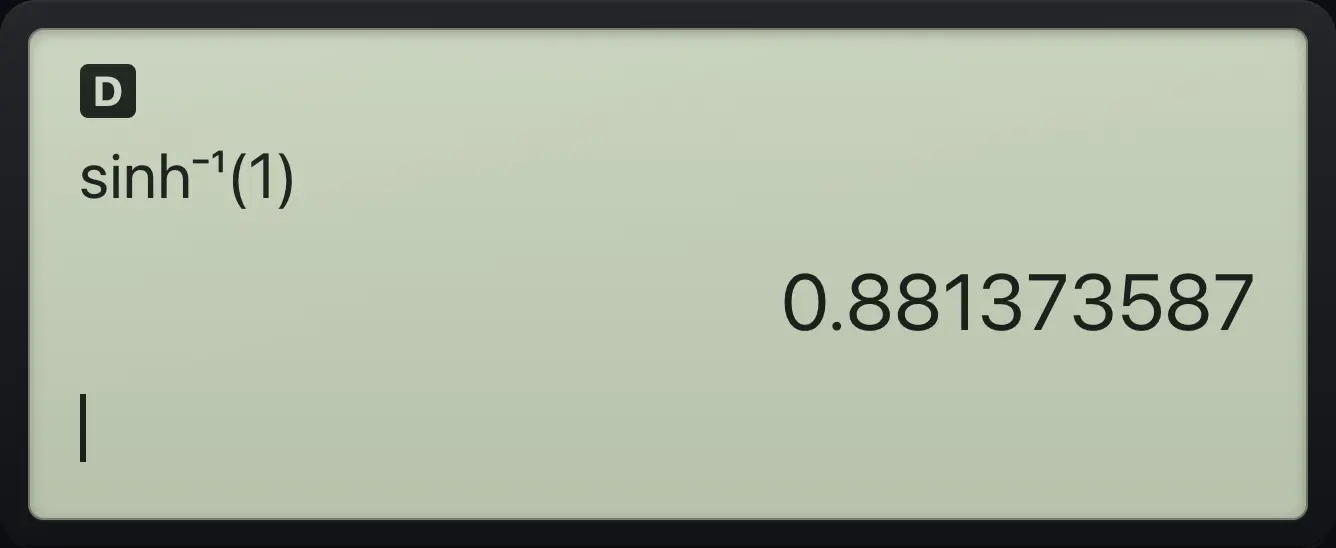
0.881373587See also Hyperbolic functions
5.6Permutations, combinations and factorials#
![The PRB menu. The display shows: [PRB] RAND / 1:nPr / 2:nCr / 3:!.](/trident/app/help/manual/img/4b59fed0s.webp)
Press prb for the PRB menu. Type the first number before you open the menu, then choose nPr, nCr or ! and type the second number. A factorial can also be typed with 2nd!×. If r is larger than n, nPr and nCr give 0. Negative or non-whole numbers give a DOMAIN error.
Combinations
Choose 2 out of 5: type 5, open PRB, pick nCr, type 2.
5prb22enter
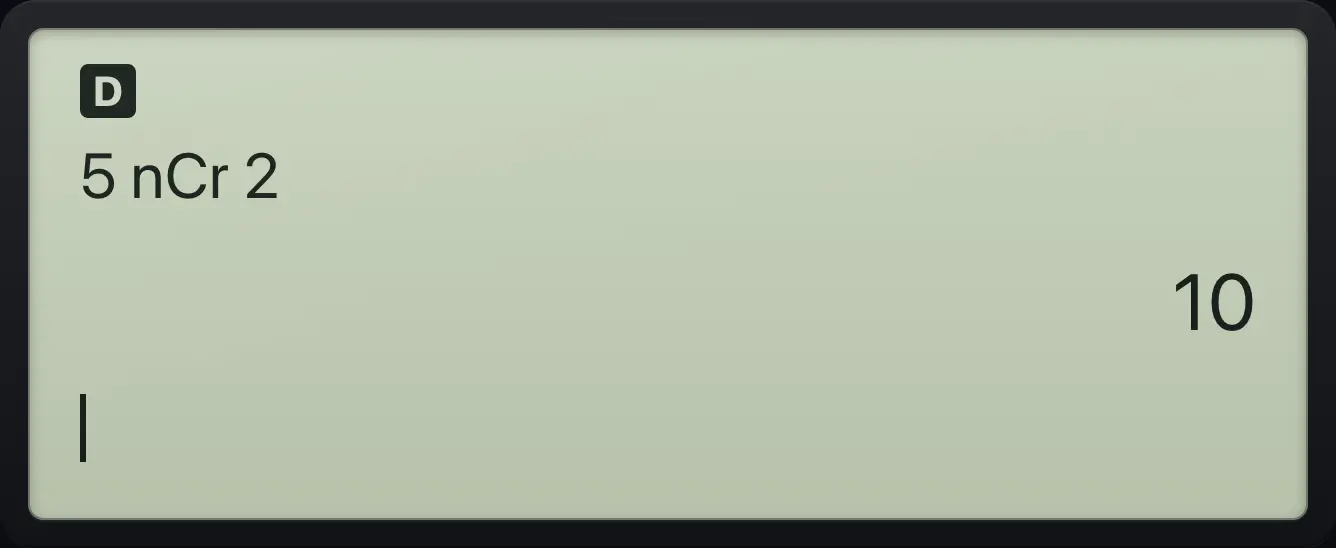
5 nCr 2 10Permutations
Arrange 2 out of 5.
5prb12enter
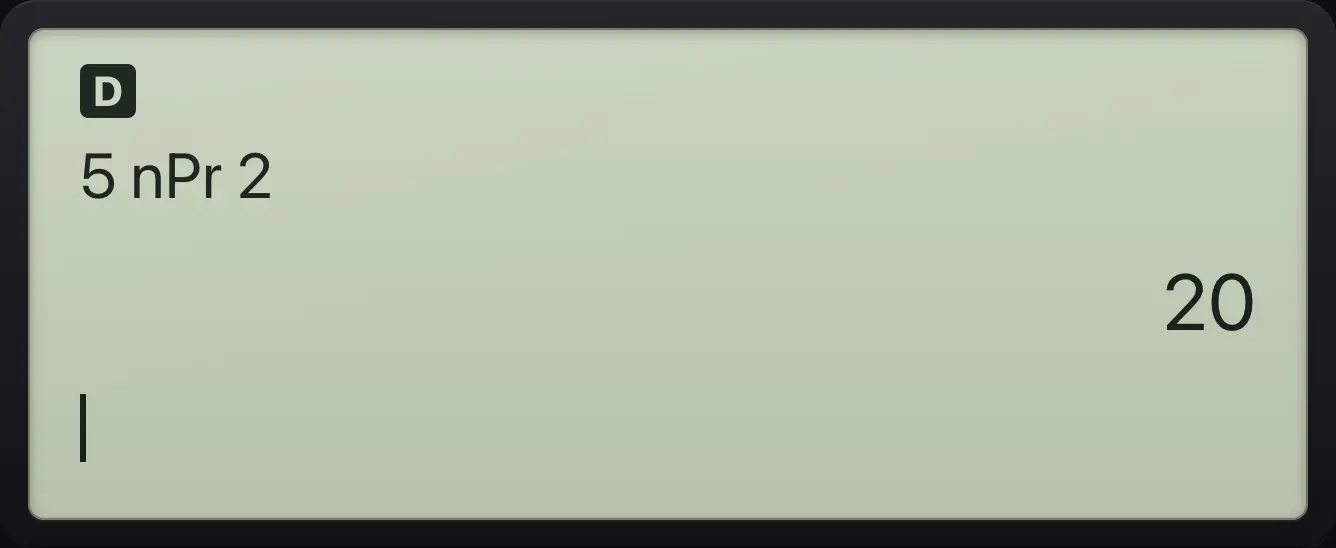
5 nPr 2 20Factorial
5 factorial, from the PRB menu.
5prb3enter
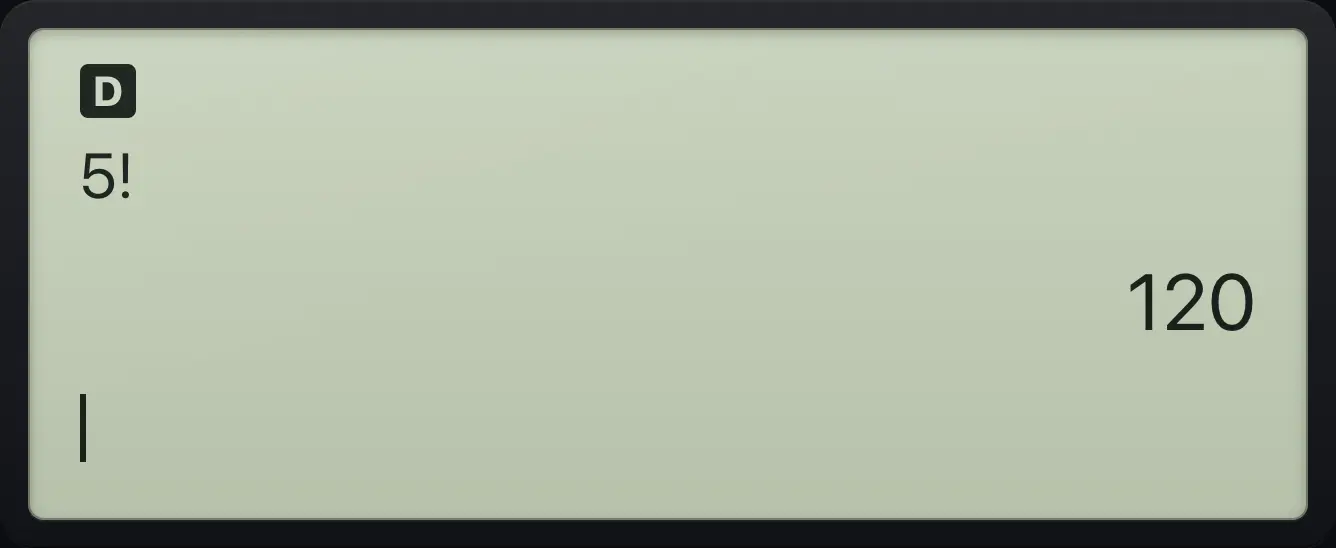
5! 120Factorial from the 2nd key
2nd then the times key also gives the factorial sign.
52nd!×enter
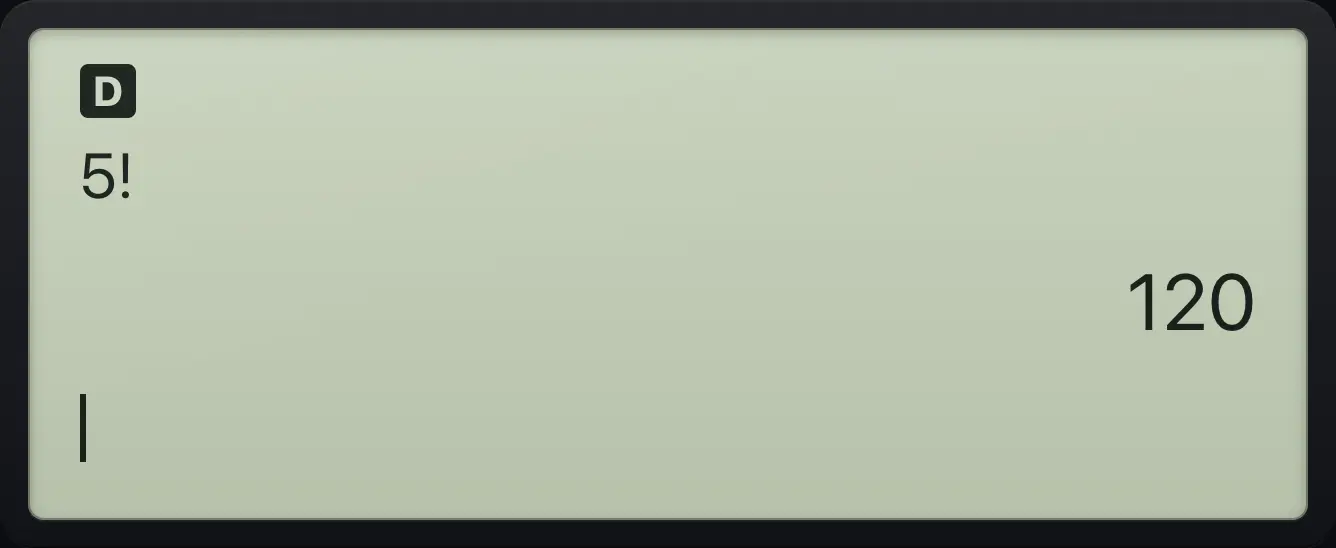
120See also Count arrangements and selections (nPr and nCr)Calculate a factorial
5.7Random numbers#
![The RAND tab of the PRB menu. The display shows: PRB [RAND] / 1:rand / 2:randint(.](/trident/app/help/manual/img/bbd1faf6s.webp)
Open the RAND tab of PRB (press prb then ▶). rand gives a random decimal between 0 and 1. randint( gives a random whole number between two limits that you type separated by a comma (2nd,.). The numbers change every time.
Random decimal
Open PRB, move to the RAND tab and pick rand.
prb▶1enter
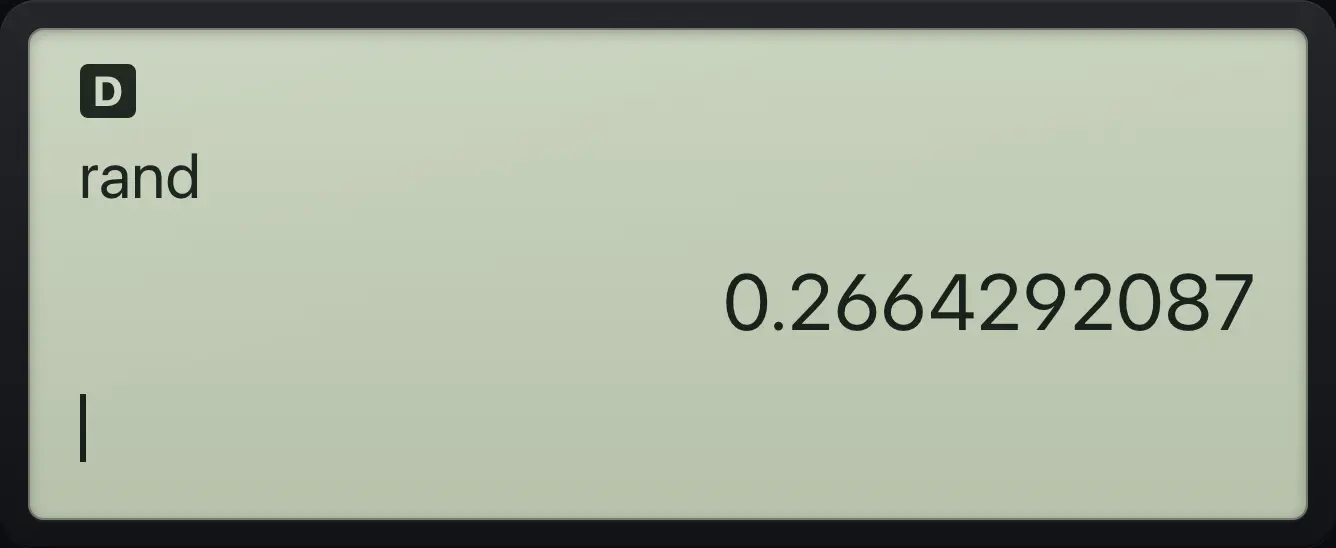
randRoll a die
Pick randint(, type 1, comma, 6 and close the bracket.
prb▶212nd,.6)enter
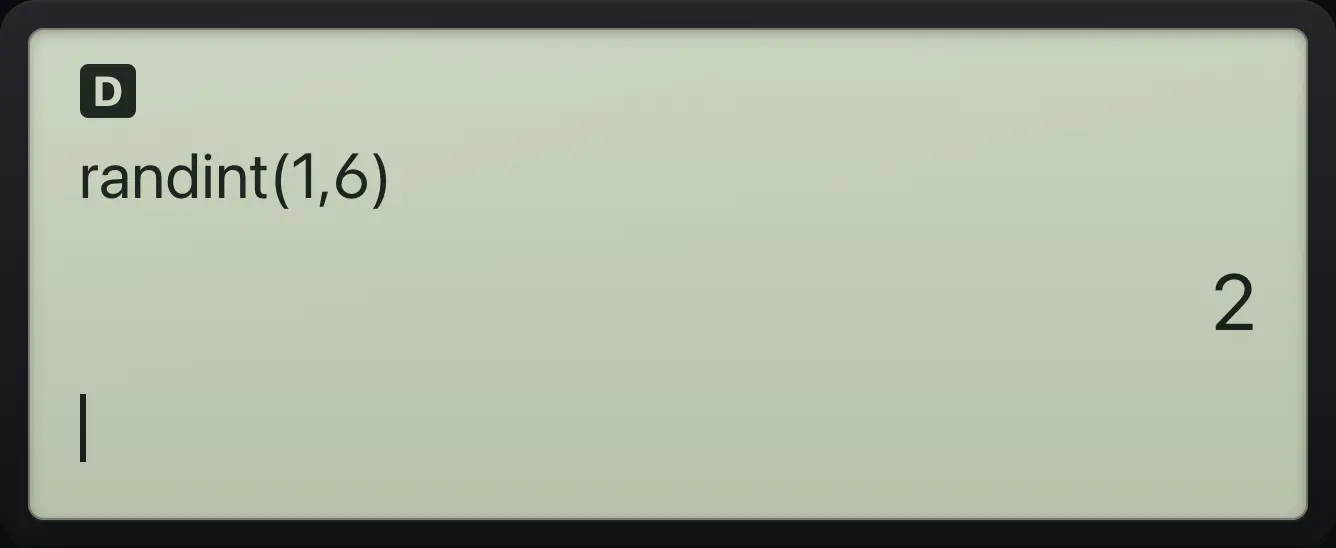
randint(1,6)See also Generate random numbers
5.8Round, absolute value, parts of a number#
![The NUM tab of the MATH menu. The display shows: MATH [NUM] CPX / 1:abs( / 2:round( / 3:iPart(.](/trident/app/help/manual/img/81264898s.webp)
The NUM tab of the MATH menu (math then ▶) holds these functions. Pick one by its number, type the value (and a comma 2nd,. before a second value), then close the bracket.
| Number | Function | What it does |
|---|---|---|
| 1 | abs( | Absolute value. |
| 2 | round( | Rounds to a number of decimals: round(3.14159,2). |
| 3 | iPart( | Integer part: drops the decimals. |
| 4 | fPart( | Fractional part: keeps only the decimals. |
| 5 | int( | The greatest integer not larger than the number (rounds down). |
| 6 | min( | The smaller of two numbers. |
| 7 | max( | The larger of two numbers. |
| 8 | mod( | The remainder after division. |
Round to 2 decimals
NUM tab, item 2, then 3.14159, comma, 2.
math▶23.141592nd,.2)enter
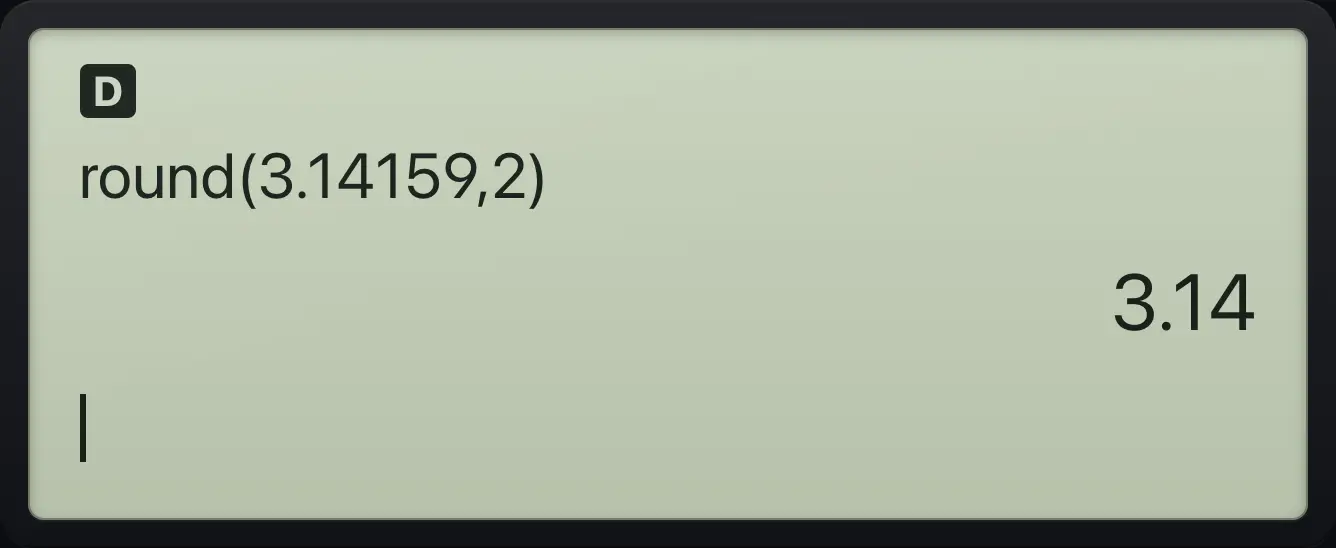
round(3.14159,2) 3.14Fractional part
Item 4 keeps only the decimals.
math▶43.7)enter
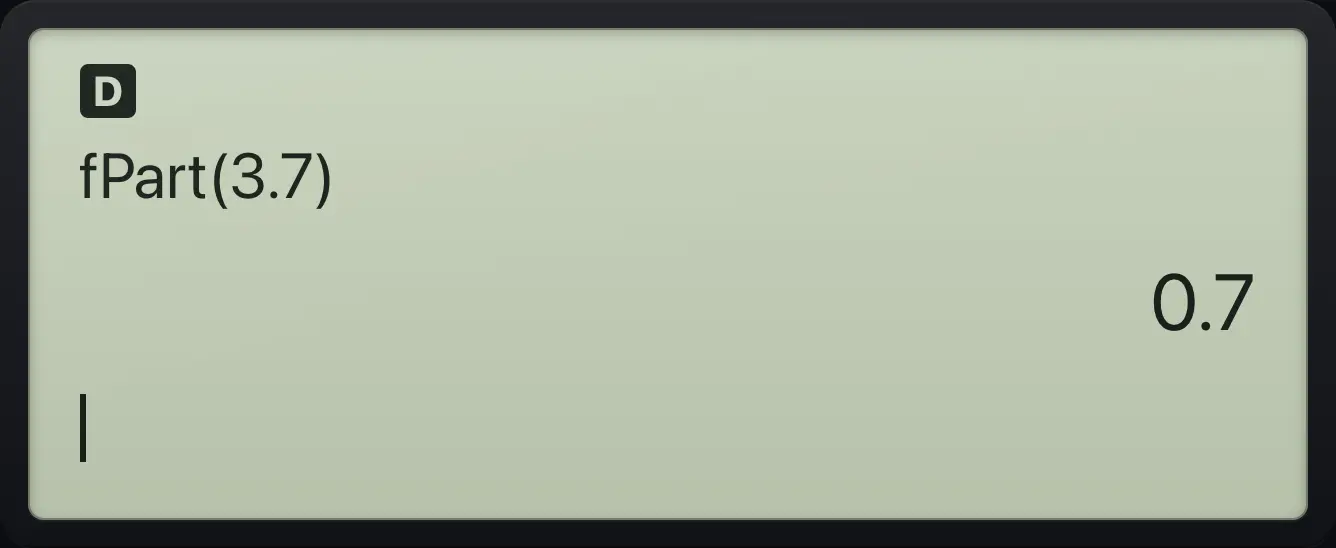
fPart(3.7) 0.7Round down (int)
int of -2.5 is -3, because it rounds down.
math▶5(−)2.5)enter
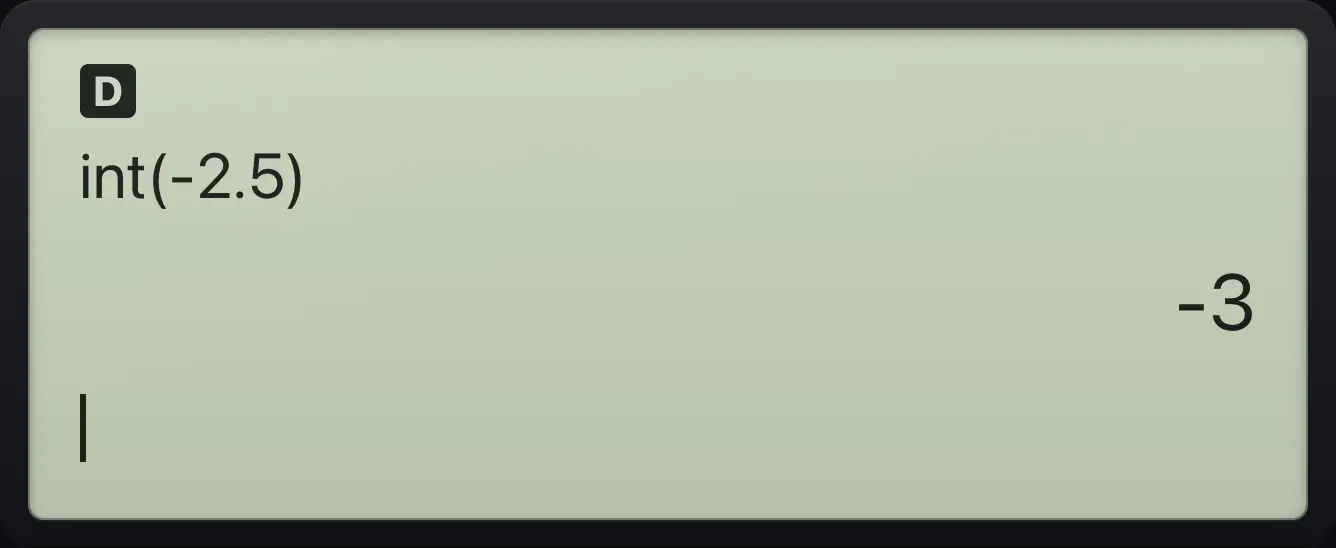
-3Integer part
iPart drops the decimals, so -2.5 becomes -2.
math▶3(−)2.5)enter
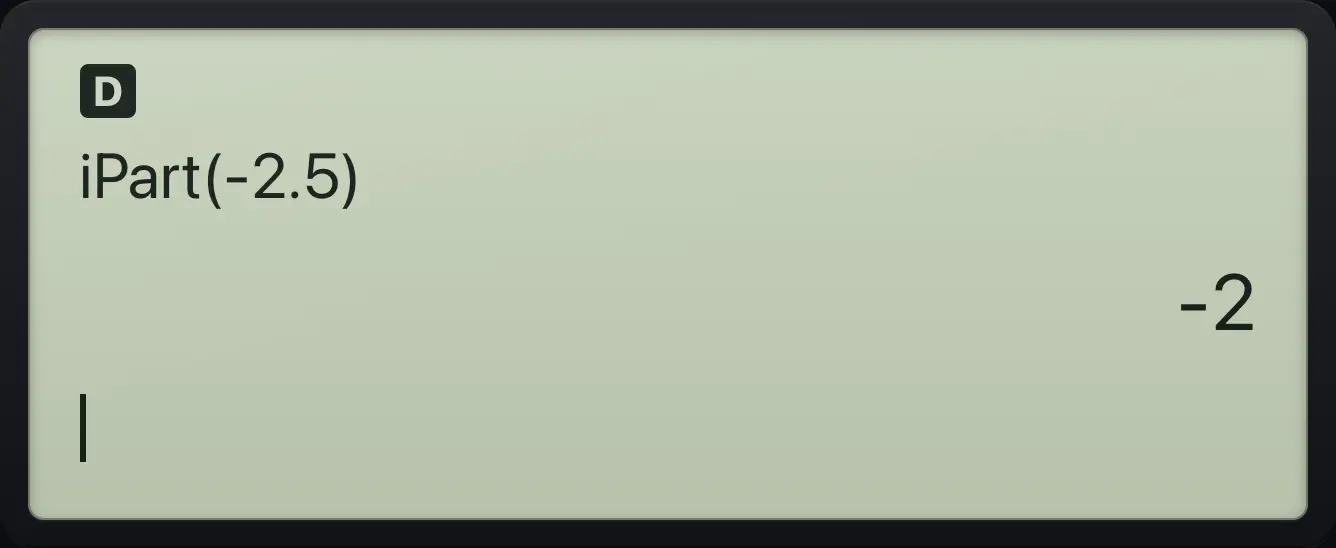
-2Remainder
17 divided by 5 leaves 2.
math▶8172nd,.5)enter
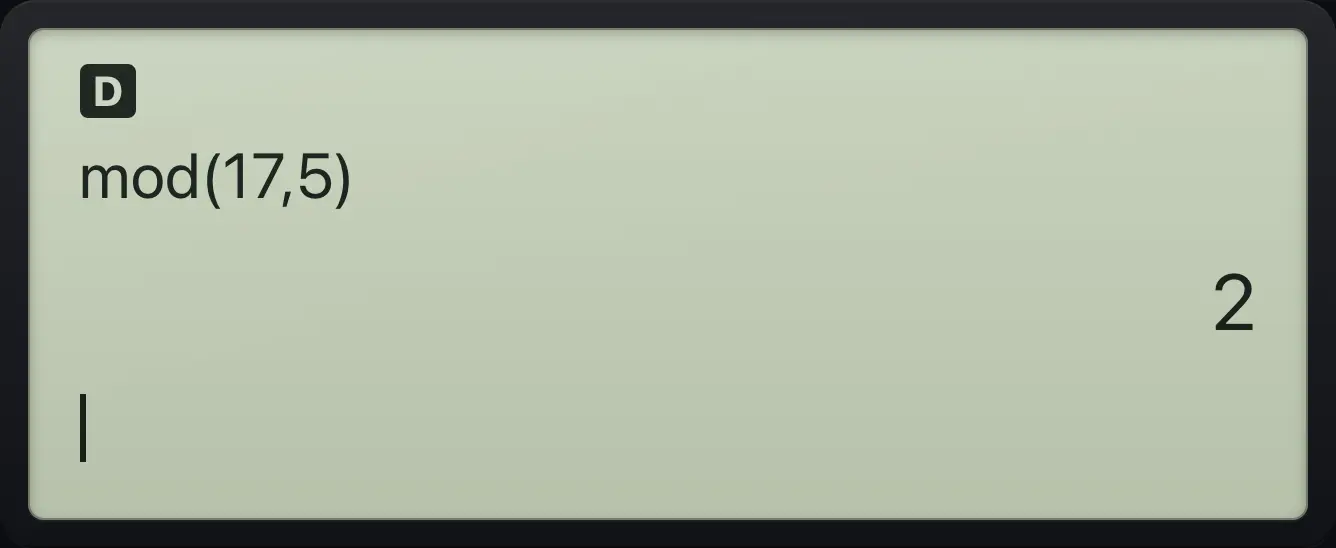
mod(17,5) 2Smaller of two numbers
Item 6 is min.
math▶642nd,.7)enter
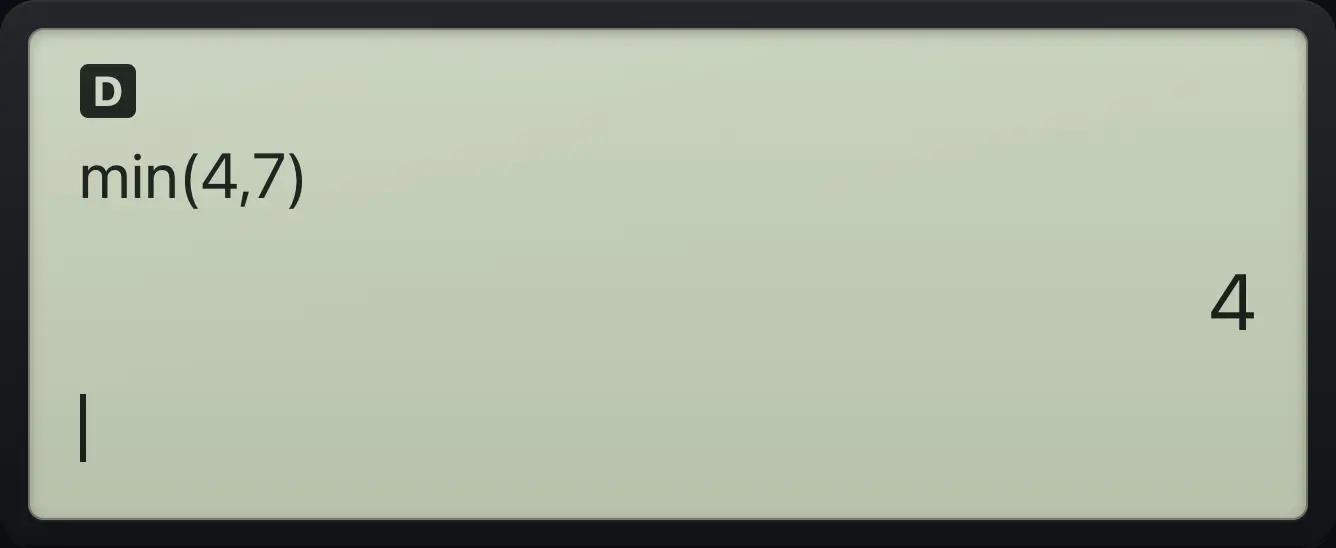
min(4,7) 45.9Find the gcd and lcm#
![The MATH menu: items 1 to 6 are fraction tools, lcm, gcd, Σ, Π and F◄►D. The display shows: [MATH] NUM CPX / 1:►n/d◄►Un/d / 2:lcm( / 3:gcd(.](/trident/app/help/manual/img/eac197bas.webp)
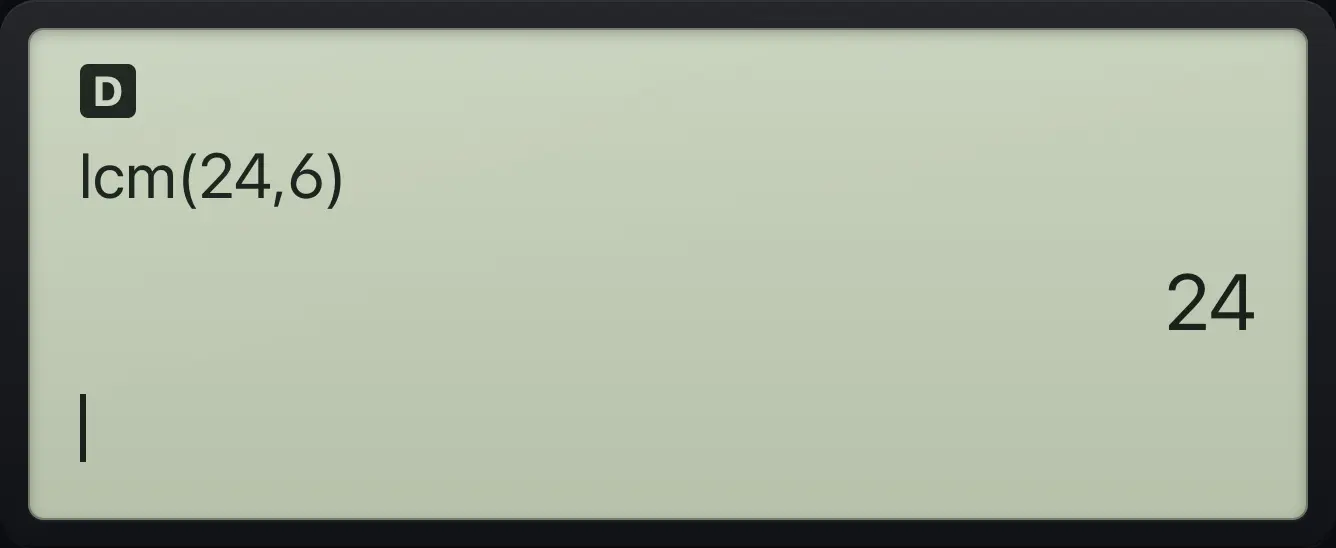
The MATH tab of the MATH menu has lcm( (item 2) and gcd( (item 3). Type the two numbers separated by a comma.
Greatest common divisor
gcd of 12 and 8.
math3122nd,.8)enter
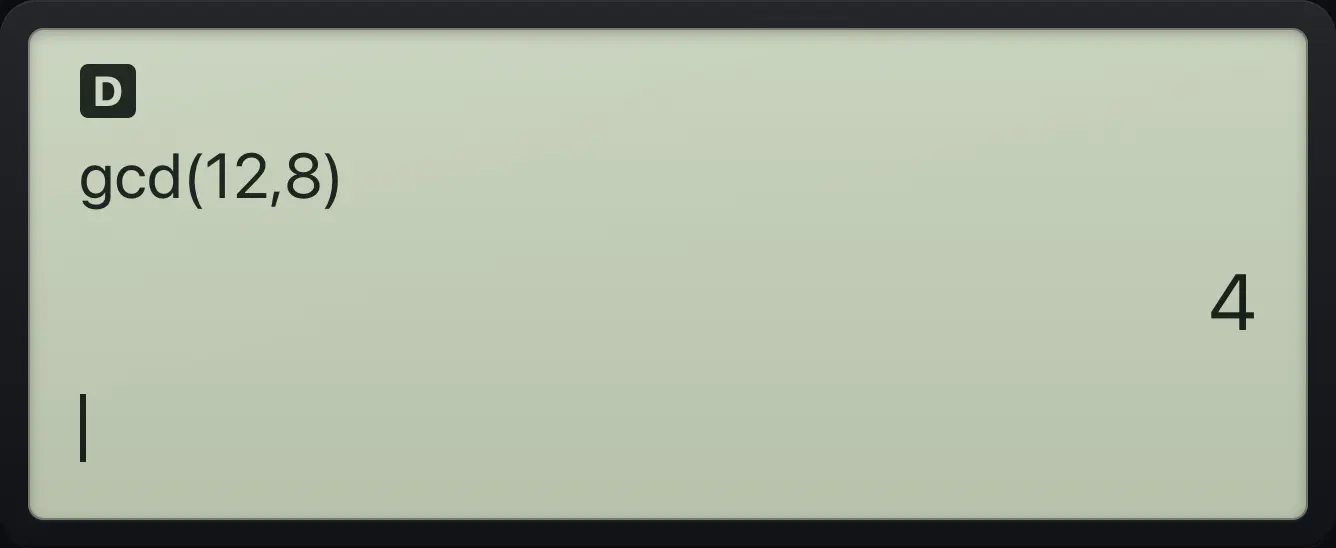
gcd(12,8) 4Least common multiple
lcm of 24 and 6.
math2242nd,.6)enter
lcm(24,6) 245.10Add up or multiply a series (Σ and Π)#
MATH items 4 and 5 are Σ( (sum) and Π( (product). A template opens with three boxes: the expression to add (use x as the variable), the starting value and the ending value. Move between the boxes with ▶.
Sum the numbers 1 to 10
Pick Σ(, type x with the variable key, move right, type 1, move right, type 10.
math4x yzt abcd▶1▶10enter
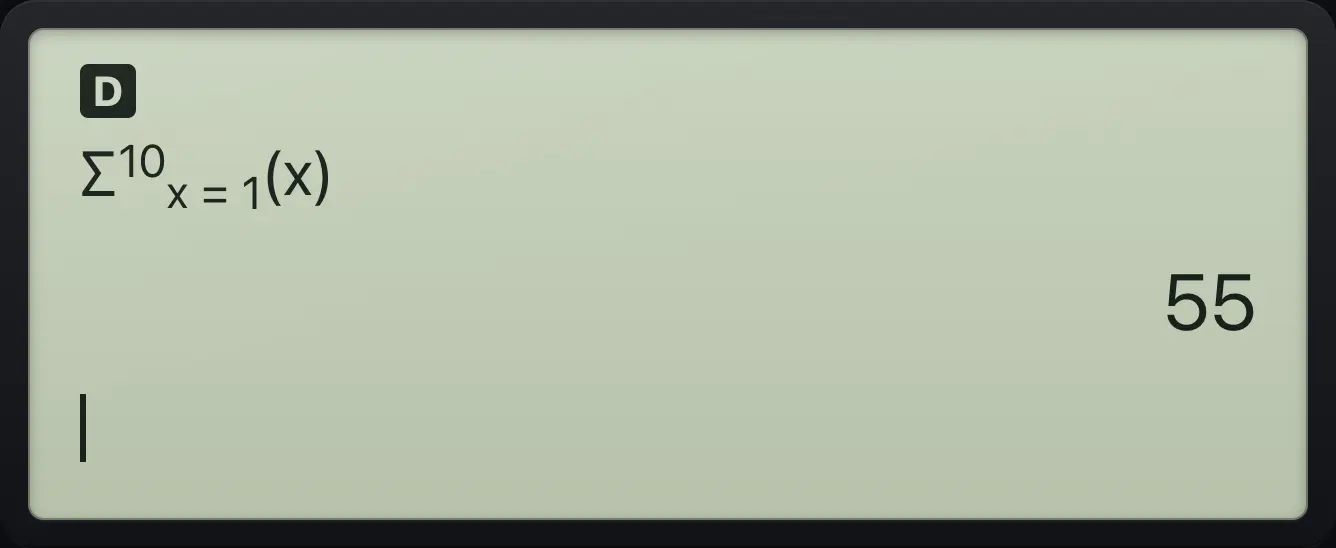
Σ(x,1,10) 55Multiply the numbers 1 to 5
Pick Π( the same way.
math5x yzt abcd▶1▶5enter
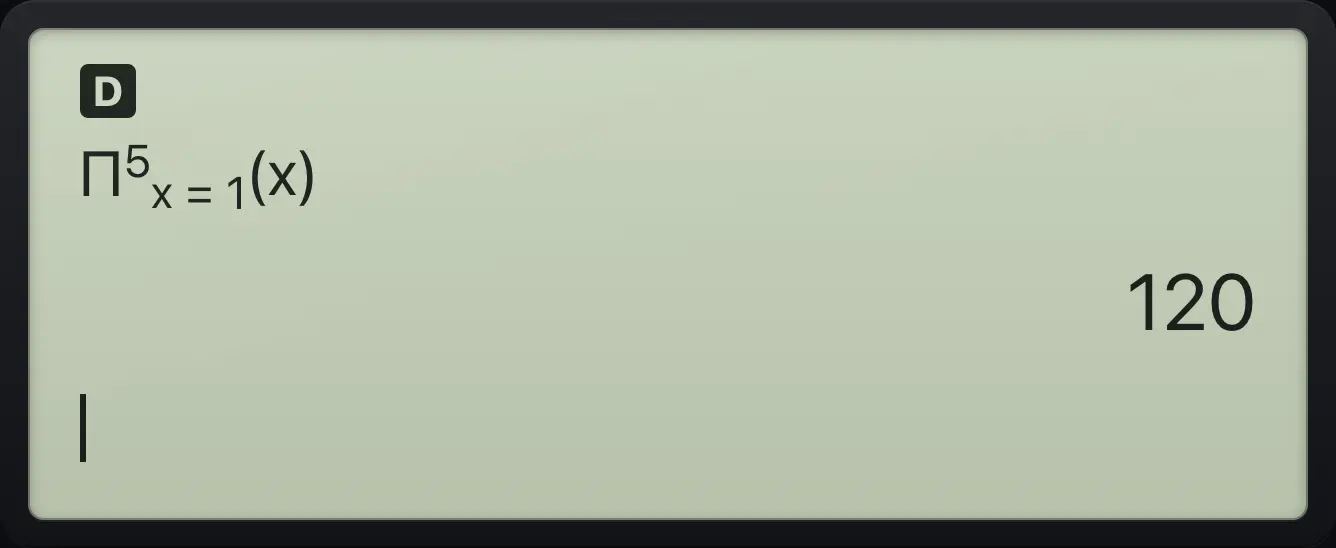
Π(x,1,5) 120See also Sum a sequence or series
TI-30XS MultiView is a trademark of Texas Instruments Incorporated. Trident Calculator is an independent product by South View Studios and is not affiliated with, sponsored by or endorsed by Texas Instruments. The name is used only to describe the kind of calculator this model resembles; Trident's names, keys, display, fonts and software are its own clean-room design.