Trident Help

Classic Scientific 30 manual · Chapter 2 of 13

Keyboard reference

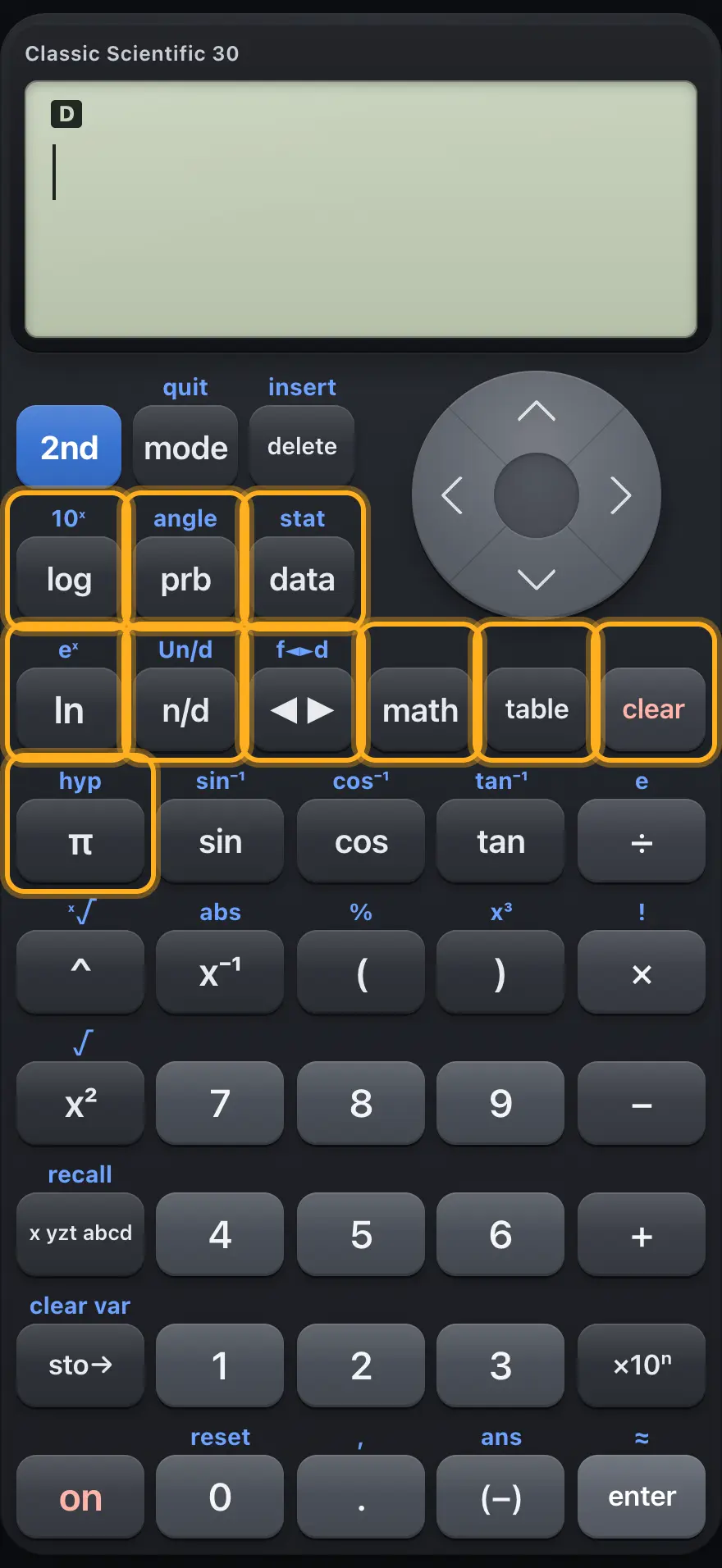
Every key with its primary function and its 2nd function, grouped by area of the keypad.

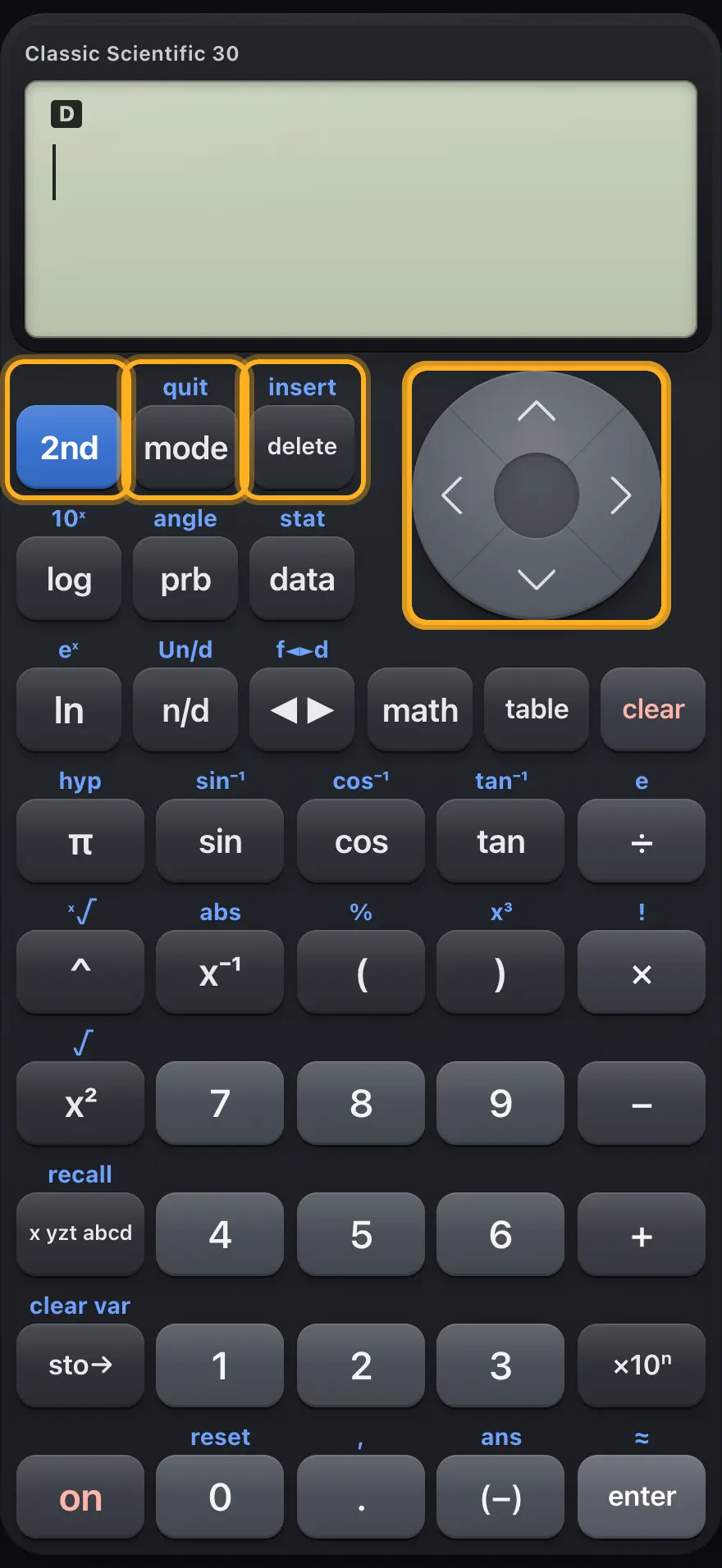
2.1Top row and arrow keys#

The top row and the arrow keys.
KeyPrimary2nd
2ndMakes the next key use its upper legend.-
modeOpens the MODE screen (angle, number format, decimals, complex, display style).QUIT: leaves any menu or screen.
deleteDeletes the character at the cursor; at the end of the line it deletes the last character. In the data editor it removes the selected row.INS: no change here (typing already inserts).
▲Moves up, or opens the history of earlier entries.-
▼Moves down, or forward through history.-
◀Moves the cursor left.-
▶Moves the cursor right, or leaves a template box.-

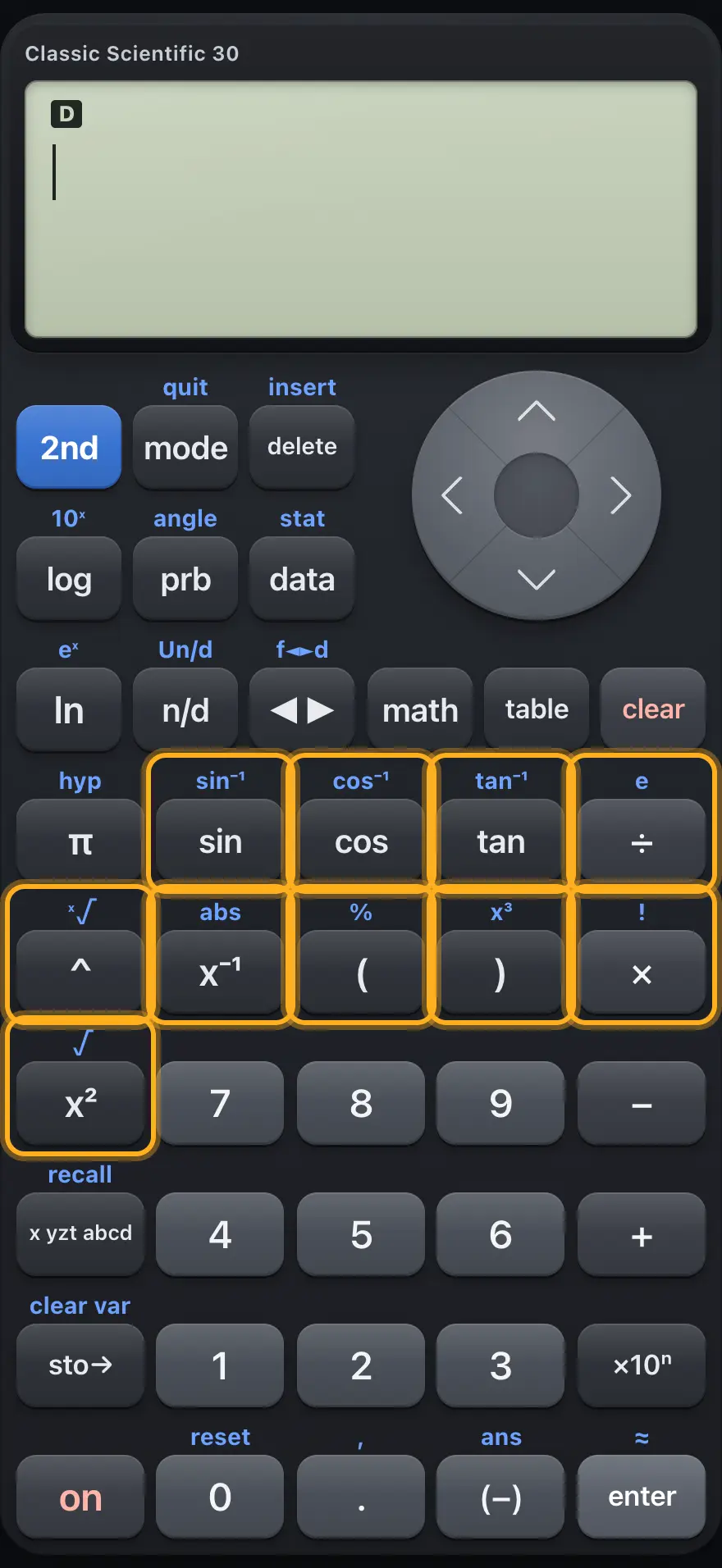
2.3Trig, powers and roots#

Trig, power and bracket keys.
KeyPrimary2nd
sinSine.Inverse sine, sin⁻¹.
cosCosine.Inverse cosine, cos⁻¹.
tanTangent.Inverse tangent, tan⁻¹.
÷Divide.The number e.
^Power template: type the exponent in the box.x-th root template.
x⁻¹Reciprocal (x⁻¹).Absolute value template.
(Opening bracket.Percent sign.
)Closing bracket.Cube (x³).
×Multiply.Factorial (!).
x²Square (x²).Square root template.

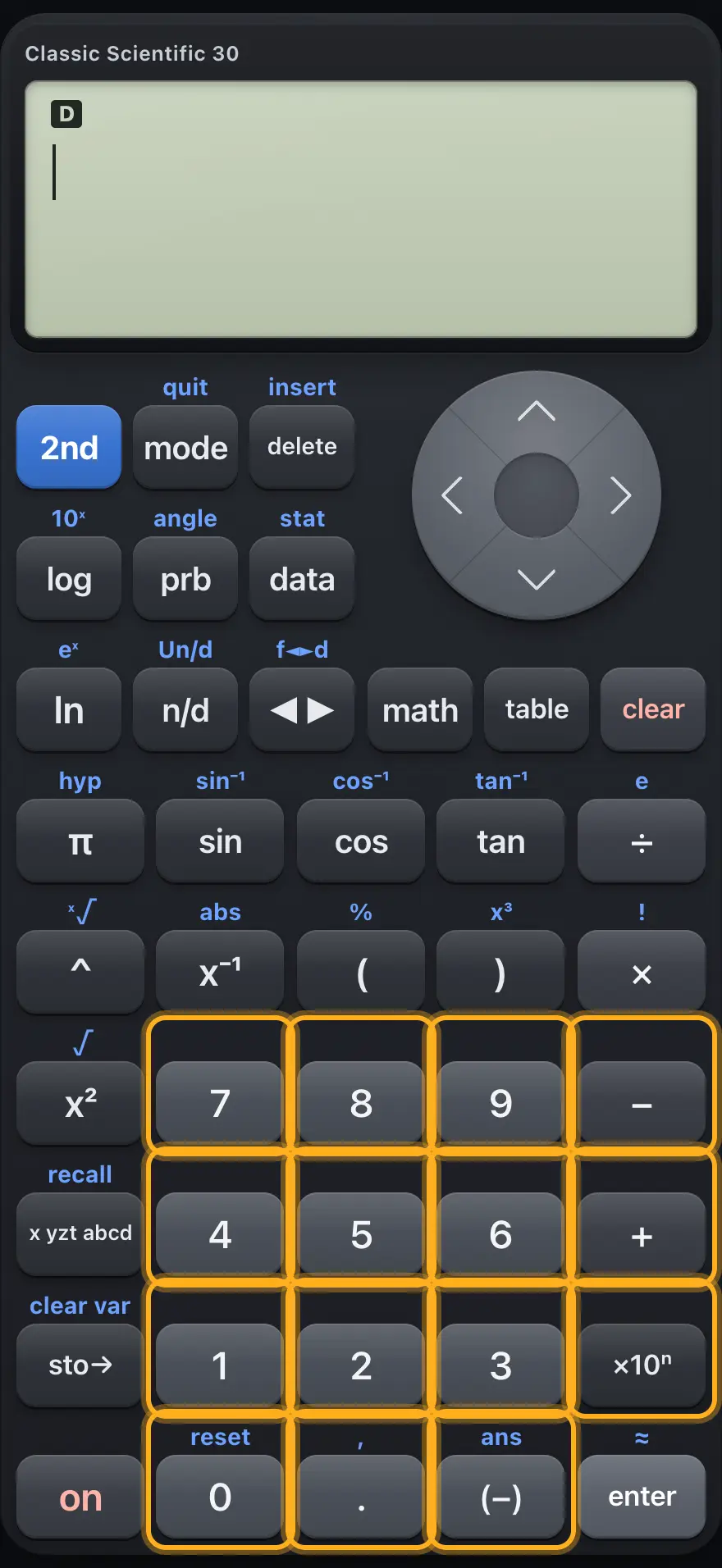
2.4Digits and operators#

Digits and operators.
KeyPrimary2nd
7 8 9Digits.-
4 5 6Digits.-
1 2 3Digits.-
0Digit zero.RESET: asks whether to erase memory and settings.
−Subtract.-
+Add.-
×10ⁿTimes ten to a power (scientific notation).-
.Decimal point.Comma, used between function arguments.
(−)Negative sign.Ans: the last answer.

2.5Memory keys, on and enter#

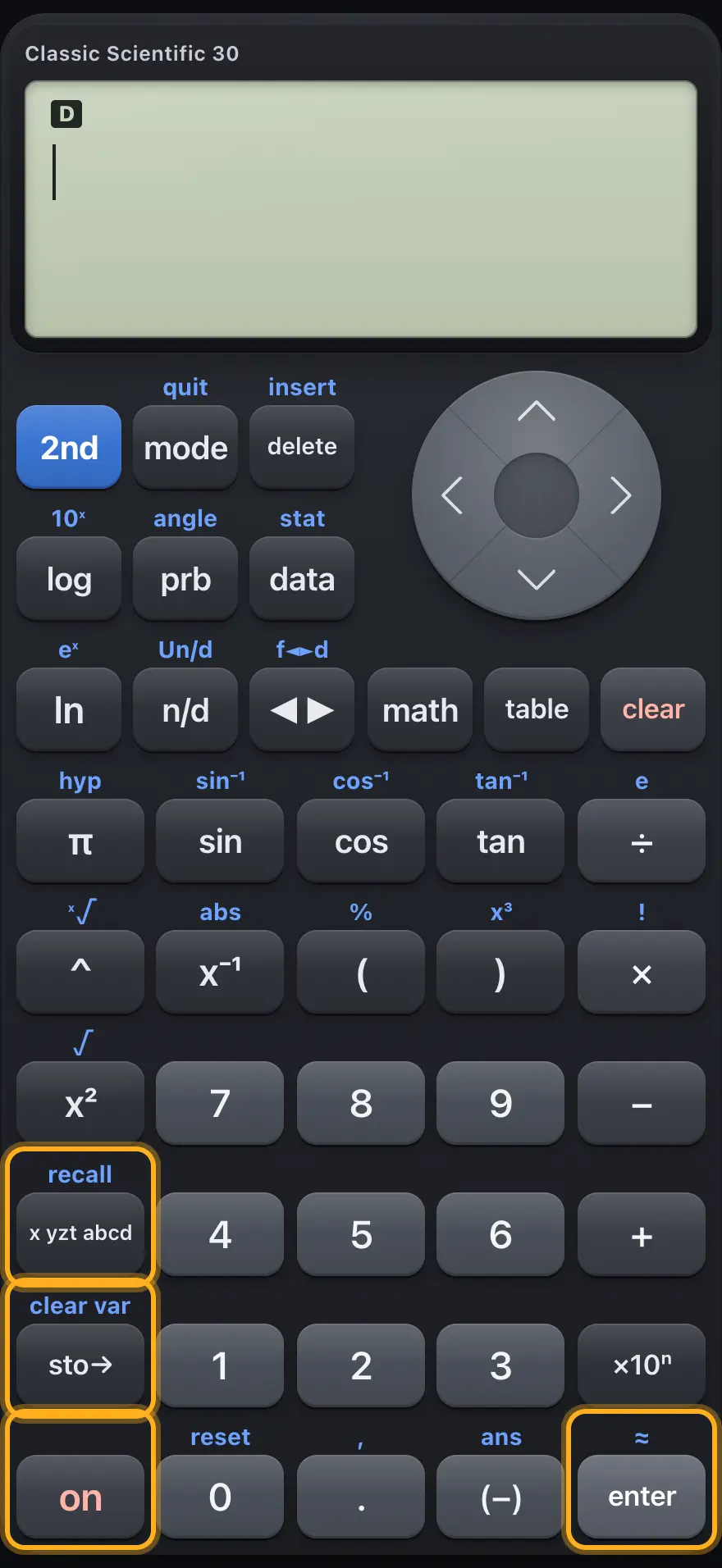
Memory keys, on and enter.
KeyPrimary2nd
x yzt abcdTypes a variable. Press again to cycle x, y, z, t, a, b, c, d.RECALL VAR: lists the stored values so you can paste one.
sto→Stores a value into a variable.CLEAR VAR: erases all stored variables.
onNo effect (always on in this app).OFF: no effect.
enterEvaluates the entry, or picks a menu item.≈: evaluates and gives a decimal answer.

TI-30XS MultiView is a trademark of Texas Instruments Incorporated. Trident Calculator is an independent product by South View Studios and is not affiliated with, sponsored by or endorsed by Texas Instruments. The name is used only to describe the kind of calculator this model resembles; Trident's names, keys, display, fonts and software are its own clean-room design.