
RPN family · Pro · Instruction manual
RPN Advanced 42
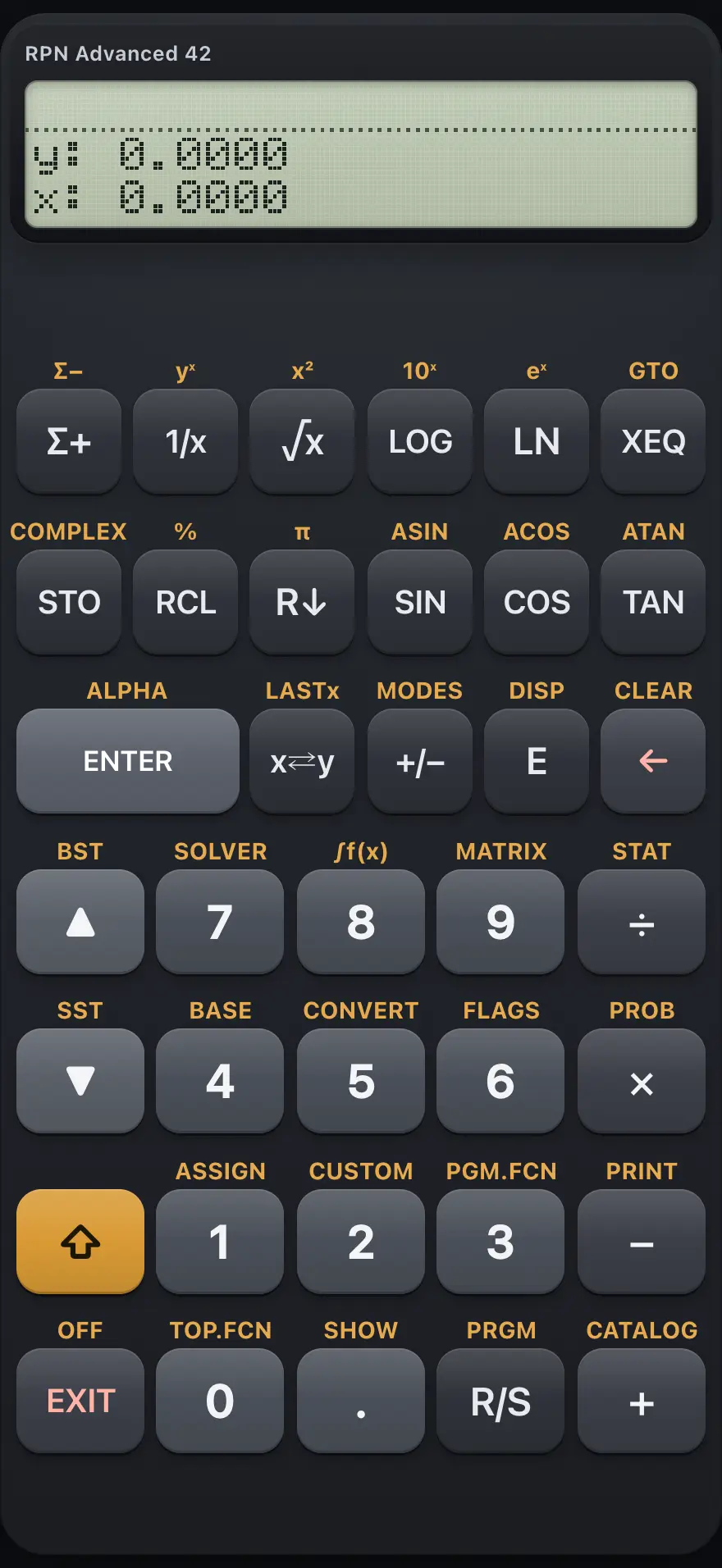
RPN Advanced 42 is a menu-driven RPN calculator with a two-line display. You type numbers first and then press the operation, working on a four-level stack. It has named variables, complex numbers, matrices, base conversion, statistics, a numeric solver, integration and a keystroke programming language. This manual covers every key, menu and message, with worked examples you can follow key by key.
Designed to feel familiar if you have used a HP-42S RPN scientific calculator.
- 18 chapters
- 94 topics
- 173 worked examples
Contents
- 1Getting startedThe two-line screen, the shift key, menus, your first RPN calculation, correcting mistakes and using a laptop keyboard.
- 2Keyboard referenceEvery key of the calculator: its plain function, its shifted function and what it does in ALPHA mode.
- 3The stackHow the four-level stack works: X, Y, Z and T, ENTER, stack lift, swap, roll down, LASTx and how to plan a calculation.
- 4Everyday calculationsArithmetic, negative numbers, scientific notation, powers, percent, pi and seeing all the digits of a result.
- 5FunctionsLogarithms and exponentials, trigonometry with angle units, conversions, rounding and probability functions.
- 6Modes and displayAngle units, rectangular or polar complex form, complex or real results, and how many digits the display shows.
- 7Registers and variablesStore and recall numbers in numbered registers and named variables, do arithmetic on stored values, and clear memory.
- 8ALPHA mode and namesType letters with the top-row menu keys, build variable names and labels, and use the ALPHA register.
- 9Complex numbersBuild, split and calculate with complex numbers in rectangular or polar form.
- 10Matrices and vectorsCreate, edit, invert and multiply matrices, solve linear systems, and use dot and cross products.
- 11StatisticsEnter data pairs with sigma-plus, then read means, deviations, sums, and fit a straight line.
- 12Number bases and logicWork in hexadecimal, octal and binary, and use AND, OR, XOR, NOT, bit test and rotate on 36-bit integers.
- 13FlagsSet, clear and test the 100 user flags, used mainly for decisions inside programs.
- 14The SOLVERFind the root of an equation you describe as a program, one variable at a time.
- 15IntegrationIntegrate a program numerically between two limits.
- 16ProgrammingRecord keystrokes as a program: labels, running, loops, tests, subroutines, input and output, flags, and program memory.
- 16.1Program mode and how lines are recorded
- 16.2The PGM.FCN menu
- 16.3Write and run a program
- 16.4Loops with DSE and ISG
- 16.5Decisions with tests
- 16.6Subroutines and local labels
- 16.7Ask for input and show results
- 16.8Flags in a program
- 16.9Stop, step and interrupt
- 16.10Delete a program
- 16.11Read and paste a program listing
- 17Messages and errorsEvery message the calculator can show, what it means and how to fix it.
- 18ReferenceResetting memory, number range, precision, limits and the features this calculator does not include.
HP-42S is a trademark of HP Inc.. Trident Calculator is an independent product by South View Studios and is not affiliated with, sponsored by or endorsed by HP. The name is used only to describe the kind of calculator this model resembles; Trident's names, keys, display, fonts and software are its own clean-room design.