
RPN Advanced 42 manual · Chapter 8 of 18
ALPHA mode and names
Type letters with the top-row menu keys, build variable names and labels, and use the ALPHA register.
8.1Turn ALPHA mode on and type letters#
Press shift ENTER to turn ALPHA mode on. The display shows a cursor and the top row now offers six groups of letters: ABCDE, FGHI, JKLM, NOPQ, RSTUV and WXYZ. Press the top-row key of the group, then the key of the letter inside that group.
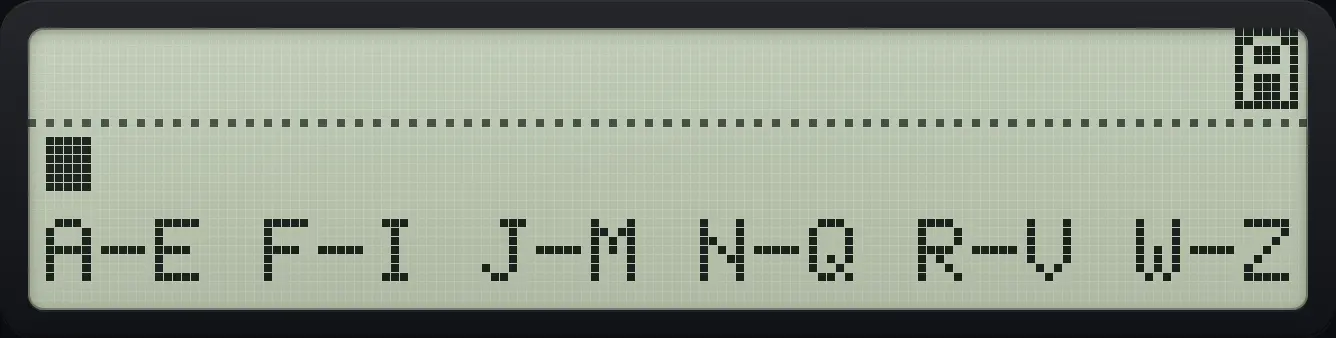
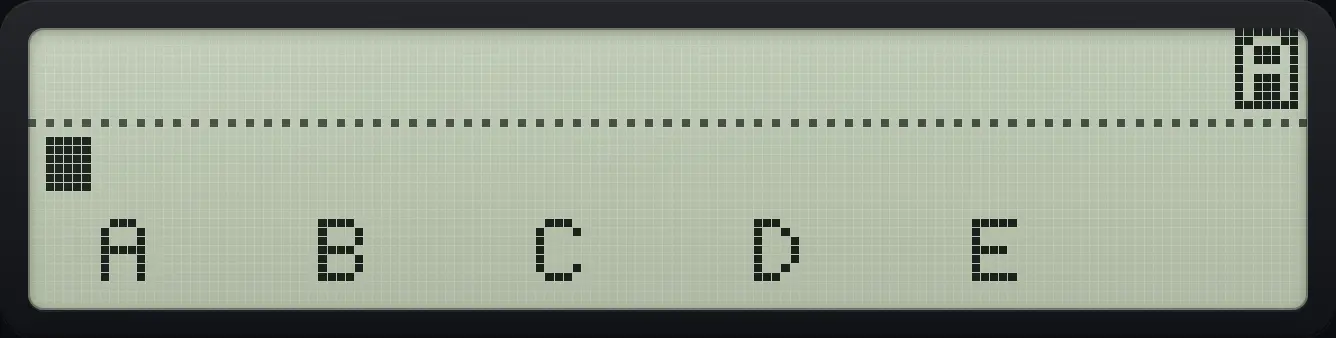
- ⇧ALPHAENTER (ALPHA)
- LN (group R S T U V)
- 1/x (second letter, S)
Type a short word
Turn on ALPHA and type B (A group, second key), then S (R group, second key).
⇧ALPHAENTERΣ+1/xLN1/x
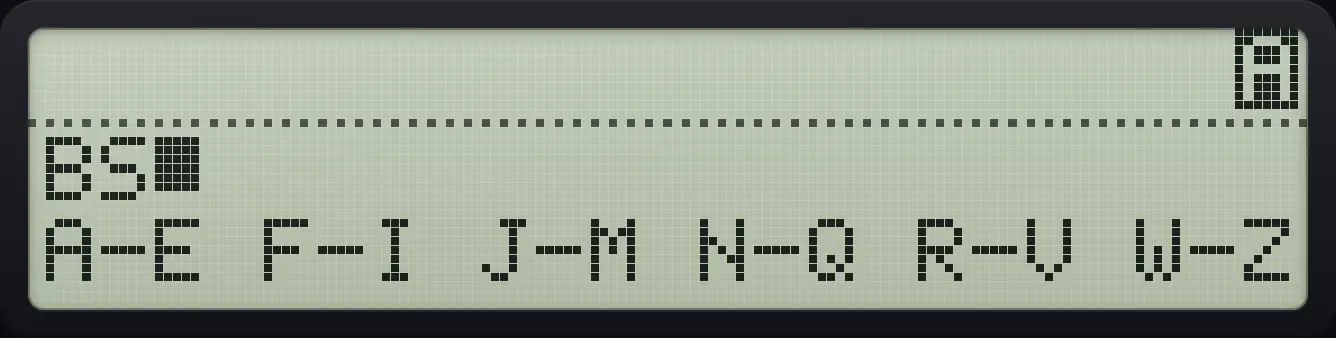
BS_Digits and symbols
The digits type digits. In ALPHA mode the swap key types a space and the add key a plus sign.
⇧ALPHAENTERΣ+Σ+42+
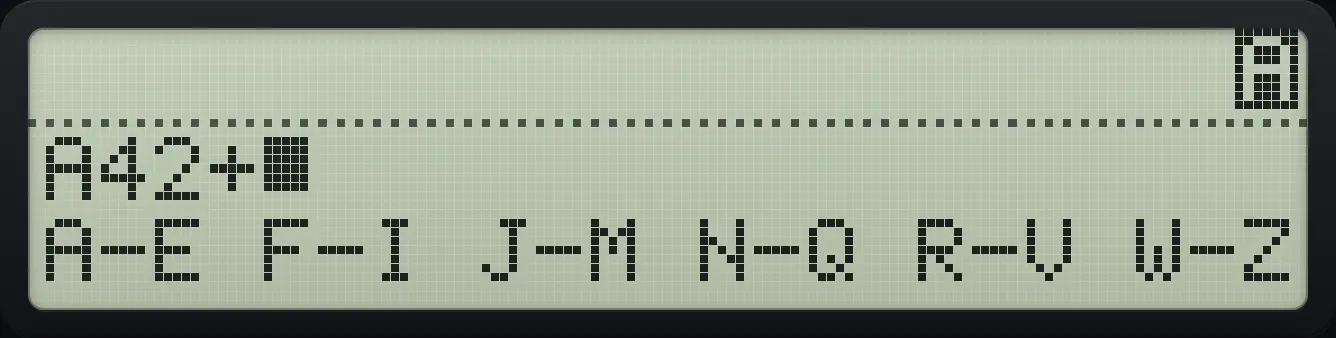
A42+Lowercase letters
Press shift before the letter key to get lowercase.
⇧ALPHAENTERΣ+⇧Σ−Σ+
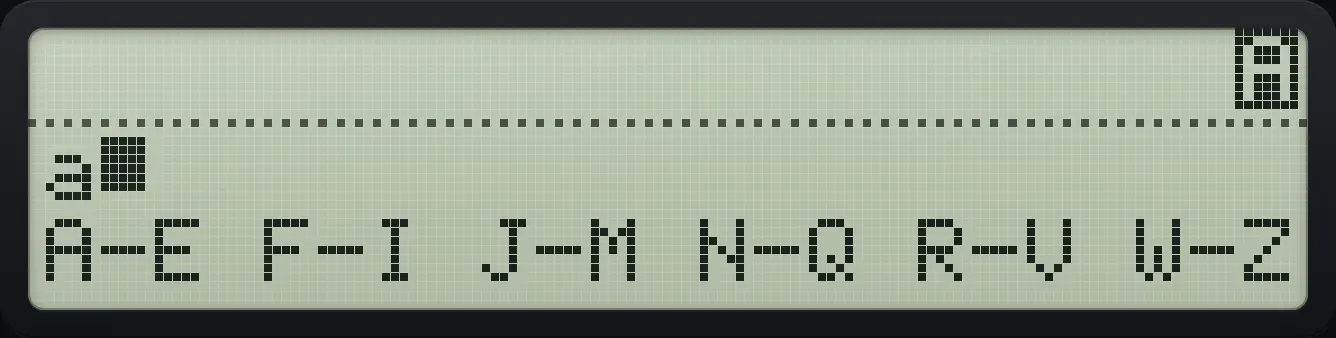
a_8.2Edit and leave ALPHA mode#
← deletes the last character. ENTER or EXIT leaves ALPHA mode. If you are already in the middle of a group, EXIT first goes back to the group list.
Delete a character
Type AB, then press backspace.
⇧ALPHAENTERΣ+Σ+Σ+1/x←
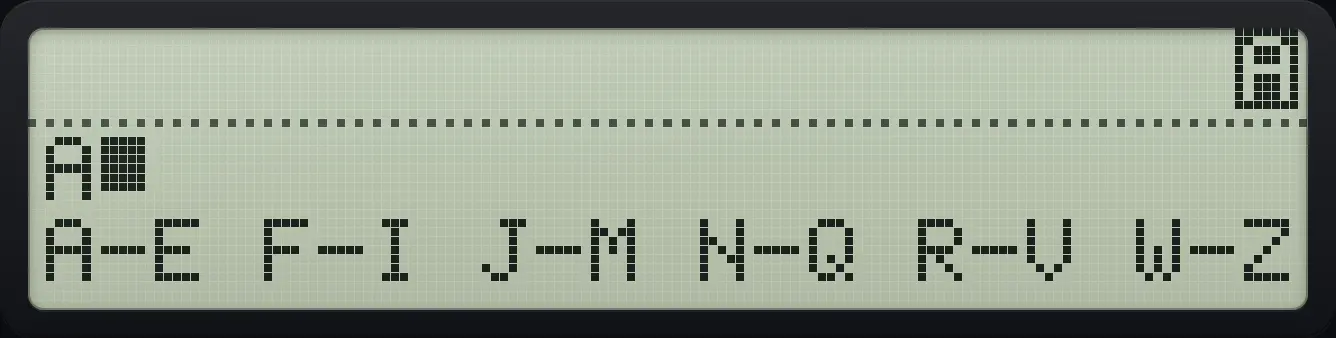
A_8.3The ALPHA register and AVIEW#
Text you type in ALPHA mode away from a prompt goes to the ALPHA register, which holds up to 44 characters. Show it with AVIEW from the PGM.FCN menu (shift 3, fifth key). Typing again after leaving starts a new text. Programs use the register to show messages with AVIEW or PROMPT.
Type and show a message
Turn on ALPHA and type HI, then ENTER.
⇧ALPHAENTER1/x√x1/xLOGENTEROpen PGM.FCN and press AVIEW (fifth key).
⇧PGM.FCN3LN
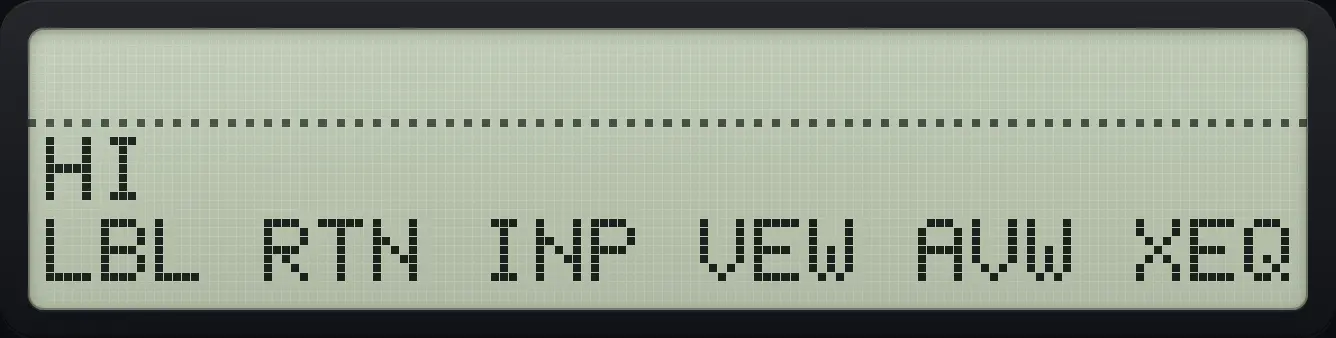
HI8.4Names for variables and labels#
At prompts that accept a name (STO, RCL, XEQ, GTO, LBL, VIEW, INPUT, CLV and others) press shift ENTER to start ALPHA, type the name, and press ENTER. For MVAR and DIM the ALPHA mode starts automatically. Names are limited to seven characters.
HP-42S is a trademark of HP Inc.. Trident Calculator is an independent product by South View Studios and is not affiliated with, sponsored by or endorsed by HP. The name is used only to describe the kind of calculator this model resembles; Trident's names, keys, display, fonts and software are its own clean-room design.