
RPN Advanced 42 manual · Chapter 7 of 18
Registers and variables
Store and recall numbers in numbered registers and named variables, do arithmetic on stored values, and clear memory.
7.1Where numbers can be stored#
The calculator has 25 numbered registers, 00 to 24, and any number of named variables. Both hold a real number, a complex number or a matrix. Registers 11 to 16 are used by the statistics sums (see Statistics), so avoid them if you use Σ+.
The stack levels X, Y, Z, T and LASTx can also be addressed by name, using the ST prompt.
- STO
- 2 digits, or ⇧ALPHAENTER + name + ENTER
- X is copied there
7.2Store a value in a register and recall it#
Press STO; the display shows STO __. Type the register number as two digits (01 for register 1). The prompt finishes by itself after two digits. RCL works the same way and pushes the stored value onto the stack.
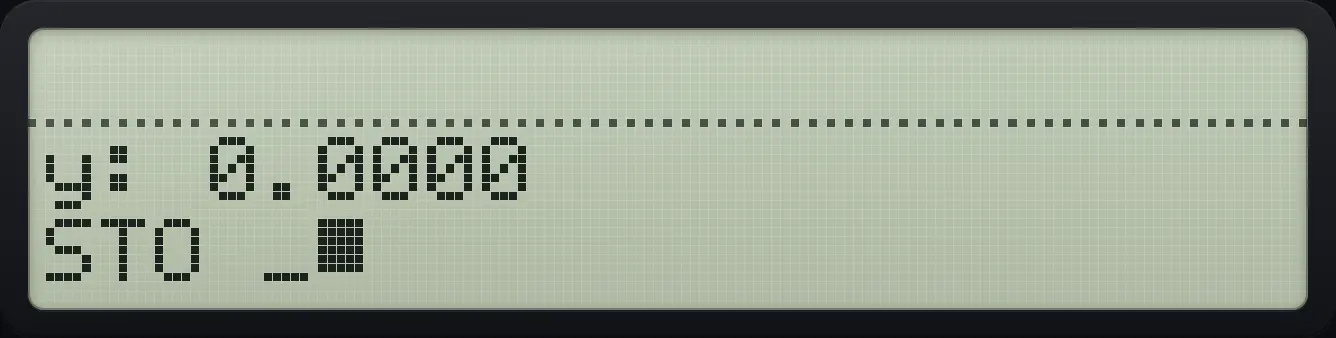
Store 5 in register 01 and recall it later
Type 5 and store it in register 01.
5STO01Type 7, then recall register 01. The 5 comes back in X.
7RCL01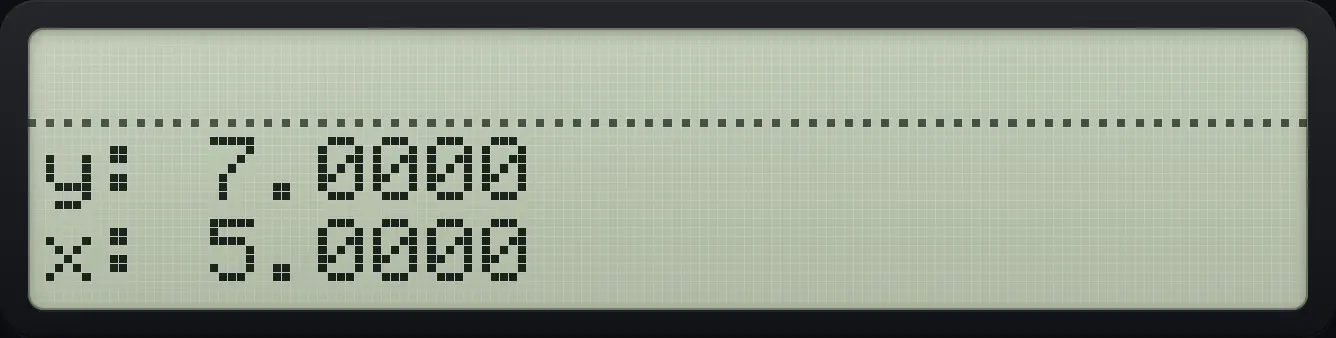
x: 5.0000 y: 7.00007.3Store a value in a named variable#
Named variables are easier to remember than numbers. At the STO prompt press shift ENTER to start ALPHA, type the name with the letter groups, and press ENTER. Names can have up to seven characters. See the ALPHA chapter for typing letters.
Store 4 in a variable called TOTAL
Type 4, press STO, then shift ENTER and type TOTAL, ENTER.
4STO⇧ALPHAENTERLN√xLOG1/xLN√xΣ+Σ+√x√xENTERClear X, then recall the variable.
←RCL⇧ALPHAENTERLN√xLOG1/xLN√xΣ+Σ+√x√xENTER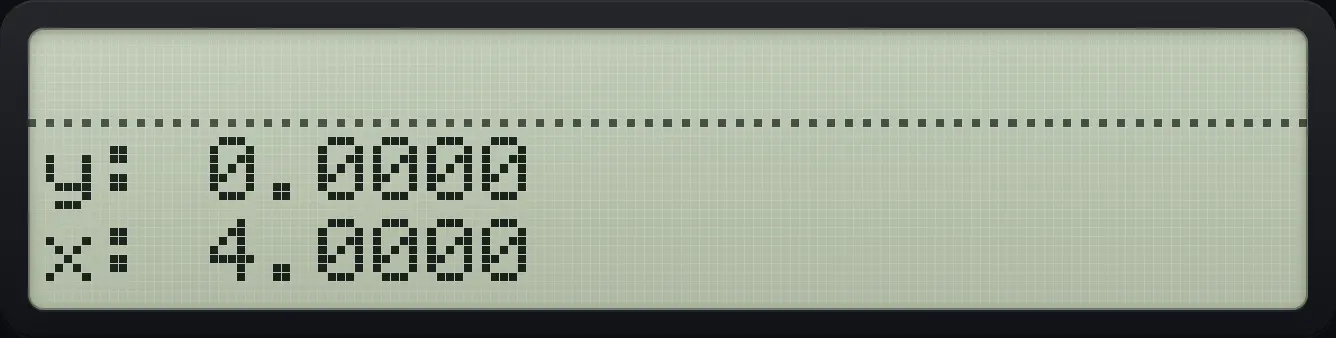
x: 4.0000The STO prompt lists your variables on the menu keys
Store 1 in AB and 2 in CD, then press STO.
1STO⇧ALPHAENTERΣ+Σ+Σ+1/xENTER2STO⇧ALPHAENTERΣ+√xΣ+LOGENTERSTOChoose AB with its menu key (the first one).
Σ+
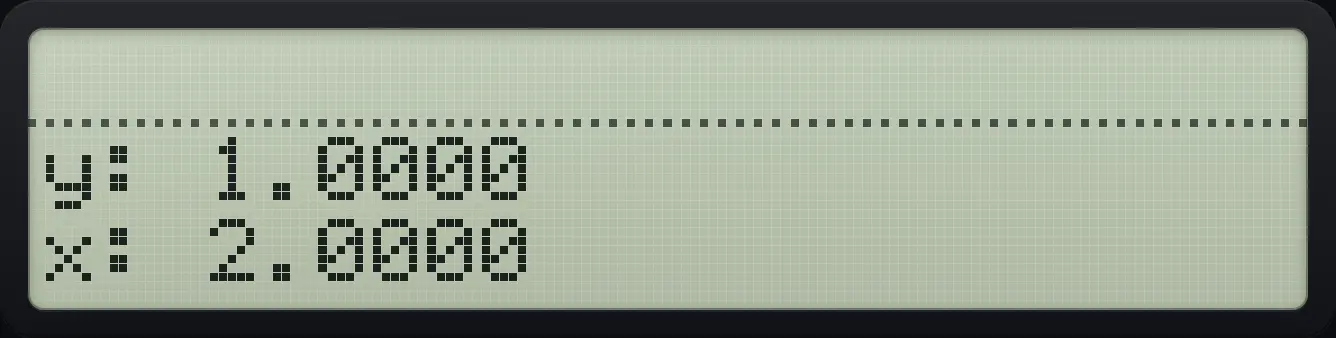
x: 2.00007.4Do arithmetic on a stored value#
Press + − × or ÷ straight after STO or RCL to combine instead of replace. STO+ adds X to the register. STO- subtracts X from it. RCL+ adds the register to X on the stack. RCL- gives X minus the register.
Add to a register
Store 5 in register 01, then add 3 to it with STO+.
5STO013STO+01Recall to check.
RCL01
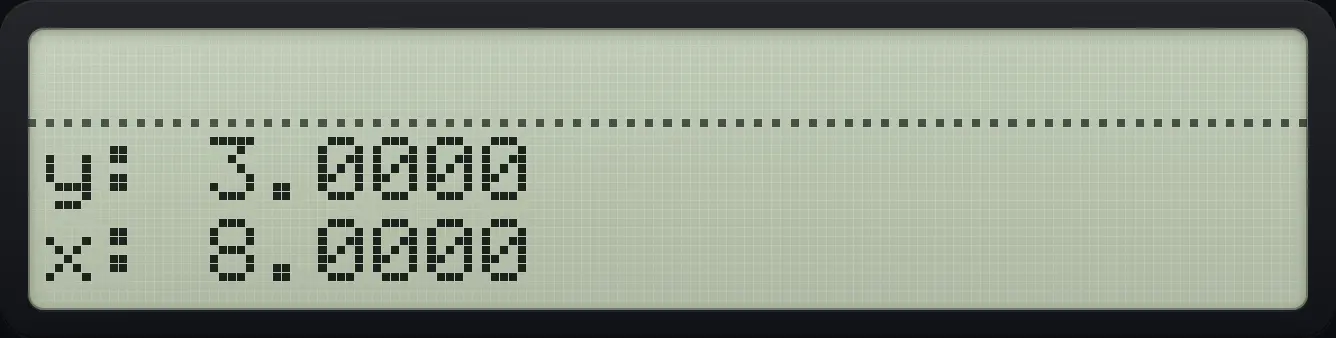
x: 8.0000Multiply a register
Store 5, then multiply it by 3.
5STO013STO×01RCL01
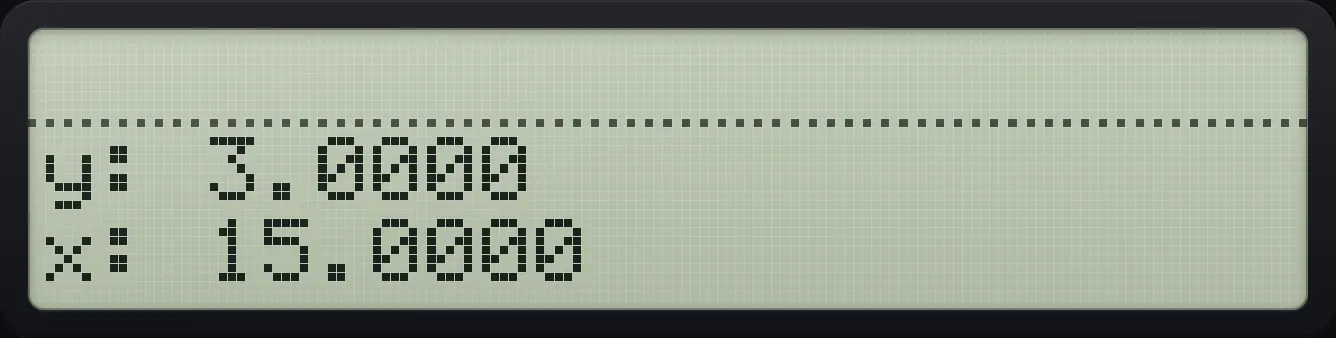
x: 15.0000Subtract from a register
Register 5, subtract 3: 2.
5STO013STO−01RCL01
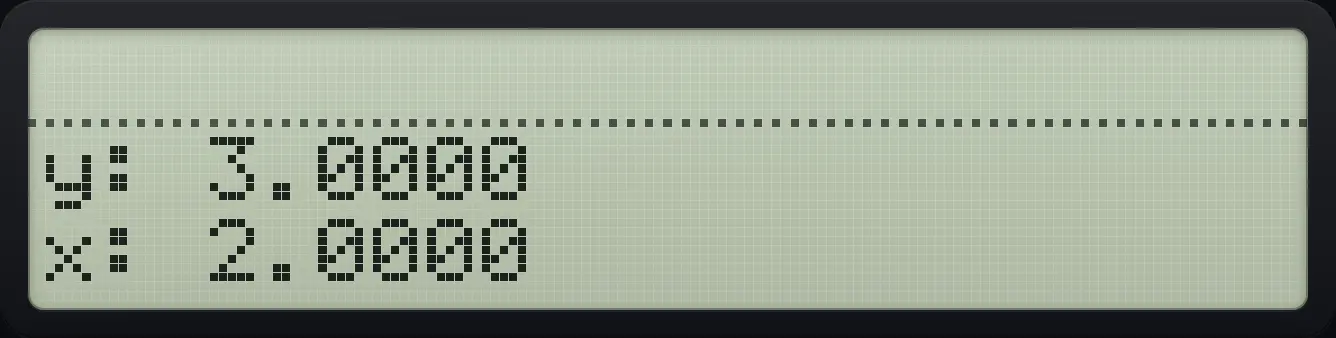
x: 2.0000Divide a register
Register 5 divided by 3.
5STO013STO÷01RCL01
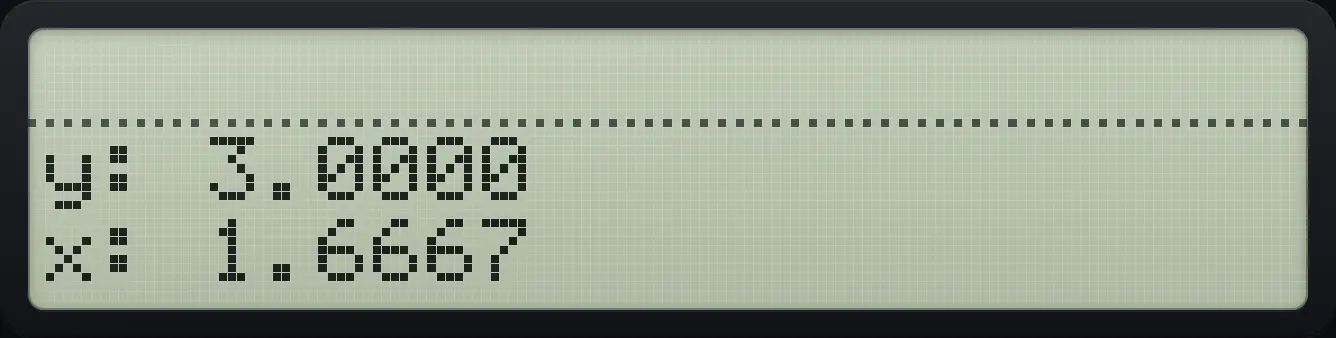
x: 1.6667Recall with arithmetic: X plus a register
Store 5 in 01, type 3, then RCL+ 01: 3 + 5.
5STO013RCL+01
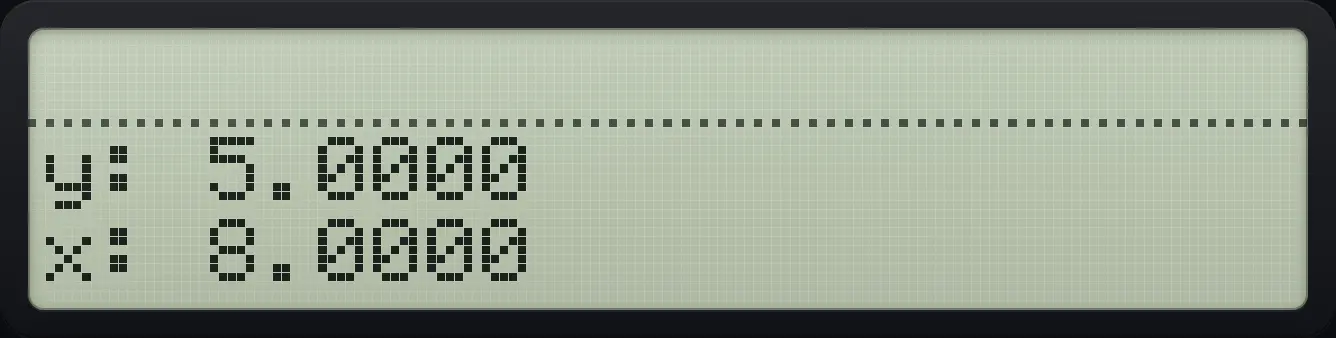
x: 8.0000Recall with subtraction: X minus a register
3 minus 5.
5STO013RCL−01
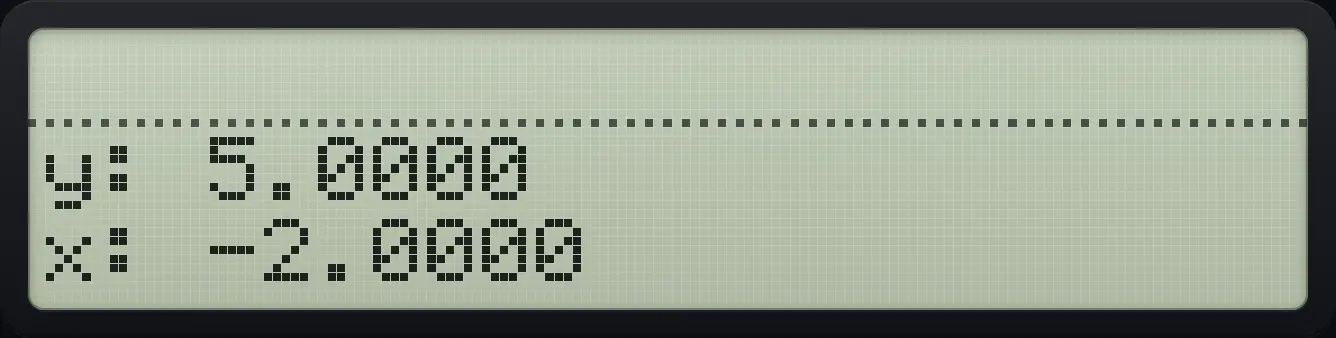
x: -2.00007.5Store into and recall from a stack level#
At the STO or RCL prompt press . to choose a stack level: the menu shows L (LASTx), X, Y, Z and T. This is a quick way to copy a stack value without rolling.
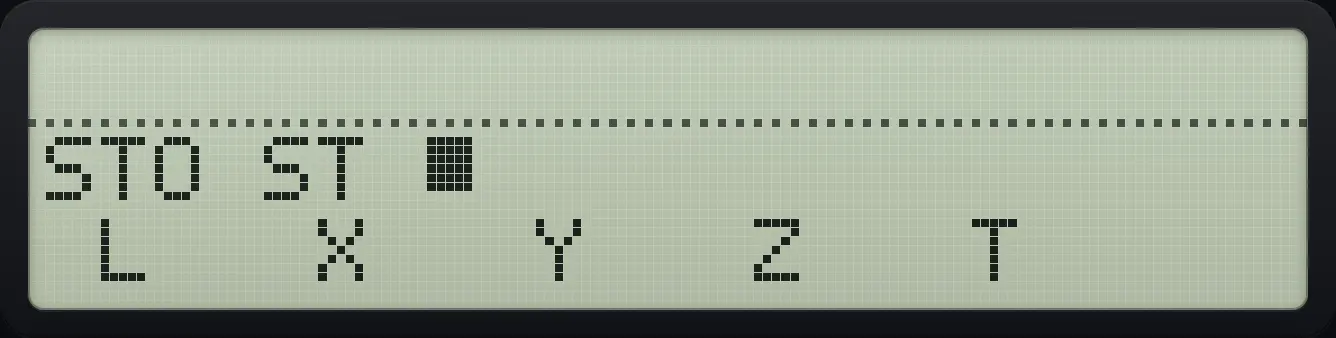
Recall Y into X
Fill the stack 5, 6, 7, then press RCL, the point key, and the Y menu key (third).
5ENTER6ENTER7RCL.√x
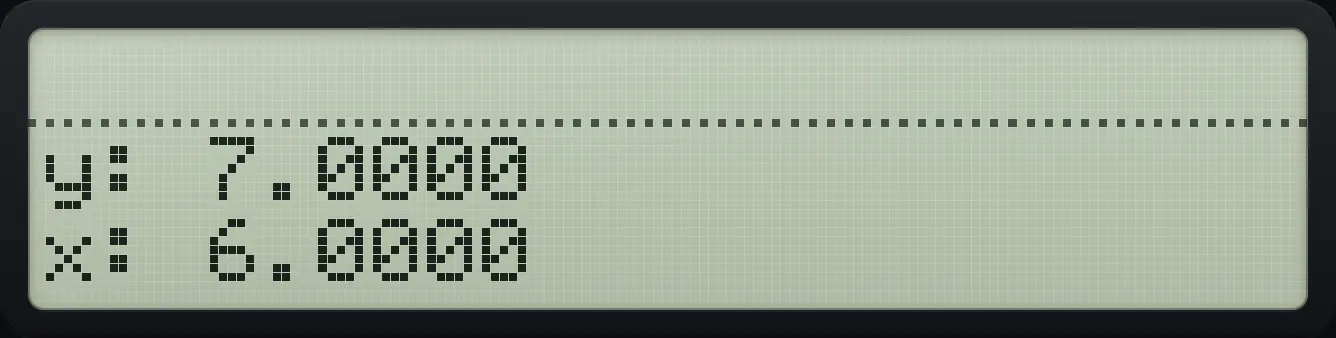
x: 6.00007.6Browse your variables in the CATALOG#
Shift + opens the CATALOG. Its page has PGM (program labels), RL (real variables), CPX (complex variables) and MAT (matrices). Press one of them to list your names on the menu keys. Pressing a variable name recalls it; pressing a program label runs it.
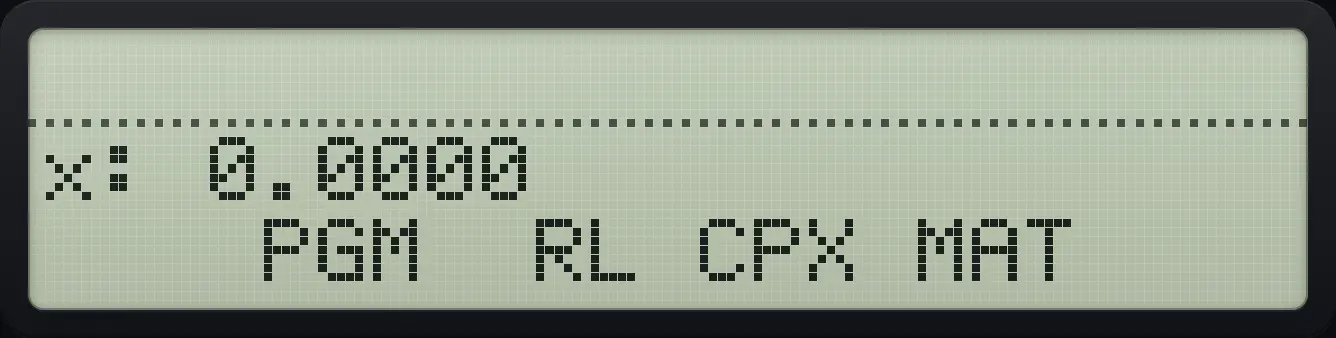
Recall a real variable from the catalog
Store 8 as variable BB.
8STO⇧ALPHAENTERΣ+1/xΣ+1/xENTEROpen the CATALOG and choose RL (third key), then BB.
⇧CATALOG+√xΣ+
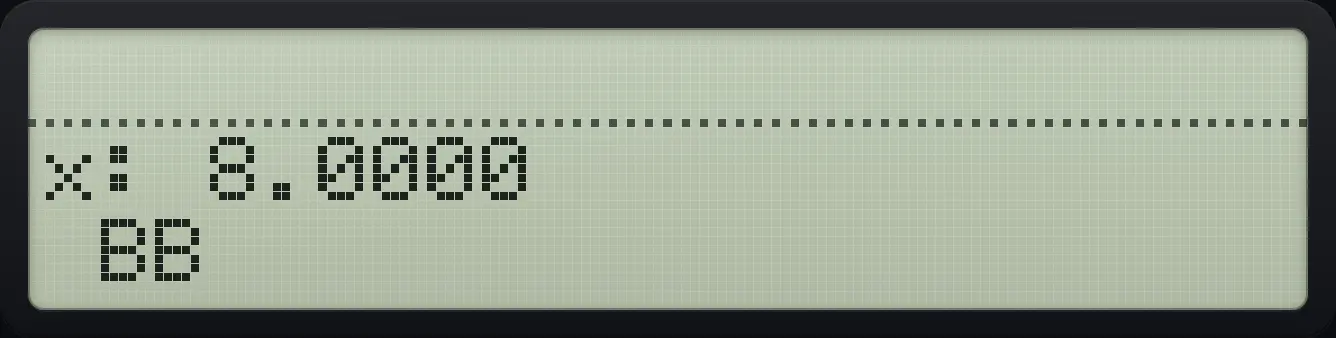
x: 8.00007.7Clear registers, variables and statistics#
The CLEAR menu (shift ←) page 1 has CLΣ (statistics), CLP (a program), CLV (a variable), CST (the stack), CLA (the ALPHA register) and CLX. Page 2 has CRG, which clears all numbered registers.
Clear all registers
Store 5 in register 01. Open CLEAR, press down, then CRG.
5STO01⇧CLEAR←▼Σ+EXITRecall register 01: it is zero again.
RCL01
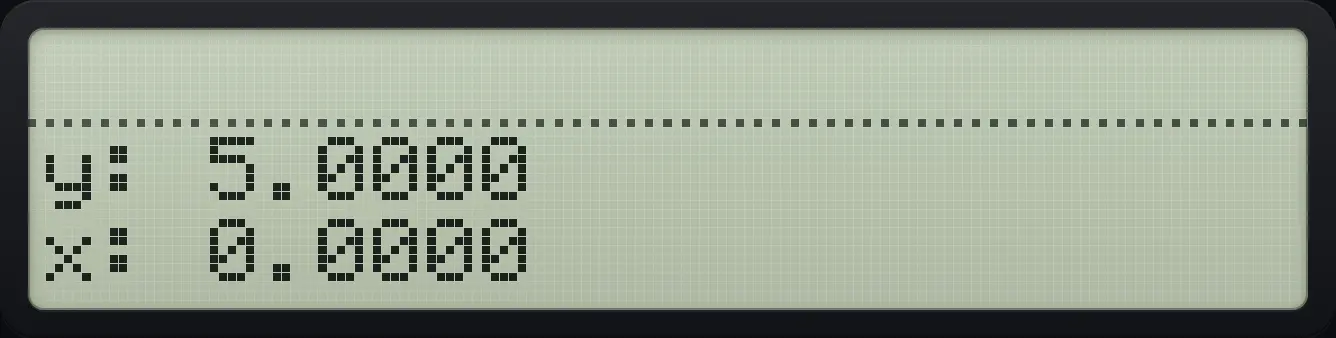
x: 0.0000Delete a variable
Store 7 in variable QQ, then CLEAR, CLV and choose QQ.
7STO⇧ALPHAENTERLOGLOGLOGLOGENTER⇧CLEAR←√xΣ+EXITRecalling it now fails.
RCL⇧ALPHAENTERLOGLOGLOGLOGENTER
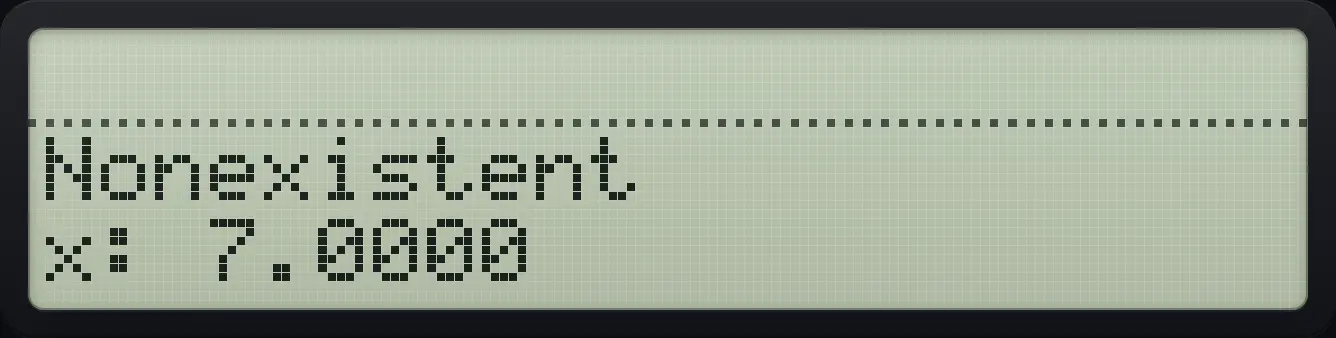
NonexistentHP-42S is a trademark of HP Inc.. Trident Calculator is an independent product by South View Studios and is not affiliated with, sponsored by or endorsed by HP. The name is used only to describe the kind of calculator this model resembles; Trident's names, keys, display, fonts and software are its own clean-room design.