Trident Help

RPN Advanced 42 manual · Chapter 5 of 18

Functions

Logarithms and exponentials, trigonometry with angle units, conversions, rounding and probability functions.

5.1Logarithms and exponentials#

LOG is the base-10 logarithm and LN the natural logarithm. Their shifted functions undo them: 10x10^x and exe^x.

Example 5.1

Common logarithm of 100

log⁡10100=2\log_{10}100=2
  1. Type 100 and press LOG.

    100LOG
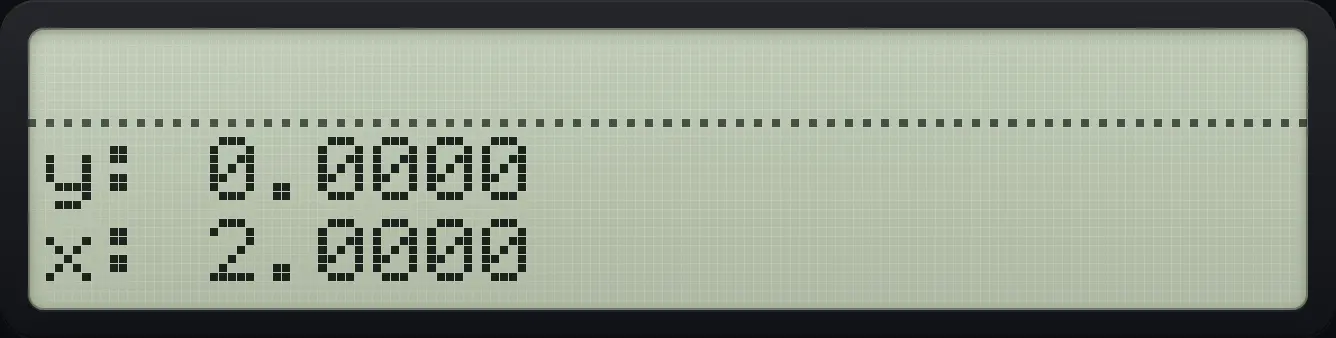
Result of the example "Common logarithm of 100" The display shows: y: 0.0000 / x: 2.0000.
You should see2.0000
Example 5.2

Ten to the power 2

  1. Type 2, shift LOG.

    2⇧10ˣLOG
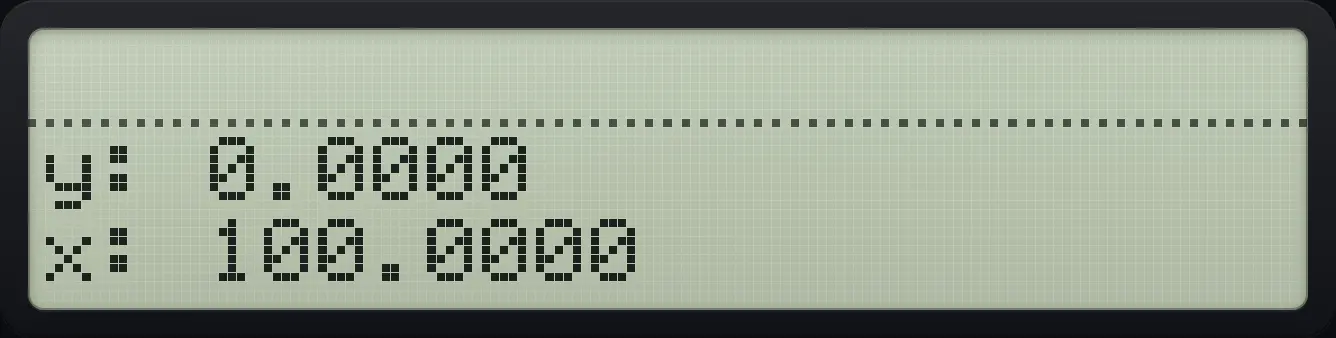
Result of the example "Ten to the power 2" The display shows: y: 0.0000 / x: 100.0000.
You should see100.0000
Example 5.3

The number e

e1=2.71828e^{1}=2.71828
  1. Type 1 and press shift LN (e to the power x).

    1⇧eˣLN
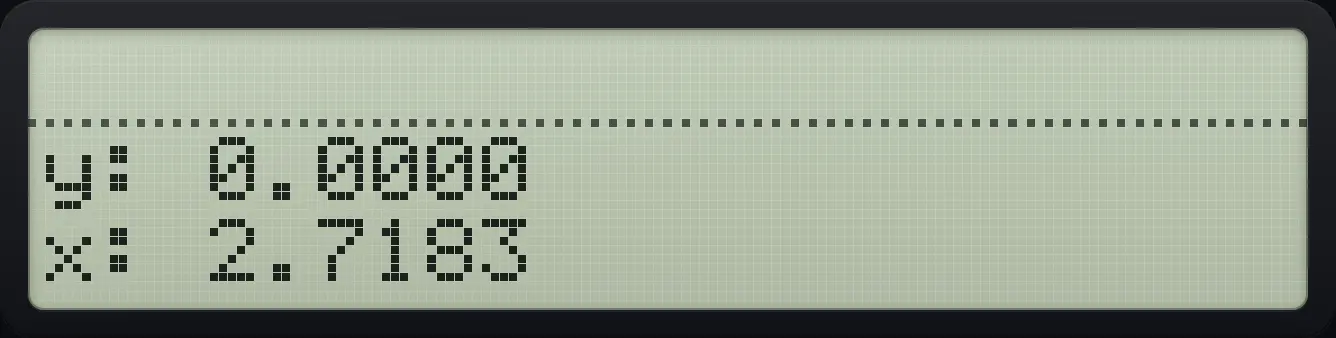
Result of the example "The number e" The display shows: y: 0.0000 / x: 2.7183.
You should see2.7183
Example 5.4

Natural logarithm of 10

  1. Type 10 and press LN.

    10LN
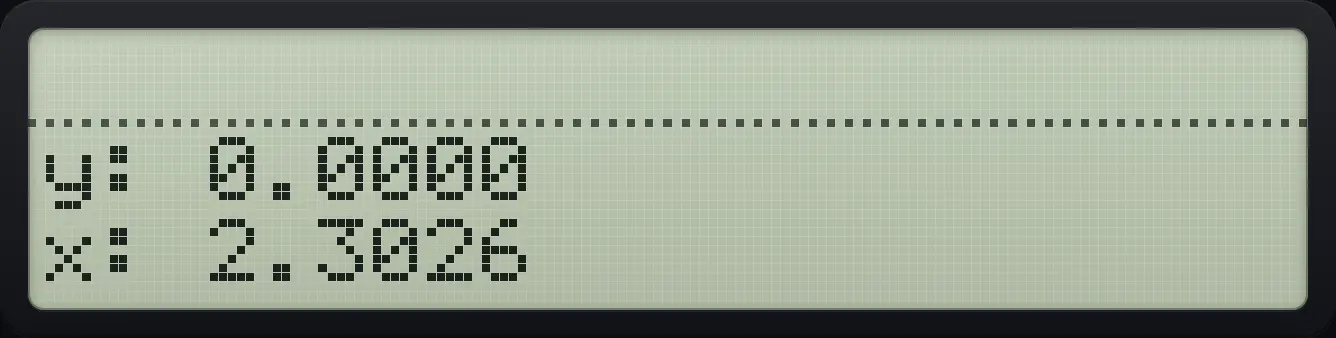
Result of the example "Natural logarithm of 10" The display shows: y: 0.0000 / x: 2.3026.
You should see2.3026

There is no key for logarithms to other bases. Use the change-of-base rule.

log⁡bx=ln⁡xln⁡b\log_b x=\frac{\ln x}{\ln b}
Example 5.5

Log base 2 of 8

log⁡28=ln⁡8ln⁡2=3\log_2 8=\frac{\ln 8}{\ln 2}=3
  1. Take LN of 8 and LN of 2, then divide.

    8LN2LN÷
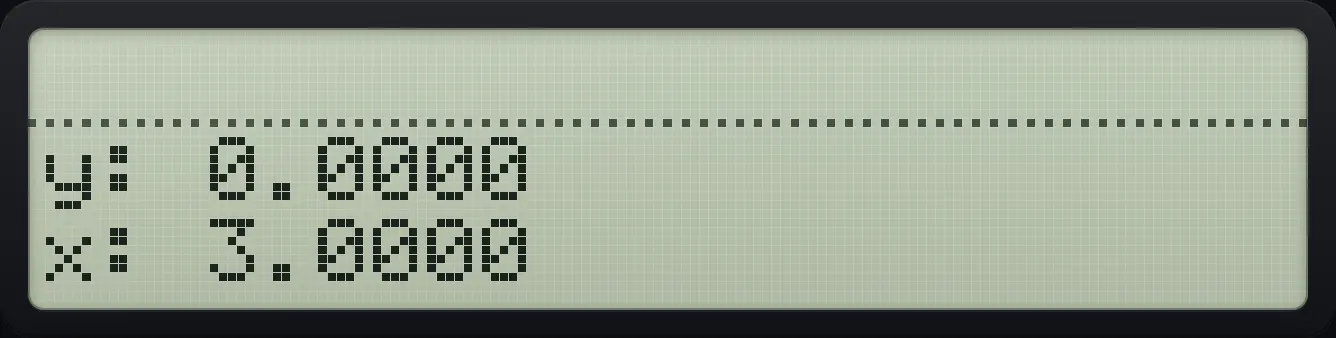
Result of the example "Log base 2 of 8" The display shows: y: 0.0000 / x: 3.0000.
You should see3.0000

5.2Sine, cosine and tangent#

Trigonometric functions use the current angle unit: degrees by default. The shifted keys give the inverse functions. See Modes to change the unit.

Example 5.6

Sine of 30 degrees

  1. Type 30 and press SIN.

    30SIN
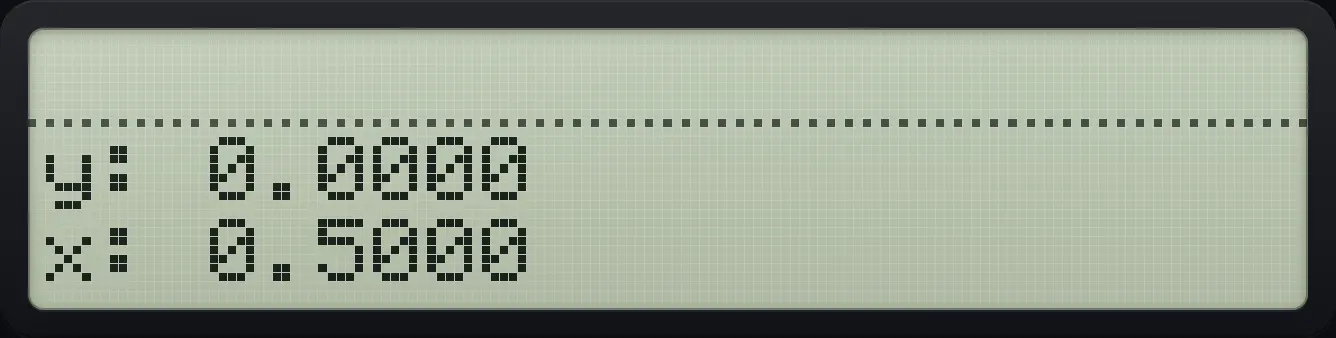
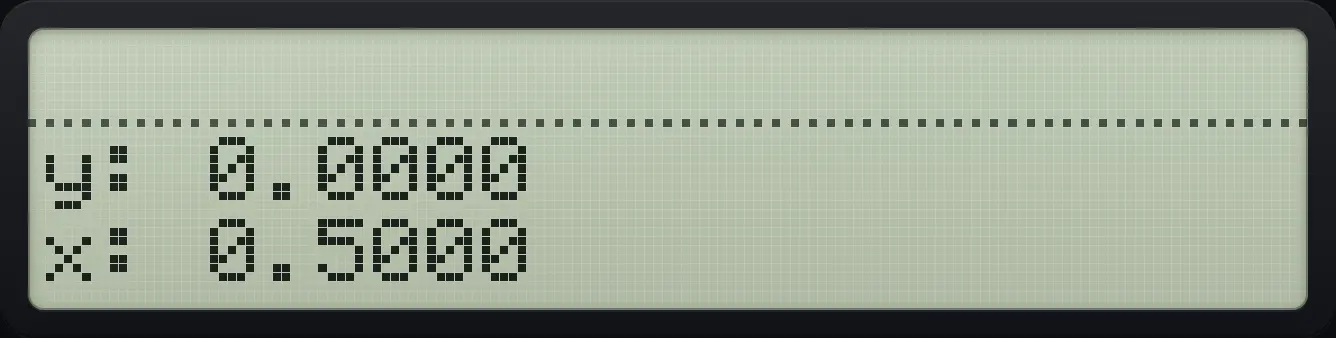
Result of the example "Sine of 30 degrees" The display shows: y: 0.0000 / x: 0.5000.
You should see0.5000
Example 5.7

Cosine of 60 degrees

  1. Type 60 and press COS.

    60COS
Result of the example "Cosine of 60 degrees" The display shows: y: 0.0000 / x: 0.5000.
You should see0.5000
Example 5.8

Tangent of 45 degrees

  1. Type 45 and press TAN.

    45TAN
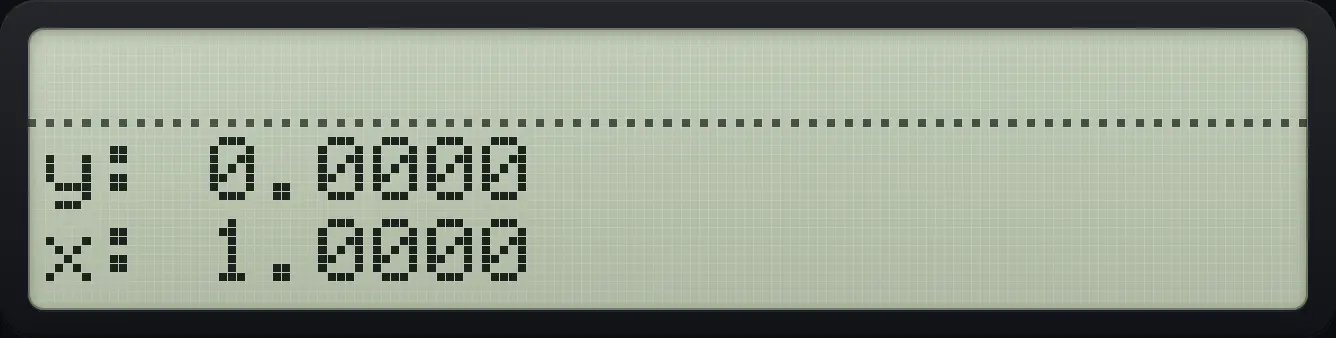
Result of the example "Tangent of 45 degrees" The display shows: y: 0.0000 / x: 1.0000.
You should see1.0000
Example 5.9

Find the angle whose sine is 0.5

sin⁡−1(0.5)=30∘\sin^{-1}(0.5)=30^\circ
  1. Type .5 and press shift SIN (inverse sine).

    0.5⇧ASINSIN
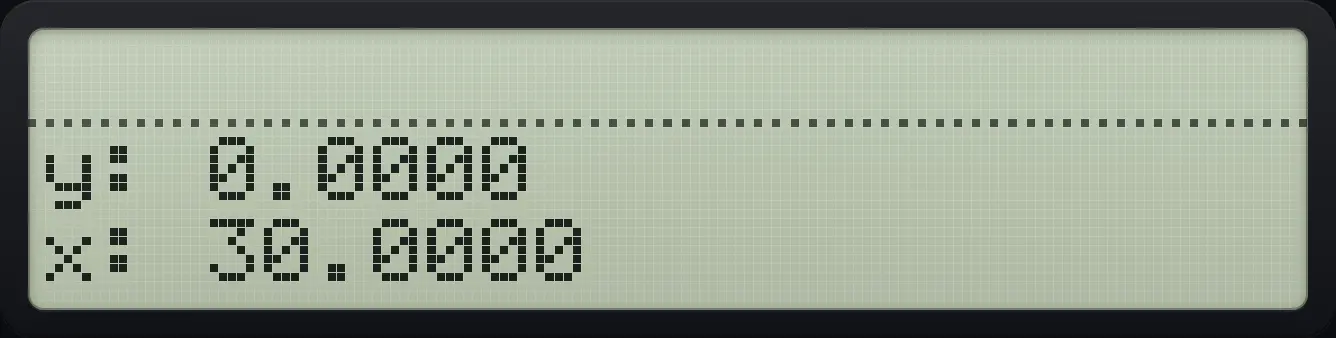
Result of the example "Find the angle whose sine is 0.5" The display shows: y: 0.0000 / x: 30.0000.
You should see30.0000
Example 5.10

Find an angle from a ratio

  1. The angle whose tangent is 1.

    1⇧ATANTAN
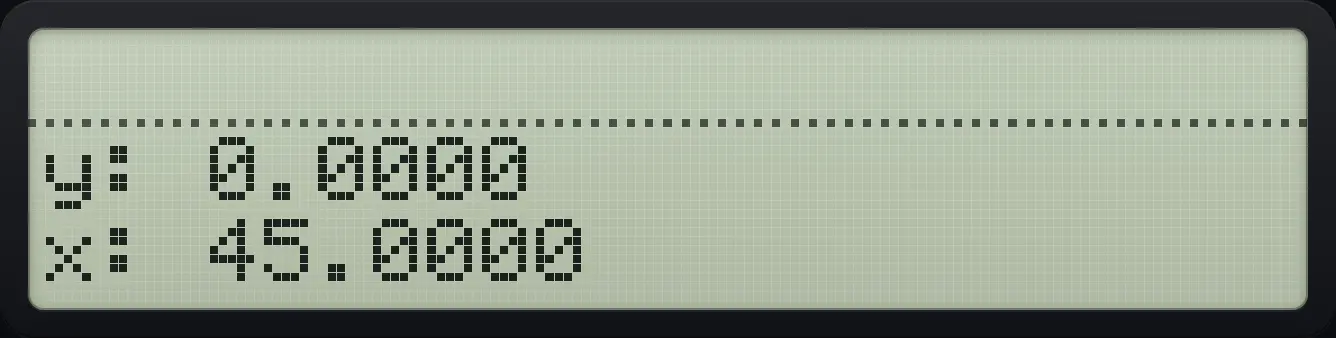
Result of the example "Find an angle from a ratio" The display shows: y: 0.0000 / x: 45.0000.
You should see45.0000

5.3Work in radians#

Switch the angle unit in the MODES menu (see the Modes chapter). In radians a full turn is 2π2\pi.

Example 5.11

Sine of pi over 2 in radians

sin⁡π2=1\sin\frac{\pi}{2}=1
  1. Open MODES and choose RAD (second key).

    ⇧MODES+/−1/x
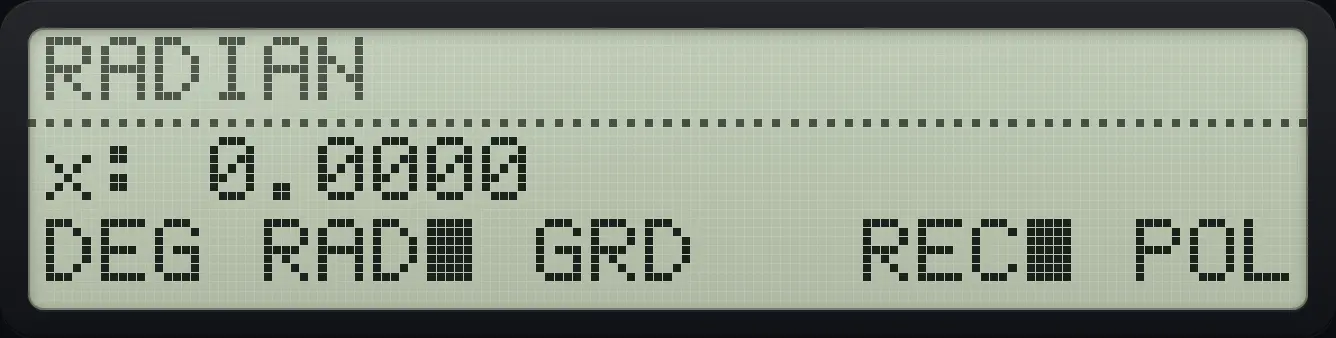
    After step 1: Open MODES and choose RAD (second key). The display shows: x: 0.0000 / DEG RAD■ GRD   REC■ POL.
  2. Close the menu, push pi, divide by 2 and take the sine.

    EXIT⇧πR↓2÷SIN
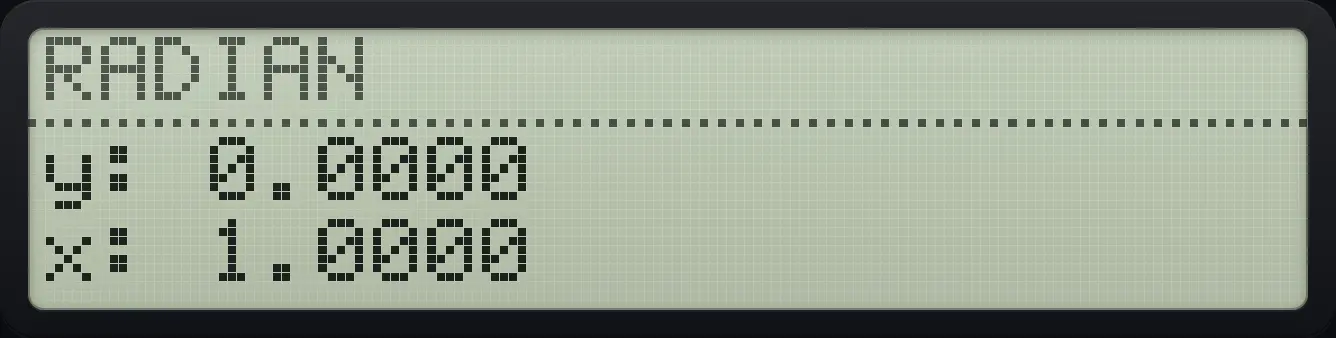
Result of the example "Sine of pi over 2 in radians" The display shows: y: 0.0000 / x: 1.0000.
You should see1.0000

5.4Find the hypotenuse of a right triangle#

c=a2+b2c=\sqrt{a^{2}+b^{2}}
Example 5.12

Legs 3 and 4

32+42=5\sqrt{3^2+4^2}=5
  1. Square 3, type 4 and square it, add, then take the square root.

    3⇧x²√x4⇧x²√x+√x
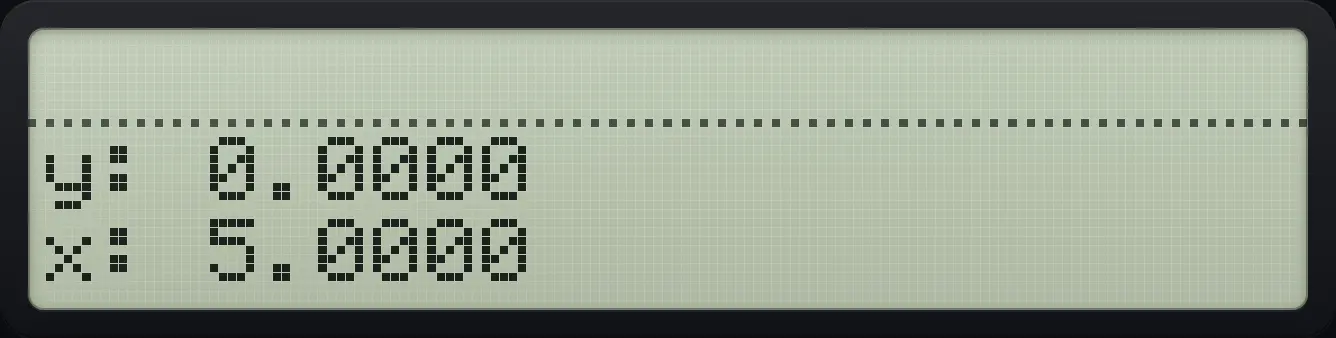
Result of the example "Legs 3 and 4" The display shows: y: 0.0000 / x: 5.0000.
You should see5.0000

5.5Angle, time and coordinate conversions#

The CONVERT menu (shift 5) has two pages. Page 1 has six conversions. Page 2 has rounding and number-part functions.

LabelWhat it does
→DEGRadians to degrees.
→RADDegrees to radians.
→HRHours.minutes-seconds (H.MMSS) to decimal hours.
→HMSDecimal hours to H.MMSS.
→RECPolar to rectangular: X = radius, Y = angle gives X and Y coordinates.
→POLRectangular to polar: X and Y coordinates give X = radius, Y = angle.
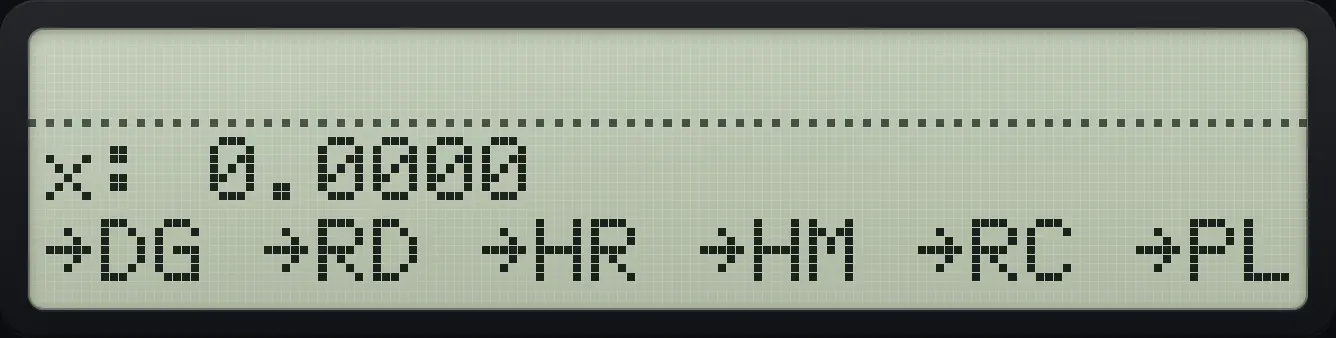
CONVERT page 1. The display shows: x: 0.0000 / →DG →RD →HR →HM →RC →PL.
CONVERT page 1.
θrad=θdeg⋅π180\theta_{\text{rad}}=\theta_{\text{deg}}\cdot\frac{\pi}{180}
Example 5.13

Convert 180 degrees to radians

  1. Type 180 and press the second menu key, →RAD.

    180⇧CONVERT51/x
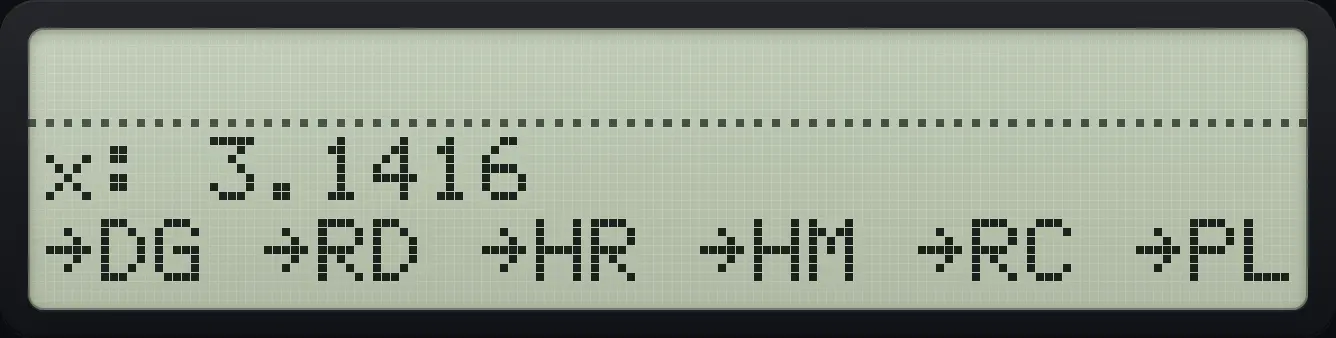
Result of the example "Convert 180 degrees to radians" The display shows: x: 3.1416 / →DG →RD →HR →HM →RC →PL.
You should see3.1416
Example 5.14

Convert radians to degrees

  1. Type 1.5 and press the first key, →DEG.

    1.5⇧CONVERT5Σ+
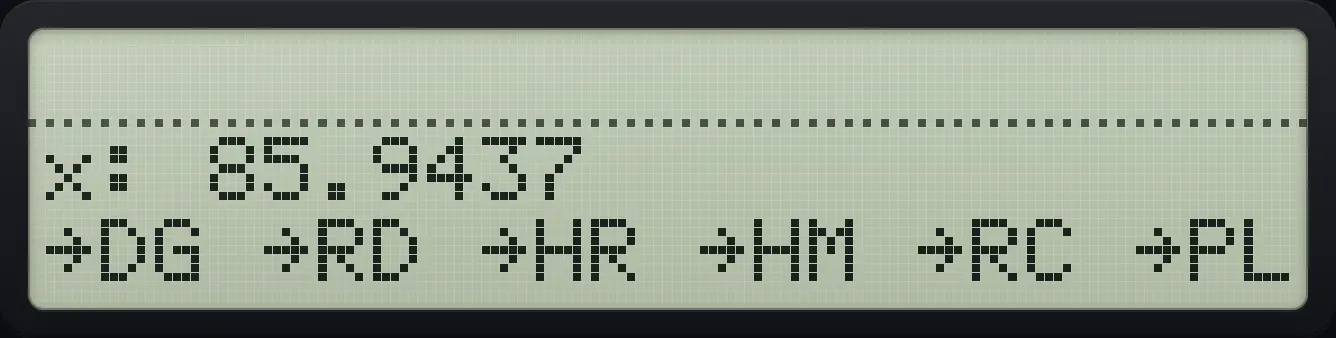
Result of the example "Convert radians to degrees" The display shows: x: 85.9437 / →DG →RD →HR →HM →RC →PL.
You should see85.9437
Example 5.15

Hours, minutes and seconds to decimal hours

  1. 1.30 means 1 hour 30 minutes. Press →HR (third key).

    1.3⇧CONVERT5√x
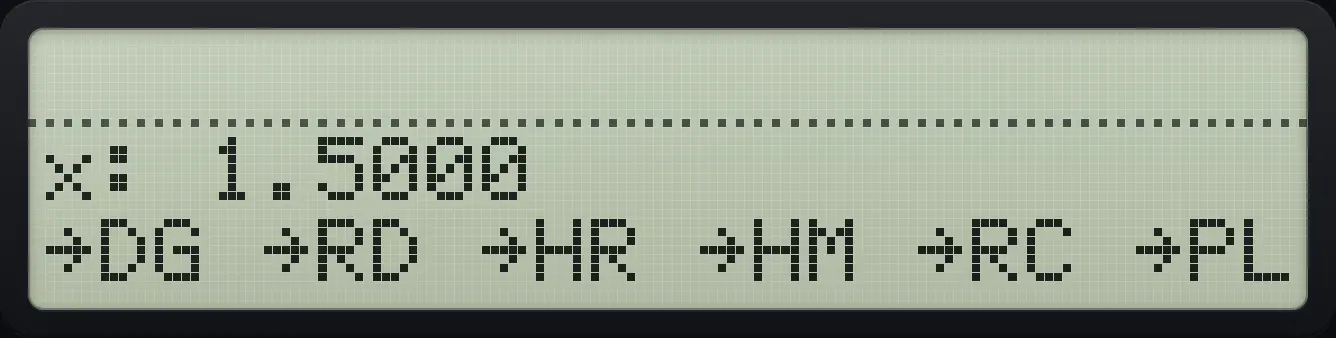
Result of the example "Hours, minutes and seconds to decimal hours" The display shows: x: 1.5000 / →DG →RD →HR →HM →RC →PL.
You should see1.5000
Example 5.16

Decimal hours to hours, minutes, seconds

  1. 2.75 hours: press →HMS (fourth key).

    2.75⇧CONVERT5LOG
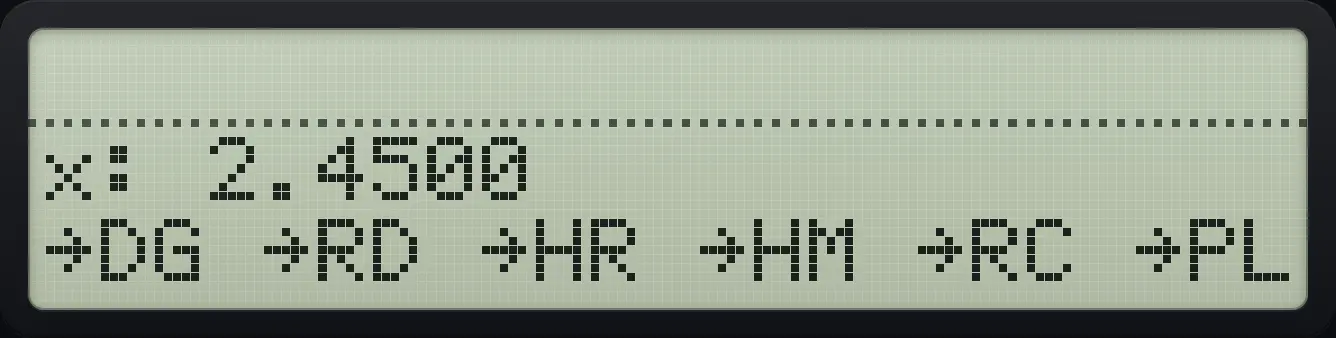
Result of the example "Decimal hours to hours, minutes, seconds" The display shows: x: 2.4500 / →DG →RD →HR →HM →RC →PL.
You should see2.4500
Example 5.17

Rectangular to polar

  1. Enter y = 4 first and x = 3 second, then press →POL (sixth key).

    4ENTER3⇧CONVERT5XEQ
  2. Close the menu to see both results: the radius in X, the angle in Y.

    EXIT
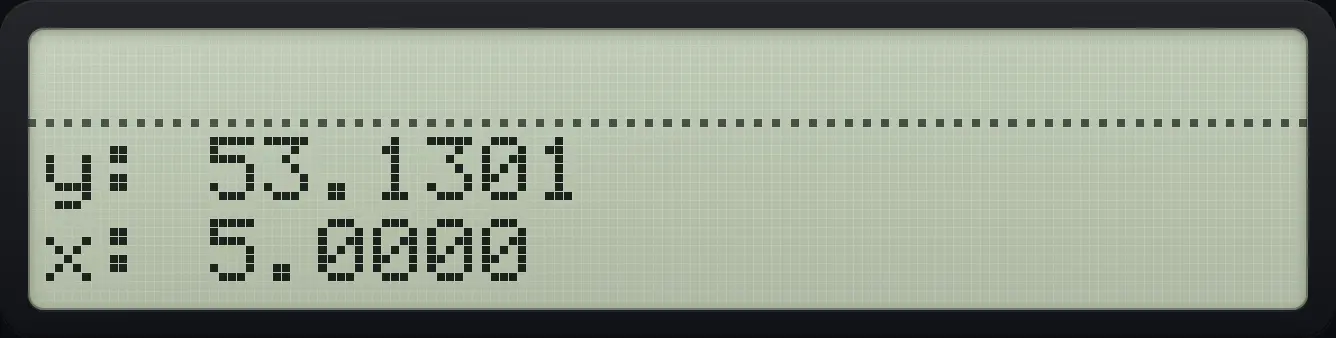
    After step 2: Close the menu to see both results: the radius in X, the angle in Y. The display shows: y: 53.1301 / x: 5.0000.
Result of the example "Rectangular to polar" The display shows: y: 53.1301 / x: 5.0000.
You should seex: 5.0000 y: 53.1301
Example 5.18

Polar to rectangular

  1. Enter the angle first (Y) and the radius second (X), then →REC (fifth key).

    53.1301ENTER5⇧CONVERT5LN
  2. Close the menu: X is the x coordinate, Y the y coordinate.

    EXIT
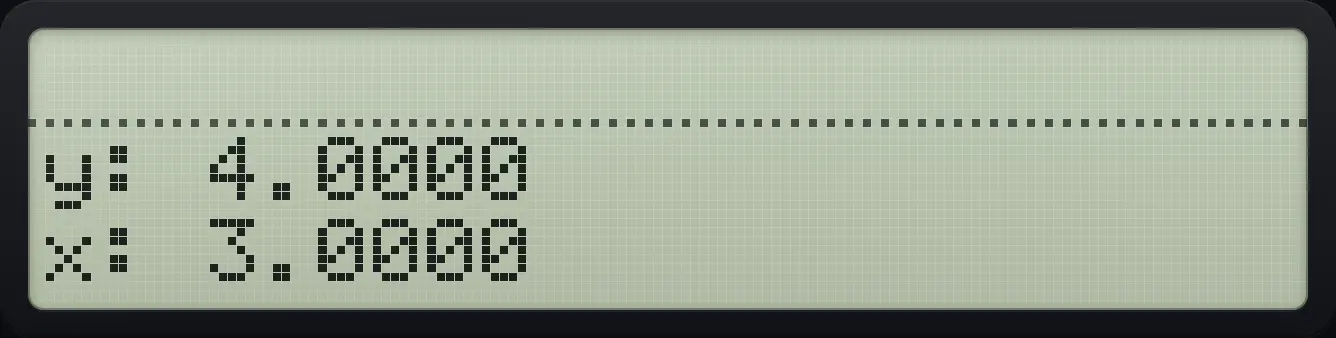
Result of the example "Polar to rectangular" The display shows: y: 4.0000 / x: 3.0000.
You should seex: 3.0000 y: 4.0000

See also Degrees, minutes and secondsConvert between polar and rectangular

5.6Integer part, fraction part, rounding, sign and modulo#

On page 2 of CONVERT: IP keeps the whole part, FP keeps the fraction, RND rounds X to the display setting, ABS gives the absolute value, SGN the sign (-1, 0 or 1) and MOD the remainder of Y divided by X (with the sign of X).
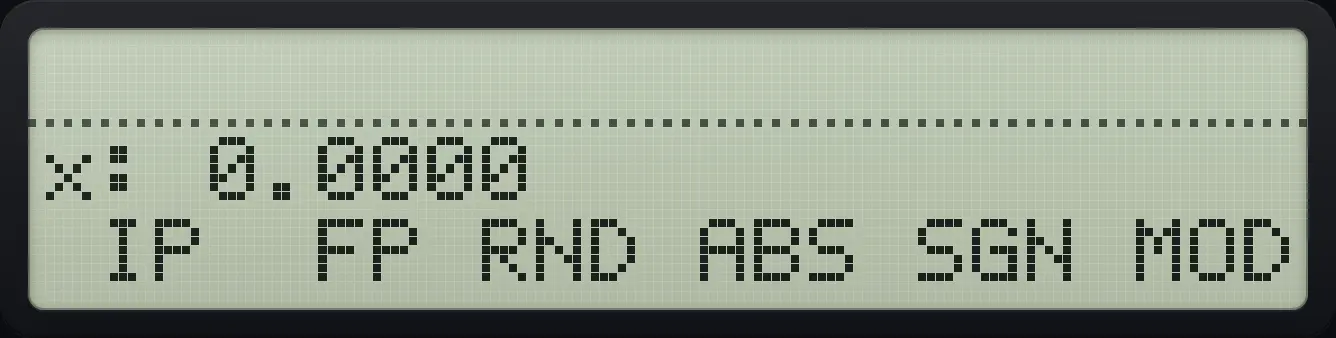
CONVERT page 2. The display shows: x: 0.0000 /  IP  FP RND ABS SGN MOD.
CONVERT page 2.
Example 5.19

Integer part of 2.4567

  1. Type 2.4567, open CONVERT, press down, then IP (first key).

    2.4567⇧CONVERT5▼Σ+
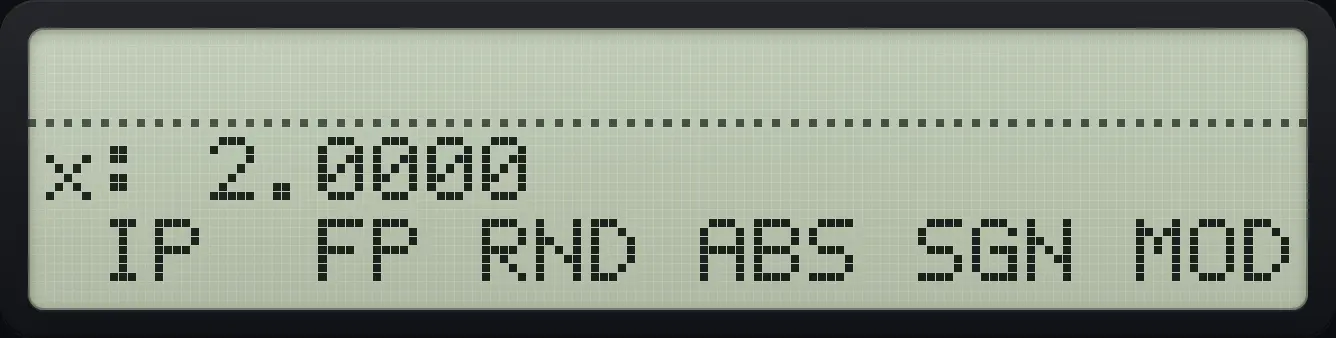
Result of the example "Integer part of 2.4567" The display shows: x: 2.0000 /  IP  FP RND ABS SGN MOD.
You should see2.0000
Example 5.20

Fraction part of 2.4567

  1. Press FP (second key).

    2.4567⇧CONVERT5▼1/x
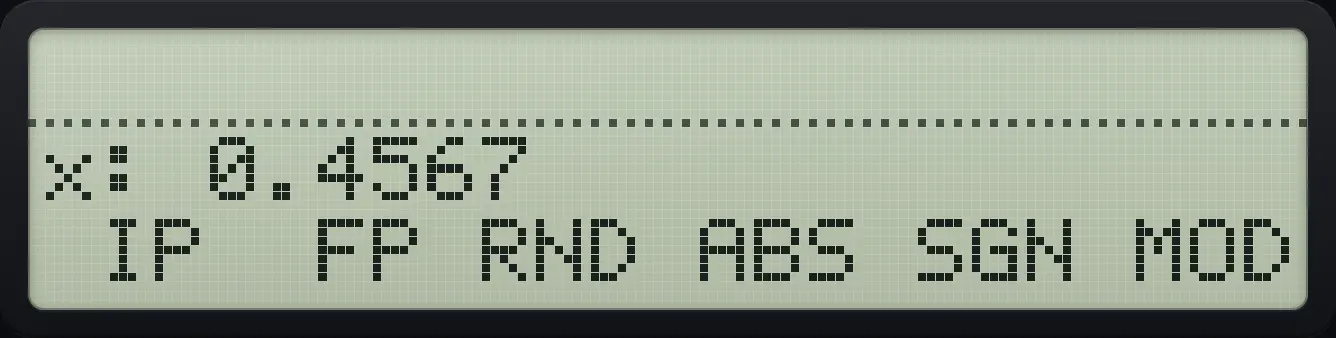
Result of the example "Fraction part of 2.4567" The display shows: x: 0.4567 /  IP  FP RND ABS SGN MOD.
You should see0.4567
Example 5.21

Absolute value of −5

  1. Type 5, +/−, then ABS (fourth key).

    5+/−⇧CONVERT5▼LOG
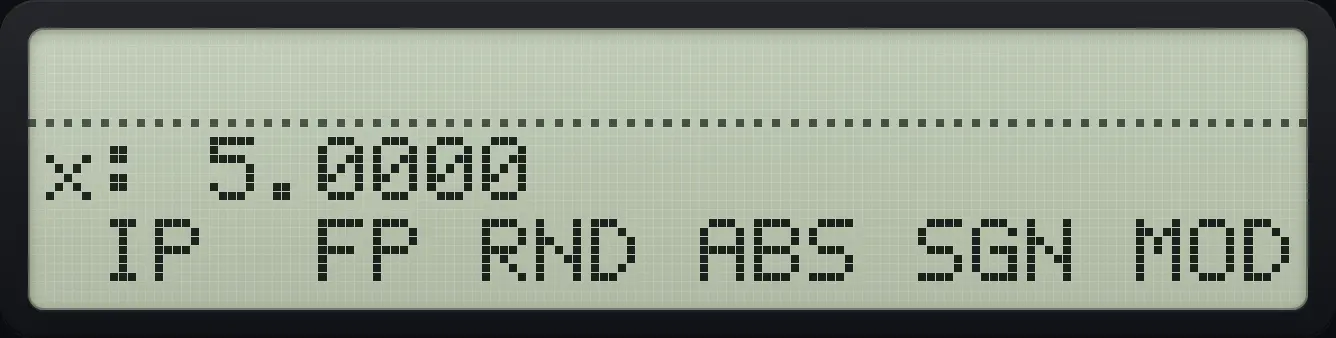
Result of the example "Absolute value of −5" The display shows: x: 5.0000 /  IP  FP RND ABS SGN MOD.
You should see5.0000
Example 5.22

Sign of −5

  1. SGN is the fifth key.

    5+/−⇧CONVERT5▼LN
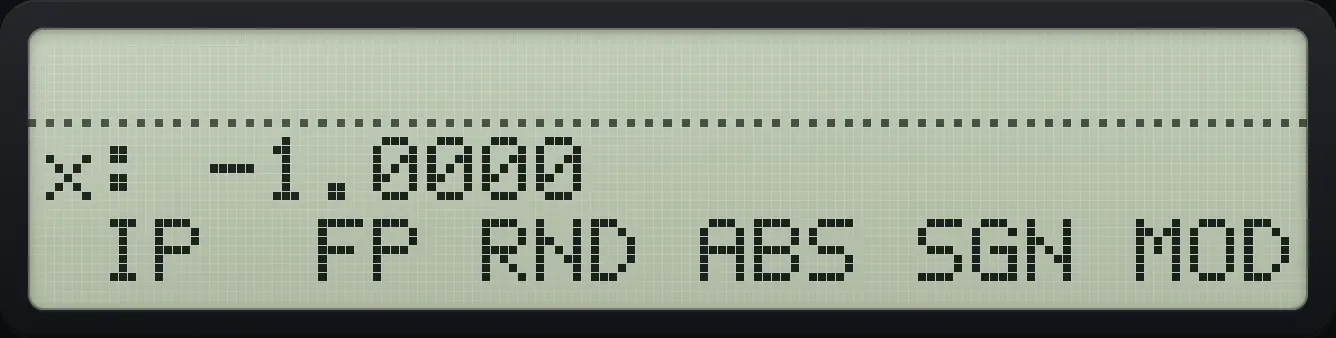
Result of the example "Sign of −5" The display shows: x: -1.0000 /  IP  FP RND ABS SGN MOD.
You should see-1.0000
Example 5.23

Remainder: 7 mod 3

  1. Enter 7 and 3, then MOD (sixth key).

    7ENTER3⇧CONVERT5▼XEQ
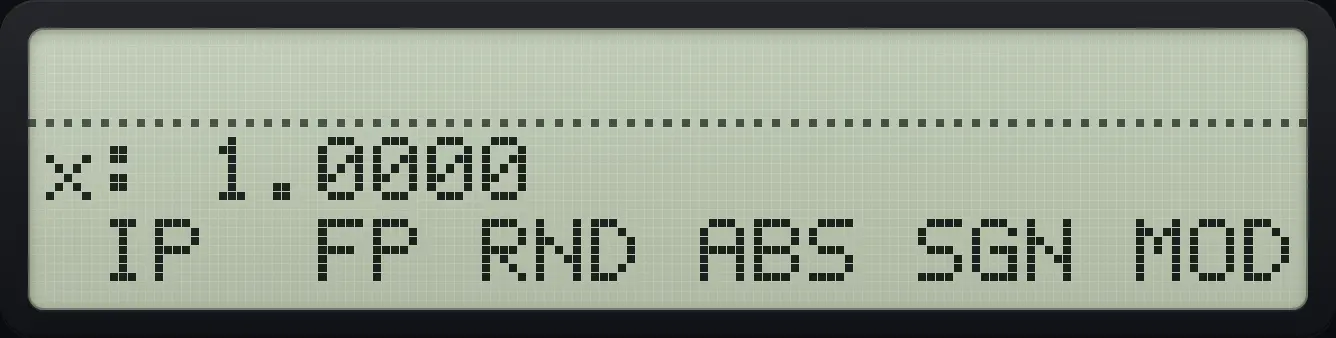
Result of the example "Remainder: 7 mod 3" The display shows: x: 1.0000 /  IP  FP RND ABS SGN MOD.
You should see1.0000
Example 5.24

Round to the displayed digits

  1. Show 2 decimals: DISP, FIX, 0 2.

    ⇧DISPEΣ+02EXIT
  2. Type 1.2345 and use RND from CONVERT page 2, then show all digits.

    1.2345⇧CONVERT5▼√xEXIT⇧SHOW.
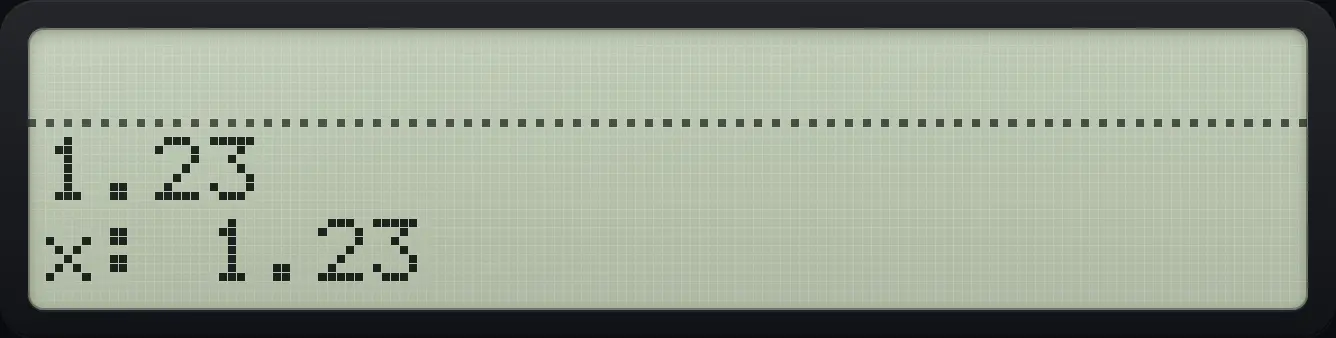
Result of the example "Round to the displayed digits" The display shows: 1.23 / x: 1.23.
You should see1.23

5.7Combinations, permutations, factorial and random numbers#

The PROB menu (shift ×) has COMB, PERM, N!, GAM, RAN and SEED.
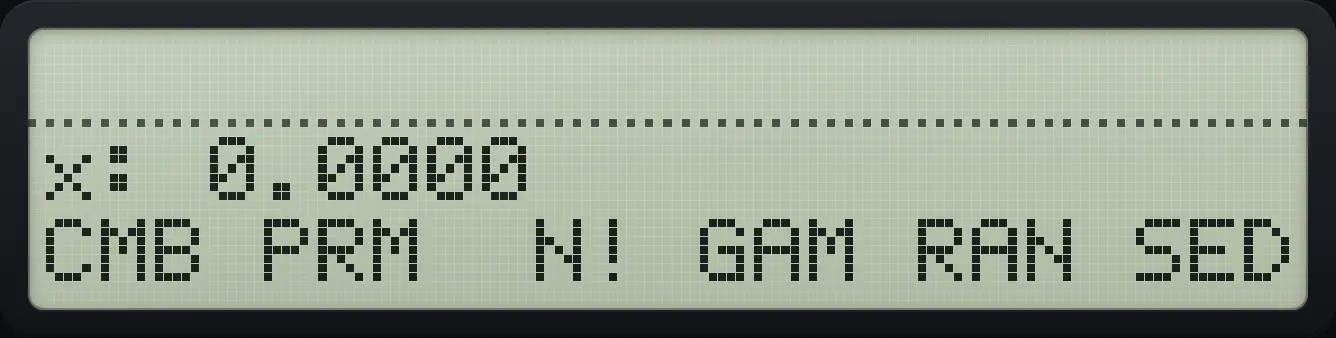
The PROB menu. The display shows: x: 0.0000 / CMB PRM  N! GAM RAN SED.
The PROB menu.
(nr)=n!r!(n−r)!,nPr=n!(n−r)!\binom{n}{r}=\frac{n!}{r!(n-r)!},\qquad {}_nP_r=\frac{n!}{(n-r)!}
Example 5.25

Combinations of 5 things taken 2 at a time

(52)=10\binom{5}{2}=10
  1. Enter n = 5 (Y) and r = 2 (X), then COMB.

    5ENTER2⇧PROB×Σ+EXIT
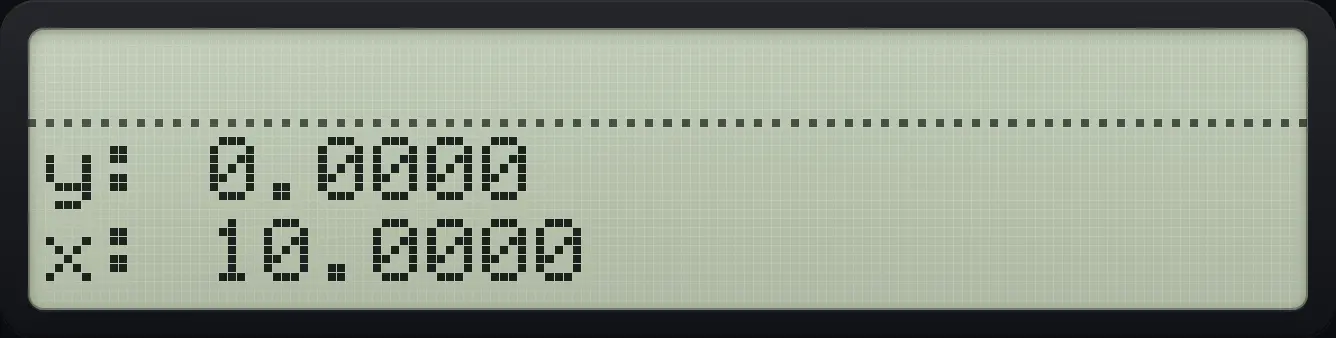
Result of the example "Combinations of 5 things taken 2 at a time" The display shows: y: 0.0000 / x: 10.0000.
You should see10.0000
Example 5.26

Permutations of 5 taken 2

  1. Same entries, then PERM.

    5ENTER2⇧PROB×1/xEXIT
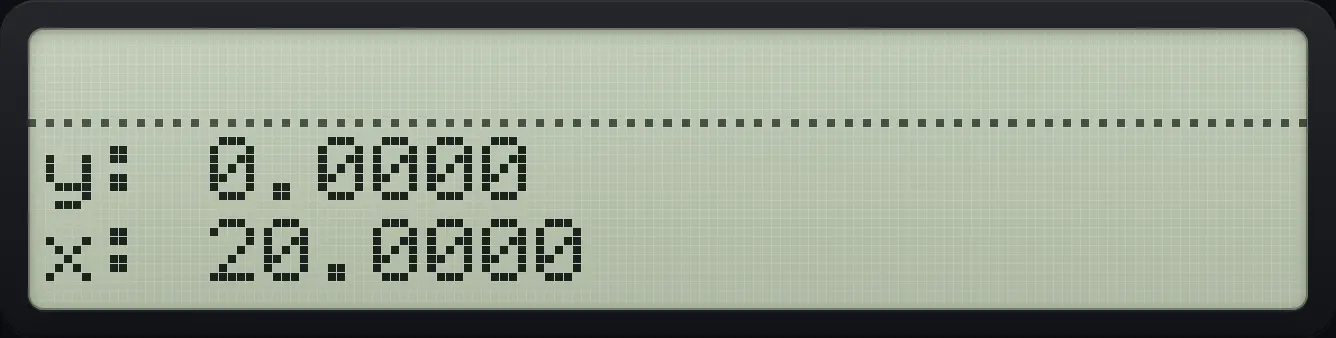
Result of the example "Permutations of 5 taken 2" The display shows: y: 0.0000 / x: 20.0000.
You should see20.0000
Example 5.27

Factorial of 5

5!=1205!=120
  1. Type 5 and press N!.

    5⇧PROB×√xEXIT
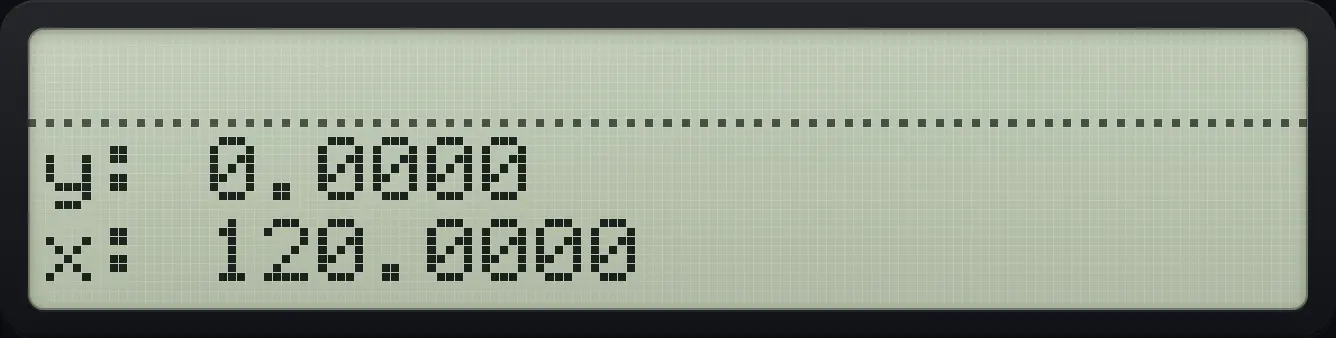
Result of the example "Factorial of 5" The display shows: y: 0.0000 / x: 120.0000.
You should see120.0000
Example 5.28

Gamma function: gamma(5)

  1. GAM(x) equals (x−1)!.

    5⇧PROB×LOGEXIT
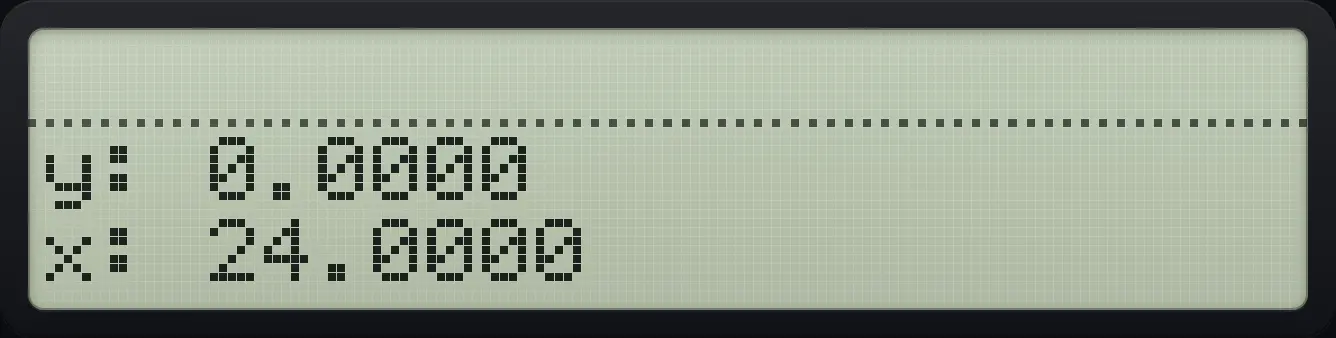
Result of the example "Gamma function: gamma(5)" The display shows: y: 0.0000 / x: 24.0000.
You should see24.0000
Example 5.29

A random number

  1. RAN pushes a random number between 0 and 1.

    ⇧PROB×LN
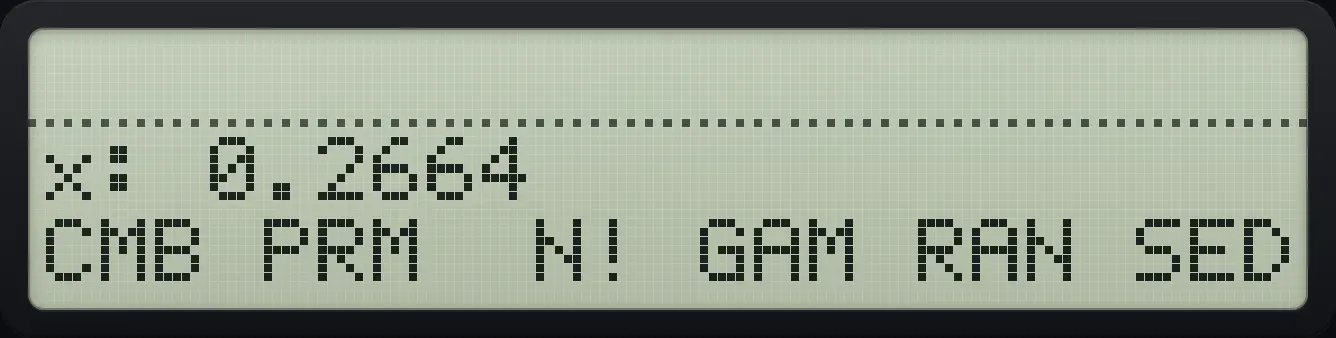
Result of the example "A random number" The display shows: x: 0.2664 / CMB PRM  N! GAM RAN SED.
You should seex: 0.

5.8Hyperbolic functions#

HP-42S is a trademark of HP Inc.. Trident Calculator is an independent product by South View Studios and is not affiliated with, sponsored by or endorsed by HP. The name is used only to describe the kind of calculator this model resembles; Trident's names, keys, display, fonts and software are its own clean-room design.