
Classic Scientific 30 manual · Chapter 4 of 13
Fractions and exact answers
Typing fractions and mixed numbers, switching between fractions and decimals, square roots and multiples of pi.
4.1When an answer is exact and when it is a decimal#
If your entry has no decimal point, the calculator gives an exact answer: a fraction, a simplified root or a multiple of pi. If you type a number with a decimal point, the answer is a decimal. You can change the form of the last answer at any time with ◄►.
Division stays a fraction
1 divided by 3 is an exact fraction, shown as 1/3.
1÷3enter
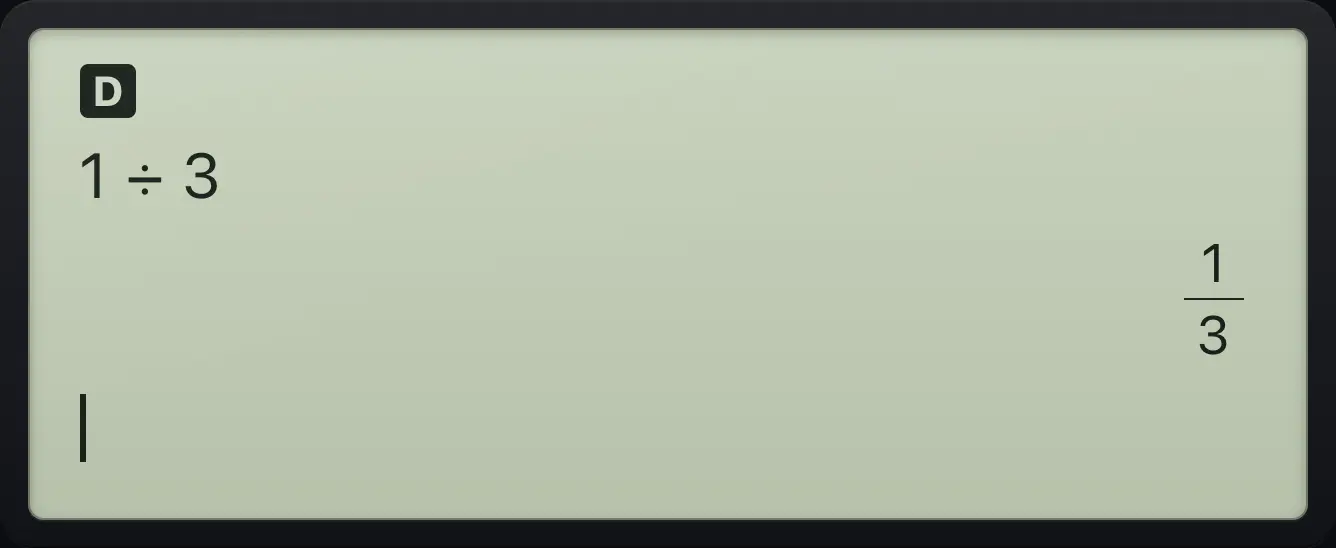
1÷3 1/3A decimal in the entry gives a decimal
Typing 0.5 makes the whole answer a decimal.
0.5+0.25enter
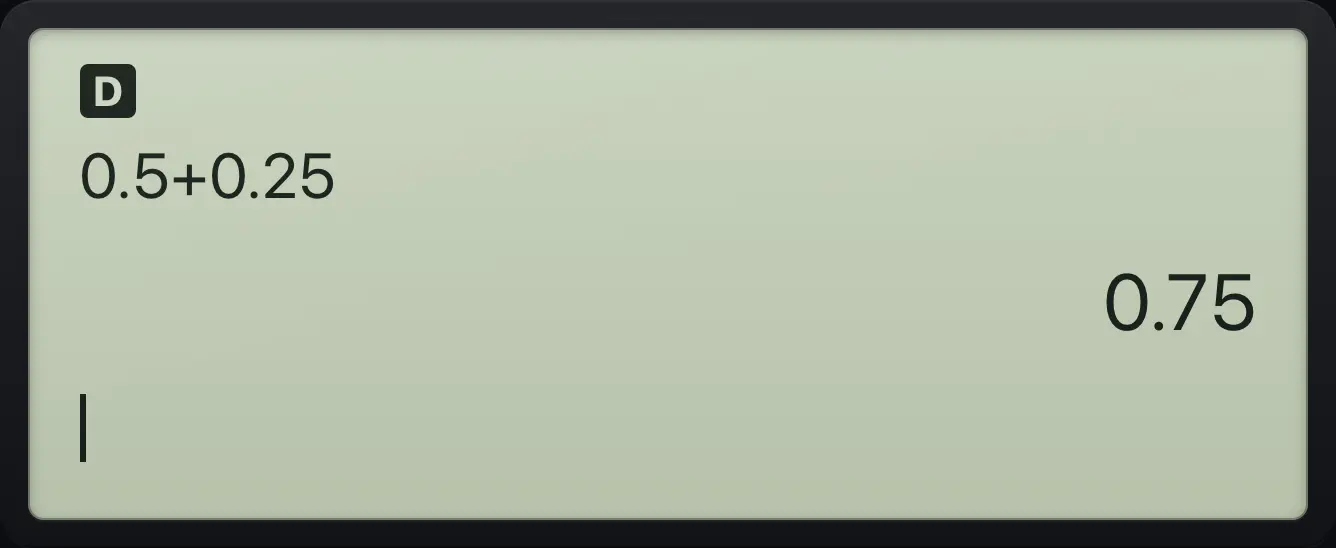
0.75See also Work with fractions
4.2Type and add fractions#
- n/d
- numerator
- ▼
- denominator
- ▶
Press n/d to make a fraction. The cursor starts in the top box. Type the numerator, press ▼ to go to the bottom box (or just keep typing if a number is already in the top box), type the denominator, then press ▶ to leave the fraction. If you type a number first and then press n/d, that number becomes the numerator.
Add two fractions
Type 1 over 3, step out of the fraction, add, then 1 over 6.
1n/d3▶+1n/d6enter
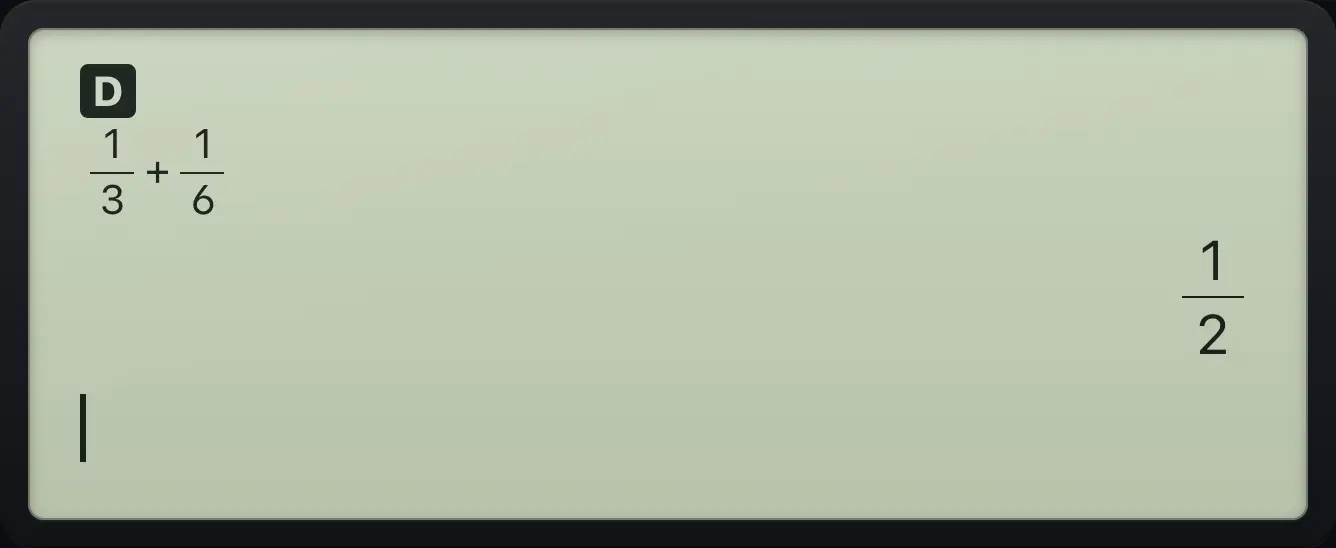
1/3+1/6 1/2Multiply fractions
2/3 times 3/4 simplifies.
2n/d3▶×3n/d4enter
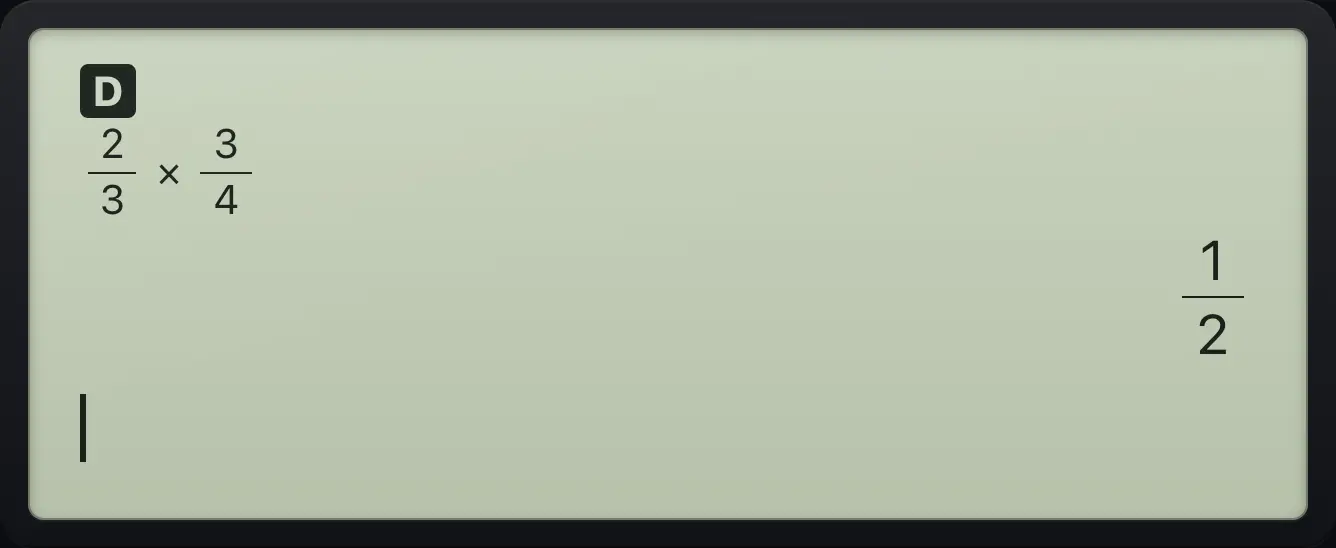
1/2A sum as numerator
Put a bracket group first. The fraction takes the whole group as its numerator.
(1+2)n/d4enter
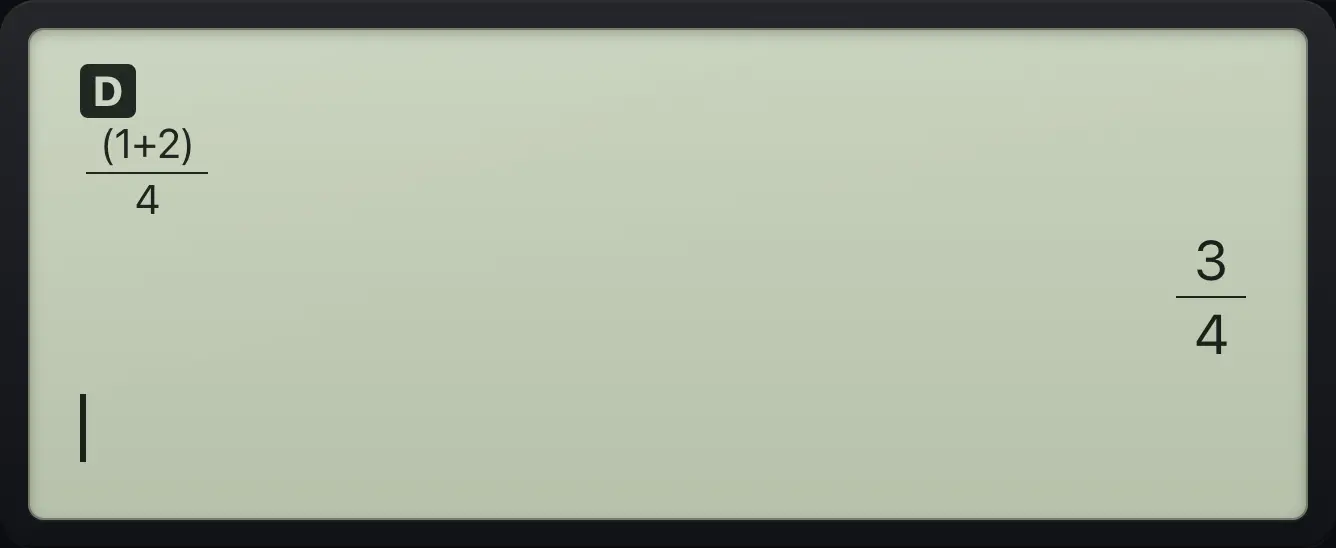
3/4See also Work with fractions
4.3Enter and show mixed numbers#
- 2ndUn/dn/d
- whole
- ▶
- numerator
- ▶
- denominator
Press 2ndUn/dn/d (Un/d) for a mixed number. Type the whole part, press ▶, type the numerator, press ▶, then type the denominator.
Type 2 and one third
Whole part 2, numerator 1, denominator 3.
2ndUn/dn/d2▶1▶3enter
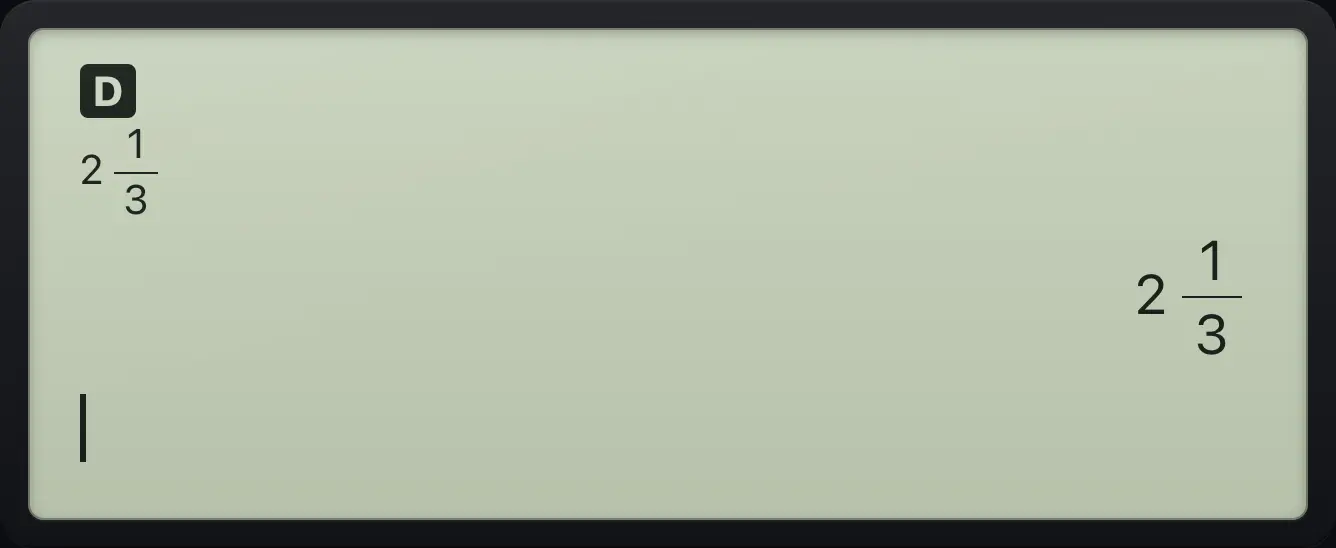
2 1/3Show an improper fraction as a mixed number
Type 7/2, step out, then pick the first item of the MATH menu (►n/d◄►Un/d) and press enter.
7n/d2▶math1enter
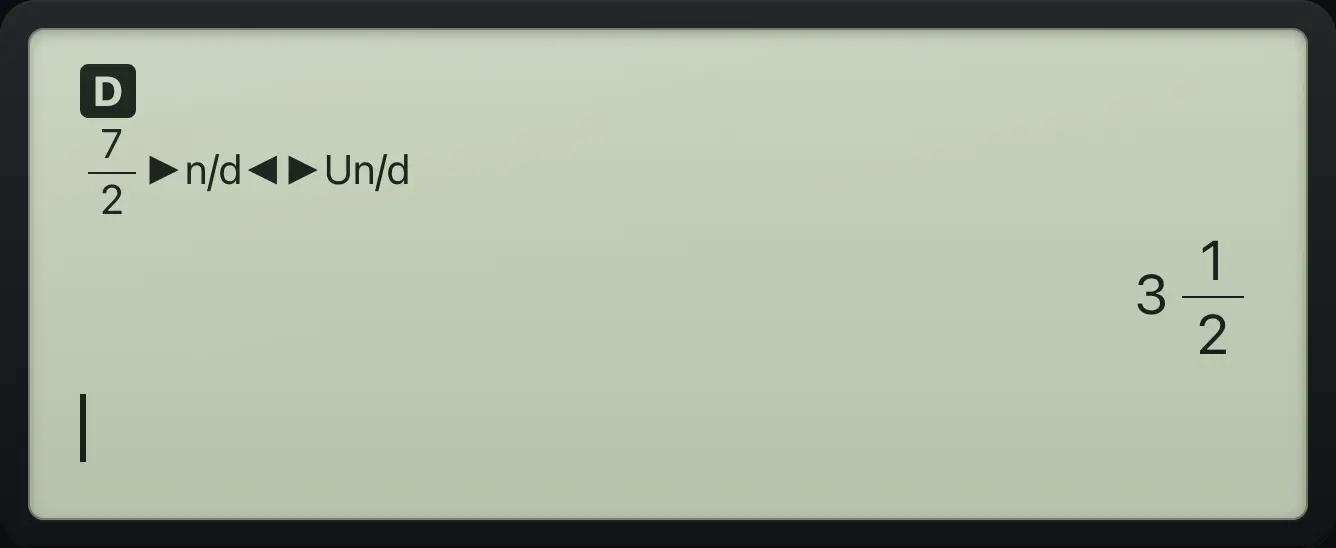
3 1/24.4Convert a decimal to a fraction (and back)#
The F◄►D key (2ndf◄►d◄►) flips an entry between fraction and decimal. Put it after the number you want to convert and press enter. To change the answer you already have, press ◄► instead. For a decimal answer to any entry, press 2nd≈enter (≈) instead of enter.
Turn 0.75 into a fraction
Type 0.75, press 2nd and the toggle key (F◄►D), then enter.
0.752ndf◄►d◄►enter
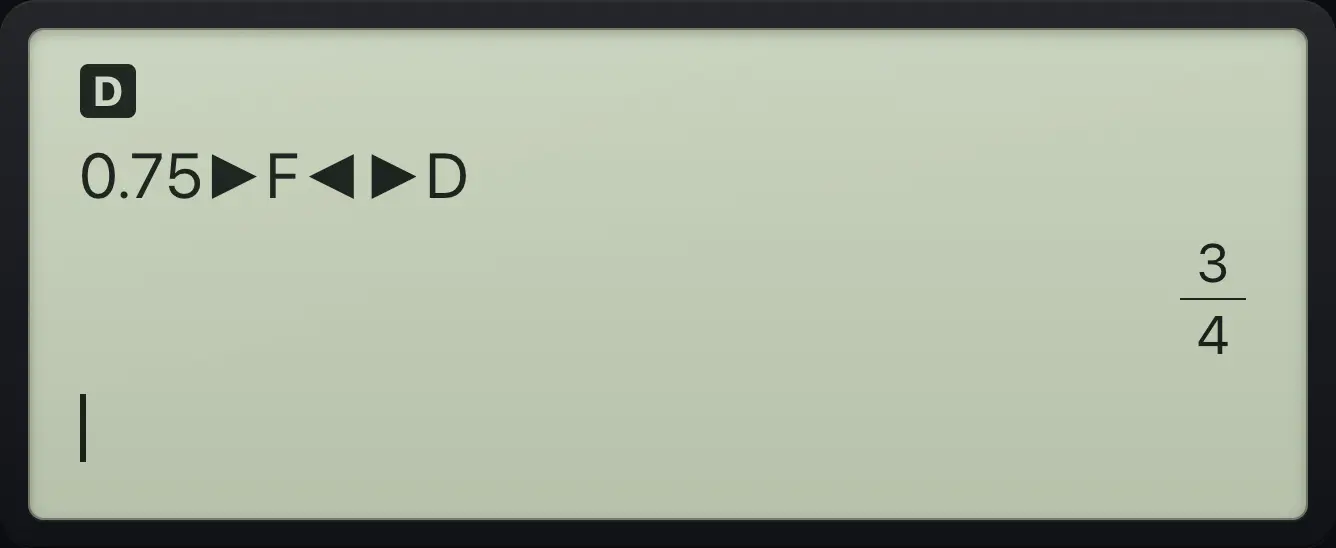
3/4Turn 3/8 into a decimal
Type 3/8, step out, press F◄►D, then enter.
3n/d8▶2ndf◄►d◄►enter
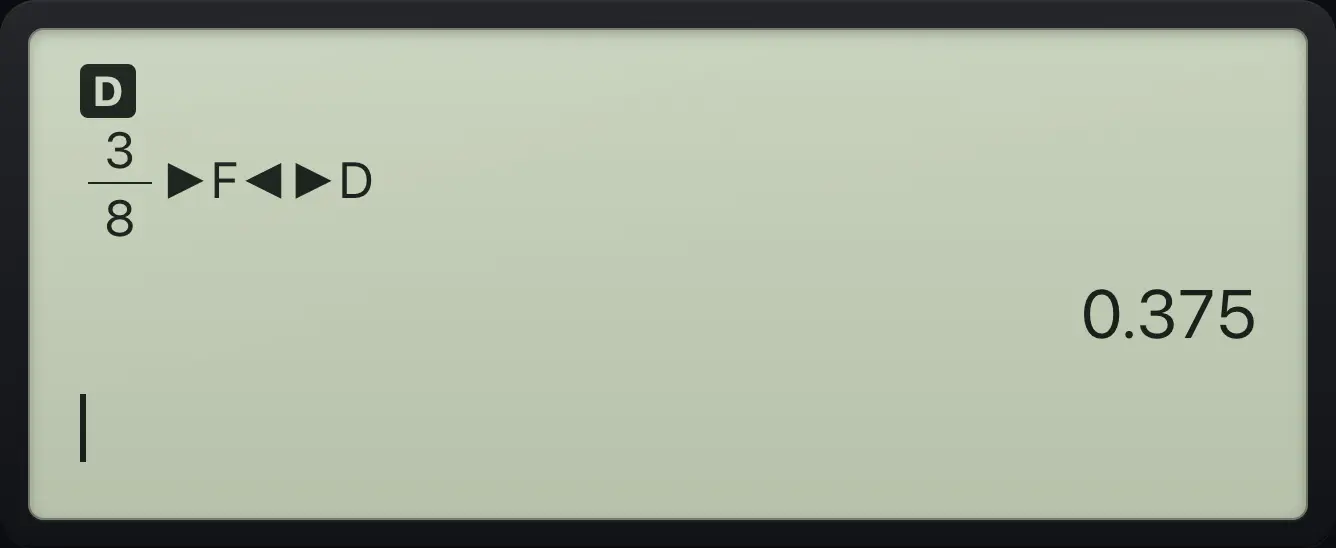
0.375Switch the last answer to a decimal
Work out 1/3 + 1/6, then press the toggle key.
1n/d3▶+1n/d6enter◄►
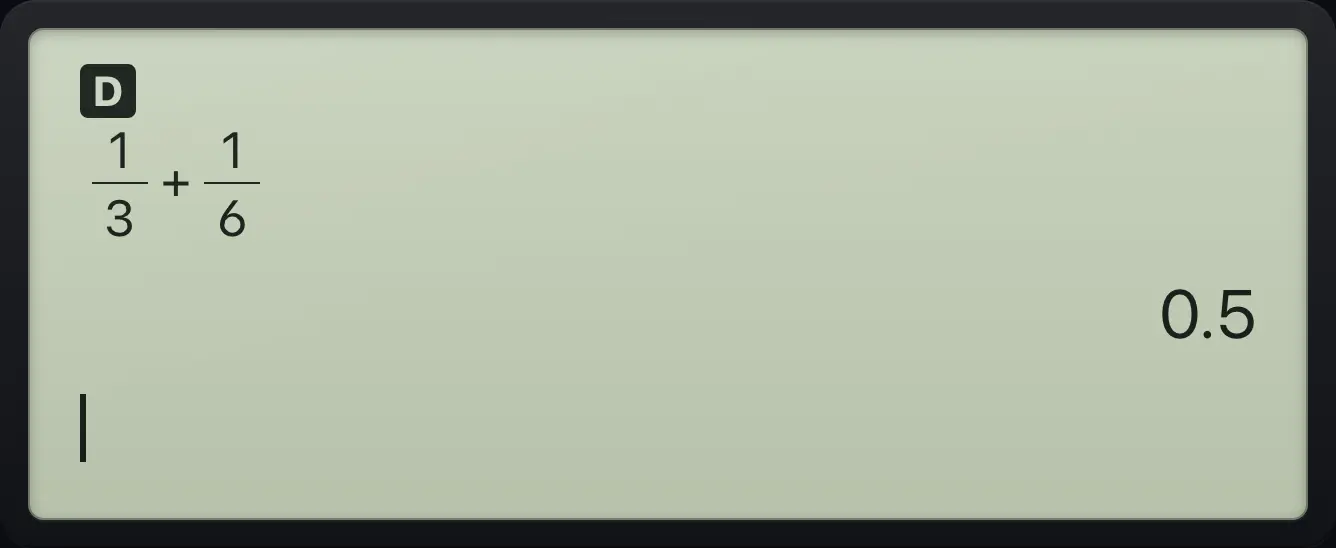
0.5Switch it back
Press the toggle key a second time to return to the fraction.
1n/d3▶+1n/d6enter◄►◄►
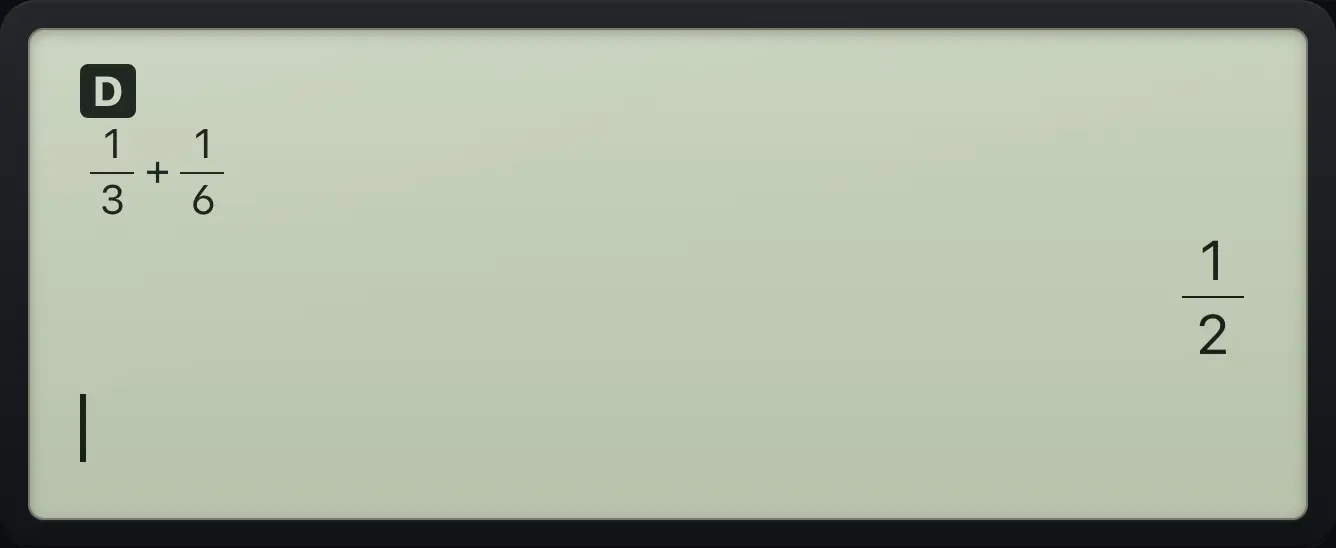
1/2Ask for a decimal answer directly
2nd then enter gives the approximate (decimal) answer.
1n/d3▶2nd≈enter
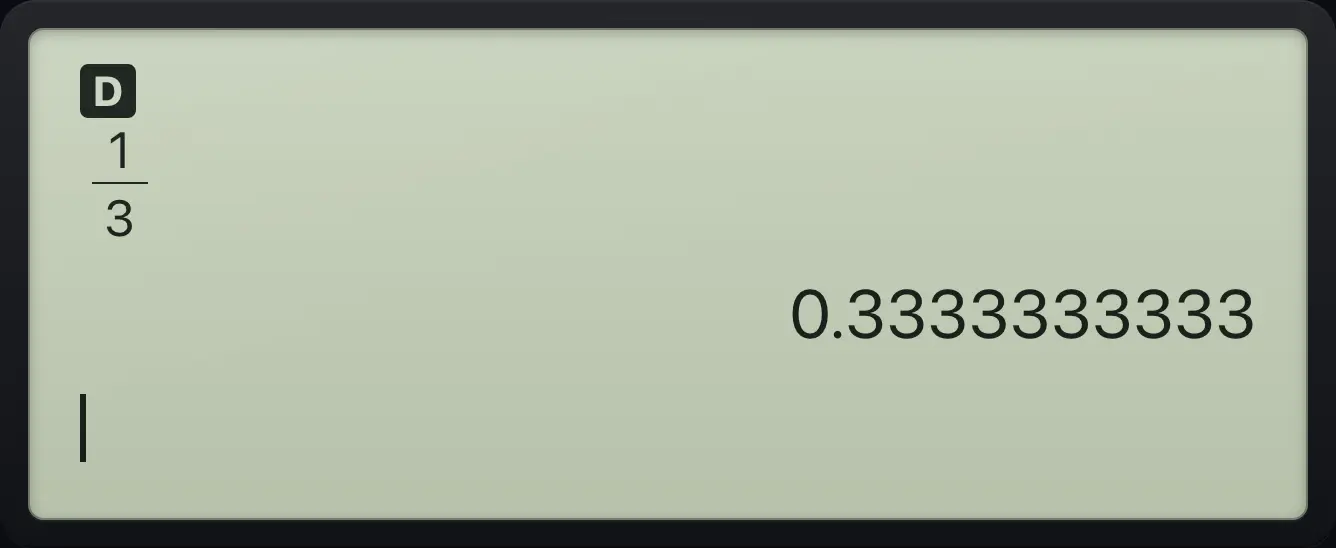
0.33333333334.5Square roots in simplest form#
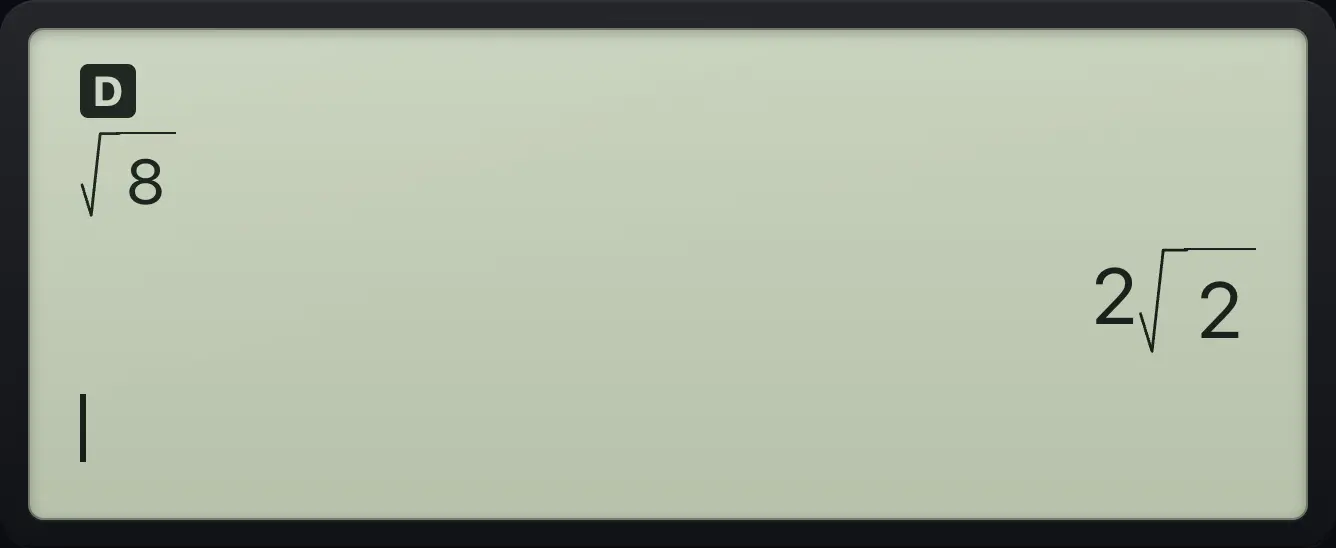
Press 2nd√x² for a square root template, type the number and press enter. Roots that are not whole numbers are simplified: √8 becomes 2√2.
Simplify a root
The square root of 8 is shown as 2√2.
2nd√x²8enter
√8 2√2See the root as a decimal
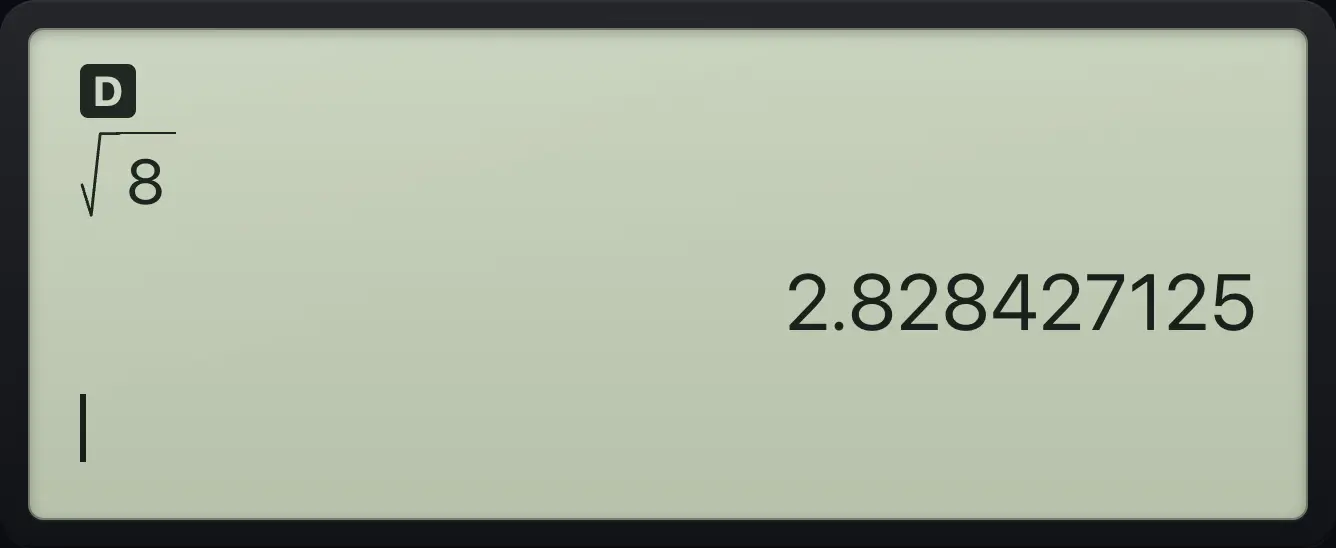
Press the toggle key to turn 2√2 into a decimal.
2nd√x²8enter◄►
2.828427125A perfect square
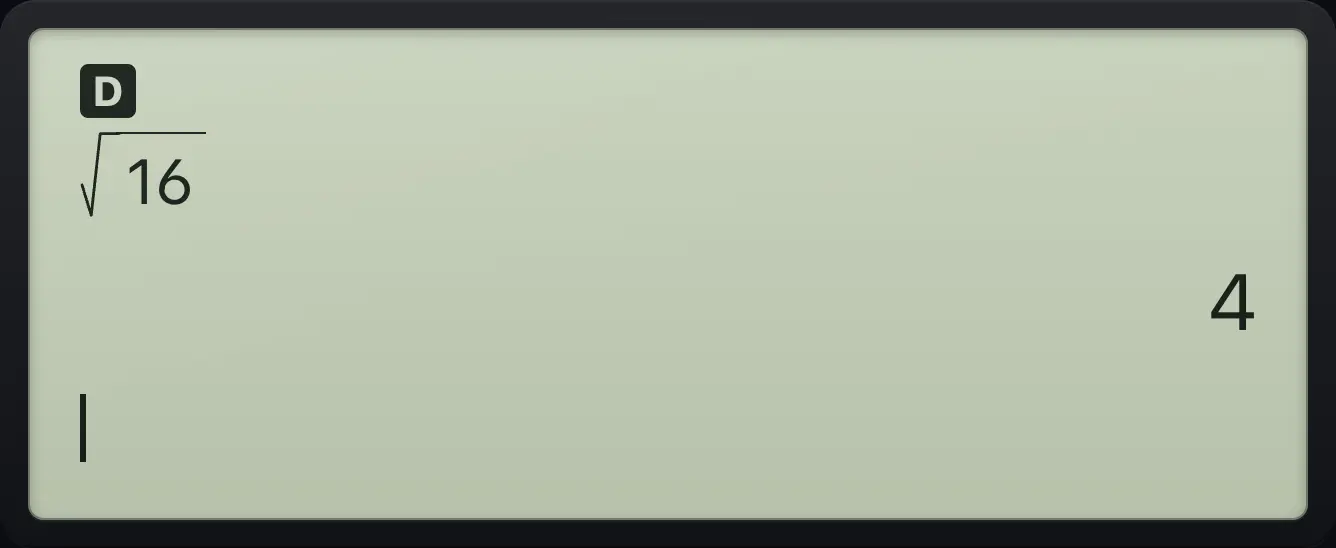
The square root of 16 is just 4.
2nd√x²16enter
4Multiply roots
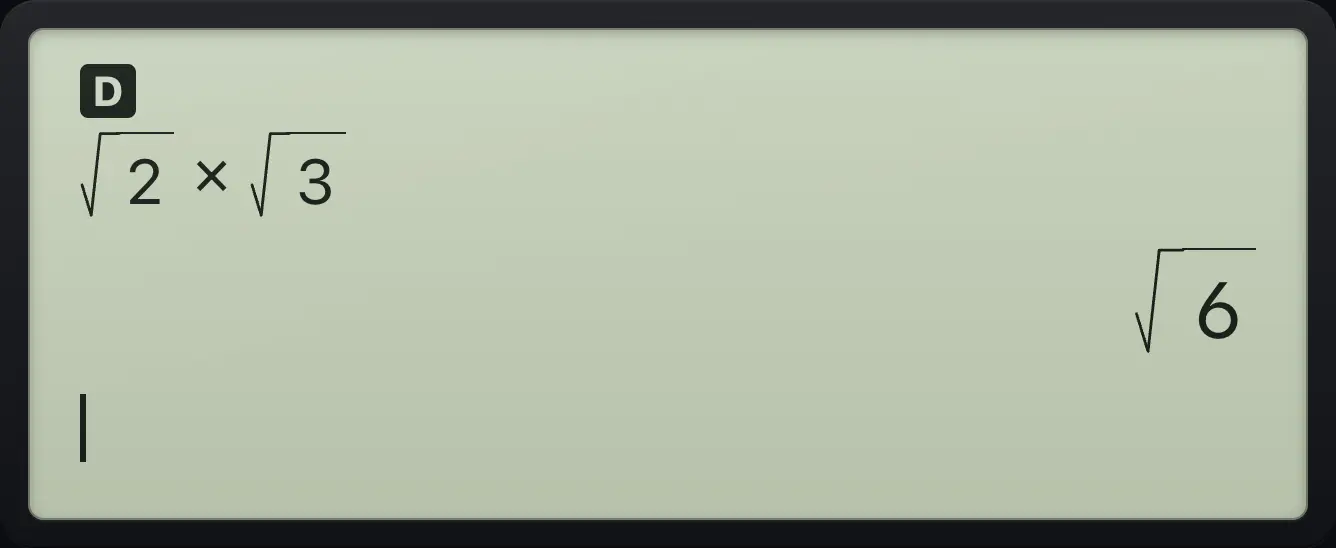
Close the first root with right, then multiply by another root.
2nd√x²2▶×2nd√x²3enter
√6See also Find a square root
4.6Answers in terms of pi#
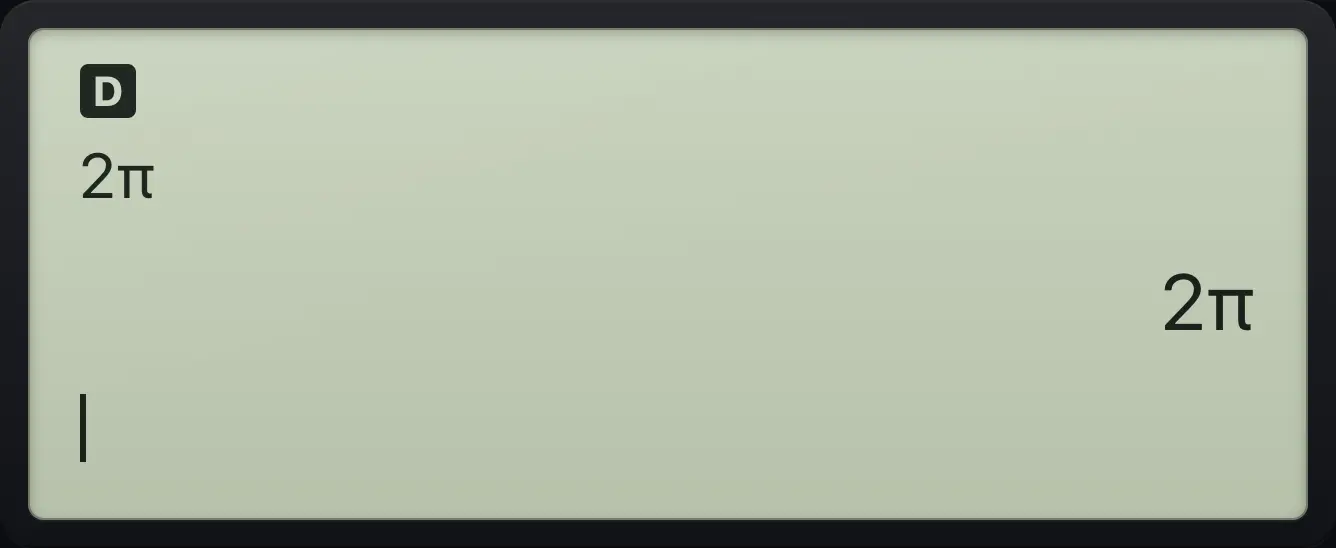
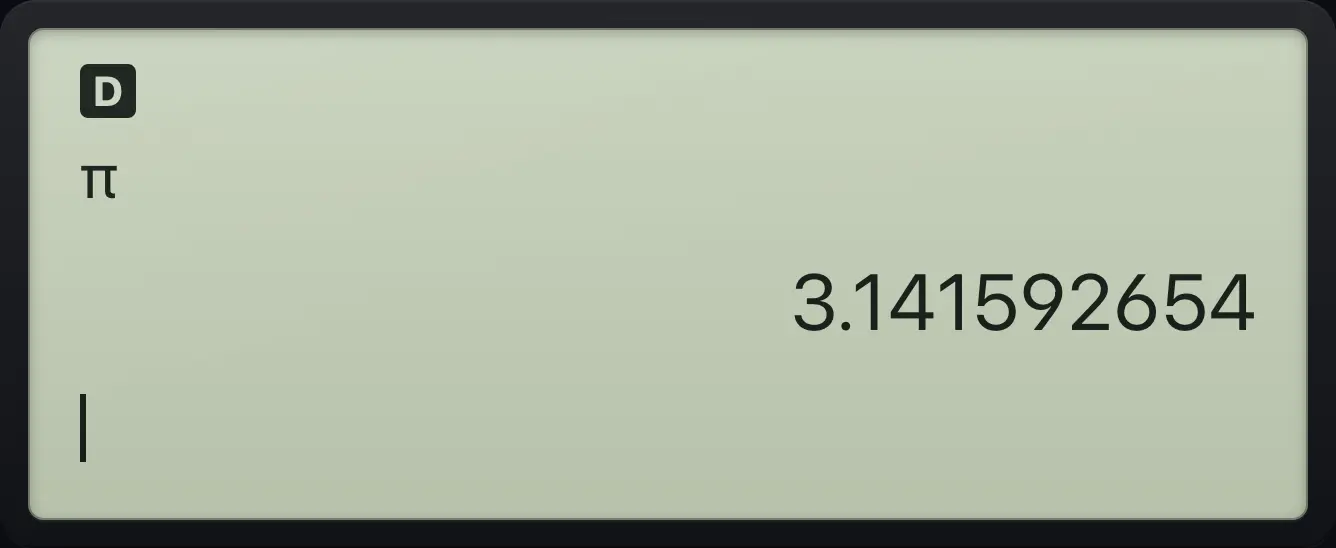
The π key types pi. If your entry is a whole-number multiple of pi, the answer stays in terms of pi. Press ◄► for the decimal value.
Two pi
Type 2 then pi. The answer is kept as 2π.
2πenter
2πPi as a decimal
Press the toggle key to see the decimal.
πenter◄►
3.141592654TI-30XS MultiView is a trademark of Texas Instruments Incorporated. Trident Calculator is an independent product by South View Studios and is not affiliated with, sponsored by or endorsed by Texas Instruments. The name is used only to describe the kind of calculator this model resembles; Trident's names, keys, display, fonts and software are its own clean-room design.