
Classic Scientific 30 manual · Chapter 9 of 13
Variables and memory
Store values in x, y, z and other variables, recall them, and clear memory.
9.1Store a value in a variable#
There are eight variables: x, y, z, t, a, b, c and d. Type a value, press sto→, then press x yzt abcd to choose the variable (press x yzt abcd again to cycle to the next letter), and press enter. All variables start at 0.
Store 5 in x and use it
Store 5 in x, then calculate x times 2.
5sto→x yzt abcdenterx yzt abcd×2enter
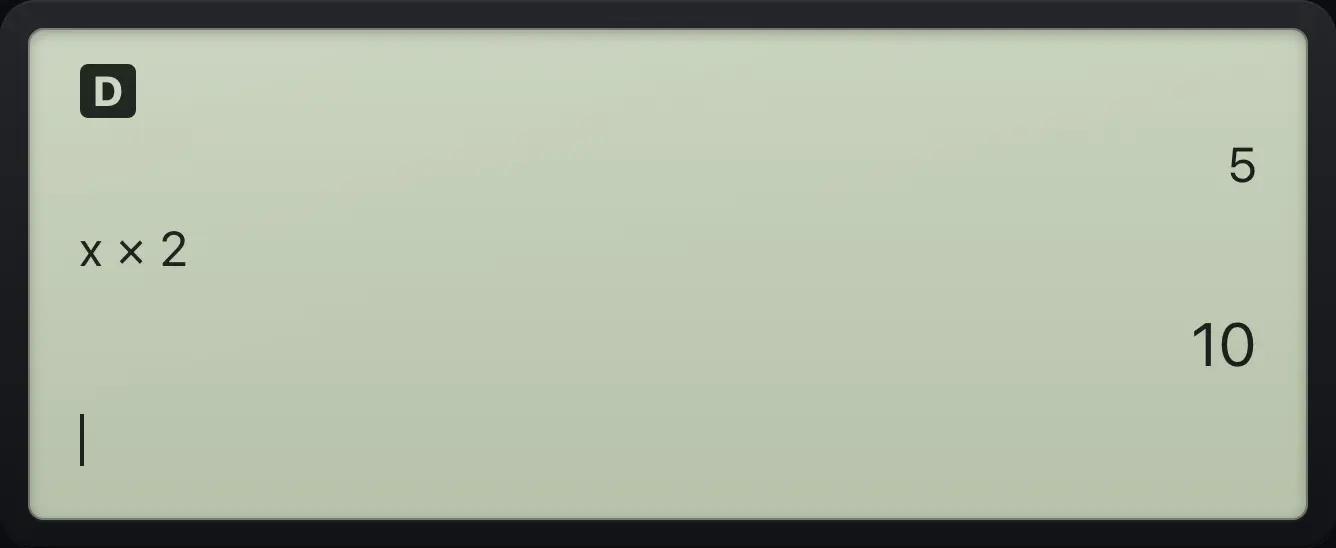
x×2 10Cycle to a different variable
Pressing the variable key three times types z.
x yzt abcdx yzt abcdx yzt abcd
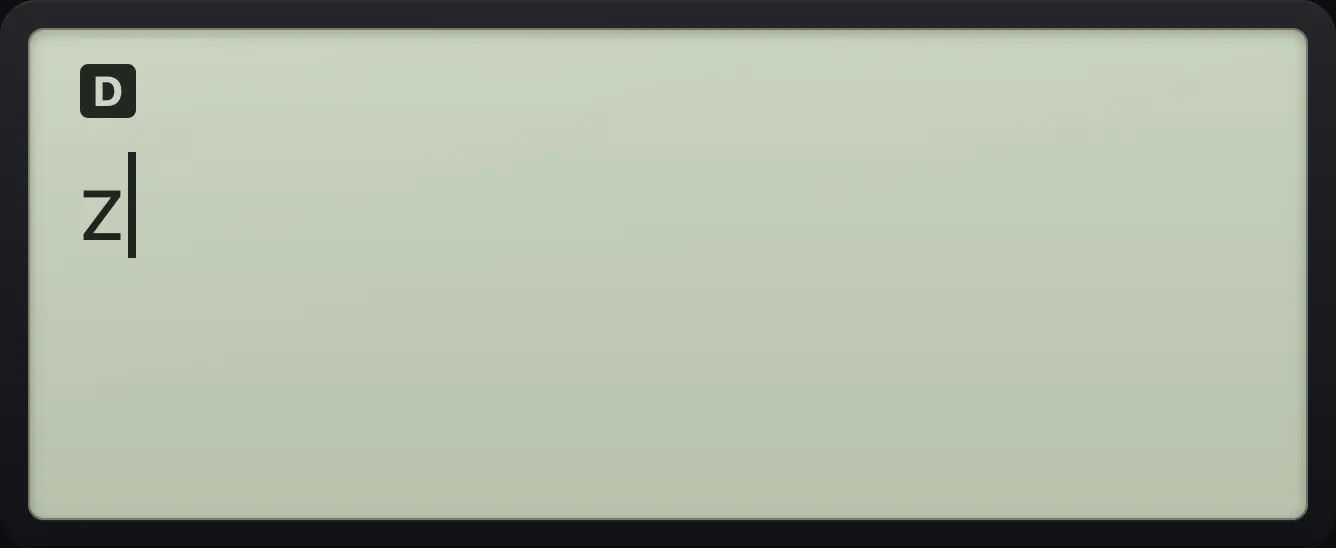
zStore into y
Press the variable key twice to pick y.
7sto→x yzt abcdx yzt abcdenter3+x yzt abcdx yzt abcdenter
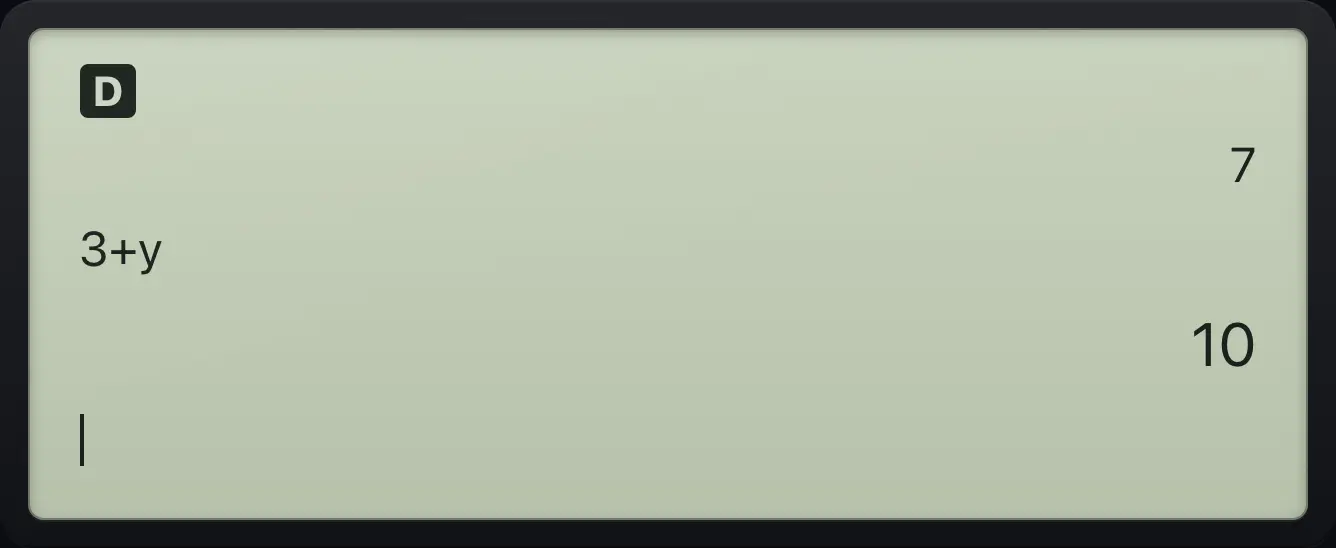
10See also Store a number in a variable
9.2See and paste stored values#
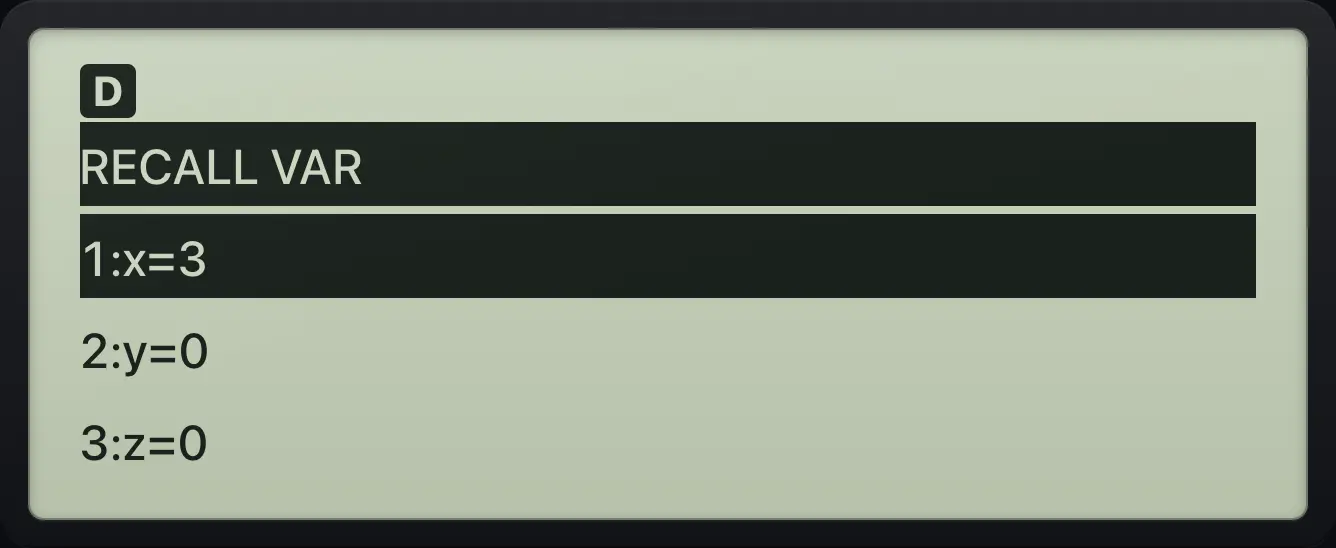
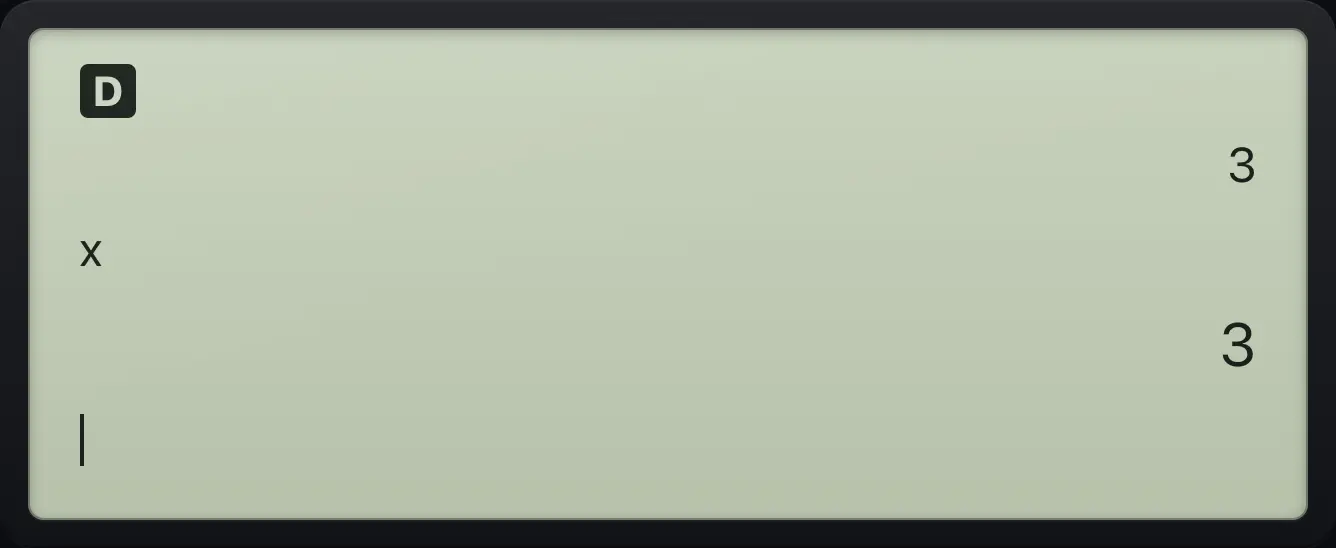
Press 2ndrecallx yzt abcd (RECALL VAR) to list the eight variables with their values. Press the number of one to paste that variable into your entry.
List the variables
Store 3 in x, then open RECALL VAR.
3sto→x yzt abcdenter2ndrecallx yzt abcd
RECALL VAR 1:x=3Paste a variable
Open the list and pick 1 to type x.
3sto→x yzt abcdenter2ndrecallx yzt abcd1enter
39.3Clear variables and reset the calculator#
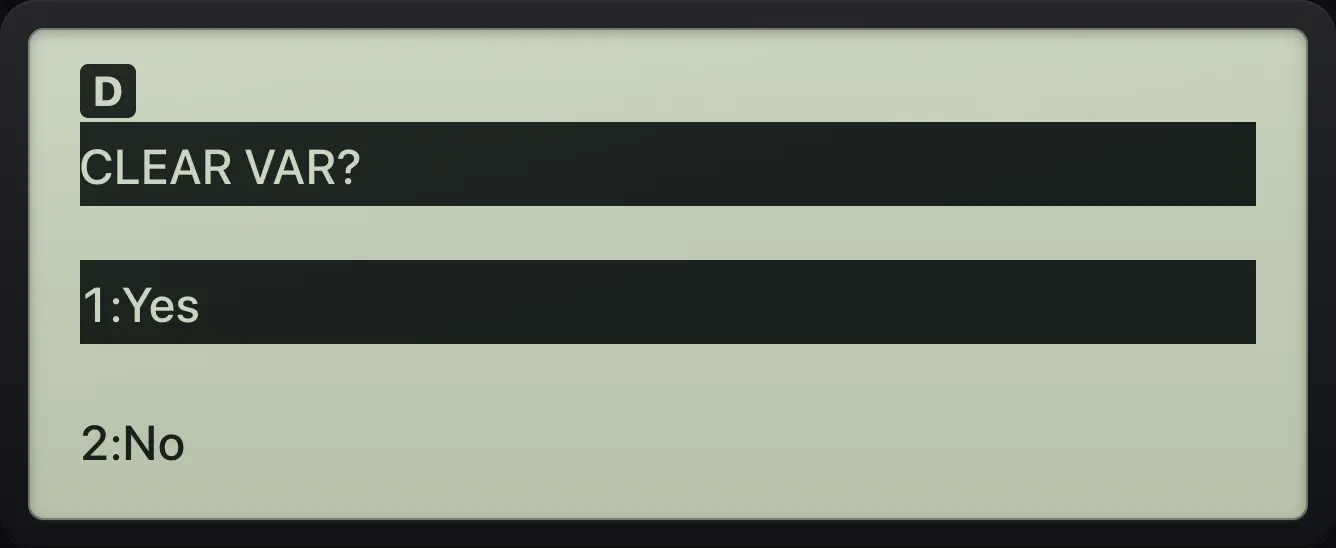
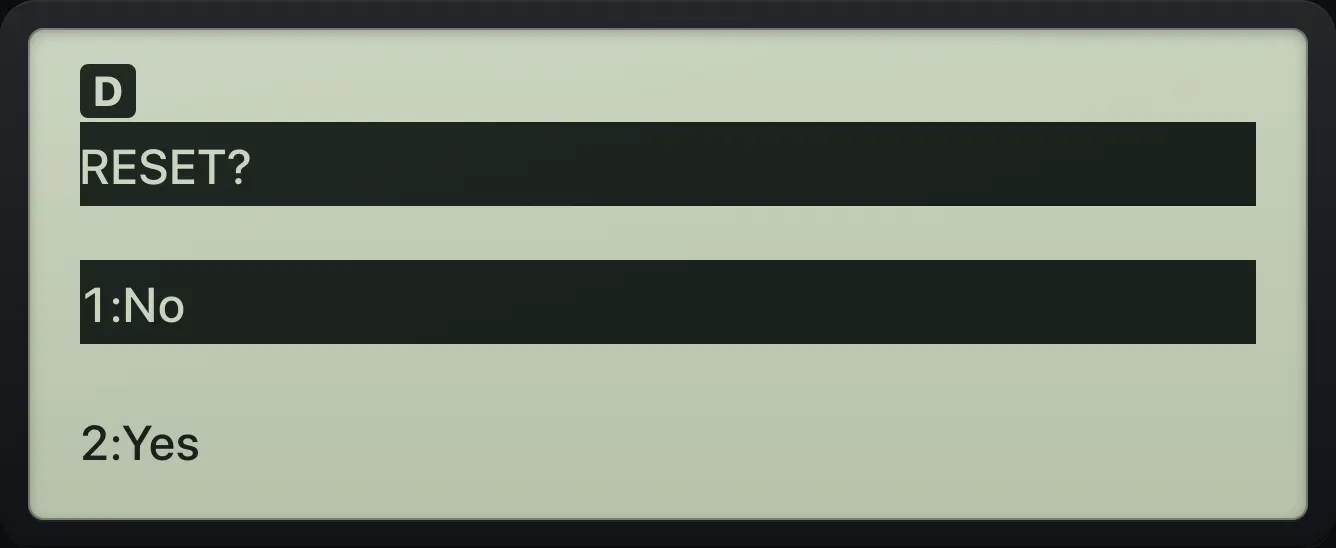
2ndclear varsto→ (CLEAR VAR) asks whether to clear all the variables. Choose 1 for Yes. 2ndreset0 (RESET) asks whether to erase memory and settings: choose 2 for Yes. Reset puts every setting back to its start value.
Clear all variables
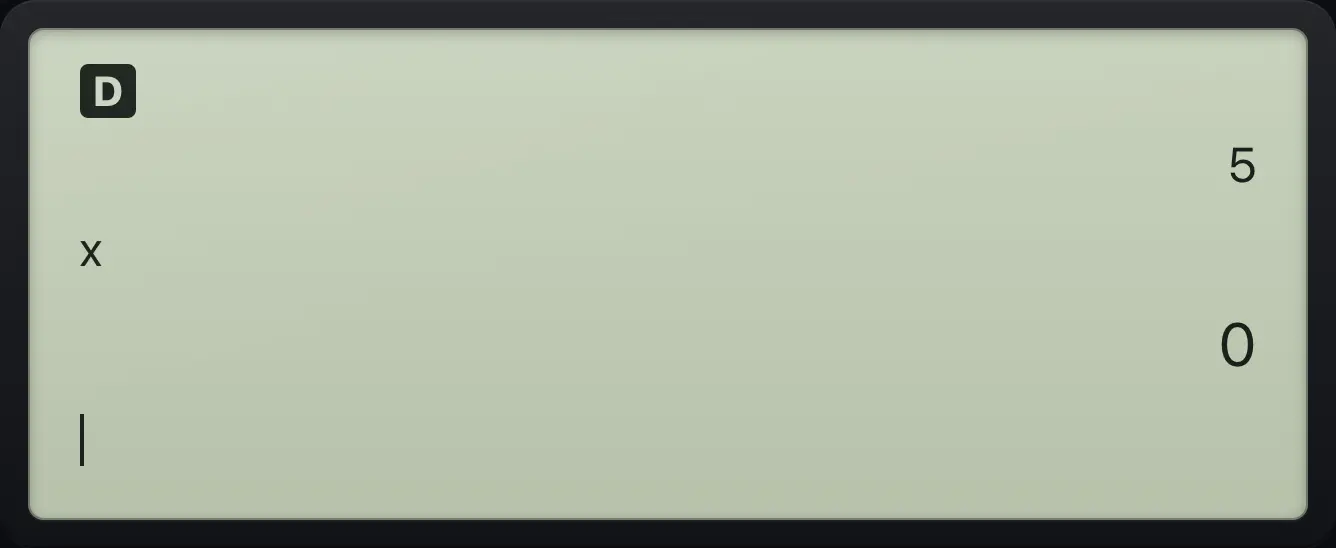
Store 5 in x, clear the variables with 2nd then sto and 1 for Yes, and read x.
5sto→x yzt abcdenter2ndclear varsto→1x yzt abcdenter
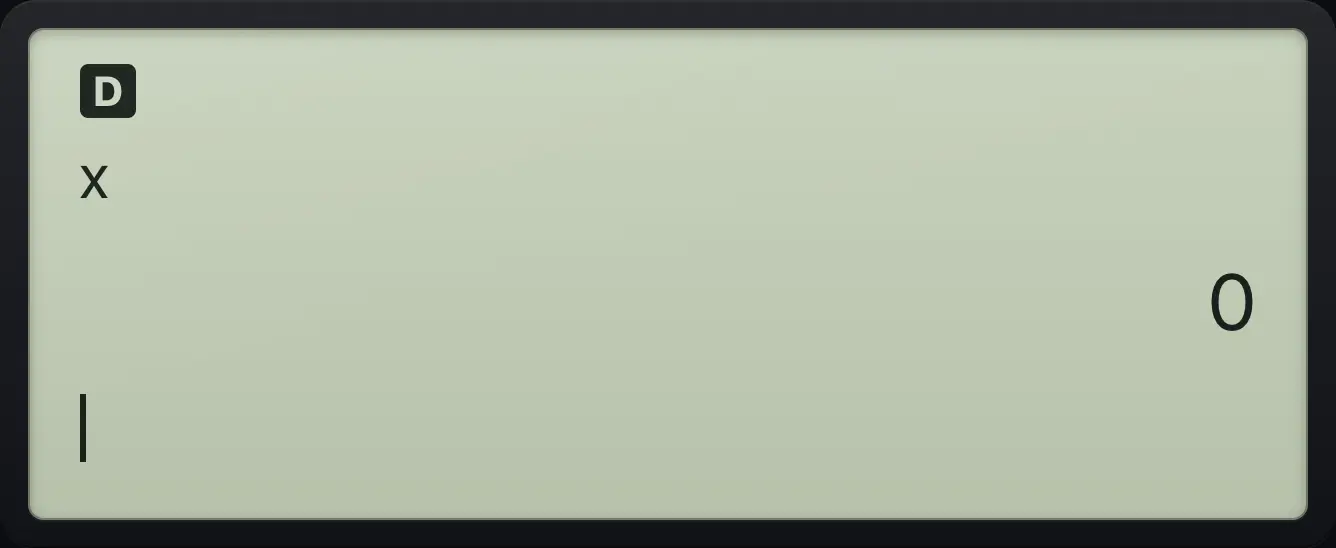
0Reset everything
Store 5, open RESET, choose 2 for Yes, and read x.
5sto→x yzt abcdenter2ndreset02x yzt abcdenter
0TI-30XS MultiView is a trademark of Texas Instruments Incorporated. Trident Calculator is an independent product by South View Studios and is not affiliated with, sponsored by or endorsed by Texas Instruments. The name is used only to describe the kind of calculator this model resembles; Trident's names, keys, display, fonts and software are its own clean-room design.