
Classic Scientific 30 manual · Chapter 8 of 13
Modes and settings
Angle unit, number format, decimal places, complex mode and the display style.
8.1Open the MODE screen#
![The MODE screen. The selected choice of each row is in square brackets. The display shows: ▸[DEG] RAD GRAD / [NORM] SCI ENG / [FLOAT] 0 1 2 3 4 5 6 7 8 9 / [REAL] a+bi r∠θ.](/trident/app/help/manual/img/dc4a6731s.webp)
- mode
- ▼ / ▶ to the choice
- enter
- clear
Press mode to open the MODE screen. It has five rows. Use ▲ and ▼ to move between rows and ◀ and ▶ to move along a row. Press enter to select the highlighted choice (the selected one shows in square brackets). Leave with clear or 2ndquitmode.
| Row | Choices | Start value |
|---|---|---|
| Angle | DEG, RAD, GRAD | DEG |
| Number format | NORM, SCI, ENG | NORM |
| Decimals | FLOAT, 0 to 9 | FLOAT |
| Complex | REAL, a+bi, r∠θ | REAL |
| Display style | CLASSIC, MATHPRINT | MATHPRINT |
8.2Switch between degrees, radians and gradians#
Trig functions give different answers in different units, so check the top row of MODE before every trig problem. A right angle is 90 in degrees, π/2 in radians and 100 in gradians.
Gradians
Choose GRAD (two steps right), then find the inverse sine of 1.
mode▶▶enterclear2ndsin⁻¹sin1)enter
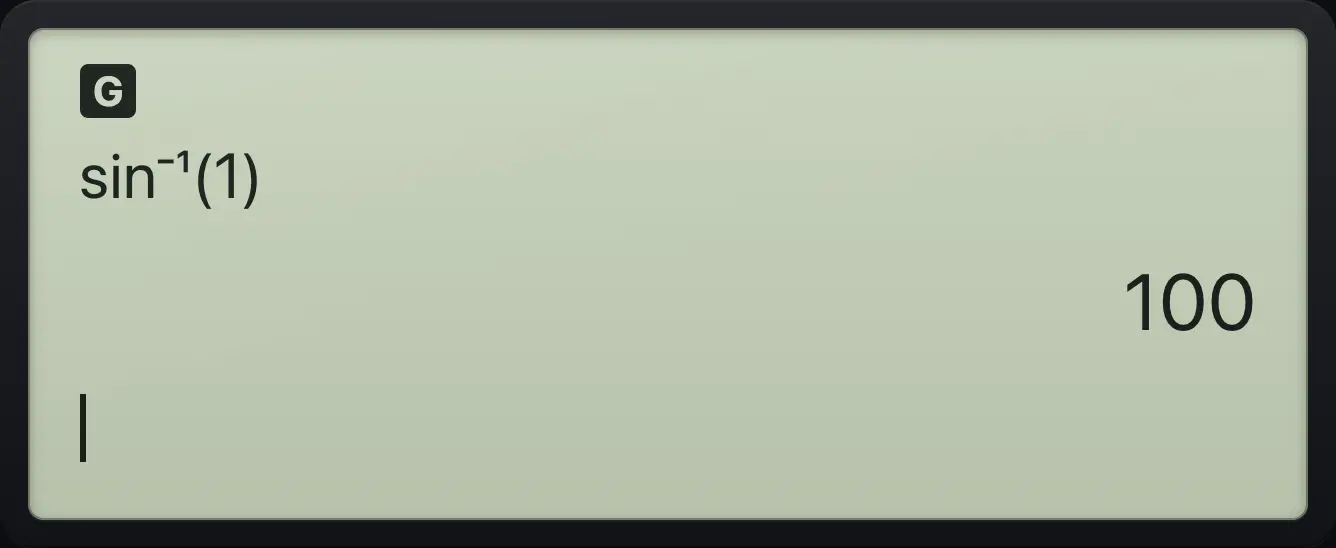
sin⁻¹(1) 100Radians
Choose RAD, then find the cosine of pi.
mode▶enterclearcosπ)enter
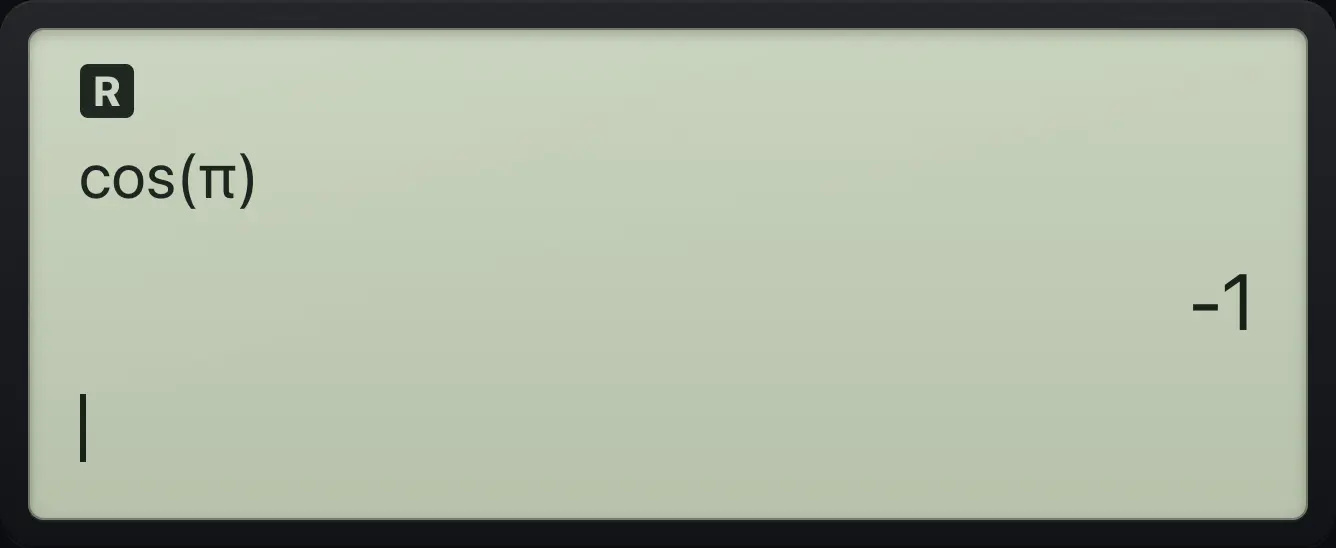
cos(π) -1See also Set degrees or radiansConvert between degrees and radians
8.3Scientific and engineering notation#
NORM shows numbers in the usual way and switches to scientific notation only for very large or small values. SCI always shows a number times a power of ten with one digit before the decimal point. ENG does the same but the power of ten is always a multiple of 3.
SCI format
Select SCI on the second row, clear, then enter 12345.
mode▼▶enterclear12345enter
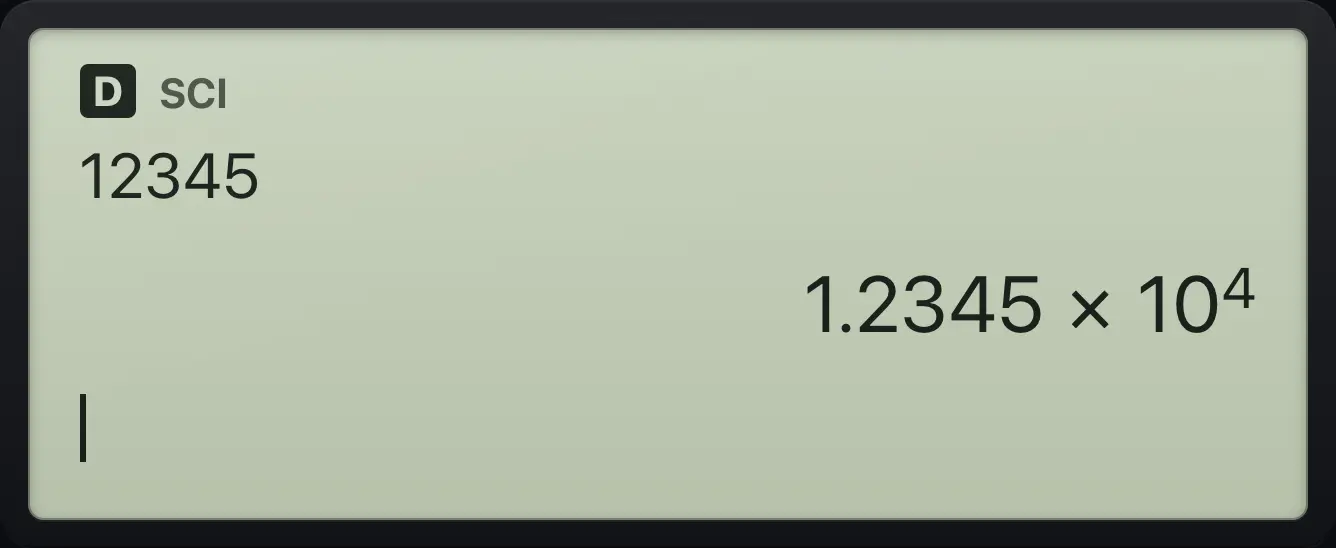
1.2345E4ENG format
Select ENG, clear, then enter 12345.
mode▼▶▶enterclear12345enter
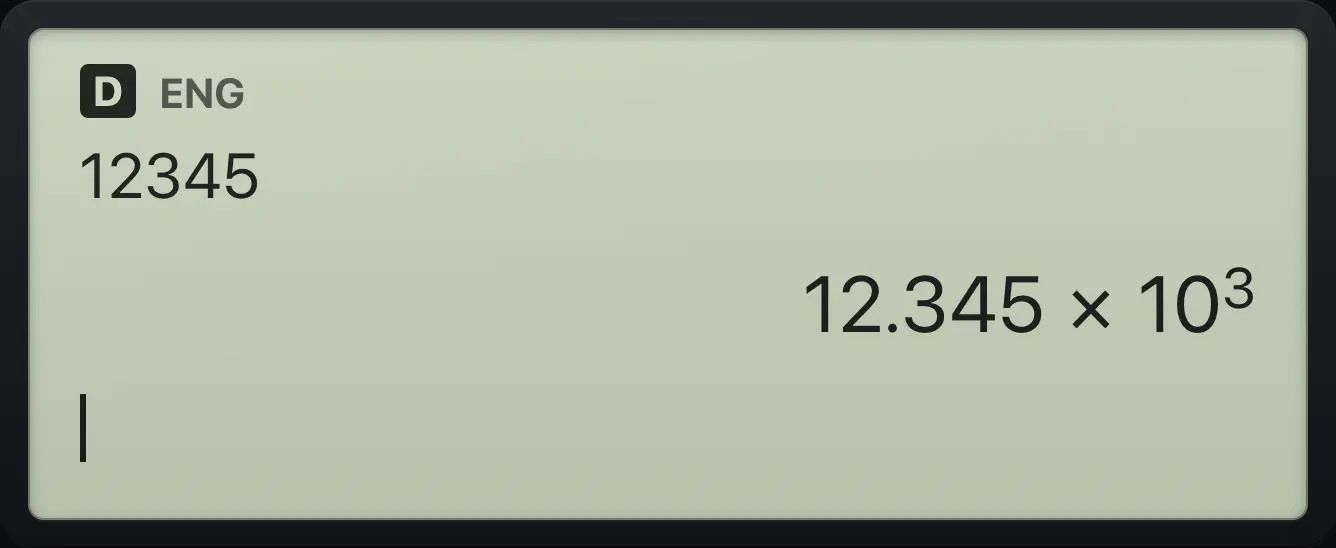
12.345E3See also Enter very big and very small numbersShow answers in engineering notationRound answers to a set number of decimals
8.4Fix the number of decimal places#
On the third row choose FLOAT (as many digits as fit) or a number from 0 to 9. Exact answers such as fractions are not rounded, so press 2nd≈enter (≈) to see a decimal rounded to your setting.
Two decimal places
Choose 2 on the third row, clear, then ask for 1/3 as a decimal.
mode▼▼▶▶▶enterclear1n/d3▶2nd≈enter
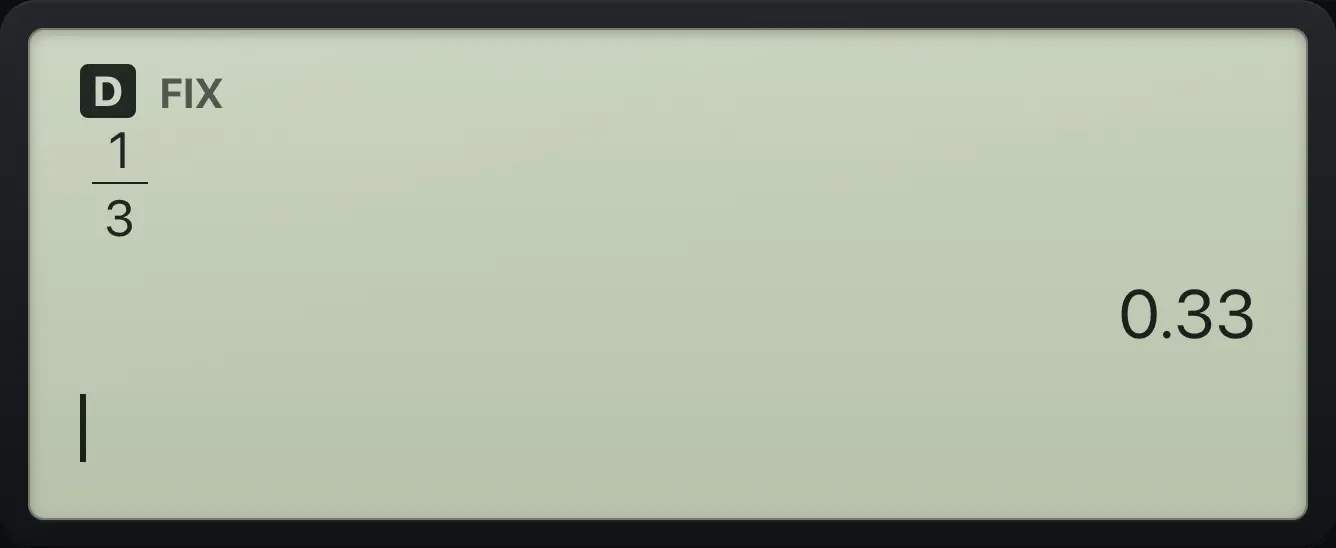
0.338.5Classic and MathPrint display#
MATHPRINT (the start setting) shows fractions stacked and gives exact answers. CLASSIC shows everything on one line and gives decimal answers, except when you typed a fraction template. Pick it on the last row.
Classic style makes roots decimal
Select CLASSIC, clear, then take the square root of 8.
mode▼▼▼▼◀enterclear2nd√x²8enter
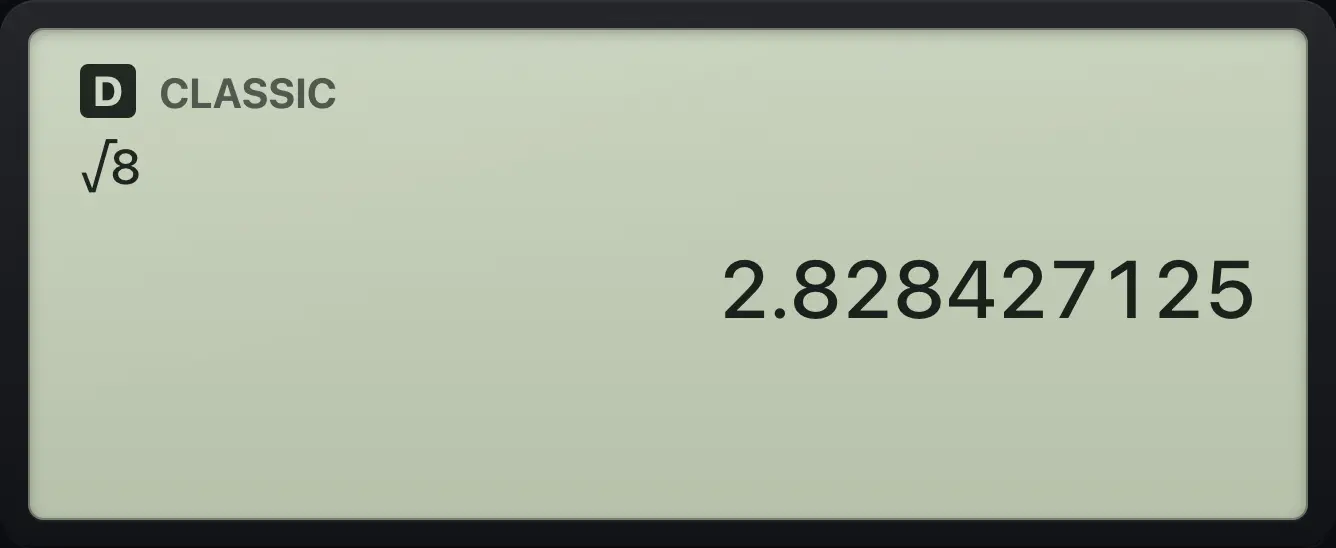
2.828427125TI-30XS MultiView is a trademark of Texas Instruments Incorporated. Trident Calculator is an independent product by South View Studios and is not affiliated with, sponsored by or endorsed by Texas Instruments. The name is used only to describe the kind of calculator this model resembles; Trident's names, keys, display, fonts and software are its own clean-room design.