
Natural Scientific 991 manual · Chapter 9 of 18
Number bases (Base-N)
Work in binary, octal, decimal and hexadecimal, with and, or, xor, xnor, Not and Neg.
9.1Open Base-N and choose a base#
Press MENU then 3. The calculator starts in decimal. In this app the top keys change their job so you can choose the base and type the hexadecimal digits A to F.
| Key | Does this in Base-N |
|---|---|
| x² | DEC: show and type in decimal. |
| x | HEX: hexadecimal. |
| log | BIN: binary. |
| ln | OCT: octal. |
| (−) °'" hyp sin cos tan | Hex digits A, B, C, D, E, F. |
The base you choose is used both for typing and for the display of the answer. Press a base key after an answer to see the same number in that base. Hex, binary and octal answers are padded to 32 bits.
Decimal to binary
Open Base-N and calculate 255.
MENU3255=Press the BIN key.
log
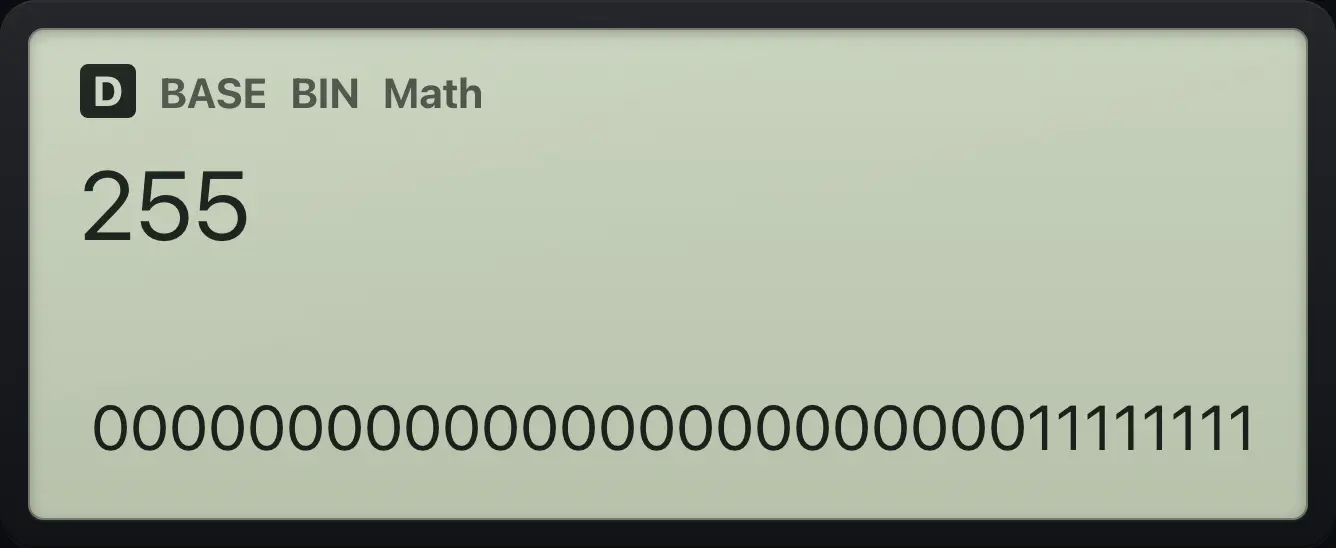
00000000000000000000000011111111Decimal to hexadecimal
255, then HEX.
MENU3255=x
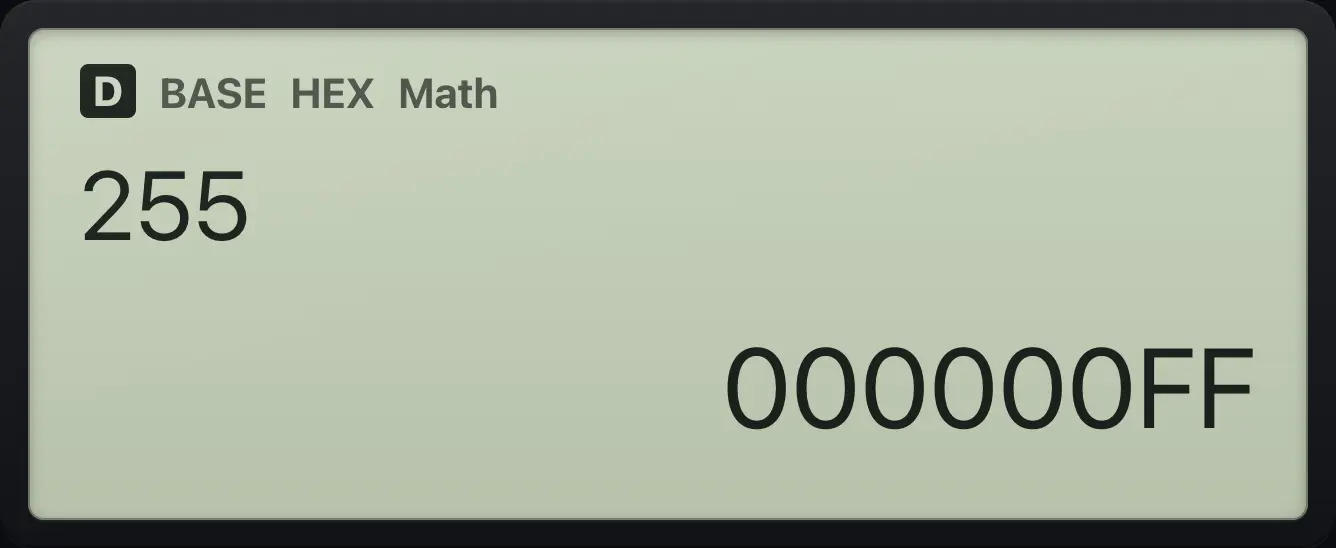
000000FFDecimal to octal
255, then OCT.
MENU3255=ln
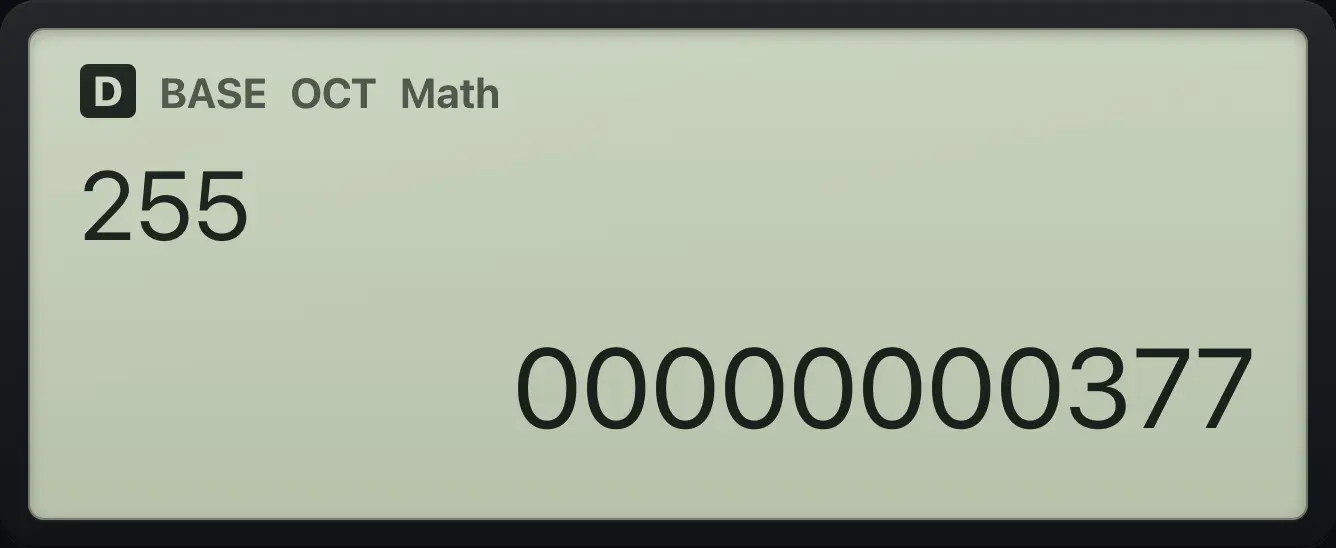
00000000377Type hexadecimal digits
HEX, then A and B, equals.
MENU3x(−)°'"=
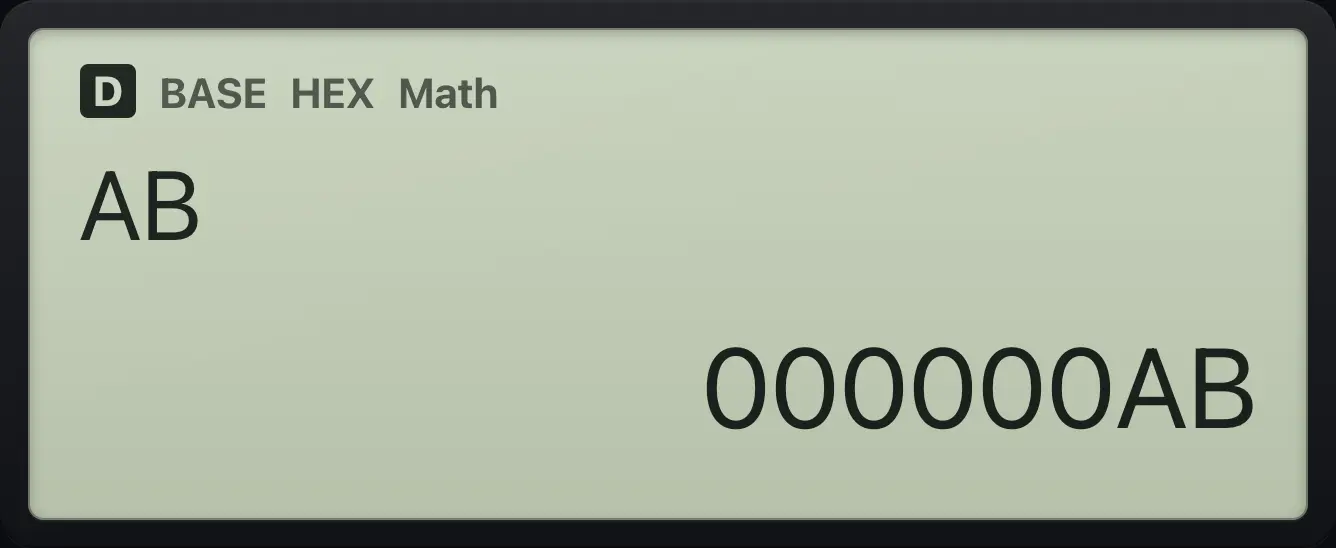
000000ABHexadecimal back to decimal
HEX, type FF.
MENU3xtantan=Press DEC.
x²
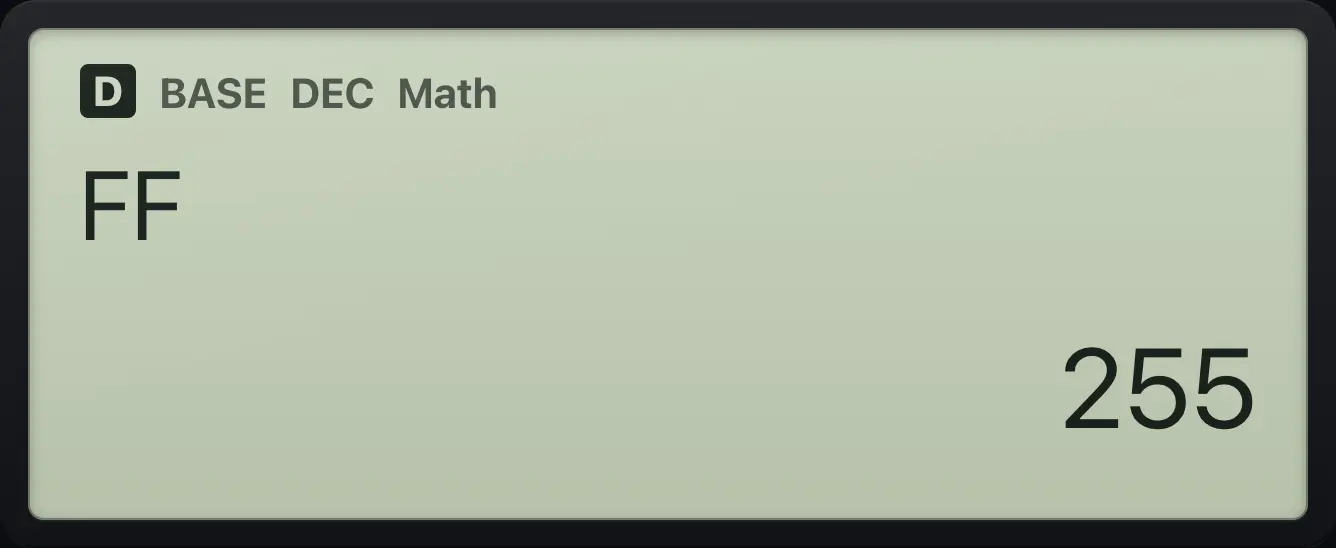
255Binary to decimal
BIN, type 101, then DEC.
MENU3log101=x²
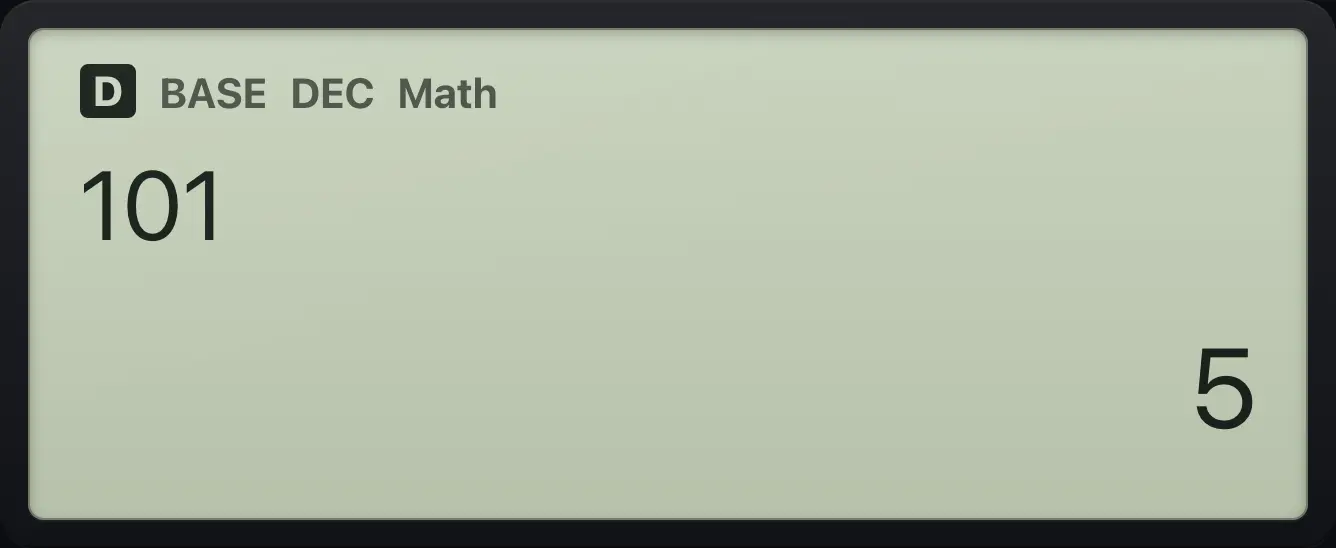
5
9.2Logic operations: and, or, xor, xnor#
Press OPTN in Base-N for the logic list. It also lets you mark a single number with a base: d (decimal), h (hex), b (binary), o (octal).
| OPTN number | Item |
|---|---|
| 1 | and |
| 2 | or |
| 3 | xor |
| 4 | xnor |
| 5 | Not( (flips every bit) |
| 6 | Neg( (two's complement negative) |
| 7 | d (decimal number) |
| 8 | h (hexadecimal number) |
| 9 | b (binary number) |
| 10 (scroll with up) | o (octal number) |
12 and 10
Type 12, OPTN 1 (and), 10.
MENU312OPTN110=
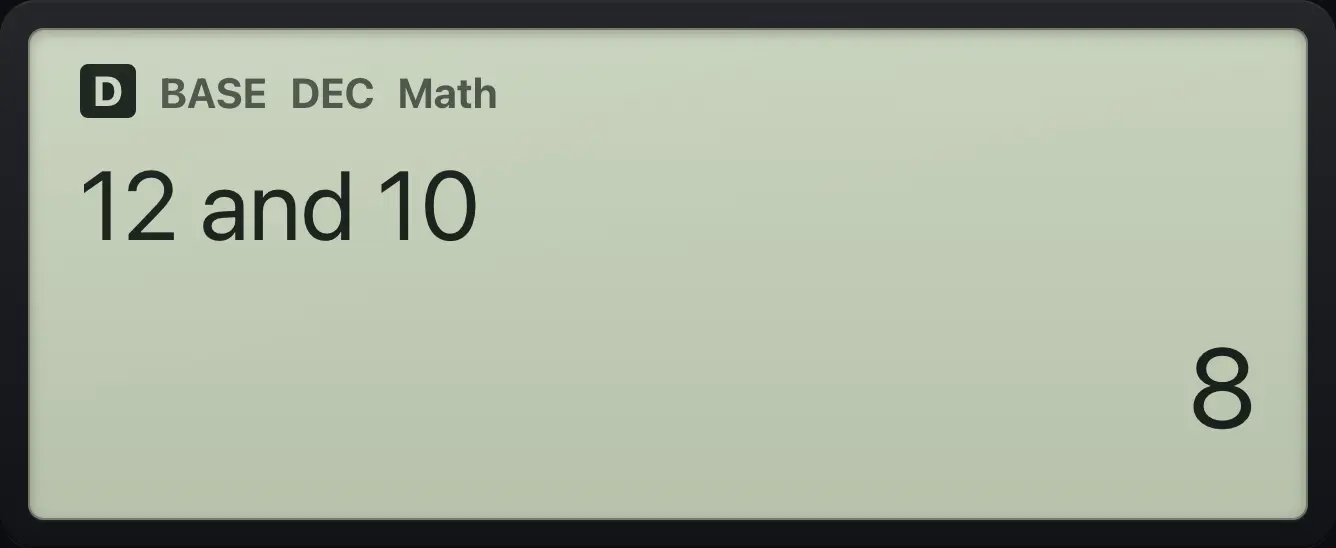
85 xor 3
Type 5, OPTN 3, 3.
MENU35OPTN33=
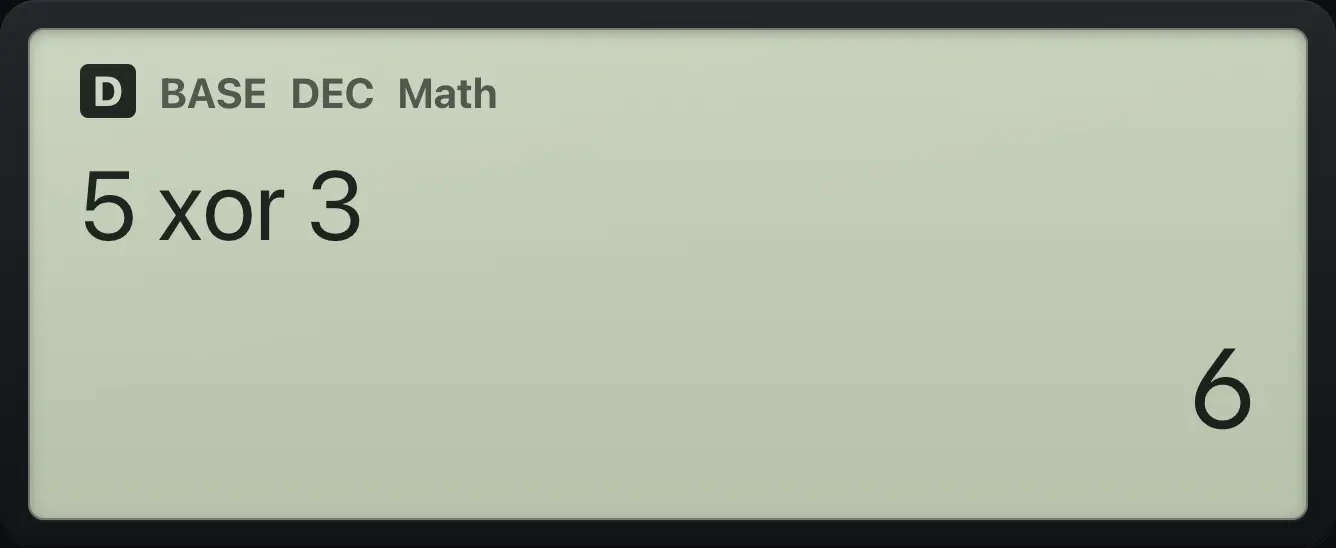
65 or 3
Type 5, OPTN 2, 3.
MENU35OPTN23=
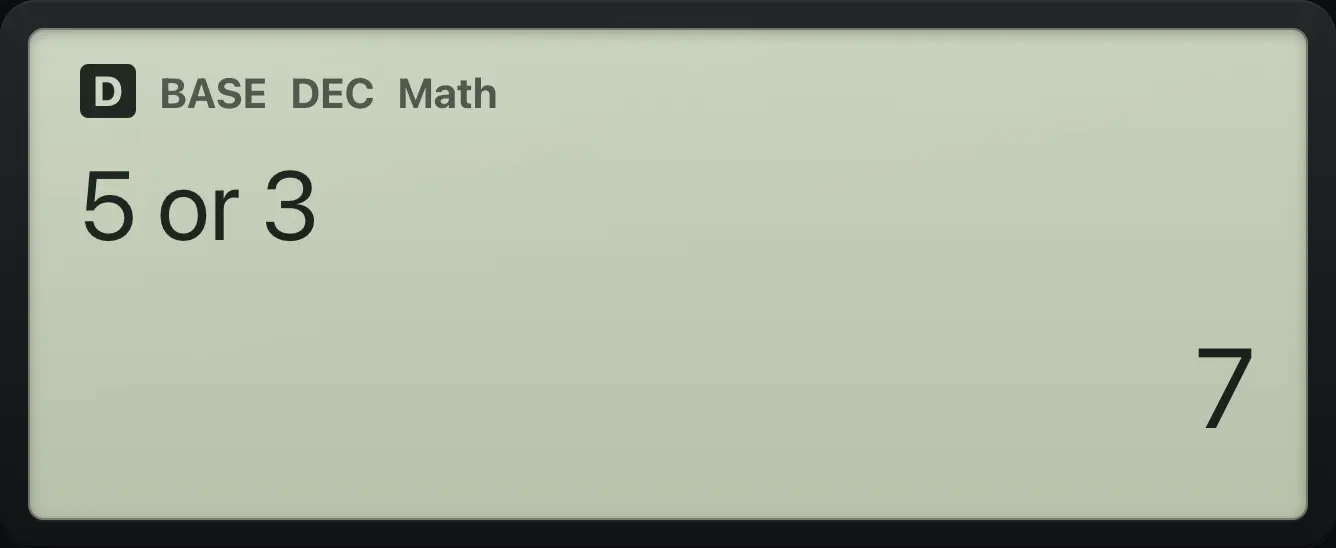
7Not 0
OPTN 5, 0, close the bracket.
MENU3OPTN50)=
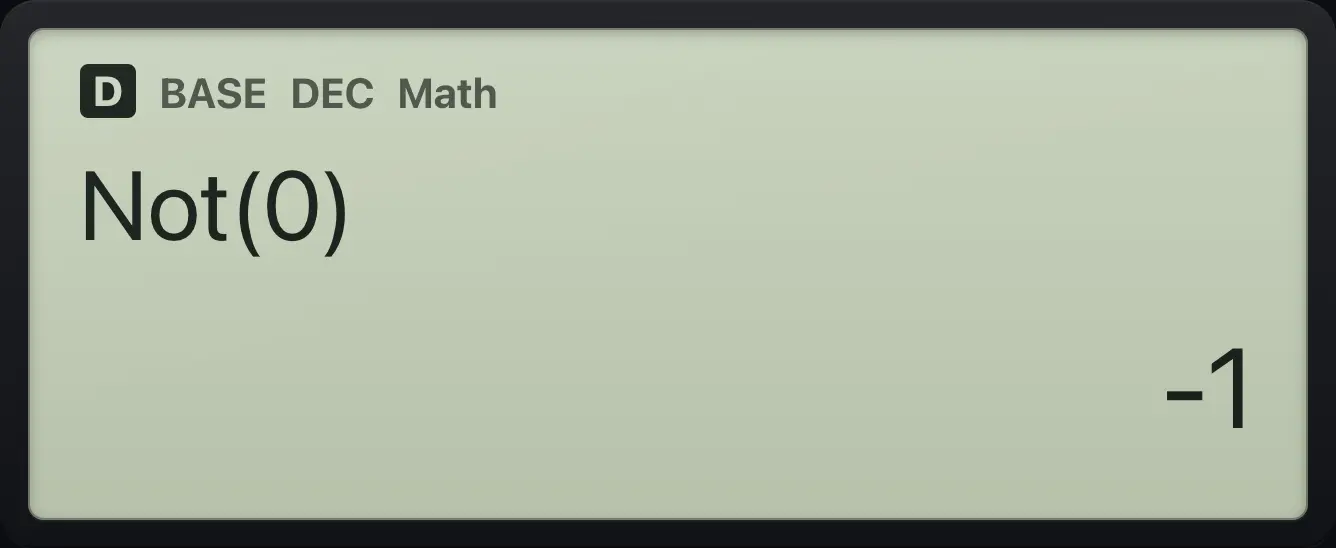
-1Neg 5 in hexadecimal
HEX, then OPTN 6, 5.
MENU3xOPTN65)=
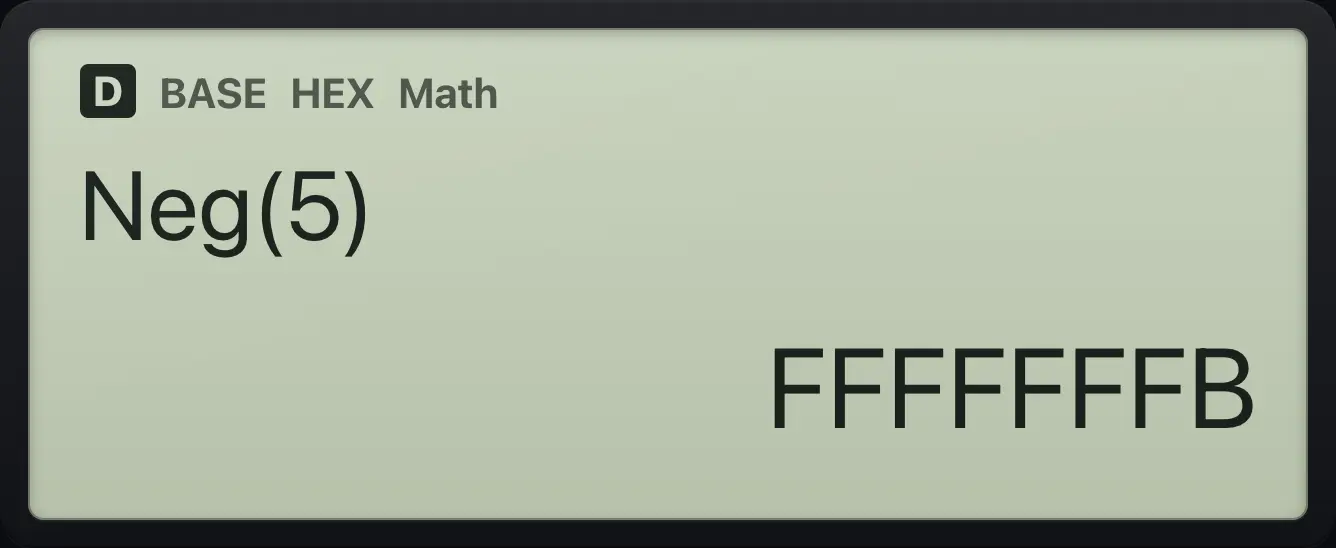
FFFFFFFBMark a number as decimal inside HEX
HEX, then d10 + 1.
MENU3xOPTN710+1=
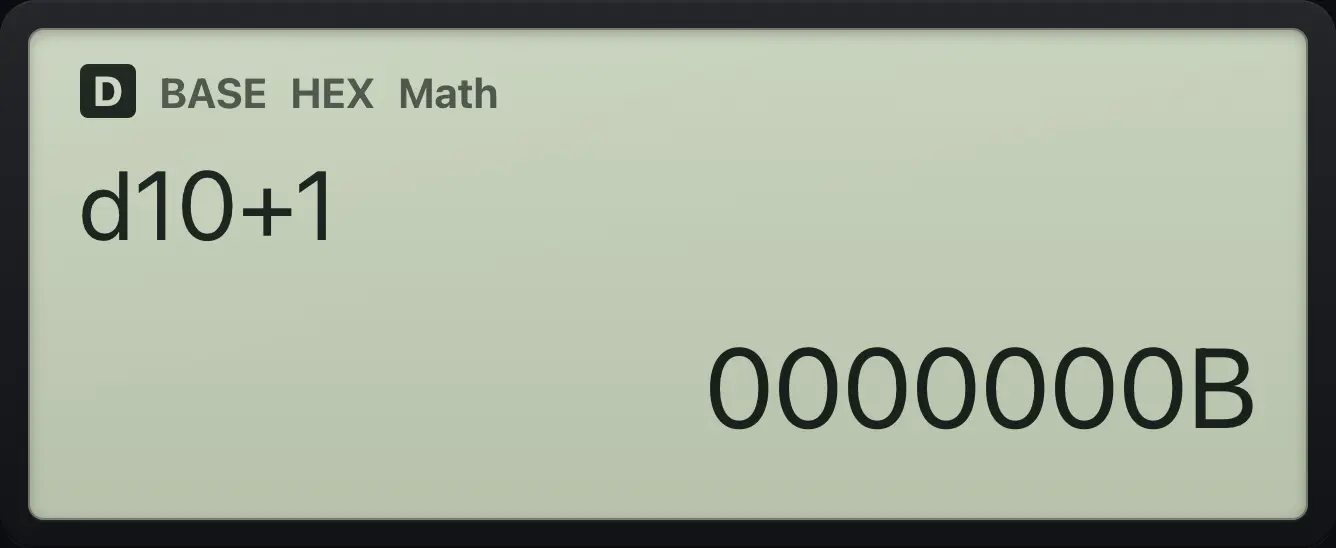
0000000B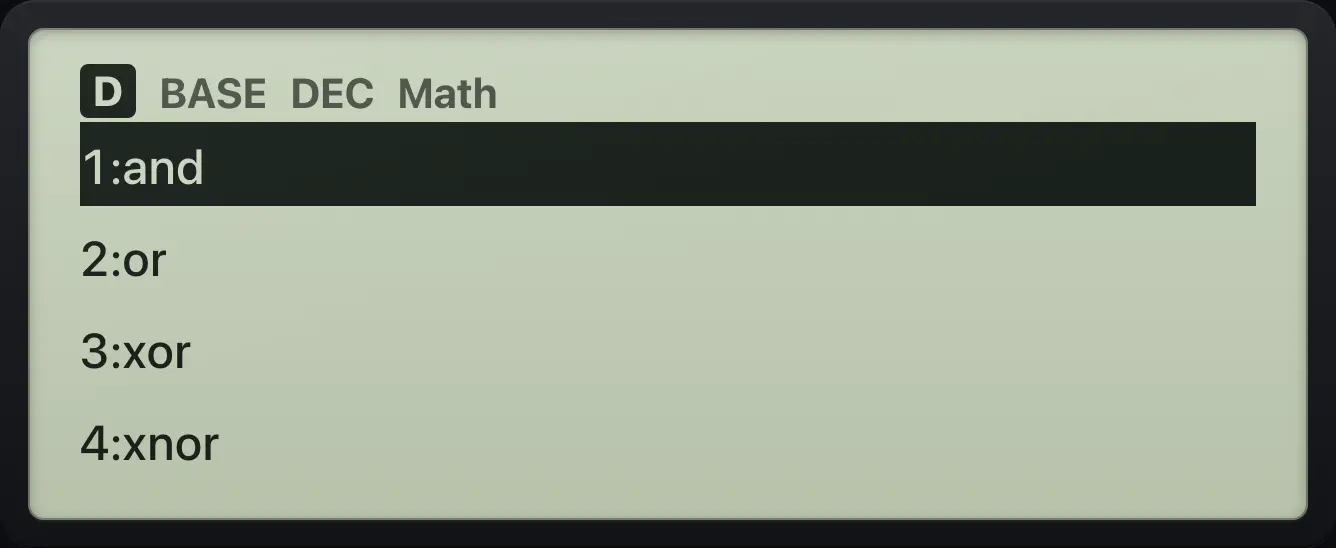
9.3Limits of Base-N#
Values are whole numbers of up to 32 bits. Division gives the whole-number part (7÷2 is 3). In BIN, only 0 and 1 may be typed; a digit that is not allowed in the current base gives a Syntax ERROR. A result outside the 32-bit range gives a Math ERROR.
Integer division
7 ÷ 2.
MENU37÷2=
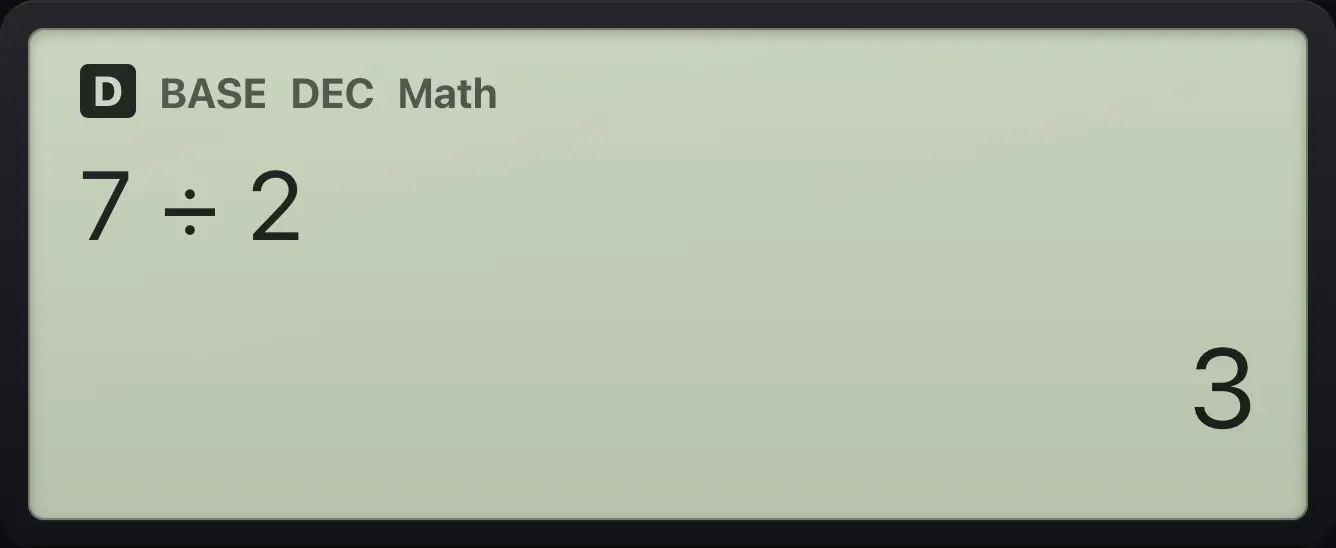
3A bad digit in binary
BIN, type 2.
MENU3log2=
![Result of the example "A bad digit in binary" The display shows: Syntax ERROR / [AC] :Cancel / [◀][▶]:Goto.](/trident/app/help/manual/img/14fd3e3ds.webp)
Syntax ERRORNegative numbers in binary
1 − 2, then BIN.
MENU31−2=log
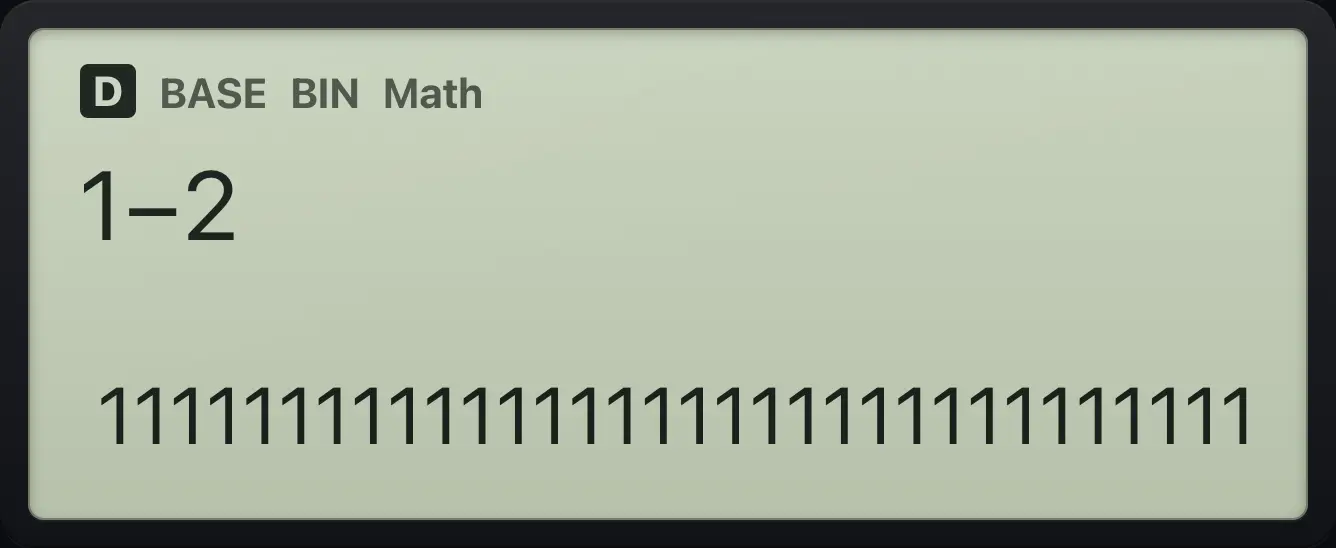
11111111111111111111111111111111fx-991EX ClassWiz is a trademark of Casio Computer Co., Ltd.. Trident Calculator is an independent product by South View Studios and is not affiliated with, sponsored by or endorsed by Casio. The name is used only to describe the kind of calculator this model resembles; Trident's names, keys, display, fonts and software are its own clean-room design.