
Natural Scientific 991 manual · Chapter 7 of 18
Variables and memory
Store values in A to F, x, y and M, recall them, add to memory with M+, and re-run formulas with CALC.
7.1Store a value in a variable#
There are nine variables: A, B, C, D, E, F, x, y and M. To store a value, calculate it (or leave it as the last answer), press SHIFTSTORCL (STO) and then the variable key with its red letter. The STO indicator shows while the calculator waits for the letter.
Store 5 in A and use it
Type 5, then STO and the A key (the minus-sign key).
5SHIFTSTORCL(−)Type A + 1: ALPHA, the A key, plus 1.
ALPHAA(−)+1=
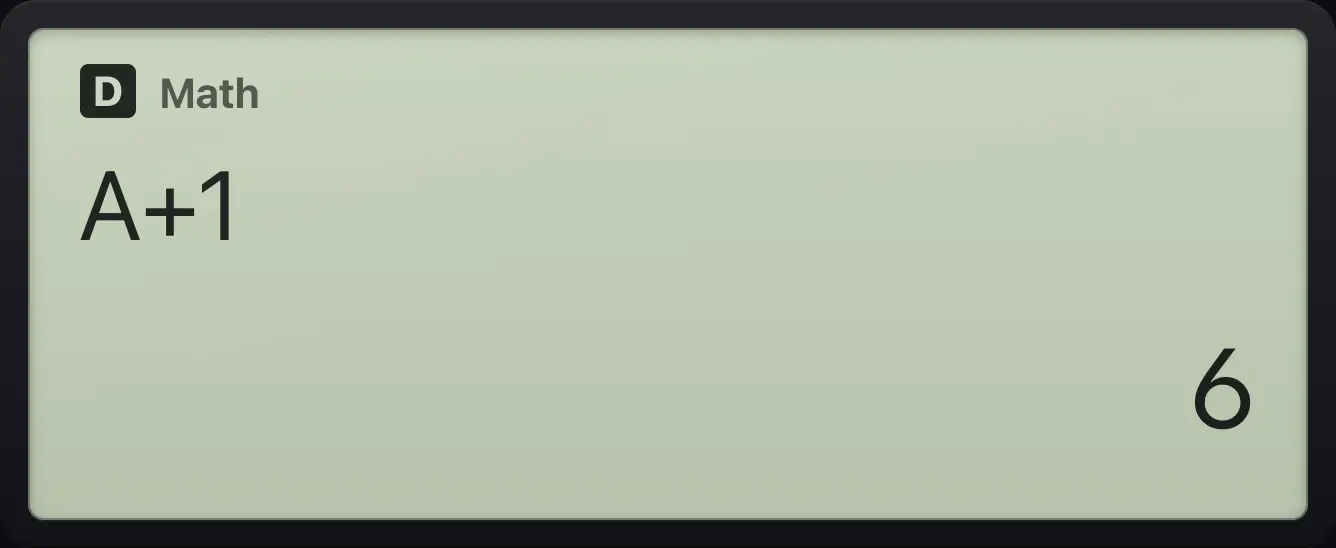
A+1 6Store in x
Store 4 in x (the right-bracket key).
4SHIFTSTORCL)x squared.
ALPHAx)x²=
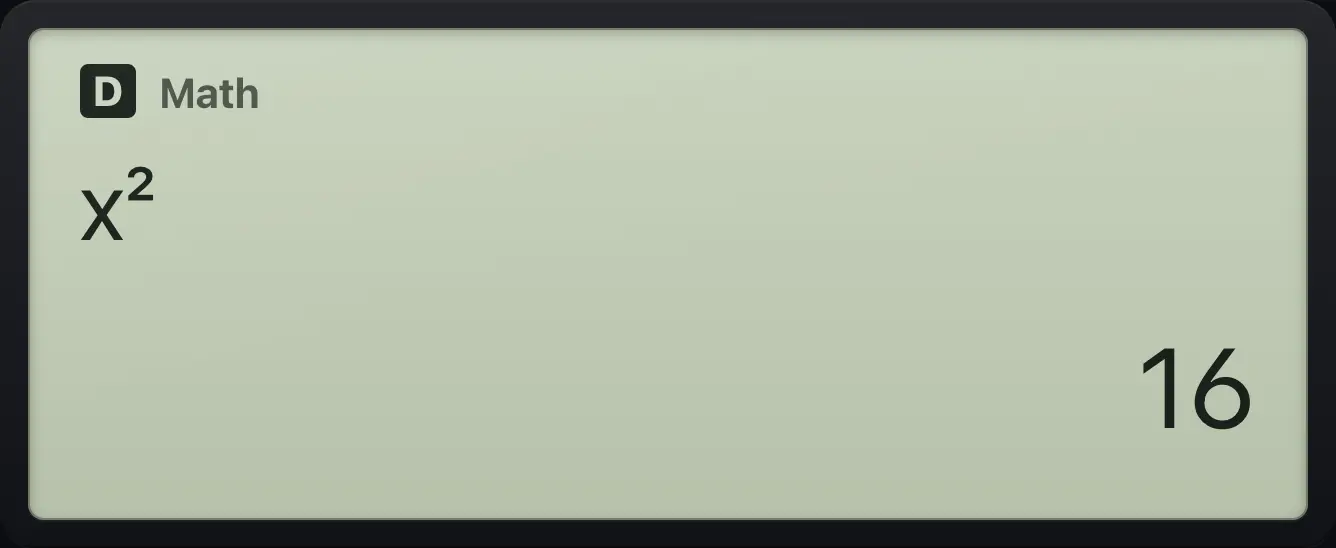
16- Value on screen
- SHIFTSTORCL
- (−) (A)
- Value is in A
7.2See what is stored#
Press RCL to list the value of every variable, two per line. Use ▼ to scroll down to M, and AC to close the list.
The RCL list
Store 7 in x, then press RCL.
7SHIFTSTORCL)RCL
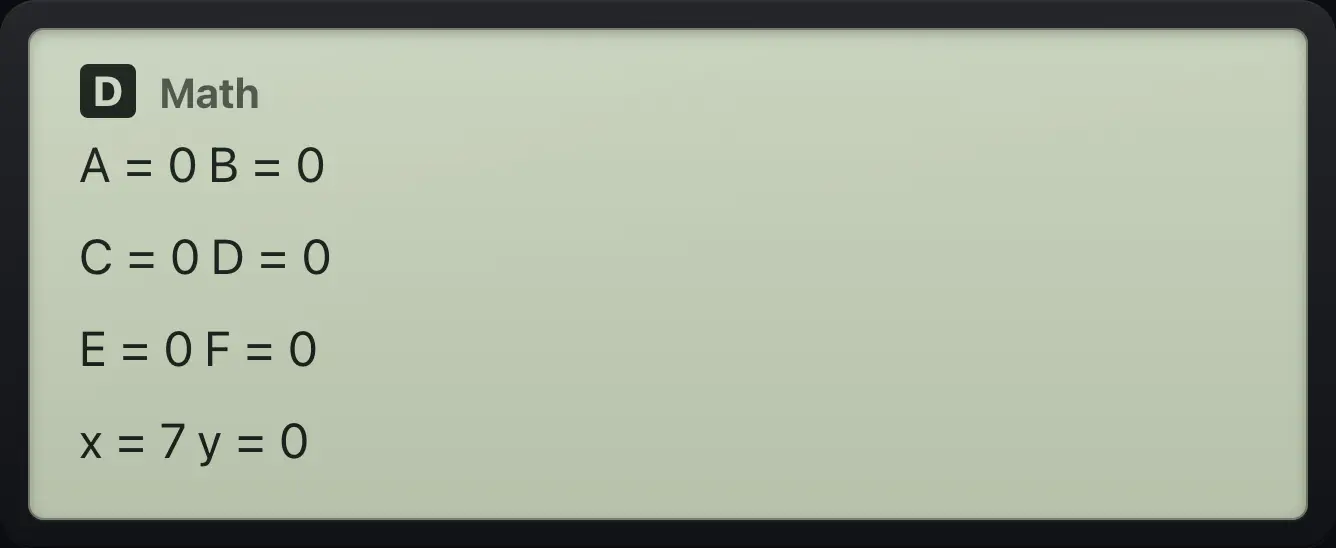
x=77.3Add to and subtract from memory M#
M+ adds the current answer to M and SHIFTM−M+ subtracts it. The M indicator lights when M is not zero. Type ALPHAMM+ to use M in a calculation.
Accumulate in M
Calculate 3 and add it to M. Then 4.
3=M+4=M+Recall M.
ALPHAMM+=
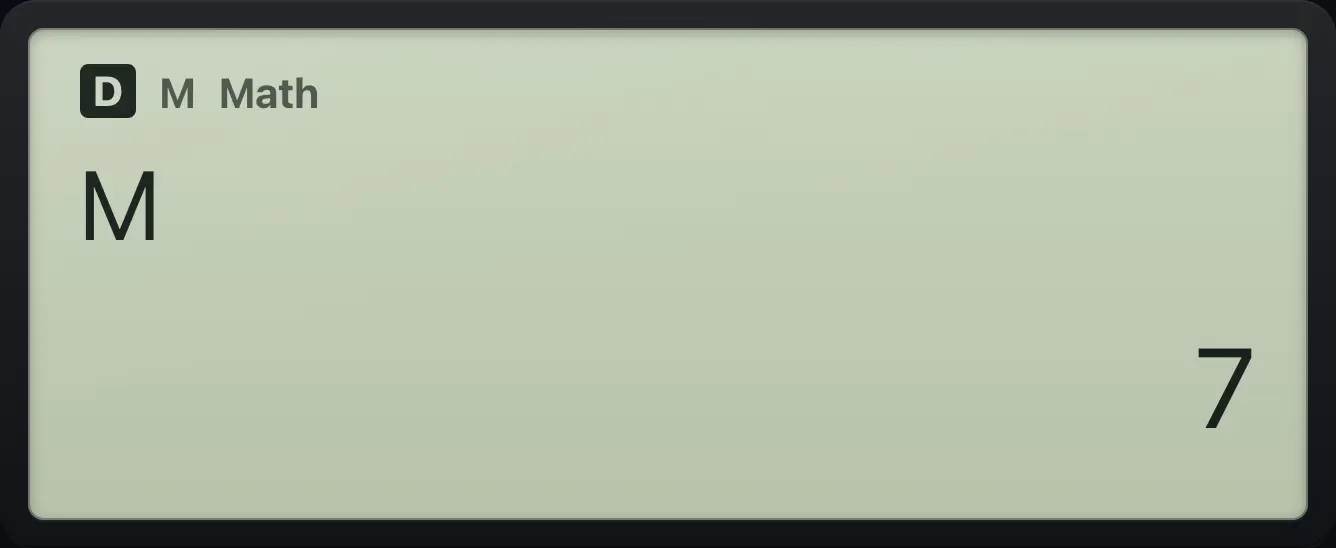
7Subtract from M
Add 3 to M, then subtract 1.
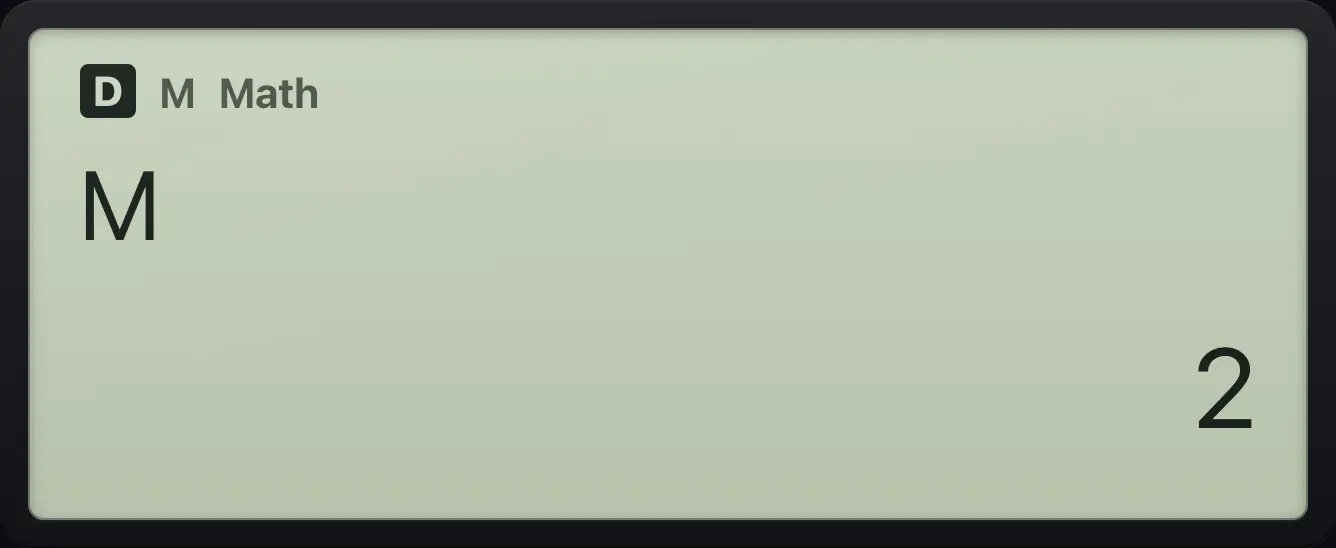
3=M+1=SHIFTM−M+Recall M.
ALPHAMM+=
27.4Re-run a formula with new values (CALC)#
Type an expression that uses variables, then press CALC. The calculator asks for each variable in turn: type a value and press =. It then shows the result. Press CALC again to run the same formula with other values.
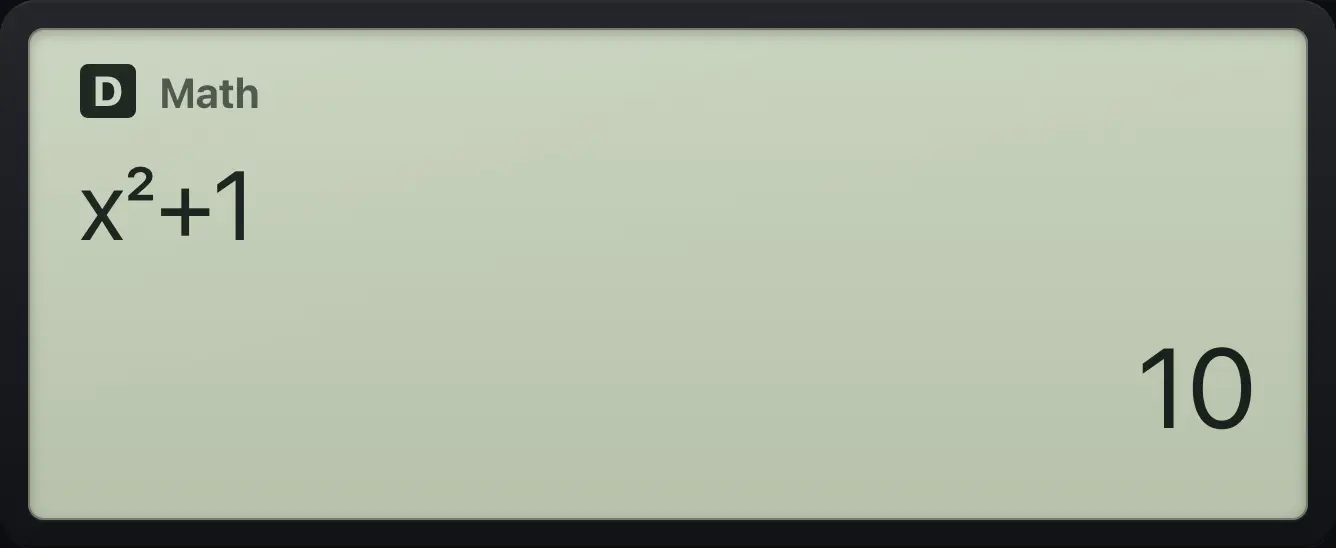
Evaluate x² + 1 at x = 3
Type x² + 1.
ALPHAx)x²+1Press CALC, enter 3.
CALC3=
10Several variables
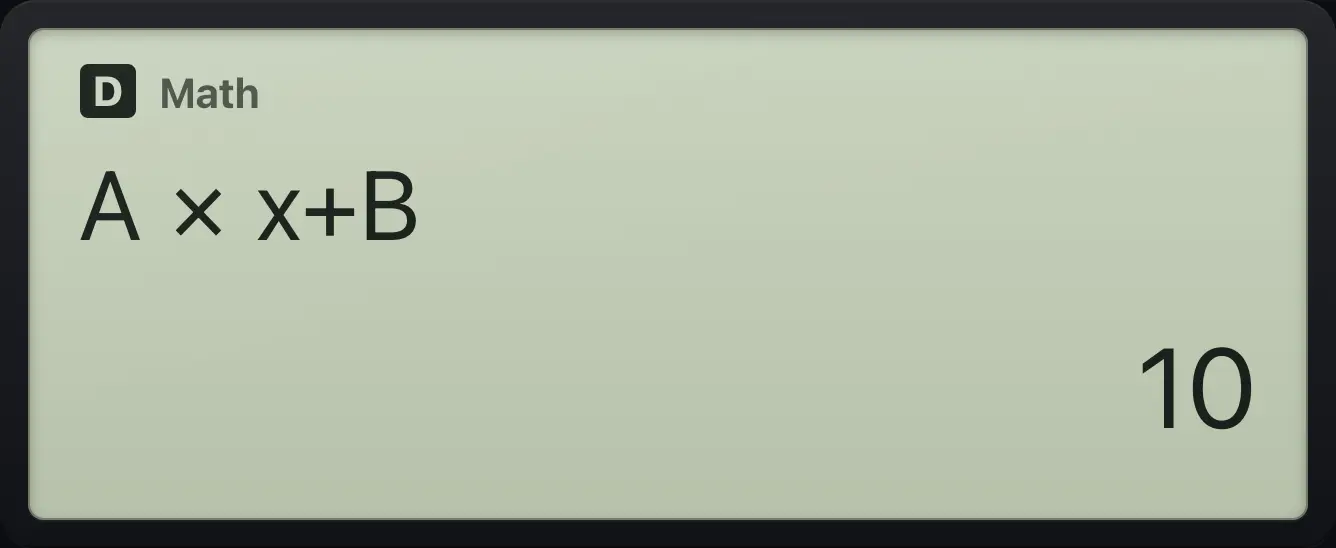
Type A × x + B.
ALPHAA(−)×ALPHAx)+ALPHAB°'"CALC, then A = 2, x = 3, B = 4.
CALC2=3=4=
10Run it again
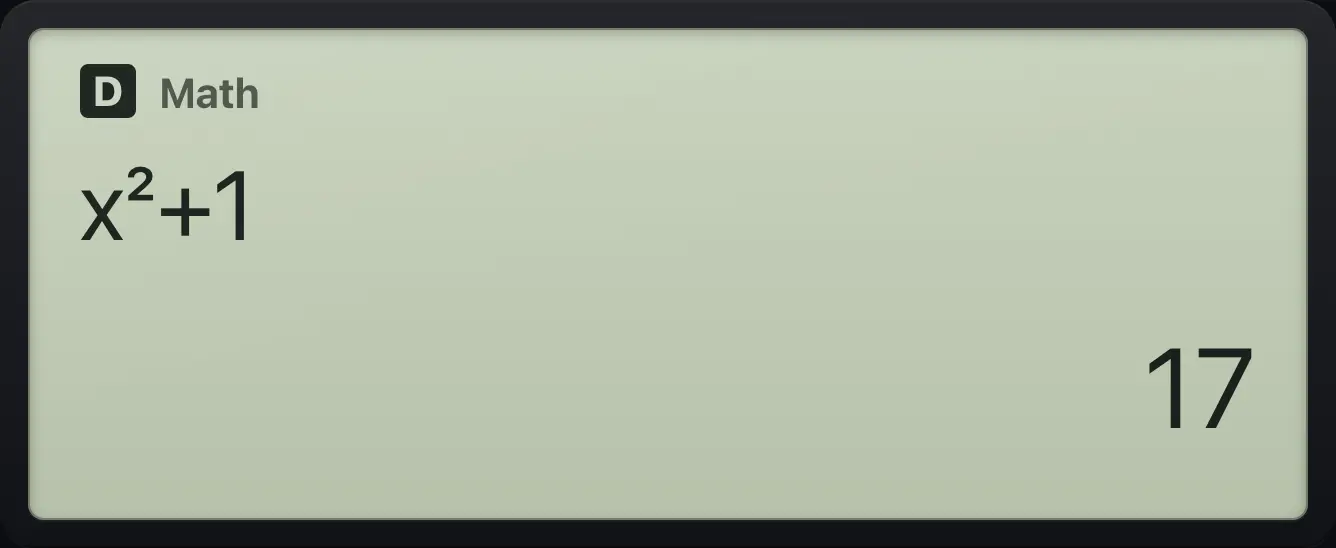
Type x² + 1, run with 3.
ALPHAx)x²+1CALC3=CALC again, with 4.
CALC4=
177.5Solve an equation for x (SOLVE)#
Type an equation using x. Press ALPHA=CALC for the equals sign. An expression without an equals sign is solved for 0. Press SHIFTSOLVECALC (SOLVE), type a starting guess near the answer and press =. The result shows x and L−R, how close the two sides are (0 means exact). The solution is also stored in x.
Solve x² − 4 = 0
Type x² − 4 = 0.
ALPHAx)x²−4ALPHA=CALC0SOLVE, guess 3.
SHIFTSOLVECALC3=
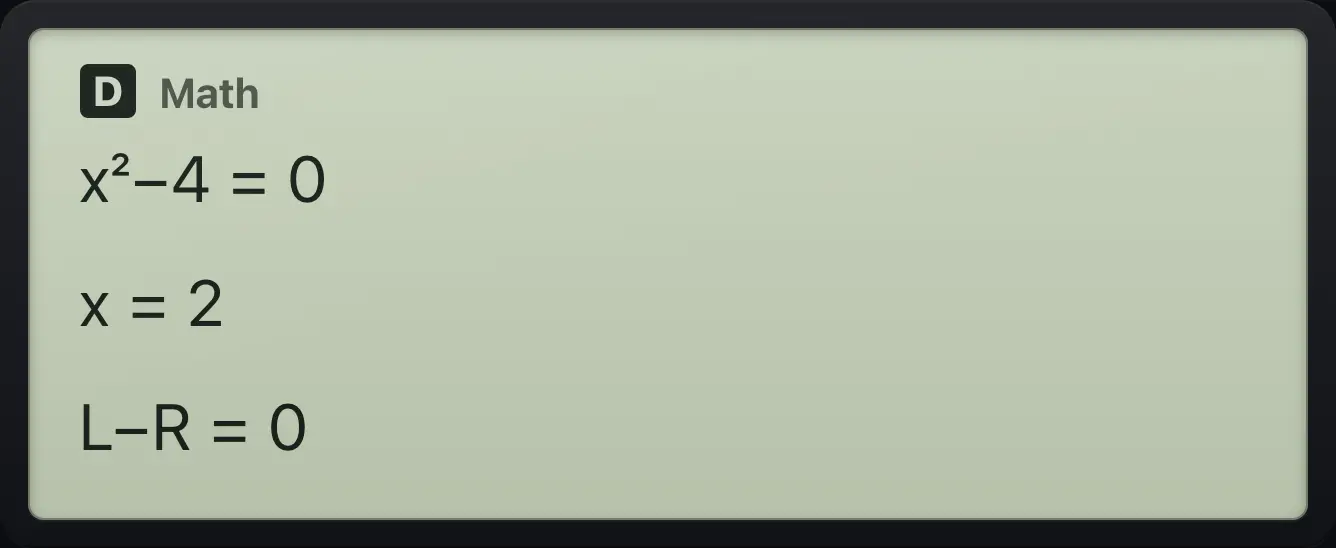
x=2 L−R=0A different guess finds the other root
Same equation, guess -3.
ALPHAx)x²−4ALPHA=CALC0SHIFTSOLVECALC(−)3=
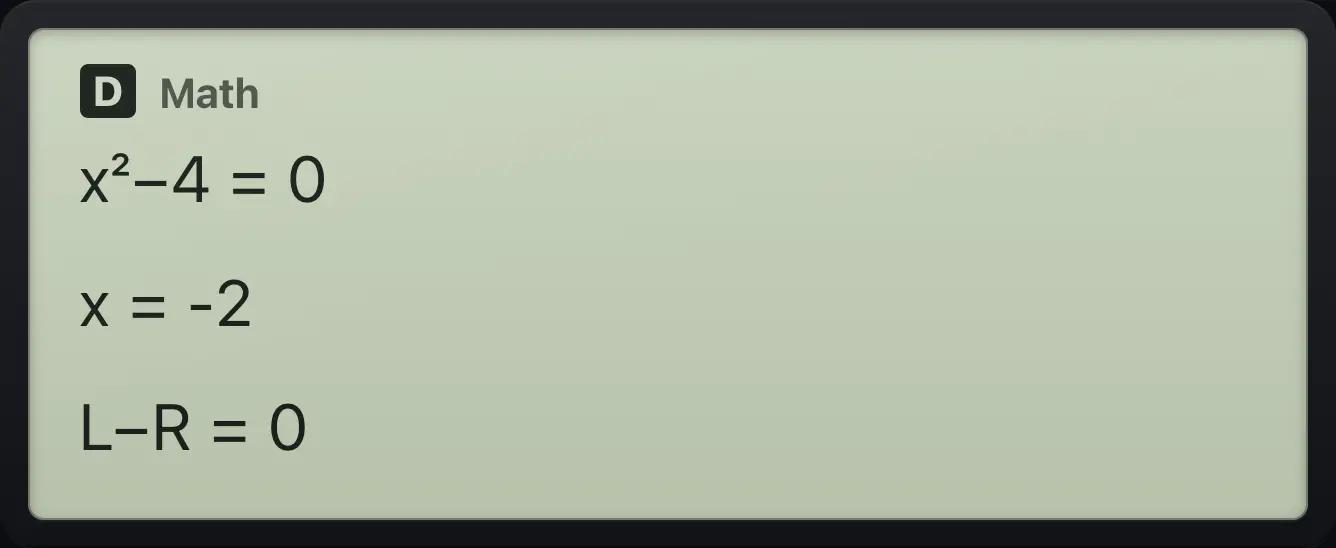
x=-2Solve without an equals sign
Type 2x − 6.
2ALPHAx)−6SOLVE, guess 0.
SHIFTSOLVECALC0=
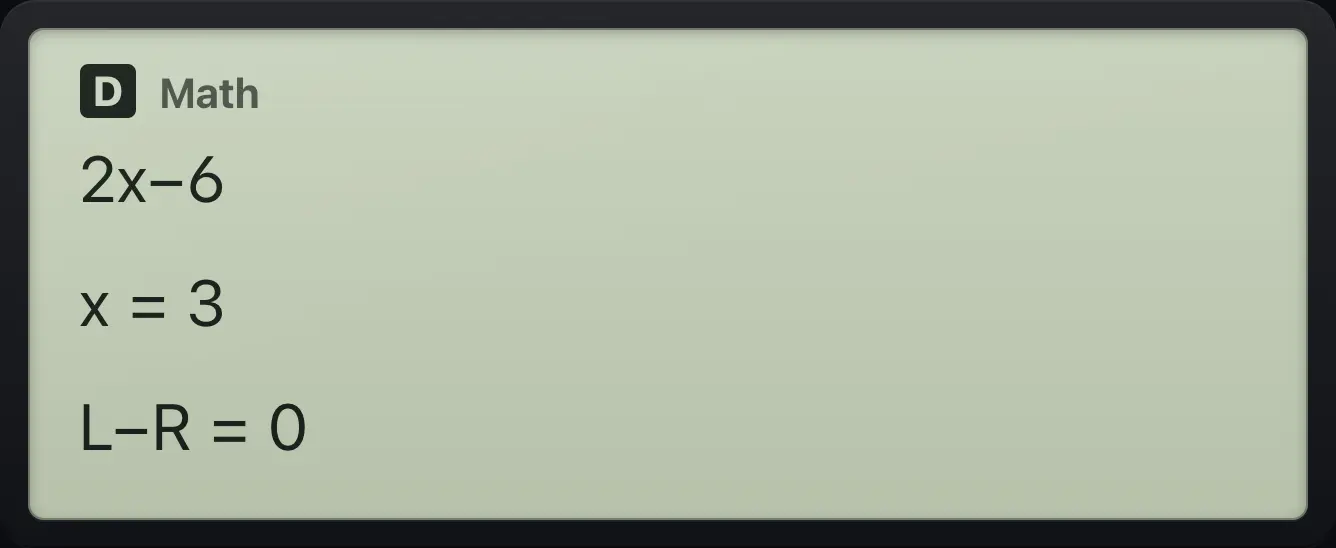
x=3- Type the equation
- ALPHA=CALC for =
- SHIFTSOLVECALC
- Guess
- =
7.6Clear the variables#
Press SHIFTRESET9 then 2 (Variable Memory) to set every variable and Ans back to 0. Choosing 3 (Initialize All) also clears history and all settings.
Clear variable A
Store 5 in A, reset variables, then look at A.
5SHIFTSTORCL(−)SHIFTRESET92ALPHAA(−)=
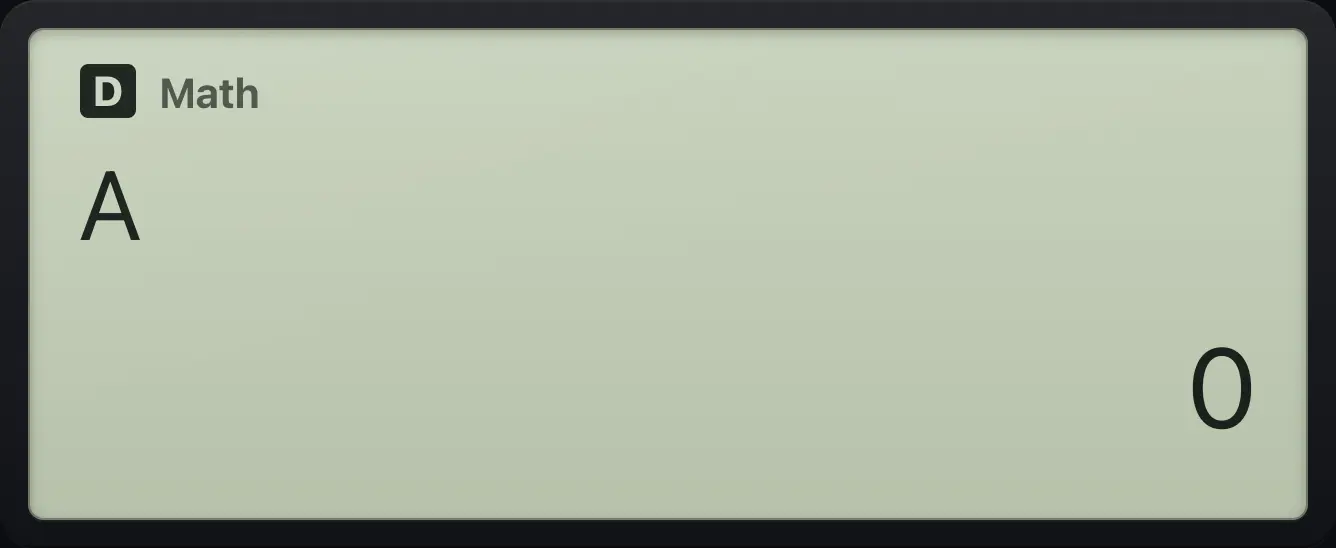
0fx-991EX ClassWiz is a trademark of Casio Computer Co., Ltd.. Trident Calculator is an independent product by South View Studios and is not affiliated with, sponsored by or endorsed by Casio. The name is used only to describe the kind of calculator this model resembles; Trident's names, keys, display, fonts and software are its own clean-room design.