
Natural Scientific 991 manual · Chapter 4 of 18
Functions
Powers, roots, logs, trigonometry and angle units, hyperbolic functions, factorials, permutations, random numbers, rounding and more.
4.1Powers, squares and roots#
x² squares the previous value, SHIFTx³x² cubes it, and x opens a power template. √ is the square root, SHIFT∛√ the cube root and SHIFT√x a root with any index. x⁻¹ gives the reciprocal.
A power
Type 2 to the power 10.
2x10=
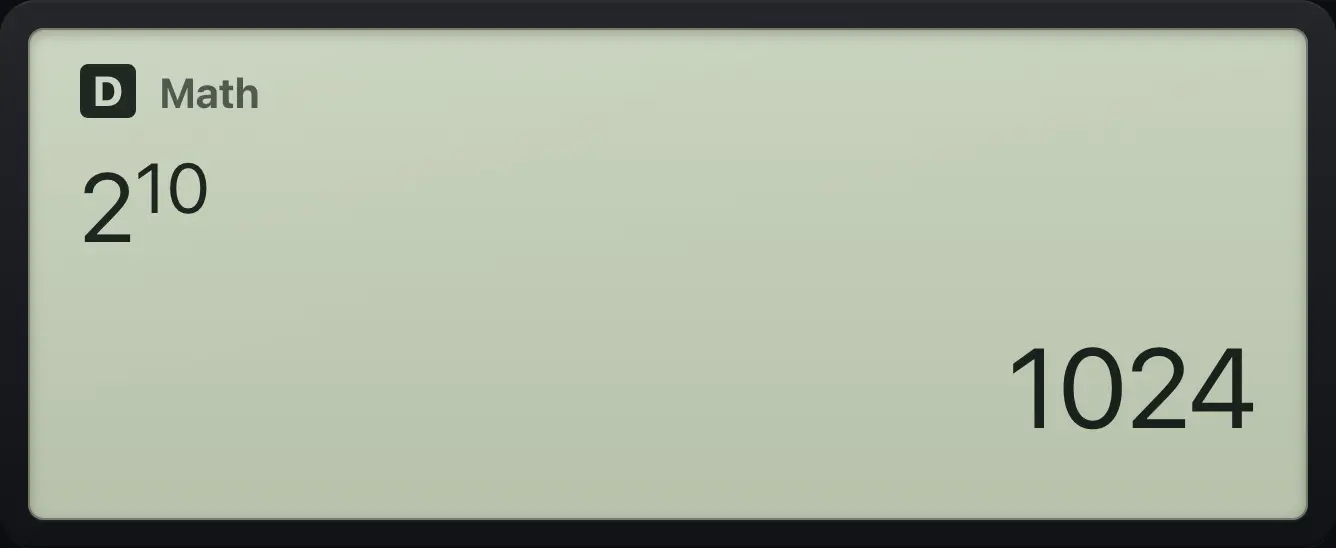
1024Step out of an exponent
Type 2³ + 1: after the 3, press right to leave the exponent.
2x3▶+1=
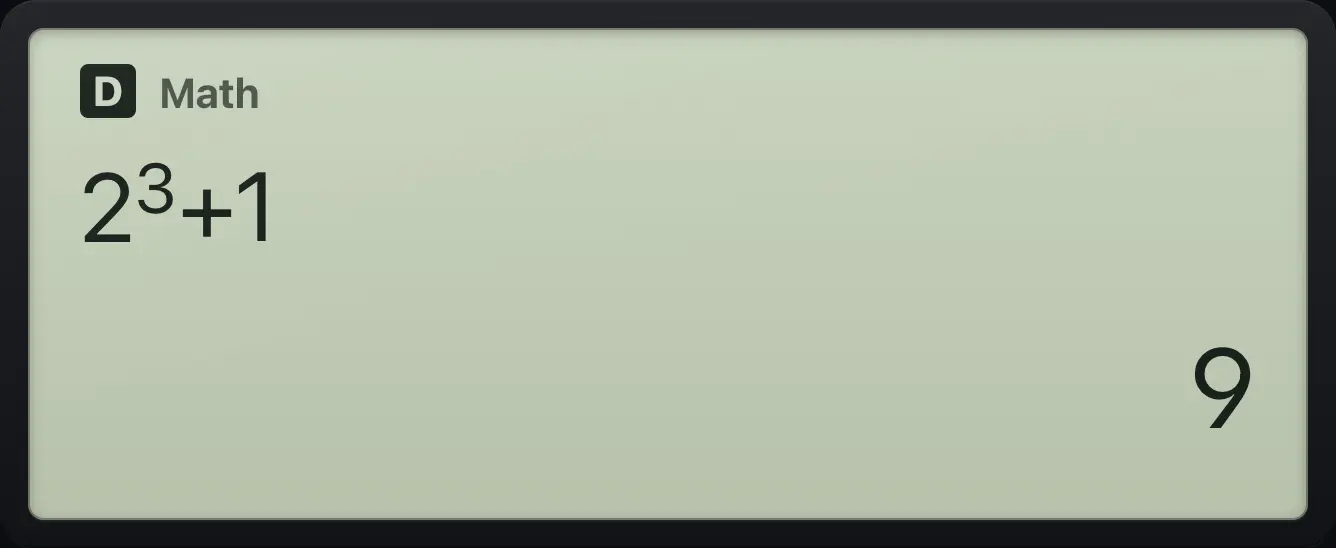
9A cube root
The cube root of 64.
SHIFT∛√64=
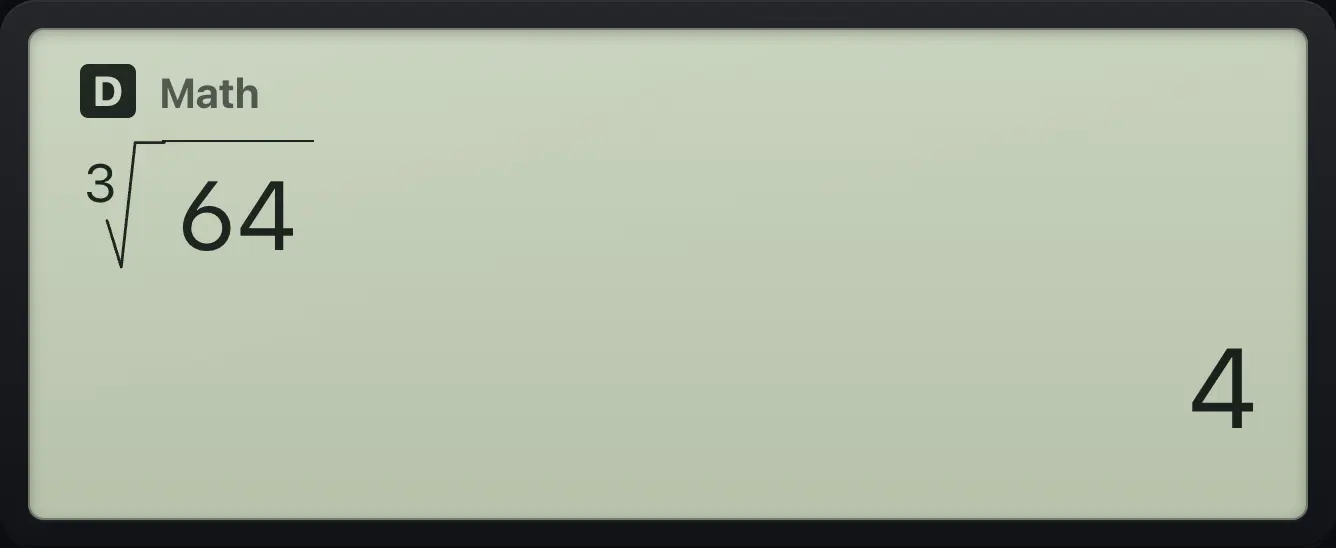
4The fifth root
Open the root template: type the index 5, step right, then 32.
SHIFT√x5▶32=
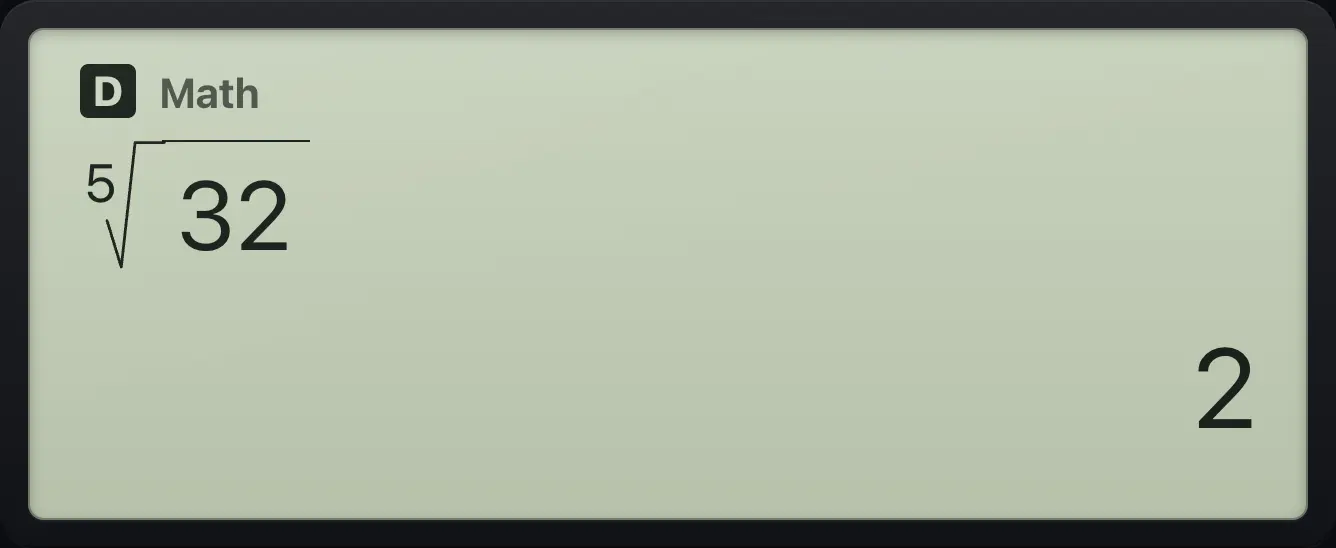
2Reciprocal
Type 4, then the reciprocal key.
4x⁻¹=
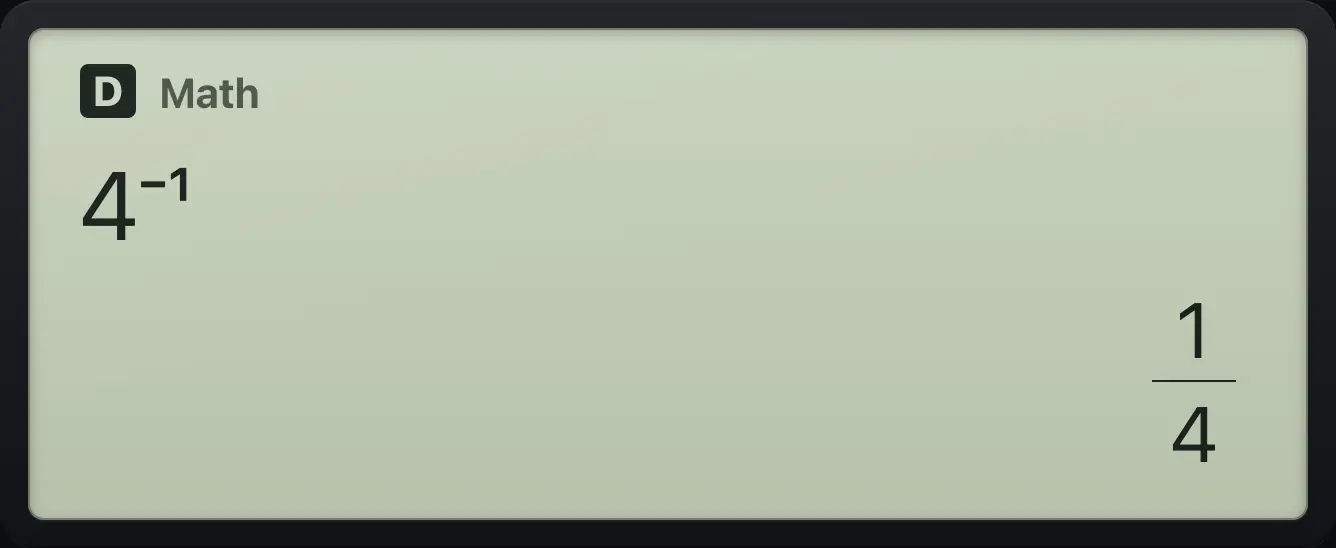
1/44.2Logarithms and exponentials#
log is base 10 and ln is base e. SHIFT10log and SHIFTeln are their inverses, 10 to a power and e to a power. log opens a template for a logarithm with any base.
Log base 10
log 1000.
log1000=
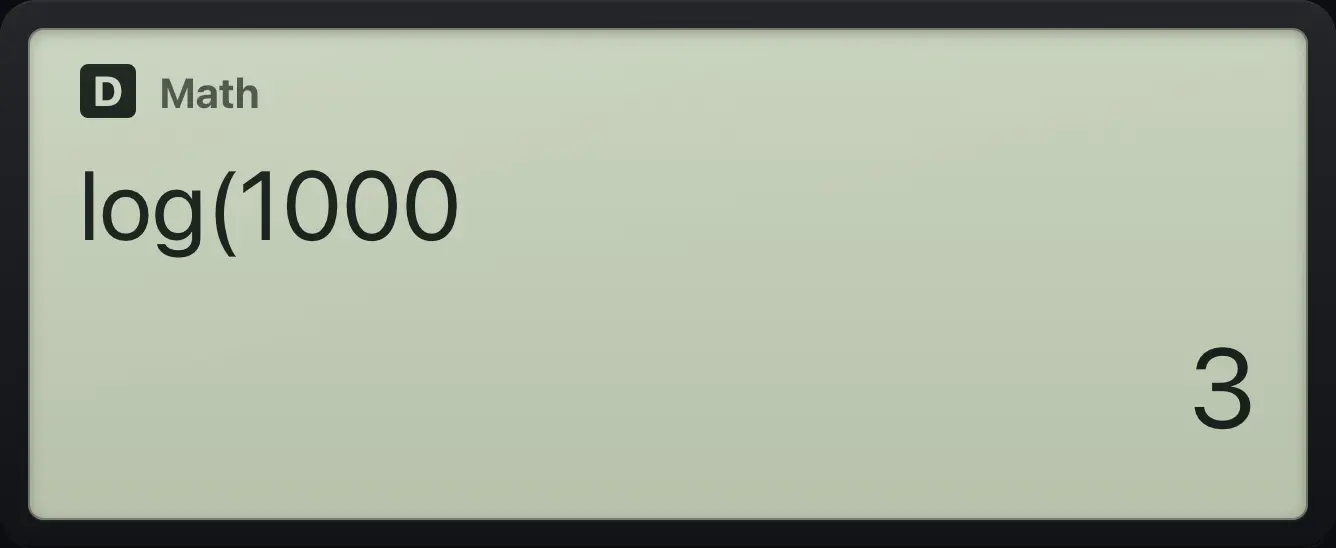
3Log with another base
Open log, type base 2, step right, type 8.
log2▶8=
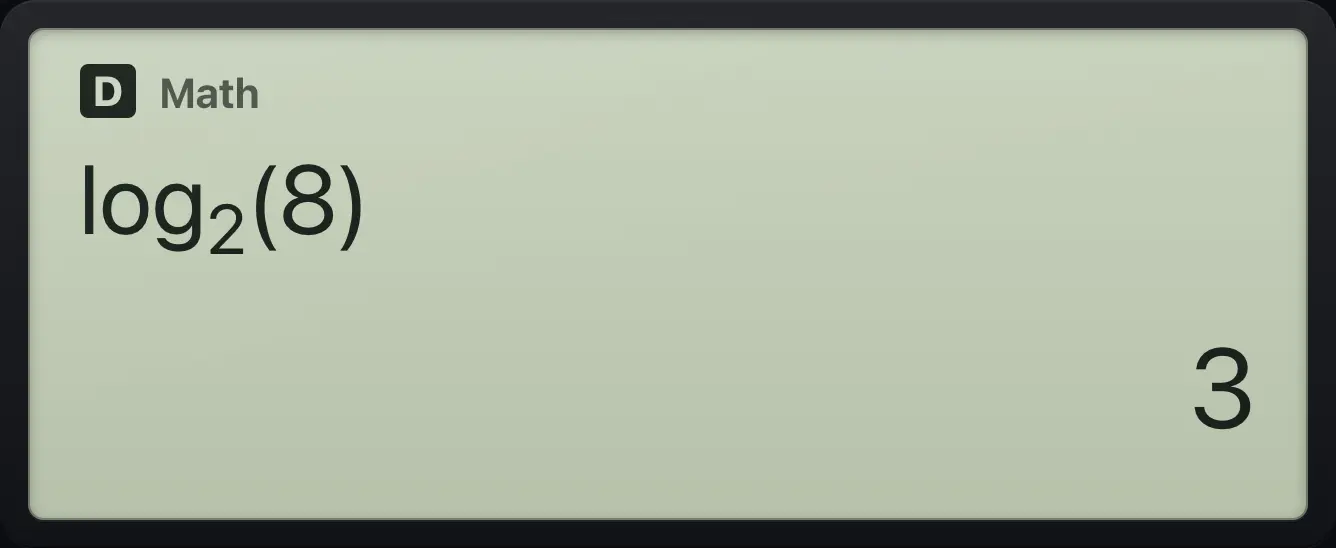
3Natural log of e cubed
ln, then e to the power 3.
lnSHIFTeln3=
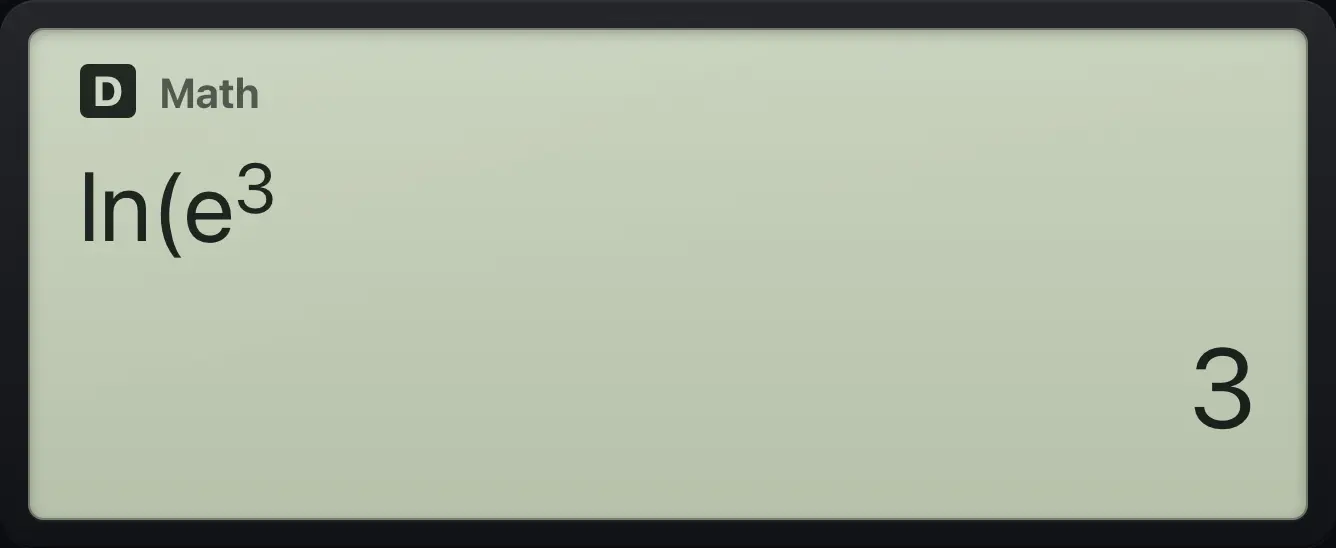
3Ten to a power
10 to the power 3.
SHIFT10log3=
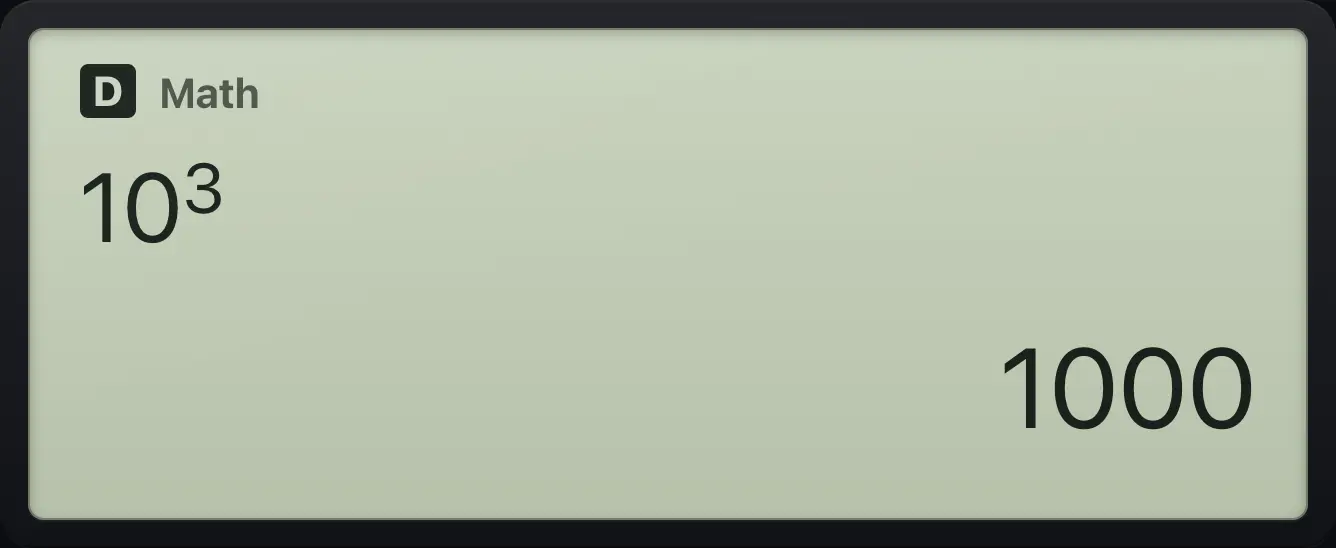
10004.3Sine, cosine and tangent#
Check the angle unit first: the default is degrees. See the Modes chapter to change it. Exact values such as sin 30° = 1/2 and cos 45° = √2/2 are shown exactly.
Sine of 30 degrees
sin 30.
sin30=
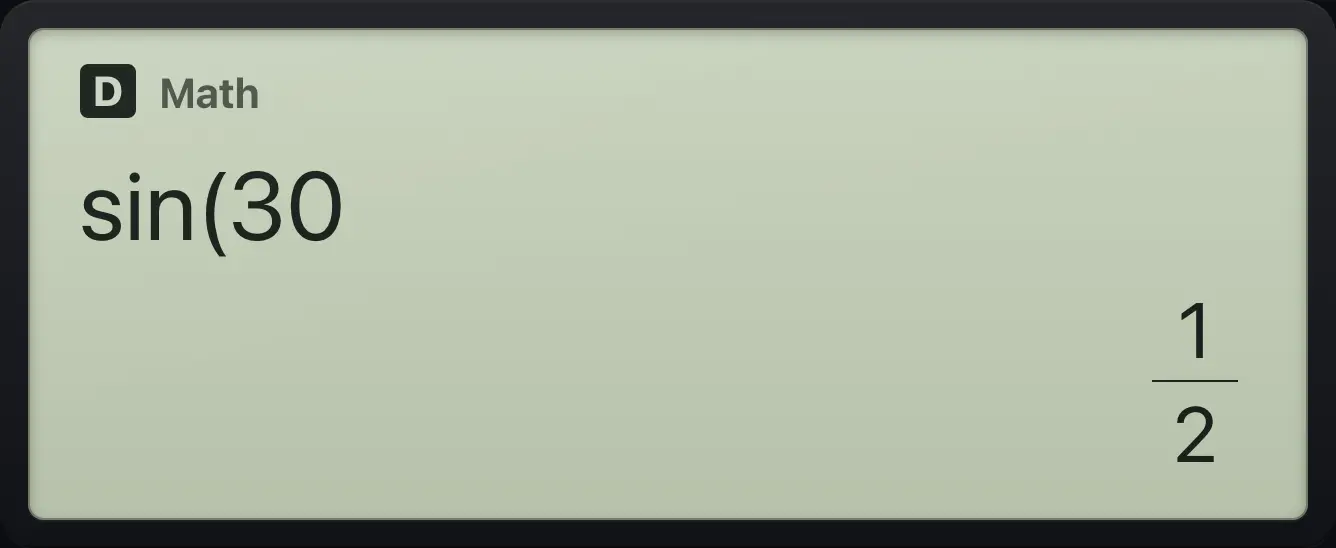
1/2Cosine of 45 degrees
cos 45.
cos45=
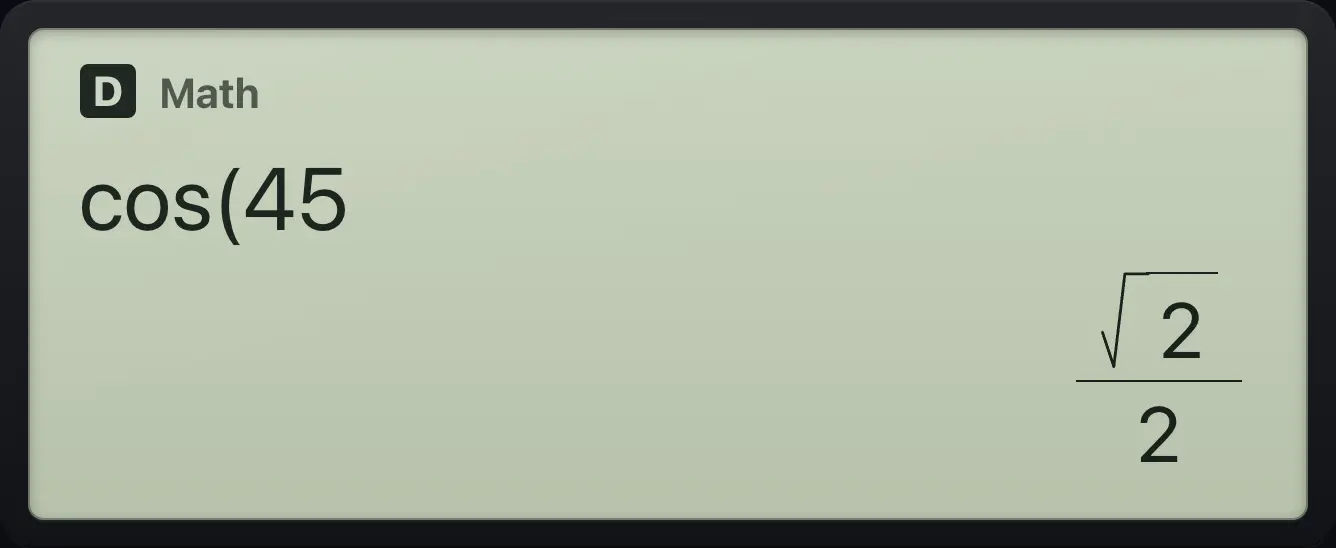
√2/2Tangent of 60 degrees
tan 60.
tan60=
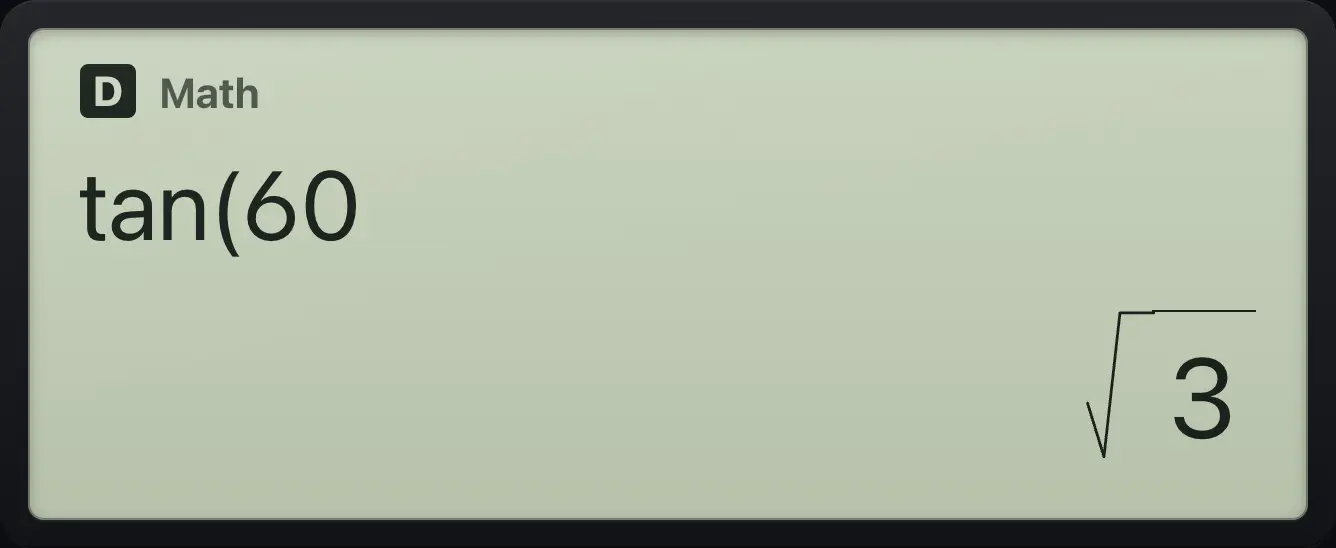
√3Inverse sine
SHIFT sin, then 1/2.
SHIFTsin⁻¹sin1/2▶=
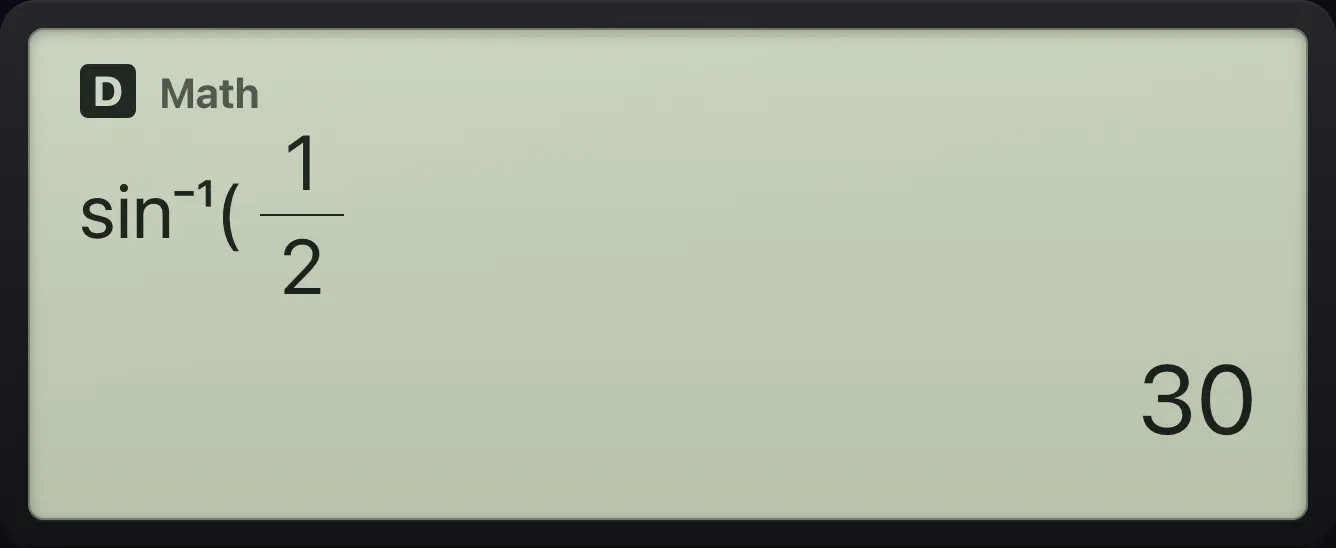
30Sine in radians
Set radians (SETUP, 2 Angle Unit, 2 Radian).
SHIFTSETUPMENU22Type sin(π/6).
sin/SHIFTπ×10ˣ▼6=
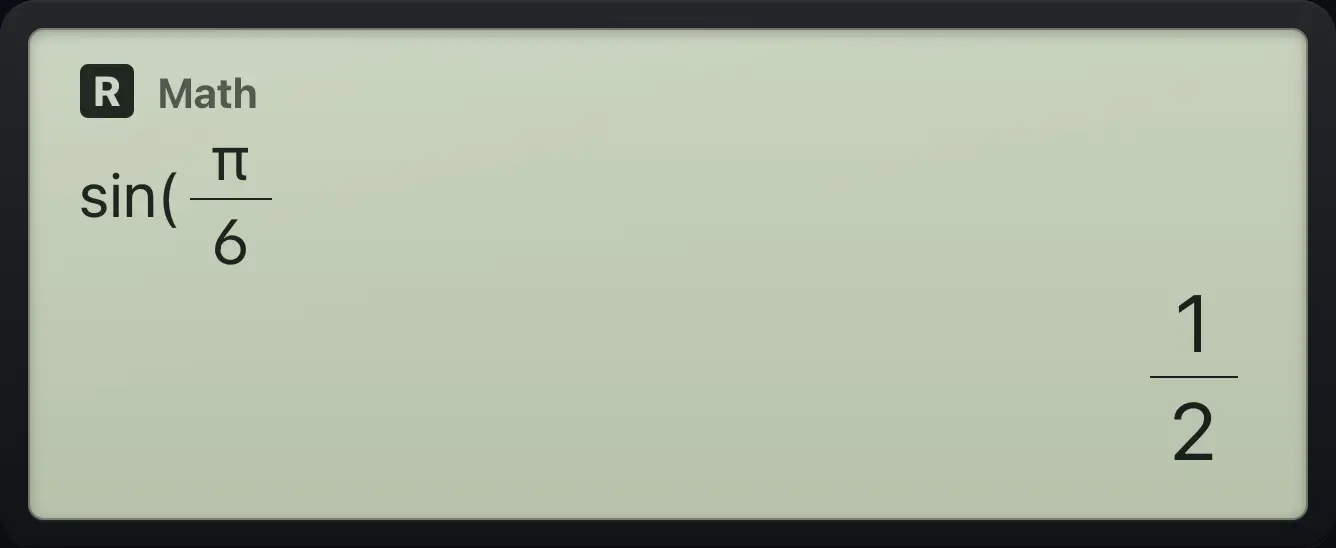
1/24.4Hyperbolic functions#
Press hyp to open a menu of sinh, cosh, tanh and their inverses. Choose one with its number.
The hyperbolic menu
Open the menu.
hyp
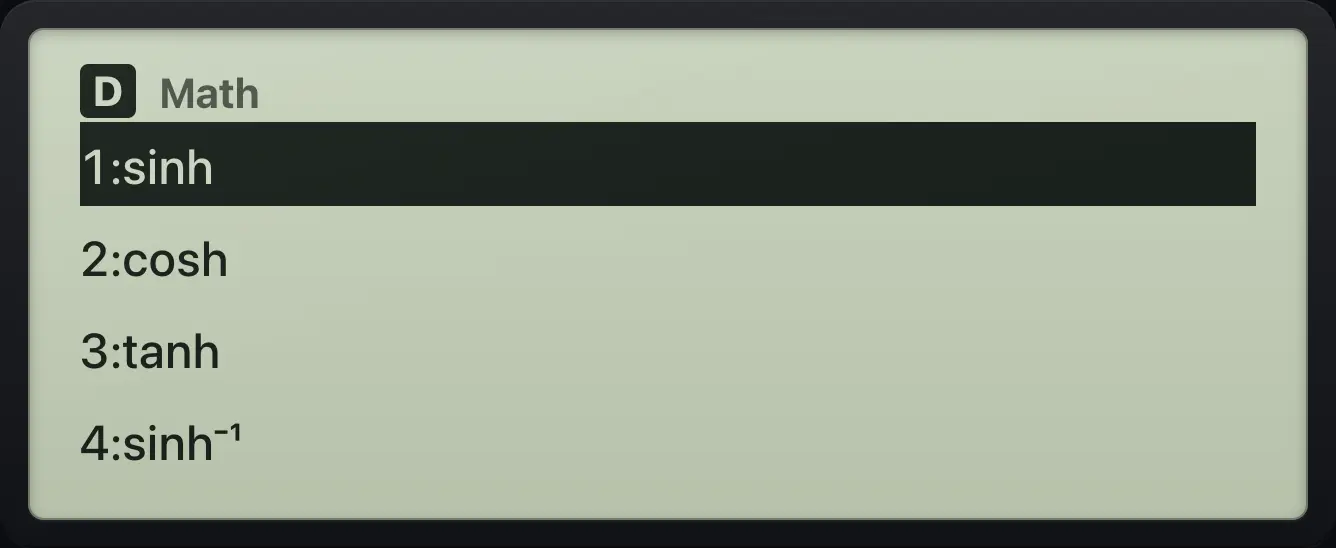
1:sinh 2:cosh 3:tanhcosh 1
Choose 2 (cosh), type 1.
hyp21=
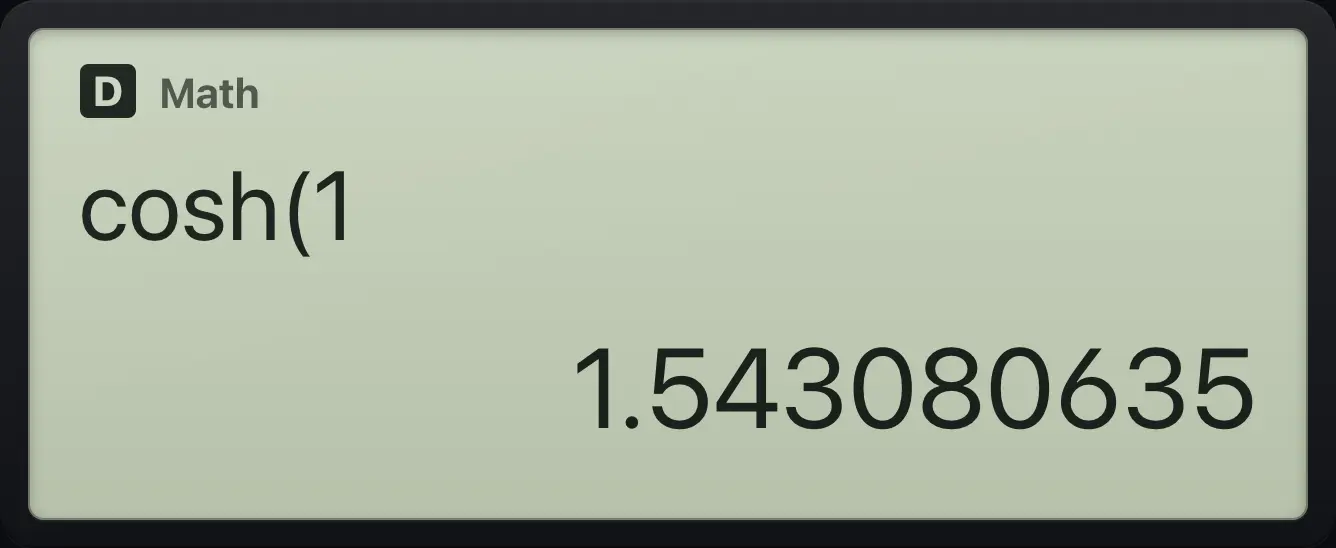
1.543080635Inverse sinh
Choose 4 (sinh⁻¹), type 1.
hyp41=
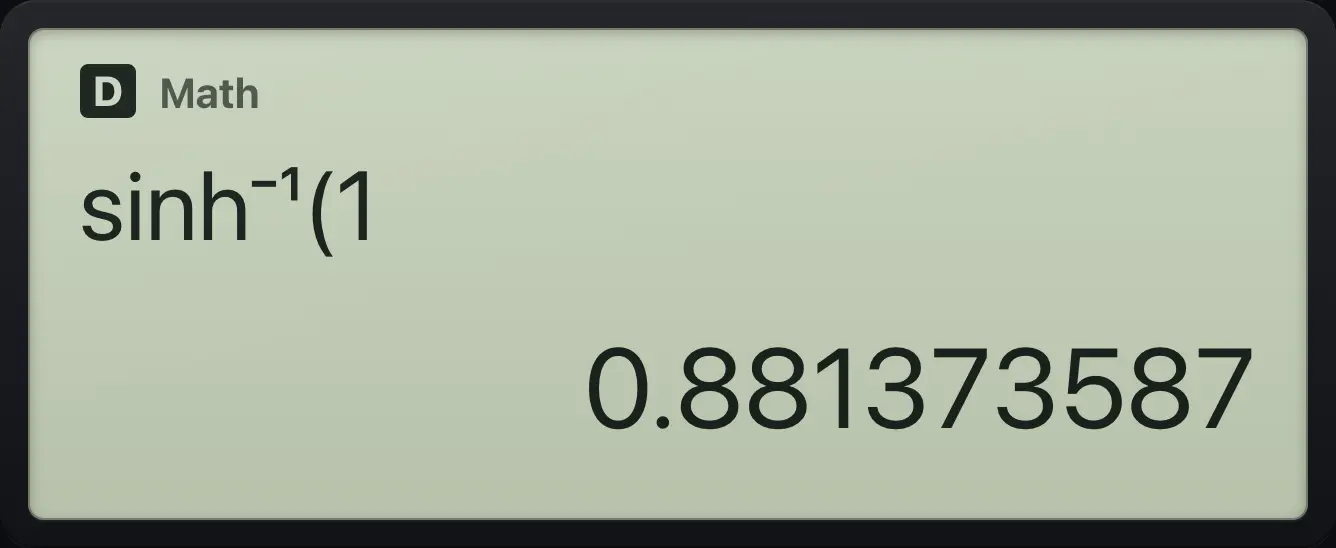
0.8813735874.5Absolute value#
SHIFTAbshyp opens an absolute-value template. Type the value inside it.
|-7|
SHIFT hyp, then minus 7.
SHIFTAbshyp(−)7=
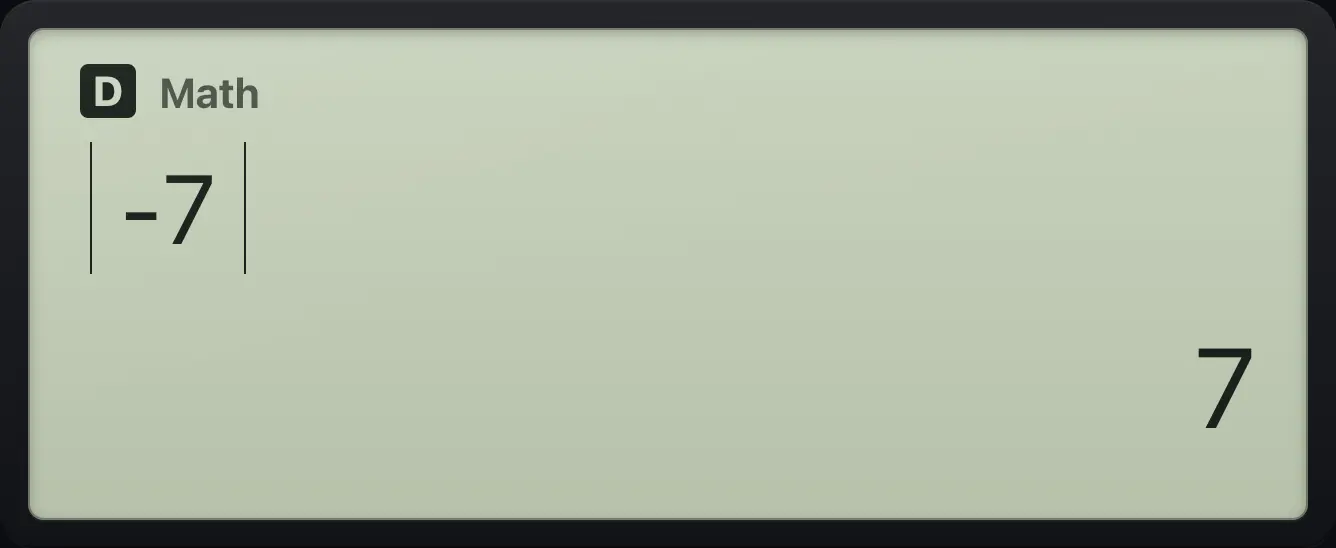
74.6Factorials, permutations and combinations#
SHIFTx!x⁻¹ is the factorial. SHIFTnPr× is nPr (ordered selections) and SHIFTnCr÷ is nCr (unordered selections).
5 factorial
Type 5 then SHIFT x⁻¹.
5SHIFTx!x⁻¹=
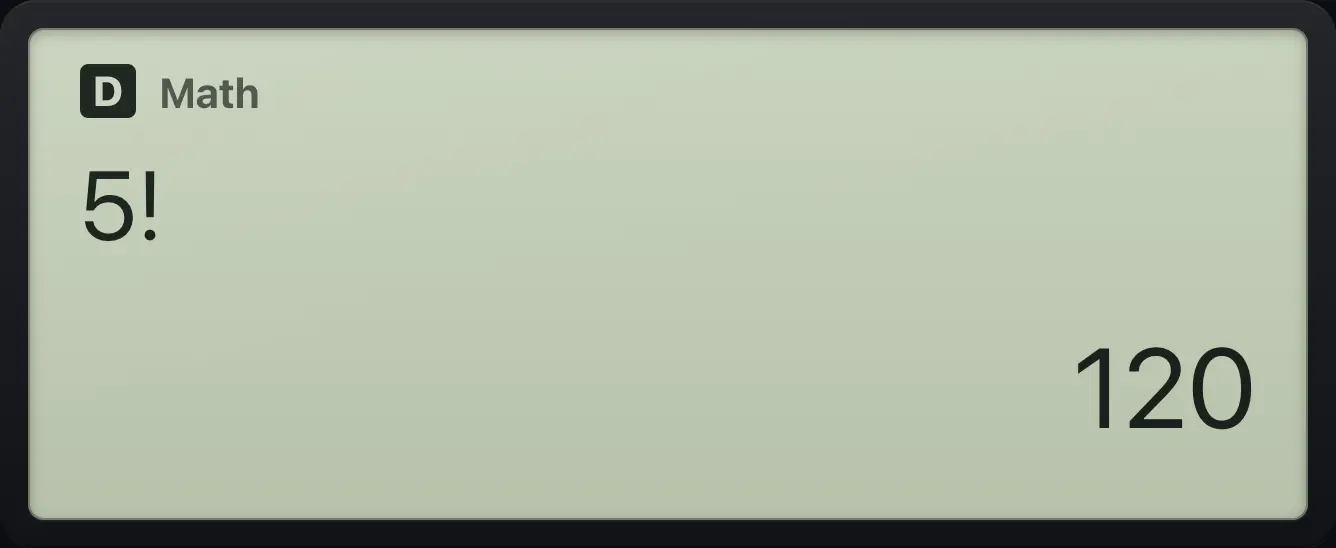
120Permutations 5P2
5, SHIFT ×, 2.
5SHIFTnPr×2=
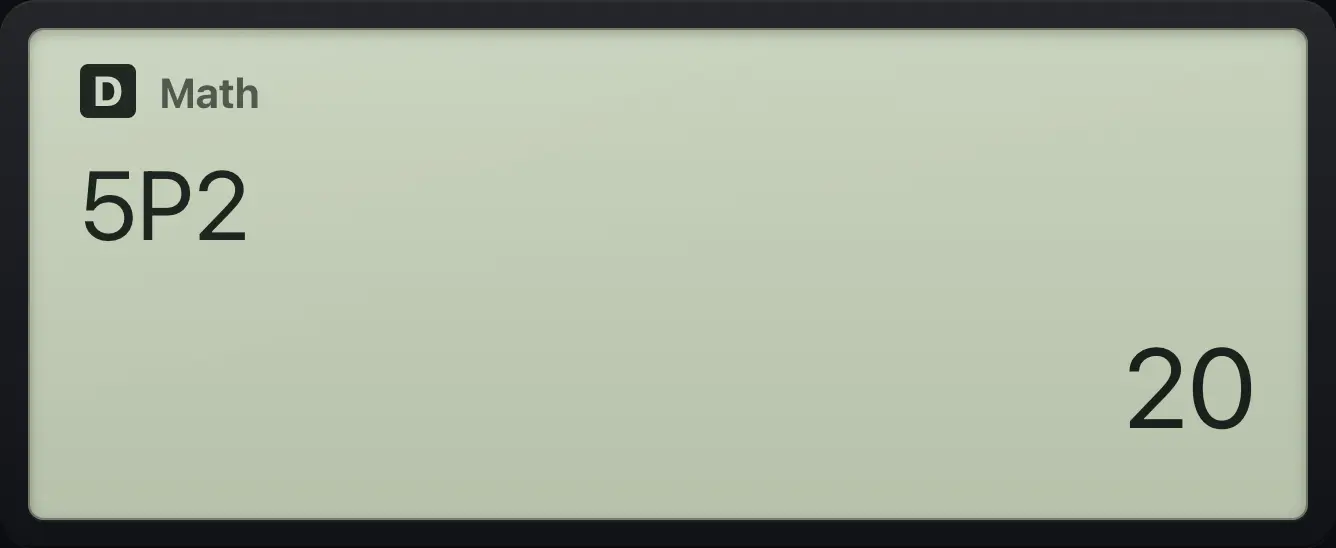
20Combinations 5C2
5, SHIFT ÷, 2.
5SHIFTnCr÷2=
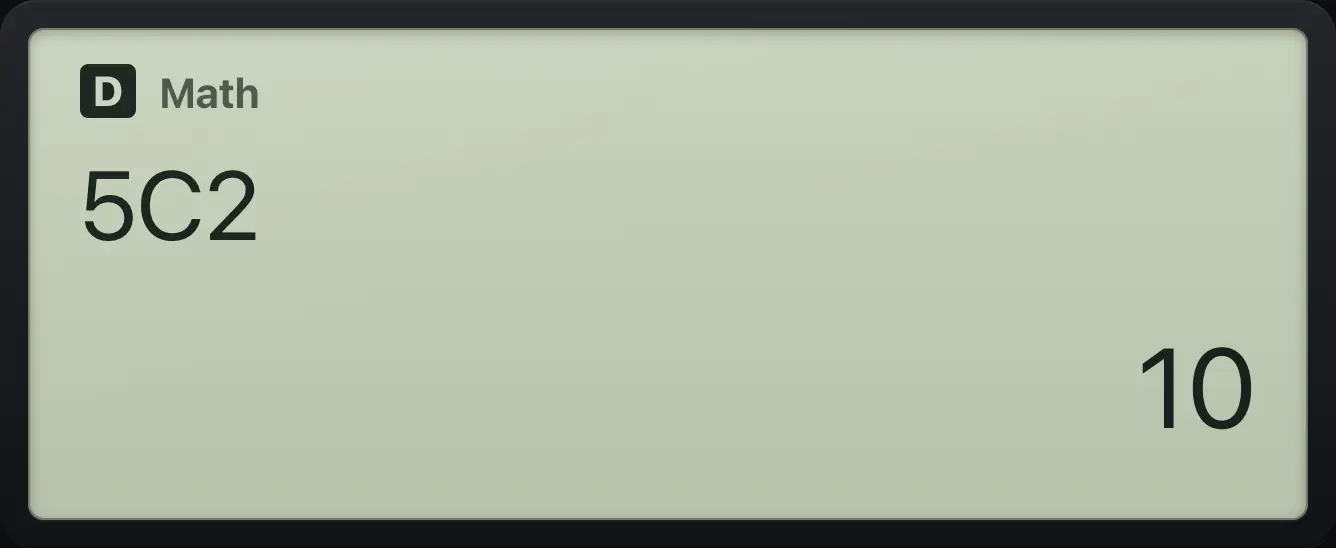
104.7Random numbers#
SHIFTRan#. types Ran#, a random decimal from 0 up to 1. ALPHARanInt. types RanInt#( for a random whole number between two limits, for example RanInt#(1,6) simulates a die. A different value appears each time.
Roll a die
ALPHA point, then 1, comma, 6, close the bracket.
ALPHARanInt.1SHIFT,)6)=
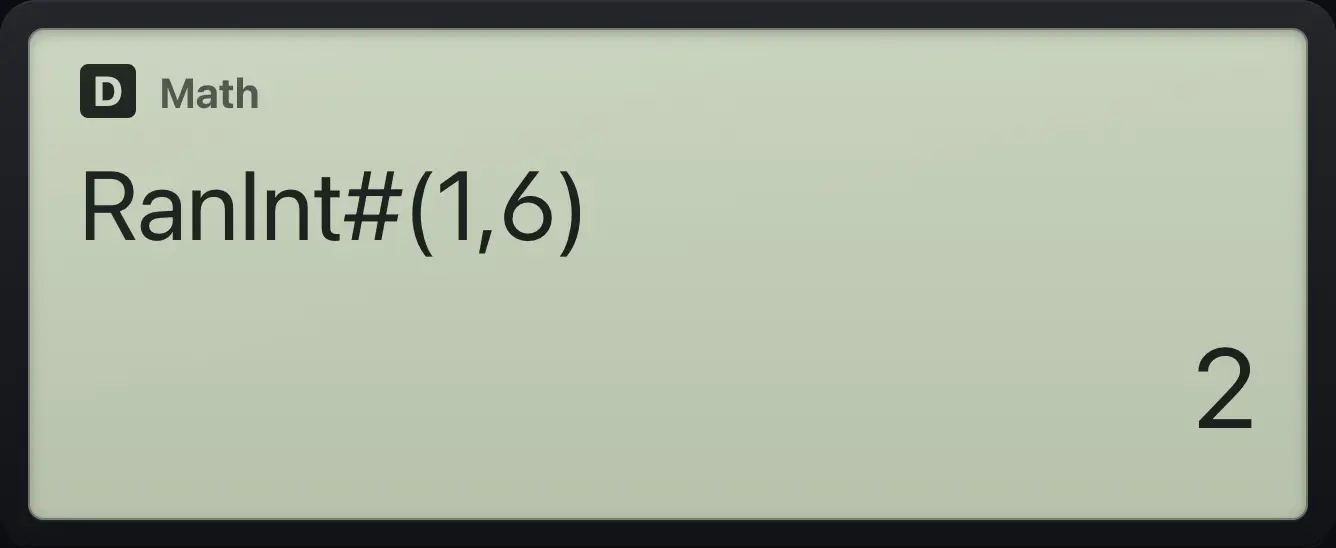
RanInt#(1,6)4.8Rounding: Int, Intg and Rnd#
Press OPTN to find the rounding tools. Int( drops the fractional part toward zero, Intg( gives the greatest whole number not above the value, and Rnd( rounds to the Fix or Sci setting in force.
| Function | Example | Result |
|---|---|---|
| Int( | Int(-2.7) | -2 |
| Intg( | Intg(-2.7) | -3 |
| Rnd( | Rnd(2.718) with Fix 2 | 2.72 (stored as 68/25) |
Int of a negative
OPTN 5 (Int), then minus 2.7.
OPTN5(−)2.7)=
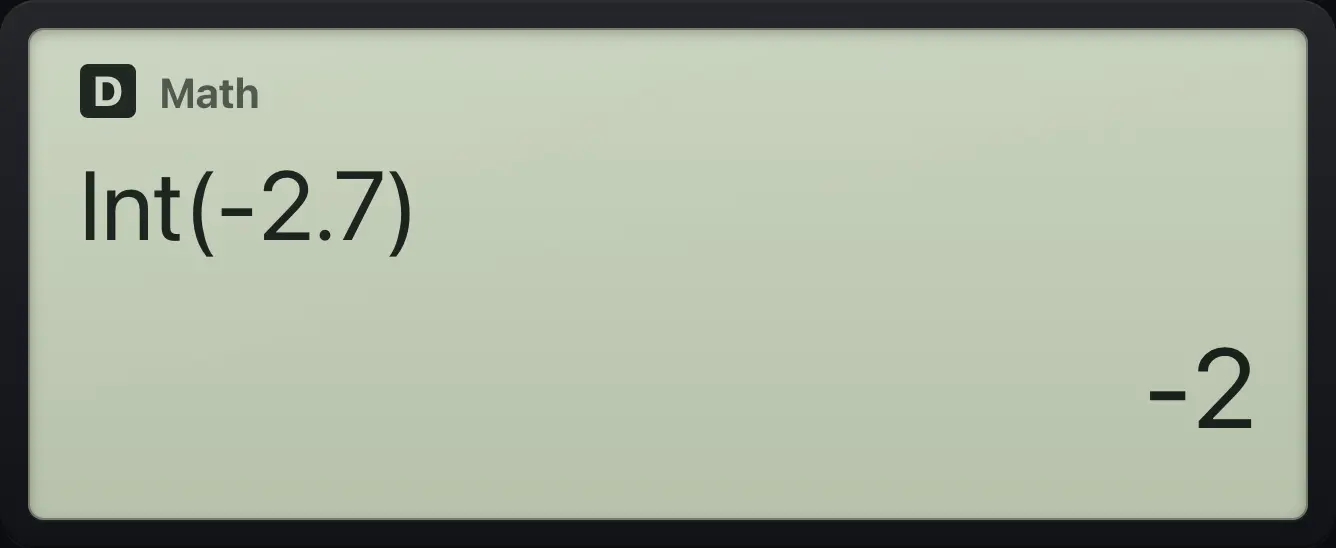
-2Intg of a negative
OPTN 6 (Intg), then minus 2.7.
OPTN6(−)2.7)=
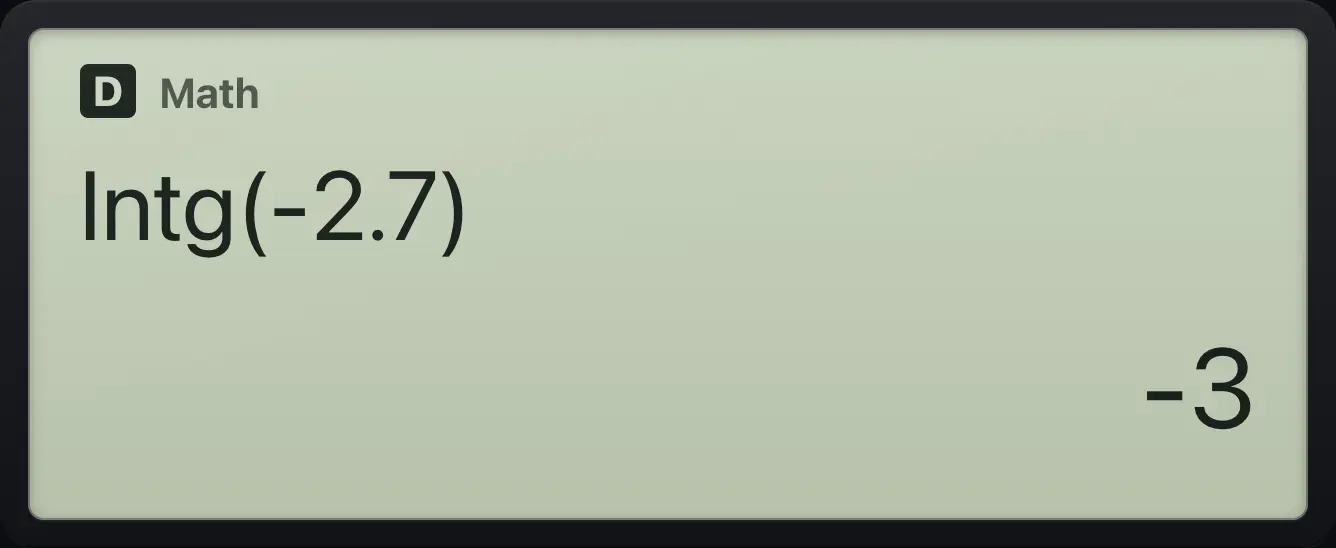
-3Round to two decimals
Set Fix 2 (SETUP, 3, 1, 2).
SHIFTSETUPMENU312OPTN 7 (Rnd), type 2.718.
OPTN72.718)=
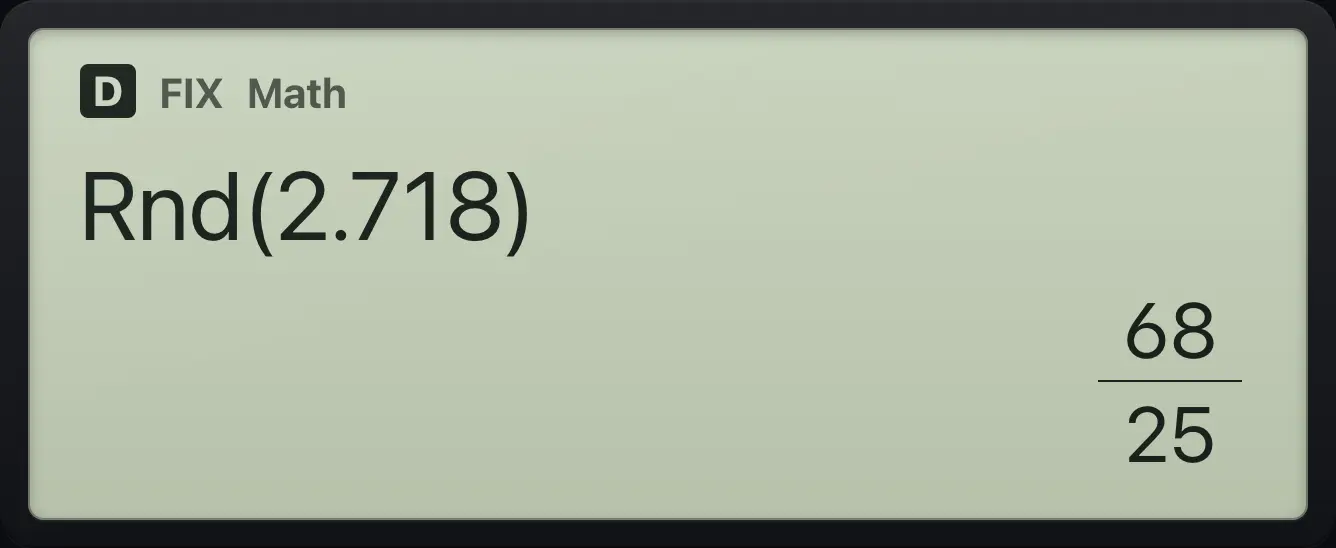
68/254.9Greatest common divisor and least common multiple#
OPTN 8 types GCD( and OPTN 9 types LCM(. Separate the two numbers with SHIFT,) (comma).
GCD of 12 and 18
OPTN 8, 12, comma, 18.
OPTN812SHIFT,)18)=
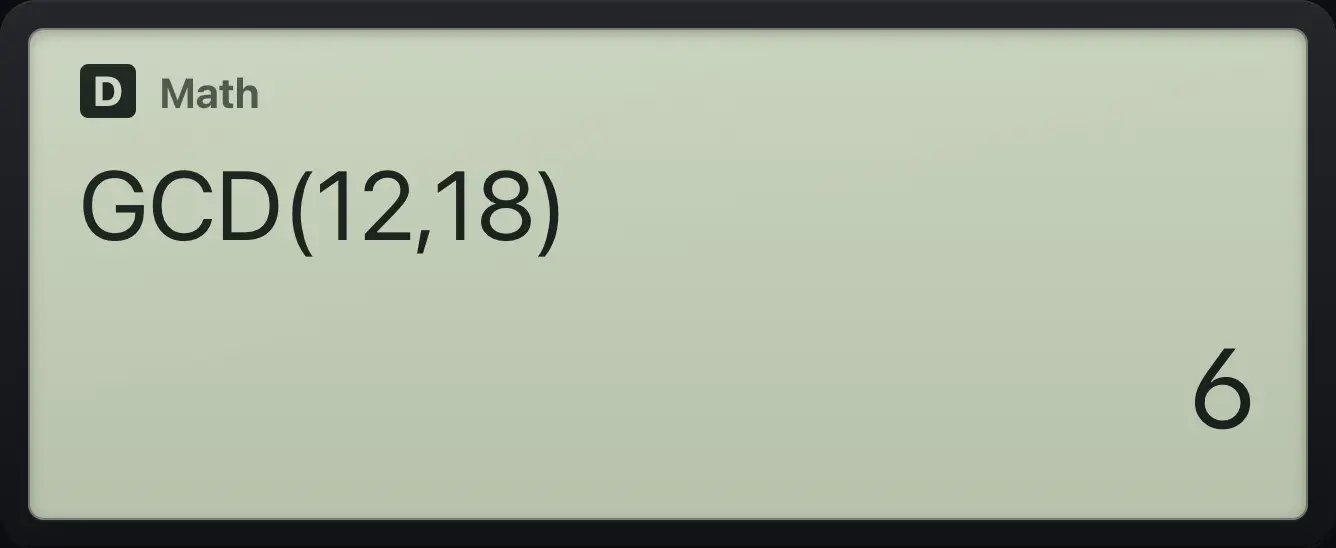
6LCM of 4 and 6
OPTN 9, 4, comma, 6.
OPTN94SHIFT,)6)=
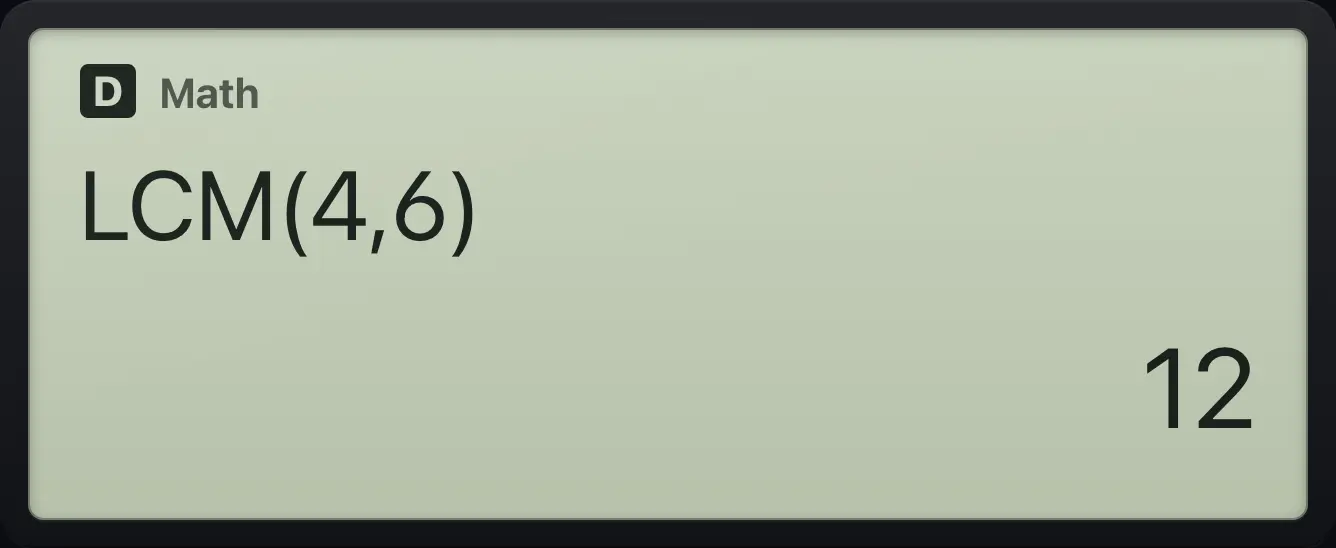
124.10Convert between rectangular and polar coordinates#
SHIFTPol+ is Pol( and converts x and y to a radius and an angle. SHIFTRec− is Rec( and converts a radius and angle back to x and y. Both show their two results in braces. The angle uses the current angle unit.
Pol(3, 4)
SHIFT +, then 3, comma, 4.
SHIFTPol+3SHIFT,)4)=
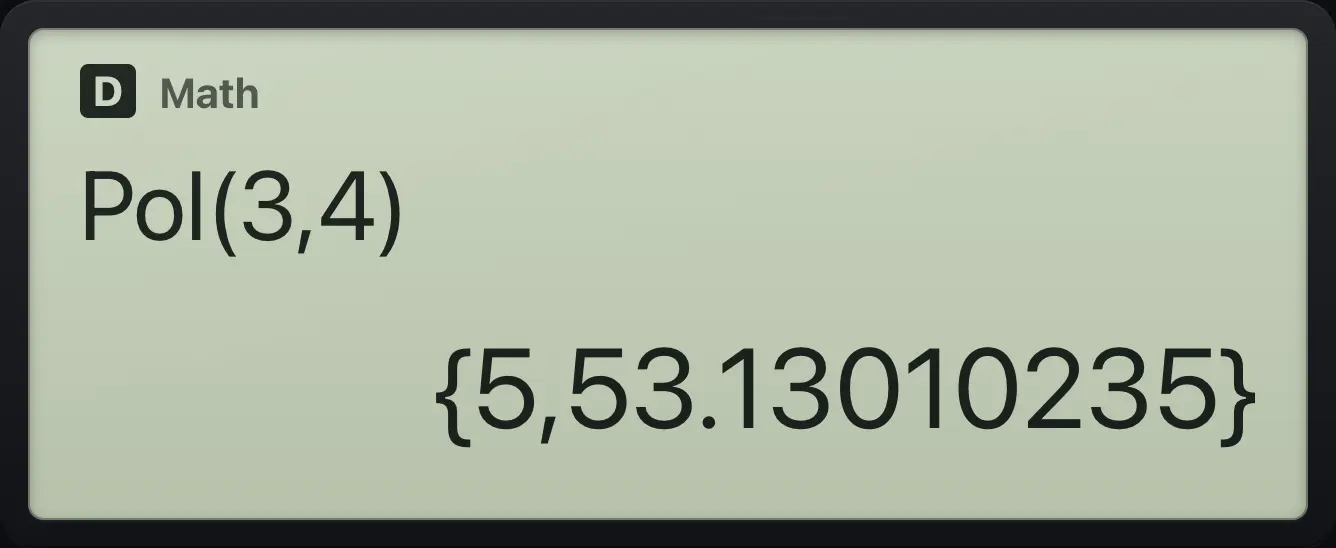
{5,53.13010235}Rec(2, 90)
SHIFT −, then 2, comma, 90.
SHIFTRec−2SHIFT,)90)=
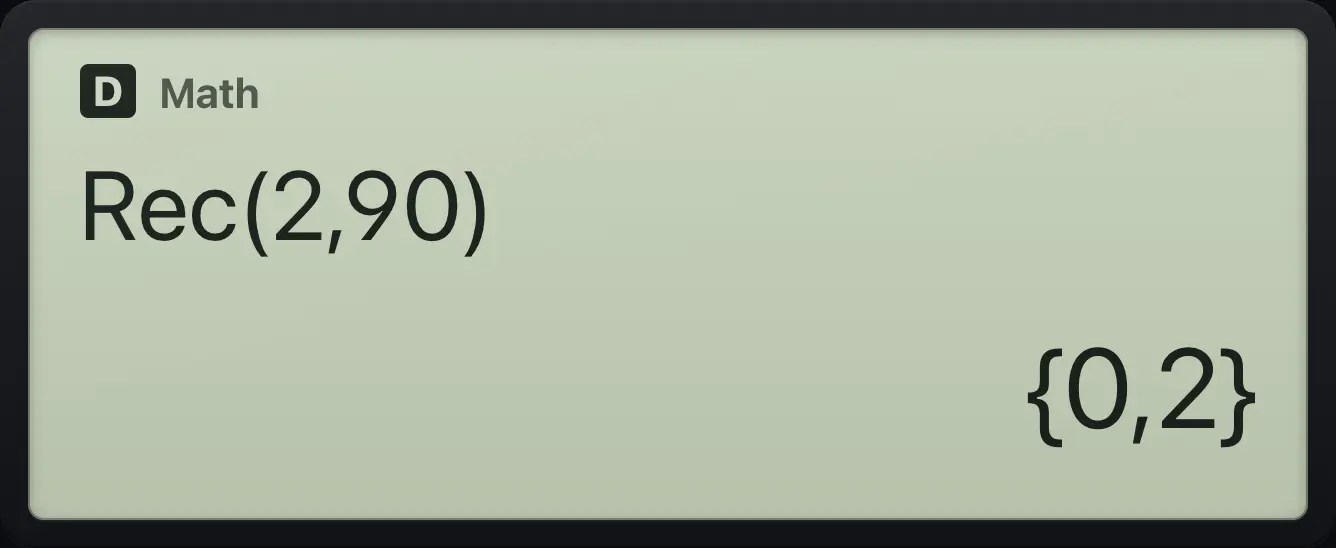
{0,2}4.11Mark a number as degrees or radians#
OPTN 2 opens an angle menu: ° (degrees), r (radians) and ►DMS. Using a mark inside an expression overrides the angle unit for that number.
The angle menu
OPTN then 2.
OPTN2
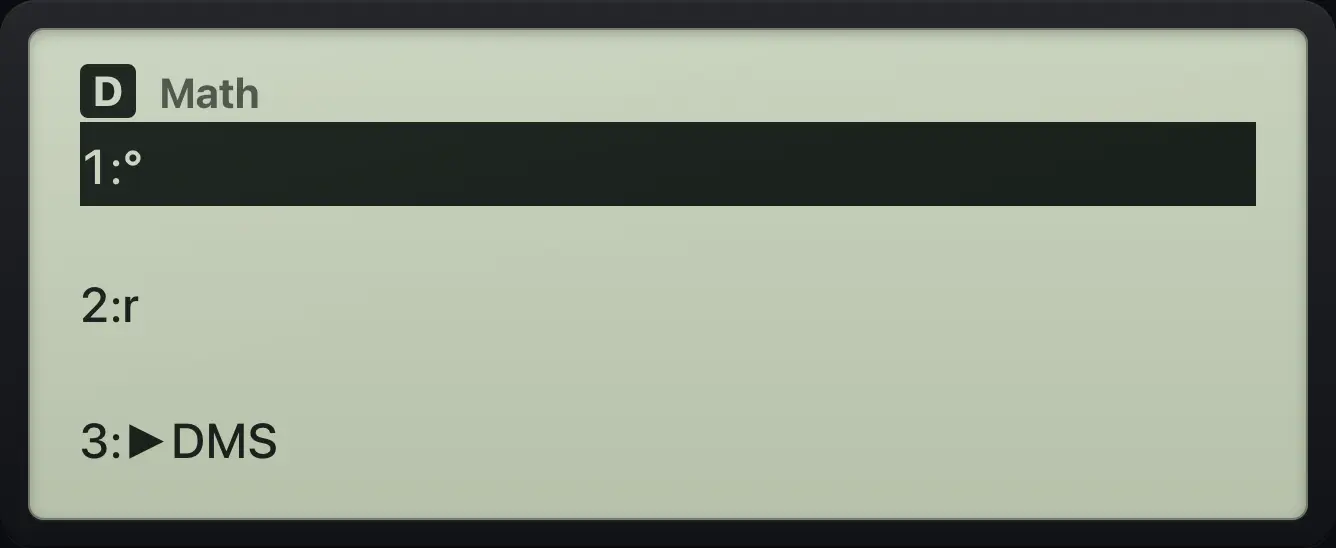
1:° 2:r 3:►DMSfx-991EX ClassWiz is a trademark of Casio Computer Co., Ltd.. Trident Calculator is an independent product by South View Studios and is not affiliated with, sponsored by or endorsed by Casio. The name is used only to describe the kind of calculator this model resembles; Trident's names, keys, display, fonts and software are its own clean-room design.