
Natural Scientific 991 manual · Chapter 8 of 18
Complex numbers
Arithmetic with i, real and imaginary parts, conjugate, argument and rectangular/polar conversion.
8.1Open the Complex app and type i#
Press MENU then 2 to open the Complex app. The CMPLX indicator appears. In this app the ENG key types the imaginary unit i. Complex answers appear as a+bi.
Square a complex number
Open Complex. Type (1 + 2i)².
MENU2(1+2ENG)x²Equals.
=
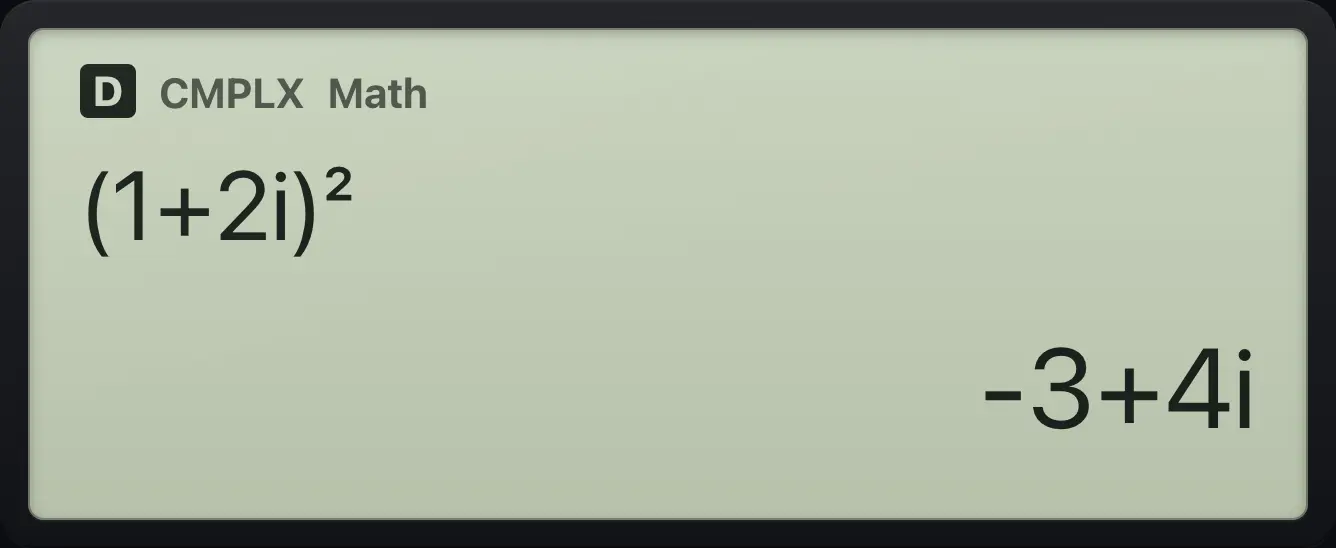
-3+4iMultiply complex numbers
(3 + 4i)(1 − 2i).
MENU2(3+4ENG)×(1−2ENG)=
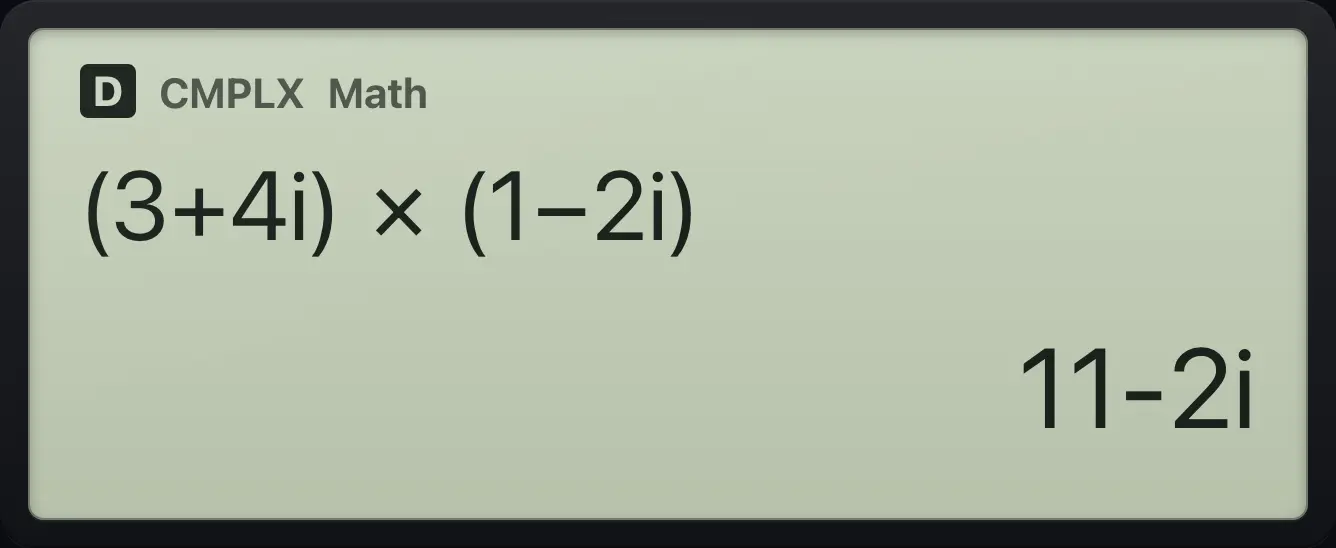
11-2iThe root of a negative number
√-4 gives 2i in this app.
MENU2√(−)4=
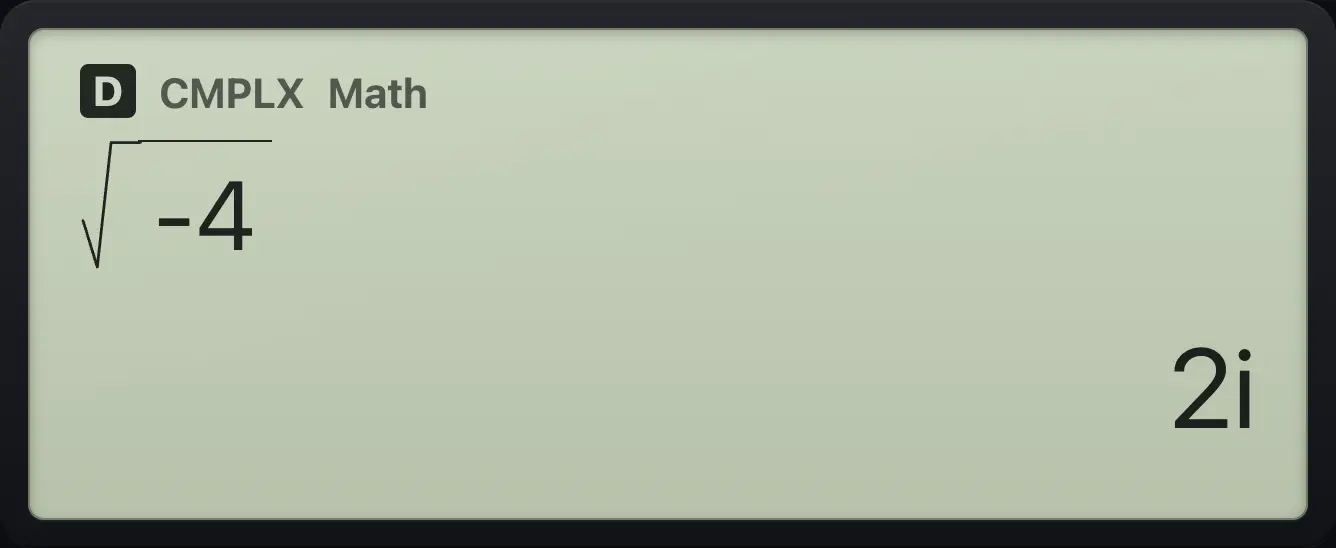
2i8.2Argument, conjugate, real and imaginary parts#
Press OPTN in the Complex app for the list below. Each one types a function you complete with a complex number and a closing bracket.
| OPTN number | Item | Meaning |
|---|---|---|
| 1 | Argument | The angle of the number in the complex plane. |
| 2 | Conjugate | Changes the sign of the imaginary part. |
| 3 | Real Part | The a in a+bi. |
| 4 | Imaginary Part | The b in a+bi. |
| 5 | ►r∠θ | Shows the previous number in polar form. |
| 6 | ►a+bi | Shows the previous number in rectangular form. |
| 7 | i | Types i. |
Argument of 3 + 4i
OPTN 1, then 3 + 4i and a bracket.
MENU2OPTN13+4ENG)=
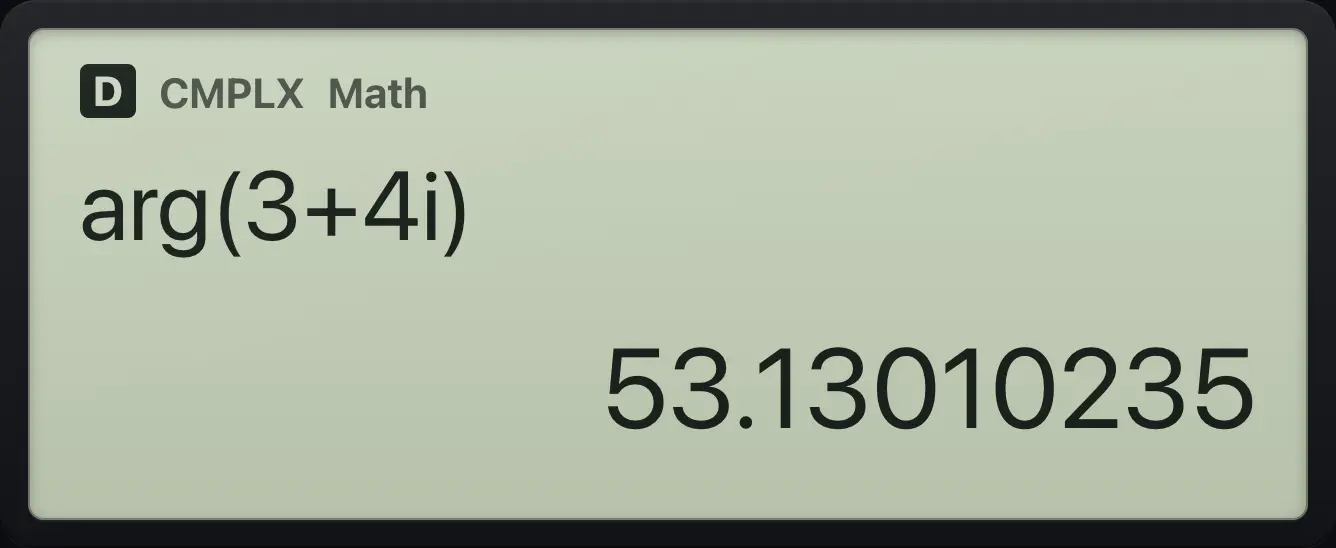
53.13010235Conjugate of 3 + 4i
OPTN 2.
MENU2OPTN23+4ENG)=
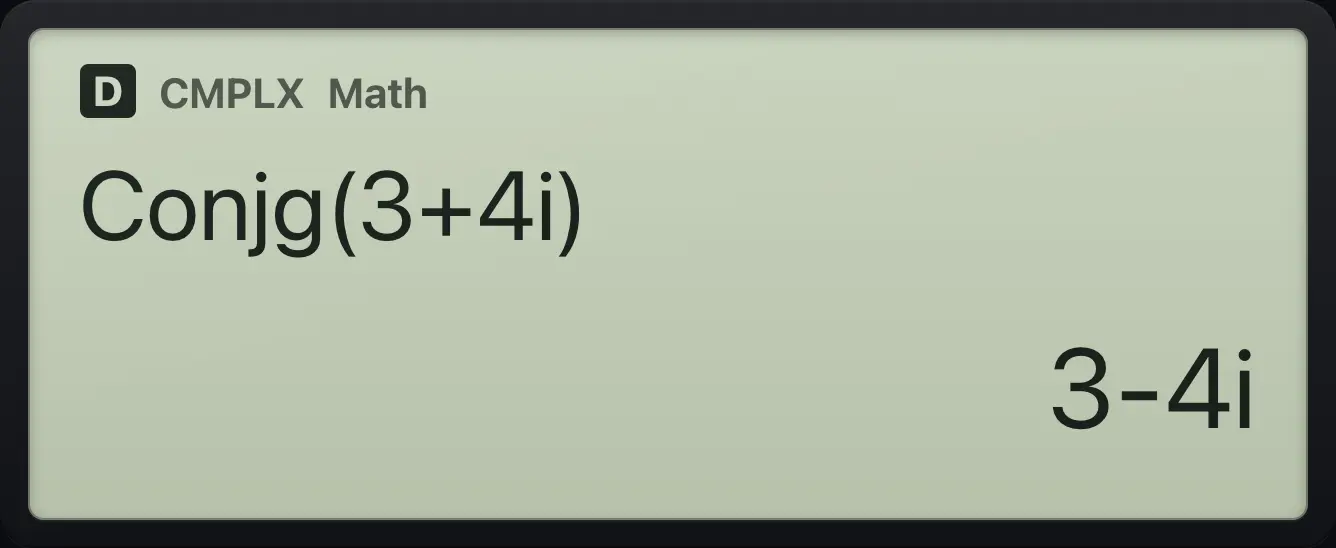
3-4iReal part
OPTN 3.
MENU2OPTN33+4ENG)=
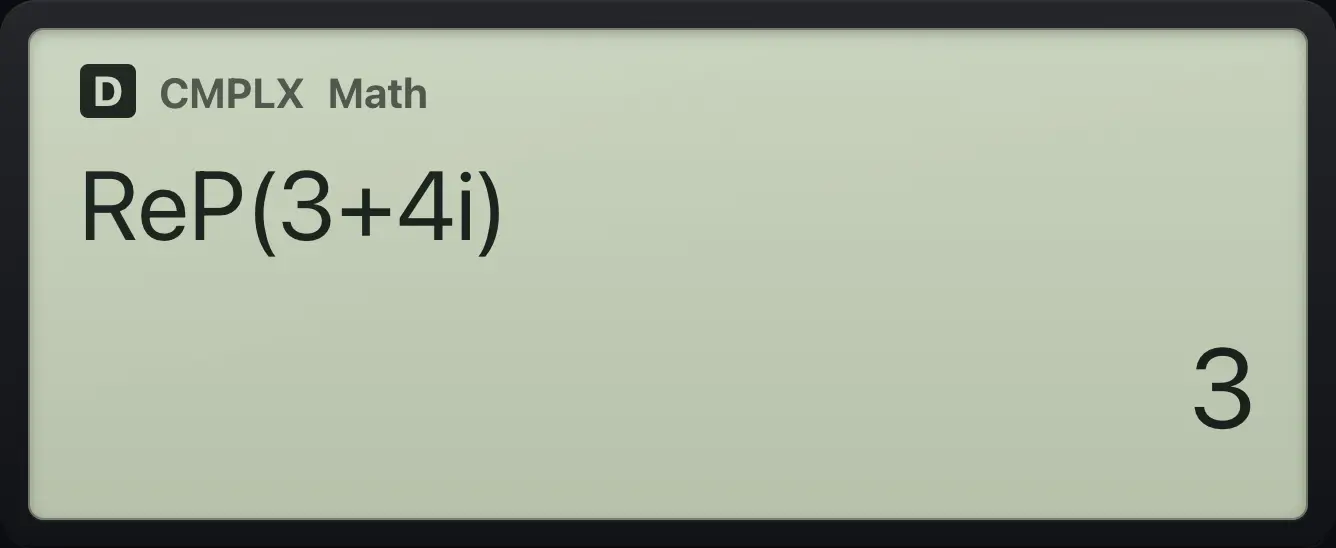
3Imaginary part
OPTN 4.
MENU2OPTN43+4ENG)=
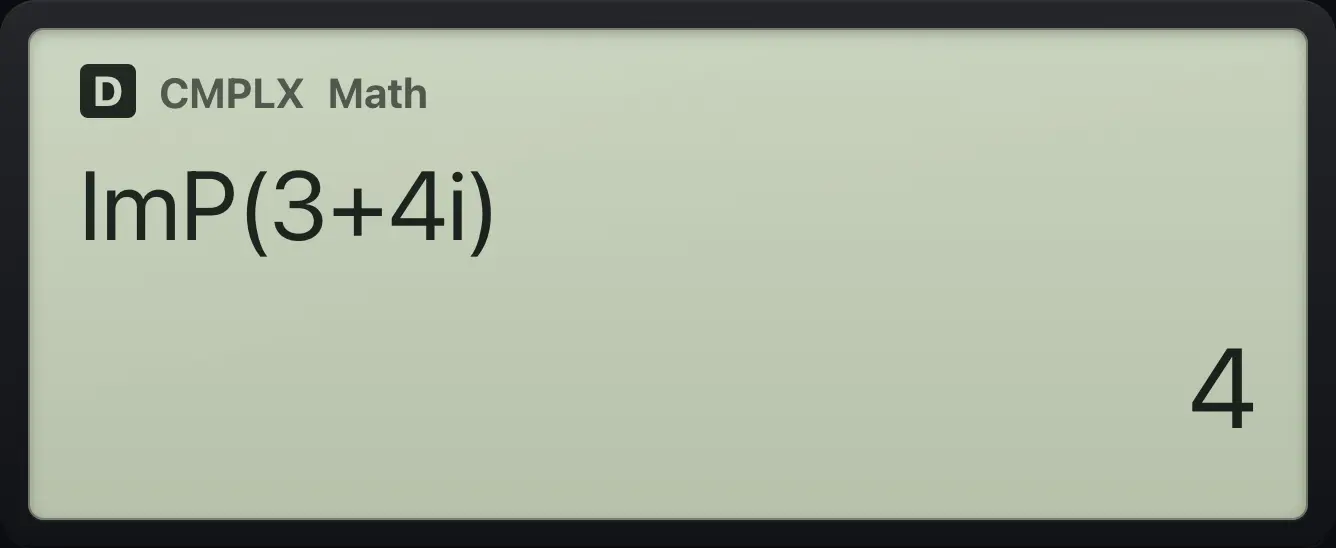
4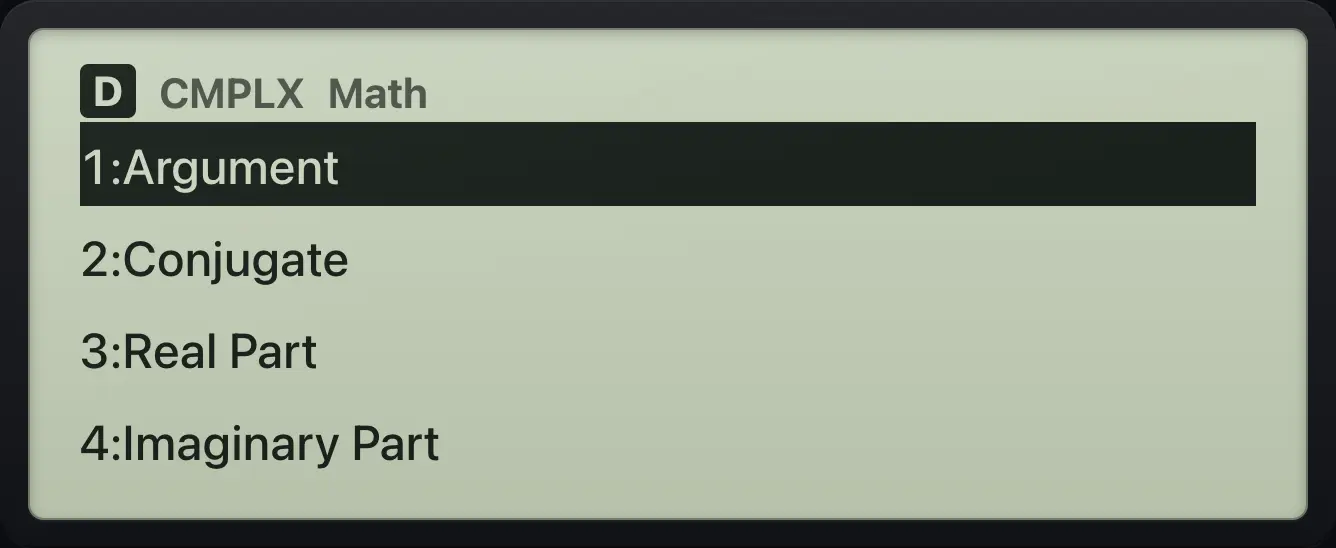
8.3Convert to polar form#
You can ask for polar form for a single answer with ►r∠θ from OPTN 5, or set polar as the default: SETUP, 5 (Complex), 2 (r∠θ). To type a polar number use SHIFT∠(−) (∠) between the modulus and the angle.
Convert 3 + 4i to polar
Type 3 + 4i, then OPTN 5.
MENU23+4ENGOPTN5=
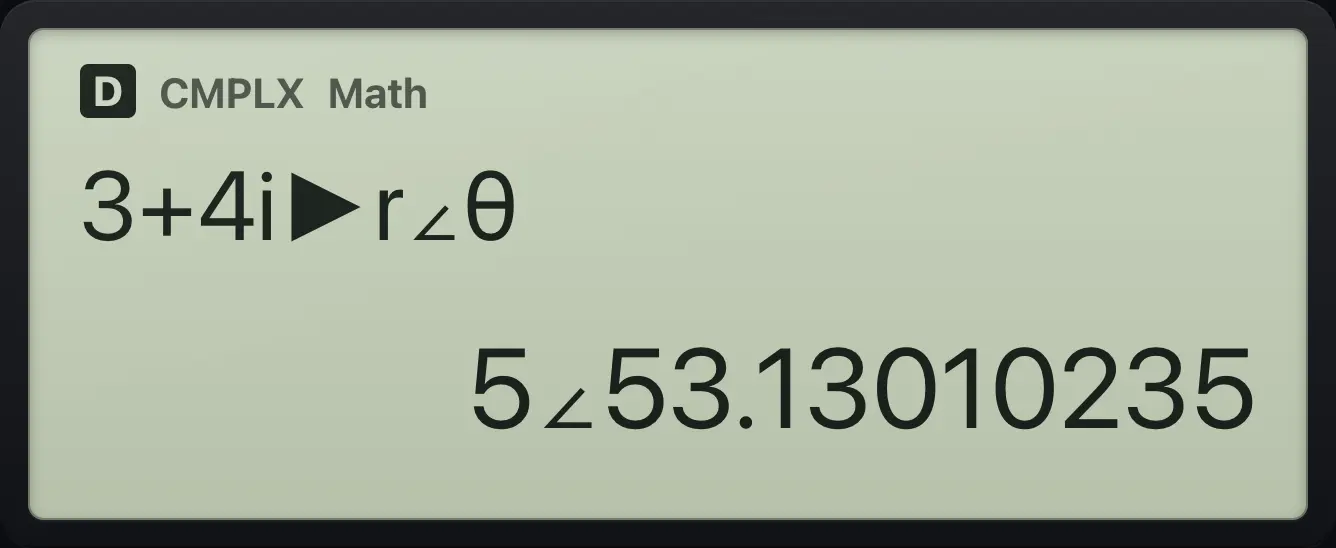
5∠53.13010235Polar as the default
SETUP, 5, 2. Then 1 + i.
MENU2SHIFTSETUPMENU521+ENG=
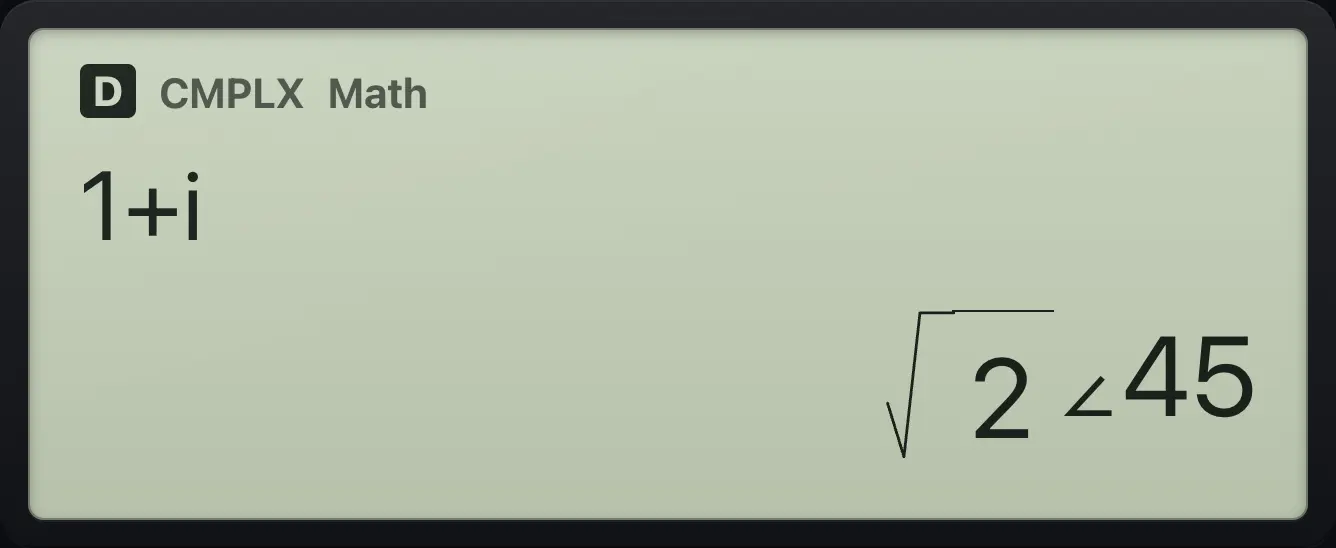
√2∠45Type a polar number
3 ∠ 30, in degrees.
MENU23SHIFT∠(−)30=
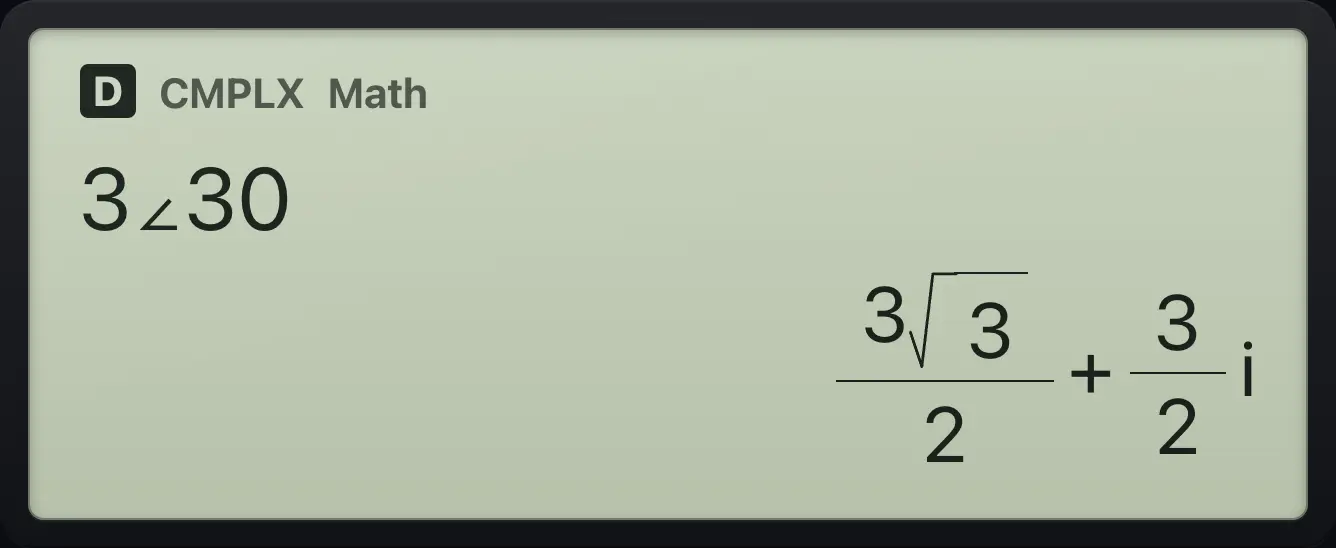
3√3/2+3/2ifx-991EX ClassWiz is a trademark of Casio Computer Co., Ltd.. Trident Calculator is an independent product by South View Studios and is not affiliated with, sponsored by or endorsed by Casio. The name is used only to describe the kind of calculator this model resembles; Trident's names, keys, display, fonts and software are its own clean-room design.