
Natural Scientific 991 manual · Chapter 6 of 18
Modes and settings
SETUP: display style, angle unit, number format, fraction style, complex format and statistics frequency.
6.1Open the SETUP menu#
Press SHIFTSETUPMENU to open SETUP. Choose a line with its number. After choosing a value, the calculator returns to the previous screen.
| Number | Setting | Choices (default first) |
|---|---|---|
| 1 | Input/Output | MathI/MathO, MathI/DecimalO, LineI/LineO, LineI/DecimalO |
| 2 | Angle Unit | Degree, Radian, Gradian |
| 3 | Number Format | Norm 1, Norm 2, Fix 0-9, Sci 0-9 |
| 4 | Fraction Result | d/c (improper), ab/c (mixed) |
| 5 | Complex | a+bi, r∠θ |
| 6 | Statistics | Frequency Off, Frequency On |
See the SETUP list
SHIFT MENU.
SHIFTSETUPMENU
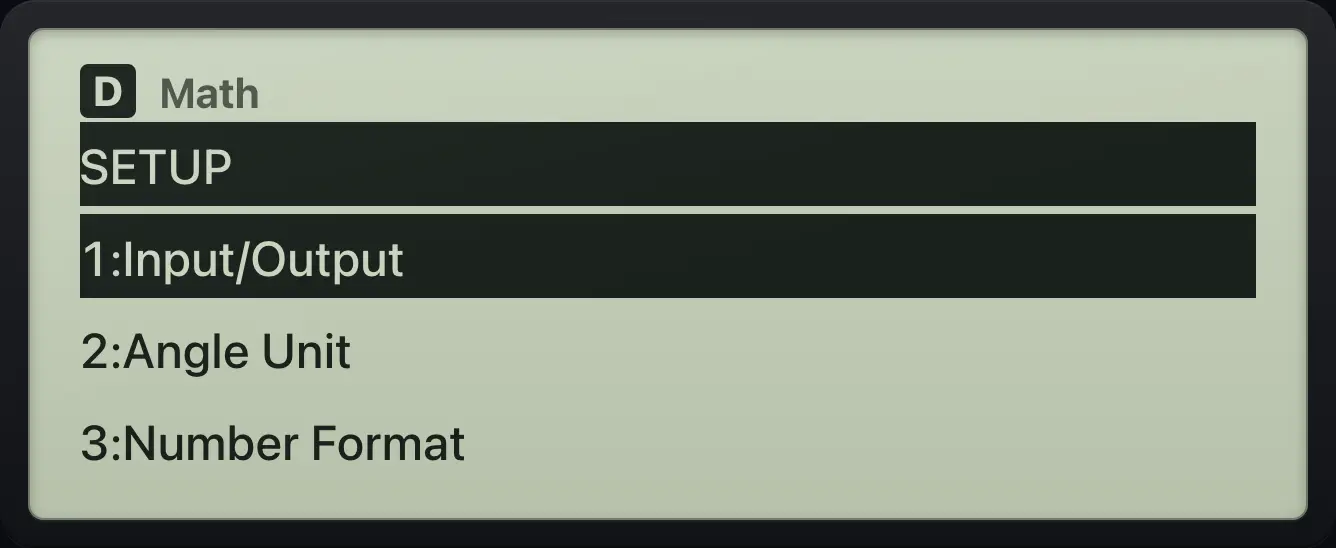
SETUP 1:Input/Output 2:Angle Unit6.2Choose natural or line display#
Input/Output has two parts. The first word is how you type: Math (templates for fractions and roots) or Line (one line, brackets instead of boxes). The second word is how answers show: Math (exact fractions and roots) or Decimal (always decimals).
| Choice | Typing | Answers |
|---|---|---|
| 1 MathI/MathO | Templates | Exact fractions, roots and π |
| 2 MathI/DecimalO | Templates | Decimals |
| 3 LineI/LineO | One line | Fractions stay fractions; roots become decimals |
| 4 LineI/DecimalO | One line | Decimals |
Decimal answers
SETUP, 1, 2 (MathI/DecimalO).
SHIFTSETUPMENU12Type 1/3.
1/3▶=
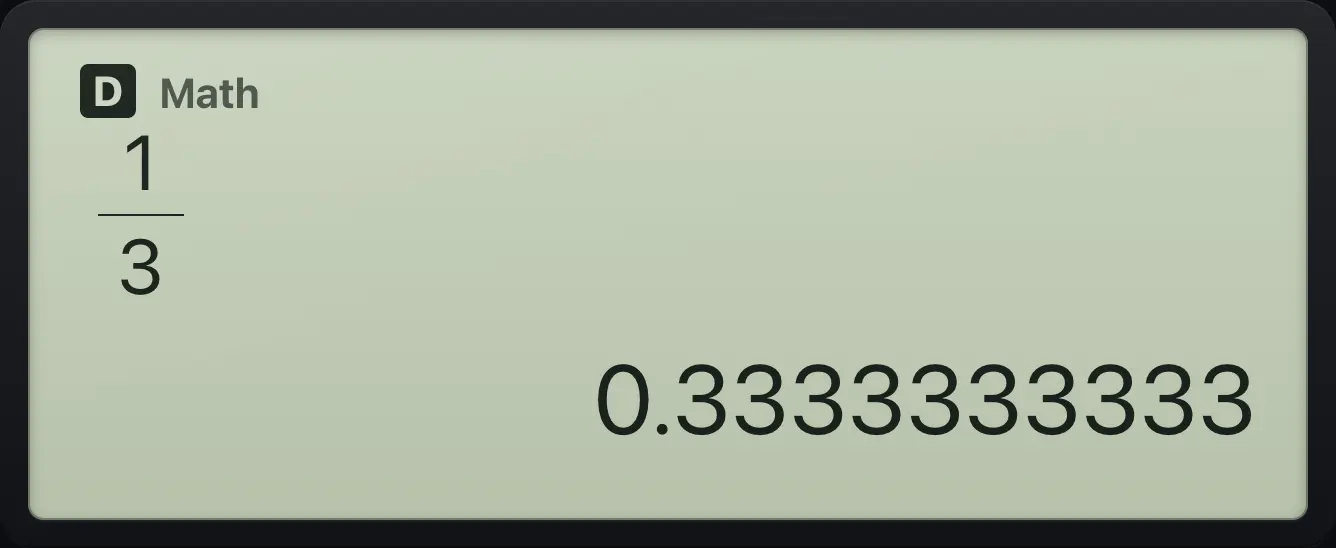
0.3333333333Line entry
SETUP, 1, 3 (LineI/LineO).
SHIFTSETUPMENU13Type √8; the key opens a bracket.
√8=
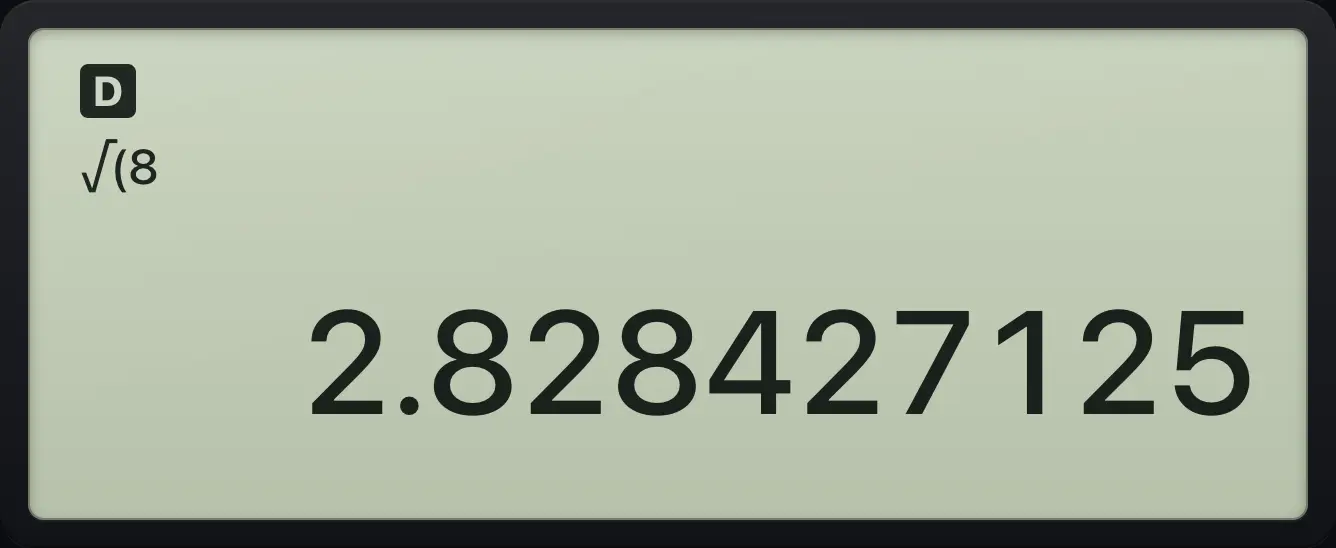
2.828427125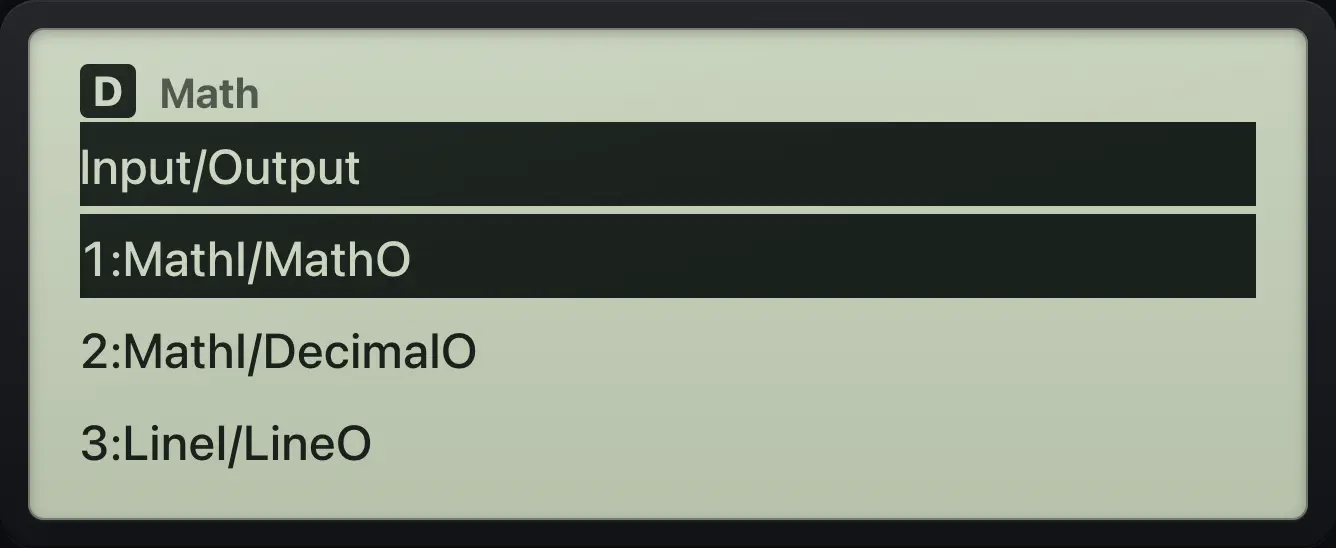
6.3Set degrees, radians or gradians#
The angle unit controls sin, cos, tan and their inverses, plus Pol( and Rec(. The default is Degree. A 90° angle is 100 gradians or π/2 radians.
Radians
SETUP, 2, 2.
SHIFTSETUPMENU22sin π is 0 in radians.
sinSHIFTπ×10ˣ=
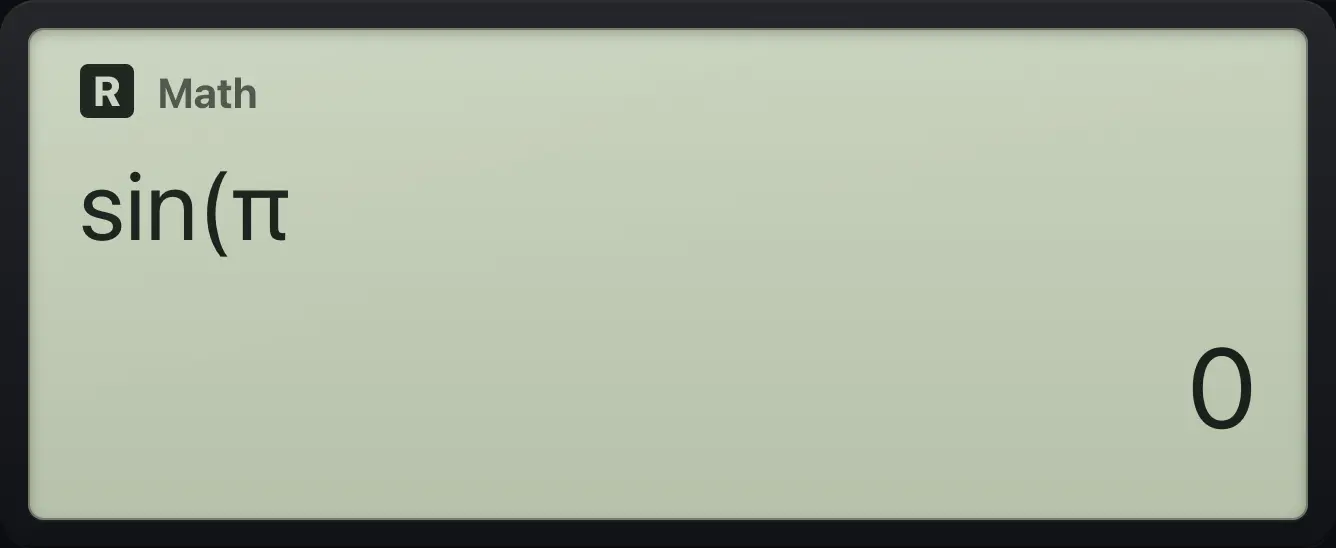
0Gradians
SETUP, 2, 3.
SHIFTSETUPMENU23sin 50 grad is √2/2.
sin50=
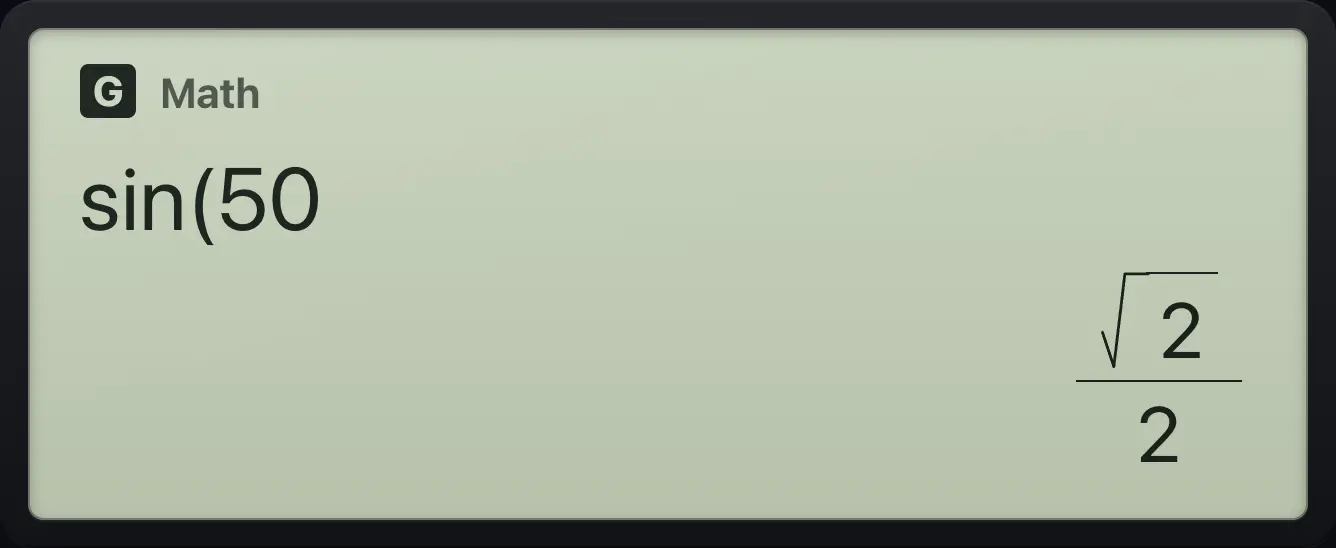
√2/2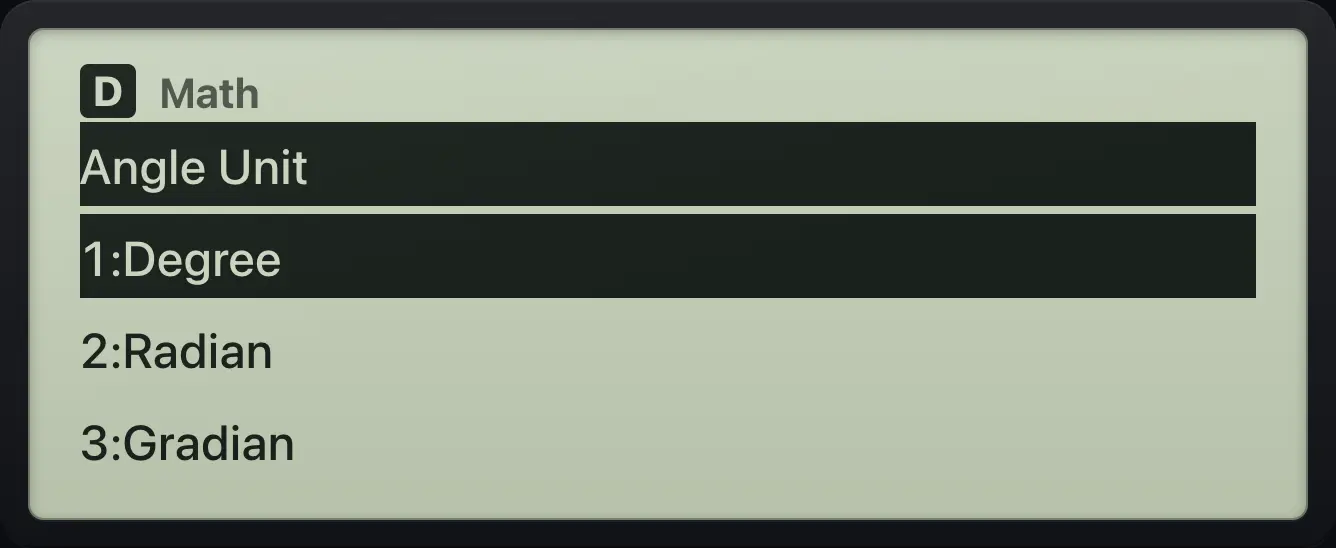
6.4Fix, Sci and Norm#
Fix shows a set number of decimal places. Sci shows a set number of significant digits in scientific notation. Norm 1 and Norm 2 switch to scientific notation for very large or small numbers (Norm 1 earlier than Norm 2). Fix and Sci round only the decimal form; an exact fraction is kept until you press S⇔D.
Fix 2
SETUP, 3 (Number Format), 1 (Fix), 2.
SHIFTSETUPMENU3121 ÷ 3, then S⇔D.
1÷3=S⇔D
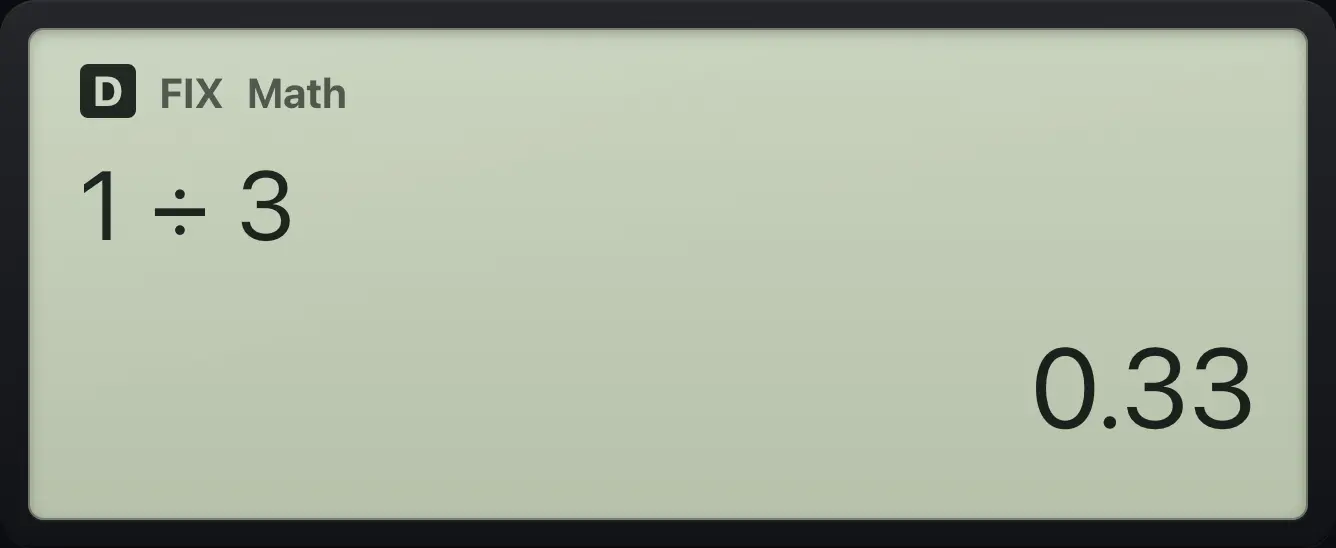
0.33Sci 3
SETUP, 3, 2 (Sci), 3.
SHIFTSETUPMENU323Calculate 12345.
12345=
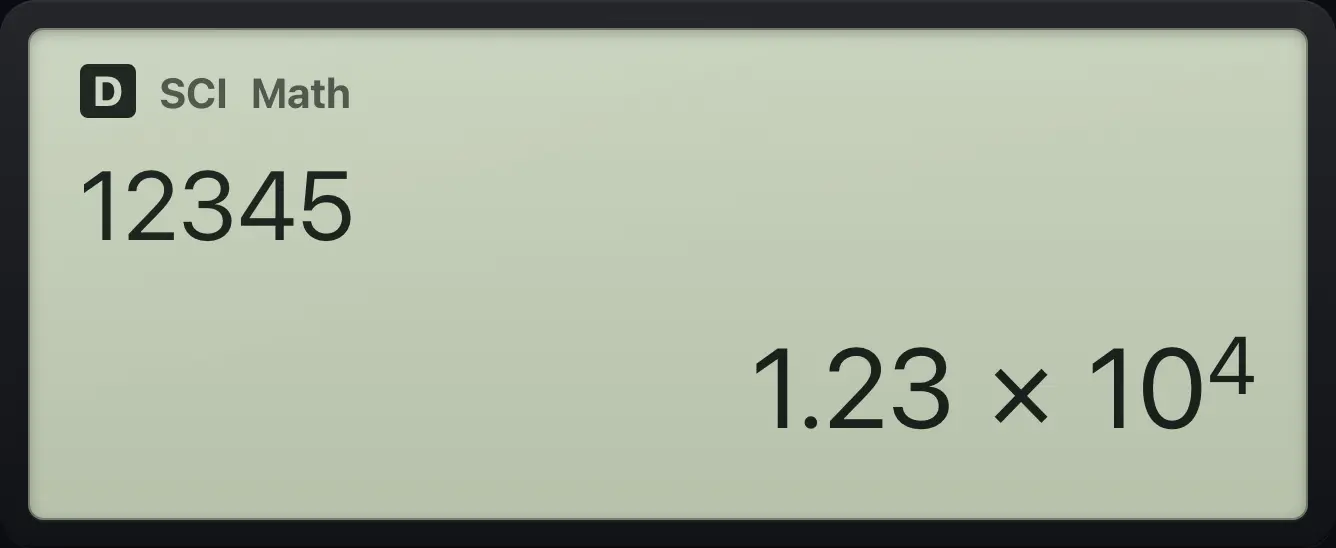
1.23×10^4Norm 2
SETUP, 3, 3 (Norm), 2.
SHIFTSETUPMENU3321 ÷ 1000, S⇔D.
1÷1000=S⇔D
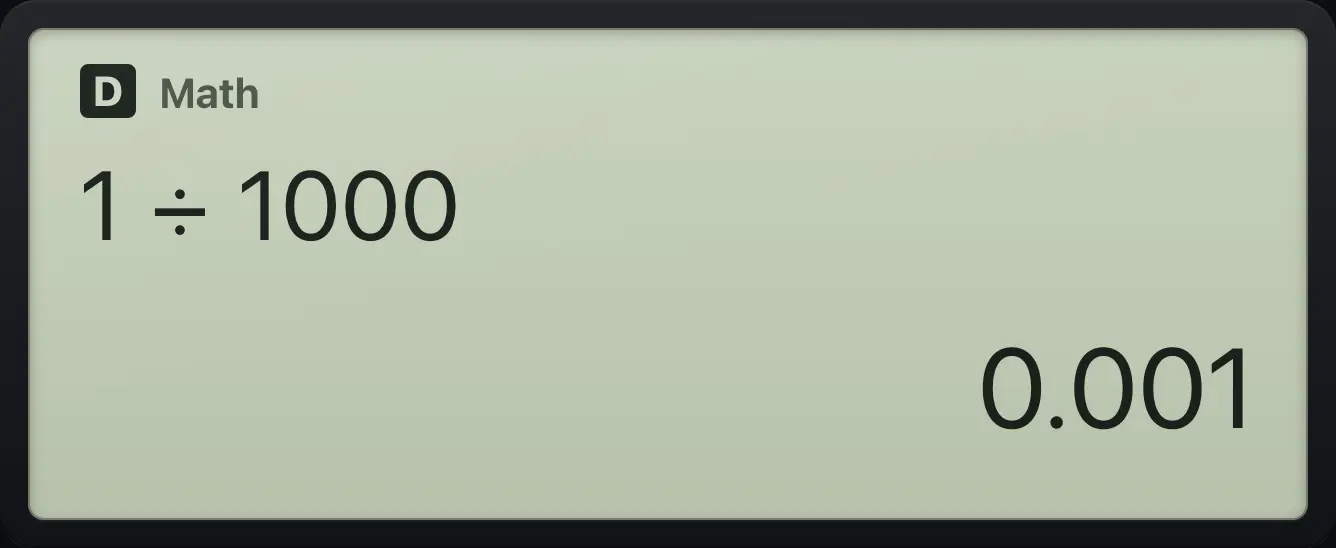
0.001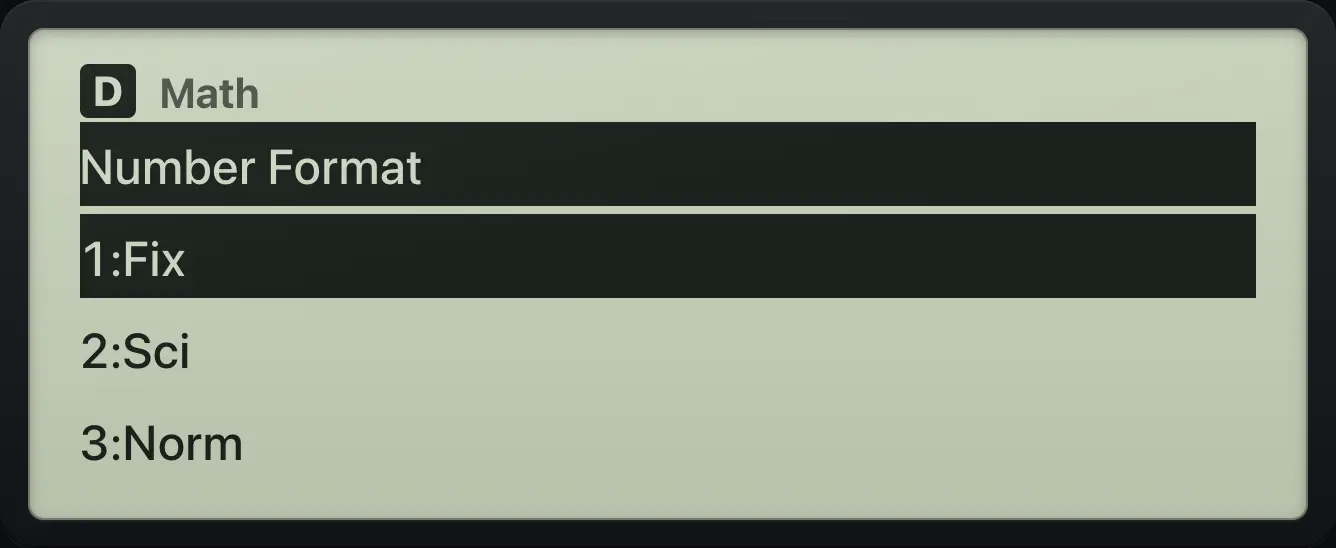
6.5Mixed or improper fractions#
Fraction Result chooses how answers larger than 1 are written: ab/c (mixed, 3 1/2) or d/c (improper, 7/2, the default).
Mixed fraction answers
SETUP, 4, 1 (ab/c).
SHIFTSETUPMENU41Type 7/2.
7/2▶=
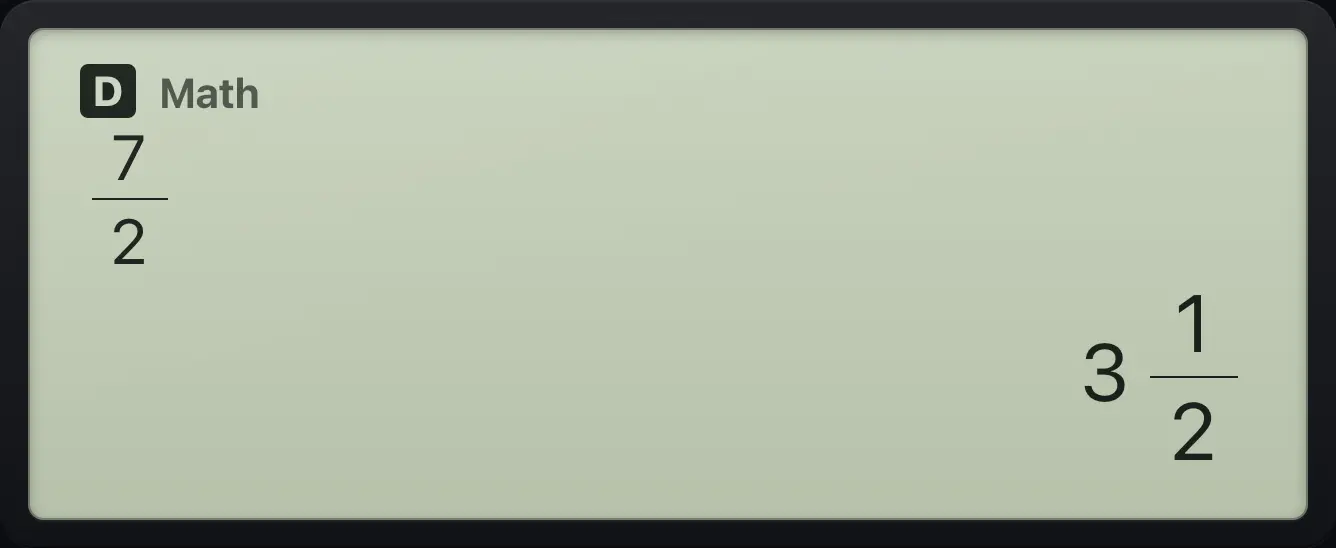
3 1/26.6Rectangular or polar complex results#
Complex chooses how complex answers in the Complex app are shown: a+bi (rectangular) or r∠θ (polar). See the Complex numbers chapter.
6.7Turn the statistics frequency column on or off#
With Frequency On the statistics editor gets a Freq column, so you can enter a repeated value once with a count. See the Statistics chapter.
6.8Reset settings to the defaults#
Press SHIFTRESET9 to open the reset menu. Choose 1 to restore the SETUP settings, 2 to clear all variables and Ans, or 3 to initialize everything including history.
Open the reset menu
SHIFT 9.
SHIFTRESET9
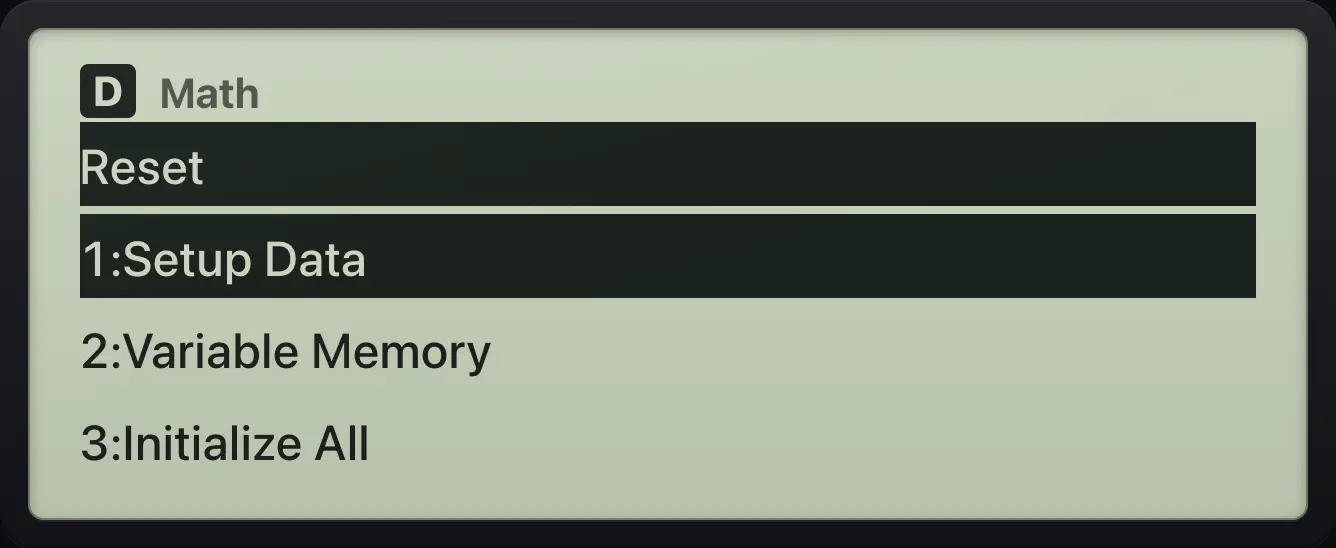
Reset 1:Setup Data 2:Variable Memory 3:Initialize Allfx-991EX ClassWiz is a trademark of Casio Computer Co., Ltd.. Trident Calculator is an independent product by South View Studios and is not affiliated with, sponsored by or endorsed by Casio. The name is used only to describe the kind of calculator this model resembles; Trident's names, keys, display, fonts and software are its own clean-room design.