
RPN Financial 12 manual · Chapter 8 of 16
Amortization
See how each block of loan payments splits into interest and principal, and what balance is left.
8.1What amortization shows#
Each loan payment pays the interest that has built up first. The rest of the payment reduces the amount you owe. Early payments are mostly interest. Late payments are mostly principal. fAMORTn (AMORT) shows this for any block of payments.
Set up the loan (n, i, PV, PMT as usual). Key in how many payments you want to look at, then press fAMORTn. Three numbers appear on the stack.
| Register | Shows |
|---|---|
| X | Interest paid in those payments |
| Y | Principal repaid in those payments |
| Z | The number of payments |
The amounts are shown as negative (money out). The PV register is updated to the balance after those payments, and n counts the payments made. Press AMORT again for the next block.
8.2The first year of a mortgage#
First set up the loan and calculate the payment. Then key in 12 and press AMORT.
Interest and principal in year one
Set up the loan and find the payment.
360n6g12÷i200000PV0FVPMTKey in 12 and press f, AMORT.
12fAMORTn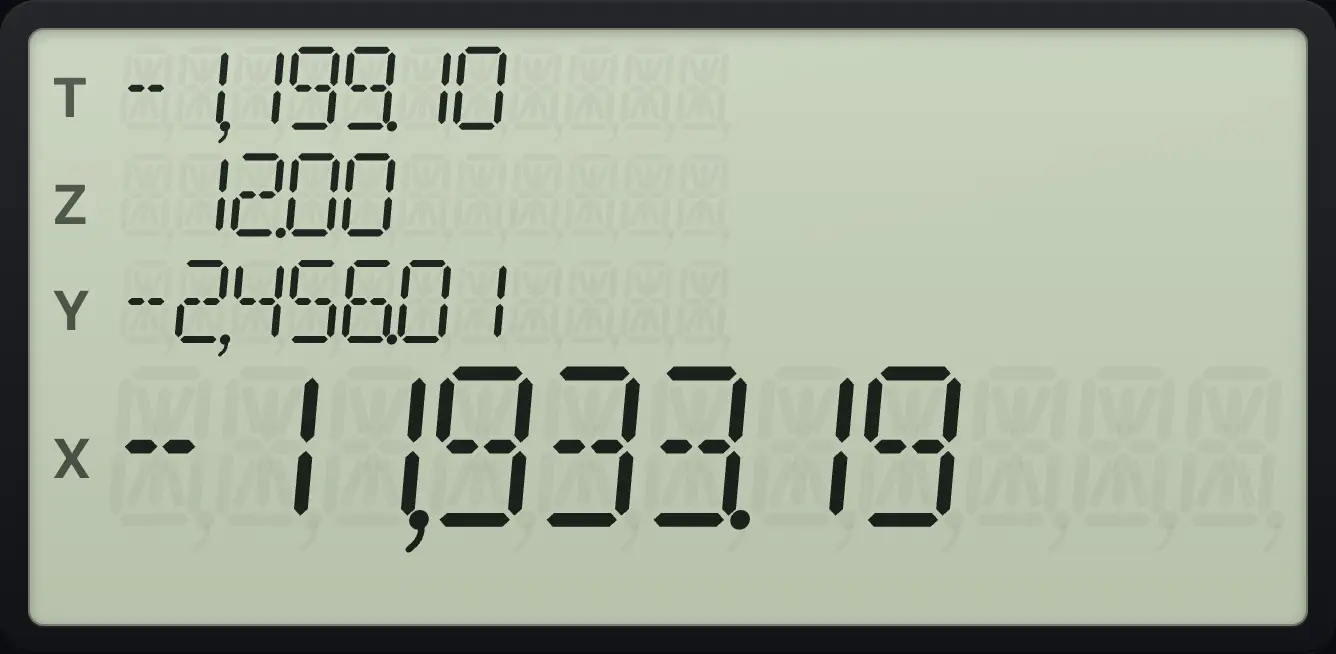
X = −11,933.19 interest, Y = −2,456.01 principal, Z = 12.00 payments.The balance after one year
Press RCL PV for the balance now owed.
360n6g12÷i200000PV0FVPMT12fAMORTnRCLPV
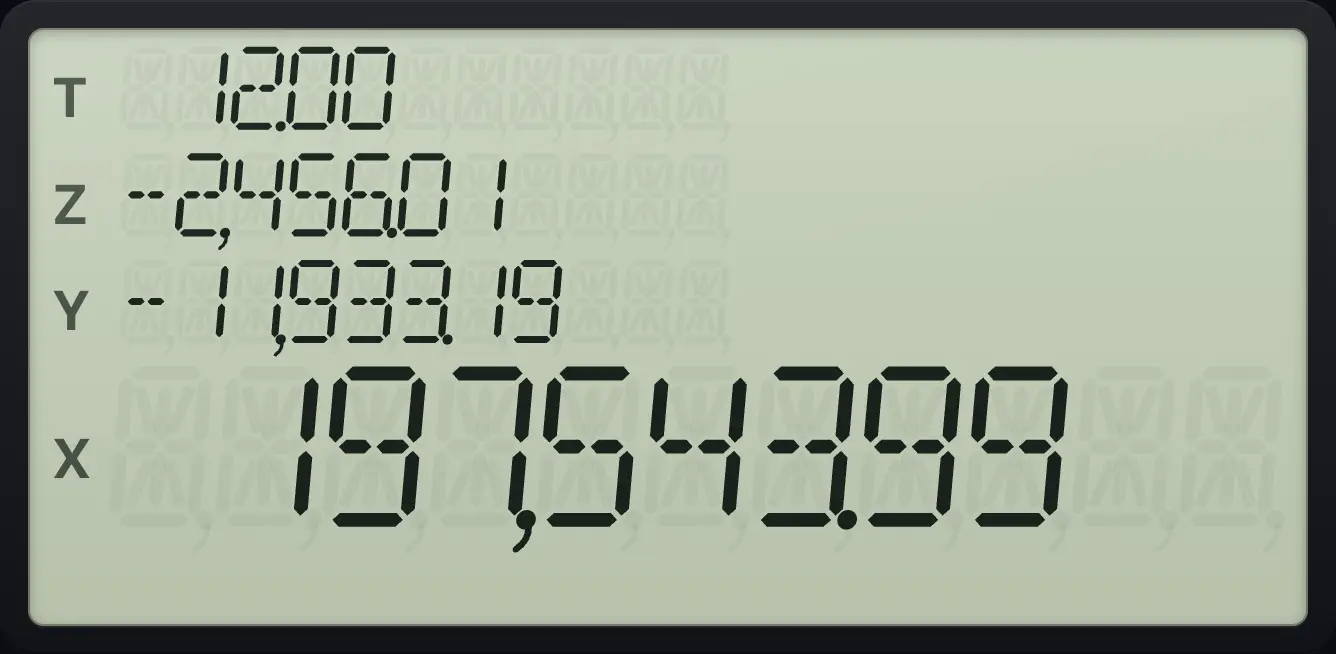
197,543.99Interest plus principal equals the payments made
Press + to add interest and principal.
360n6g12÷i200000PV0FVPMT12fAMORTn+
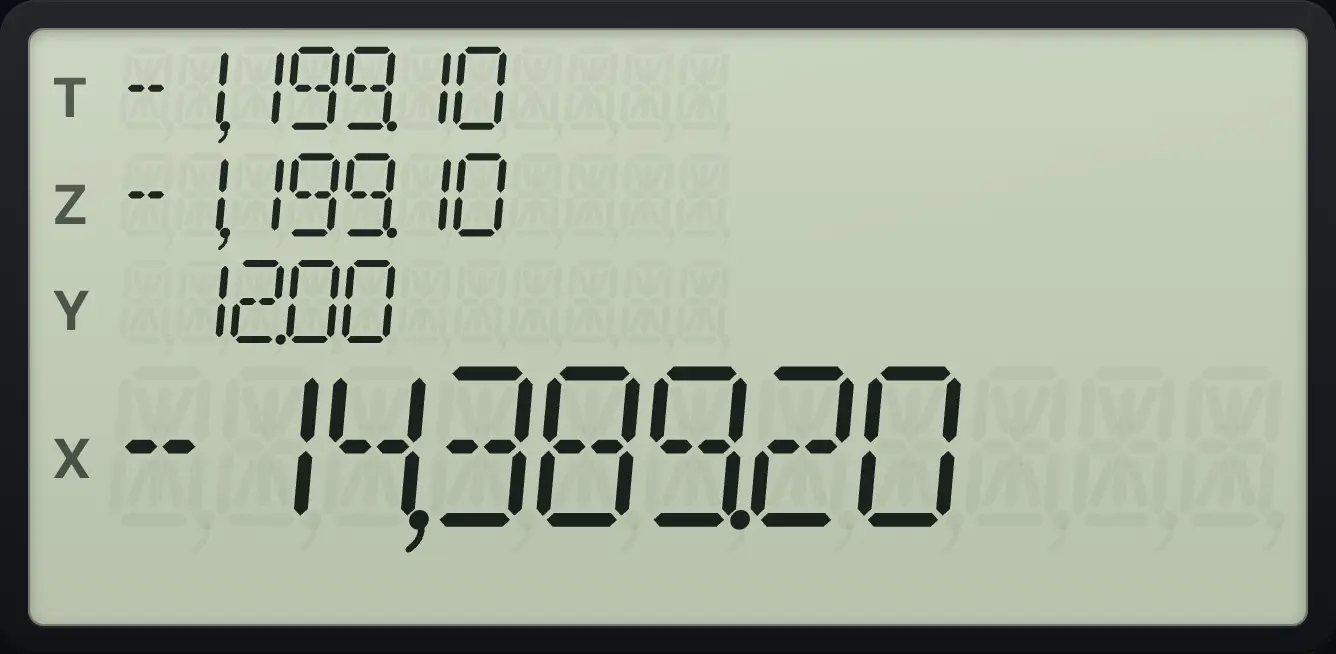
12 payments of 1,199.10, which is 14,389.20 (shown negative).8.3Continue with the next block#
Press AMORT again for the next block of payments. The schedule continues from the new balance.
The second year
After year one, key in 12 and press f, AMORT again.
360n6g12÷i200000PV0FVPMT12fAMORTn12fAMORTn
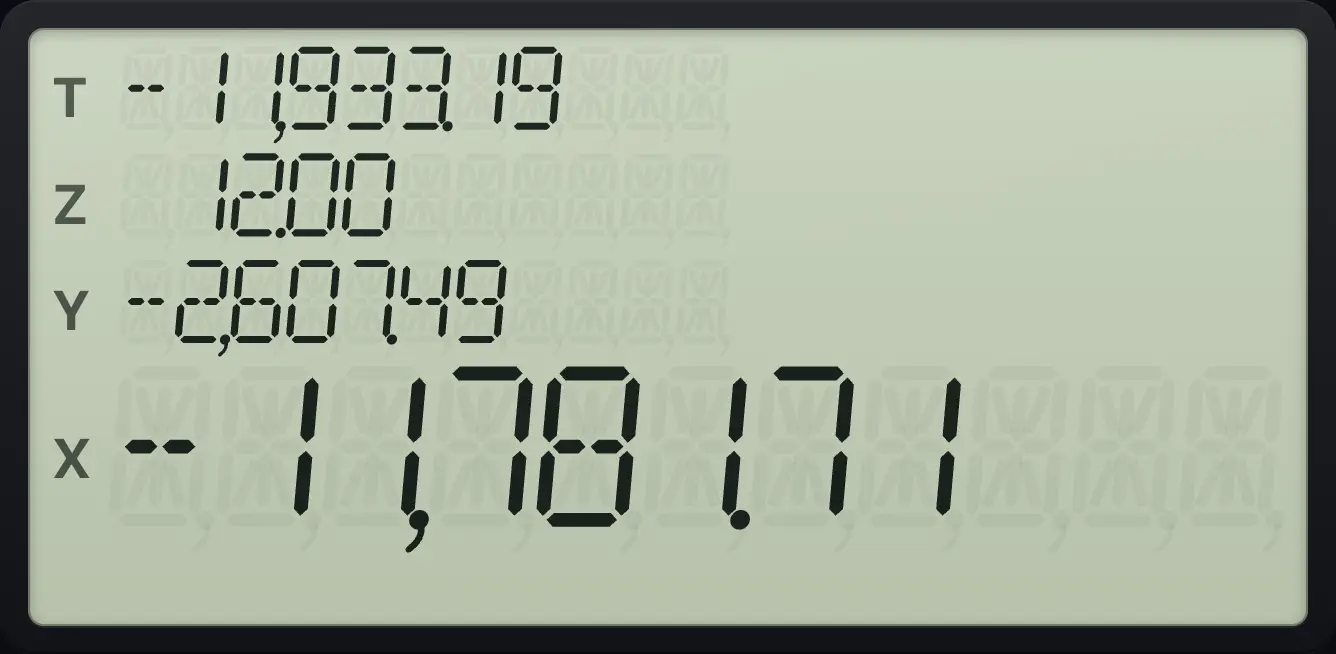
Less interest and more principal than in year one.A single payment
Key in 1 and press f, AMORT for the first payment alone.
360n6g12÷i200000PV0FVPMT1fAMORTn
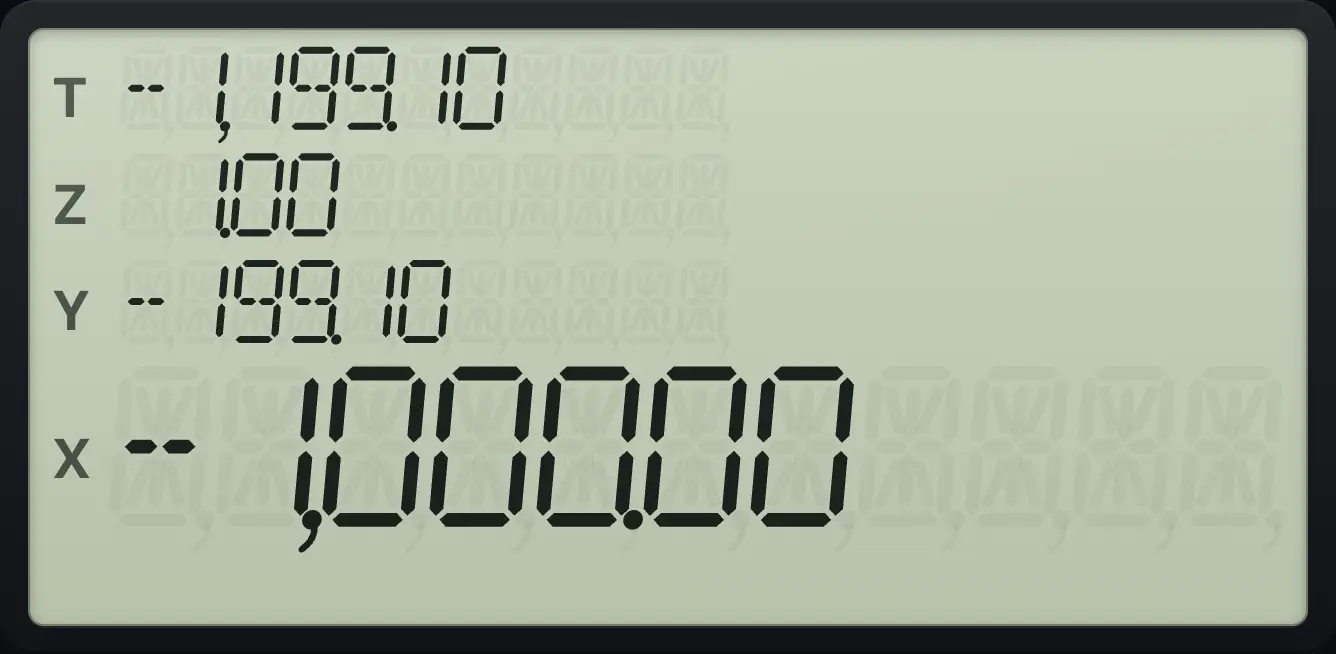
Interest 1,000.00 (0.5% of 200,000), principal 199.10.Start from payment number 0 to count payments
Press 0 n before AMORT so n counts the payments.
360n6g12÷i200000PV0FVPMT0n12fAMORTnRCLn
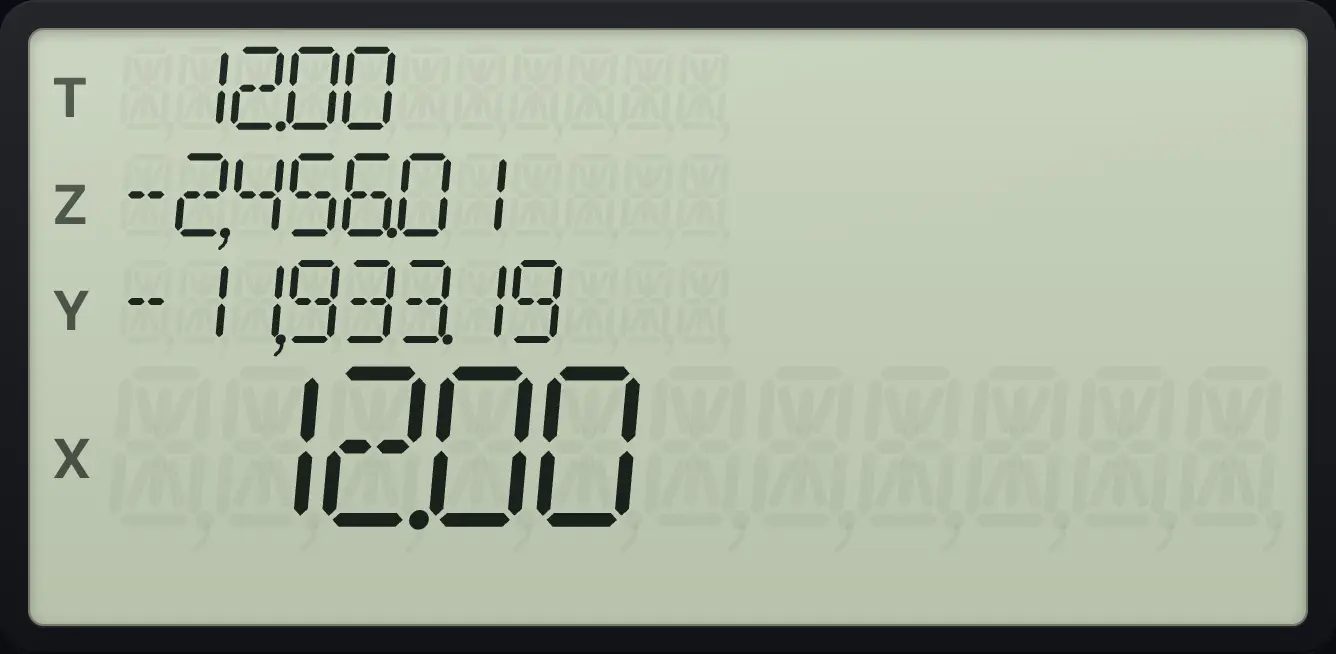
12.008.4Amortization with payments at the beginning#
In BEGIN mode the first payment is made at once, so it carries no interest. The first AMORT shows zero interest and the whole payment as principal.
First payment in BEGIN mode
BEG, 12 n, 1 i, 1000 PV, 0 FV, PMT, then 1 AMORT.
gBEG712n1i1000PV0FVPMT1fAMORTn
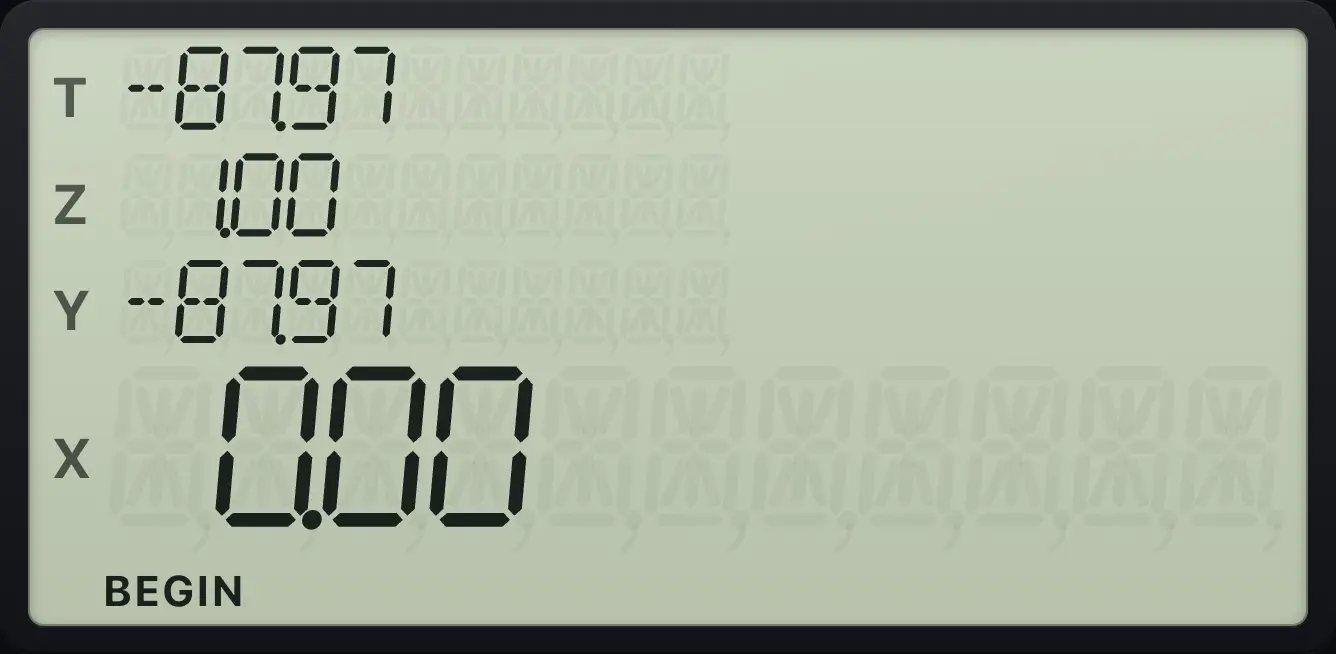
0.00 -87.978.5Amortization errors#
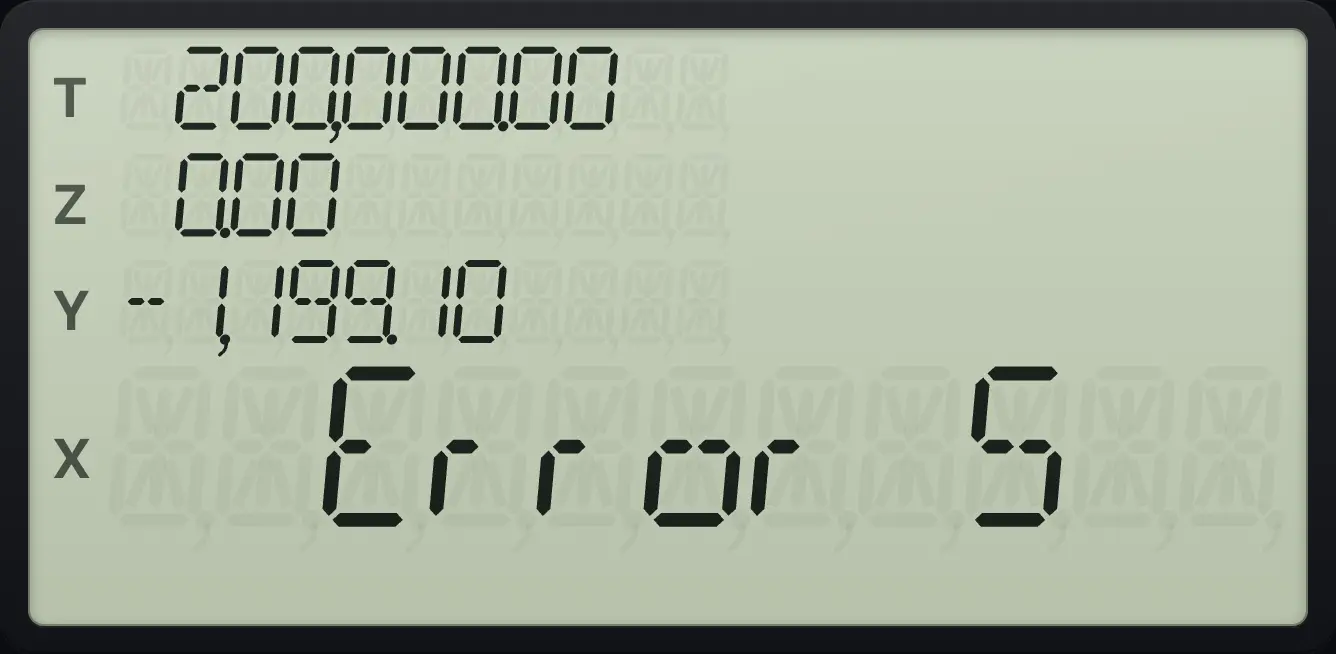
The number of payments must be a whole number. Anything else gives Error 5.
A part payment is an error
Key in 1.5 and press f, AMORT.
360n6g12÷i200000PV0FVPMT1.5fAMORTn
Error 5HP 12C is a trademark of HP Inc.. Trident Calculator is an independent product by South View Studios and is not affiliated with, sponsored by or endorsed by HP. The name is used only to describe the kind of calculator this model resembles; Trident's names, keys, display, fonts and software are its own clean-room design.