
RPN Financial 12 manual · Chapter 6 of 16
Storage registers
The 20 storage registers, STO and RCL, register arithmetic and the financial registers, clearing memory and checking memory use.
6.1What the storage registers are#
Besides the stack, there are 20 storage registers: R0 to R9 and R.0 to R.9 (press the point, then the digit). Use them for numbers you want to keep. The financial registers n, i, PV, PMT and FV are five more places, which you reach with STO or RCL and the key itself.
6.2Store a value in a register and bring it back#
Press STO and then a register: a digit, or the point and a digit. X is copied into the register and stays as it is. Press RCL and the register to bring a copy back into X. Recalling lifts the stack, like typing a number.
Store and recall
Key in 5, press STO 1, key in 9, then RCL 1.
5STO19RCL1
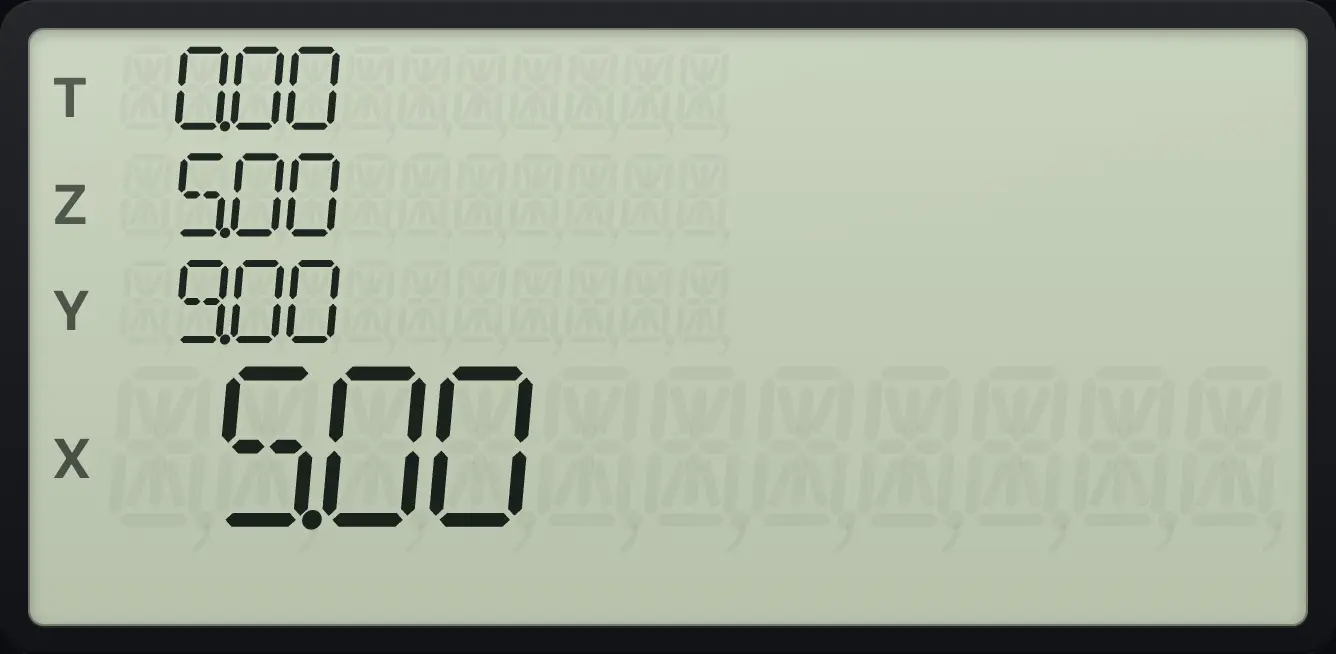
X = 5 (recalled), Y = 9.Use a point register
Key in 7, press STO . 5, key in 0, then RCL . 5.
7STO.50RCL.5
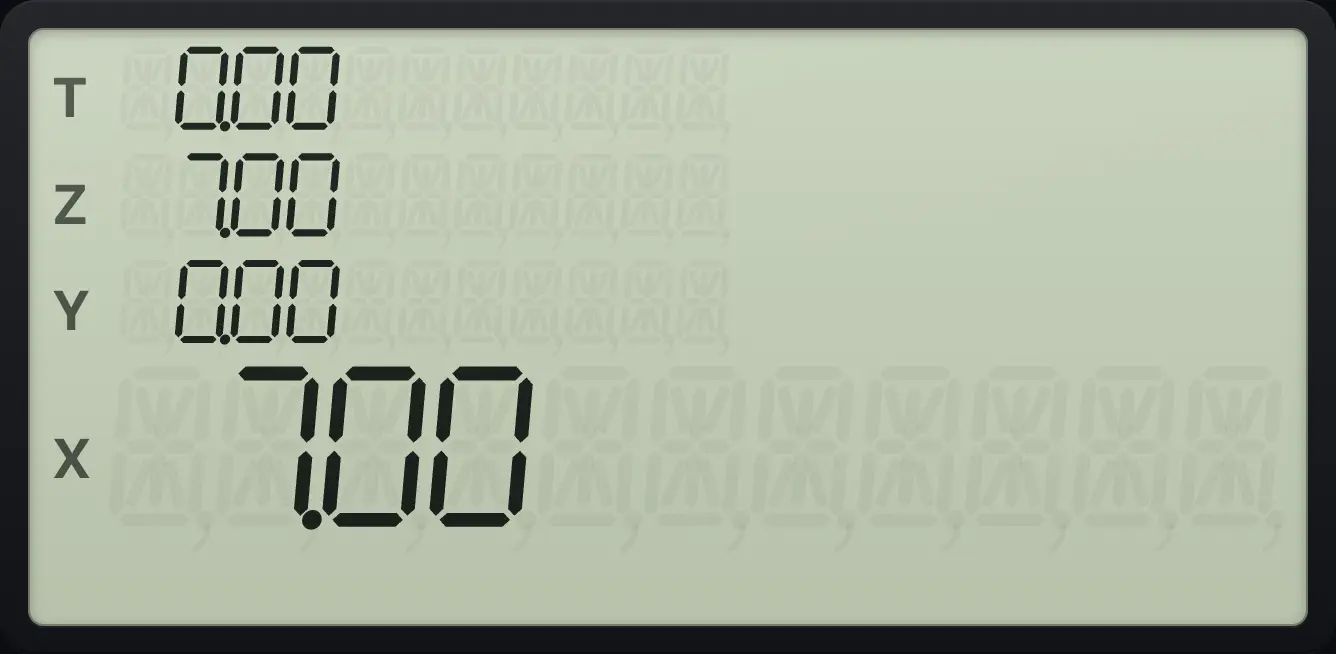
7.00- X = 5
- STO 1
- R1 = 5
- RCL 1
- X = 5
6.3Do arithmetic in a register#
After STO you can press +, −, × or ÷ and then the register. The register is updated with its own value combined with X. X does not change.
| Keys | Effect |
|---|---|
| STO + n | |
| STO − n | |
| STO × n | |
| STO ÷ n |
Add to a register: STO +
Store 5 in R1. Key in 3, press STO + 1 and recall R1.
5STO13STO+1RCL1
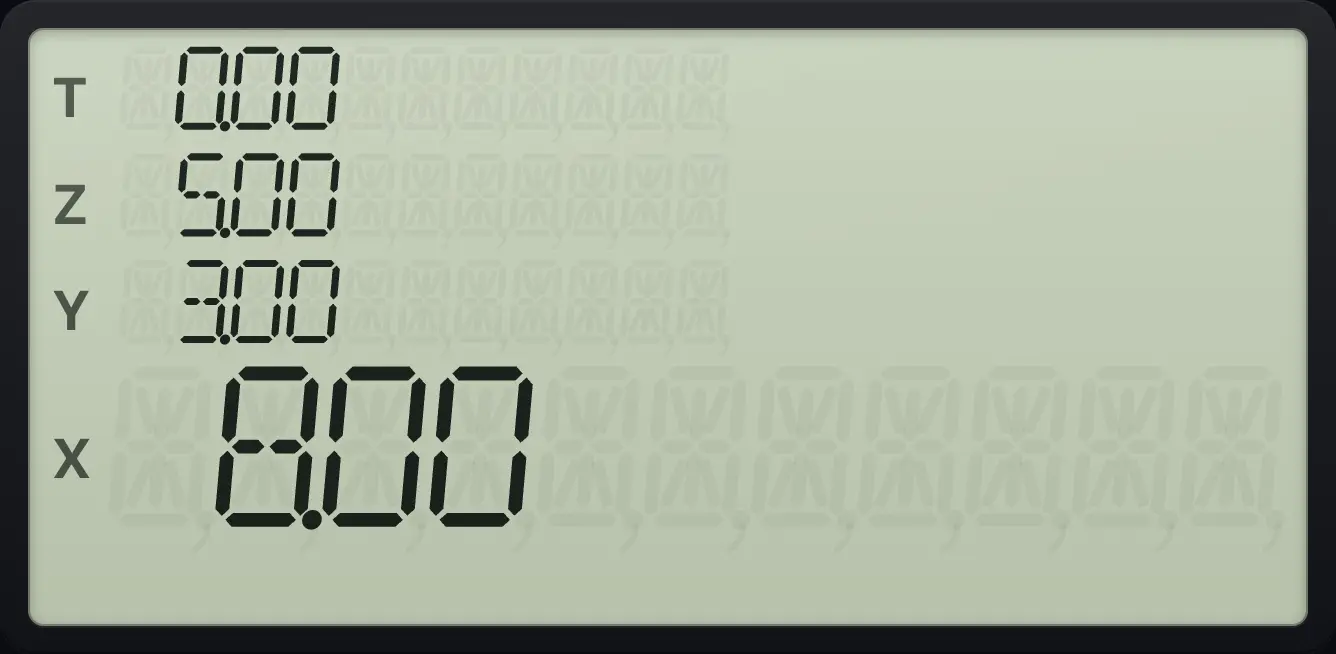
8.00Subtract from a register: STO −
Store 5 in R1. Key in 3, press STO − 1 and recall R1.
5STO13STO−1RCL1
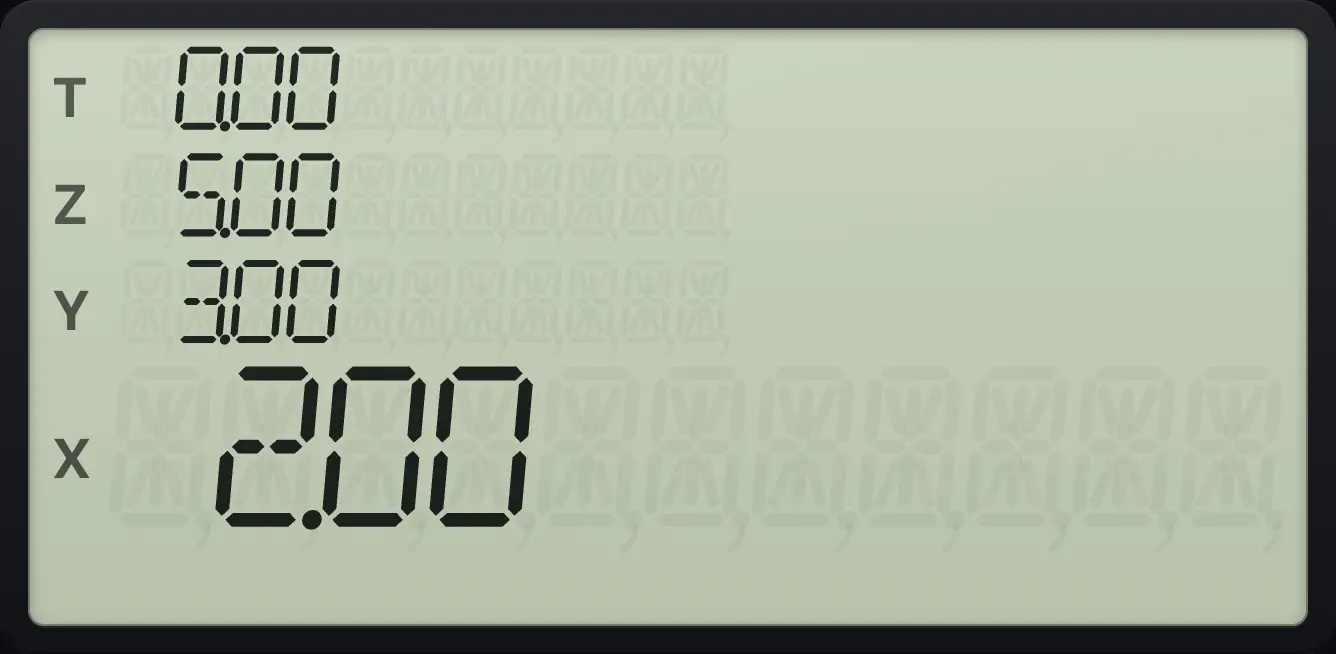
2.00Multiply a register: STO ×
Store 5 in R1. Key in 3, press STO × 1 and recall R1.
5STO13STO×1RCL1
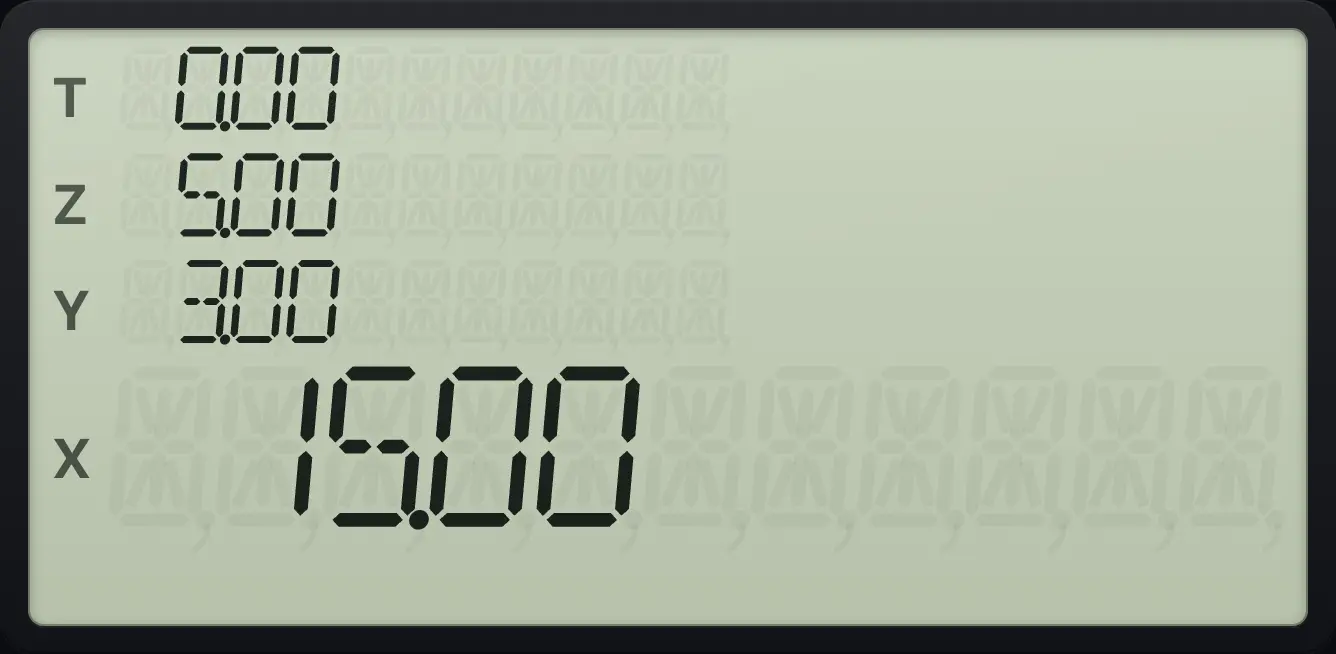
15.00Divide a register: STO ÷
Store 6 in R1. Key in 3, press STO ÷ 1 and recall R1.
6STO13STO÷1RCL1
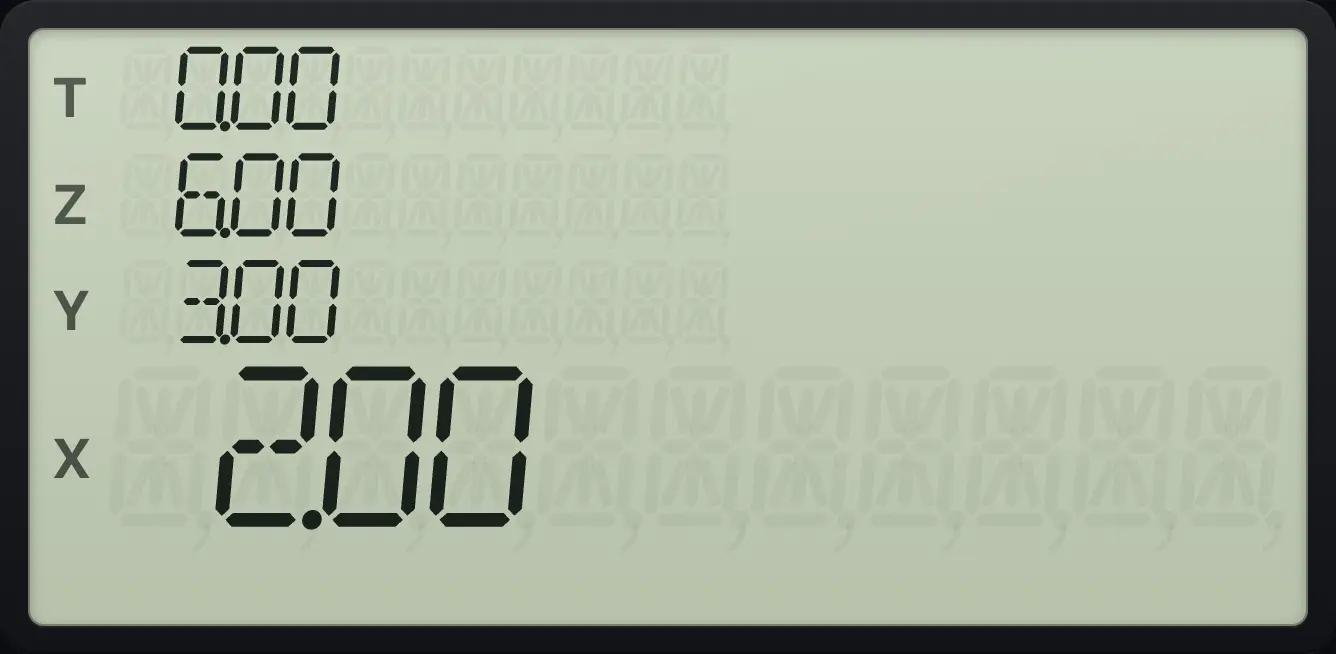
2.00Only STO has register arithmetic on this model. RCL simply recalls.
6.4Recall and store the financial registers#
You can recall any financial value with RCL and the key: for example RCL PMT puts the payment in X. And STO with a financial key stores X there without any calculation.
Recall the payment
Solve a loan payment, then clear X and recall PMT.
360n6g12÷i200000PV0FVPMT0RCLPMT
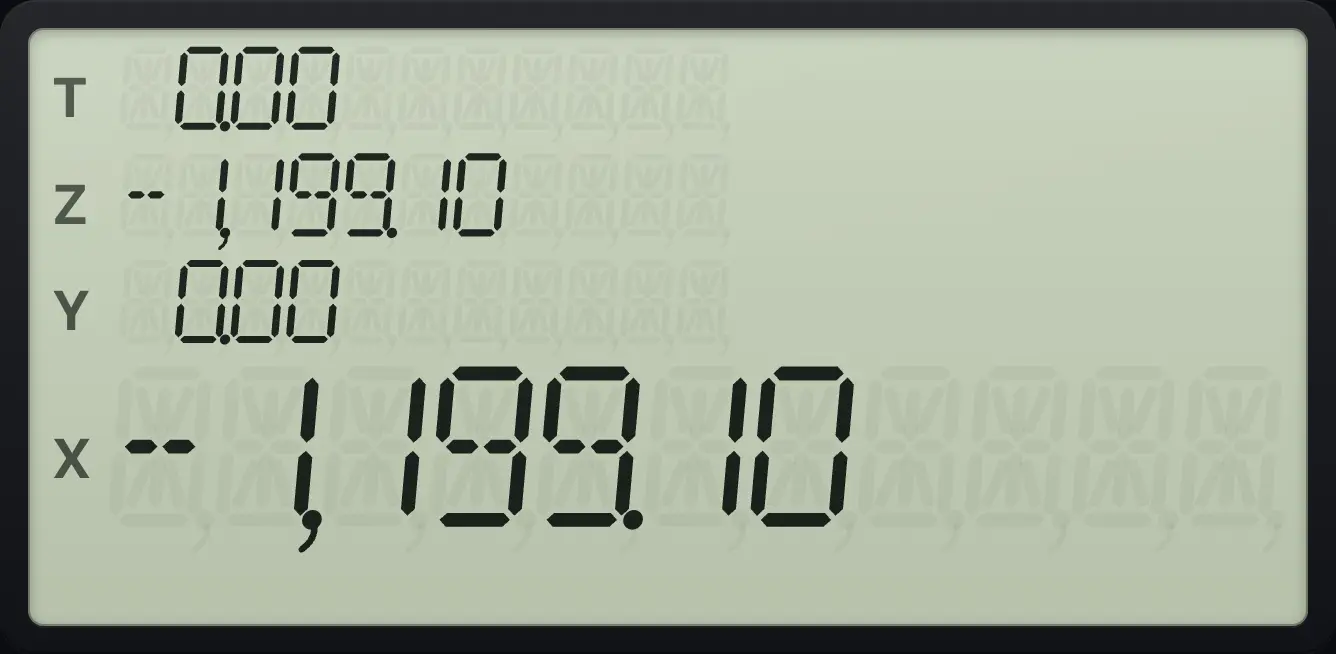
-1,199.106.5Clear the registers#
| To clear | Press |
|---|---|
| The number in X | CLx |
| Statistics registers R1 to R6 and the stack | fΣSST (CLEAR Σ) |
| The financial registers n, i, PV, PMT, FV | fFINx⇄y (CLEAR FIN) |
| All storage registers, the financial registers and the stack | fREGCLx (CLEAR REG) |
| Program memory (in program mode) | fPRGMR↓ (CLEAR PRGM) |
Clear all registers
Store 4 in R1, press f, CLEAR REG, then recall R1.
4STO1fREGCLxRCL1
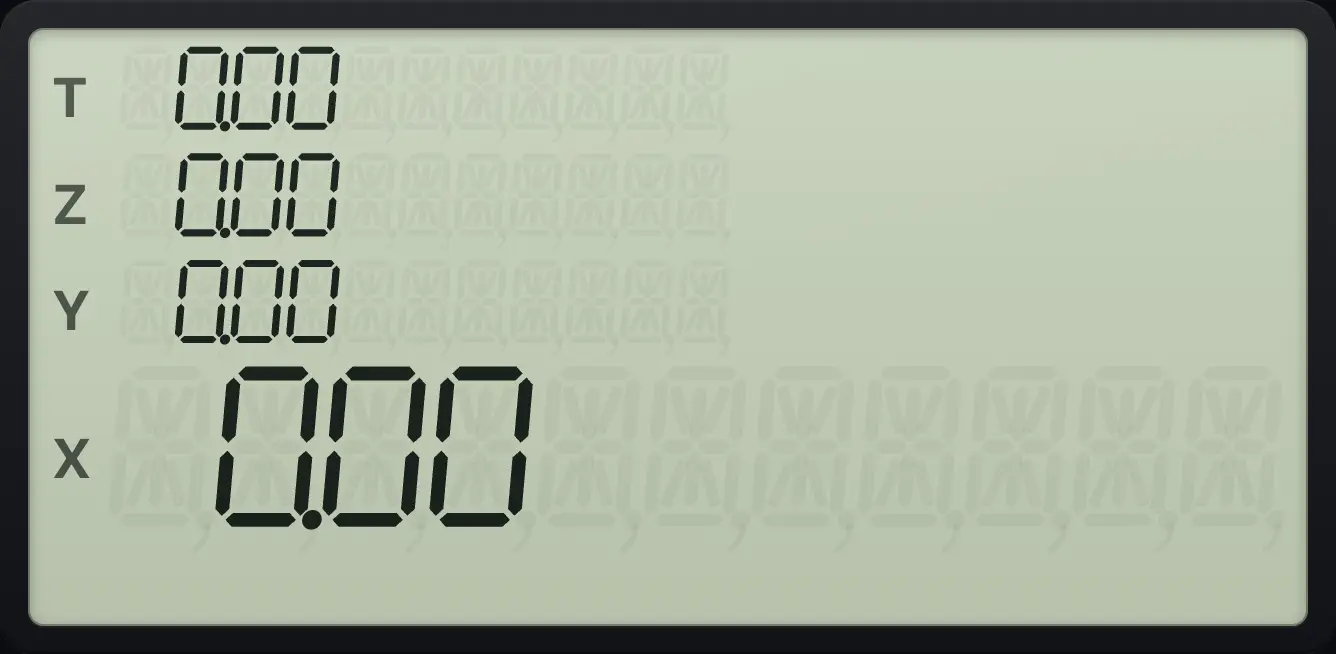
0.006.6Check program memory#
gMEM9 (MEM) shows the program lines used and the registers available, in the form P-nn r-20.
Check memory
Press g, MEM on a fresh calculator.
gMEM9
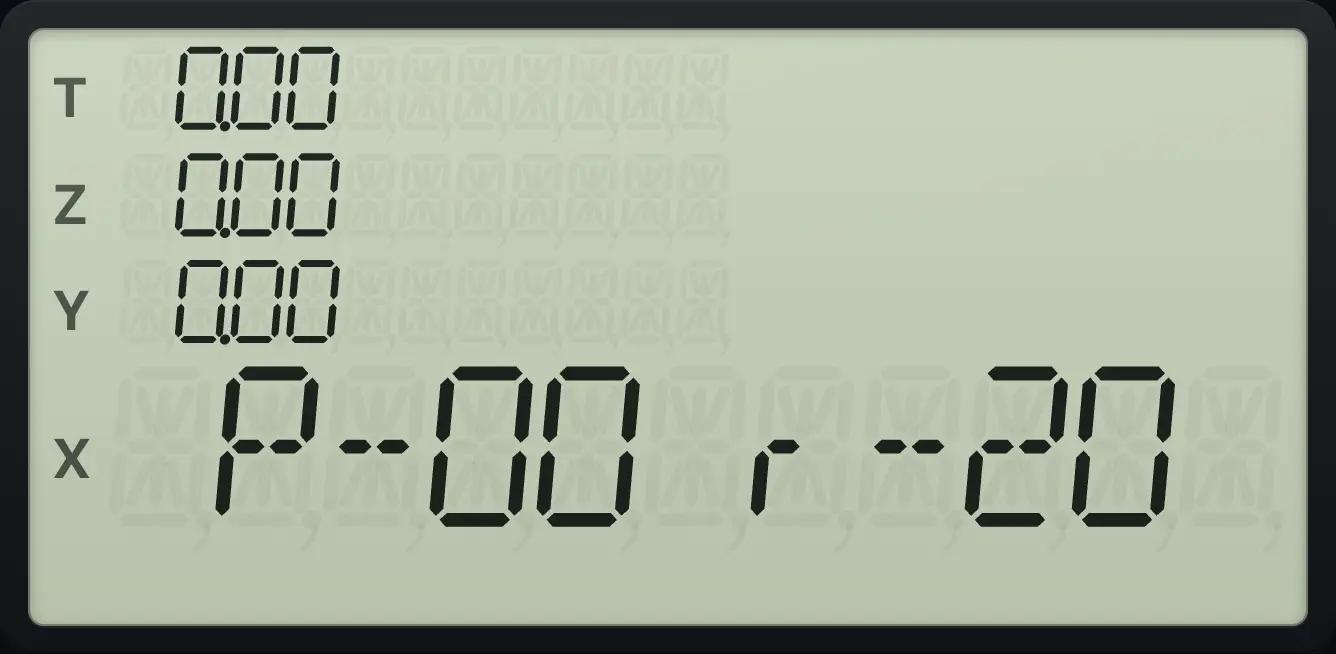
P-00 r-20HP 12C is a trademark of HP Inc.. Trident Calculator is an independent product by South View Studios and is not affiliated with, sponsored by or endorsed by HP. The name is used only to describe the kind of calculator this model resembles; Trident's names, keys, display, fonts and software are its own clean-room design.