
RPN Financial 12 manual · Chapter 15 of 16
Error messages
Every error the calculator can show, what it means and how to fix it.
15.1Clear an error#
When something goes wrong the display shows Error and a number. Press any key to clear it. That key is only used to clear the message, so press it again if you also wanted it to act. The stack keeps the values it had before the error.
Divide by zero
Key in 0 and press 1/x.
01/x
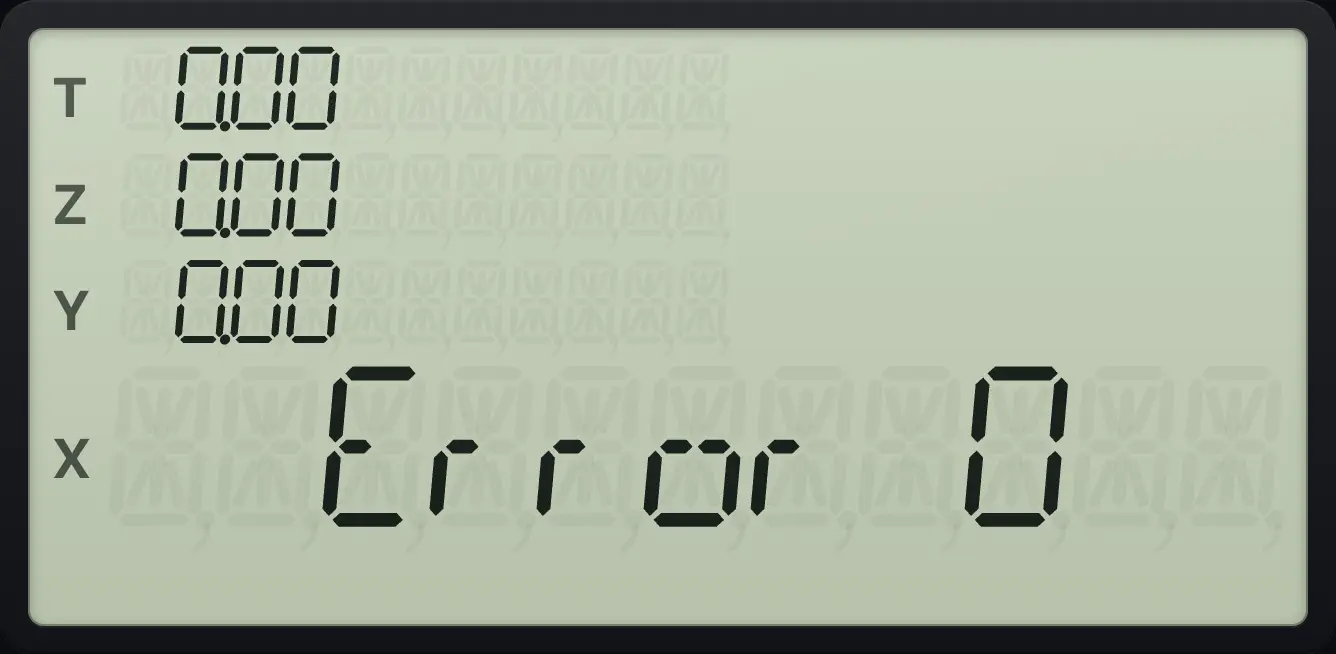
Error 0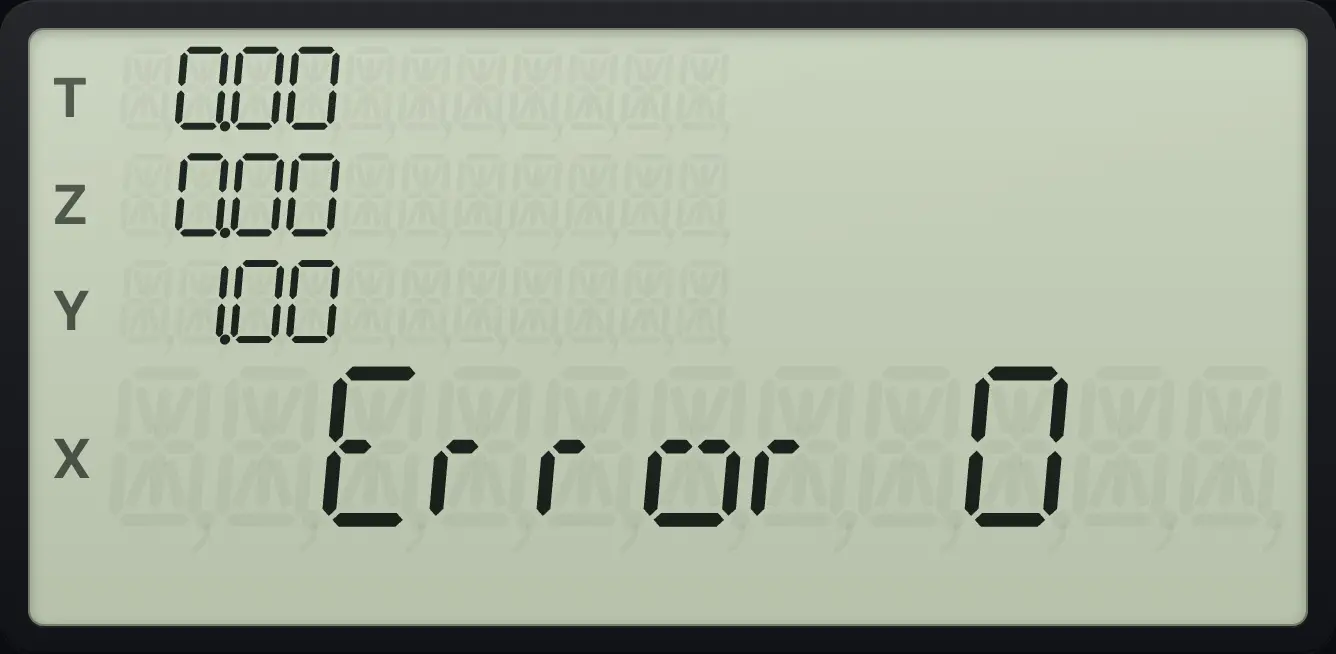
15.2All error numbers#
| Message | What it means | How to fix |
|---|---|---|
| Error 0 | An improper math operation: division by zero, square root of a negative number, logarithm of zero or less, a negative base with a fractional power, a negative factorial, or Δ% and %T with a base of zero. | Check the numbers in X and Y. Press gLSTxENTER (LSTx) to recover the number you used. |
| Error 2 | A statistics error: no data for the mean, fewer than two points for a standard deviation or fitted line, or all x values equal. | Enter more data with Σ+. Clear with CLEAR Σ and start again if the data is wrong. |
| Error 3 | IRR could not settle on a rate, or a register number was out of range. | Check the cash flows. Try fewer or simpler flows. |
| Error 4 | A program problem: memory is full (99 lines) or GTO names a line that does not exist. | Check the line number. Clear the program and record a shorter one. |
| Error 5 | No solution for the financial problem: an unsolvable TVM equation, a rate of −100% or less, AMORT with a part payment, a depreciation year of 0 or a life of 0, or a bond yield that cannot be found. | Check the signs of PV, PMT and FV, and that the values make sense (a payment that can never repay the loan). |
| Error 6 | A cash-flow problem: more than 20 flows, or a bad Nj. | Use no more than CF₀ and 19 CFj. Nj must be a whole number from 1 to 99. |
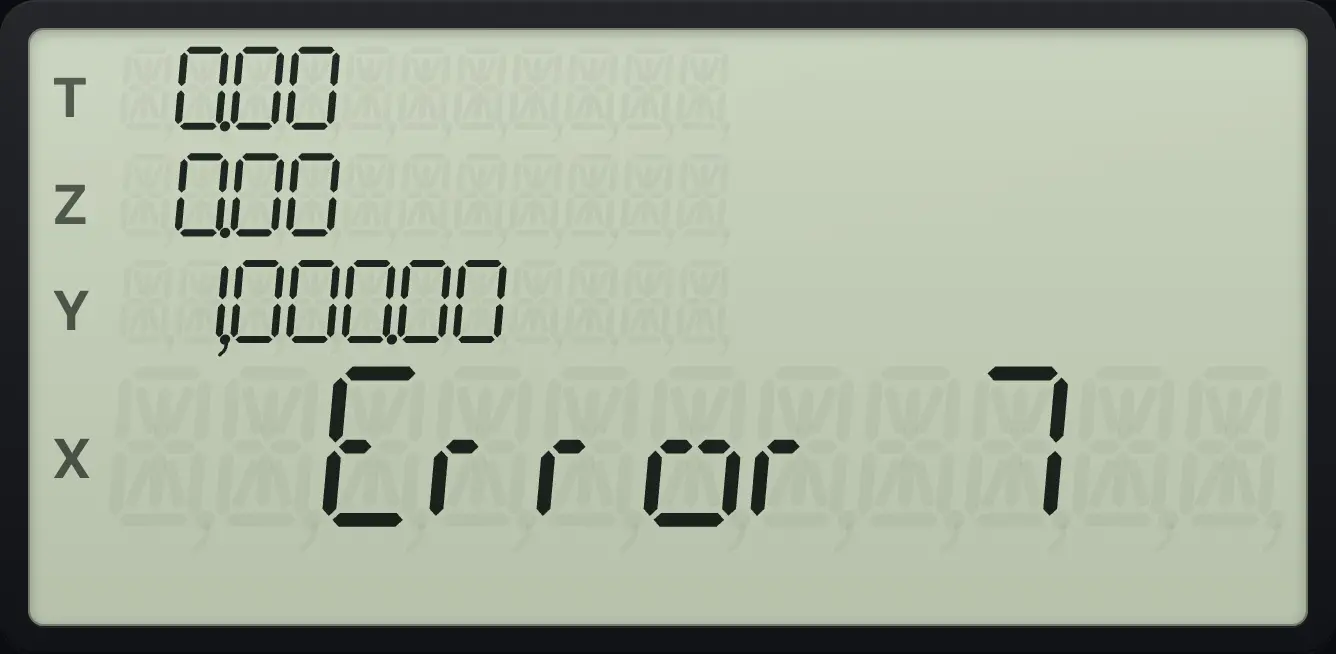
| Error 7 | IRR needs at least one positive and one negative cash flow. | Check the signs of the flows. |
| Error 8 | An invalid date, or a bond maturity not after settlement. | Check the date format (M.DY or D.MY) and that the date exists. |
Standard deviation with one point
Enter a single point and press g, s.
1Σ+gs.
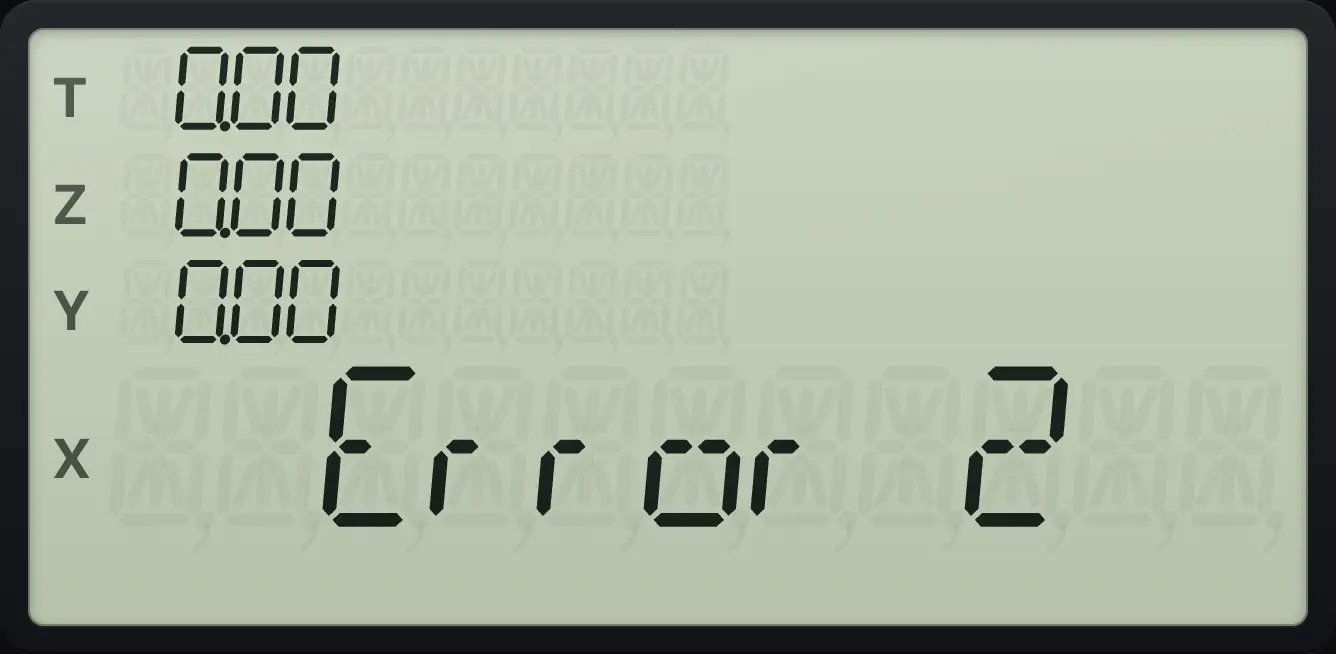
Error 2No solution for the payment problem
Pay nothing, never repay: i cannot be found.
10n5i100PV0PMT100FVi
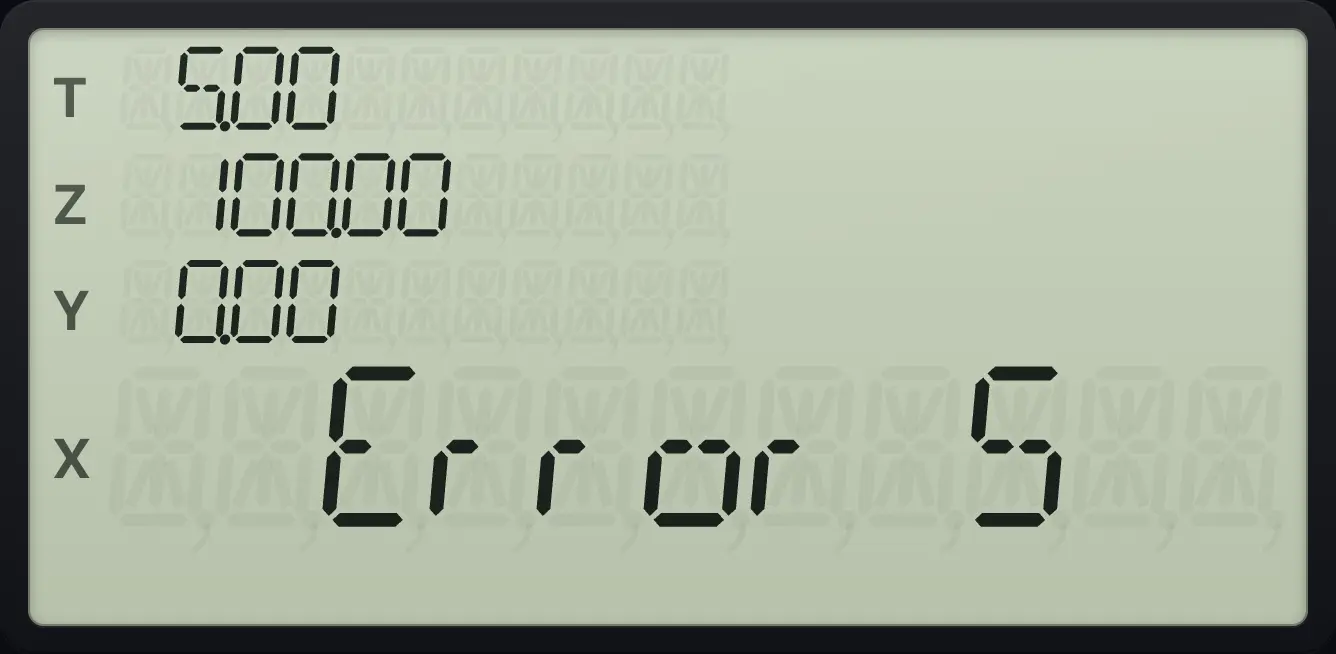
Error 5Wrong sign convention hides the answer
If PV and FV have the same sign and PMT is 0, the rate cannot be found.
10n5i100CHSPV0PMT100CHSFVi
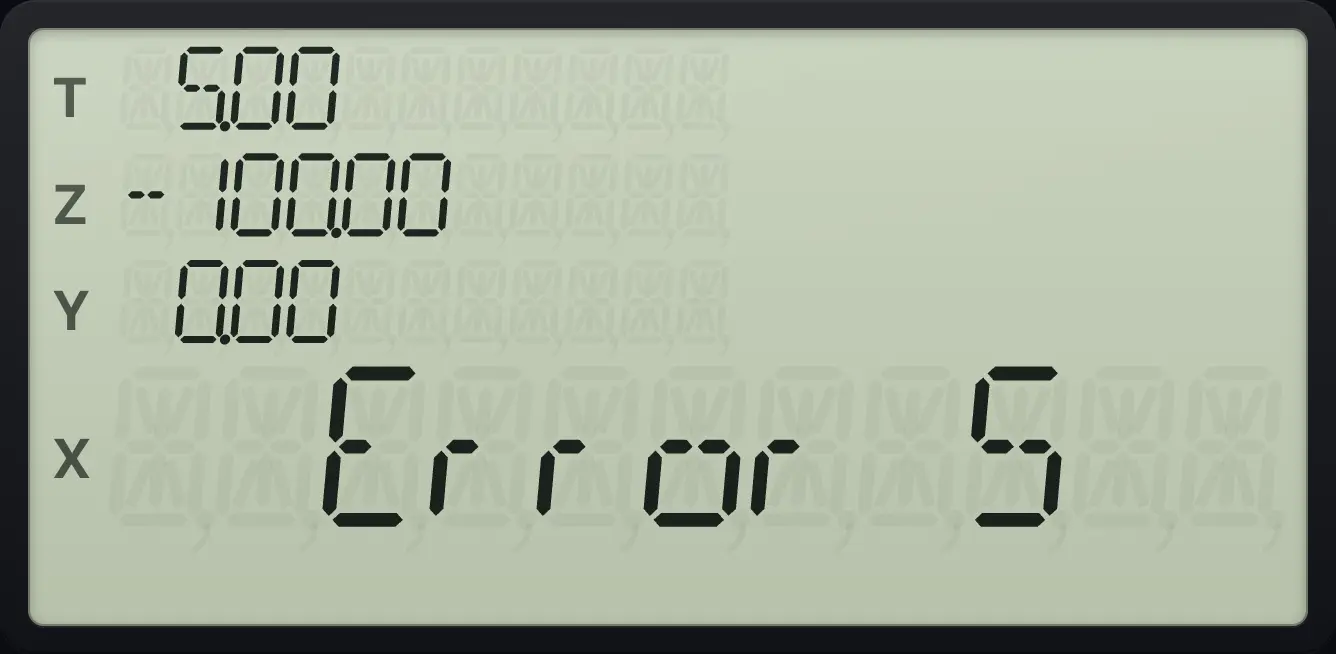
Error 5IRR without a sign change
Only positive flows.
1000gCF₀PV500gCFjPMTfIRRFV
Error 7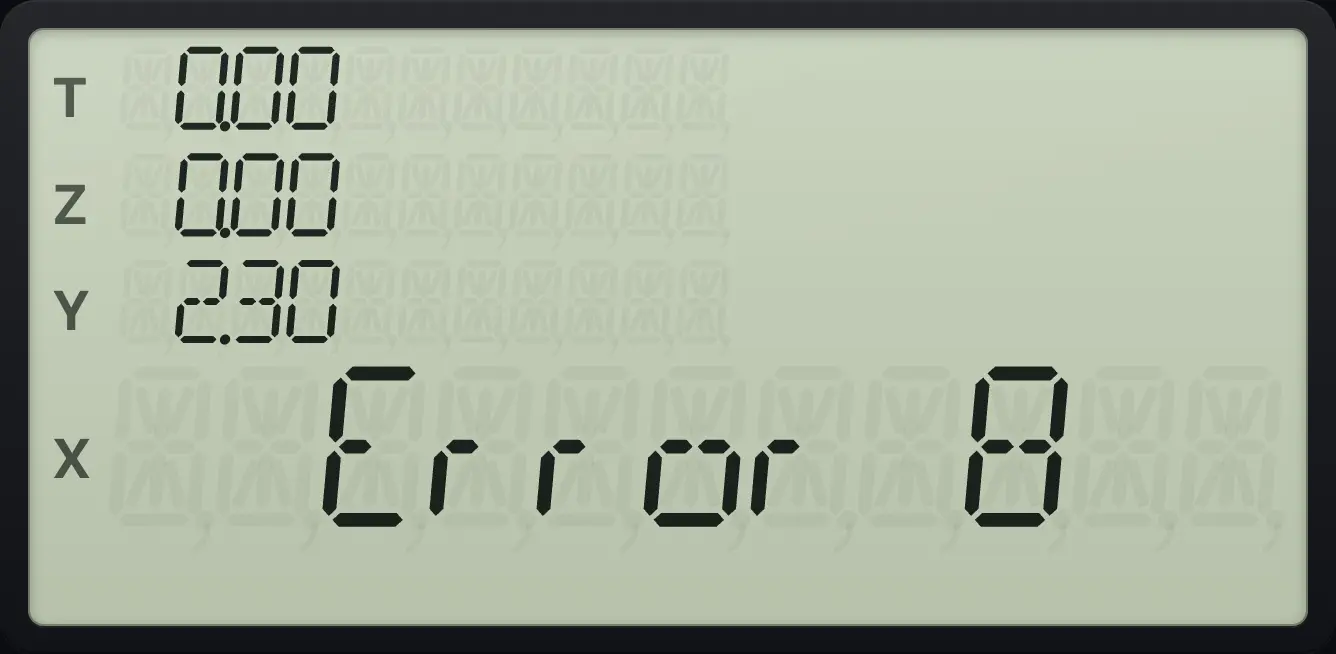
HP 12C is a trademark of HP Inc.. Trident Calculator is an independent product by South View Studios and is not affiliated with, sponsored by or endorsed by HP. The name is used only to describe the kind of calculator this model resembles; Trident's names, keys, display, fonts and software are its own clean-room design.