
RPN Financial 12 manual · Chapter 12 of 16
Dates
Key in dates in month-first or day-first form, find the number of days between two dates, and add days to a date.
12.1How to key in a date#
Dates are typed as a number with the day and month before the point or after it. In month-first format (the default, M.DY) write the month, a point, the two-digit day and the four-digit year: 15 June 2026 is 6.152026. In day-first format (D.MY) write the day, a point, the two-digit month and the year: 15.062026.
Valid dates run from 15 October 1582 to the year 4046. An impossible date such as 30 February gives Error 8.
See also Display format and settings: Choose the date format
12.2Find the days between two dates#
Key in the earlier date, press ENTER, key in the later date, and press gΔDYSEEX (ΔDYS). X shows the actual number of days. Y shows the number of days on a 30/360 basis (twelve 30-day months). Press x⇄y to see Y.
Days from 15 June 2026 to 25 December 2026
Key in 6.152026, ENTER, 12.252026 and press g, ΔDYS.
6.152026ENTER12.252026gΔDYSEEX
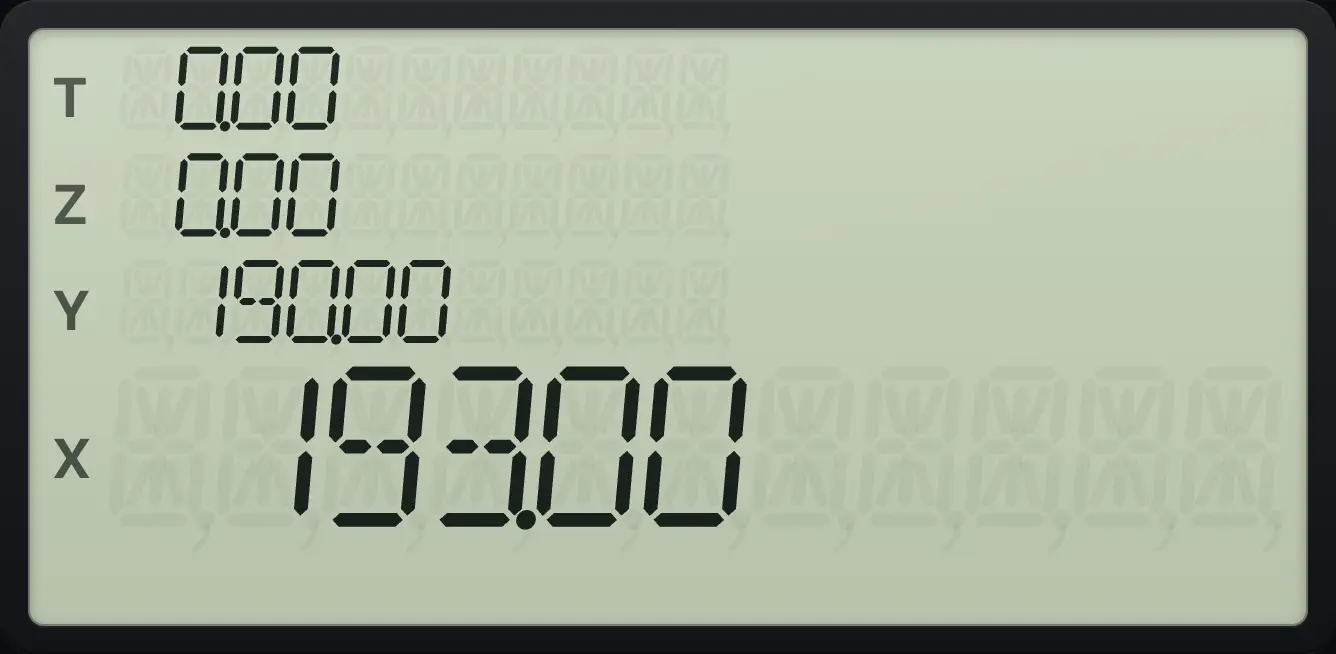
193.00The 30/360 count of the same period
Press x⇄y.
6.152026ENTER12.252026gΔDYSEEXx⇄y
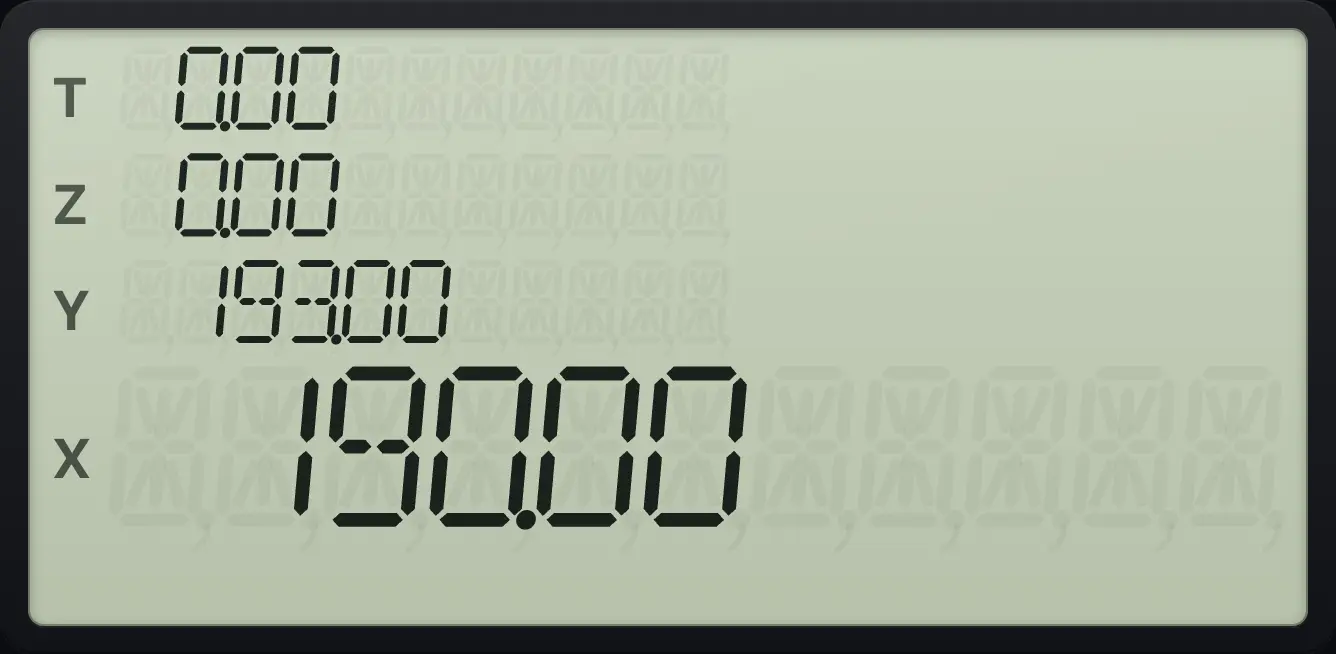
190.00A non-leap year
1 Jan 2025 to 1 Jan 2026.
1.012025ENTER1.012026gΔDYSEEX
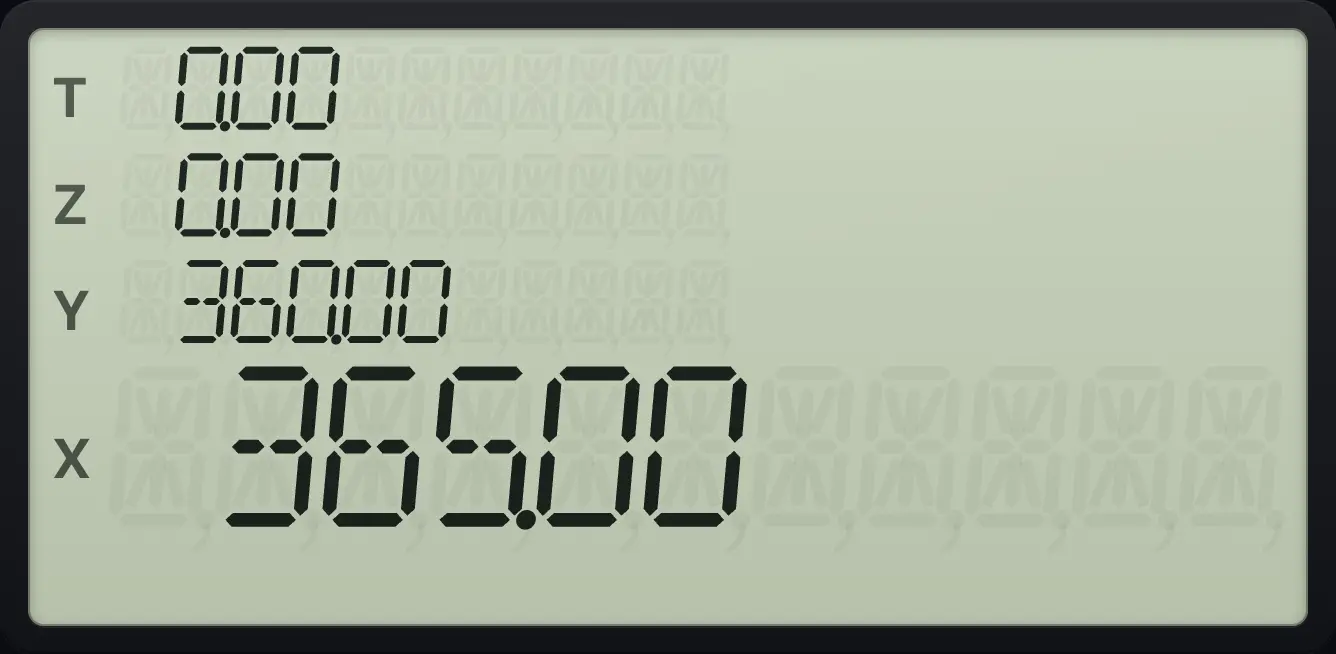
365.00A leap year
1 Jan 2024 to 1 Jan 2025.
1.012024ENTER1.012025gΔDYSEEX
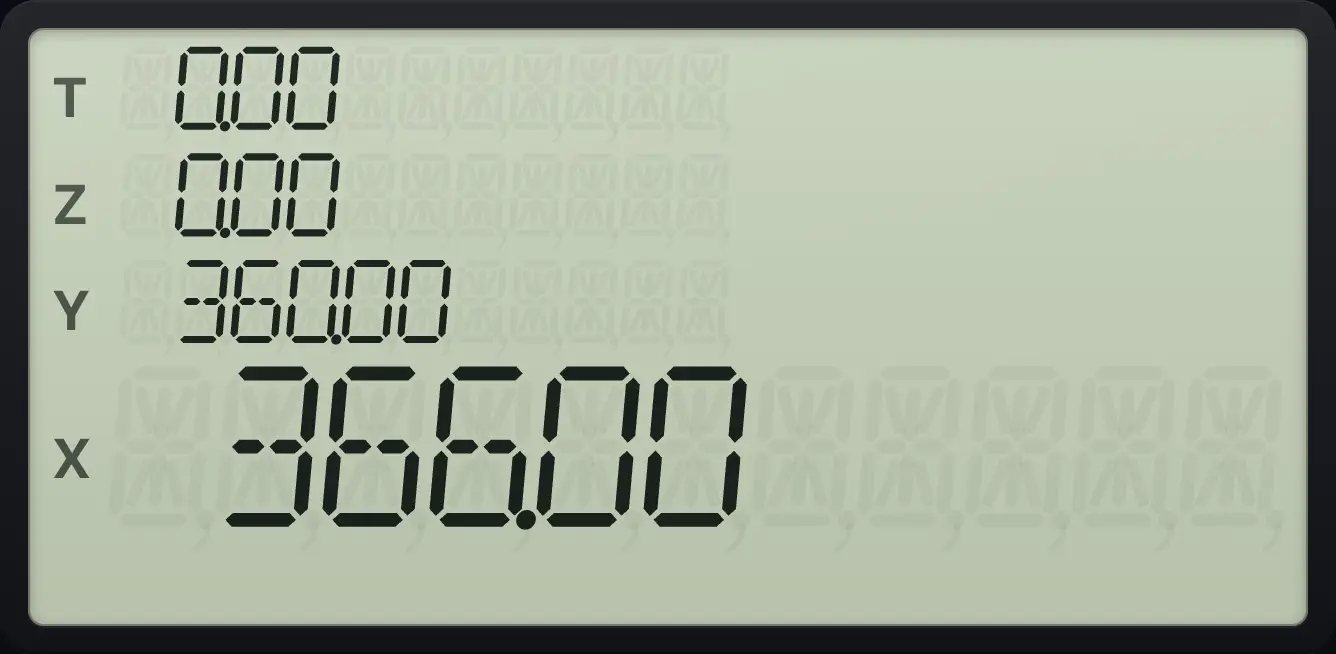
366.0012.3Add days to a date#
Key in the date, ENTER, then the number of days (negative to go back), and press gDATECHS (DATE). The display shows the new date and a number for the day of the week: 1 is Monday and 7 is Sunday. The new date is also in X as a date number.
193 days after 15 June 2026
Key in 6.152026, ENTER, 193 and press g, DATE.
6.152026ENTER193gDATECHS
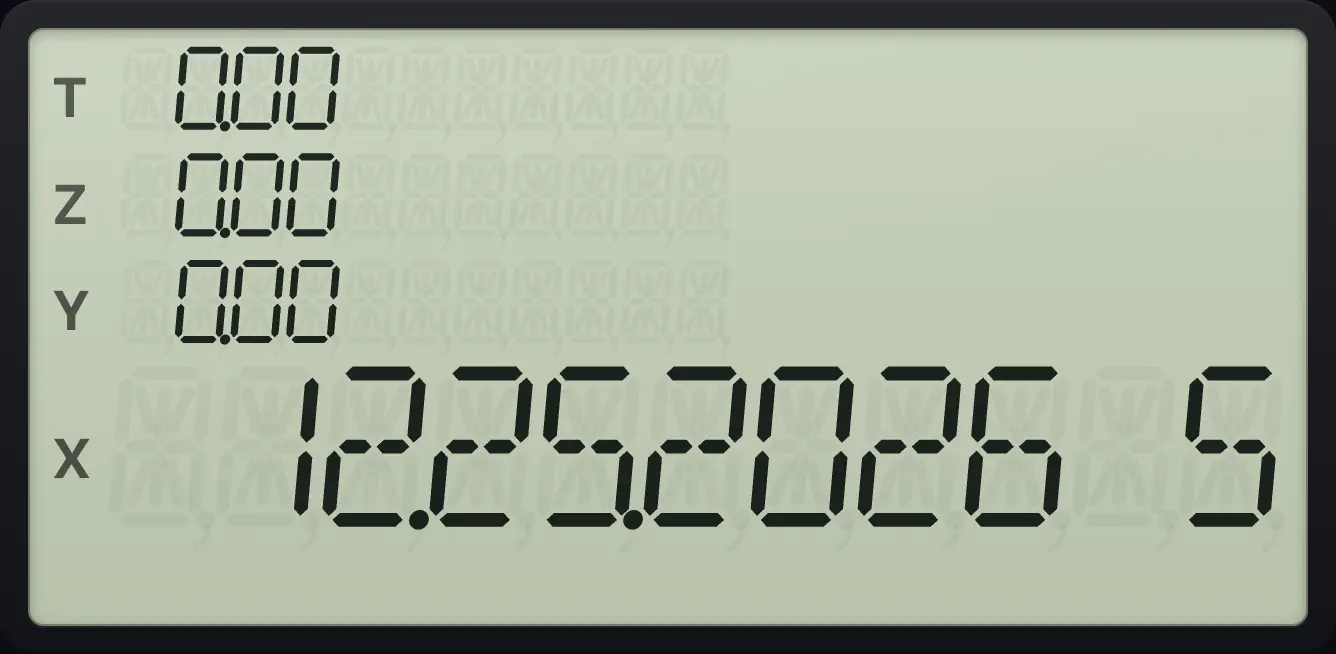
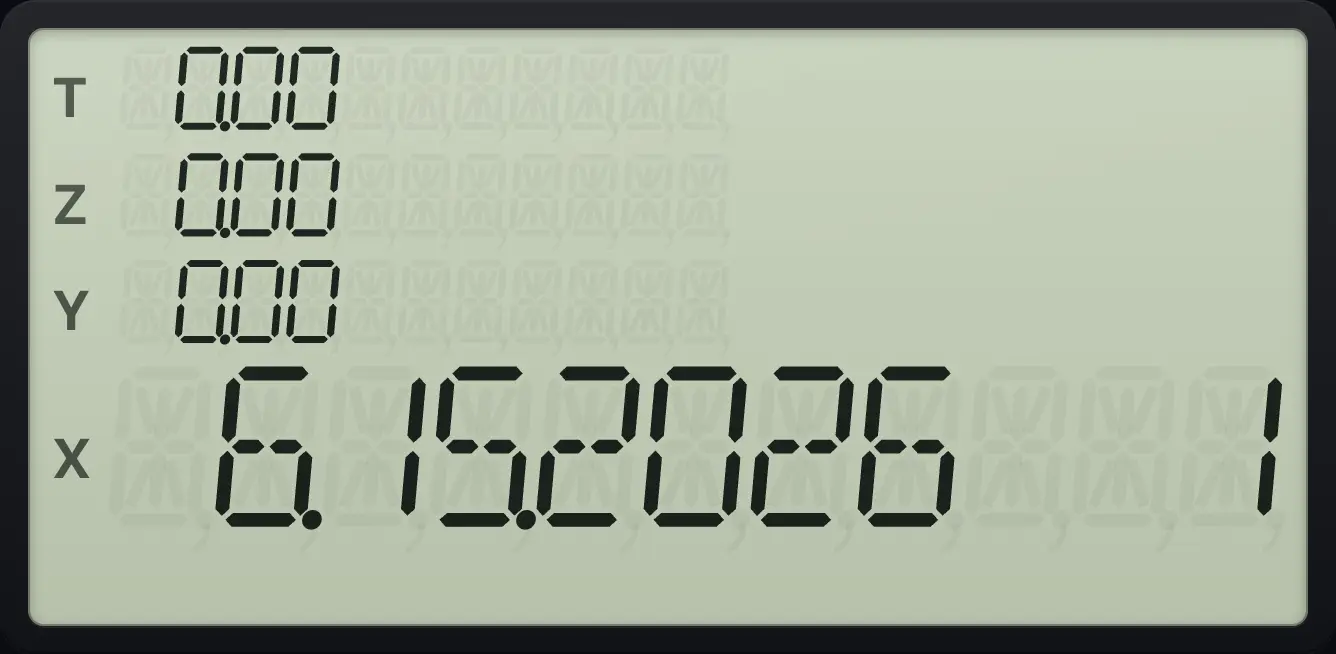
25 December 2026, a Friday (5).193 days before 25 December 2026
Key in 12.252026, ENTER, 193, CHS, then g, DATE.
12.252026ENTER193CHSgDATECHS
15 June 2026, a Monday (1).A leap day
One day after 28 February 2024.
2.282024ENTER1gDATECHS
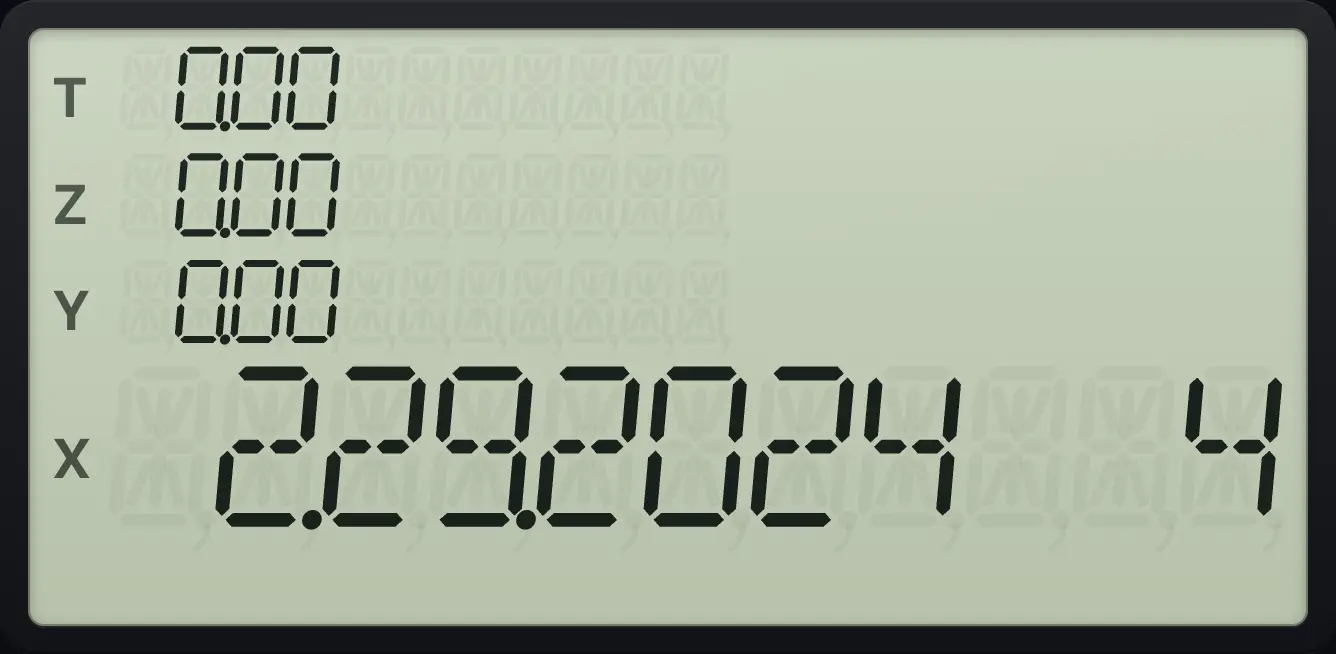
2.29.2024 412.4Use day-first dates#
Press gD.MY4 (D.MY) to key in dates day first. Press gM.DY5 (M.DY) to return to month first.
Days between in day-first format
Press g, D.MY. Key in 15.062026, ENTER, 25.122026 and press ΔDYS.
gD.MY415.062026ENTER25.122026gΔDYSEEX
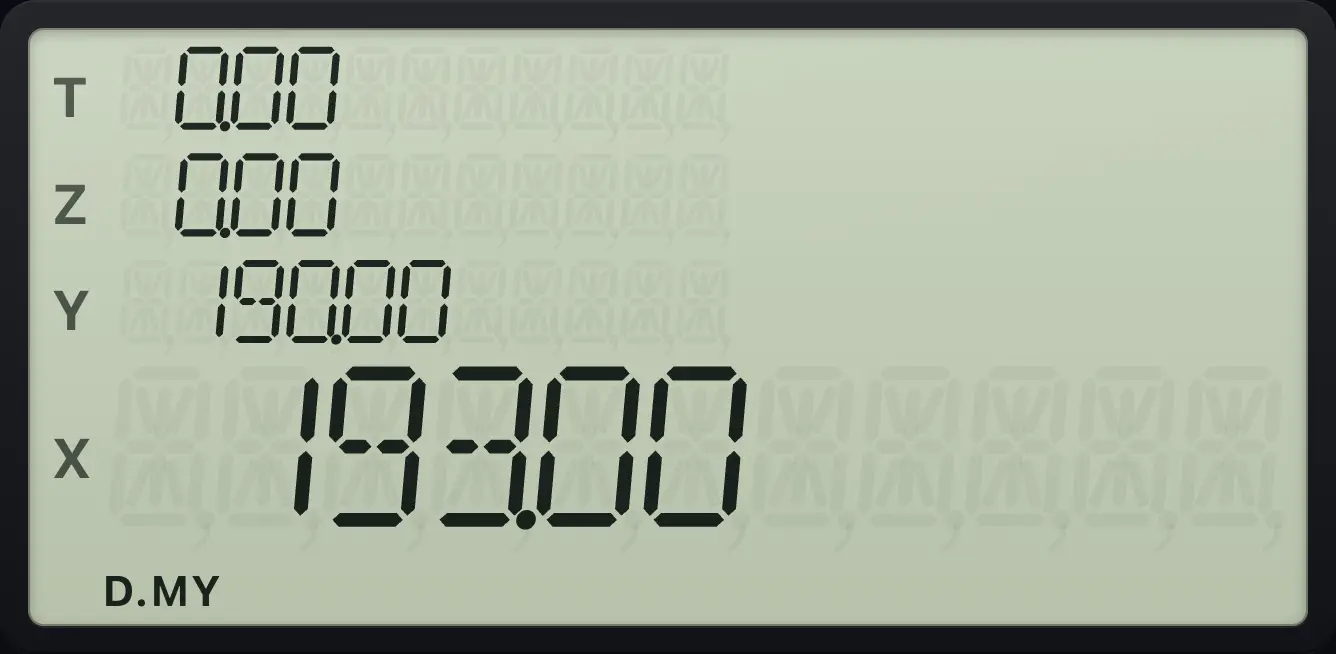
193.00Add days in day-first format
The result shows day first.
gD.MY415.062026ENTER193gDATECHS
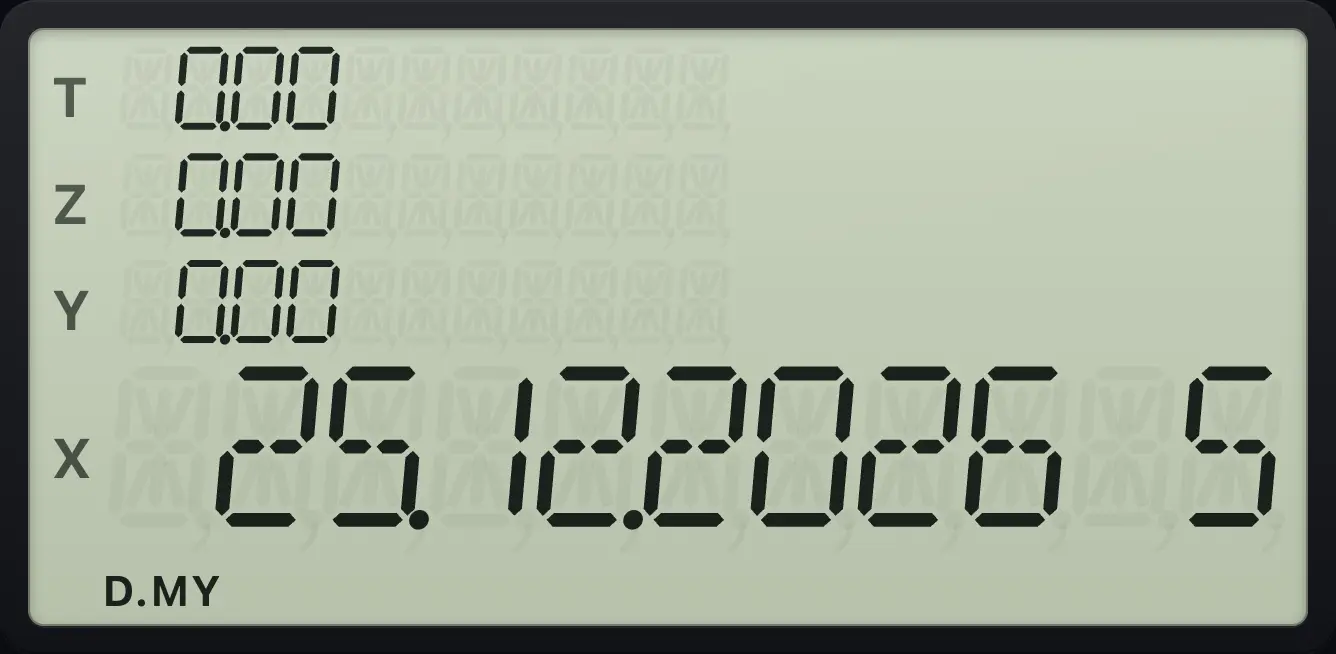
25.12.2026 512.5Date errors#
A date that does not exist
30 February 2026 gives Error 8.
2.302026ENTER1gDATECHS
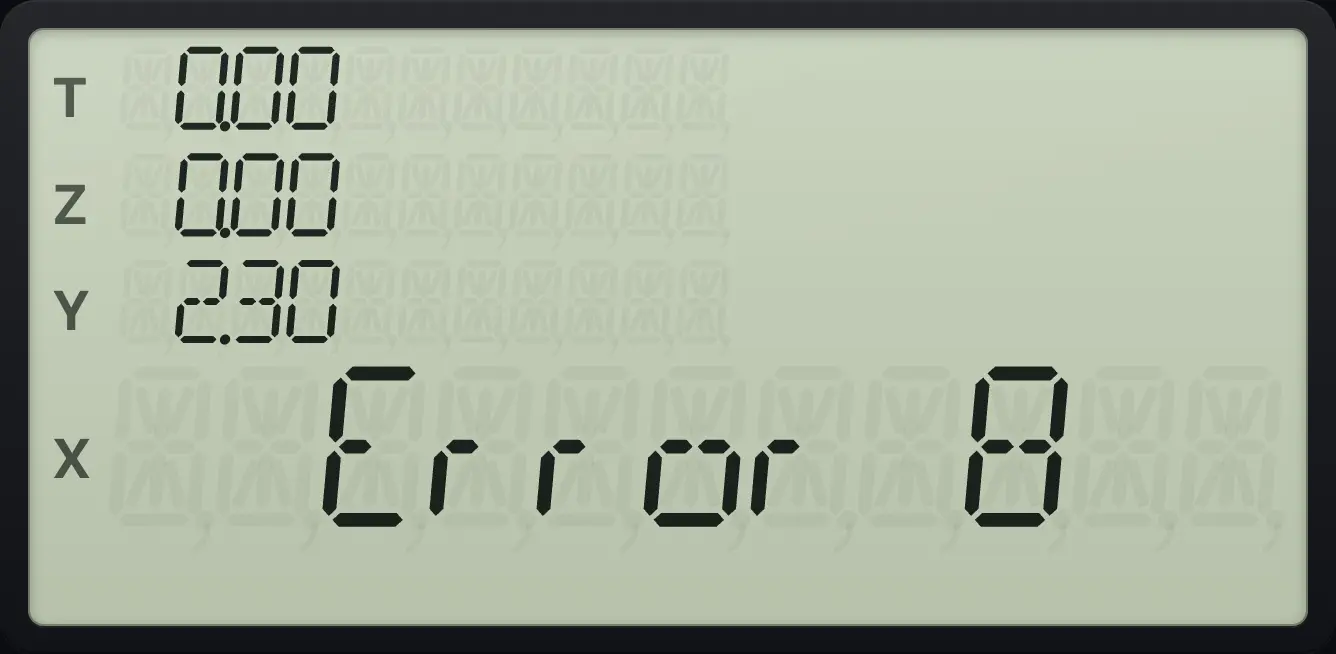
Error 8A month that does not exist
The 13th month gives Error 8.
13.012026ENTER1gDATECHS
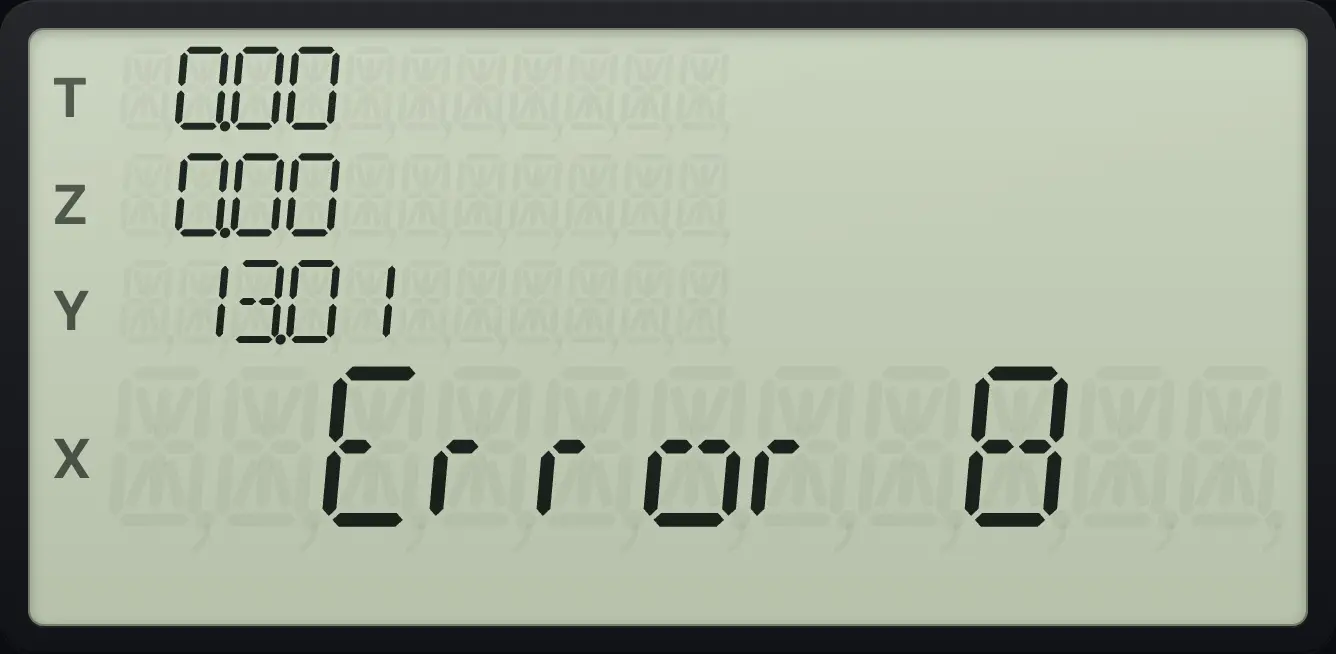
Error 8HP 12C is a trademark of HP Inc.. Trident Calculator is an independent product by South View Studios and is not affiliated with, sponsored by or endorsed by HP. The name is used only to describe the kind of calculator this model resembles; Trident's names, keys, display, fonts and software are its own clean-room design.