
RPN Financial 12 manual · Chapter 11 of 16
Depreciation
Straight-line, sum-of-the-years-digits and declining-balance depreciation for any year of an asset's life.
11.1How to set up an asset#
Depreciation spreads the cost of an asset over its life. Enter the cost in PV, the salvage value (what it is worth at the end) in FV and the life in years in n. For declining balance, also enter the factor in i, in percent: 200 means double declining balance.
Then key in the year number and press the depreciation key. X shows that year's depreciation. Y shows the remaining value still to be depreciated.
| Method | Keys | Idea |
|---|---|---|
| Straight line | fSL%T (SL) | The same amount every year |
| Sum of the years digits | fSOYDΔ% (SOYD) | Larger amounts in early years, falling by a steady step |
| Declining balance | fDB% (DB) | A fixed percentage of what is left each year |
11.2Straight-line depreciation#
An asset costing 10,000, with a 1,000 salvage value and a 5-year life, loses (10,000 − 1,000) ÷ 5 = 1,800 a year.
Year 1 straight line
PV 10000, FV 1000, n 5, i 200. Key in year 1 and press f, SL.
10000PV1000FV5n200i1fSL%T
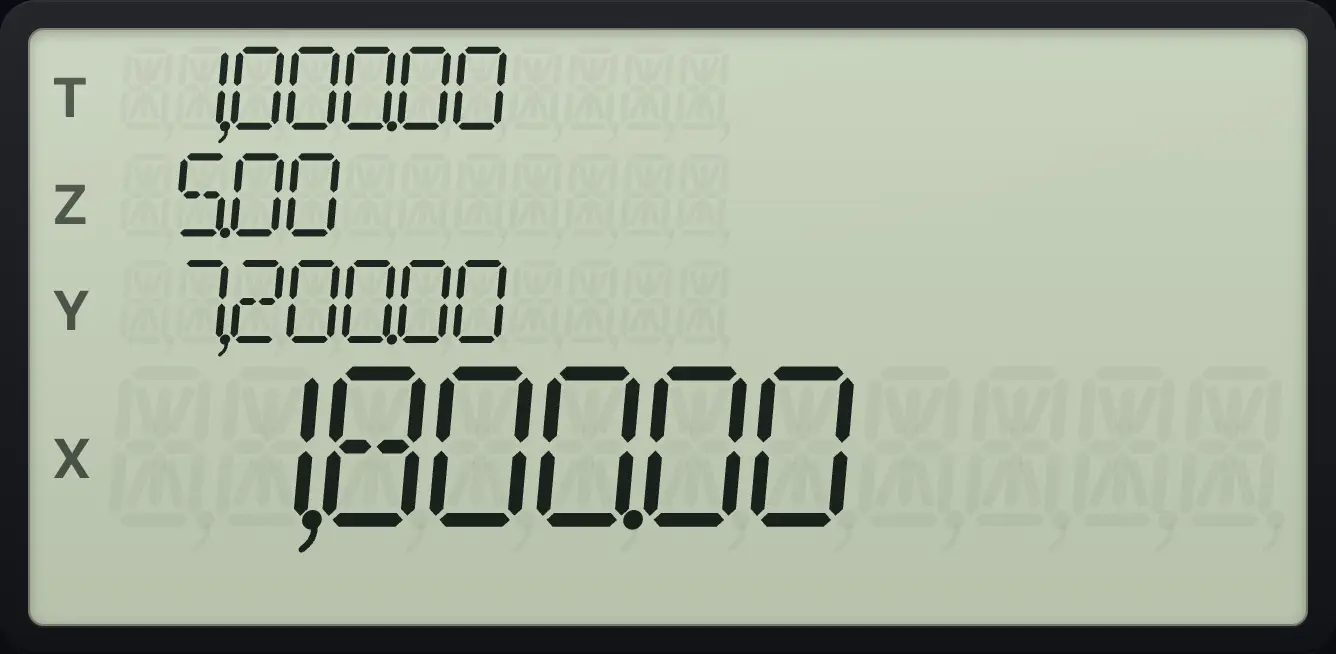
1,800.00The remaining value after year 1
Press x⇄y to see the remaining depreciable value.
10000PV1000FV5n200i1fSL%Tx⇄y
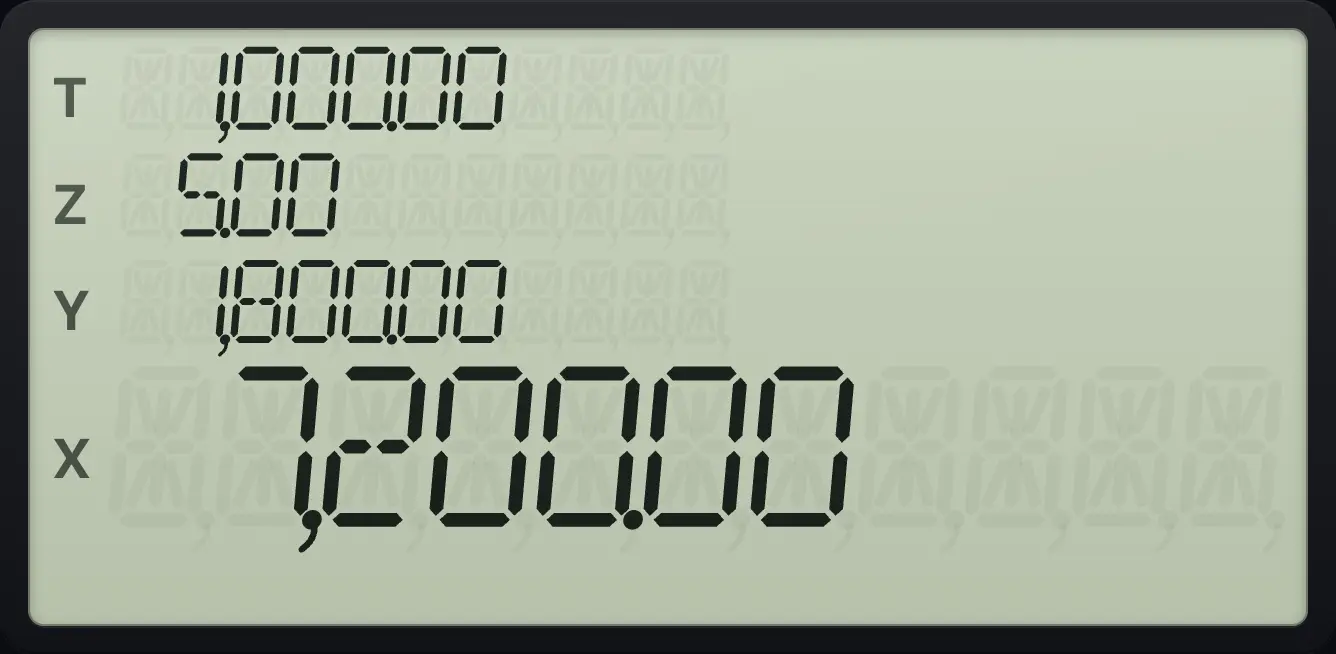
7,200.0011.3Sum-of-the-years-digits#
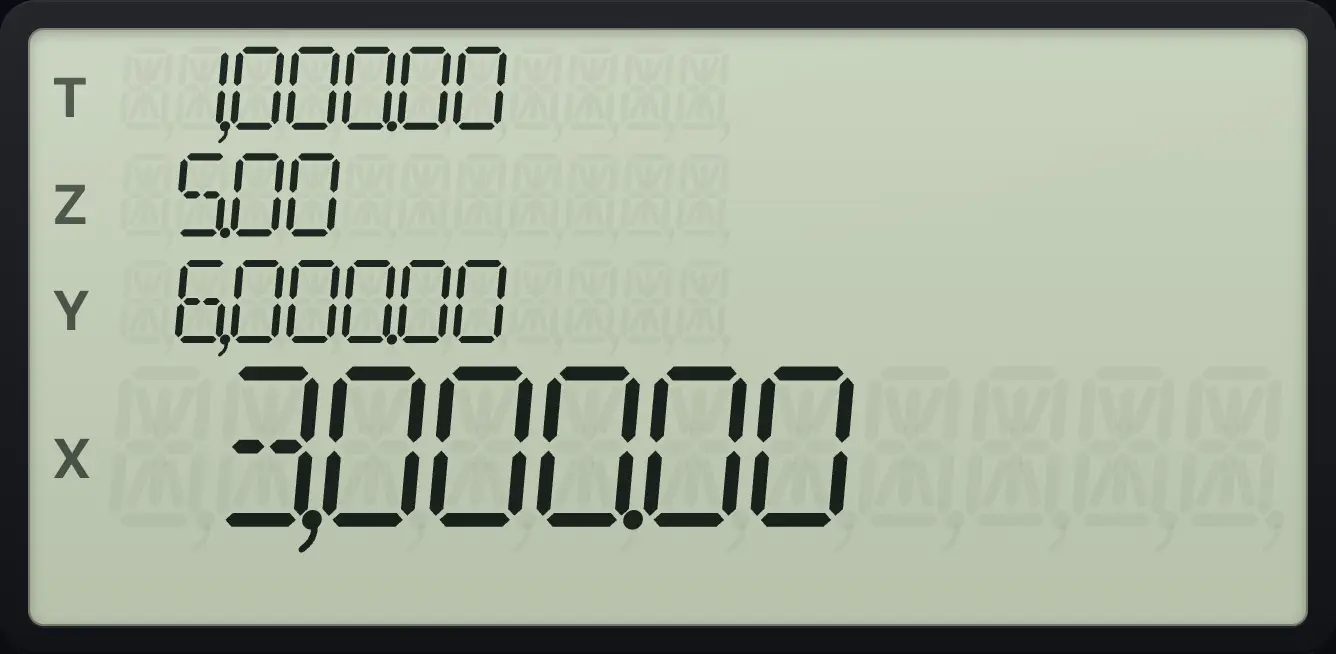
The first year gets the largest share. For a 5-year life the shares are 5/15, 4/15, 3/15, 2/15 and 1/15 of the depreciable amount.
Year 1
Key in 1 and press f, SOYD.
10000PV1000FV5n200i1fSOYDΔ%
3,000.00Year 2
Key in 2 and press f, SOYD.
10000PV1000FV5n200i2fSOYDΔ%
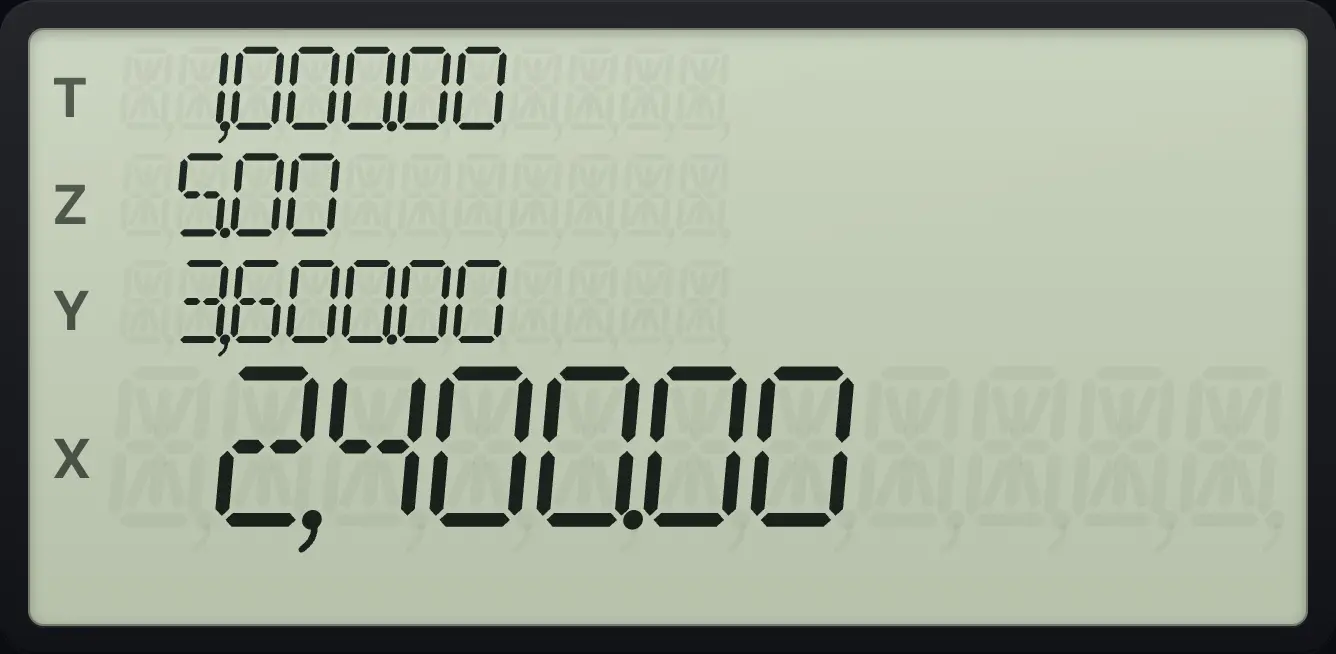
2,400.00Year 3
Key in 3 and press f, SOYD.
10000PV1000FV5n200i3fSOYDΔ%
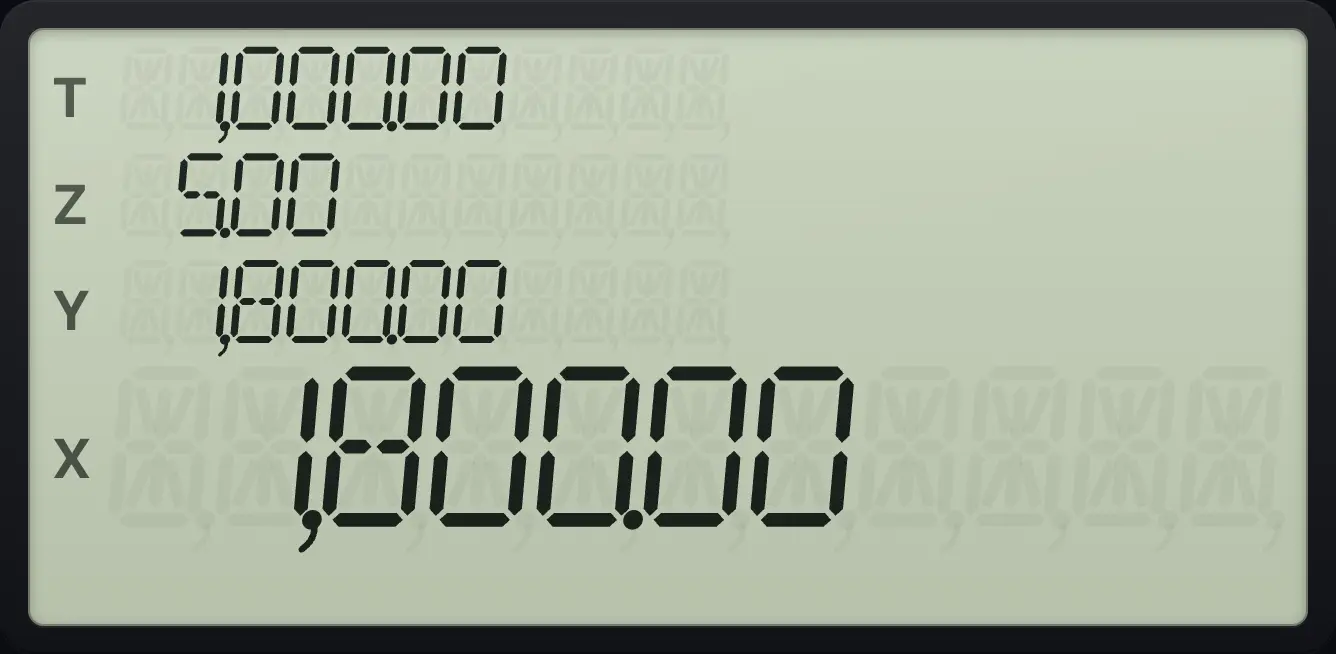
1,800.0011.4Declining-balance depreciation#
Each year's charge is a fixed fraction of the remaining book value: the factor in i divided by 100 and by the life. With a factor of 200 and a life of 5 years, that is 40% of the book value each year. The depreciation never takes the value below the salvage value.
Year 1
Key in 1 and press f, DB.
10000PV1000FV5n200i1fDB%
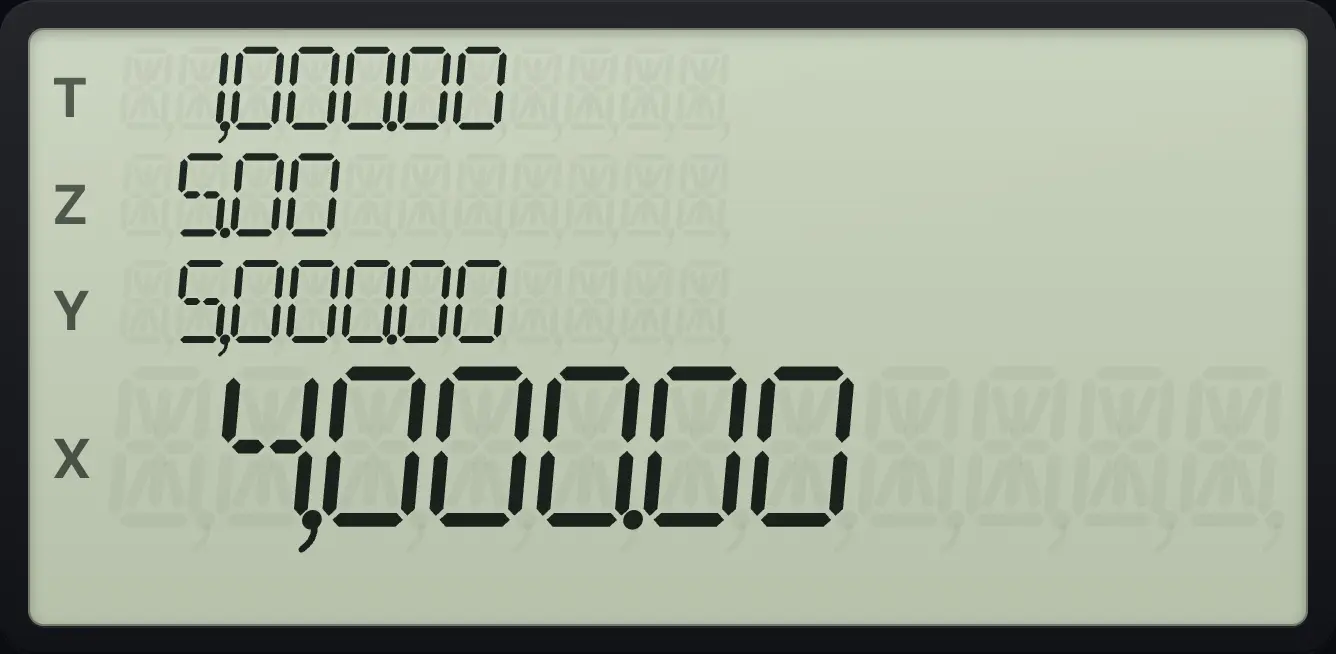
4,000.00Year 2
Key in 2 and press f, DB.
10000PV1000FV5n200i2fDB%
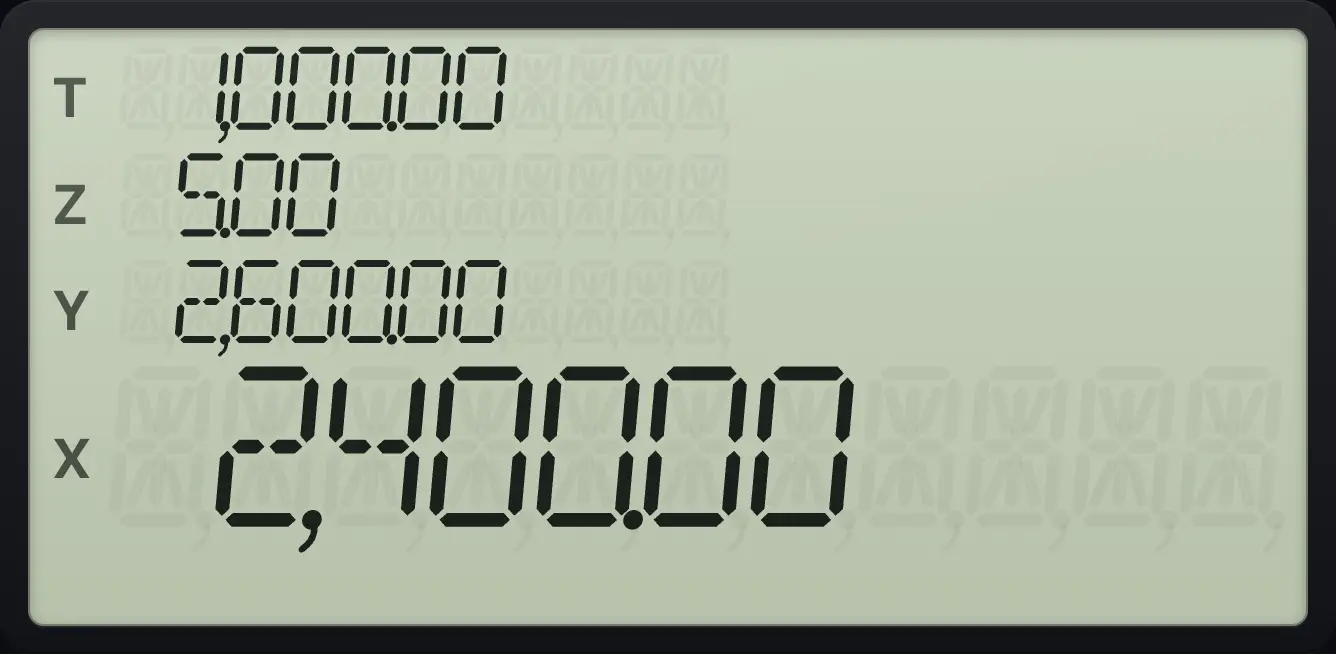
2,400.00Year 3
Key in 3 and press f, DB.
10000PV1000FV5n200i3fDB%
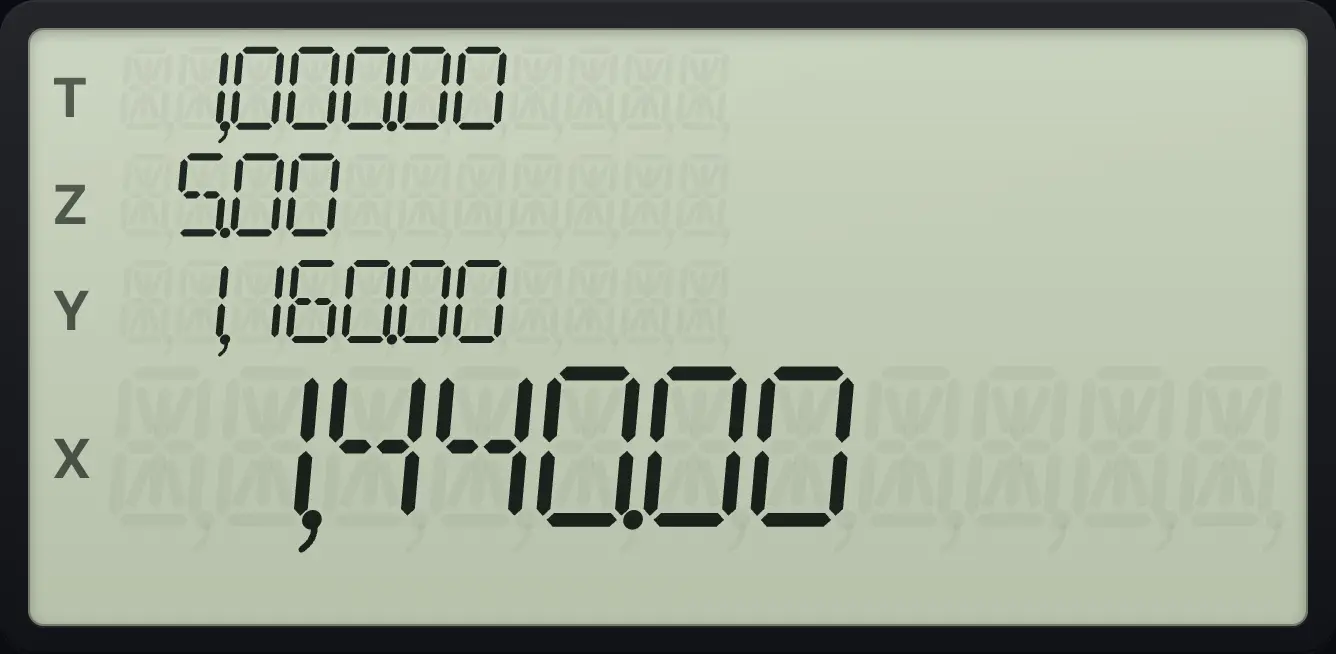
1,440.00The remaining value after year 3
Press x⇄y after year 3.
10000PV1000FV5n200i3fDB%x⇄y
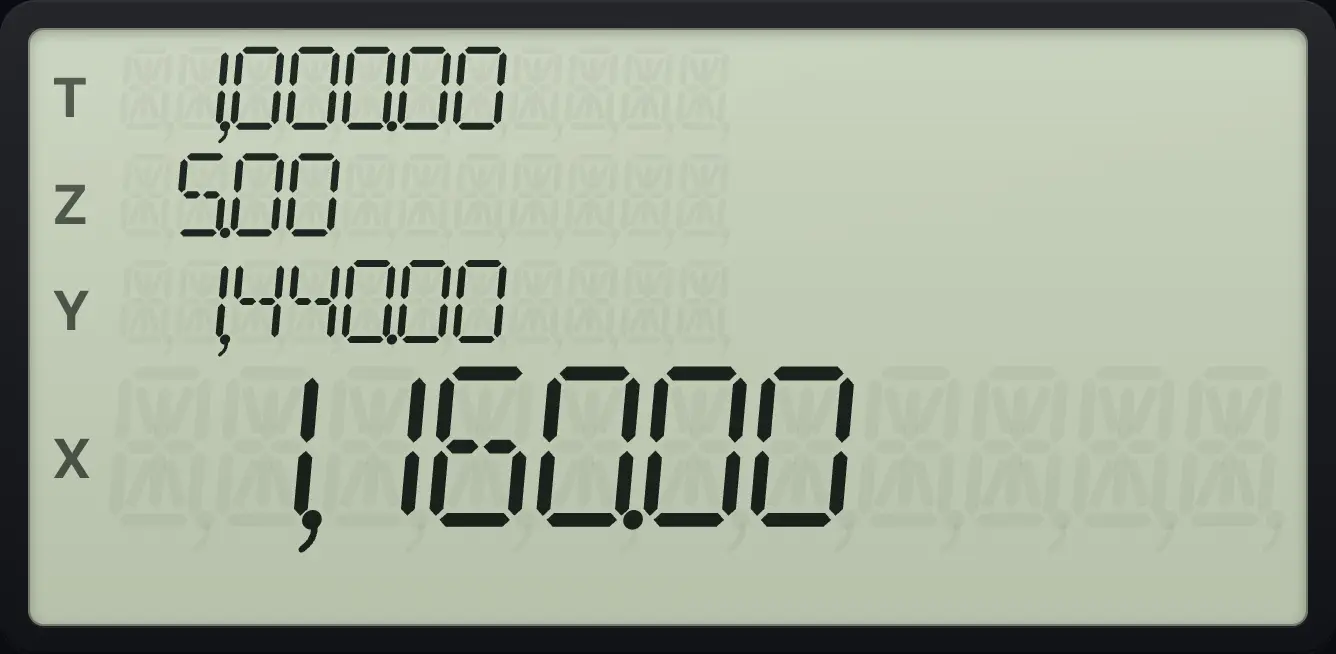
1,160.0011.5Depreciation errors#
The year must be a whole number of at least 1, and the life must be greater than zero. Otherwise you see Error 5.
Year 0 is an error
Key in 0 and press f, SL.
10000PV1000FV5n200i0fSL%T
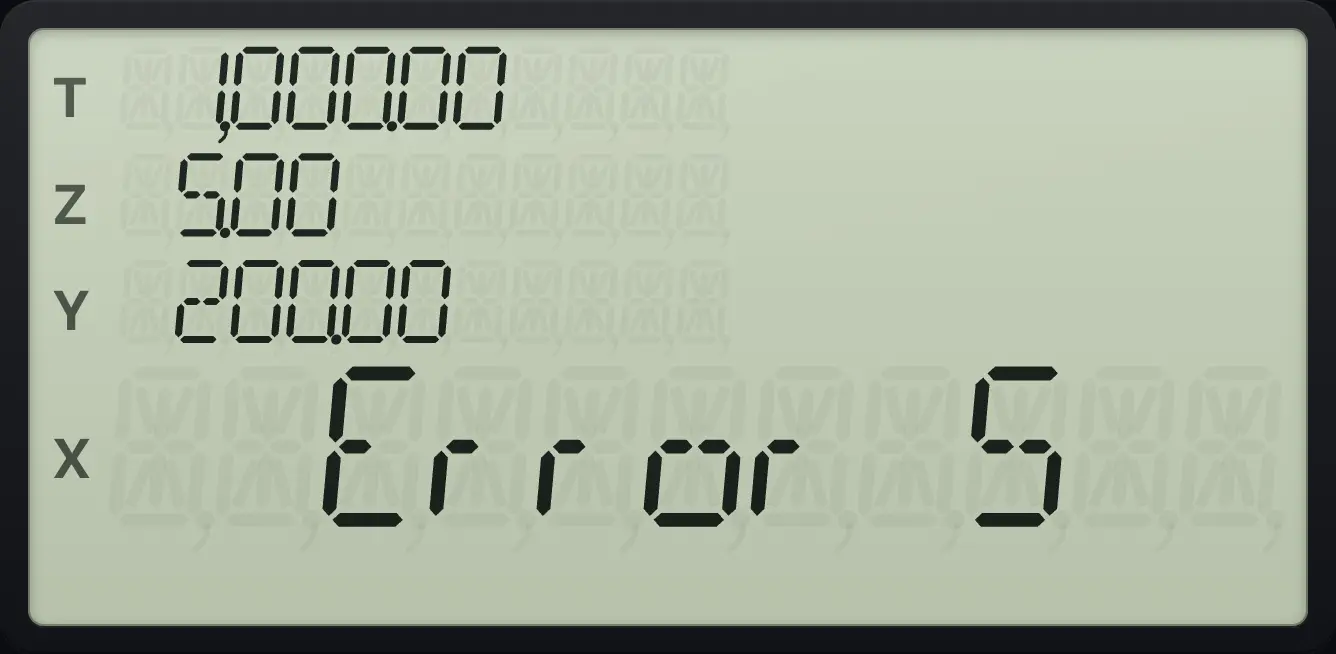
Error 5HP 12C is a trademark of HP Inc.. Trident Calculator is an independent product by South View Studios and is not affiliated with, sponsored by or endorsed by HP. The name is used only to describe the kind of calculator this model resembles; Trident's names, keys, display, fonts and software are its own clean-room design.