
RPN Financial 12 manual · Chapter 5 of 16
Display format and settings
FIX and scientific display, showing all digits, BEGIN and END payment timing, date format and the compound-interest indicator.
5.1Set the number of decimals: FIX#
Press f and a digit 0 to 9 to show that many decimals. The start-up setting is 2. The setting changes only what you see. The stored number keeps all its digits.
A number too large to fit in ten digits is shown in scientific form automatically.
Show four decimals
Press f, 4 and then g, √x for the square root of 2.
f42g√xyˣ
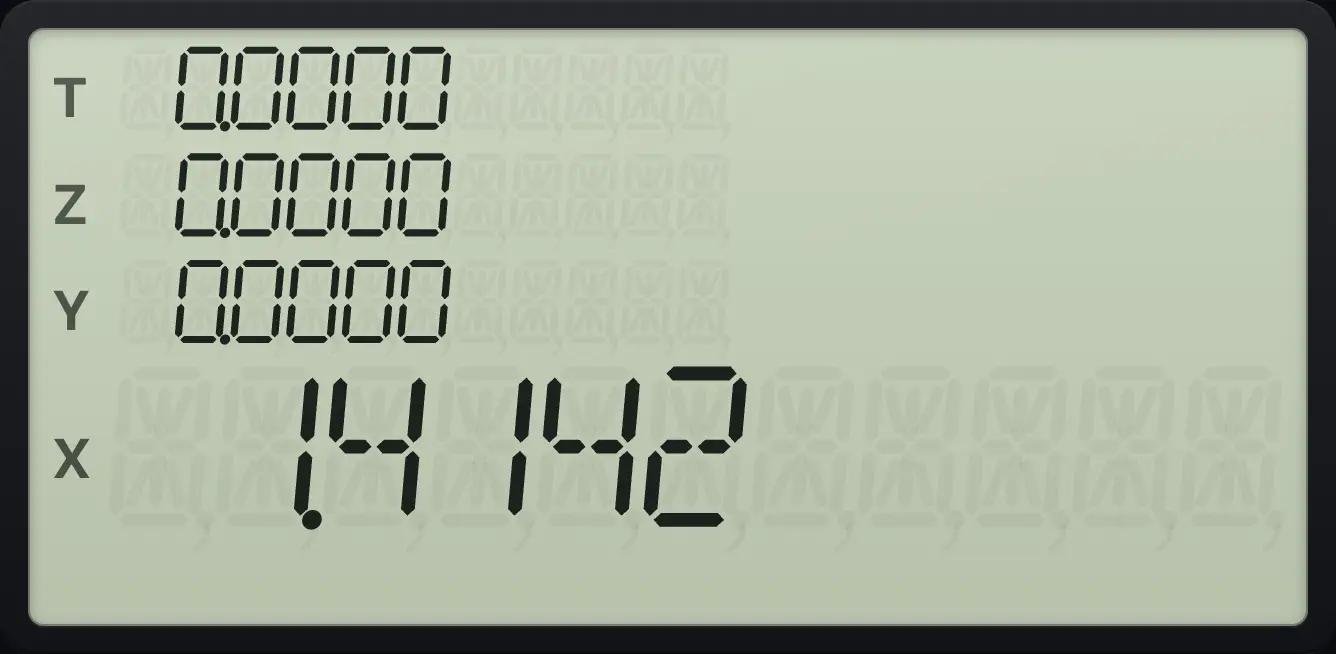
1.4142No decimals
FIX 0 shows the whole number with a point.
f02g√xyˣ
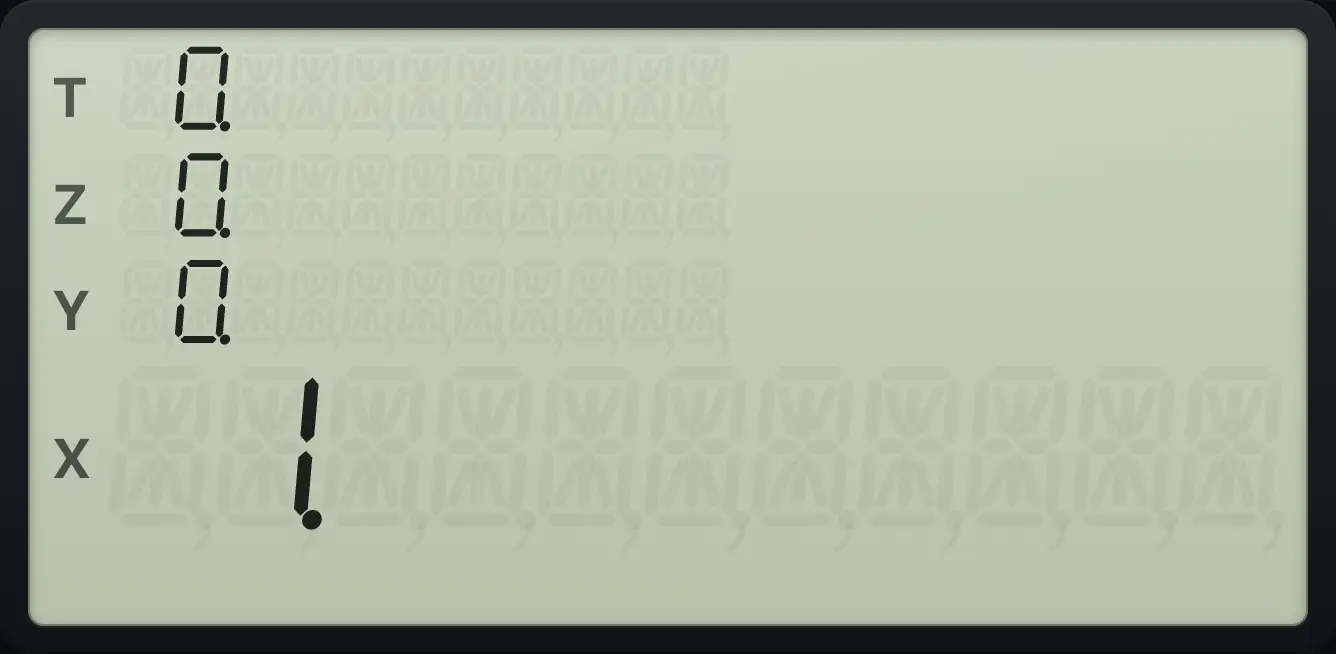
1.Nine decimals
FIX 9 shows nine digits after the point.
f92g√xyˣ
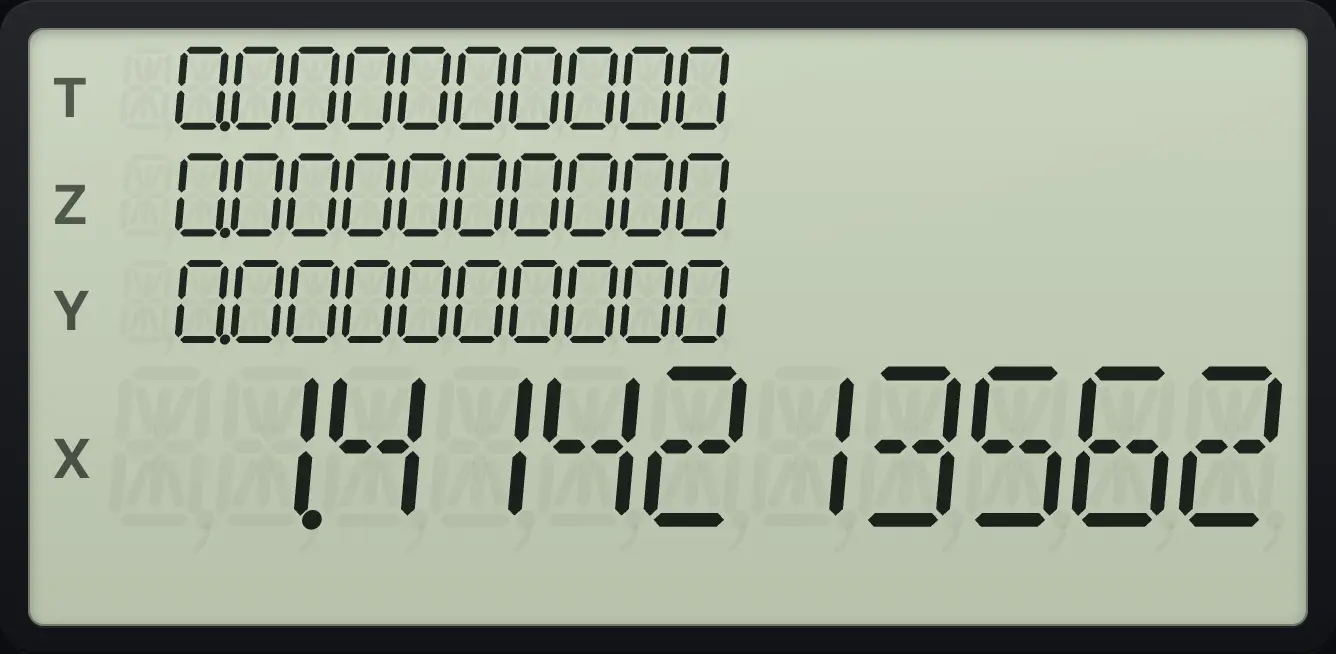
1.4142135625.2Scientific display#
Press f. for scientific notation with six decimals. Press f and a digit to return to FIX.
Scientific notation
Press f, point, then take the square root of 2.
f.2g√xyˣ
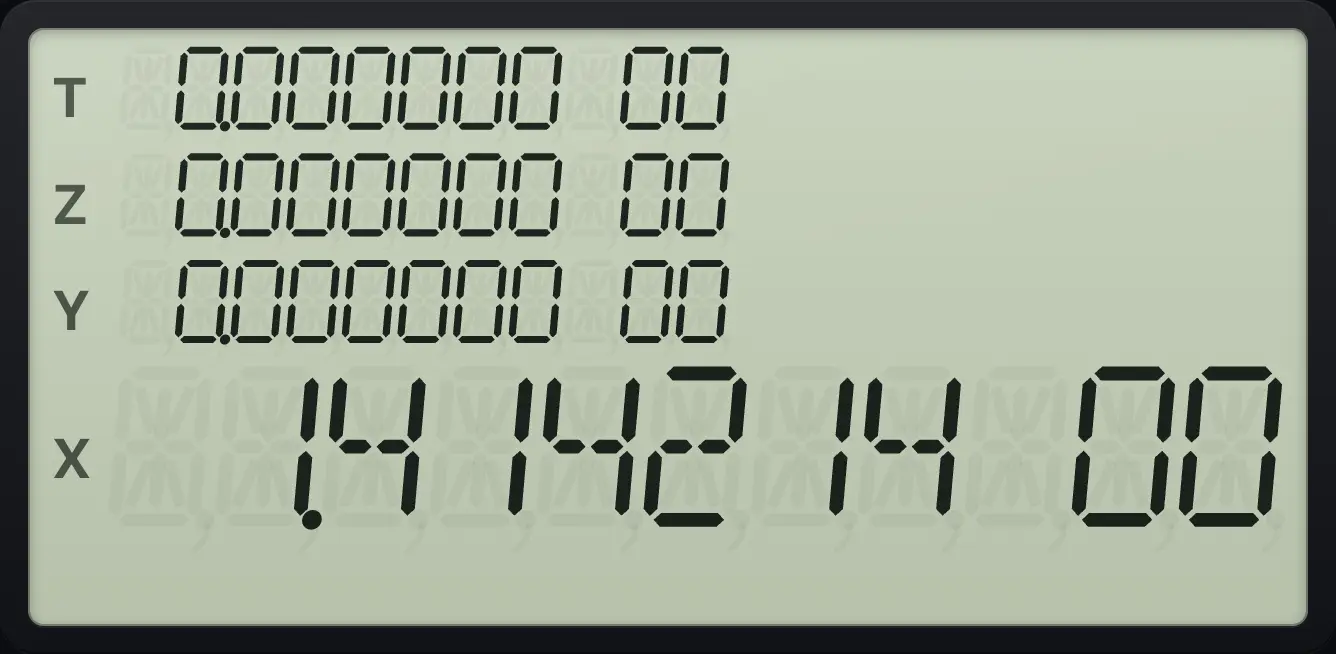
1.414214 00Back to FIX 2
Key in 123 then press f, 2.
f.123f2
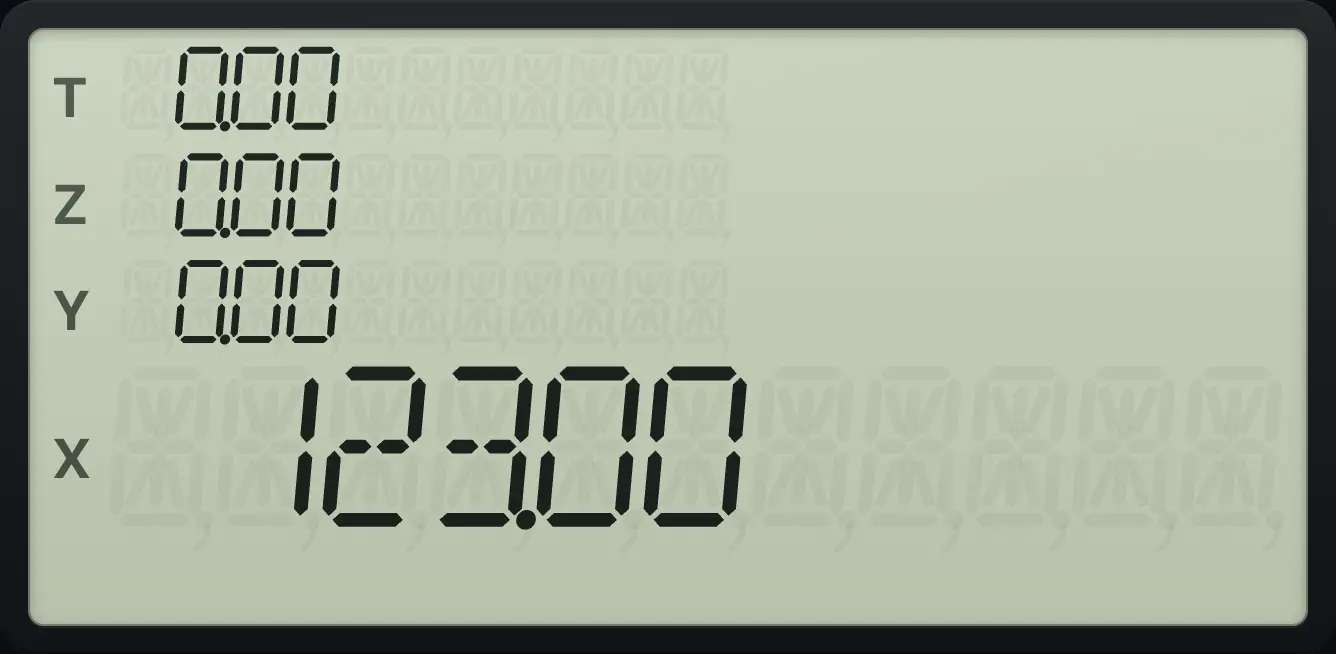
123.005.3Show all the digits of a number#
fPREFIXENTER (PREFIX) shows all ten digits of X. It stays on the display until you press the next key.
See the digits of the square root of 2
Key in 2, press g, √x, then f, PREFIX.
2g√xyˣfPREFIXENTER
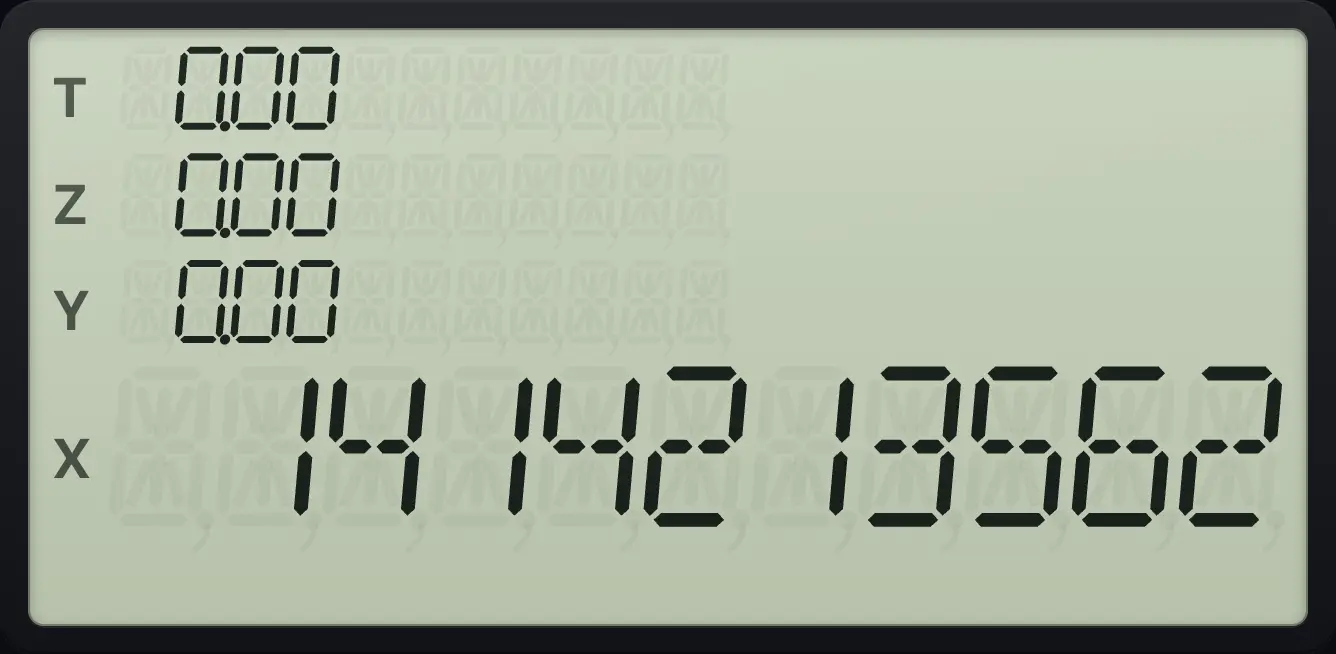
14142135625.4BEGIN and END: when payments fall due#
Some payments are made at the end of each period (a loan payment, most savings plans). Others are made at the start (rent, a lease, an annuity due). gBEG7 (BEG) sets payments at the beginning. gEND8 (END) sets them at the end. END is the default. The BEGIN indicator shows when payments are at the beginning.
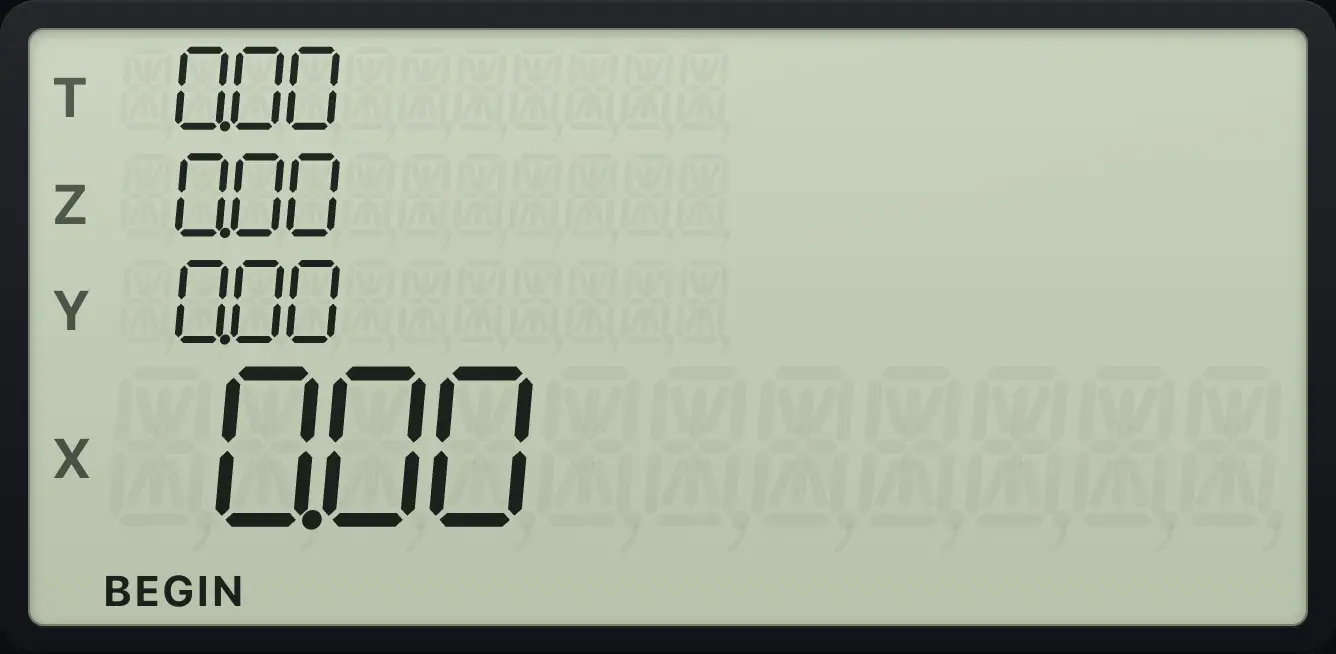
See also Time value of money: Payments at the beginning of the period
5.5Choose the date format#
gM.DY5 (M.DY) sets month-first dates, written 6.152026 for 15 June 2026. gD.MY4 (D.MY) sets day-first dates, written 15.062026. Month-first is the default. D.MY lights the D.MY indicator.
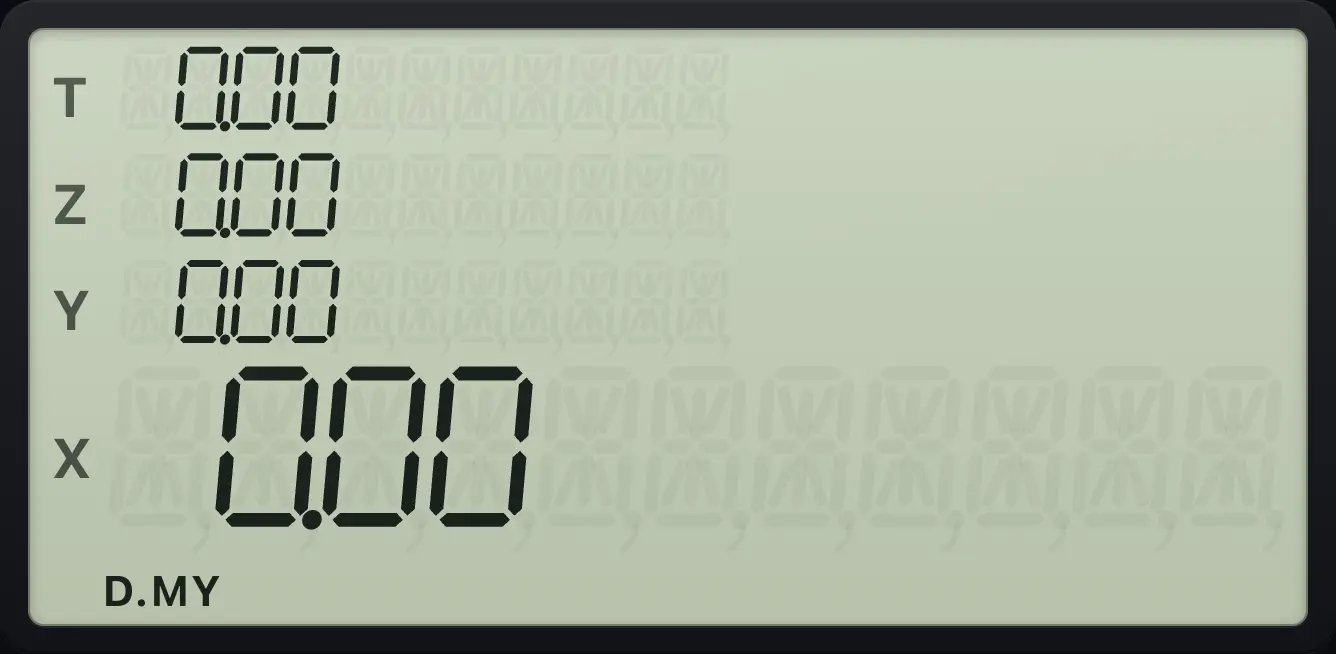
See also Dates
5.6The C indicator: compound interest for part periods#
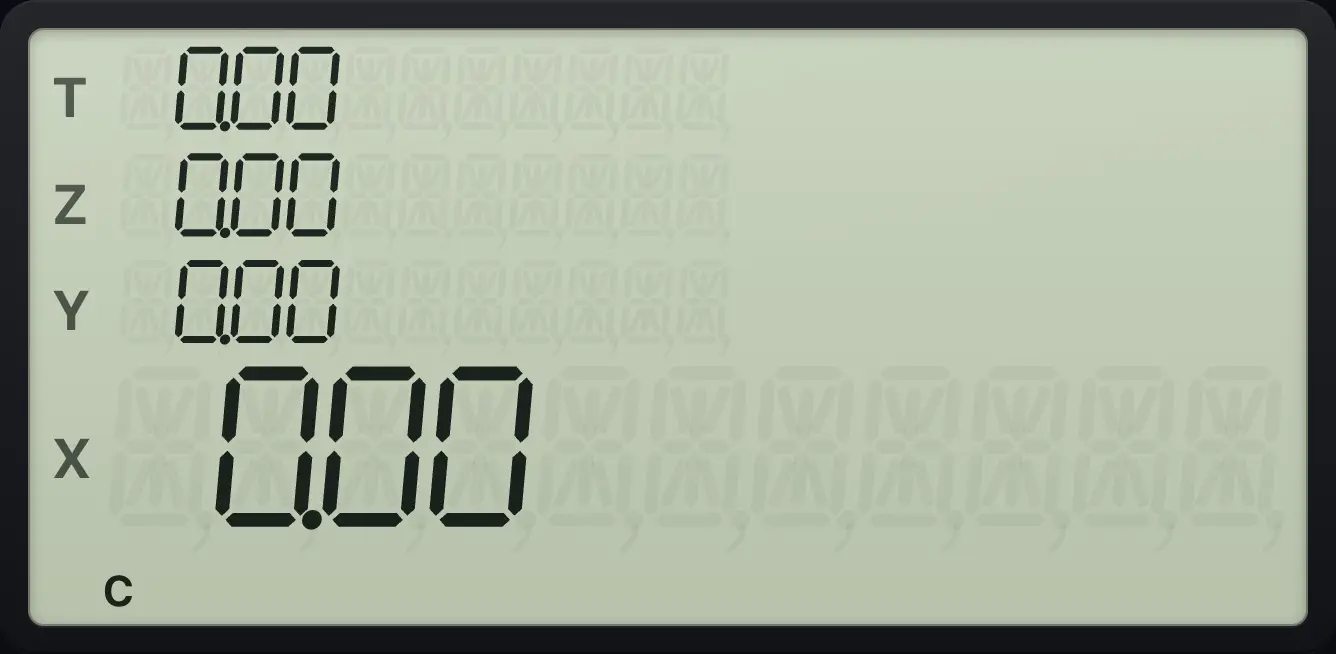
When n is not a whole number, the first part period earns simple interest by default. Press STO then EEX to switch to compound interest for the part period. The C indicator shows when it is on. Press STO EEX again to turn it off.
See also Time value of money: Part periods: n with a fraction
5.7Default settings#
| Setting | Default |
|---|---|
| Display format | FIX 2 |
| Payment timing | END |
| Date format | M.DY (month first) |
| Compound part period (C) | Off |
| Program mode | Off |
| Stack and registers | All zero |
HP 12C is a trademark of HP Inc.. Trident Calculator is an independent product by South View Studios and is not affiliated with, sponsored by or endorsed by HP. The name is used only to describe the kind of calculator this model resembles; Trident's names, keys, display, fonts and software are its own clean-room design.