
RPN Advanced 42 manual · Chapter 9 of 18
Complex numbers
Build, split and calculate with complex numbers in rectangular or polar form.
9.1Make a complex number#
Shift STO (COMPLEX) combines Y and X into one complex number: Y is the first part and X the second. A complex number takes one stack level. In rectangular form (REC) the parts are real and imaginary; in polar form (POL) they are radius and angle.
Make 3 + 4i
Type 3, ENTER, 4, then shift STO.
3ENTER4⇧COMPLEXSTO
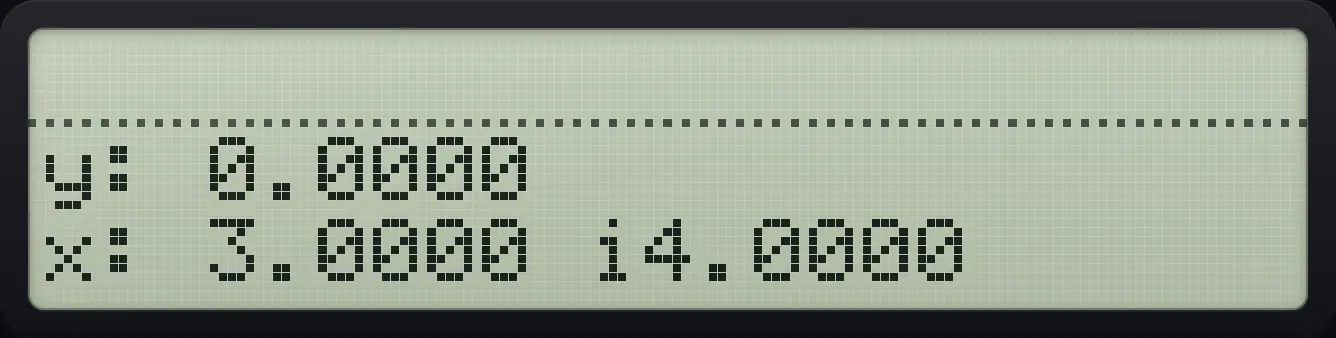
3.0000 i4.0000Split a complex number back into two reals
Press shift STO again on a complex X.
3ENTER4⇧COMPLEXSTO⇧COMPLEXSTO
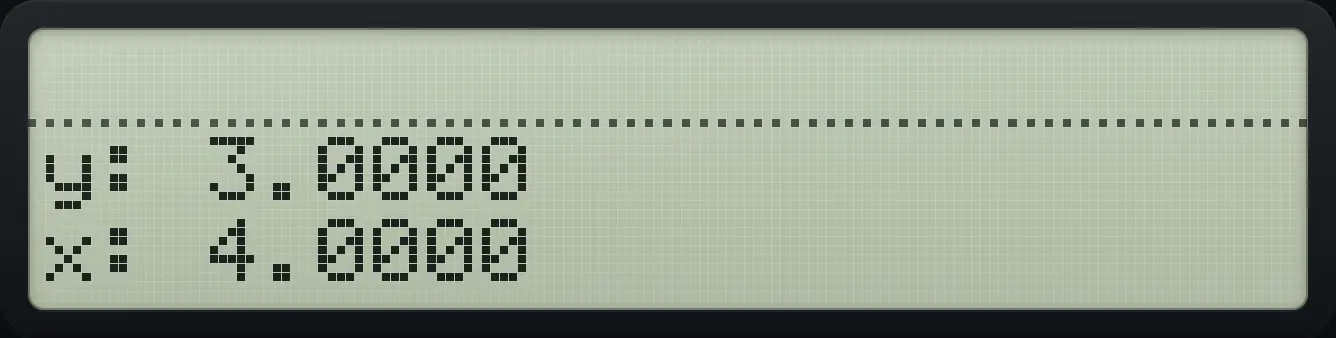
y: 3.0000 x: 4.00009.2Add, multiply and divide complex numbers#
Add (1+2i) and (3+4i)
Make each number, then add.
1ENTER2⇧COMPLEXSTO3ENTER4⇧COMPLEXSTO+
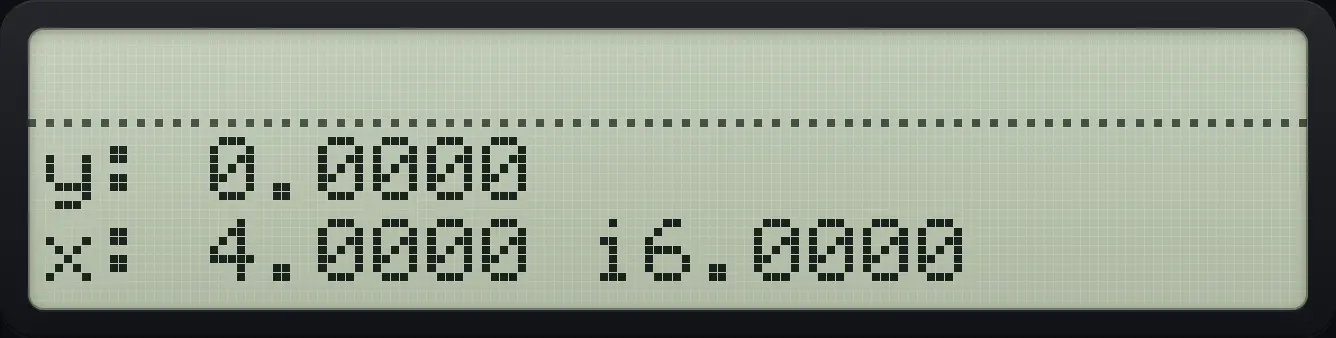
4.0000 i6.0000Multiply (1+2i) by (3+4i)
Make each number, then multiply.
1ENTER2⇧COMPLEXSTO3ENTER4⇧COMPLEXSTO×
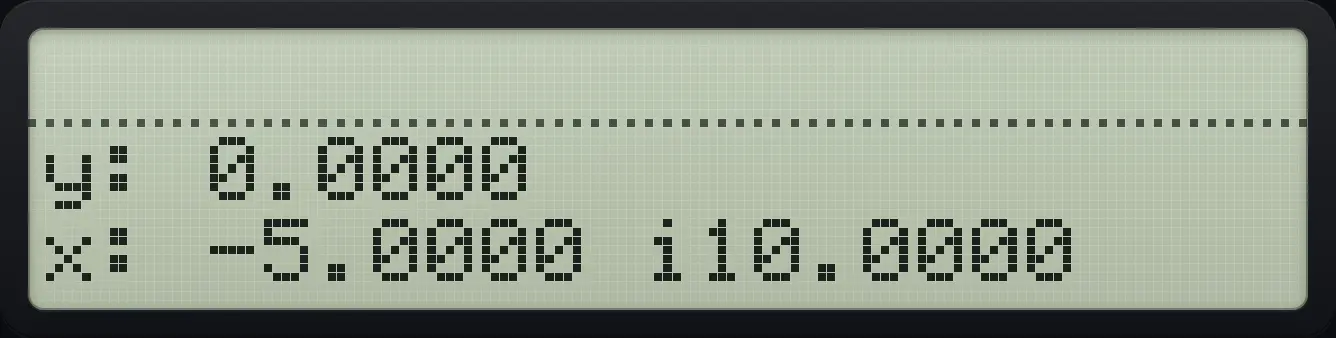
-5.0000 i10.0000Divide (1+2i) by (3+4i)
Make each number, then divide.
1ENTER2⇧COMPLEXSTO3ENTER4⇧COMPLEXSTO÷
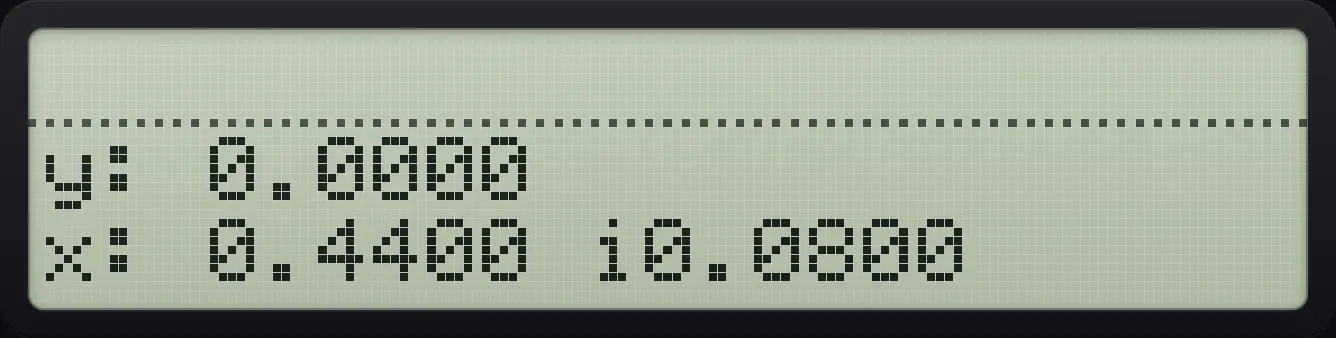
0.4400 i0.0800Reciprocal of 1+2i
Press 1/x.
1ENTER2⇧COMPLEXSTO1/x
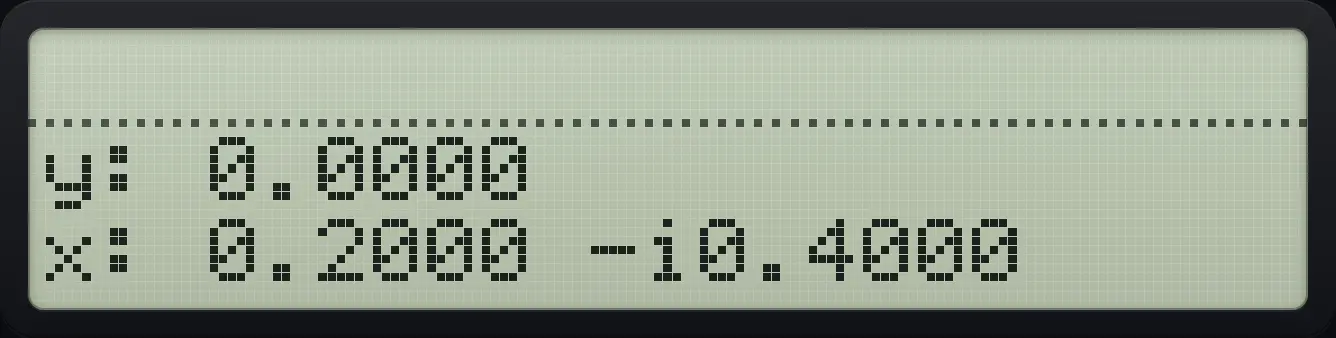
0.2000 -i0.4000Change the sign
Press +/−.
1ENTER2⇧COMPLEXSTO+/−
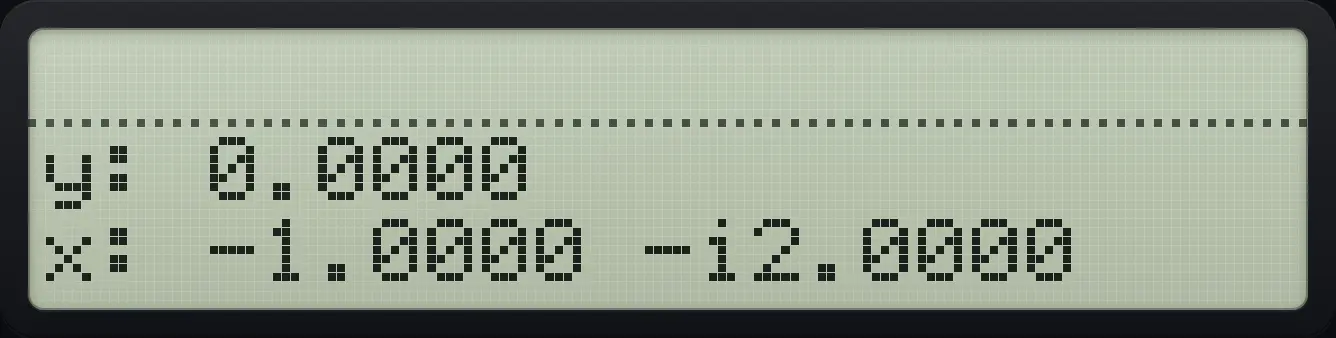
-1.0000 -i2.00009.3Functions of complex numbers#
Square root, square, power, logarithm, exponential and the trigonometric functions all accept complex values. Absolute value (ABS in CONVERT page 2) gives the magnitude.
Square root of 1+2i
Make the number and press the square-root key.
1ENTER2⇧COMPLEXSTO√x
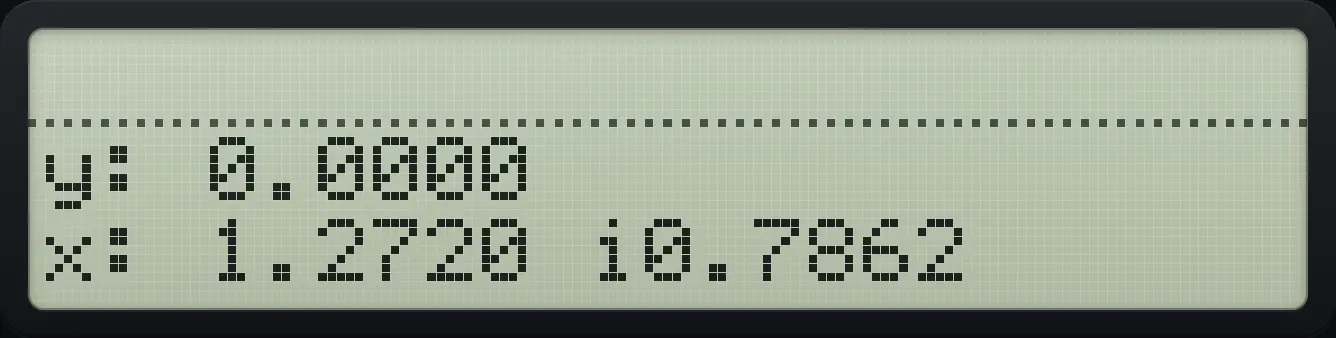
1.2720 i0.7862Square of i
Make 0 + 1i and square it.
0ENTER1⇧COMPLEXSTO⇧x²√x
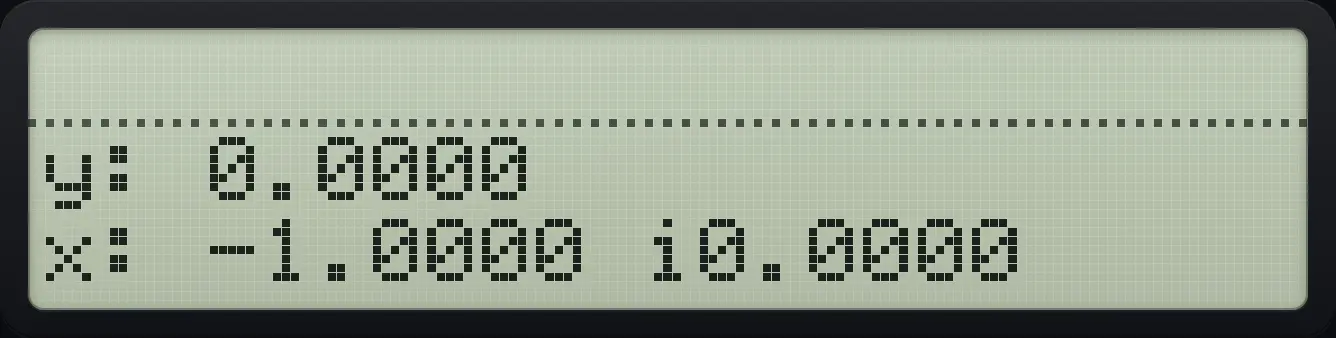
-1.0000Euler: e to the power i
Make i and press shift LN (e to the power x).
0ENTER1⇧COMPLEXSTO⇧eˣLN
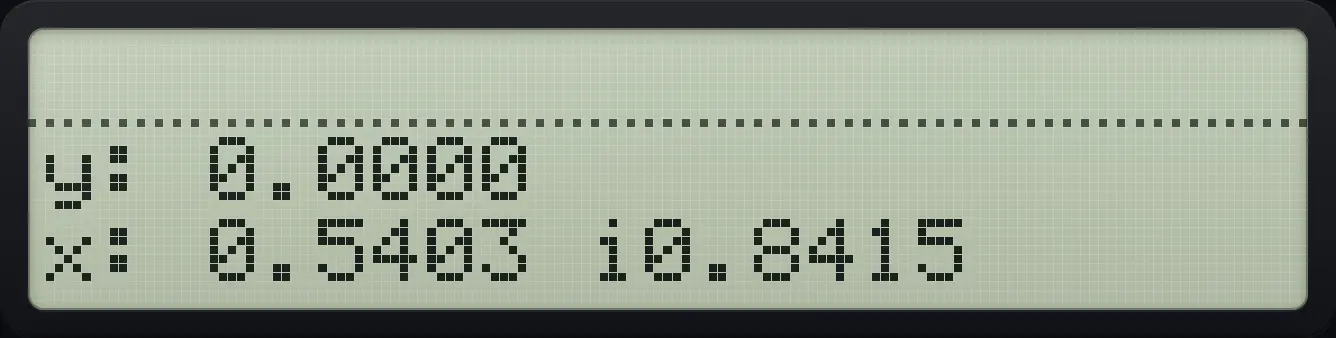
0.5403 i0.8415Magnitude of 3+4i
Make the number, open CONVERT page 2 and press ABS.
3ENTER4⇧COMPLEXSTO⇧CONVERT5▼LOG
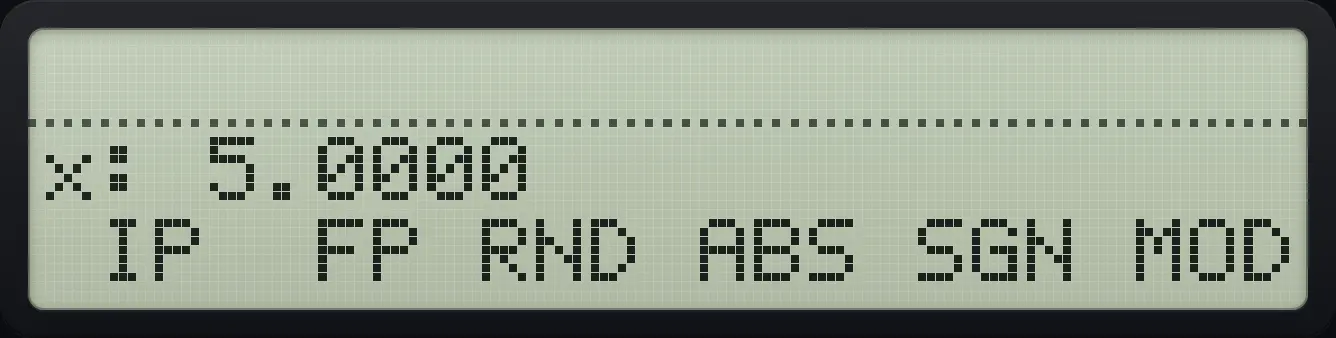
5.0000Complex sine
Sine of 1+i.
1ENTER1⇧COMPLEXSTOSIN
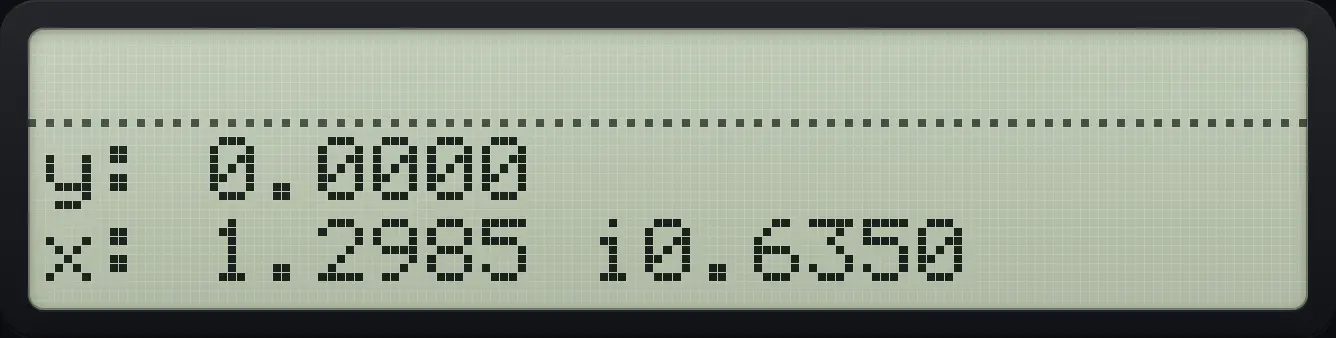
1.2985 i0.63509.4Show complex numbers in polar form#
Choose POL in the MODES menu. Complex values then show as radius, an angle sign, and the angle in the current angle unit. The polar annunciator appears. In POL mode shift STO takes the radius from Y and the angle from X.
Convert 3+4i to polar
Make 3 + 4i.
3ENTER4⇧COMPLEXSTOOpen MODES and press POL (sixth key), then close.
⇧MODES+/−XEQEXIT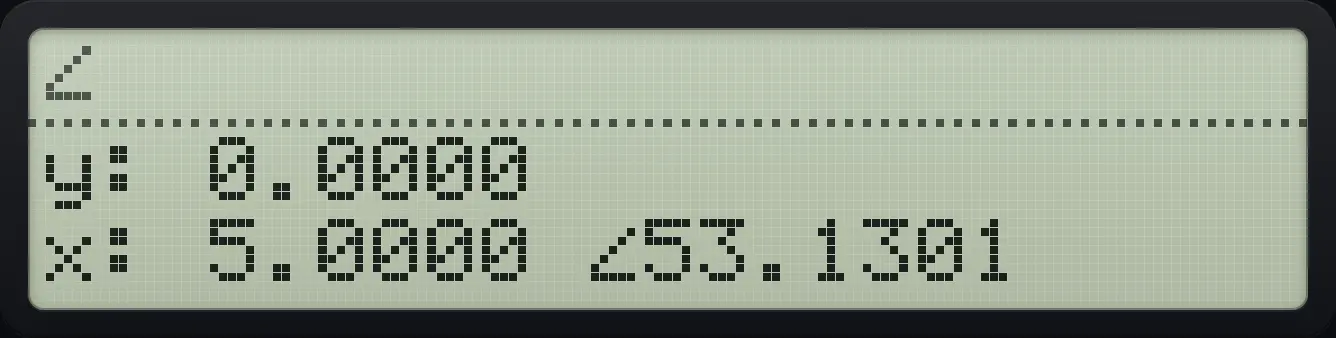
5.0000 ∠53.1301Enter a number by radius and angle
Switch to POL, then make 2 at 30 degrees.
⇧MODES+/−XEQEXIT2ENTER30⇧COMPLEXSTO
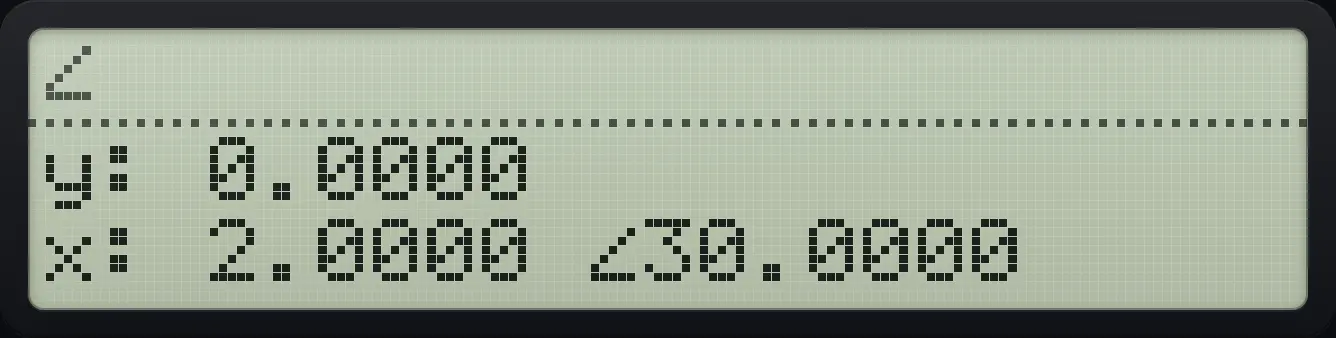
2.0000 ∠30.00009.5Complex or real results#
With RL (real results) a square root or logarithm of a negative real gives Invalid Data. With CPX they return complex answers. If the input is already complex, you always get complex answers.
Complex input always works
Make -4 + 0i and take the square root, even in real-result mode.
4+/−ENTER0⇧COMPLEXSTO√x
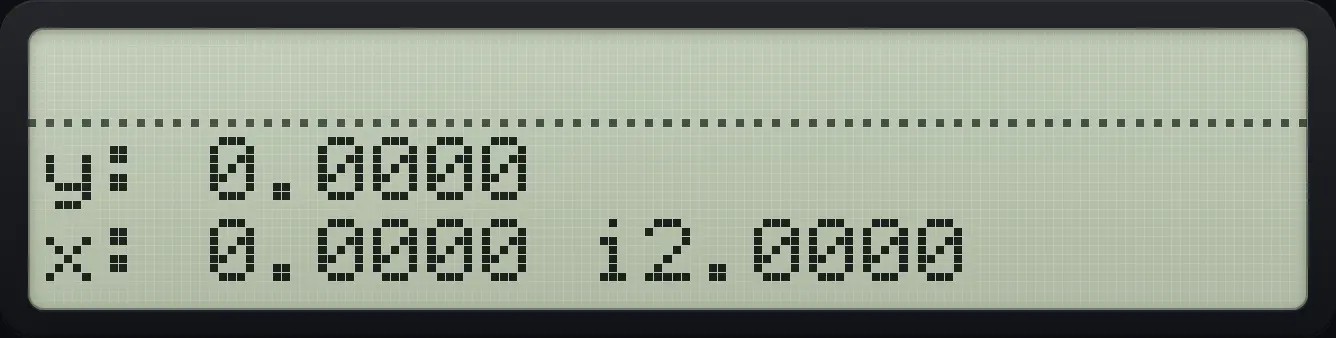
0.0000 i2.0000HP-42S is a trademark of HP Inc.. Trident Calculator is an independent product by South View Studios and is not affiliated with, sponsored by or endorsed by HP. The name is used only to describe the kind of calculator this model resembles; Trident's names, keys, display, fonts and software are its own clean-room design.