
RPN Advanced 42 manual · Chapter 13 of 18
Flags
Set, clear and test the 100 user flags, used mainly for decisions inside programs.
13.1Set, clear and test a flag#
A flag is a yes/no memory bit. There are 100 of them, numbered 00 to 99, all clear at first. Open FLAGS with shift 6. SF sets a flag, CF clears it, FS? asks whether it is set, FC? asks whether it is clear. FS?C and FC?C ask and then clear the flag. Type the flag number as two digits (or one digit and ENTER).
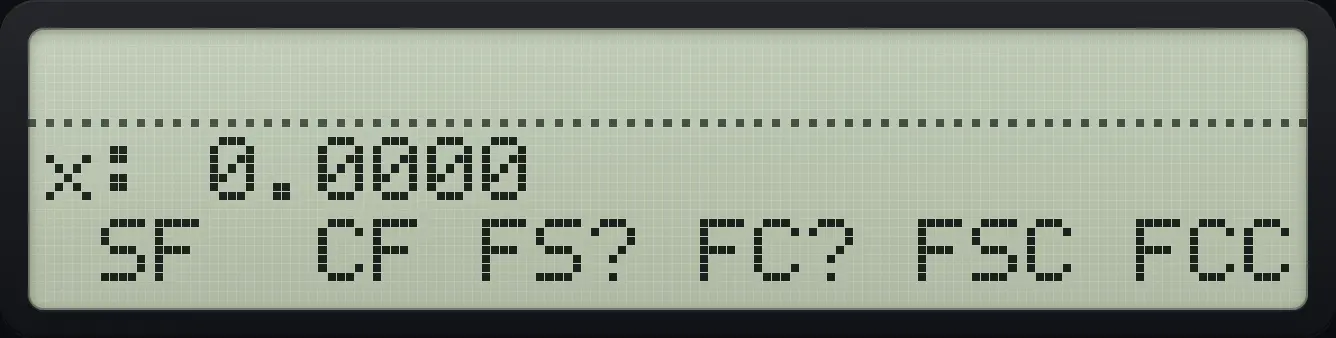
Set a flag and test it
Set flag 05 with SF (first key).
⇧FLAGS6Σ+05Ask if flag 05 is set with FS? (third key).
√x05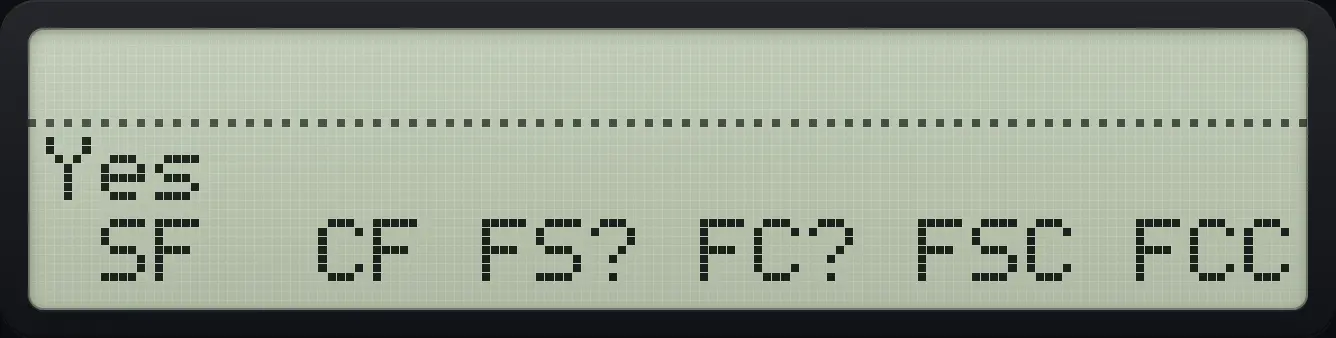
YesClear a flag
Set then clear flag 05, then test it.
⇧FLAGS6Σ+051/x05√x05
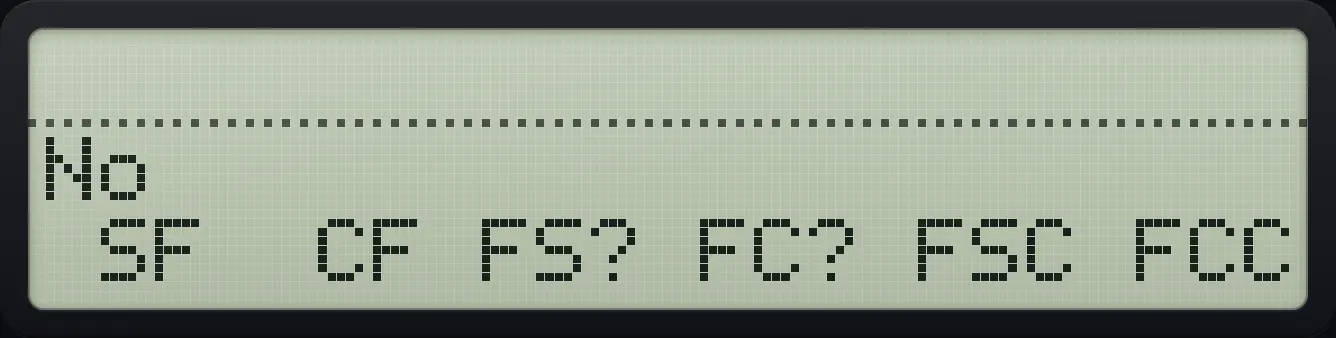
NoTest and clear
FS?C answers Yes and clears the flag; the next test says No.
⇧FLAGS6Σ+07LN07√x07
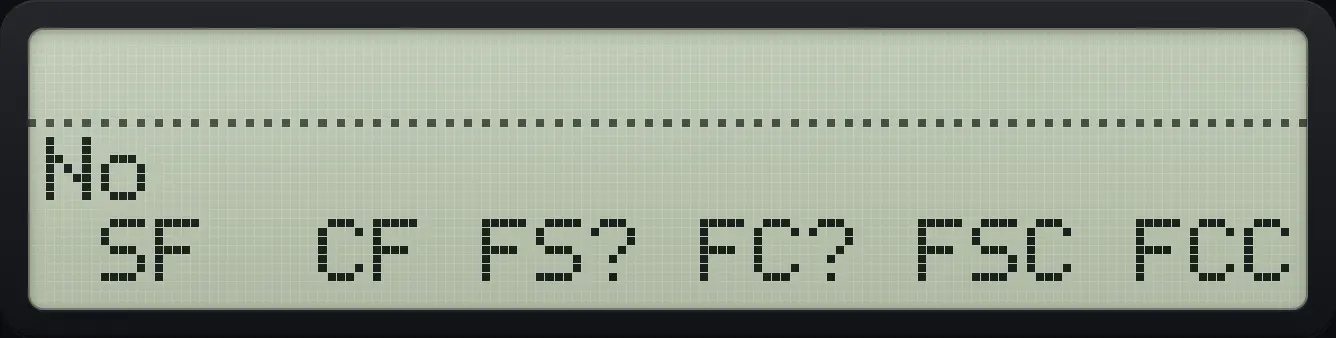
NoHP-42S is a trademark of HP Inc.. Trident Calculator is an independent product by South View Studios and is not affiliated with, sponsored by or endorsed by HP. The name is used only to describe the kind of calculator this model resembles; Trident's names, keys, display, fonts and software are its own clean-room design.