
RPN Advanced 42 manual · Chapter 15 of 18
Integration
Integrate a program numerically between two limits.
15.1Integrate a program#
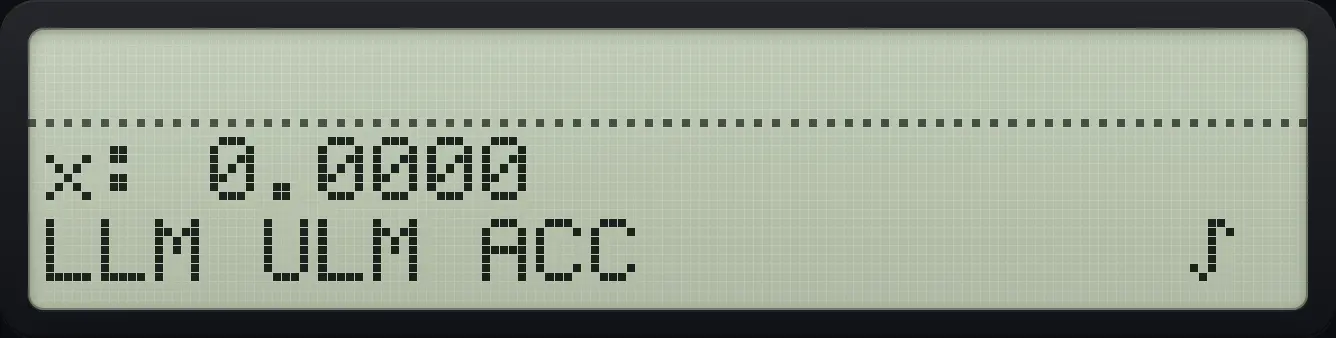
Shift 8 (∫f(x)) integrates a program numerically. Choose the program, then the variable to integrate over. A menu appears with LLIM (lower limit), ULIM (upper limit), ACC (accuracy) and ∫. Type a value and press its menu key to store it; press the key with nothing typed to see its value.
Integrate x² − 2 from 0 to 3
Make the program FX, open ∫f(x), pick FX and then X.
⇧PRGMR/S⇧PGM.FCN3Σ+⇧ALPHAENTER1/xΣ+XEQ1/xENTER⇧PGM.FCN3▼▼Σ+XEQ1/xENTERRCL⇧ALPHAENTERXEQ1/xENTER⇧x²√x2−⇧PGM.FCN31/x⇧PRGMR/SEXITEXIT⇧∫f(x)8Σ+Σ+Store the lower limit 0 and the upper limit 3.
0Σ+31/x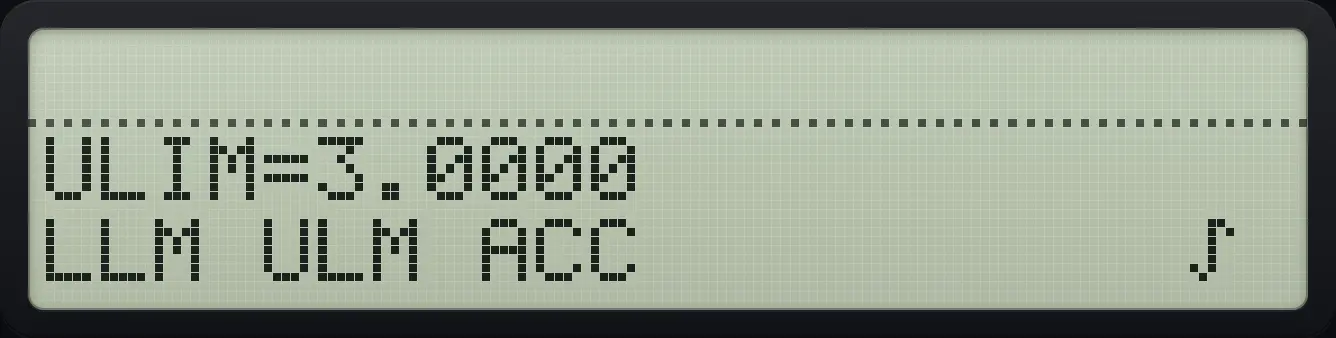
Press ∫ (sixth key).
XEQ
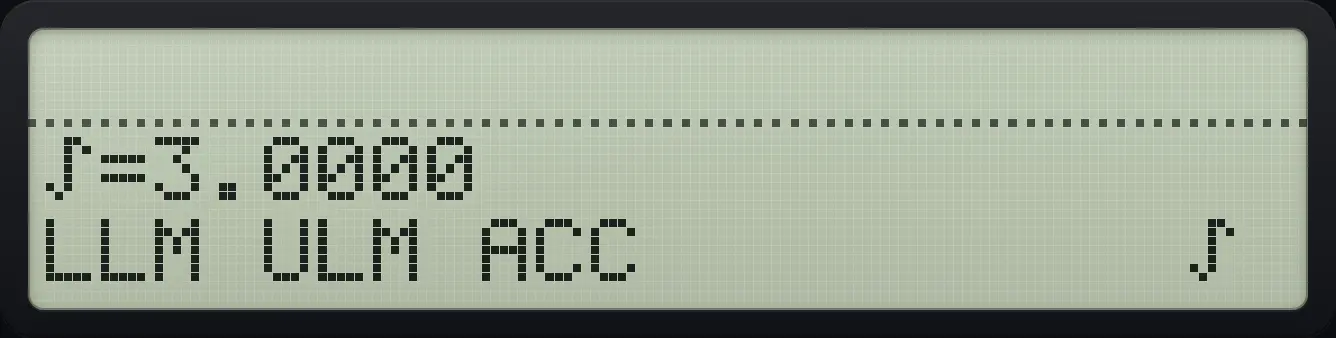
∫=3.0000The answer and the error estimate on the stack
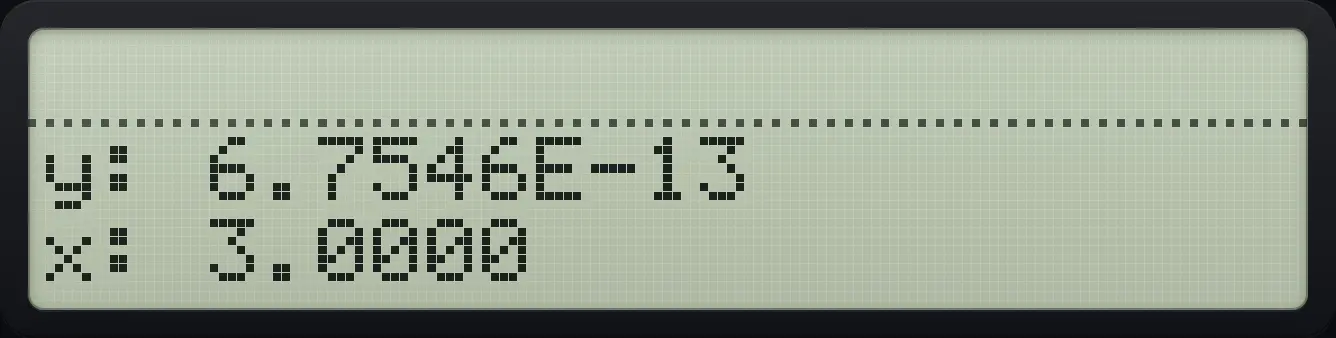
Run as above and close the menus: X is the integral and Y a small error estimate.
⇧PRGMR/S⇧PGM.FCN3Σ+⇧ALPHAENTER1/xΣ+XEQ1/xENTER⇧PGM.FCN3▼▼Σ+XEQ1/xENTERRCL⇧ALPHAENTERXEQ1/xENTER⇧x²√x2−⇧PGM.FCN31/x⇧PRGMR/SEXITEXIT⇧∫f(x)8Σ+Σ+0Σ+31/xXEQEXITEXITEXIT
x: 3.0000Recall a limit
Store 2 in ULIM, then press ULIM again with nothing typed.
⇧PRGMR/S⇧PGM.FCN3Σ+⇧ALPHAENTER1/xΣ+XEQ1/xENTER⇧PGM.FCN3▼▼Σ+XEQ1/xENTERRCL⇧ALPHAENTERXEQ1/xENTER⇧x²√x2−⇧PGM.FCN31/x⇧PRGMR/SEXITEXIT⇧∫f(x)8Σ+Σ+21/x1/x
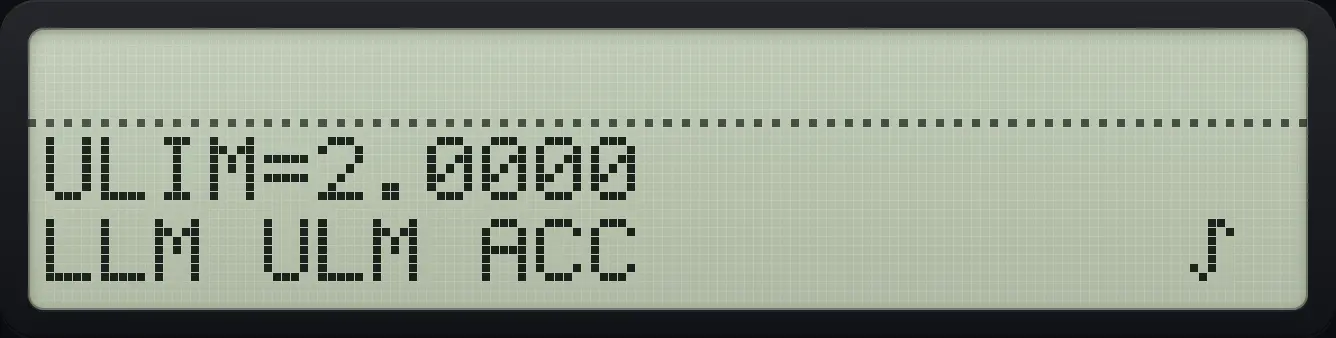
ULIM=2.0000See also Integrate on an RPN calculatorFind a definite integral
15.2Integrate from a program: PGMINT and INTEG#
In a program, PGMINT "name" chooses the program and INTEG "var" integrates it over that variable from LLIM to ULIM with the accuracy ACC: the integral goes to X and the error estimate to Y. In PRGM mode the ∫f(x) menu records them: pick the program (PGMINT), then the variable (INTEG).
Integrate x² − 2 from 0 to 3 in a program
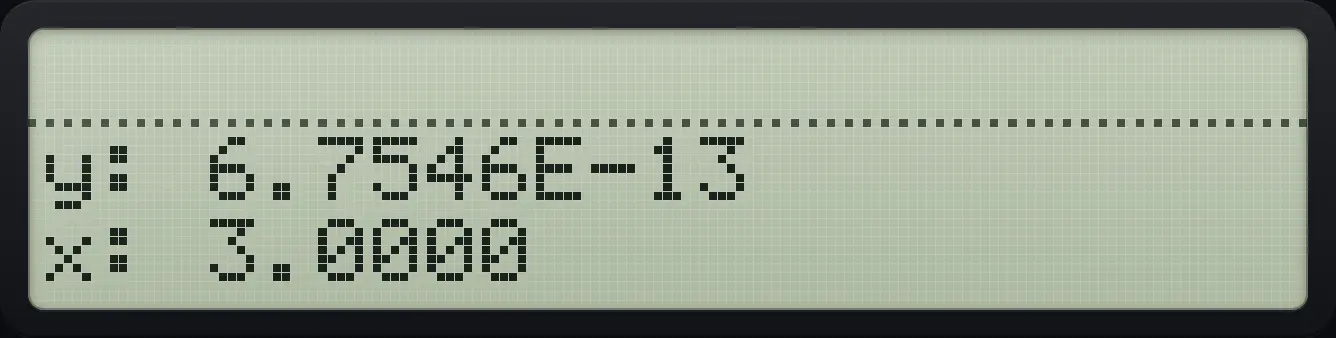
Make FX. Record IG: store 0 in LLIM and 3 in ULIM, then shift 8, FX and X record PGMINT "FX" and INTEG "X".
⇧PRGMR/S⇧PGM.FCN3Σ+⇧ALPHAENTER1/xΣ+XEQ1/xENTER⇧PGM.FCN3▼▼Σ+XEQ1/xENTERRCL⇧ALPHAENTERXEQ1/xENTER⇧x²√x2−⇧PGM.FCN31/x⇧PRGMR/SEXITEXIT⇧PRGMR/S⇧PGM.FCN3Σ+⇧ALPHAENTER1/xLOG1/x1/xENTER0STO⇧ALPHAENTER√x√x√x√x1/xLOG√xLOGENTER3STO⇧ALPHAENTERLNLOG√x√x1/xLOG√xLOGENTER⇧∫f(x)8Σ+Σ+⇧PRGMR/SEXITEXITRun IG.
XEQ⇧ALPHAENTER1/xLOG1/x1/xENTER
x: 3.0000HP-42S is a trademark of HP Inc.. Trident Calculator is an independent product by South View Studios and is not affiliated with, sponsored by or endorsed by HP. The name is used only to describe the kind of calculator this model resembles; Trident's names, keys, display, fonts and software are its own clean-room design.