
RPN Advanced 42 manual · Chapter 14 of 18
The SOLVER
Find the root of an equation you describe as a program, one variable at a time.
14.1How the solver works#
The solver finds a value of one variable that makes your program return zero. You write the equation as a program that ends with the quantity that should be zero, for example . The program declares its variables with MVAR lines so the solver knows what to offer.
- write a program with MVAR variables
- ⇧SOLVER7 SOLVER
- pick the program
- give a guess for the variable
- press the variable again to solve
14.2Write the equation as a program#
Turn on PRGM mode with shift R/S. Press PGM.FCN (shift 3), LBL, and type a name. Then press down twice to reach MVAR and declare the variable. Type the equation in RPN with RCL for the variables, and finish with RTN. Turn PRGM off with shift R/S.
Program for x squared minus 2
Create the program FX with one variable X. It computes X squared and subtracts 2.
⇧PRGMR/S⇧PGM.FCN3Σ+⇧ALPHAENTER1/xΣ+XEQ1/xENTER⇧PGM.FCN3▼▼Σ+XEQ1/xENTERRCL⇧ALPHAENTERXEQ1/xENTER⇧x²√x2−⇧PGM.FCN31/x⇧PRGMR/SEXITEXITCheck the label list in the solver: FX is offered.
⇧SOLVER7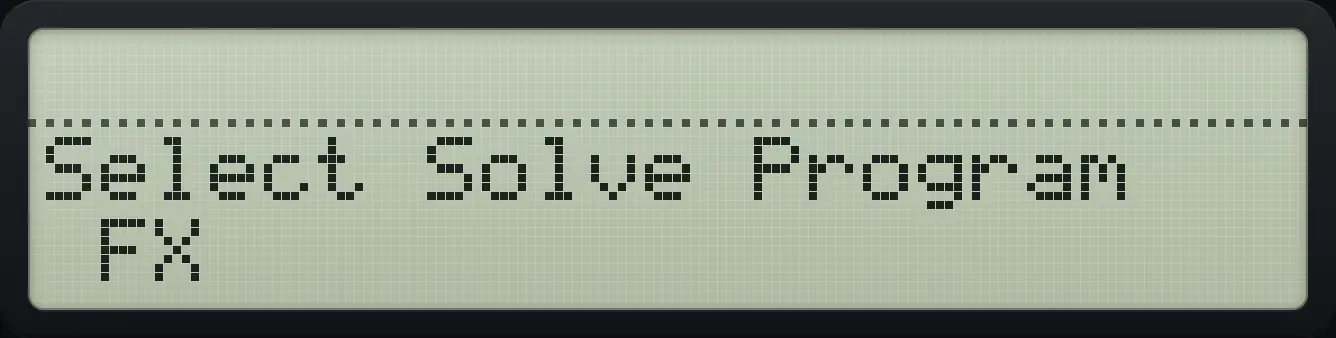
FX14.3Find a root#
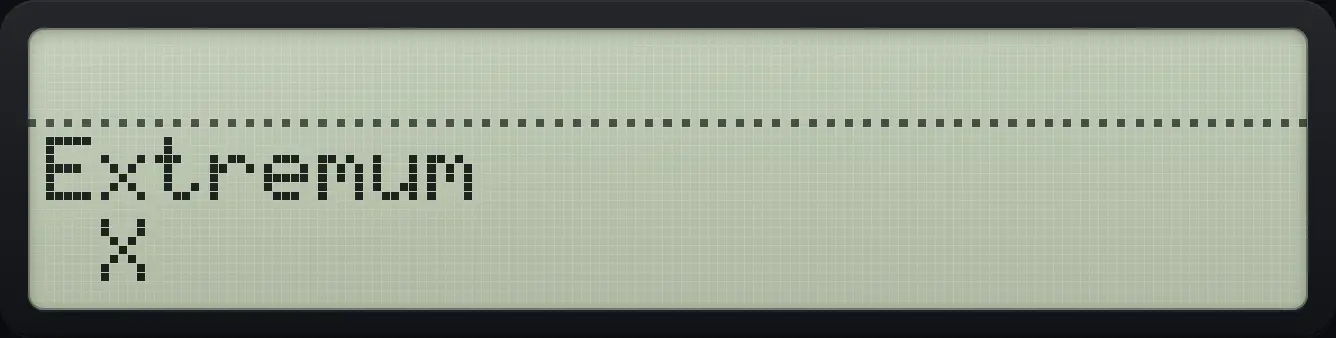
Choose the program, then its variable. Type a guess and press the variable key to store it. Press the variable key again with no number typed to solve. The answer is in X and in the variable; Y holds the previous estimate. If no root is found the message is Extremum or Constant?. You can store two guesses (press the variable key after each) to steer toward a different root.
Solve x² − 2 = 0
Write the program FX (see above), open the solver and pick FX, then the variable X.
⇧PRGMR/S⇧PGM.FCN3Σ+⇧ALPHAENTER1/xΣ+XEQ1/xENTER⇧PGM.FCN3▼▼Σ+XEQ1/xENTERRCL⇧ALPHAENTERXEQ1/xENTER⇧x²√x2−⇧PGM.FCN31/x⇧PRGMR/SEXITEXIT⇧SOLVER7Σ+Σ+Type a guess of 1 and store it into X.
1Σ+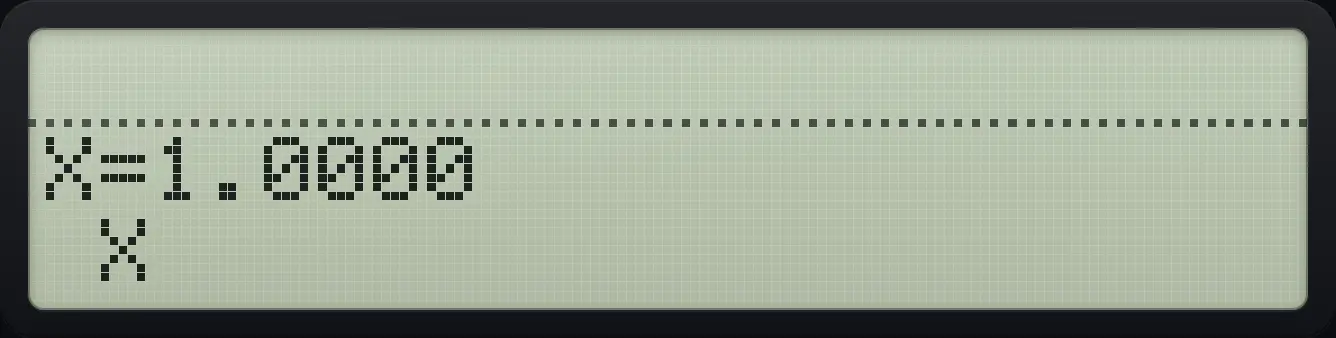
Press X again with nothing typed to solve.
Σ+
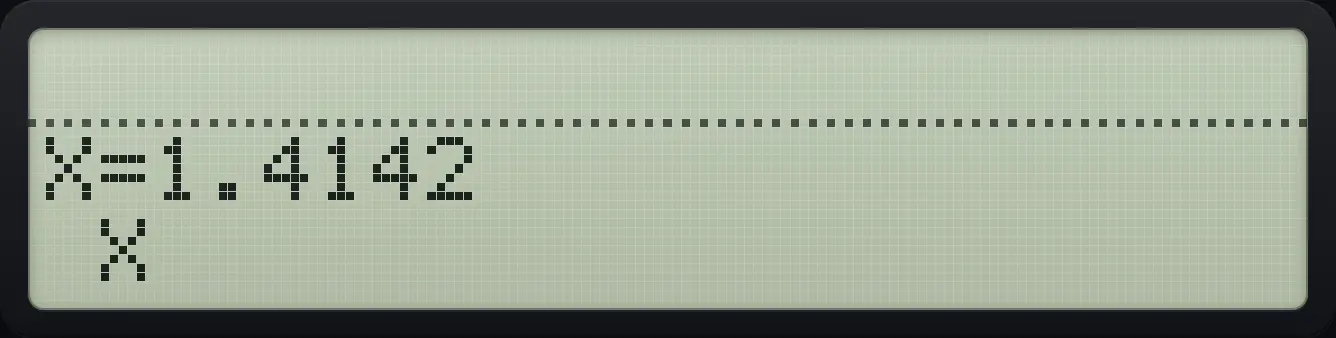
X=1.4142Two guesses select the negative root
Store guesses −3 and −1, then solve.
⇧PRGMR/S⇧PGM.FCN3Σ+⇧ALPHAENTER1/xΣ+XEQ1/xENTER⇧PGM.FCN3▼▼Σ+XEQ1/xENTERRCL⇧ALPHAENTERXEQ1/xENTER⇧x²√x2−⇧PGM.FCN31/x⇧PRGMR/SEXITEXIT⇧SOLVER7Σ+Σ+3+/−Σ+1+/−Σ+Σ+
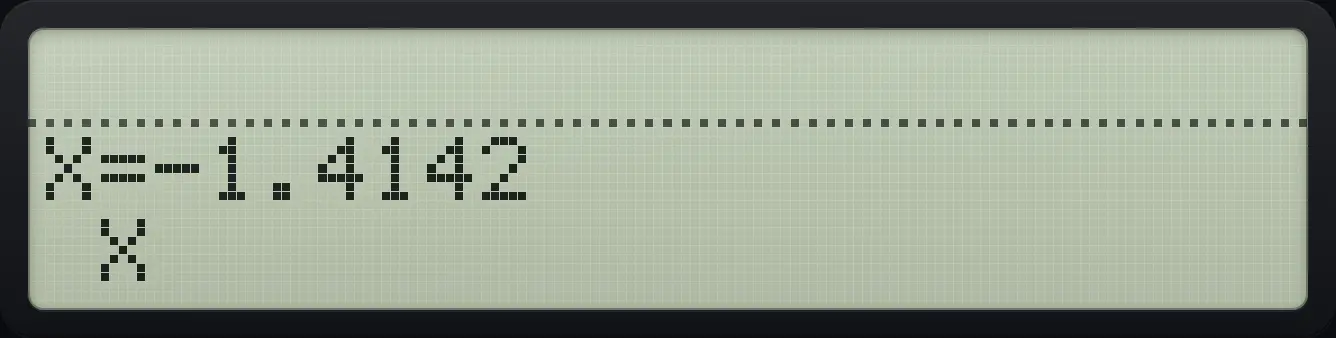
X=-1.4142Read the root afterwards
Solve as before, close the menus and recall the variable with all digits (DISP, FIX, 09).
⇧PRGMR/S⇧PGM.FCN3Σ+⇧ALPHAENTER1/xΣ+XEQ1/xENTER⇧PGM.FCN3▼▼Σ+XEQ1/xENTERRCL⇧ALPHAENTERXEQ1/xENTER⇧x²√x2−⇧PGM.FCN31/x⇧PRGMR/SEXITEXIT⇧SOLVER7Σ+1Σ+Σ+EXITEXITRCL⇧ALPHAENTERXEQ1/xENTER⇧DISPEΣ+09
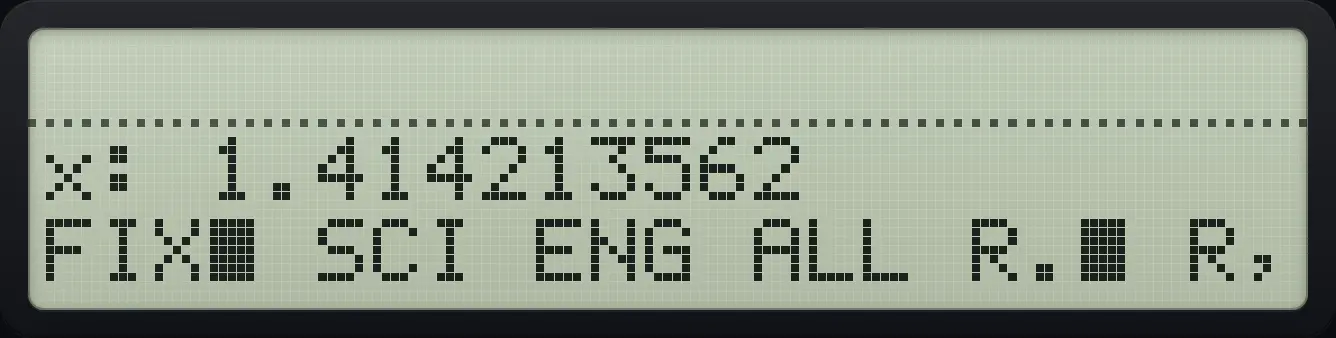
1.414213562See also Solve an equation with your own programSolve an equation numerically
14.4When there is no root#
x squared plus 1 has no real root
Make a program NR that computes X squared plus 1.
⇧PRGMR/S⇧PGM.FCN3Σ+⇧ALPHAENTERLOGΣ+LNΣ+ENTER⇧PGM.FCN3▼▼Σ+XEQ1/xENTERRCL⇧ALPHAENTERXEQ1/xENTER⇧x²√x1+⇧PGM.FCN31/x⇧PRGMR/SEXITEXITSolve from a guess of 1.
⇧SOLVER7Σ+1Σ+Σ+
ExtremumHP-42S is a trademark of HP Inc.. Trident Calculator is an independent product by South View Studios and is not affiliated with, sponsored by or endorsed by HP. The name is used only to describe the kind of calculator this model resembles; Trident's names, keys, display, fonts and software are its own clean-room design.