
RPN Financial 12 manual · Chapter 7 of 16
Time value of money
Loans, mortgages, savings, leases and annuities with n, i, PV, PMT and FV: how the five keys work, the sign convention, solving for each unknown, BEGIN mode and part periods.
7.1How the five financial keys work#
Money today is worth more than the same money later, because today's money can earn interest. The five financial keys connect the pieces of a loan or savings plan. Know any four and the calculator finds the fifth.
| Key | Stands for | Notes |
|---|---|---|
| n | Number of periods | Months for a monthly loan, years for a yearly one |
| i | Interest rate per period | In percent. A 6% annual rate on monthly payments is 0.5 per month |
| PV | Present value | The amount at the start: the loan, the first deposit |
| PMT | Payment | The regular amount each period |
| FV | Future value | The amount at the end: a balloon, a savings goal |
- n periods (g: n × 12)
- i rate % (g: i ÷ 12)
- PV present value
- PMT payment
- FV future value
- CHS sign
7.2Store a value or calculate it#
Each financial key has two jobs. Key in a number and press the key: the number is stored. Press the key straight after another financial key, without typing a number, and it calculates its value from the other four. The calculated value is shown and stored too.
- n stored
- i stored
- PV stored
- FV stored
- PMT calculates
7.3The sign convention: money in and money out#
Money you receive is positive. Money you pay out is negative. A loan you take out is money in (positive PV) and your payments are money out (negative PMT). A deposit into savings is money out (negative) and the balance you get back is money in (positive).
If you get an answer with the wrong sign, check the signs you keyed in. Use CHS to change a sign.
7.4Monthly payments: 12× and 12÷#
Loans are usually quoted with years and an annual rate, but paid monthly. g12×n (12×) multiplies X by 12 and stores it as n. g12÷i (12÷) divides X by 12 and stores it as i. So 30 years and 6% become 360 months and 0.5 percent a month.
Convert 30 years to months
Key in 30 and press g, 12×.
30g12×n
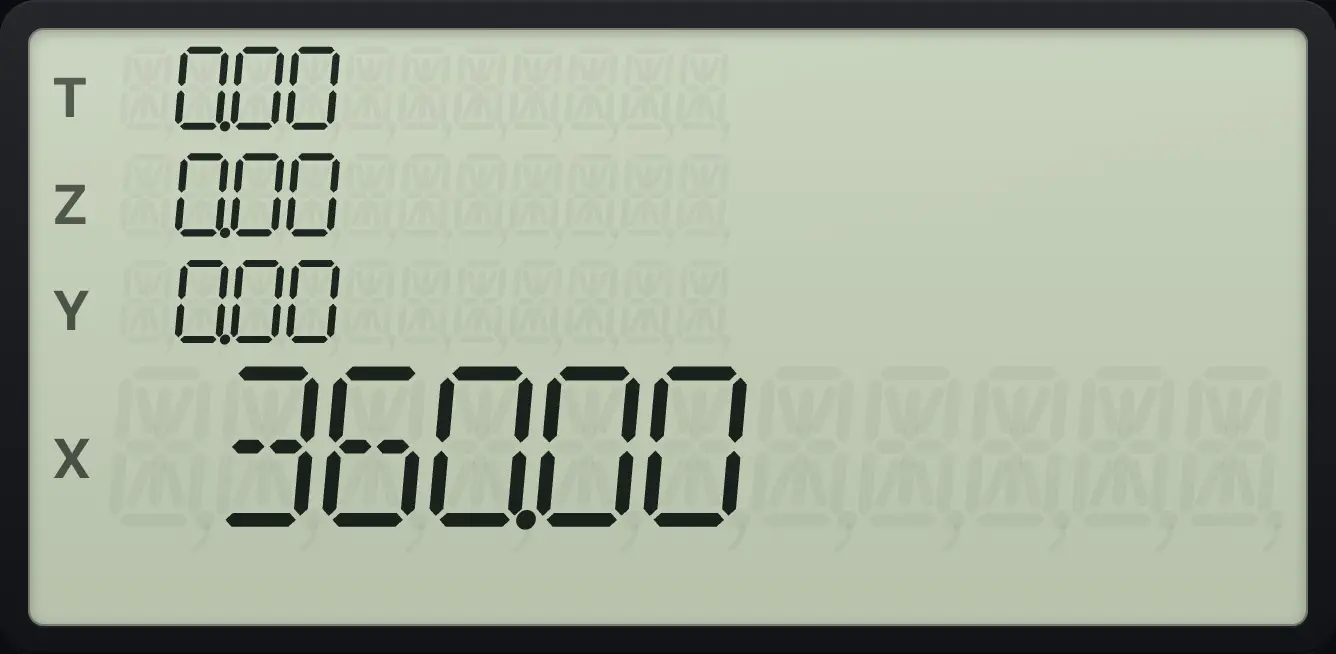
360.00Convert 6% a year to a monthly rate
Key in 6 and press g, 12÷.
6g12÷i
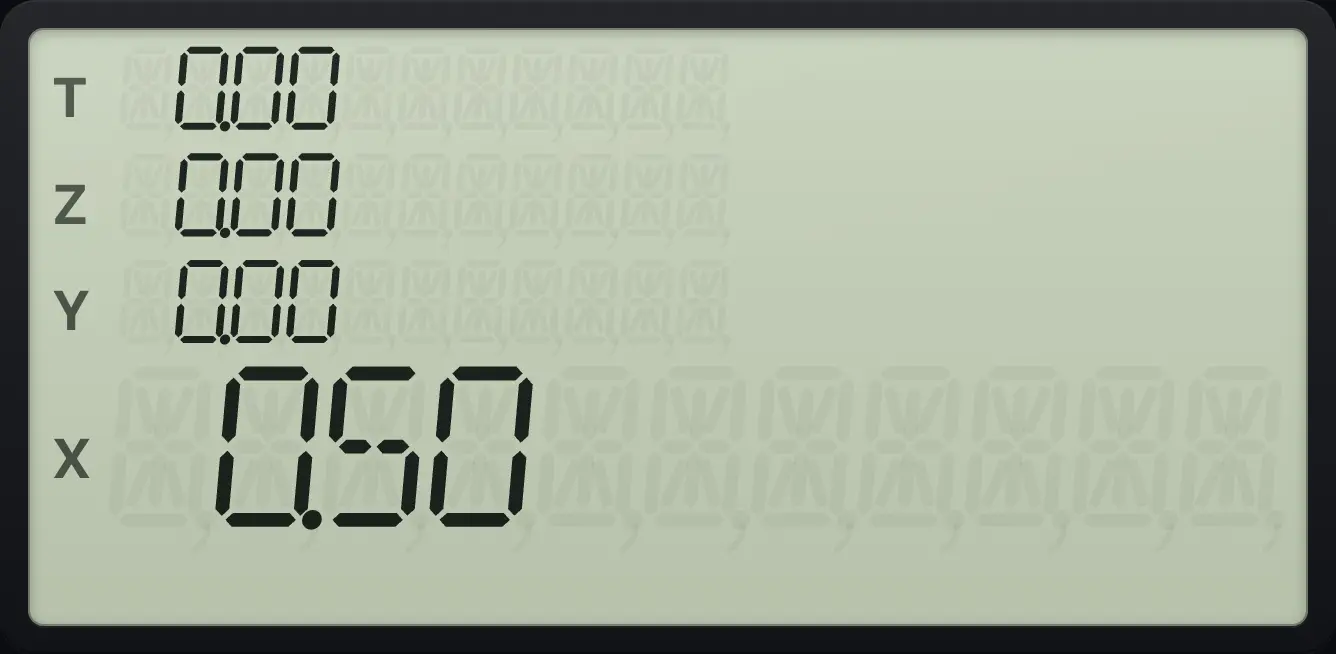
0.507.5Find the payment on a loan#
To find the monthly payment on a 200,000 loan over 30 years at 6% a year: n = 360, i = 6 ÷ 12, PV = 200,000 and FV = 0 (the loan is fully repaid). Then press PMT.
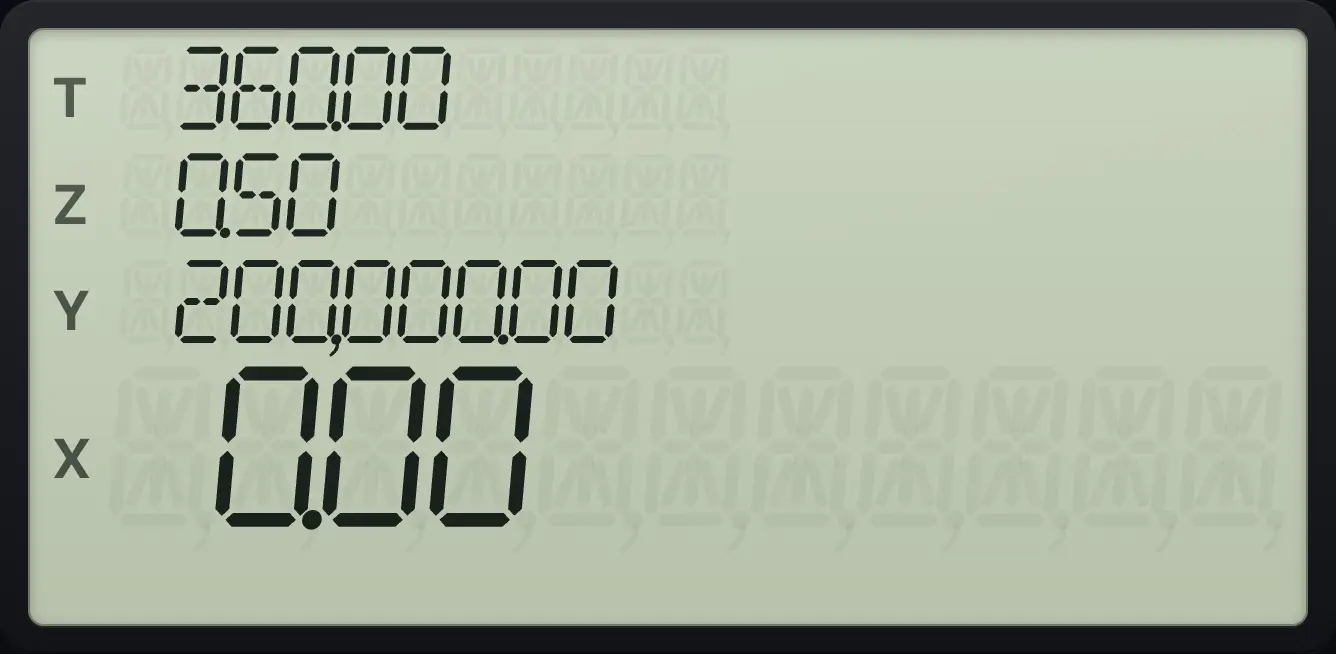
- 360 n
- 6 g12÷i
- 200000 PV
- 0 FV
- PMT
Monthly payment on a 30-year mortgage
Key in 360 and press n. Key in 6, press g 12÷. Key in 200000 and press PV. Key in 0 and press FV.
360n6g12÷i200000PV0FVPress PMT with no number typed.
PMT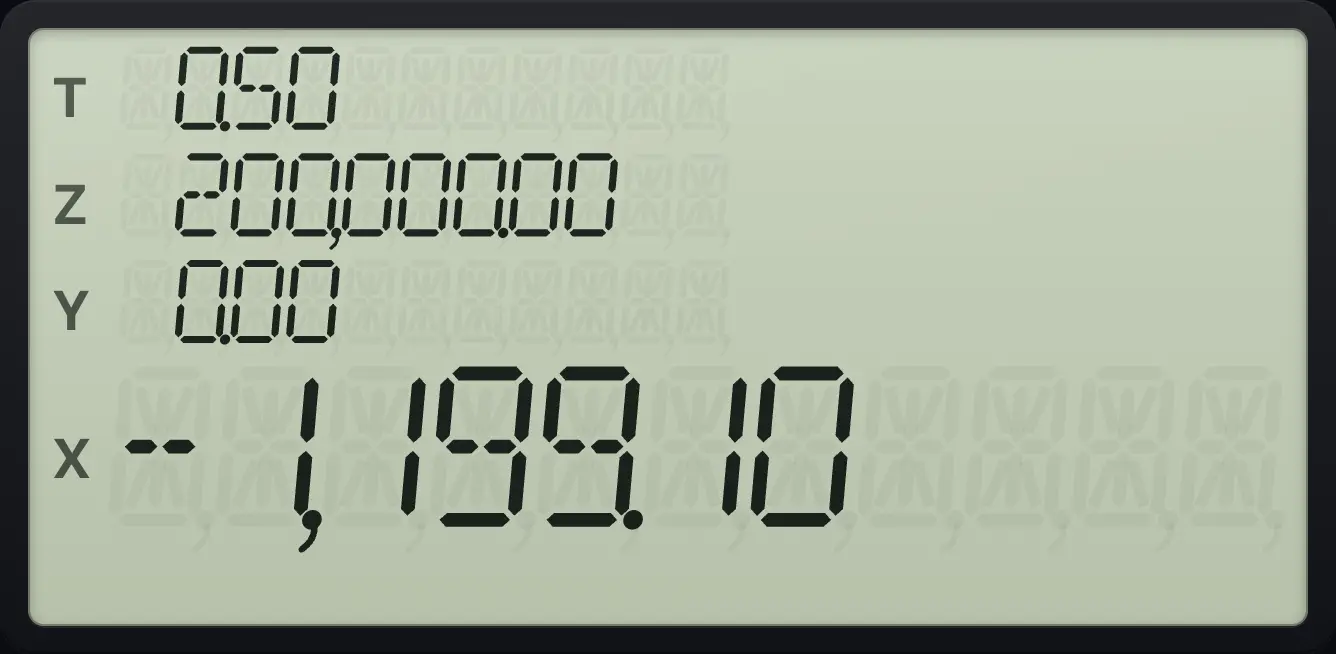
The payment is −1,199.10 a month (money out).Same loan using years
Key in 30 and press g 12×. Then 6 and g 12÷. Then the loan and FV.
30g12×n6g12÷i200000PV0FVPMT
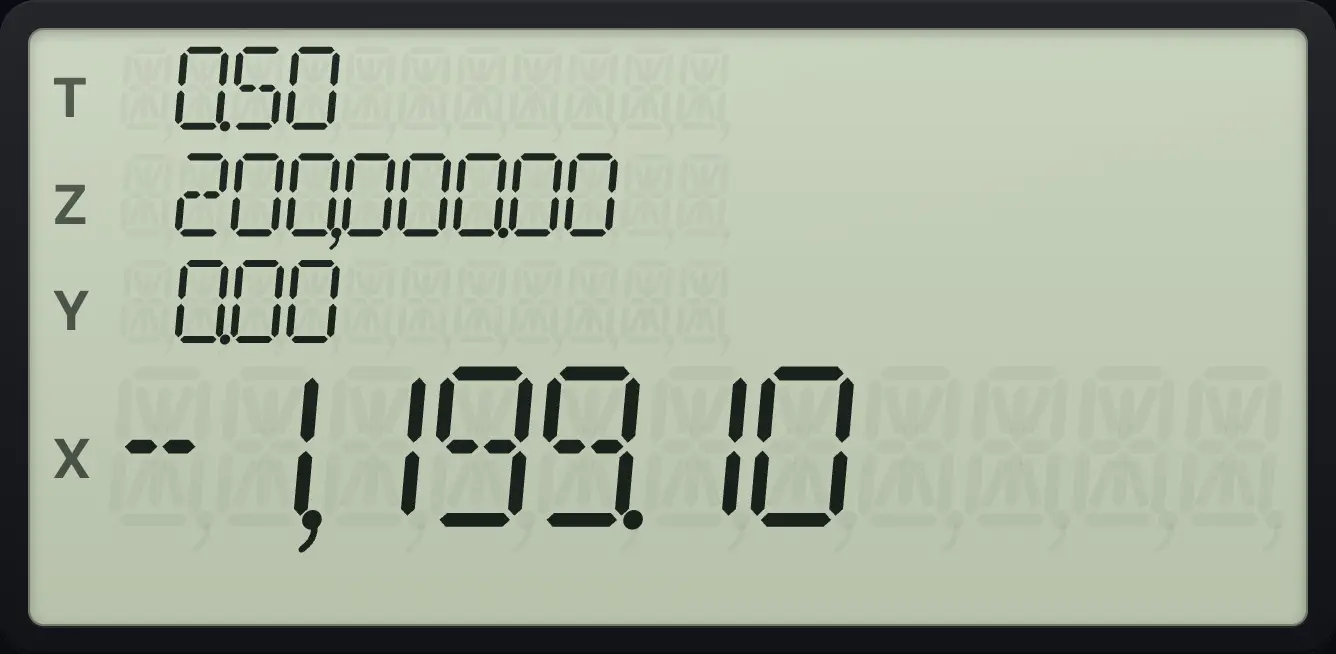
-1,199.10Car loan: 20,000 over 60 months at 4.5%
Key in 20000 PV, 60 n, 0 FV and 4.5 then g 12÷, then PMT.
20000PV60n0FV4.5g12÷iPMT
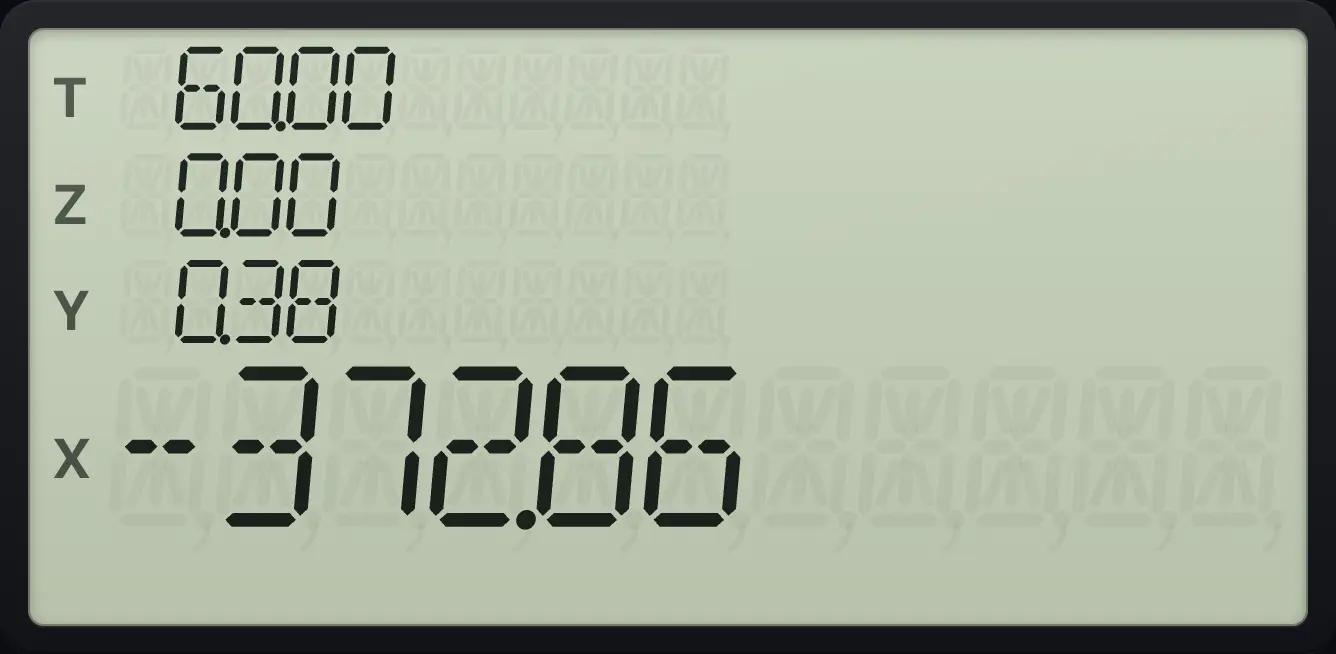
-372.867.6A loan with a balloon payment#
If part of the loan is repaid in one lump sum at the end (a balloon), put it in FV as a negative number. The payments are then smaller.
Lease-style loan: 25,000 over 36 months at 6%, with 10,000 left at the end
Key in 36 n, 6 g 12÷, 25000 PV, 10000 CHS FV, then PMT.
36n6g12÷i25000PV10000CHSFVPMT
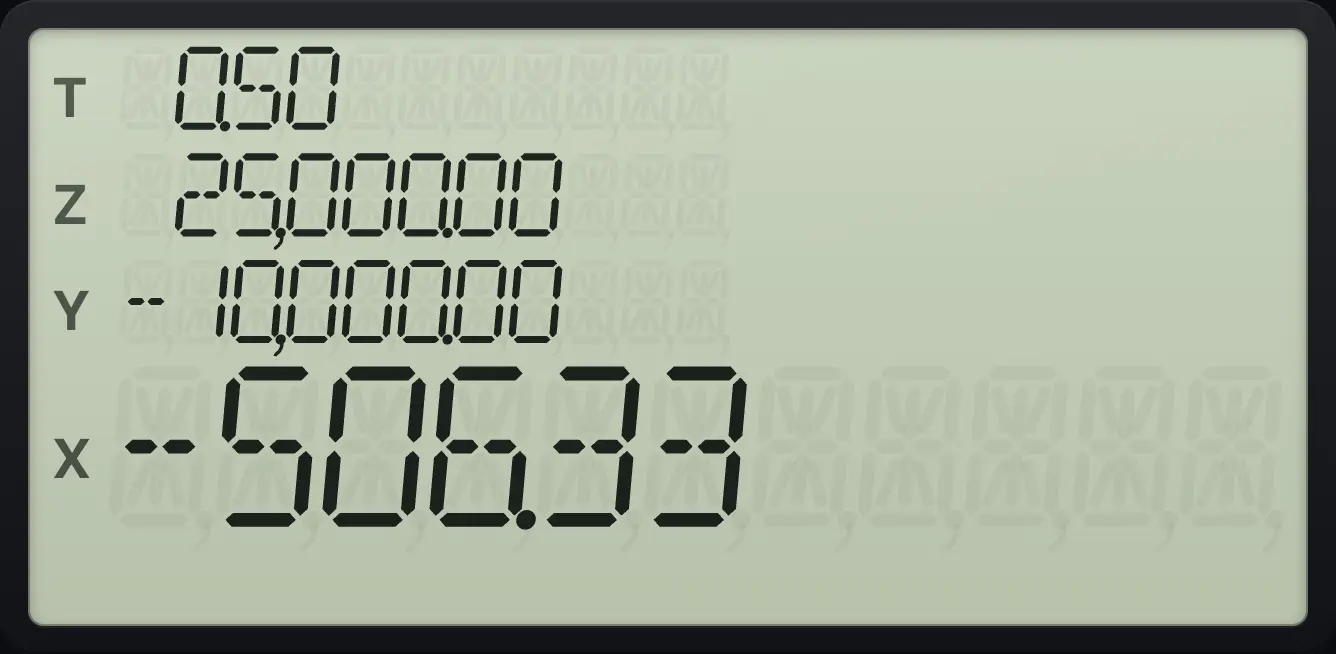
The payment is −506.33 a month. It is lower than for a loan with no balloon.7.7Find how much you can borrow#
Turn the problem round. If you can afford 1,199.10 a month, how large a loan is that? Enter n, i, PMT (negative) and FV, then press PV.
Loan you can afford
Key in 360 n, 6 g 12÷, 1199.10 CHS PMT, 0 FV, then PV.
360n6g12÷i1199.10CHSPMT0FVPV
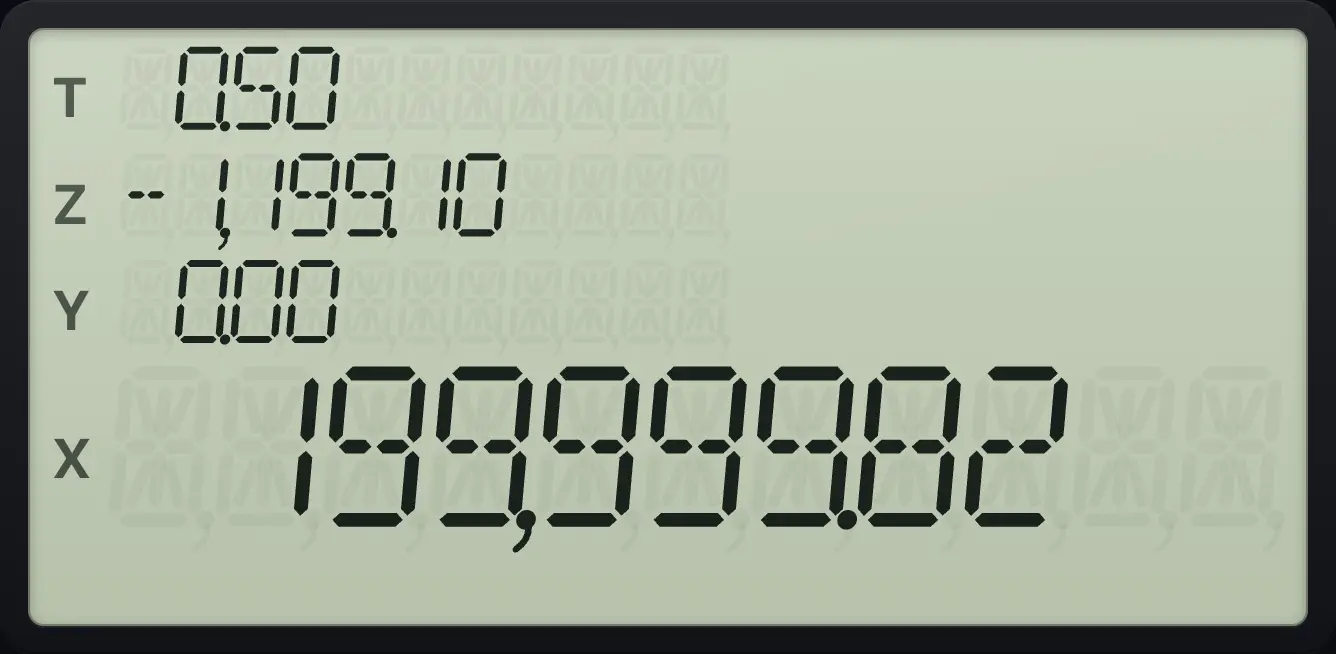
About 200,000.7.8Find what savings will grow to#
Put a single deposit in PV (negative, because you pay it out), the rate and the periods, set PMT to 0, and press FV.
100 at 5% for 10 years
Key in 10 n, 5 i, 100 CHS PV, 0 PMT, then FV.
10n5i100CHSPV0PMTFV
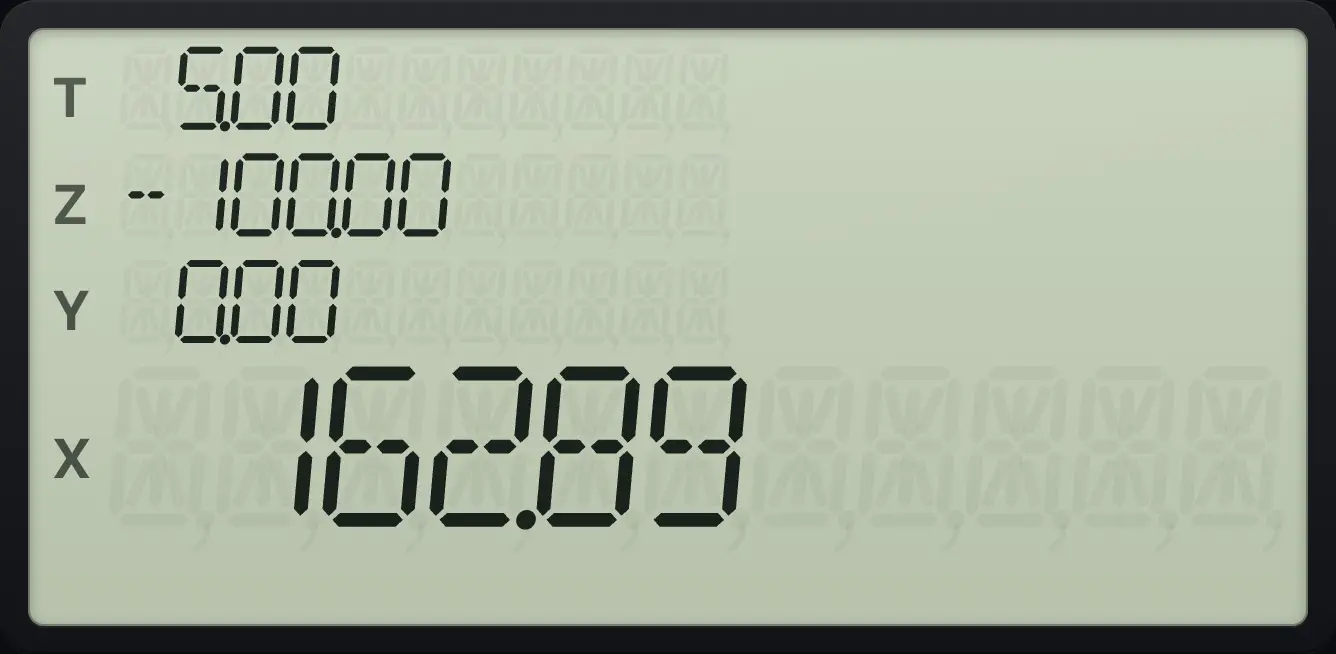
162.897.9Save a regular amount each period#
For regular deposits, put the deposit in PMT (negative), leave PV at 0 and press FV.
100 a month for 12 months at 1% a month
Key in 12 n, 1 i, 100 CHS PMT, 0 PV, then FV.
12n1i100CHSPMT0PVFV
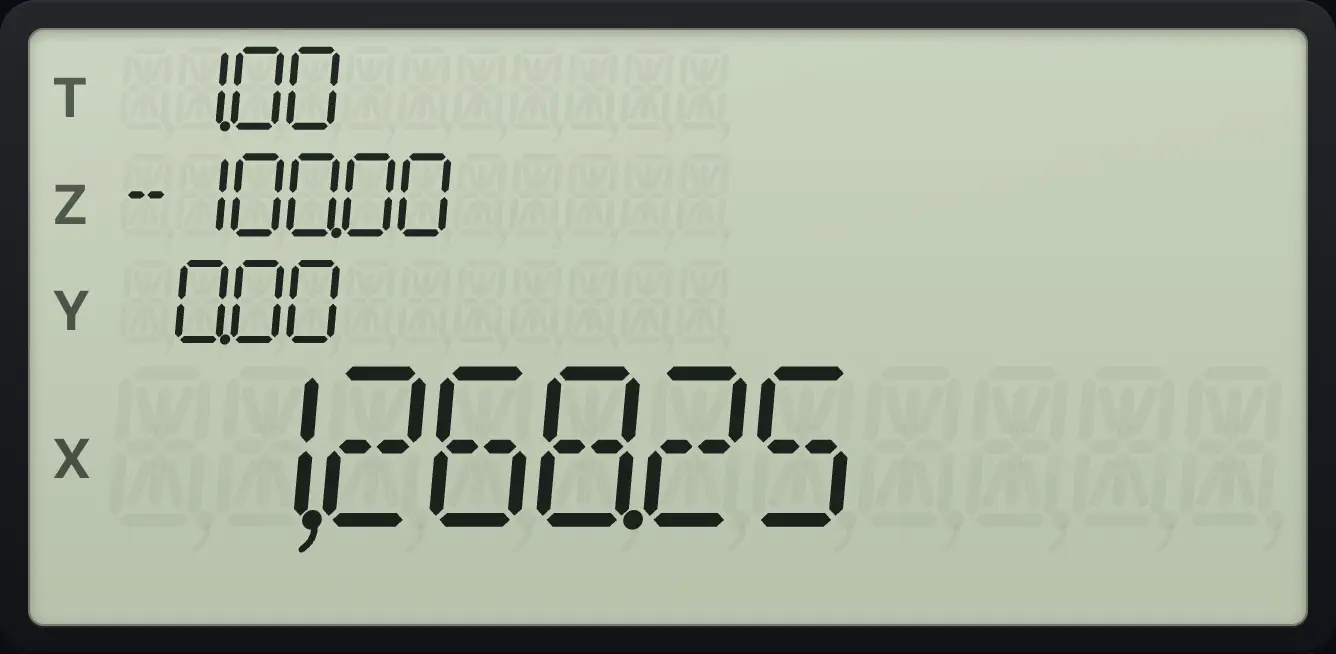
1,268.257.10Payments at the beginning of the period#
Press gBEG7 (BEG) when payments are made at the start of each period. The same deposits then earn one extra period of interest. Press gEND8 (END) to go back.
Deposits at the start of each month
Press g BEG, then the same deposits as before.
gBEG712n1i100CHSPMT0PVFV
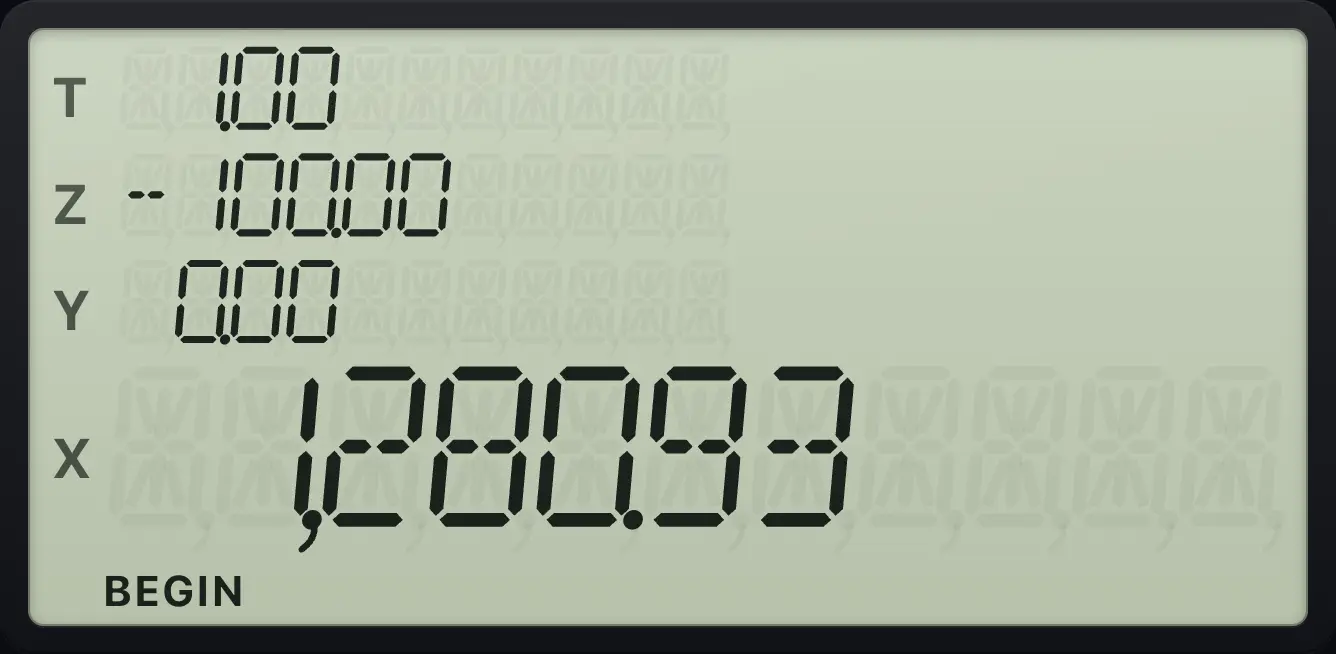
More than 1,268.25, because each deposit earns one more month of interest.Lease payment: payments at the start
BEG, 36 n, 0.5 i, 25000 PV, 10000 CHS FV, then PMT.
gBEG736n0.5i25000PV10000CHSFVPMT
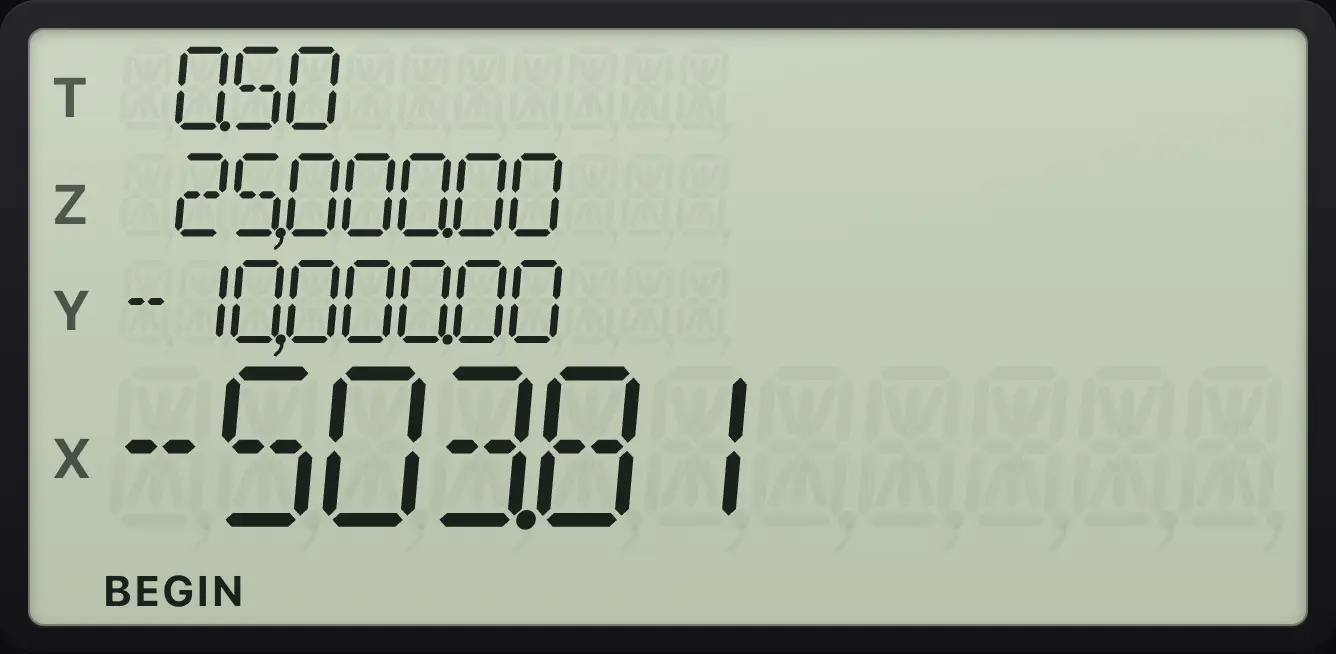
-503.817.11Find how long it takes: n#
Key in the rate, the amount now (negative), the amount you want and PMT of 0, then press n. If the answer is not a whole number, n is rounded up to the next whole period.
How long to double 100 at 5%?
Key in 5 i, 100 CHS PV, 200 FV, 0 PMT, then n.
5i100CHSPV200FV0PMTn
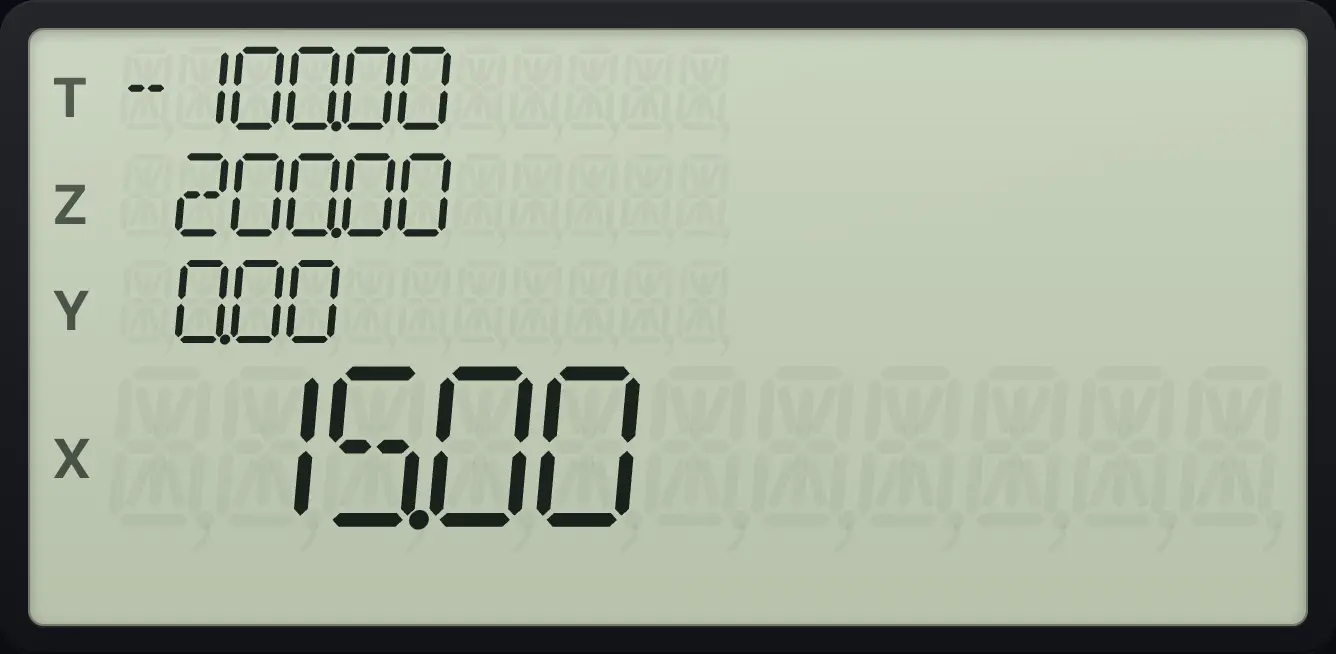
It takes 15 periods (14.2 rounded up).Months to clear a debt
Debt 10,000 at 1% a month, paying 500 a month. Key in 1 i, 10000 PV, 500 CHS PMT, 0 FV, then n.
1i10000PV500CHSPMT0FVn
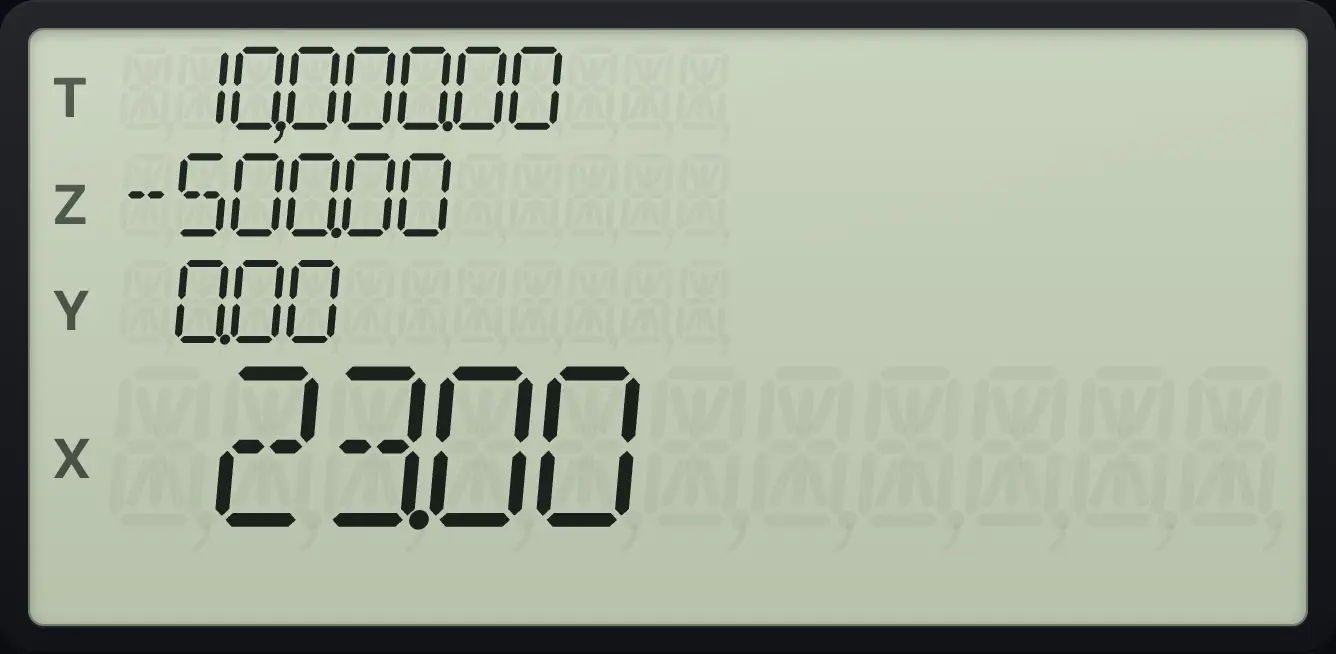
23.007.12Find the interest rate: i#
Enter n, PV, PMT and FV and press i. The answer is the rate per period. Multiply by 12 (key in 12 then ×) for the annual rate when periods are months.
Rate on a car loan
20000 PV, 60 n, 400 CHS PMT, 0 FV, then i.
60n20000PV400CHSPMT0FVi
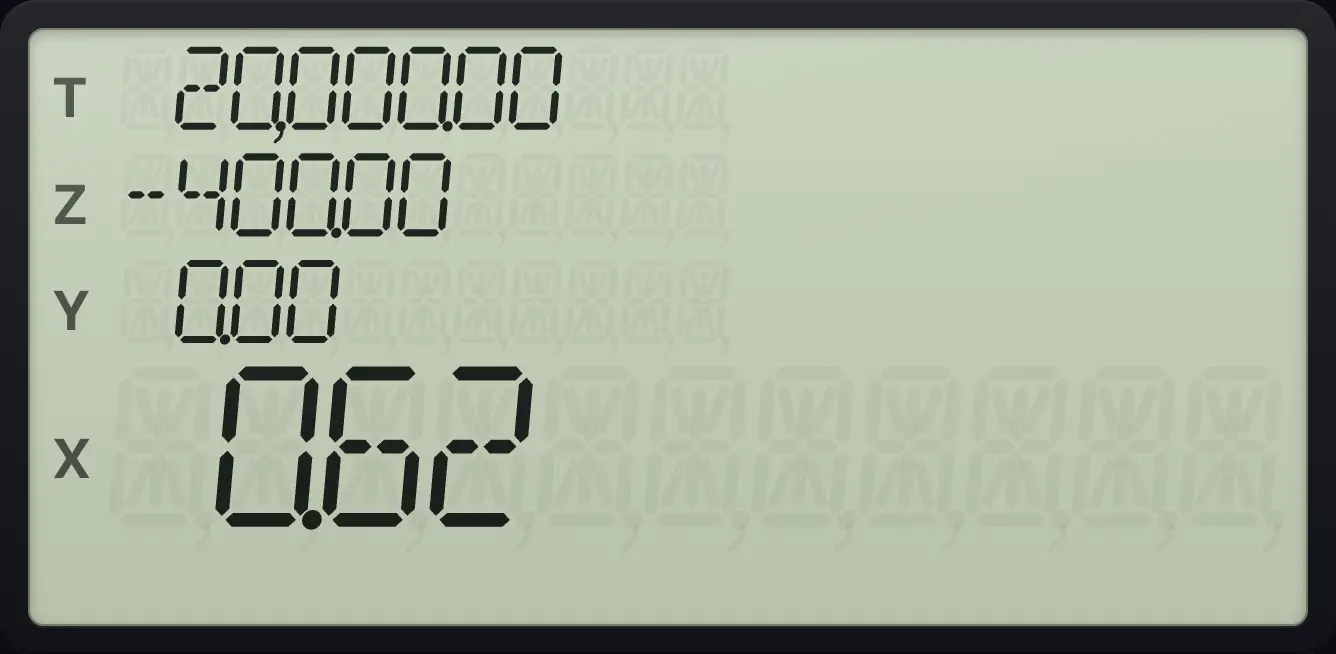
0.62 percent a month.The same rate as an annual rate
Press 12 and × to multiply by 12.
60n20000PV400CHSPMT0FVi12×
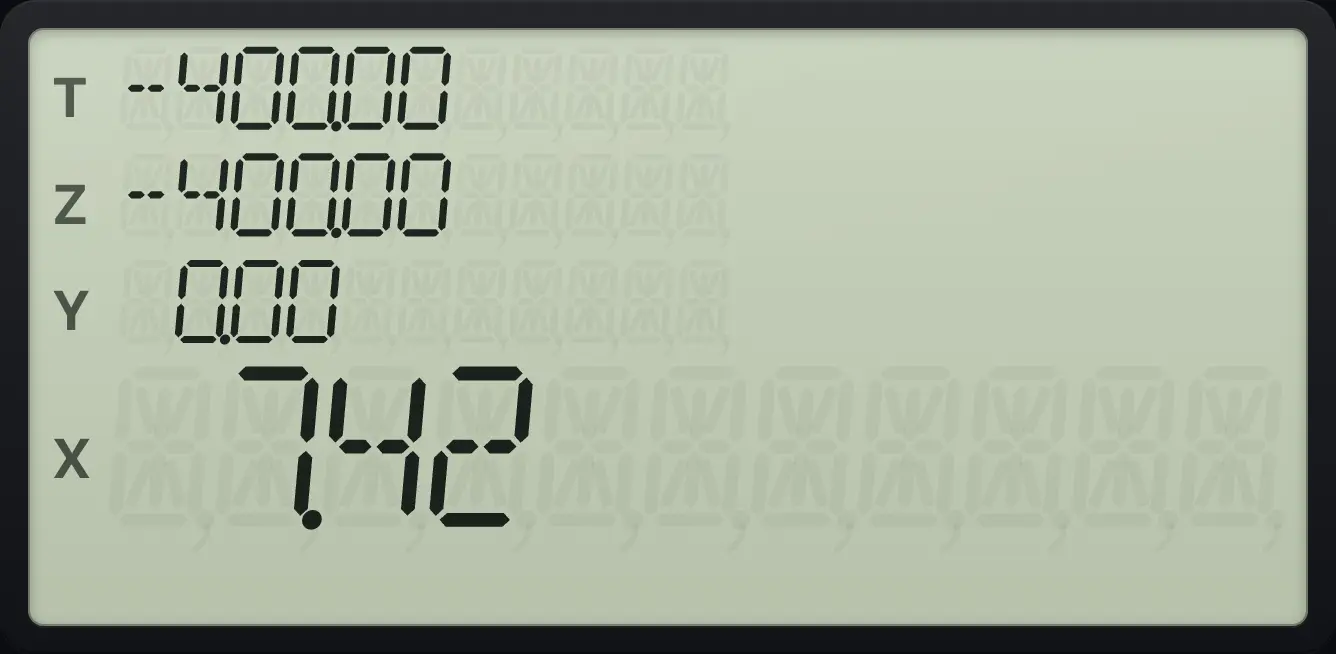
7.427.13Find the present value#
To find what a future amount is worth today, enter n, i and FV and press PV. To find what a stream of payments is worth today, enter n, i and PMT and press PV.
Value today of 200 in 15 years at 5%
15 n, 5 i, 200 FV, 0 PMT, then PV.
15n5i200FV0PMTPV
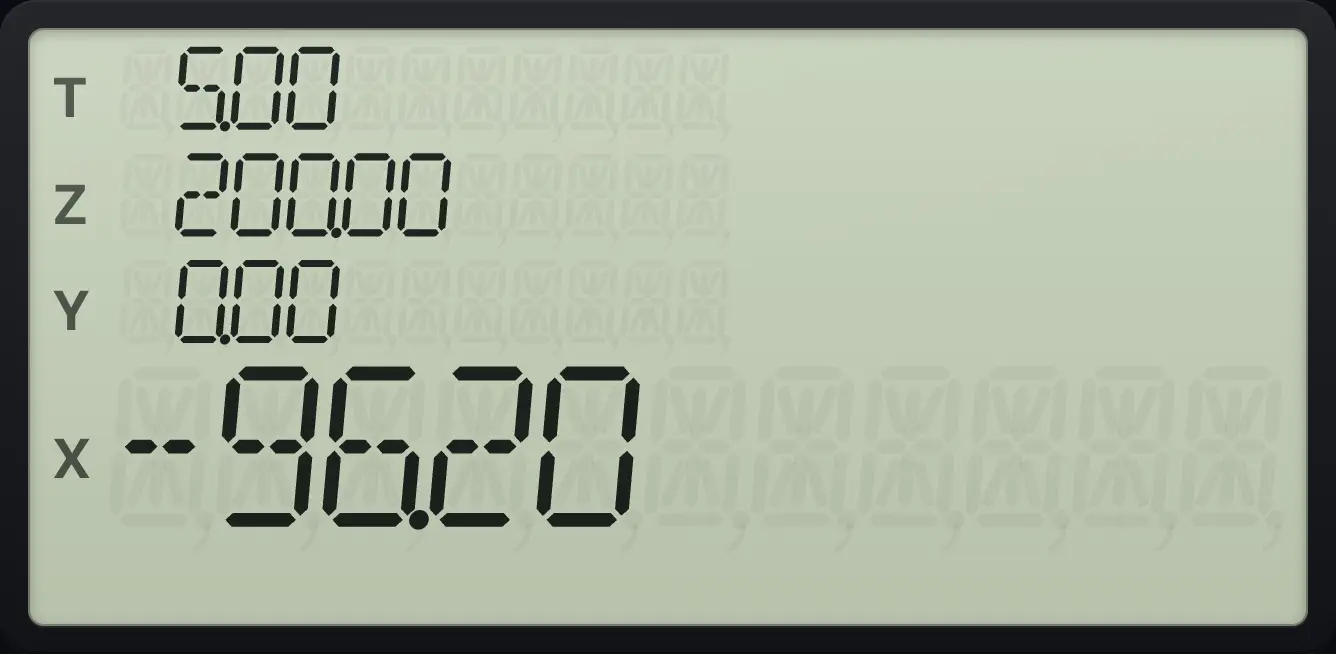
You would need to pay in 96.20 today (shown as money out).7.14Zero interest#
With an interest rate of 0 the payment is simply the loan divided by the number of periods.
Interest-free loan
360 n, 0 i, 36000 PV, 0 FV, then PMT.
360n0i36000PV0FVPMT
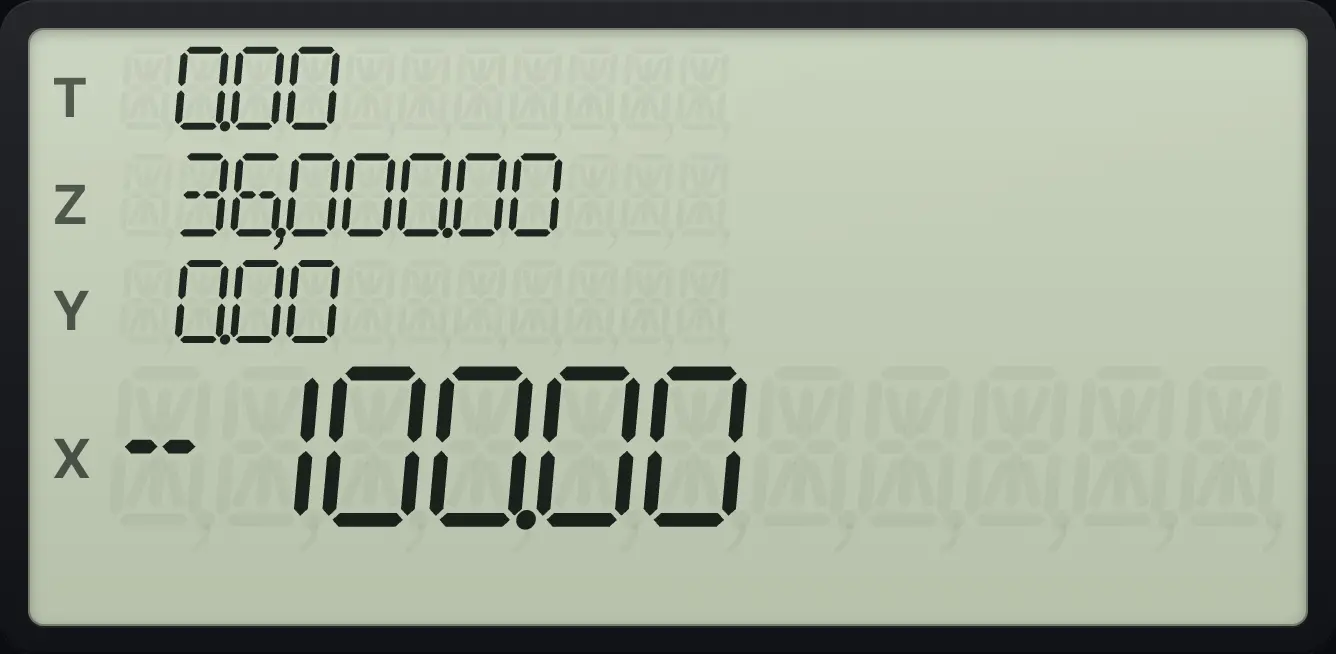
-100.007.15Part periods: n with a fraction#
When n is not a whole number, the extra part period at the start earns simple interest by default. Press STO EEX to turn on the C indicator and use compound interest for the part period instead. The two answers differ slightly.
Simple interest for the part period
12.5 n, 1 i, 100 CHS PMT, 0 FV, then PV.
12.5n1i100CHSPMT0FVPV
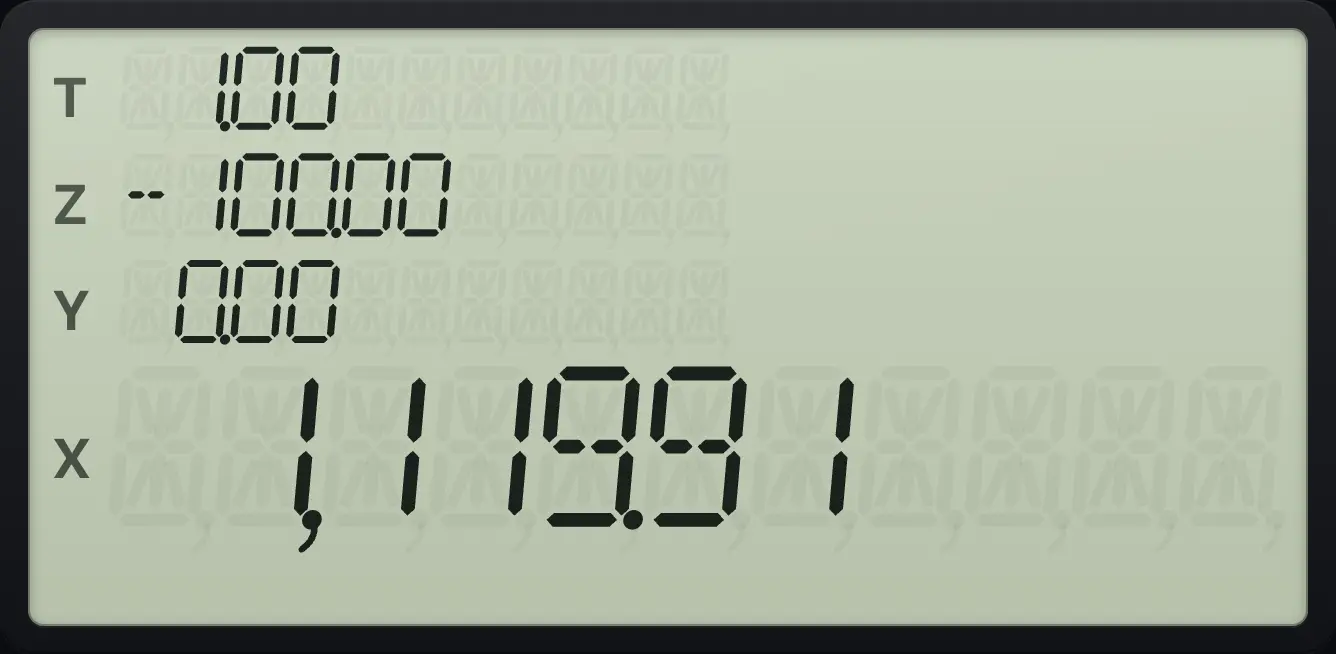
1,119.91Compound interest for the part period
Press STO EEX first (C is lit), then the same keys.
STOEEX12.5n1i100CHSPMT0FVPV
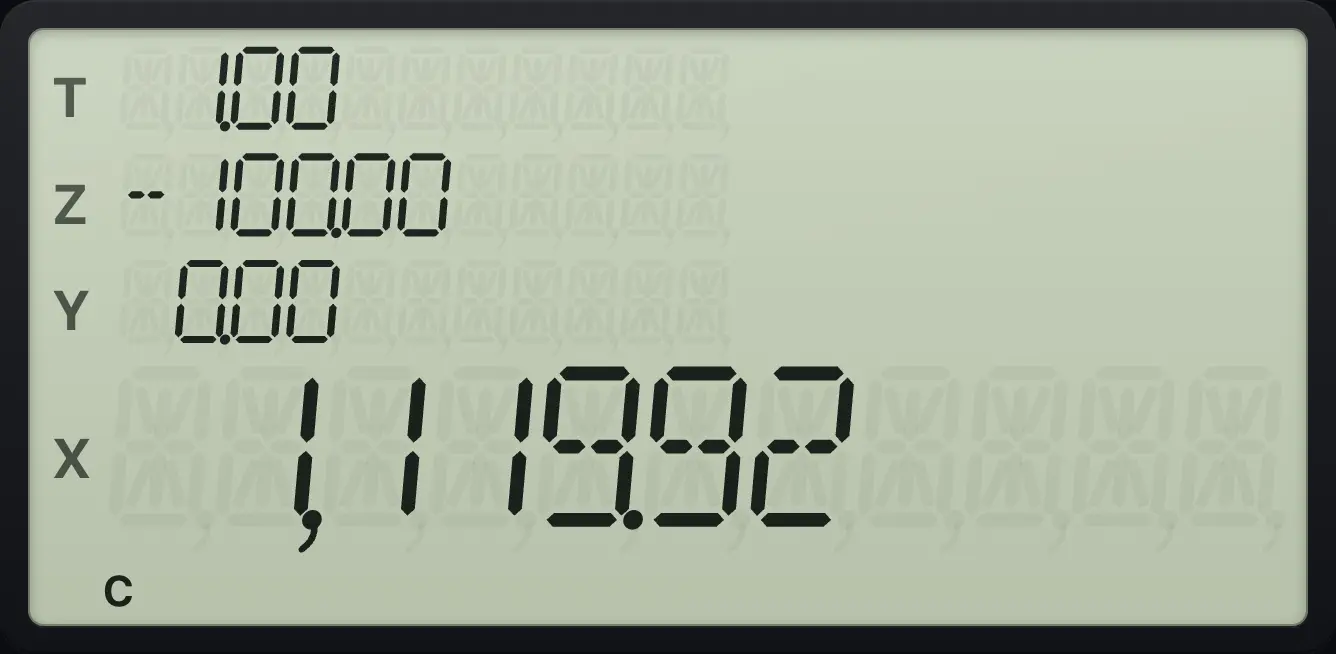
1,119.927.16Simple interest#
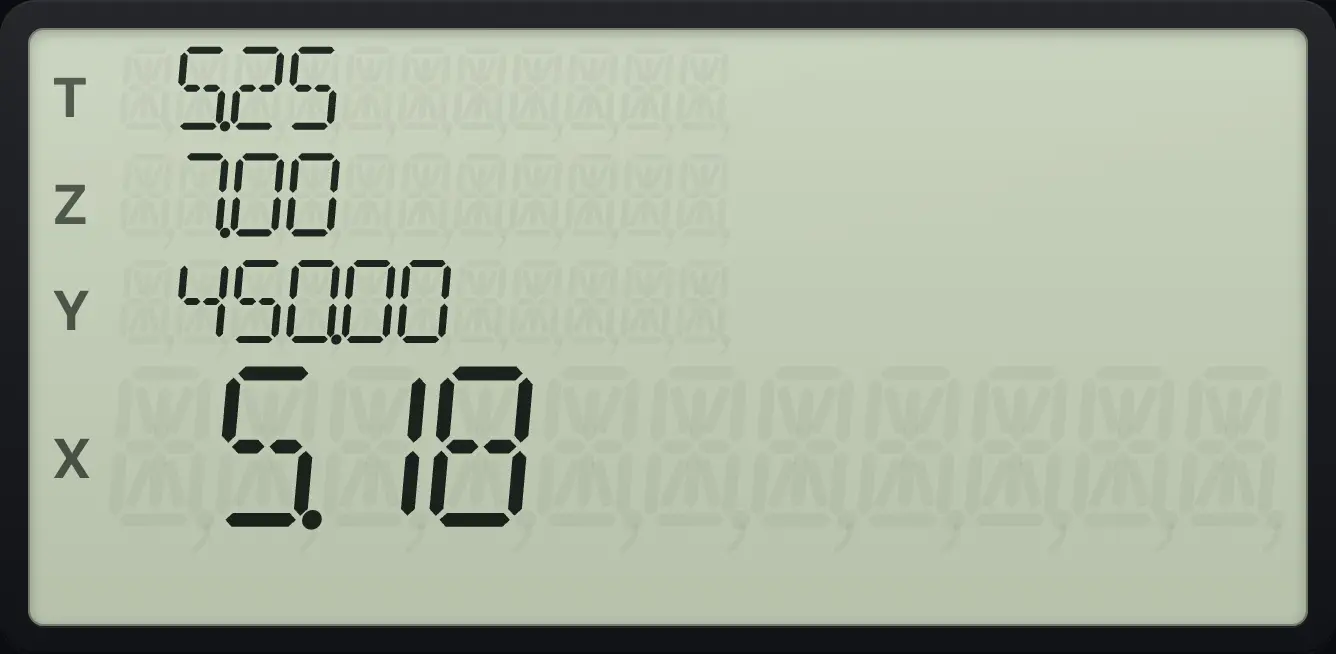
For interest that is not compounded, enter n as the number of days, i as the annual rate and PV as the principal (negative). Then press fINTi (INT). X shows the interest on a 360-day year. The principal is in Y, and the interest on a 365-day year is in Z.
Interest on 450 for 60 days at 7%
60 n, 7 i, 450 CHS PV, then f INT.
60n7i450CHSPVfINTi
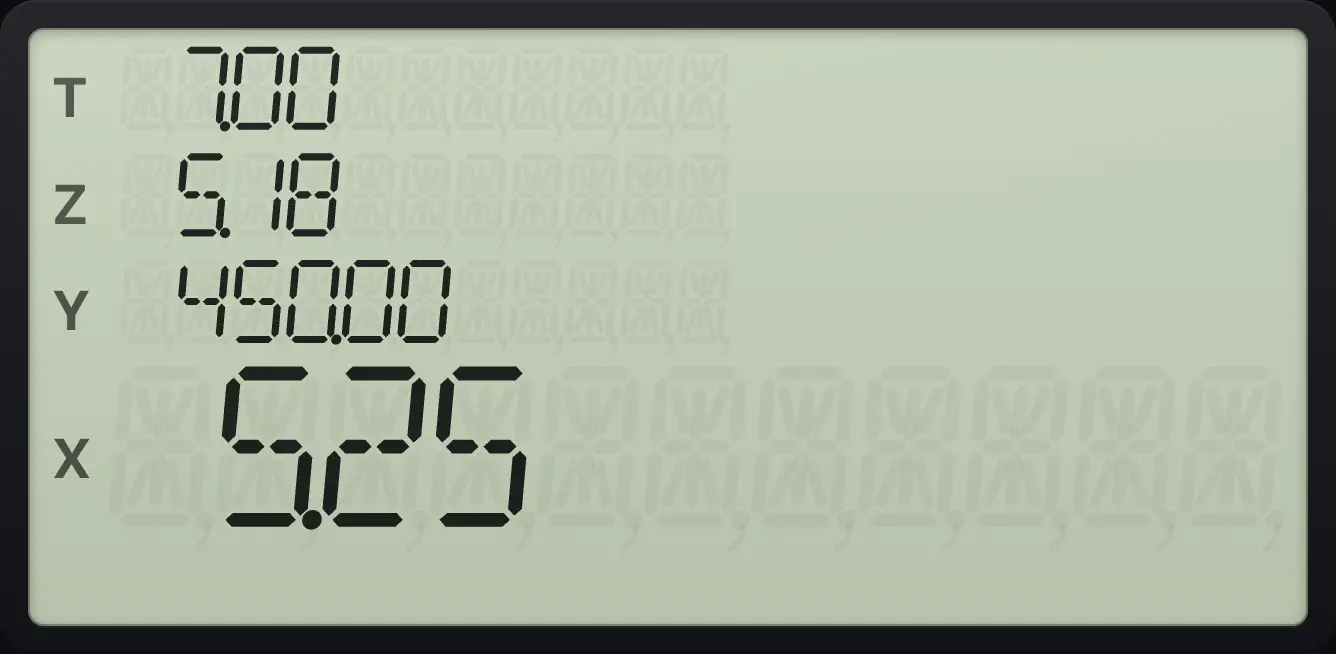
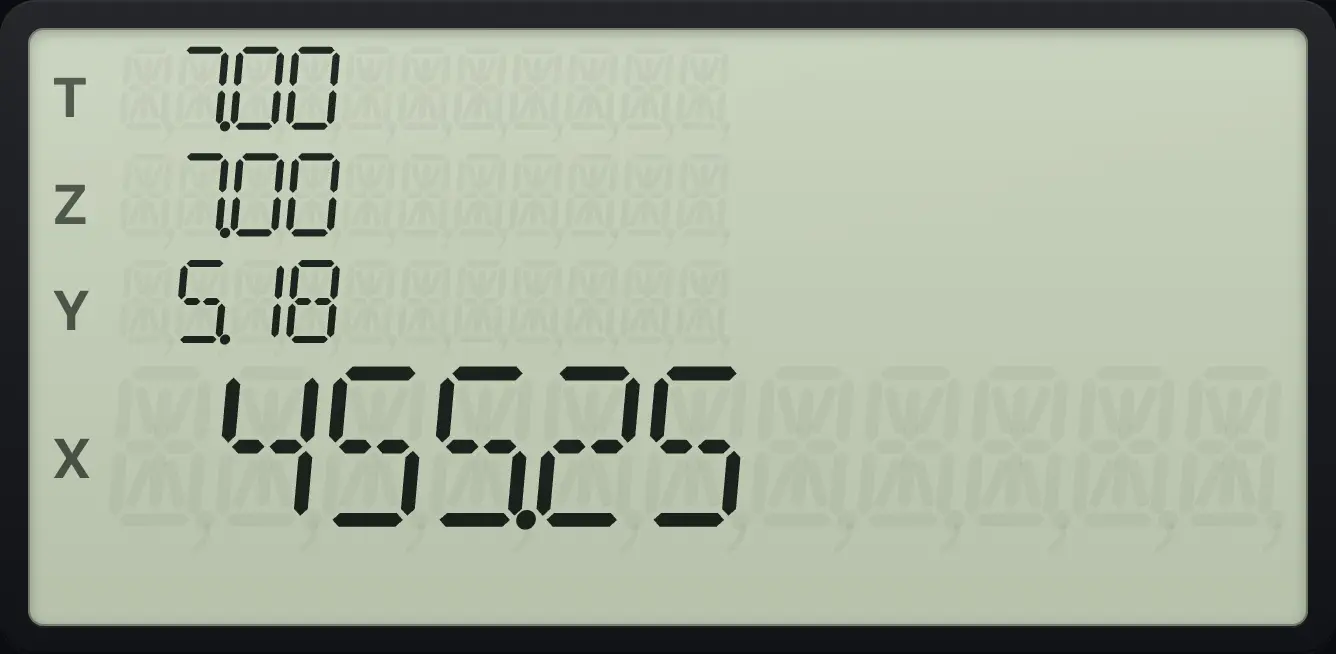
5.25Add the principal
Press + to add the principal in Y.
60n7i450CHSPVfINTi+
455.25The 365-day interest
Press R↓ then x⇄y to bring the 365-day figure into X.
60n7i450CHSPVfINTiR↓x⇄y
5.187.17Start a new problem#
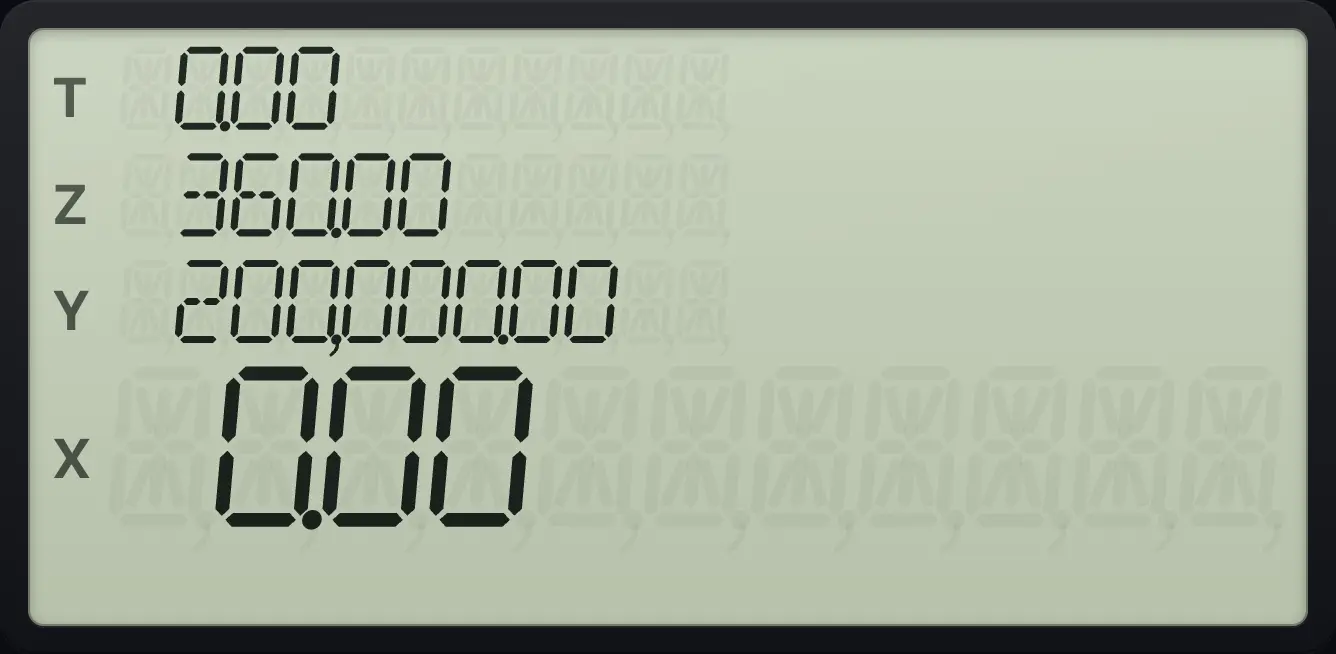
The financial registers keep their values until you change them. Press fFINx⇄y (CLEAR FIN) before a new problem so that no old value sneaks into the answer. It clears n, i, PV, PMT and FV but not the stack or the other registers.
Clear the financial registers
Store a loan, press f, FIN, then recall PV.
360n200000PVfFINx⇄yRCLPV
0.00See also Time value of money: the five money keysCalculate a monthly loan payment
HP 12C is a trademark of HP Inc.. Trident Calculator is an independent product by South View Studios and is not affiliated with, sponsored by or endorsed by HP. The name is used only to describe the kind of calculator this model resembles; Trident's names, keys, display, fonts and software are its own clean-room design.