
Classic family · Pro · Instruction manual
Classic CAS
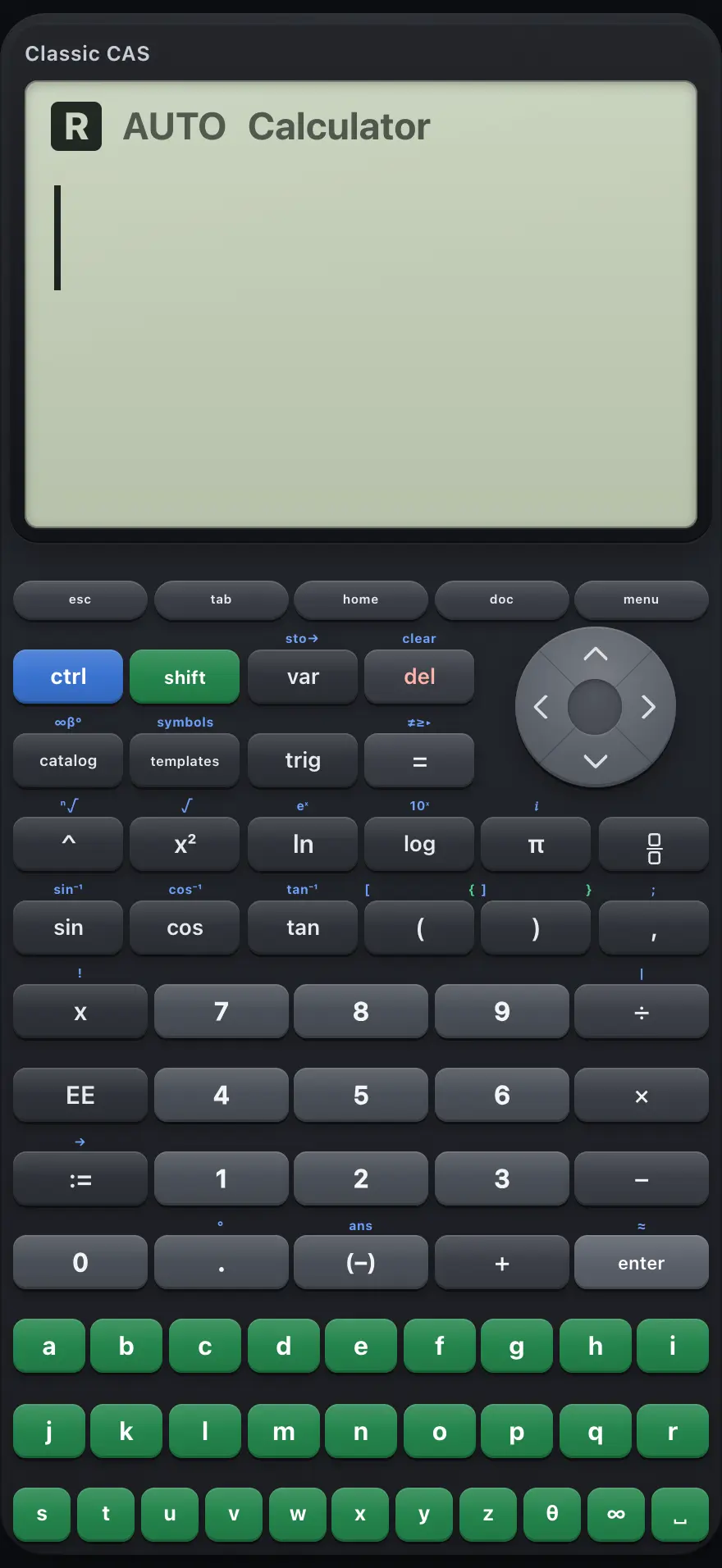
Classic CAS is a symbolic calculator: it keeps exact answers, expands, factors, solves, differentiates and integrates, and draws graphs. This manual covers every key, menu and setting, with worked examples you can follow key by key.
Designed to feel familiar if you have used a TI-Nspire CX CAS CAS graphing calculator.
- 16 chapters
- 82 topics
- 237 worked examples
Contents
- 1Getting startedWhat Classic CAS is for, the calculator page and graphs page, the ctrl and shift layers, your first calculation, editing, and typing from a laptop keyboard.
- 2The keyboard, key by keyEvery key of Classic CAS with its normal function, its ctrl function and its shift function.
- 3Calculations and answersArithmetic, exact and decimal answers, negative numbers, scientific notation, the last answer and the history.
- 4Powers, roots, logs and trigPowers and roots, logarithms, trigonometry, number functions, factorials and combinations.
- 5Modes and settingsCalculation mode, angle unit, display digits and real or complex results.
- 6Menus, templates and catalogThe Menu, Home menu, templates, symbols, relations, trig menu, catalog and variable list: what each one holds and how to choose from it.
- 7Variables, functions and the with barStore values, define your own functions, delete them, and substitute values with the with bar.
- 8Algebra: expand, factor and simplifyAutomatic simplification, expand, factor, common denominators and polynomial tools.
- 9Solving equationsSolve one equation or a system, inequalities, exact and numeric solutions, and complex solutions.
- 10CalculusDerivatives, integrals, limits, sums, products, Taylor series, and numeric calculus.
- 11Matrices and vectorsBuild matrices, add and multiply them, determinants, inverses, row reduction and vector products.
- 12Lists, statistics and probabilityLists in curly braces, list arithmetic, summary statistics and probability distributions.
- 13Complex numbersThe imaginary unit, complex arithmetic and the functions real, imag, conj, abs and angle.
- 14GraphingPlot functions, trace, change the window, zoom, find zeros, extremes and intersections, and use parametric and polar graphs.
- 15Error messagesEvery message Classic CAS can show, what it means and how to fix it.
- 16ReferenceResetting, number range and precision, display limits, and what is not included.
TI-Nspire CX CAS is a trademark of Texas Instruments Incorporated. Trident Calculator is an independent product by South View Studios and is not affiliated with, sponsored by or endorsed by Texas Instruments. The name is used only to describe the kind of calculator this model resembles; Trident's names, keys, display, fonts and software are its own clean-room design.