Trident Help

Classic CAS manual · Chapter 9 of 16

Solving equations

Solve one equation or a system, inequalities, exact and numeric solutions, and complex solutions.

9.1Solve an equation#

solve(equation, variable) returns every real solution as exact values. Type the equation with =. Find solve in the Algebra menu (3, 1).

ax2+bx+c=0 ⇒ x=−b±b2−4ac2aax^2+bx+c=0\ \Rightarrow\ x=\frac{-b\pm\sqrt{b^2-4ac}}{2a}
The quadratic formula, which solve applies for you.
Example 9.1

A quadratic

  1. Type solve(x²−5x+6=0, x).

    solve(x^2▶−5x+6=0,x)enter
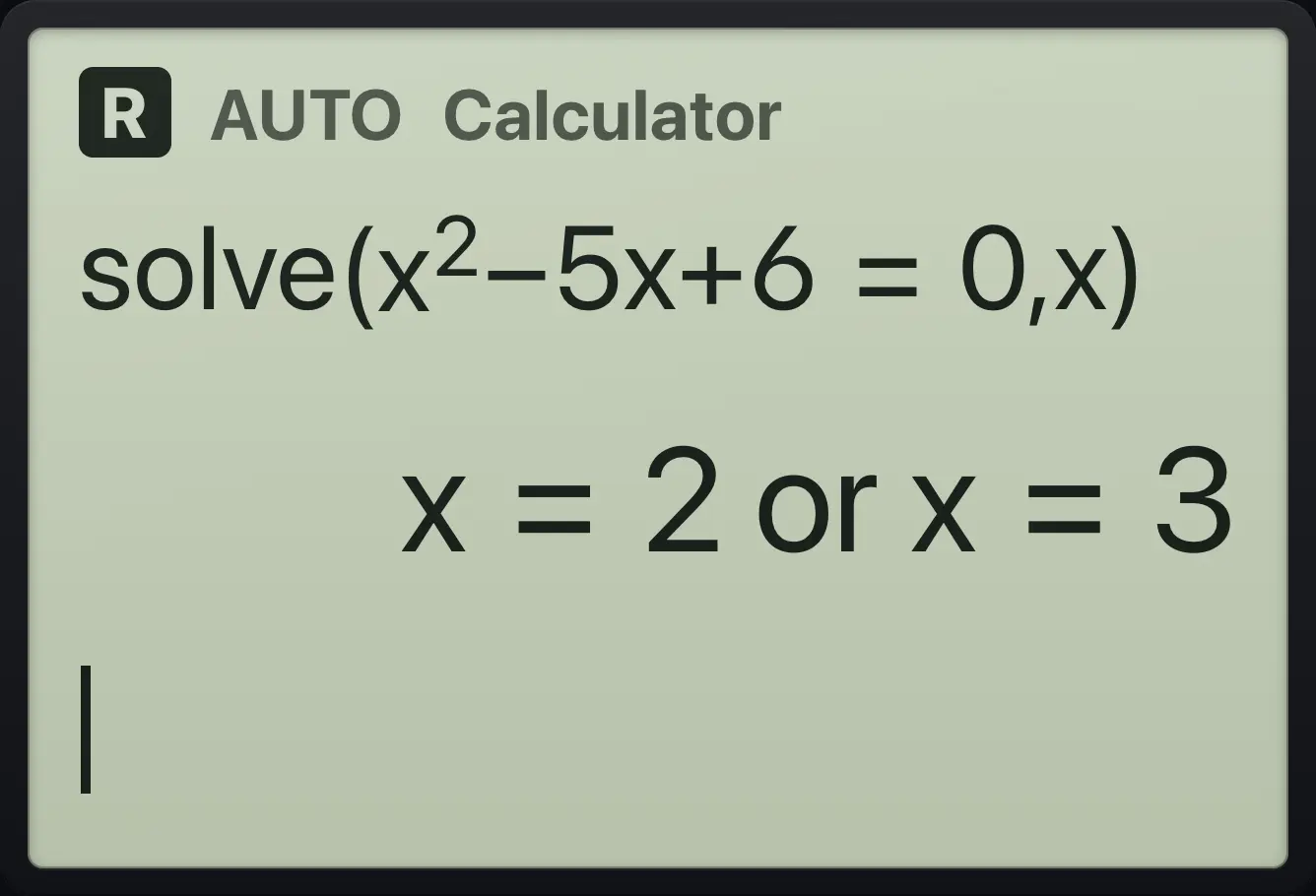
Result of the example "A quadratic" The display shows: solve(x^2−5x+6=0,x) / x=2 or x=3.
You should seex=2 or x=3
Example 9.2

Irrational roots stay exact

x2=2⇒x=±2x^{2}=2\Rightarrow x=\pm\sqrt{2}
  1. Type solve(x²=2, x).

    solve(x^2▶=2,x)enter
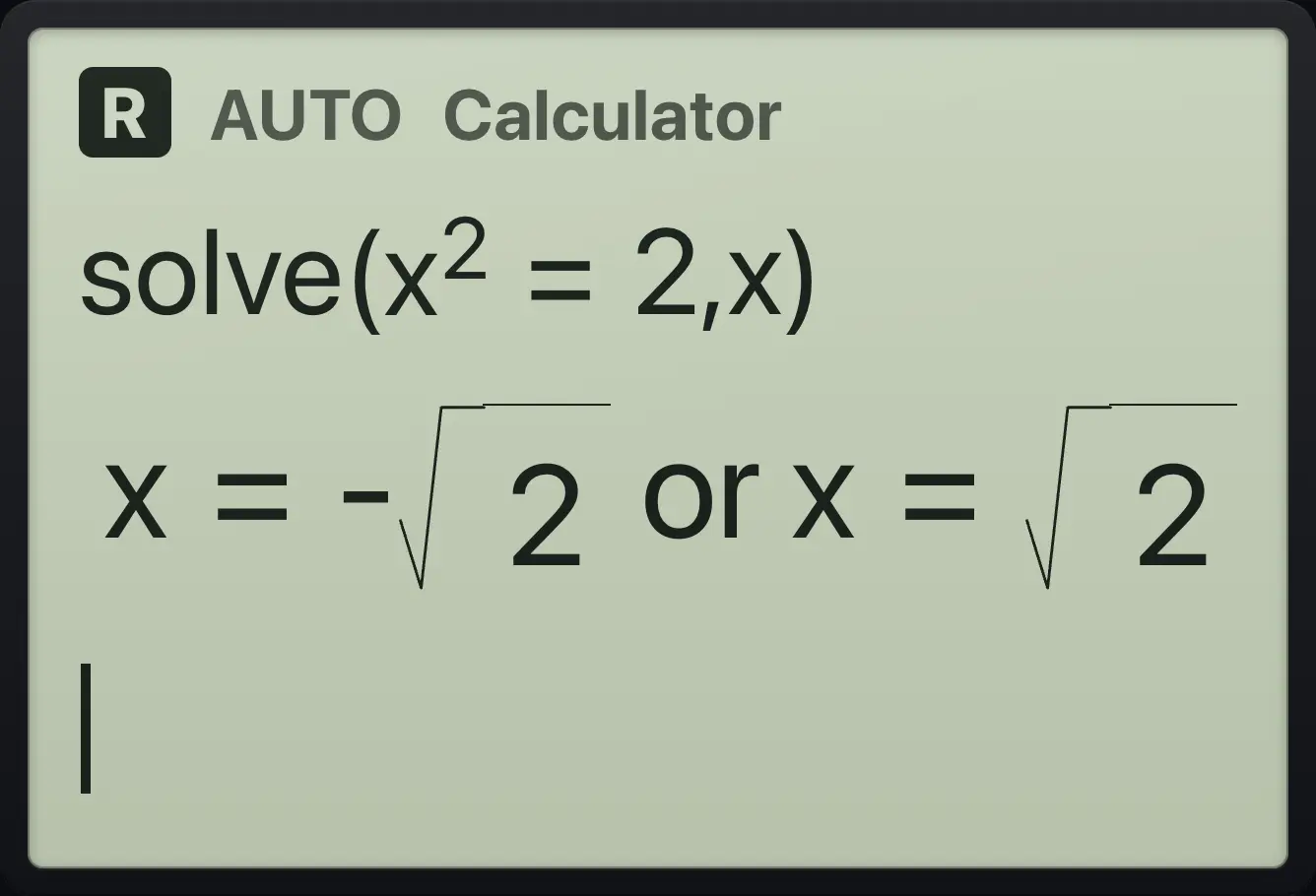
Result of the example "Irrational roots stay exact" The display shows: solve(x^2=2,x) / x=-√2 or x=√2.
You should seex=-√2 or x=√2
Example 9.3

A cubic

  1. Type solve(x³−6x²+11x−6=0, x).

    solve(x^3▶−6x^2▶+11x−6=0,x)enter
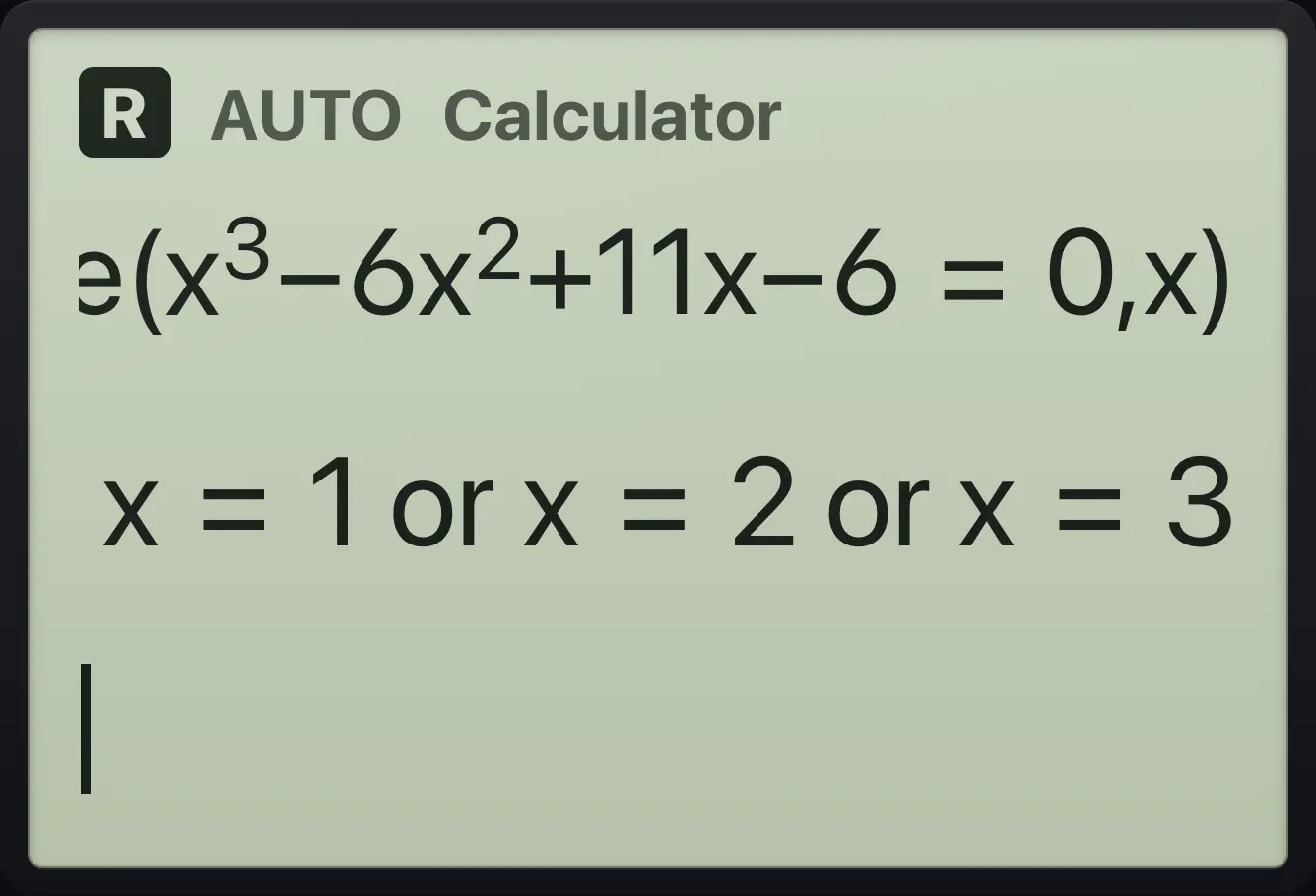
Result of the example "A cubic" The display shows: solve(x^3−6x^2+11x−6=0,x) / x=1 or x=2 or x=3.
You should seex=1 or x=2 or x=3
Example 9.4

Solve for a letter

  1. Type solve(a·x+b=0, x).

    solve(a×x+b=0,x)enter
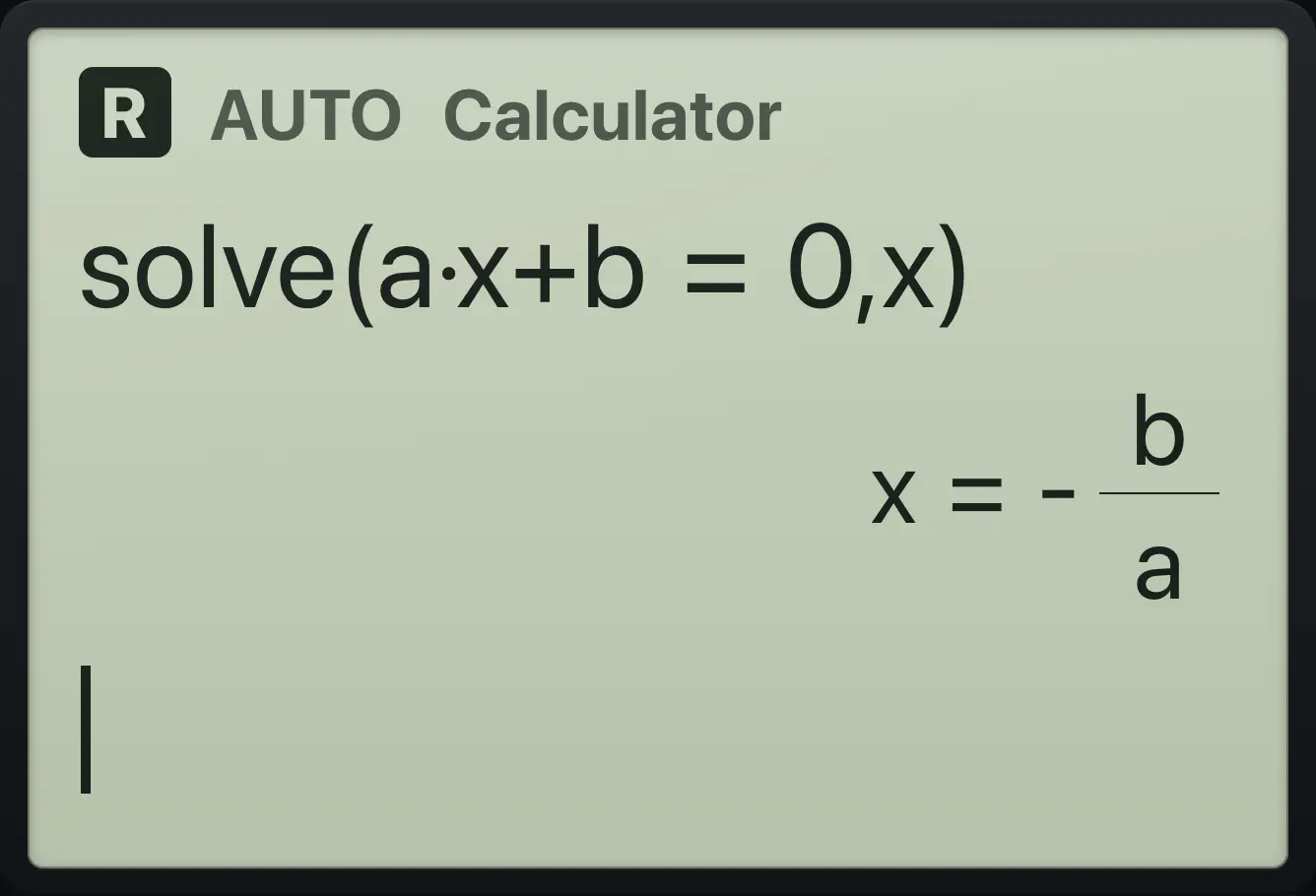
Result of the example "Solve for a letter" The display shows: solve(a·x+b=0,x) / x=-b/a.
You should seex=-b/a
Example 9.5

Absolute value equation

  1. Type solve(abs(x−1)=3, x).

    solve(abs(x−1)=3,x)enter
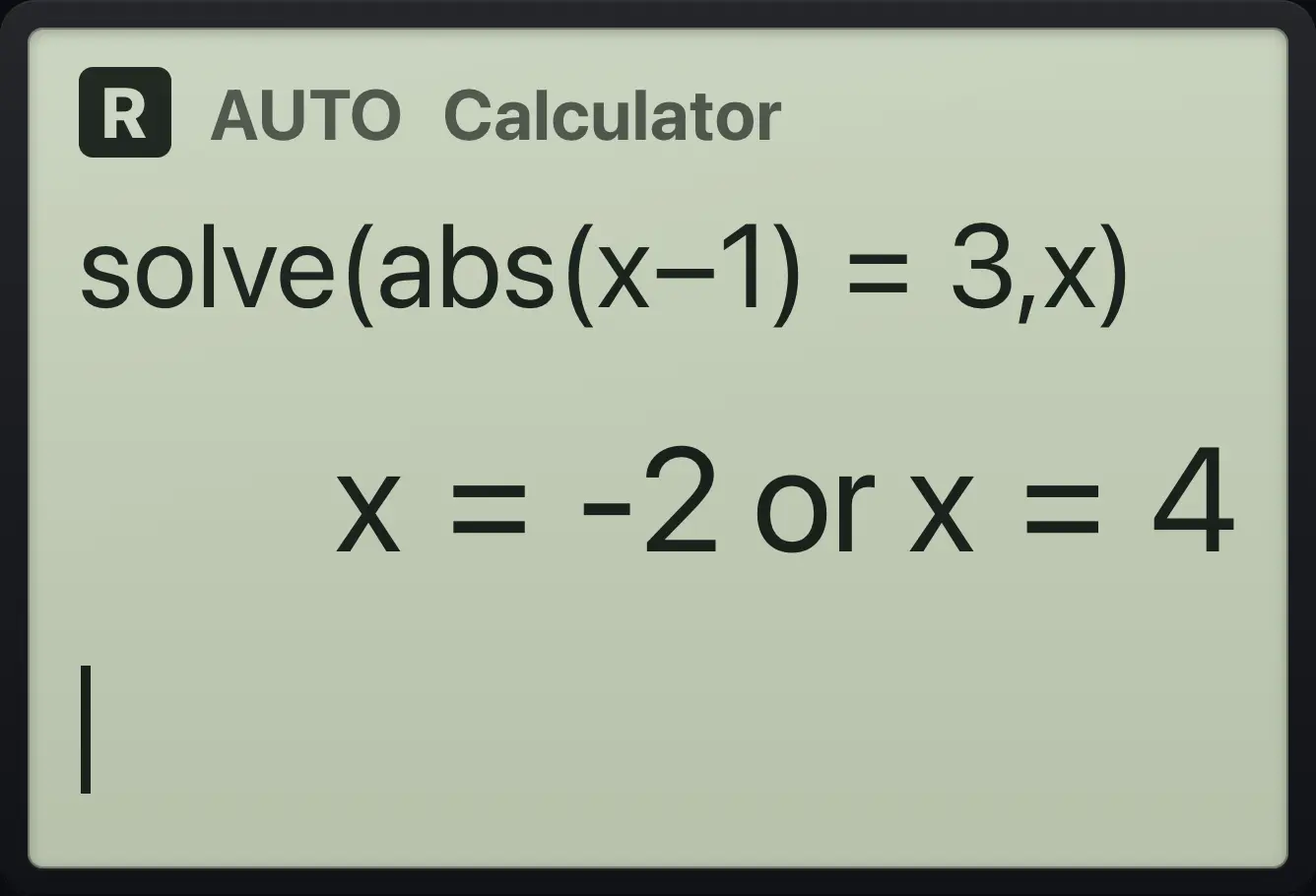
Result of the example "Absolute value equation" The display shows: solve(abs(x−1)=3,x) / x=-2 or x=4.
You should seex=-2 or x=4
Example 9.6

Square root equation

  1. Type solve(√(x+2)=x, x).

    solve(ctrl√x²(x+2)▶=x,x)enter
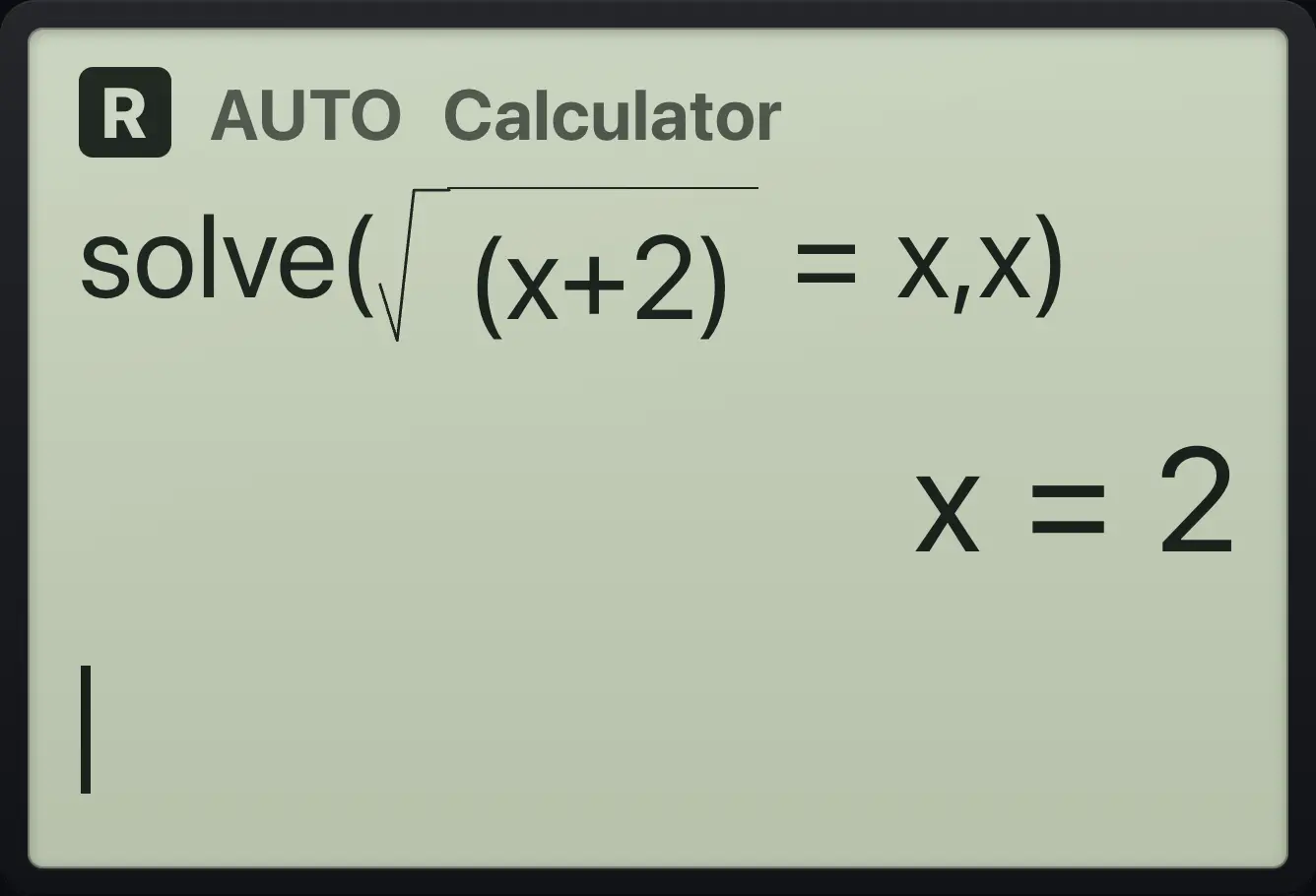
Result of the example "Square root equation" The display shows: solve(√((x+2))=x,x) / x=2.
You should seex=2
Example 9.7

An exponential

ex=5⇒x=ln⁡5e^{x}=5\Rightarrow x=\ln 5
  1. Type solve(e^x = 5, x).

    solve(e^x▶=5,x)enter
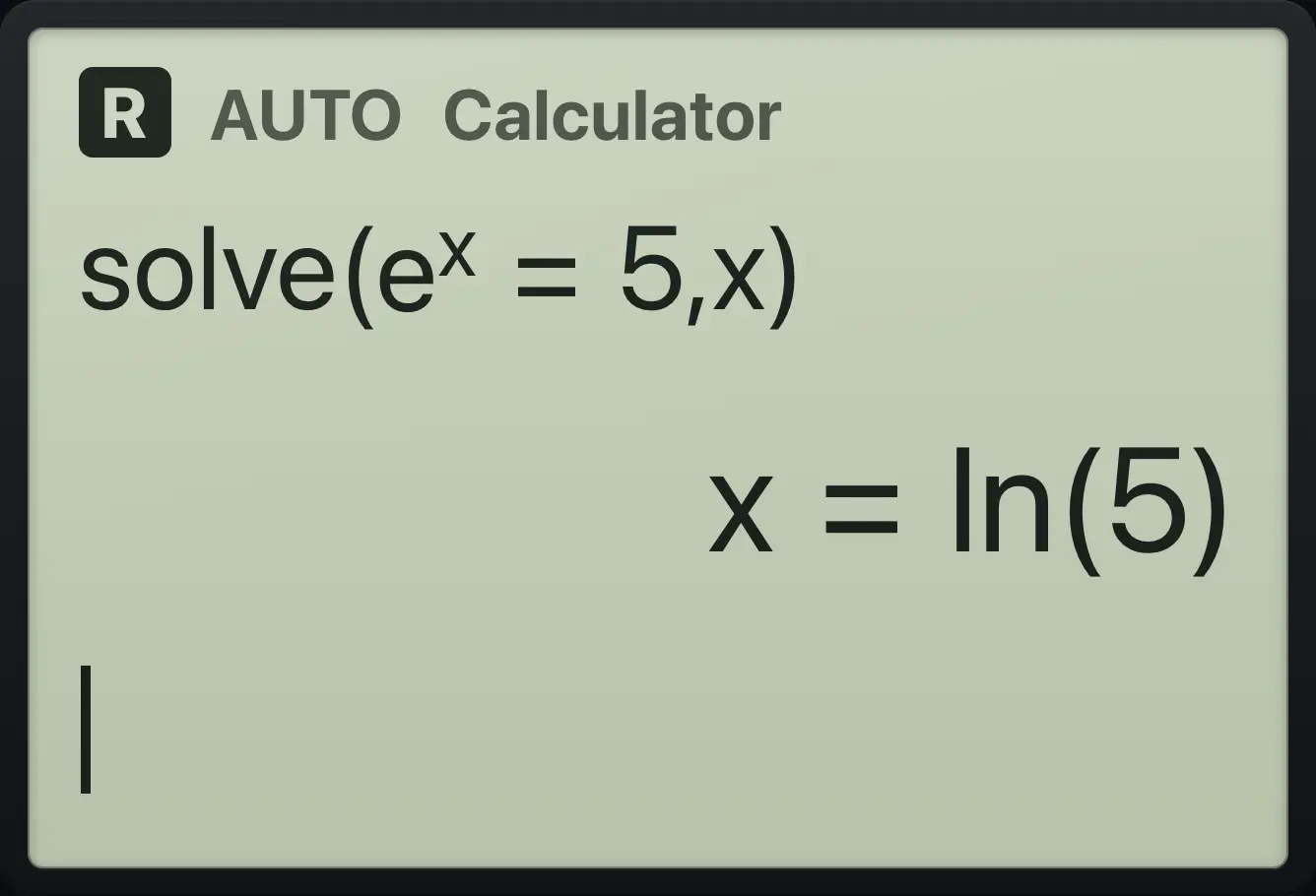
Result of the example "An exponential" The display shows: solve(e^x=5,x) / x=ln(5).
You should seex=ln(5)
Example 9.8

No real solution

  1. Type solve(x²+x+1=0, x).

    solve(x^2▶+x+1=0,x)enter
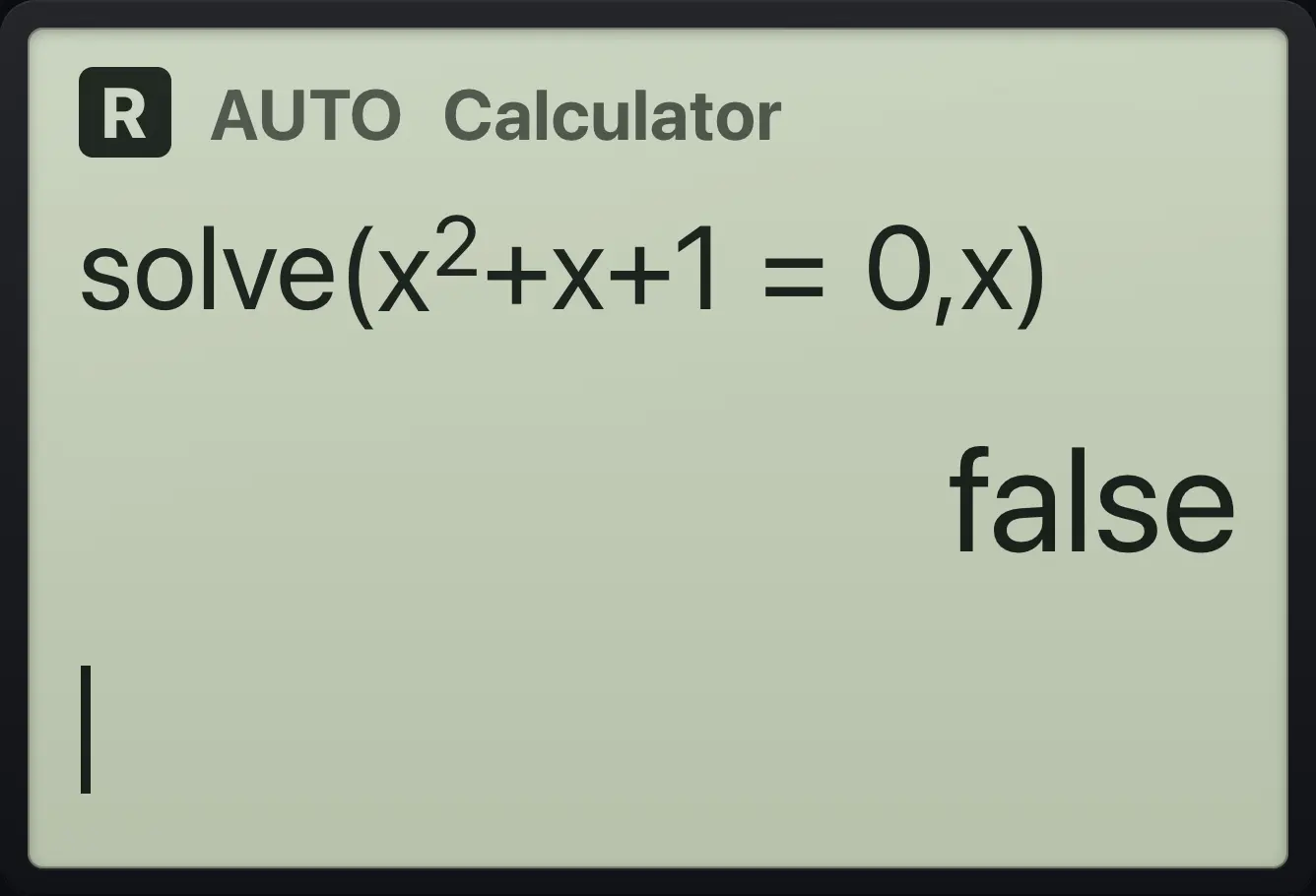
Result of the example "No real solution" The display shows: solve(x^2+x+1=0,x) / false.
You should seefalse

"false" means no real number makes the equation true. Use cSolve for complex answers.

Example 9.9

Always true

  1. Type solve(0=0, x).

    solve(0=0,x)enter
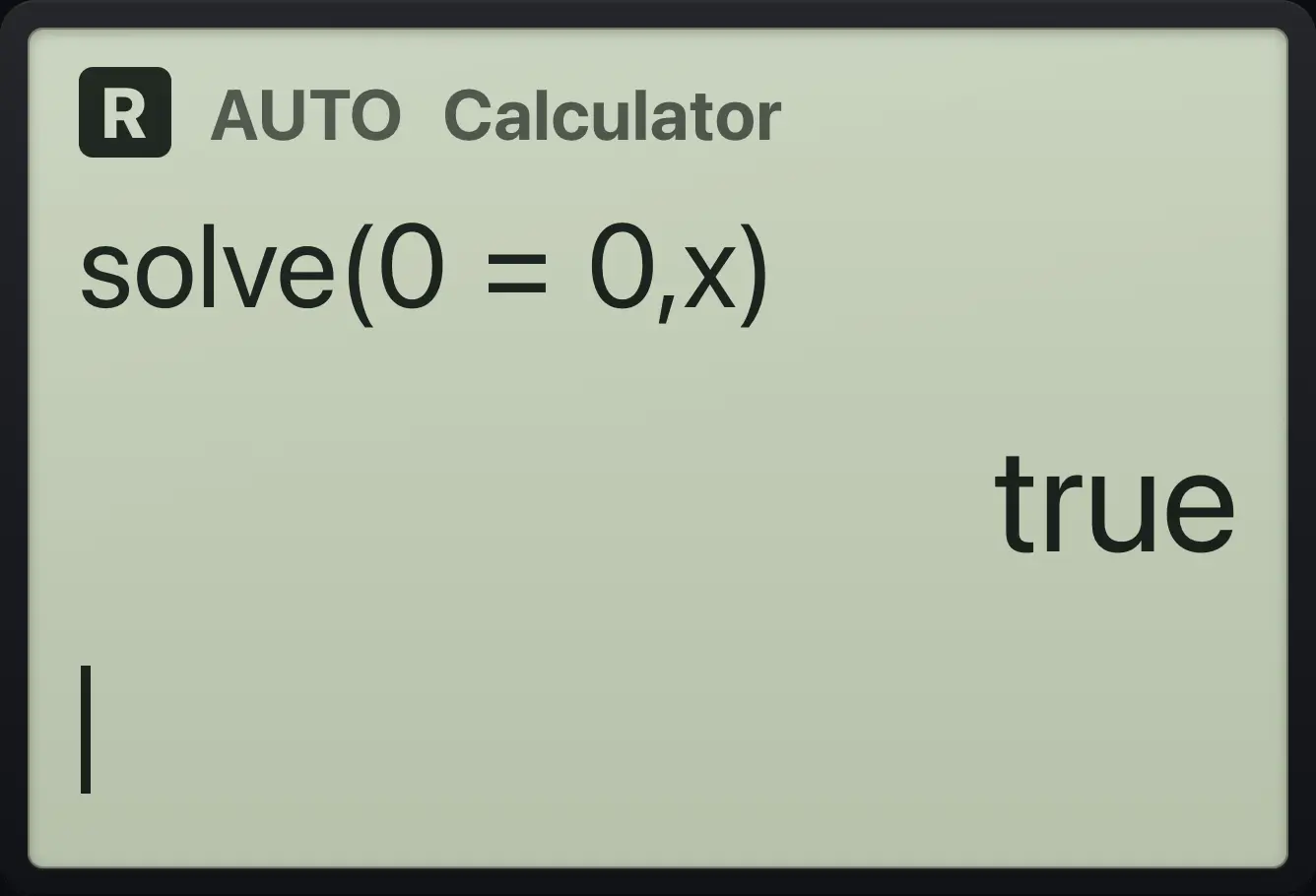
Result of the example "Always true" The display shows: solve(0=0,x) / true.
You should seetrue

9.2Trig equations#

Trig equations give the general solution. The symbol n1 is any whole number.

Example 9.10

Sine equals one half

sin⁡x=12⇒x=π6+2πn or x=5π6+2πn\sin x=\tfrac12\Rightarrow x=\tfrac{\pi}{6}+2\pi n\ \text{or}\ x=\tfrac{5\pi}{6}+2\pi n
  1. Type solve(sin(x)=1/2, x).

    solve(sin(x)=1÷2,x)enter
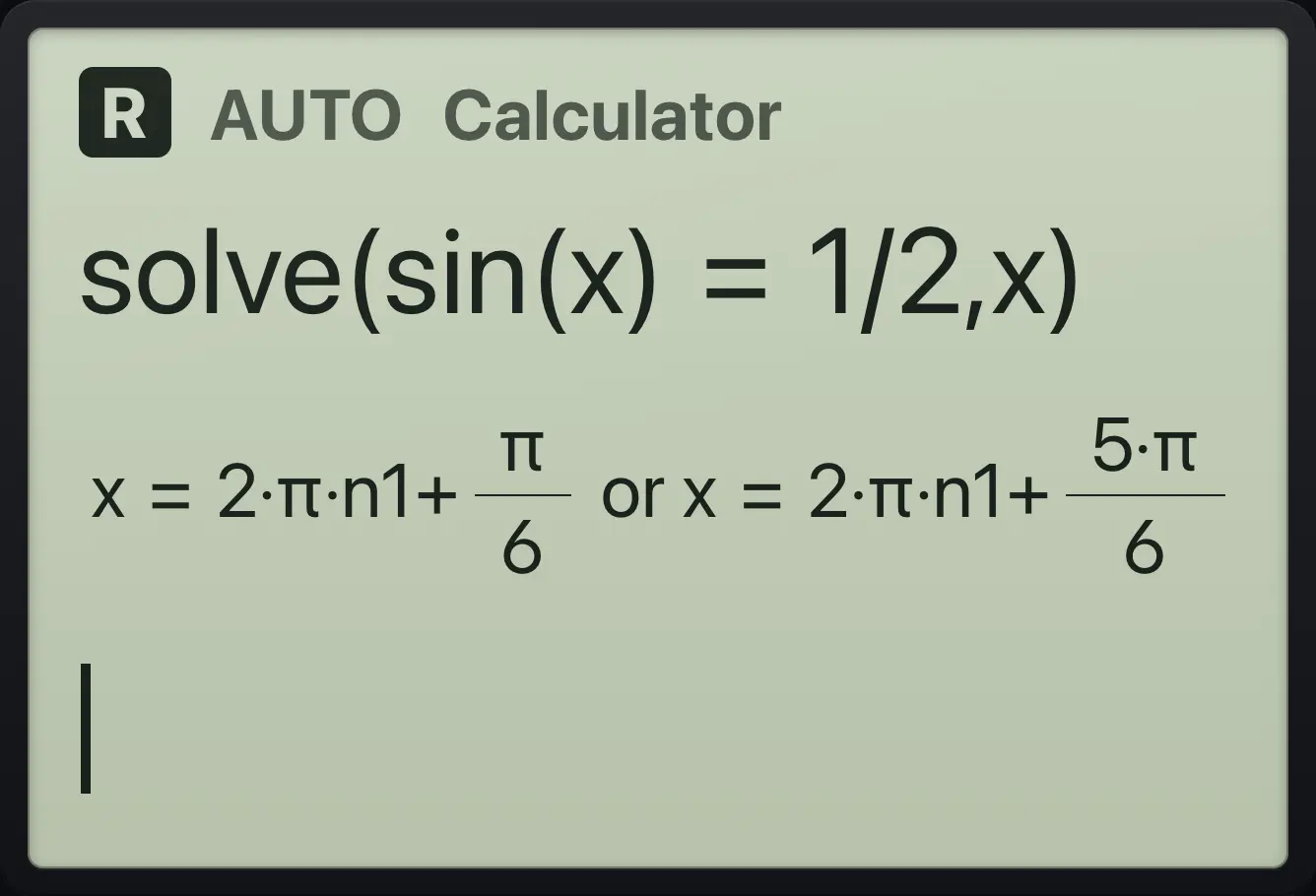
Result of the example "Sine equals one half" The display shows: solve(sin(x)=1/2,x) / x=2·π·n1+π/6 or x=2·π·n1+5·π/6.
You should seex=2·π·n1+π/6 or x=2·π·n1+5·π/6

9.3Solve an inequality#

Type < or > from the relations menu (ctrl≠≥▸=, then 3 for <, 4 for >).

Example 9.11

A linear inequality

  1. Type solve(2x+1 < 5, x).

    solve(2x+1ctrl≠≥▸=35,x)enter
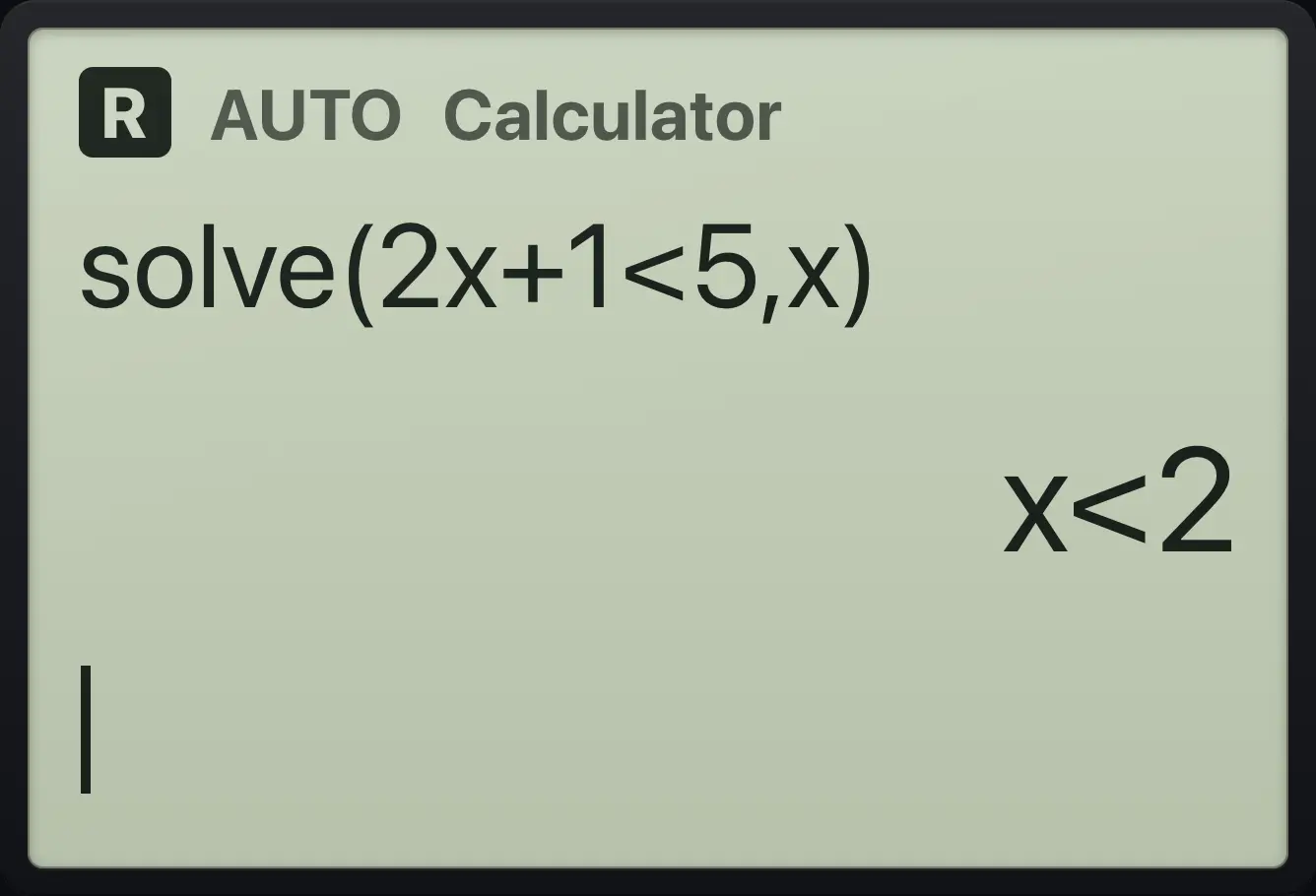
Result of the example "A linear inequality" The display shows: solve(2x+1<5,x) / x<2.
You should seex<2

9.4Solve a system of equations#

Join the equations with the word and (typed with the letter keys and spaces) and list the unknowns in curly braces (shift{( … shift})).

Example 9.12

Two equations

  1. Type solve(x+y=3 and x−y=1, {x,y}).

    solve(x+y=3␣and␣x−y=1,shift{(x,yshift}))enter
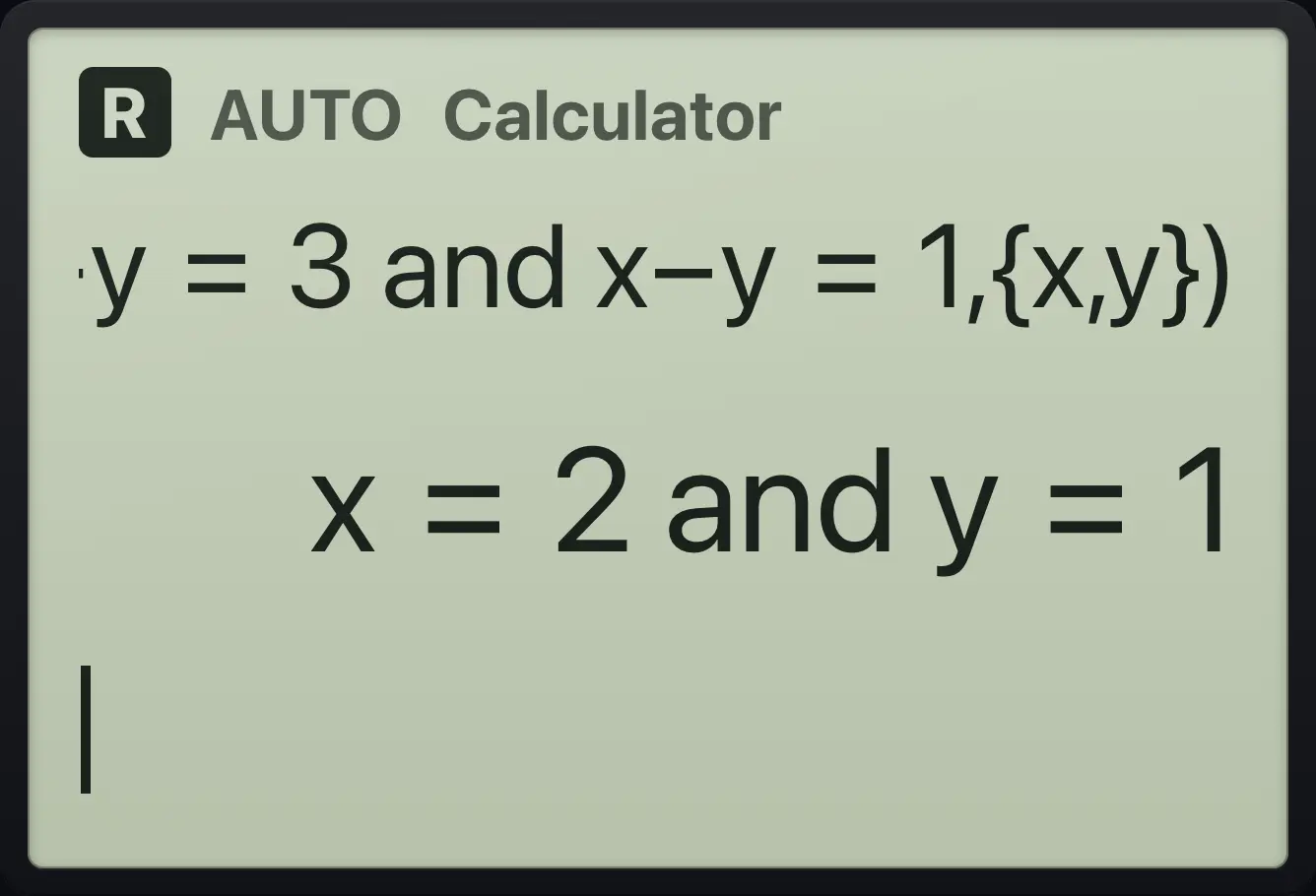
Result of the example "Two equations" The display shows: solve(x+y=3 and x−y=1,{x,y}) / x=2 and y=1.
You should seex=2 and y=1
Example 9.13

Another pair

  1. Type solve(2x+y=5 and x−y=1, {x,y}).

    solve(2x+y=5␣and␣x−y=1,shift{(x,yshift}))enter
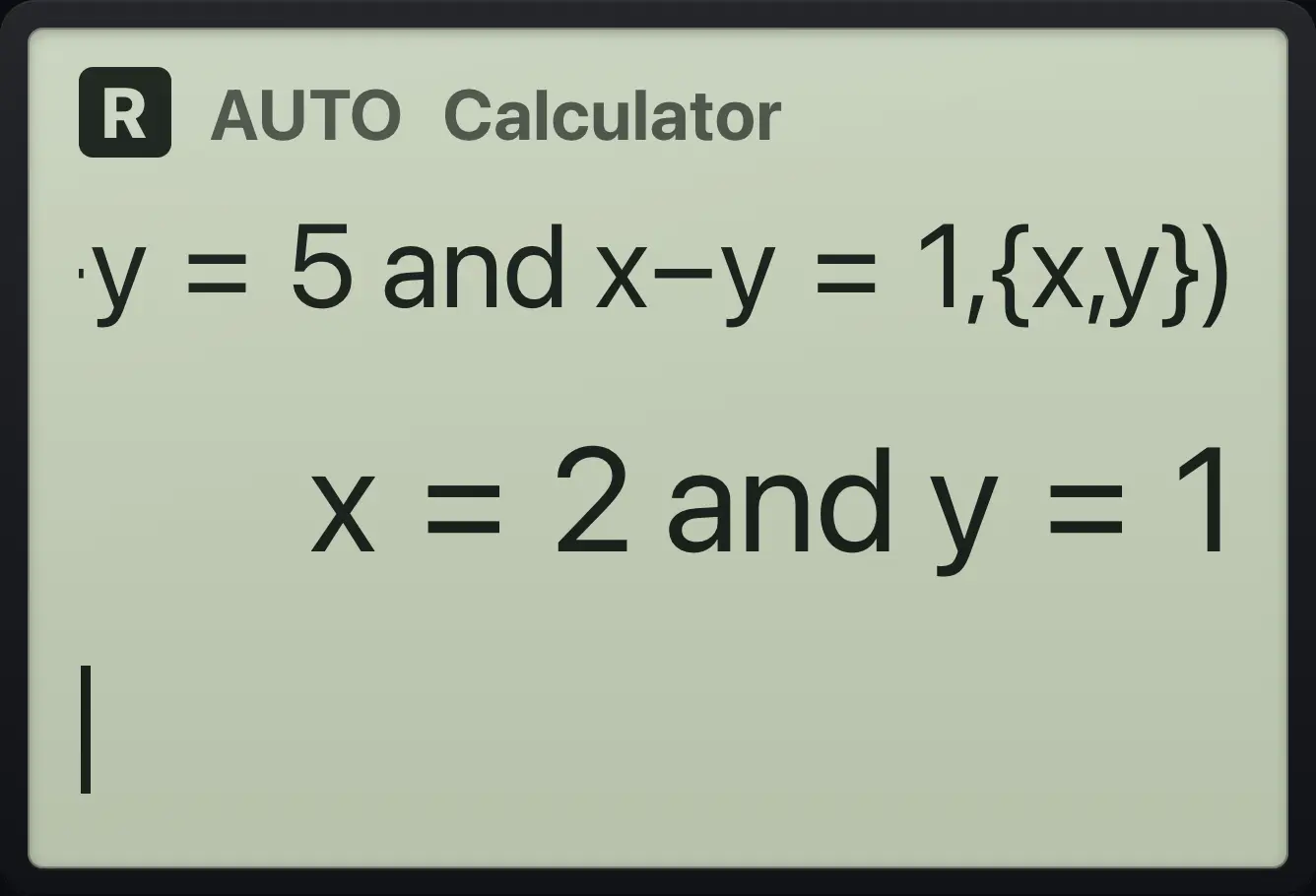
Result of the example "Another pair" The display shows: solve(2x+y=5 and x−y=1,{x,y}) / x=2 and y=1.
You should seex=2 and y=1
Example 9.14

Three equations

  1. Type solve(x+y+z=6 and x−y=0 and y+z=5, {x,y,z}).

    solve(x+y+z=6␣and␣x−y=0␣and␣y+z=5,shift{(x,y,zshift}))enter
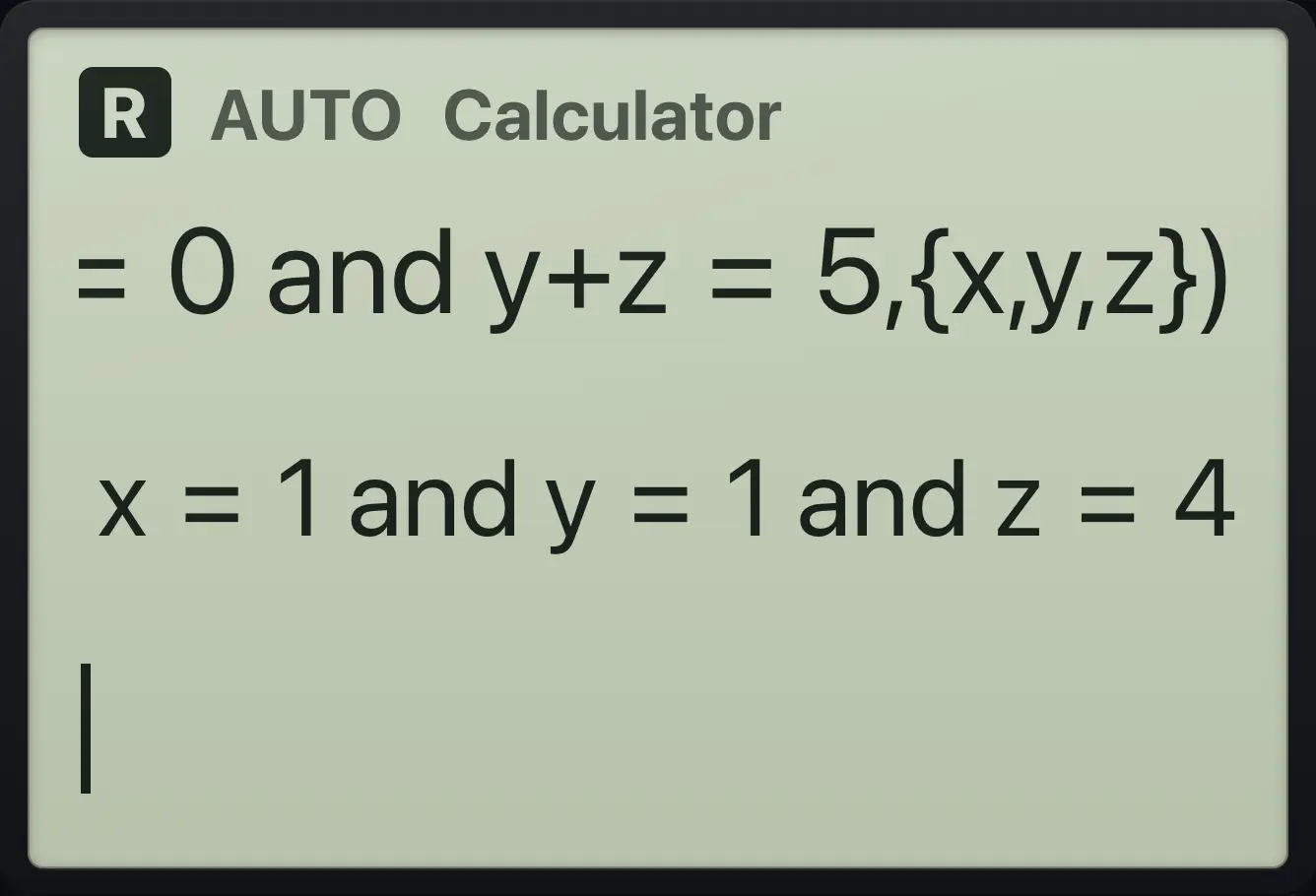
Result of the example "Three equations" The display shows: solve(x+y+z=6 and x−y=0 and y+z=5,{x,y,z}) / x=1 and y=1 and z=4.
You should seex=1 and y=1 and z=4

9.5Find zeros#

zeros(expression, variable) lists where an expression equals zero.

Example 9.15

Zeros of a quadratic

  1. Type zeros(x²−4, x).

    zeros(x^2▶−4,x)enter
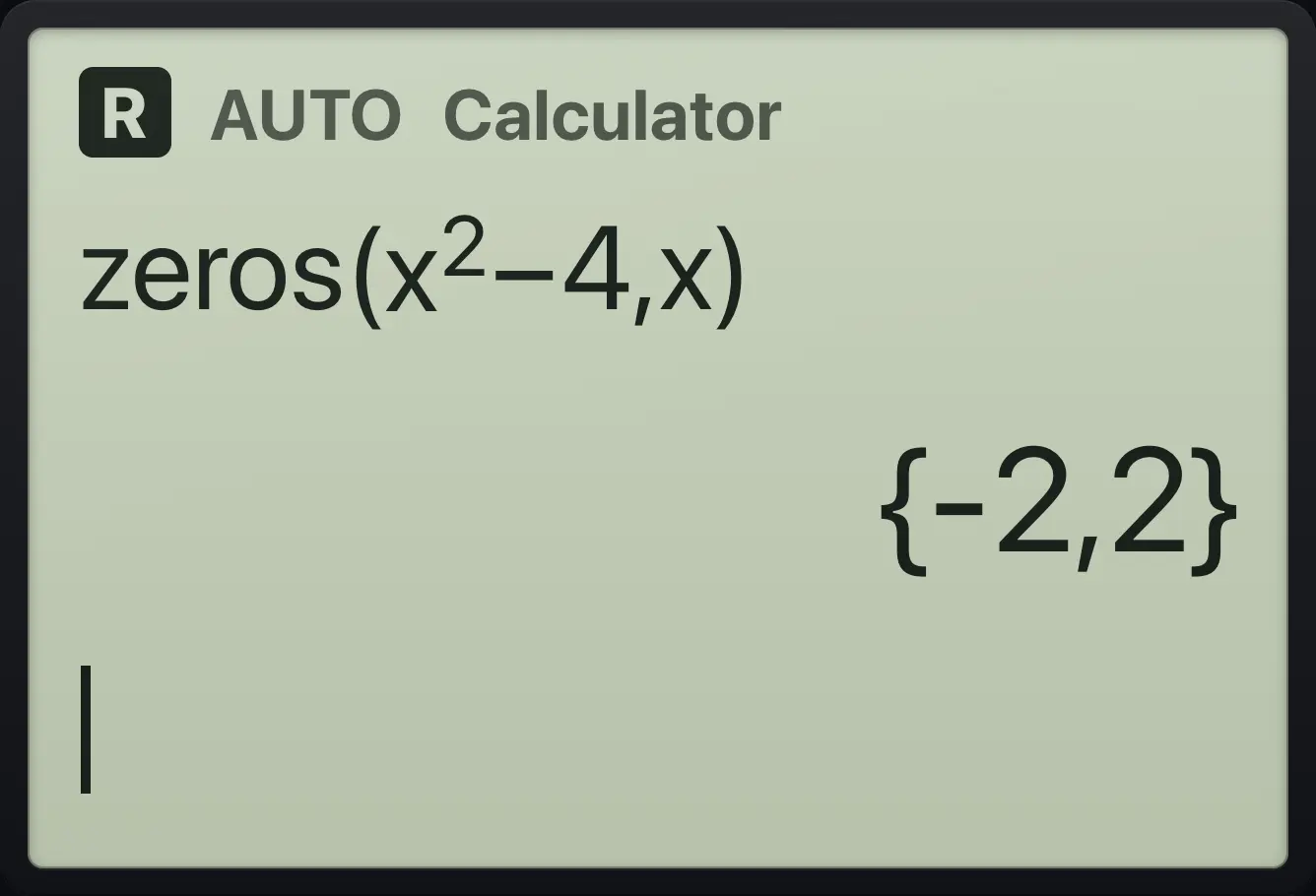
Result of the example "Zeros of a quadratic" The display shows: zeros(x^2−4,x) / {-2,2}.
You should see{-2,2}
Example 9.16

Zeros of a cubic

  1. Type zeros(x³−x, x).

    zeros(x^3▶−x,x)enter
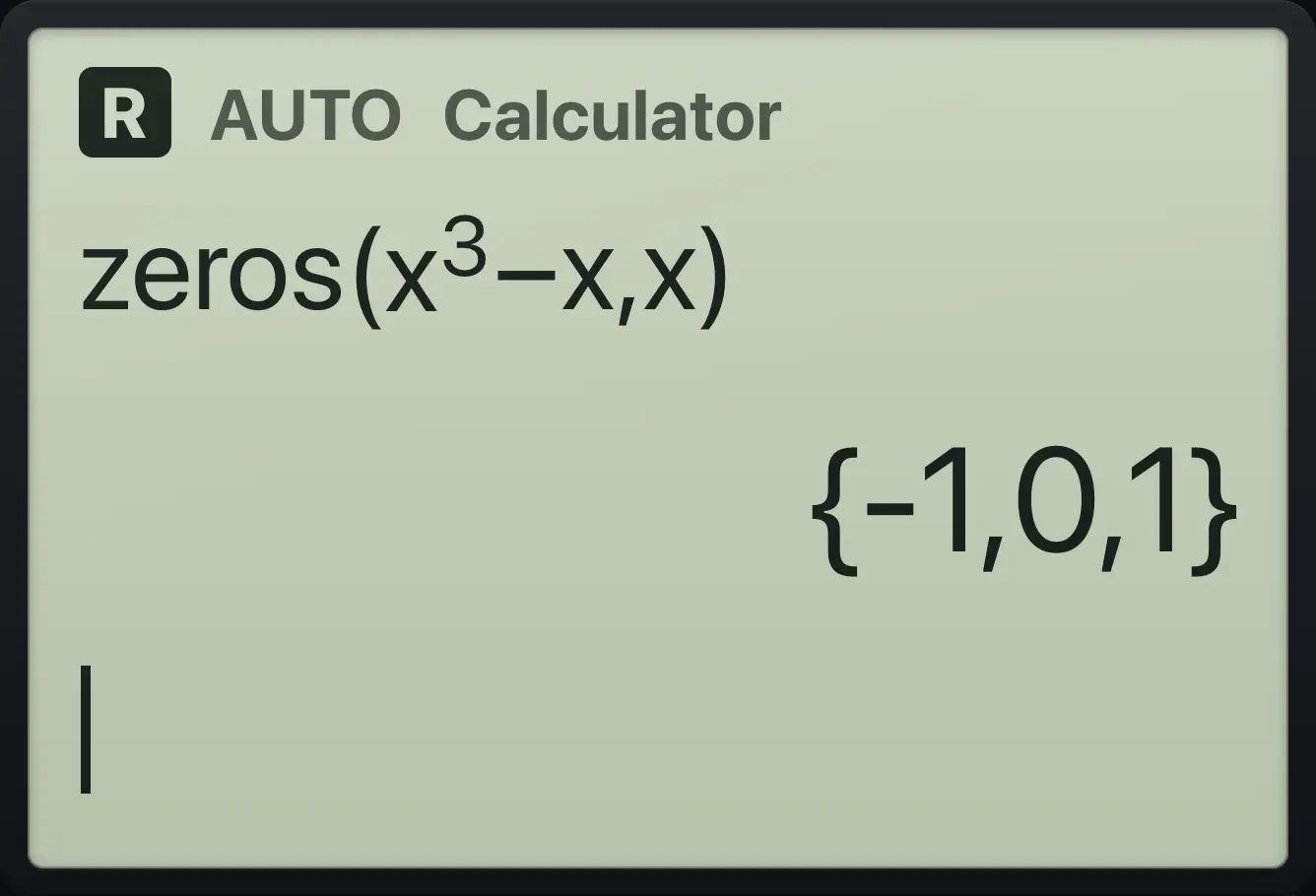
Result of the example "Zeros of a cubic" The display shows: zeros(x^3−x,x) / {-1,0,1}.
You should see{-1,0,1}

9.6Solve numerically#

nSolve(equation, variable, guess) finds one decimal solution near your guess. Use it when exact solving fails.

Example 9.17

Cosine equals x

  1. Type nSolve(cos(x)=x, x, 1).

    nsolve(cos(x)=x,x,1)enter
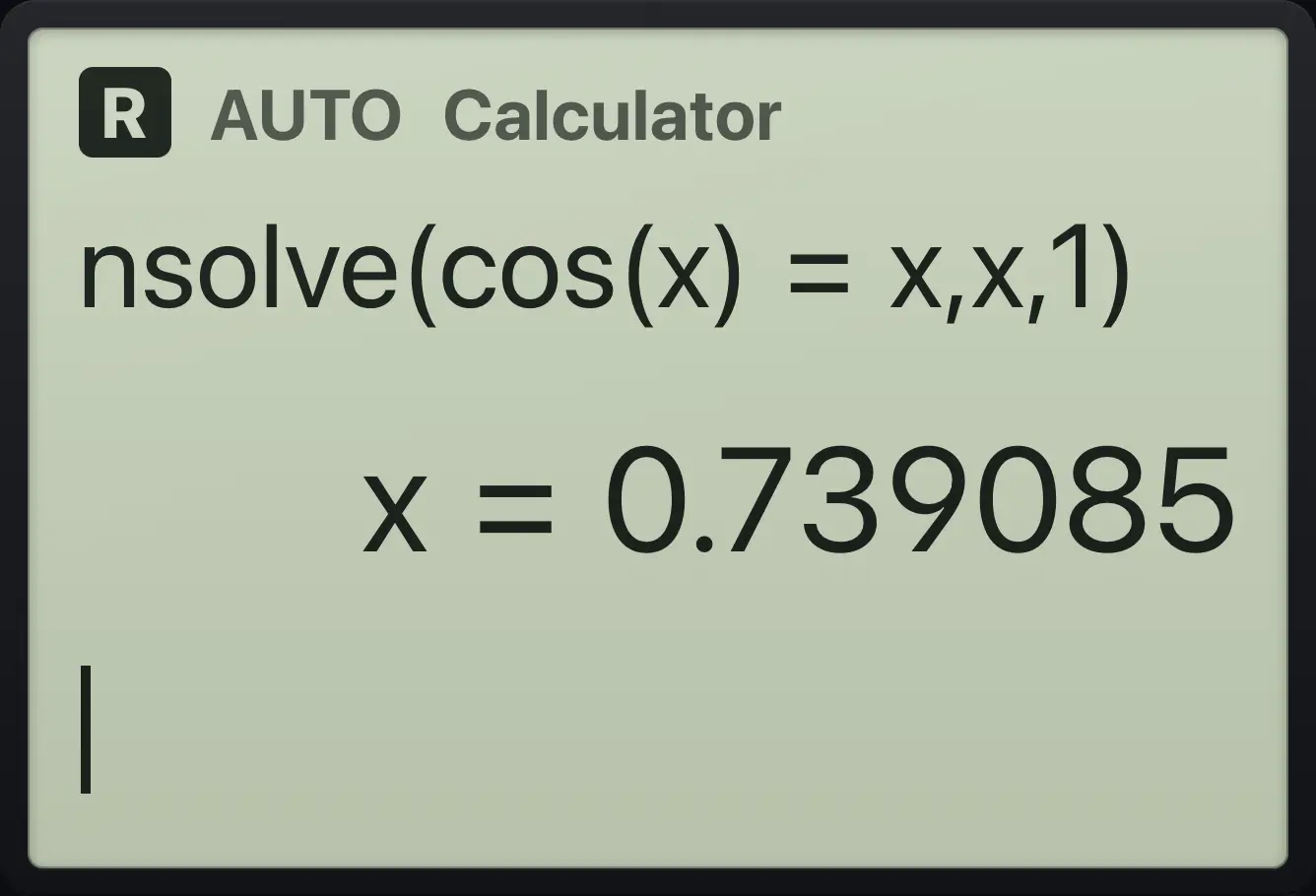
Result of the example "Cosine equals x" The display shows: nsolve(cos(x)=x,x,1) / x=0.739085.
You should seex=0.739085

9.7Complex solutions#

cSolve, cZeros and cFactor work with complex numbers even in Real mode.

Example 9.18

Complex roots

  1. Type cSolve(x²+1=0, x).

    csolve(x^2▶+1=0,x)enter
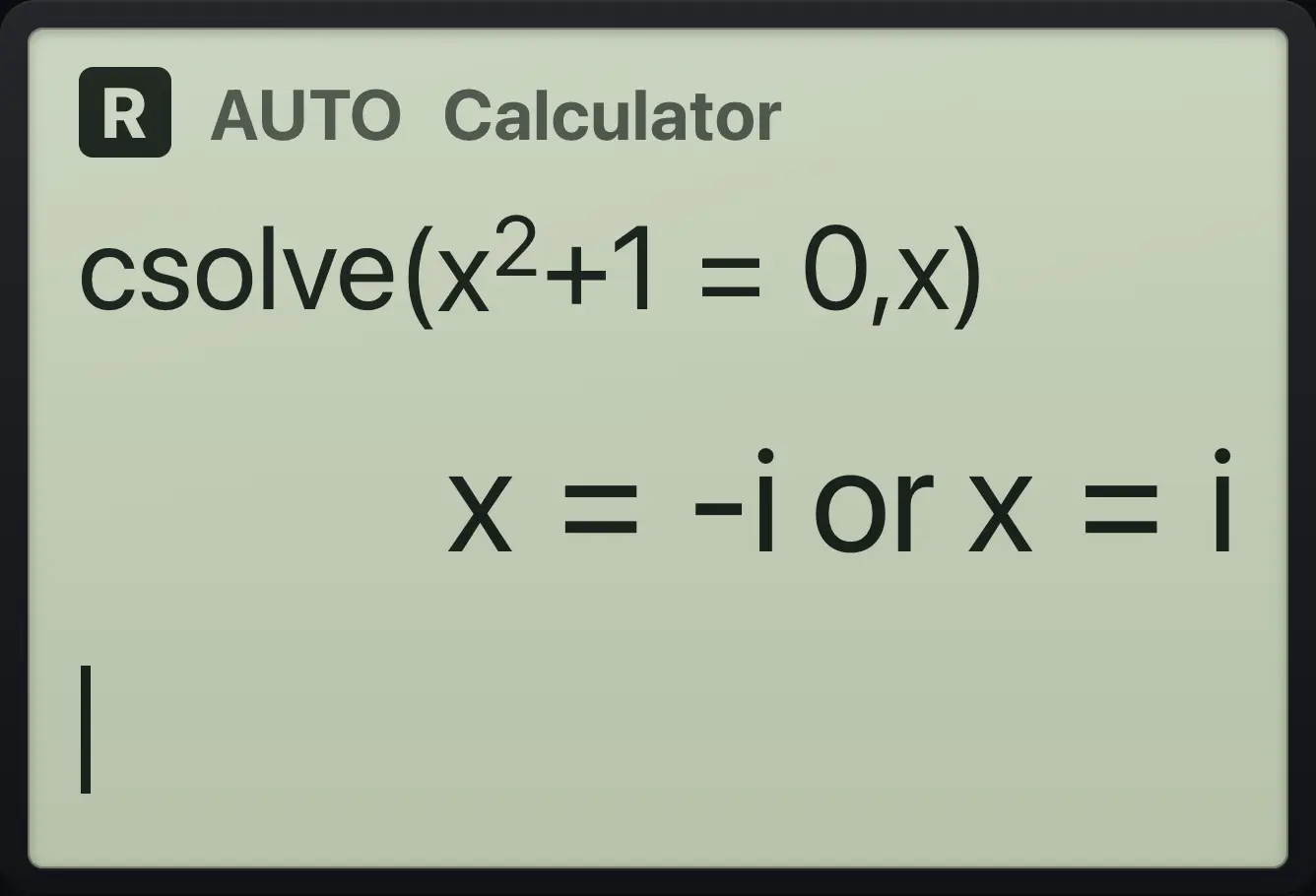
Result of the example "Complex roots" The display shows: csolve(x^2+1=0,x) / x=-i or x=i.
You should seex=-i or x=i
Example 9.19

Complex roots with a real part

  1. Type cSolve(x²+2x+5=0, x).

    csolve(x^2▶+2x+5=0,x)enter
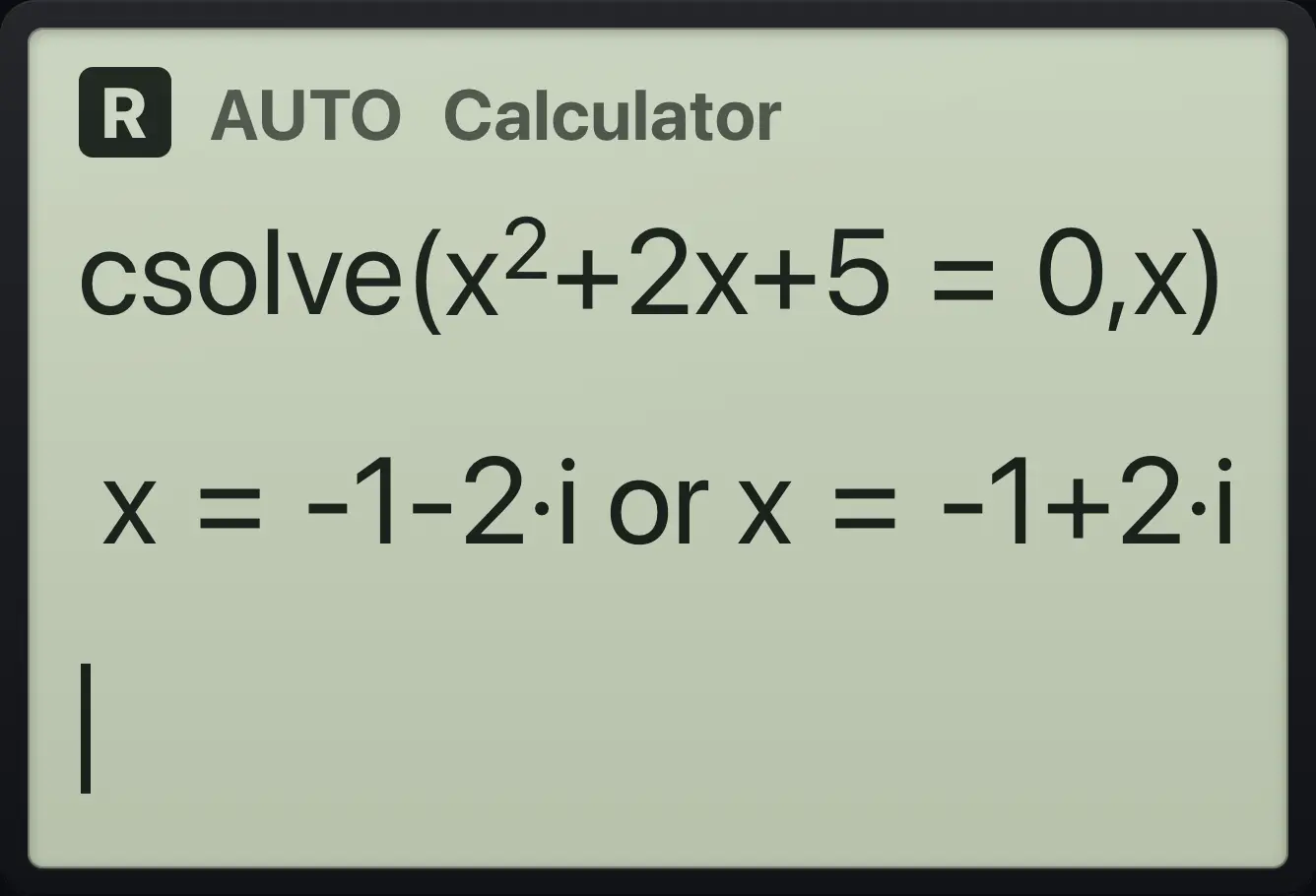
Result of the example "Complex roots with a real part" The display shows: csolve(x^2+2x+5=0,x) / x=-1-2·i or x=-1+2·i.
You should seex=-1-2·i or x=-1+2·i
Example 9.20

Cube roots of one

  1. Type cSolve(x³=1, x).

    csolve(x^3▶=1,x)enter
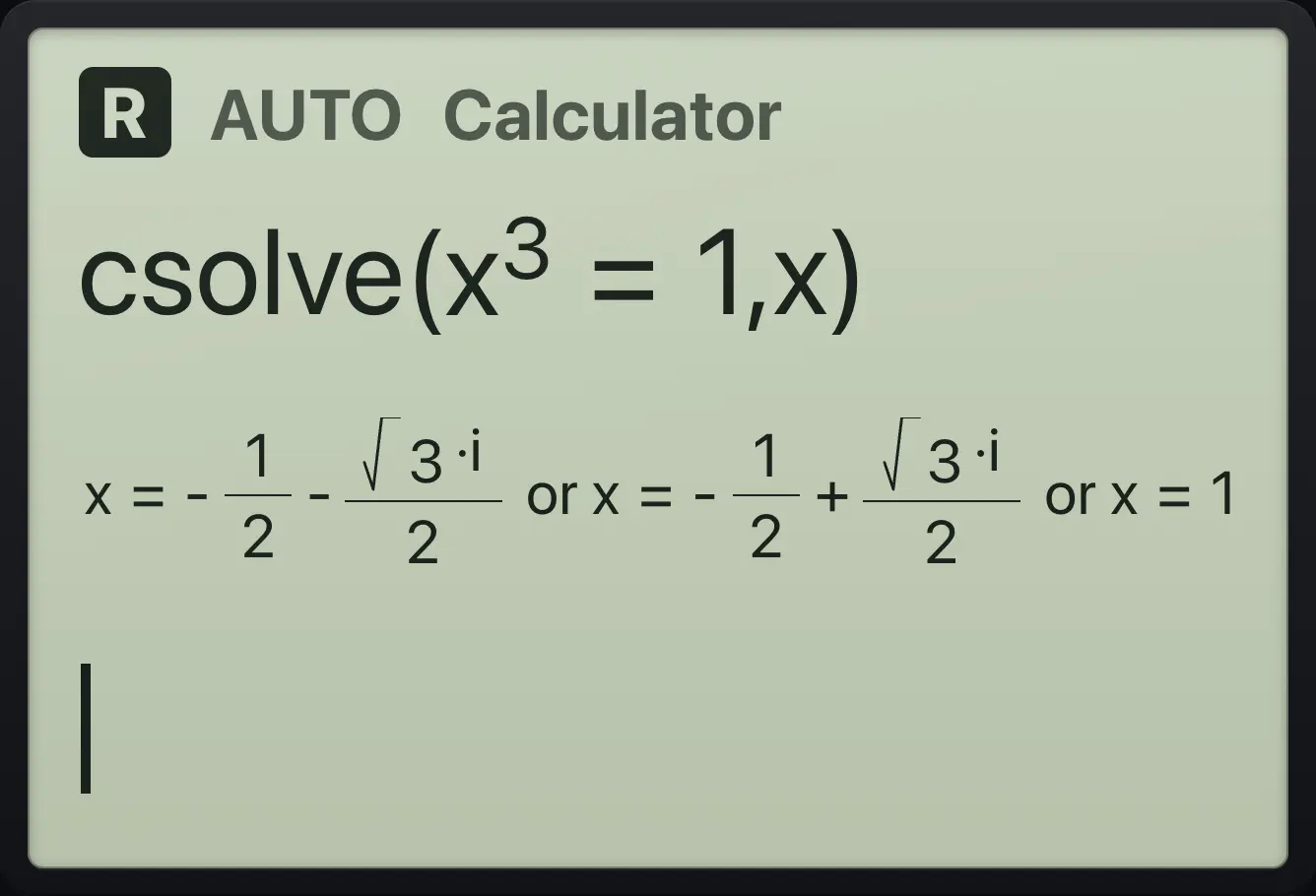
Result of the example "Cube roots of one" The display shows: csolve(x^3=1,x) / x=-1/2-√3·i/2 or x=-1/2+√3·i/2 or x=1.
You should seex=1
Example 9.21

Complex zeros

  1. Type cZeros(x²+4, x).

    czeros(x^2▶+4,x)enter
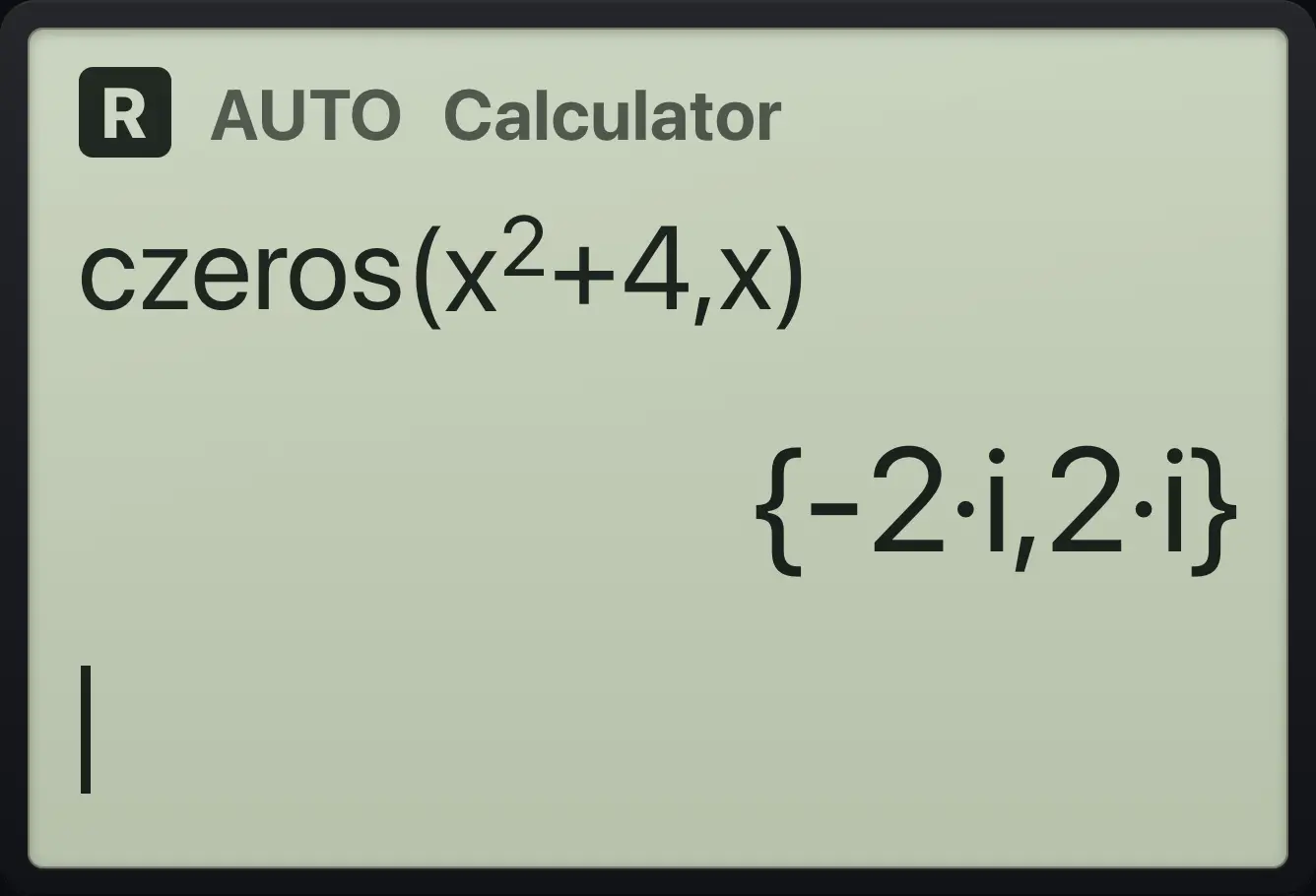
Result of the example "Complex zeros" The display shows: czeros(x^2+4,x) / {-2·i,2·i}.
You should see{-2·i,2·i}

TI-Nspire CX CAS is a trademark of Texas Instruments Incorporated. Trident Calculator is an independent product by South View Studios and is not affiliated with, sponsored by or endorsed by Texas Instruments. The name is used only to describe the kind of calculator this model resembles; Trident's names, keys, display, fonts and software are its own clean-room design.