
Classic CAS manual · Chapter 15 of 16
Error messages
Every message Classic CAS can show, what it means and how to fix it.
15.1What each message means#
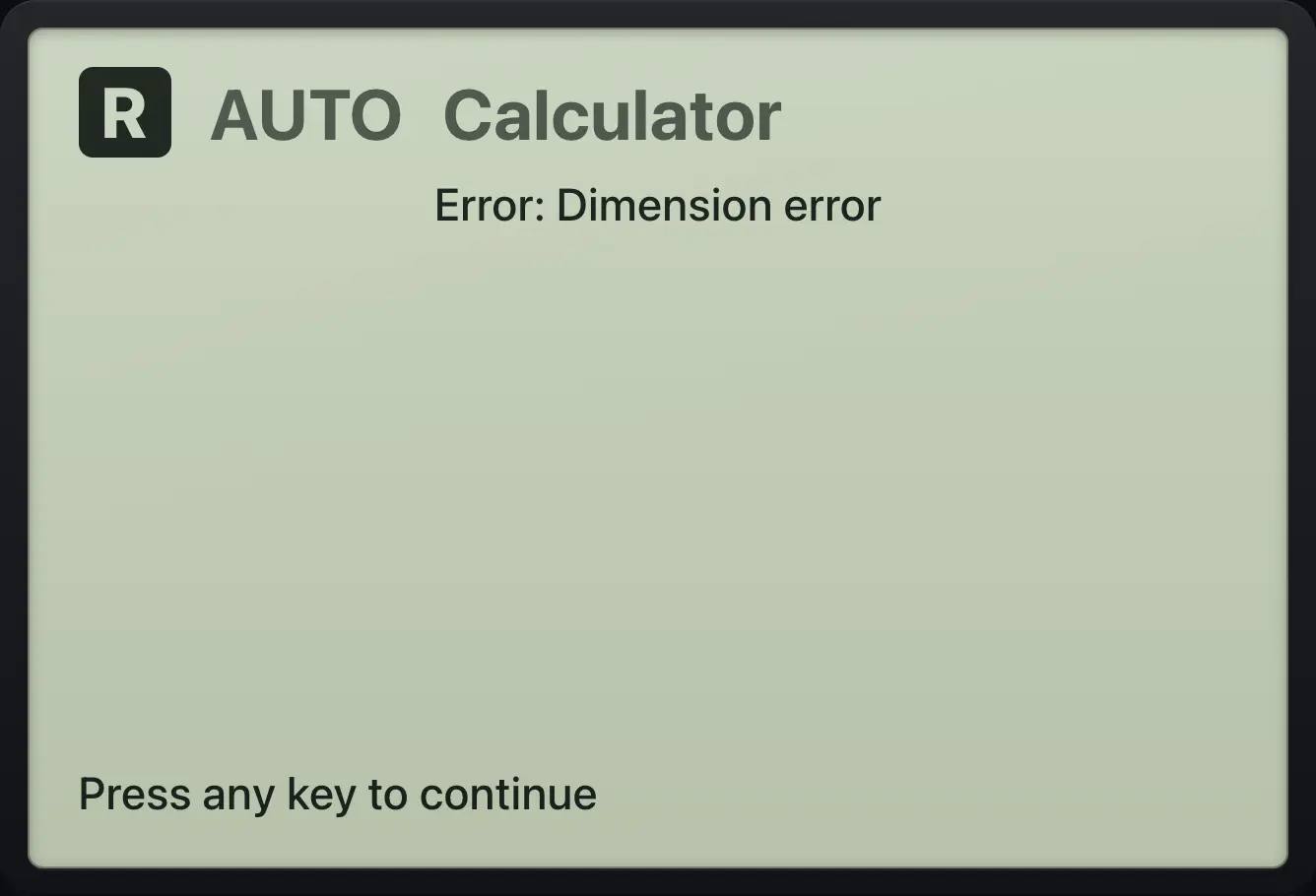
An error is shown in a box with the words "Press any key to continue". Press any key and you return to your entry, unchanged, so you can fix it.
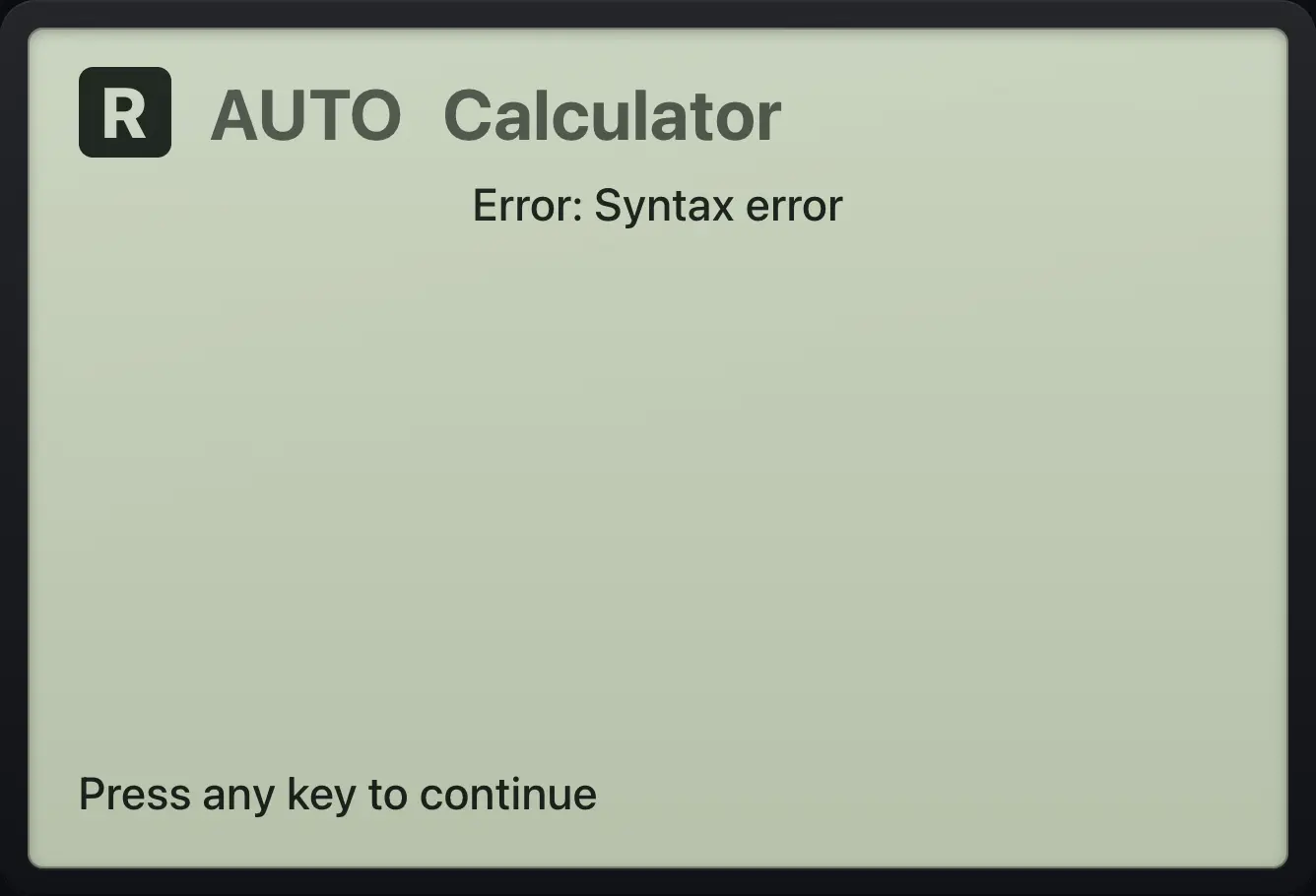
| Message | What it means | How to fix |
|---|---|---|
| Error: Syntax error | The entry is not a valid expression: a misplaced operator, a missing bracket or an empty box. | Check brackets and operators; use the negative key (−) for negative numbers. |
| Error: Domain error | A function was given a value it cannot take, or the arithmetic failed. | Check the inputs, for example invNorm needs an area between 0 and 1. |
| Error: Division by zero | A division by zero that cannot be expressed as undef. | Change the divisor. |
| Error: Overflow | The number is too large to hold. | Use smaller numbers. |
| Error: Dimension error | Matrix sizes do not fit the operation (or a matrix is not rectangular). | Check the number of rows and columns; determinants need a square matrix. |
| Error: Dimension mismatch | Two lists or matrices have different sizes. | Make them the same length. |
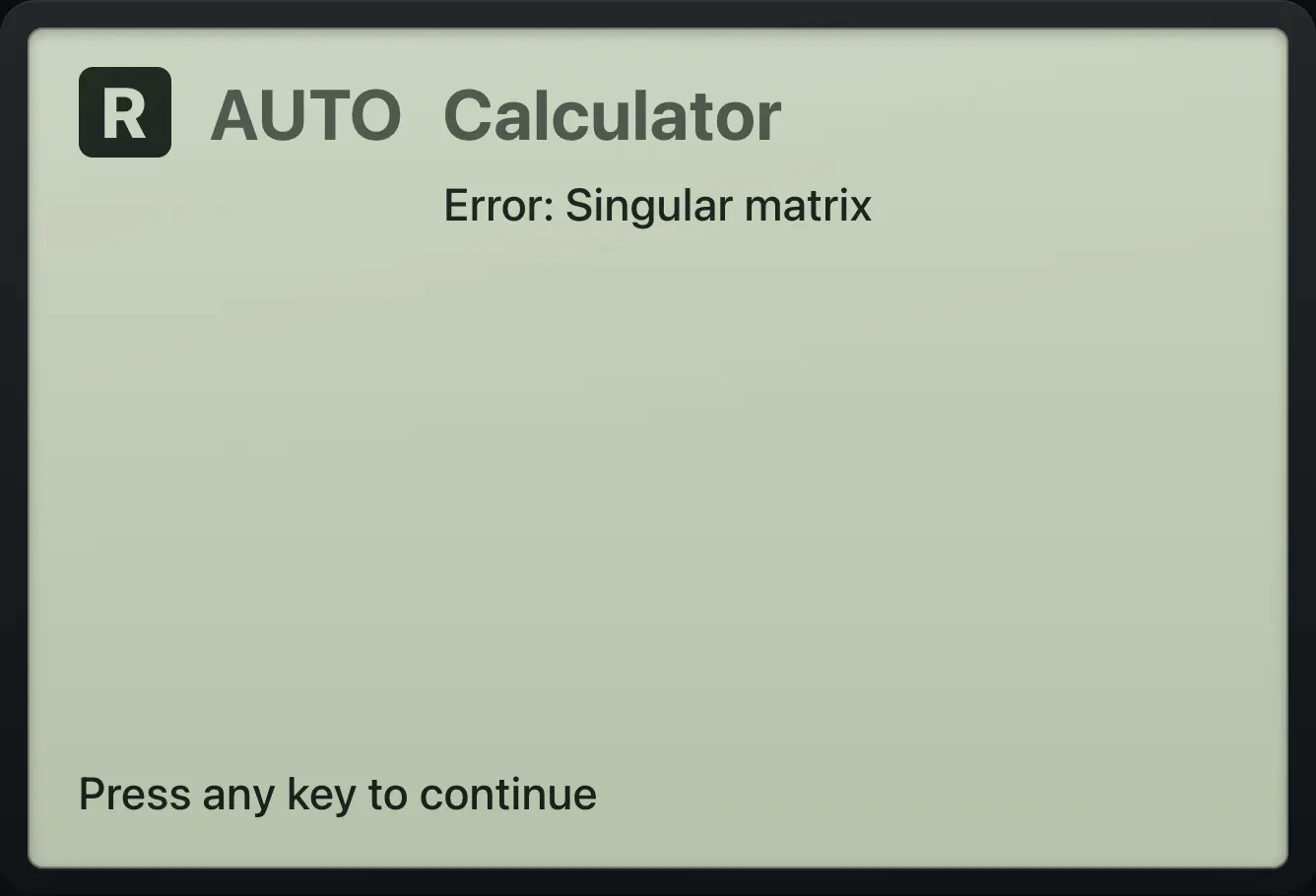
| Error: Singular matrix | The matrix has no inverse (its determinant is 0). | Use a different matrix, or solve with rref. |
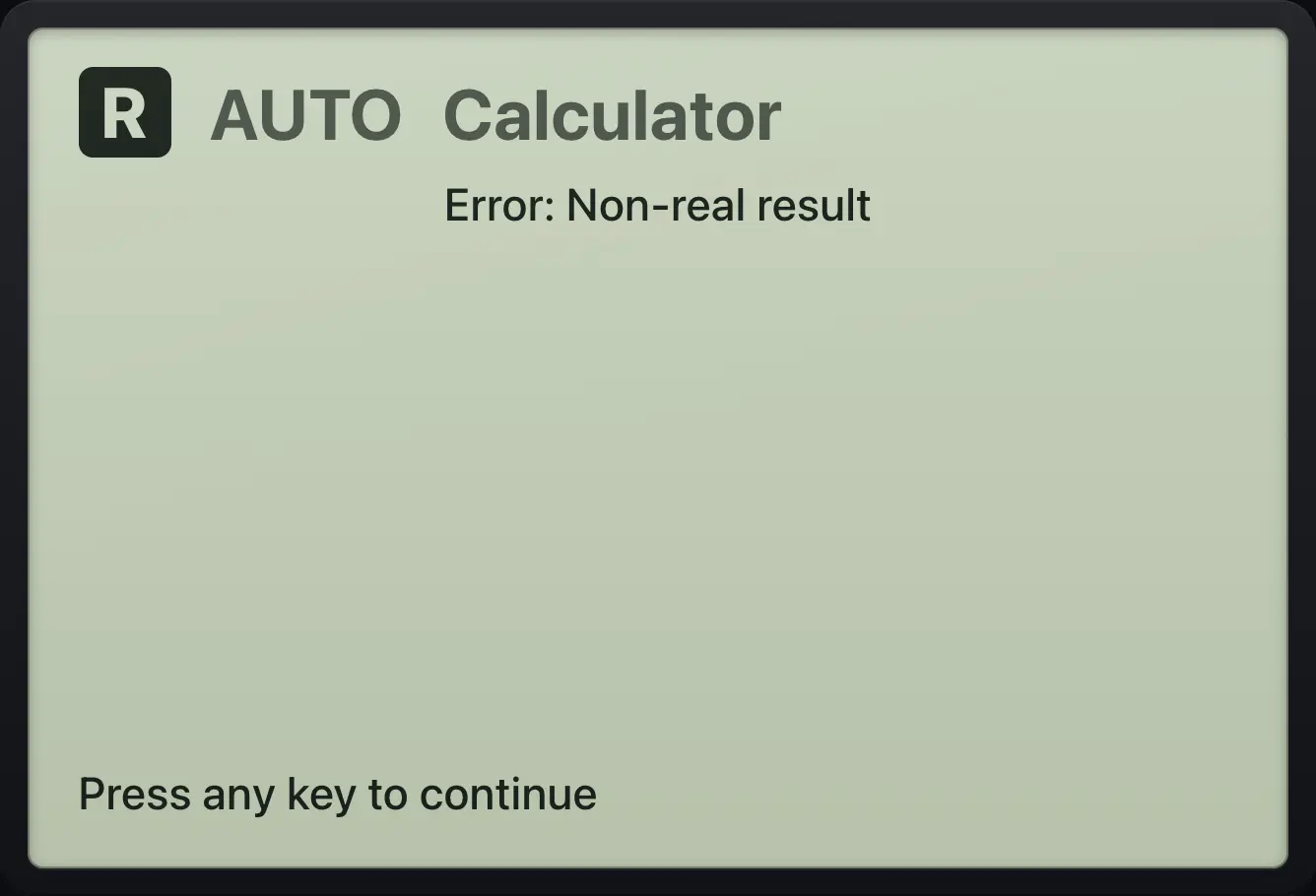
| Error: Non-real result | The answer is not a real number in Real mode, such as √(−4) or ln(−1). | Switch to Rectangular in Settings, or use the complex functions. |
| Error: Argument error | A function got the wrong kind or number of arguments. | Look up the function in the catalog and fix the arguments. |
| Error: Too few arguments | A function needs more values than you gave. | Add the missing arguments. |
| Error: Too many arguments | A function was given more values than it takes, such as sin(5,5). | Remove the extra arguments. |
| Error: Data type | A value is the wrong type, for example a number where a matrix is needed. | Give the type the function expects. |
| Error: Invalid index | An item position is outside the list or matrix. | Use a valid position. |
| Error: Reserved name | You tried to store a value in a name the calculator uses. | Choose another variable name. |
| Error: No solution found | nSolve or a solver found no answer. | Try another guess, or graph the function. |
| Error: Infinitely many zeros | The expression is zero everywhere. | This is not a single set of zeros; check the expression. |
| Error: Too complex | The calculation is too large to carry out. | Break the problem into smaller steps. |
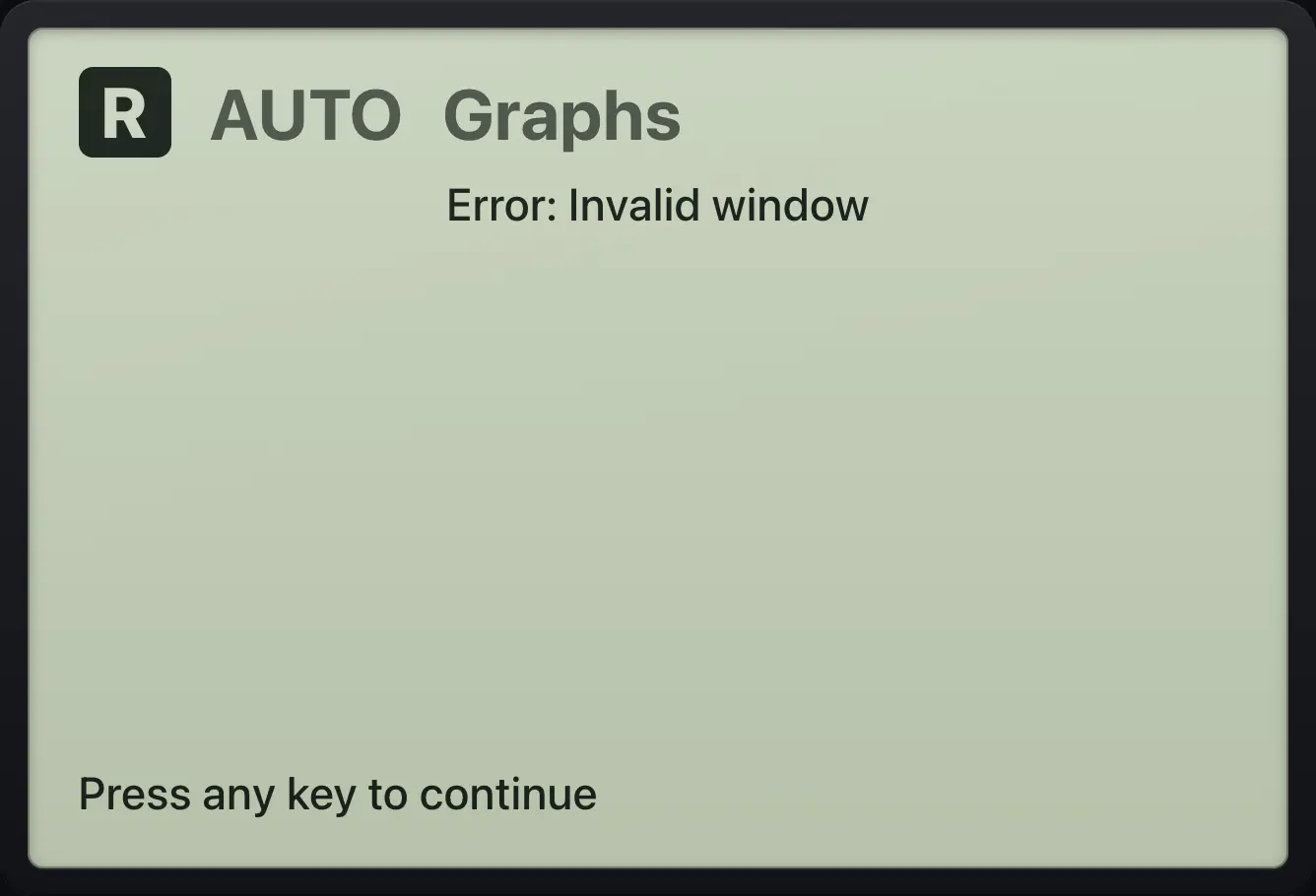
| Error: Invalid window | On the graph, the minimum is not below the maximum. | Enter a smaller minimum than maximum. |
15.2Results that are not errors#
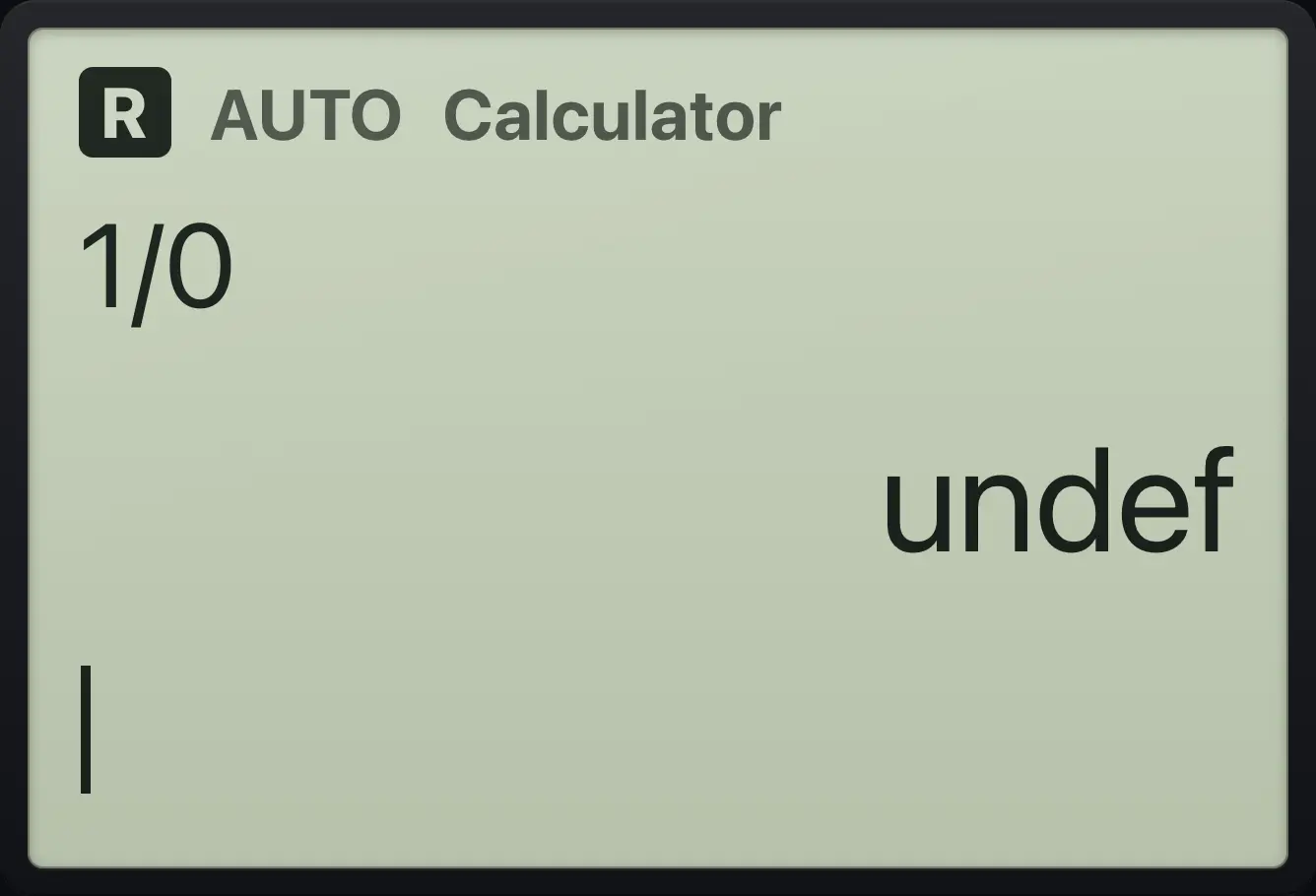
Division by zero gives undef
Type 1/0.
1÷0enter
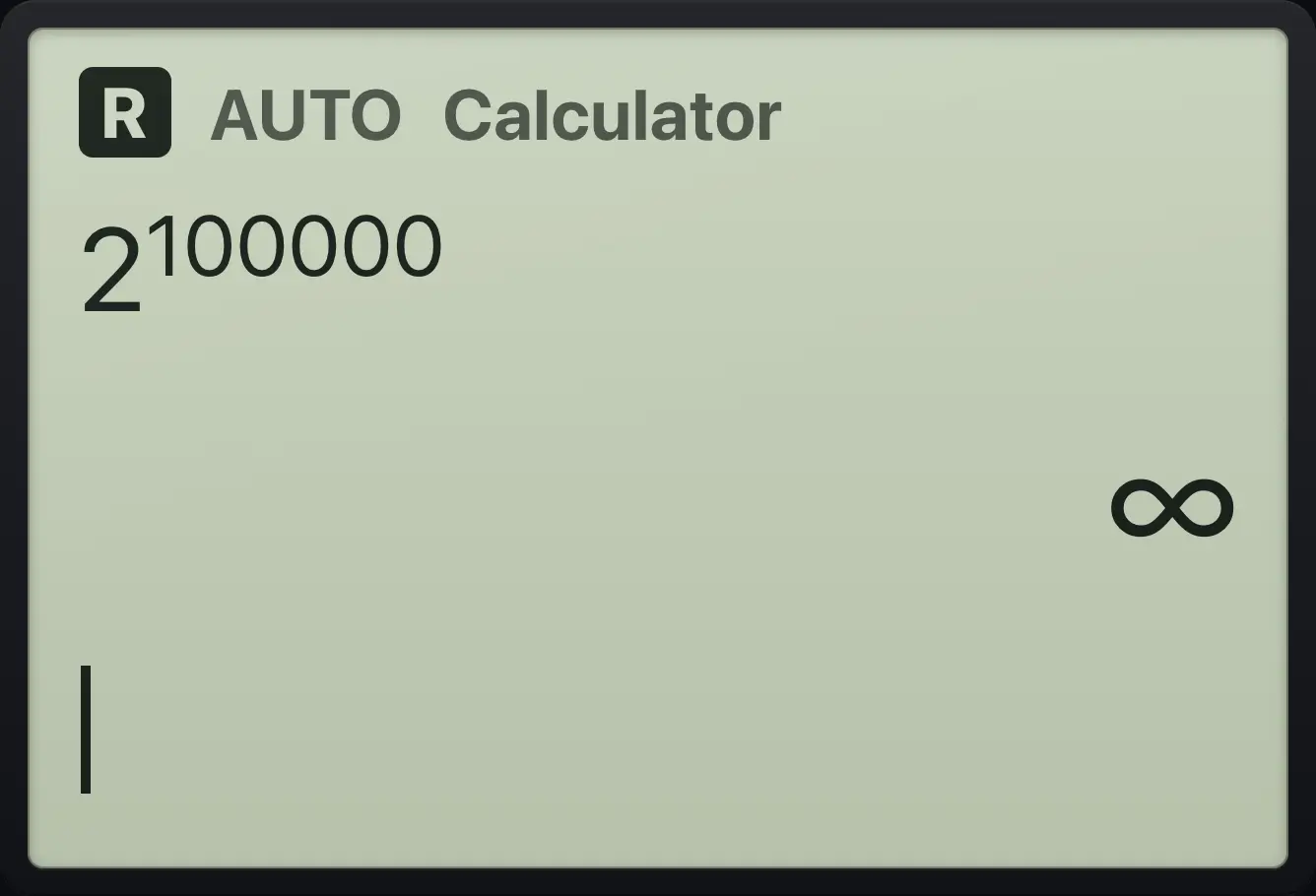
undefOverflow gives infinity
Type 2^100000.
2^100000enter
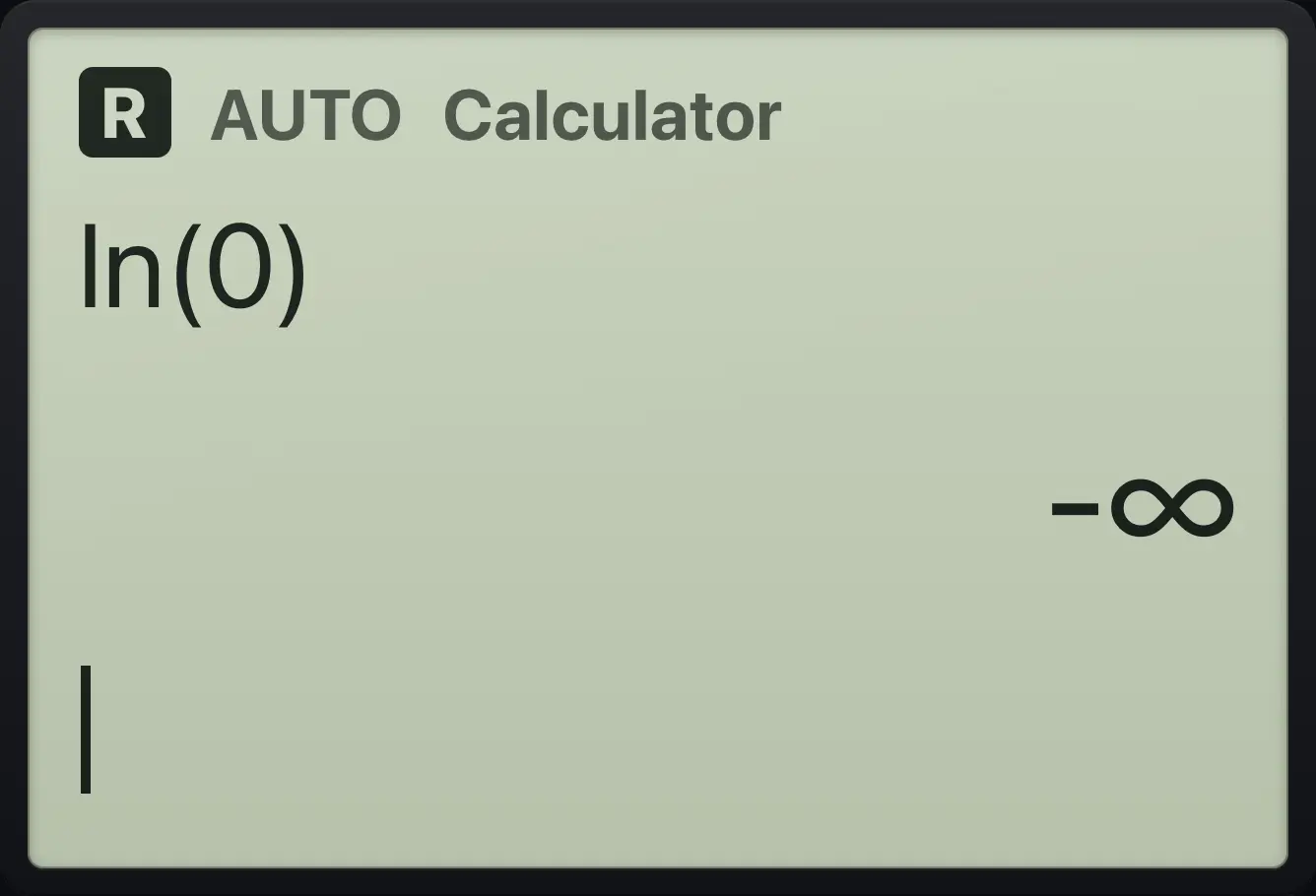
∞Log of zero
Type ln(0).
ln(0)enter
-∞TI-Nspire CX CAS is a trademark of Texas Instruments Incorporated. Trident Calculator is an independent product by South View Studios and is not affiliated with, sponsored by or endorsed by Texas Instruments. The name is used only to describe the kind of calculator this model resembles; Trident's names, keys, display, fonts and software are its own clean-room design.