
Classic CAS manual · Chapter 4 of 16
Powers, roots, logs and trig
Powers and roots, logarithms, trigonometry, number functions, factorials and combinations.
4.1Powers and square roots#
Type a power with ^: the cursor moves up into the exponent, and ▶ brings it back down. x² squares the previous value. ctrl√x² builds a square root; press ▶ to leave the root.
A big power stays exact
Type 2, power, 64, enter.
2^64enter
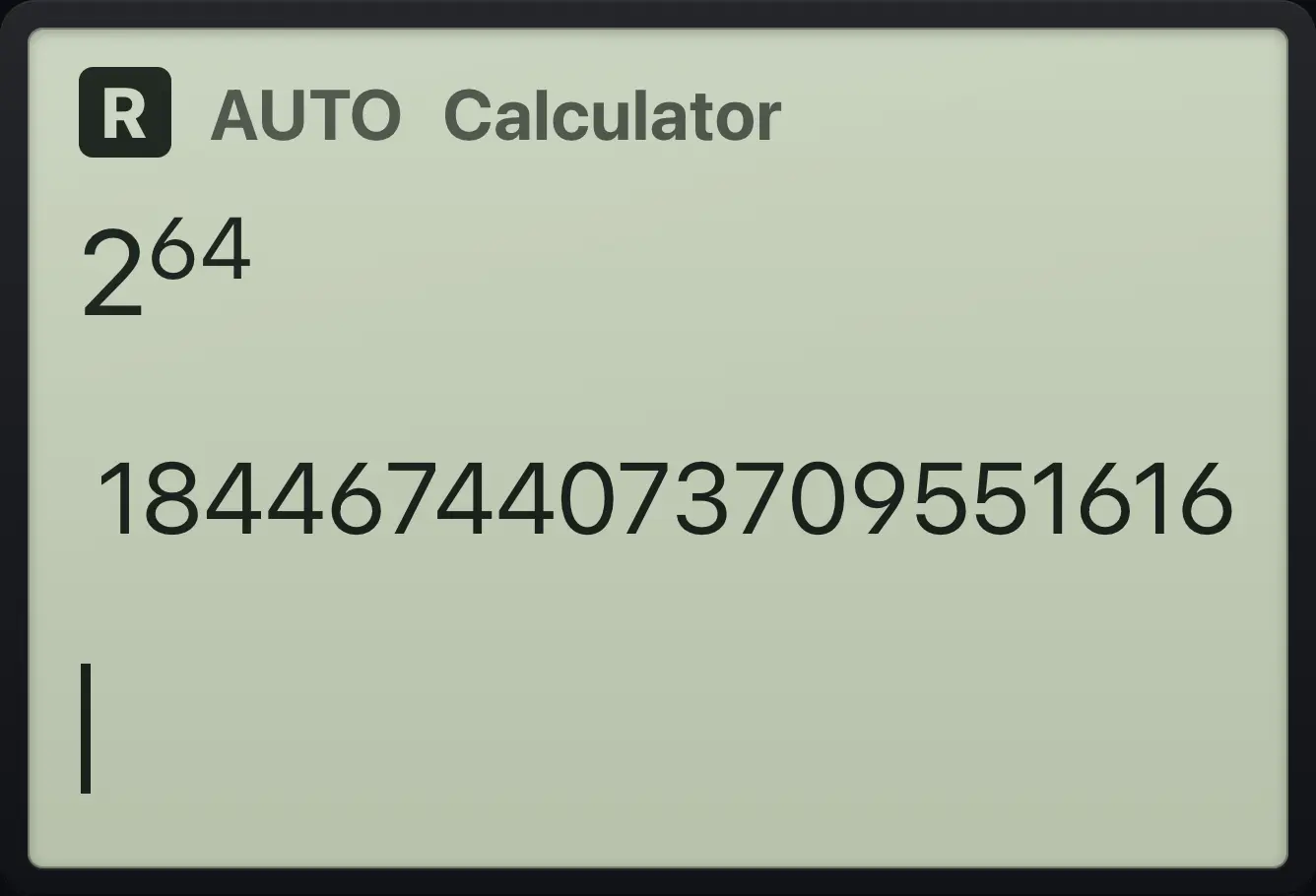
18446744073709551616Square root simplified
Press ctrl then the square key, type 12, then right and enter.
ctrl√x²12▶enter
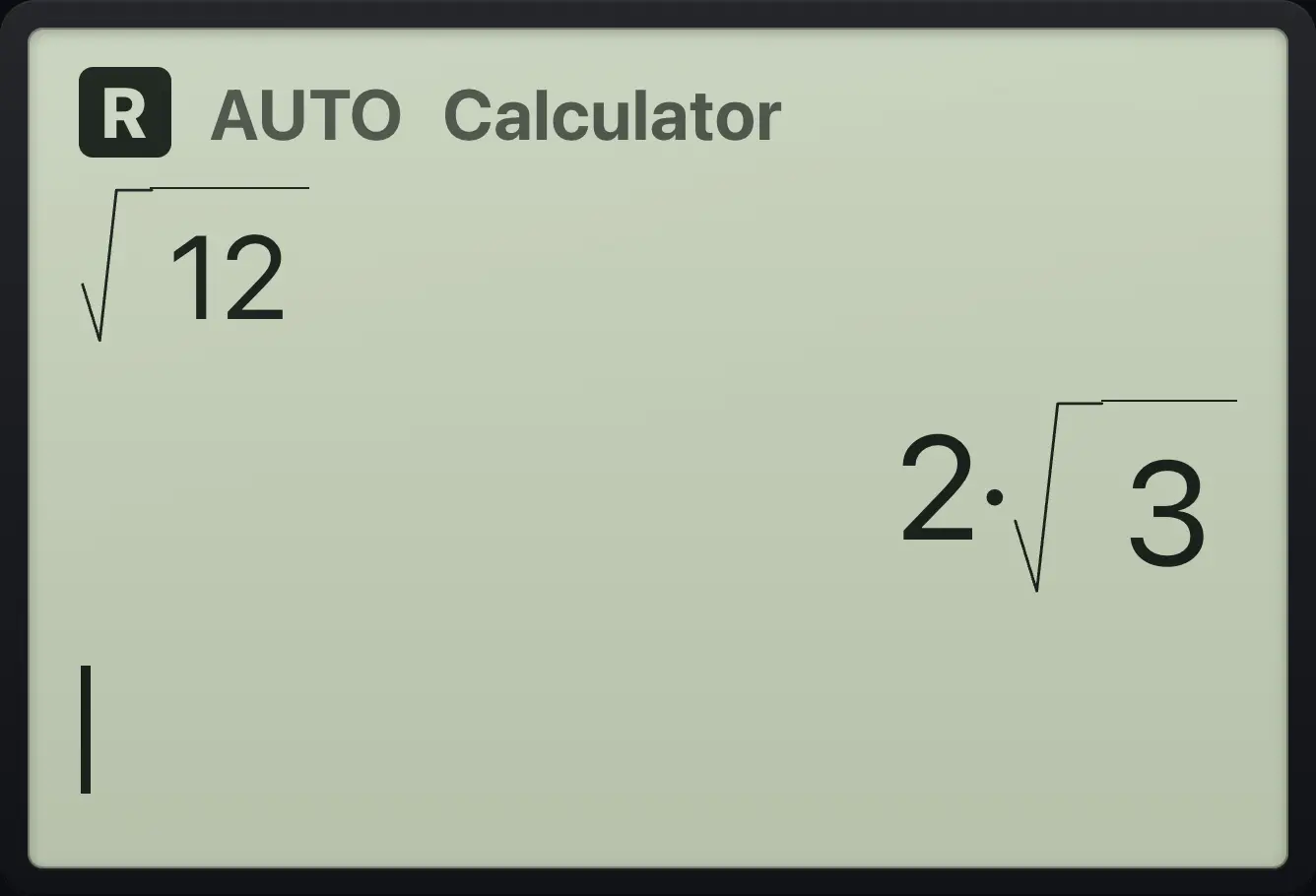
2·√3Cube root
Press ctrl then the power key, type 3, right, then 27 and enter.
ctrlⁿ√^3▶27enter
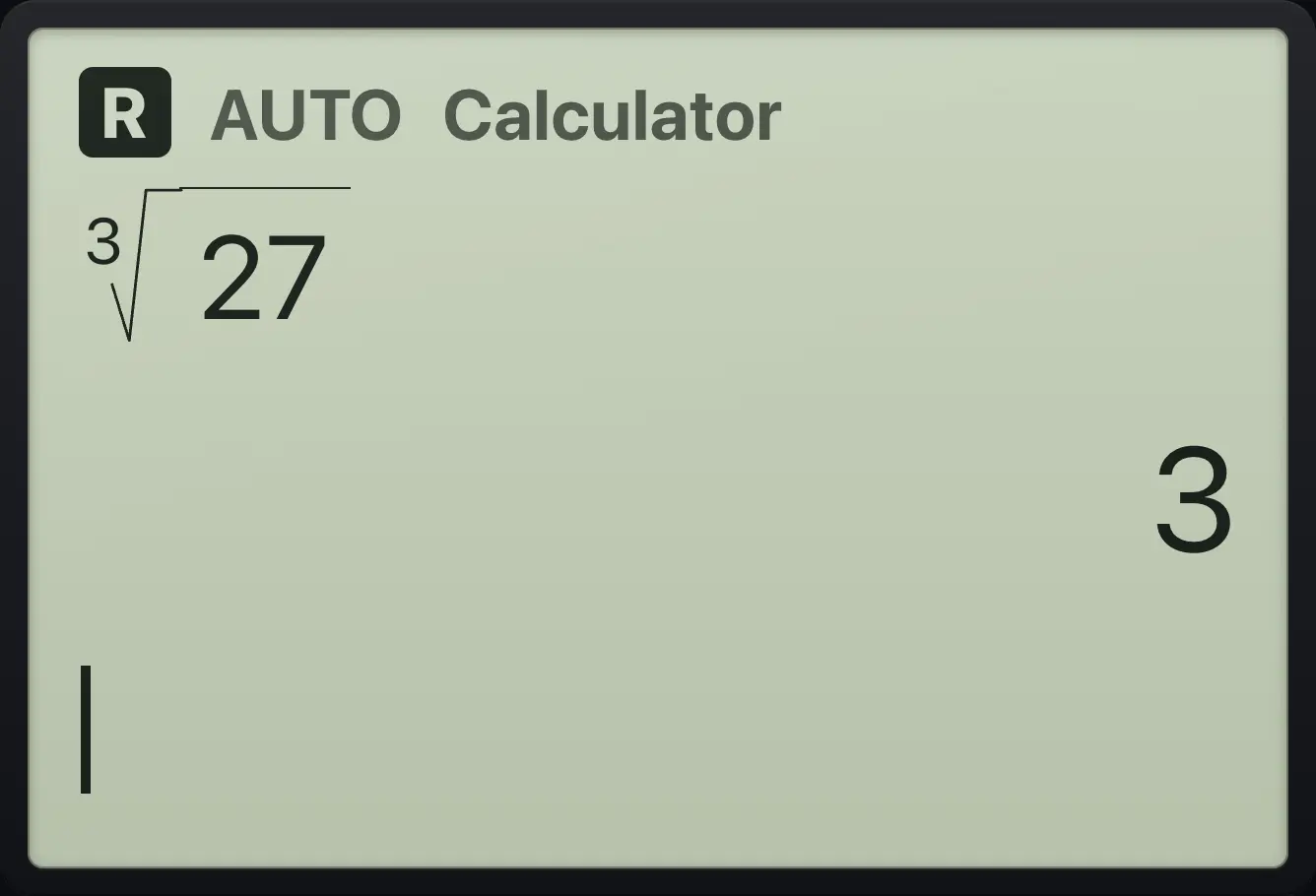
3Fractional exponent
Type 27, power, (2/3) and enter.
27^(2÷3)enter
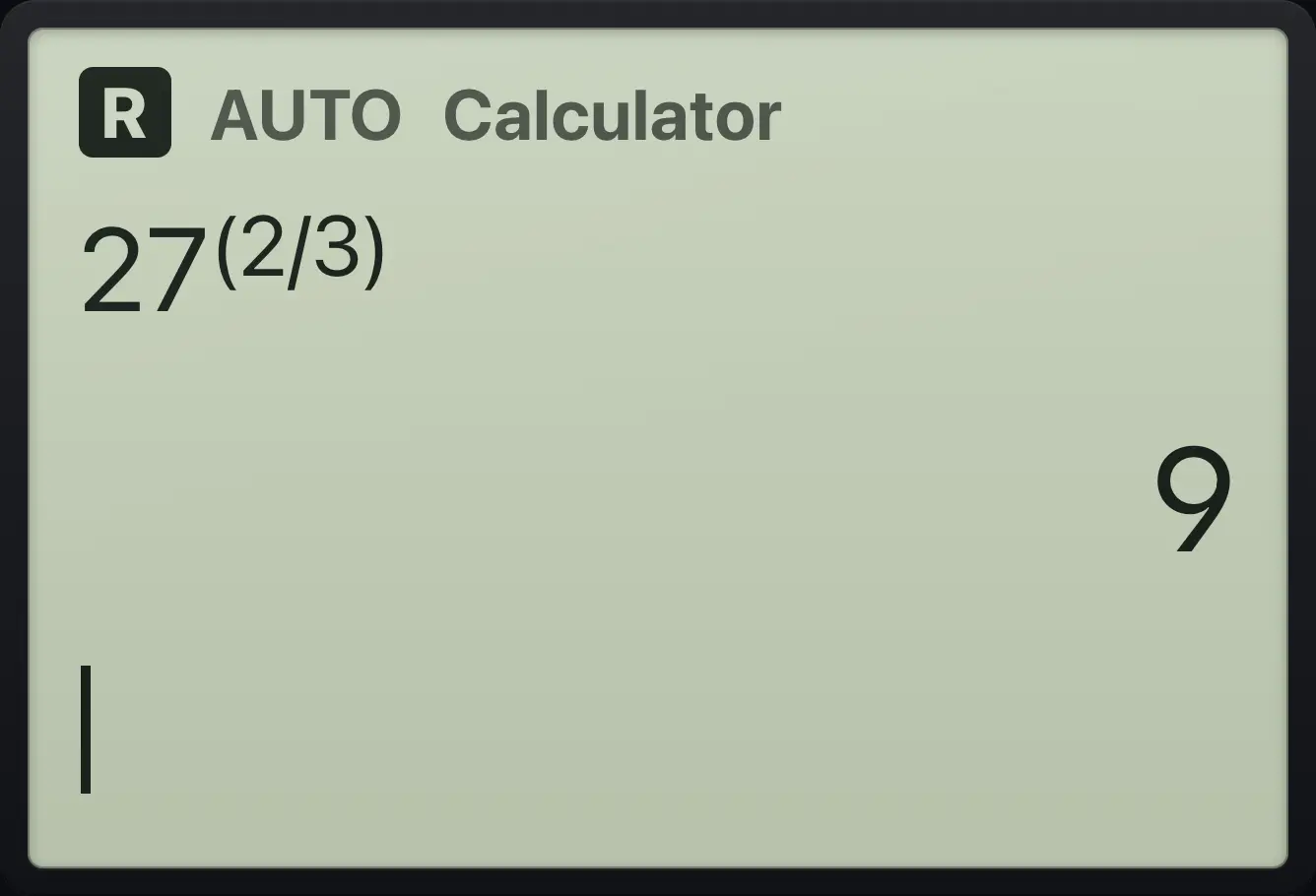
94.2Logarithms and e to a power#
ln is the natural log (base ) and log is base 10. With ctrl they become the inverse functions and . For any other base use the log template in the templates menu, or type log(8,2).
Natural log of e squared
Type ln( e ^ 2 ) and enter.
ln(e^2▶)enter
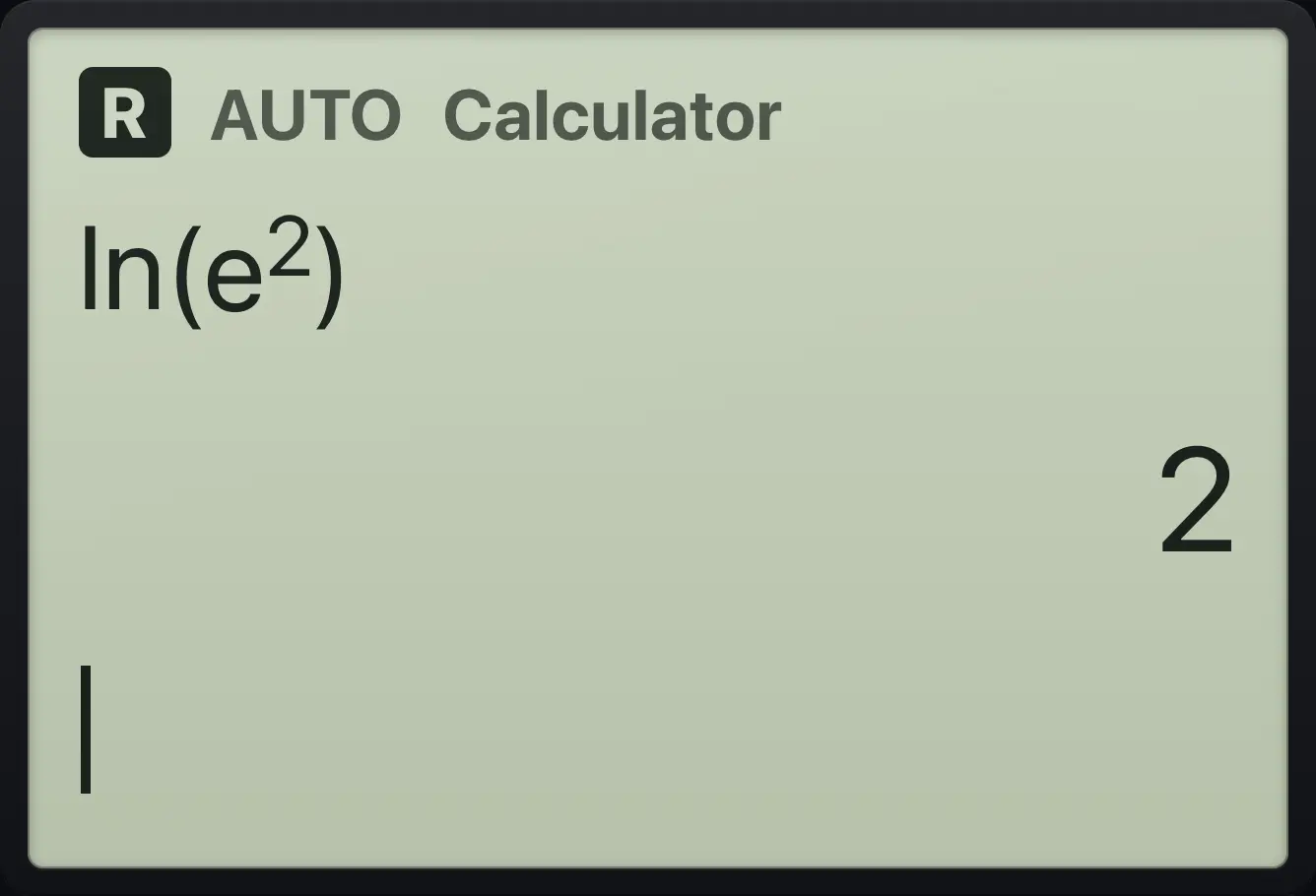
2Base 10 log
Type log(1000).
log(1000)enter
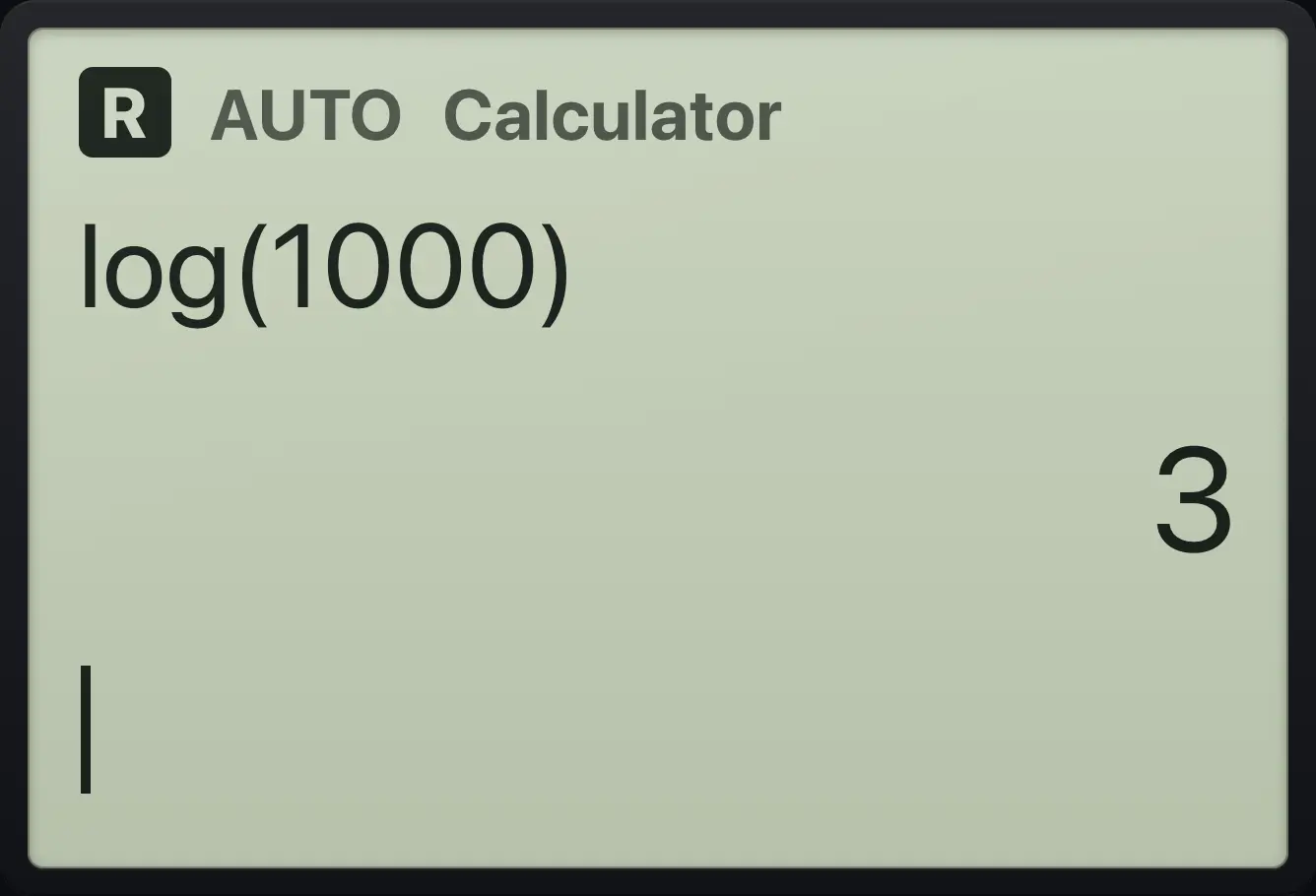
3Ten to a power
Press ctrl log, type 3.
ctrl10ˣlog3enter
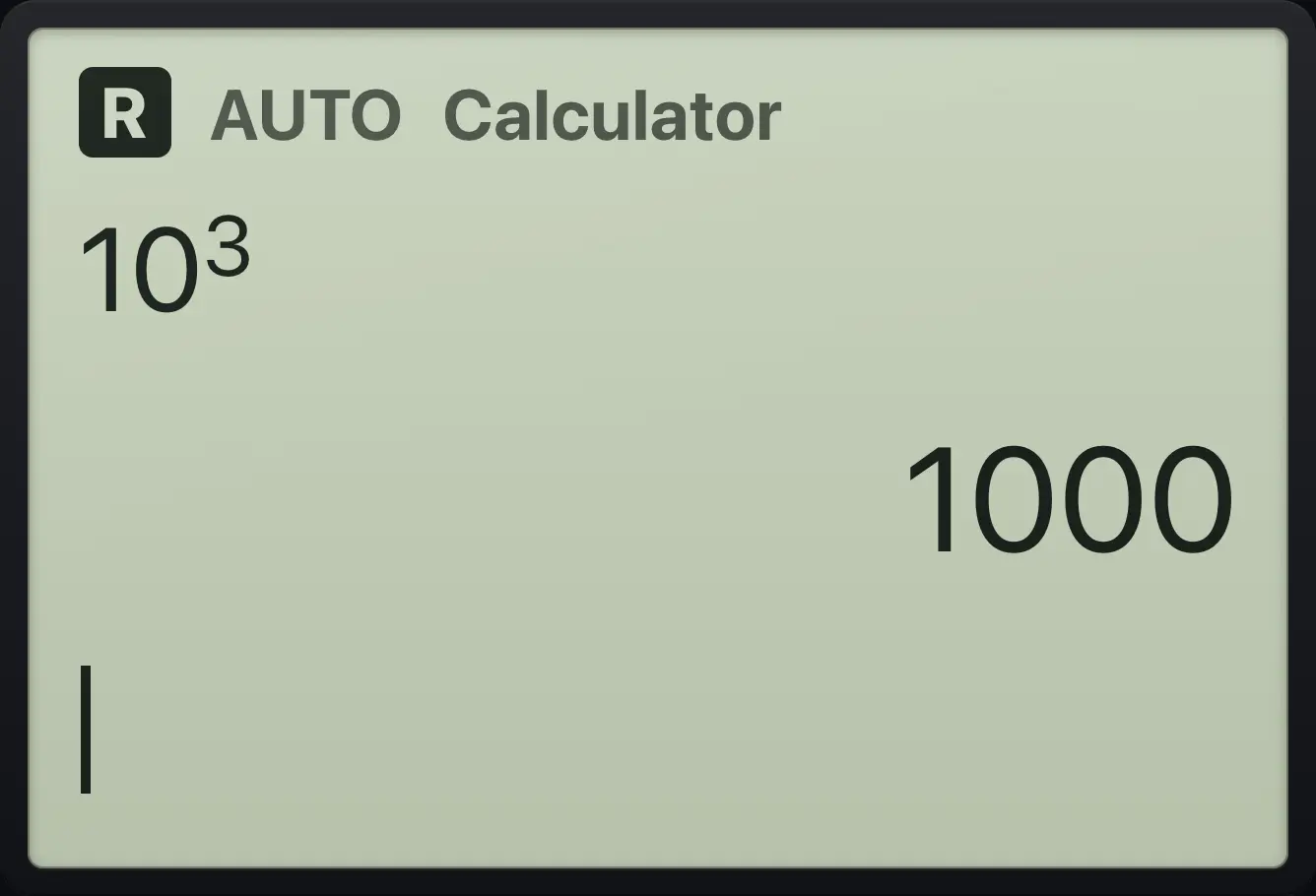
1000Log with another base
Open templates, choose log_(), type 2, right, 8.
templates62▶8enter
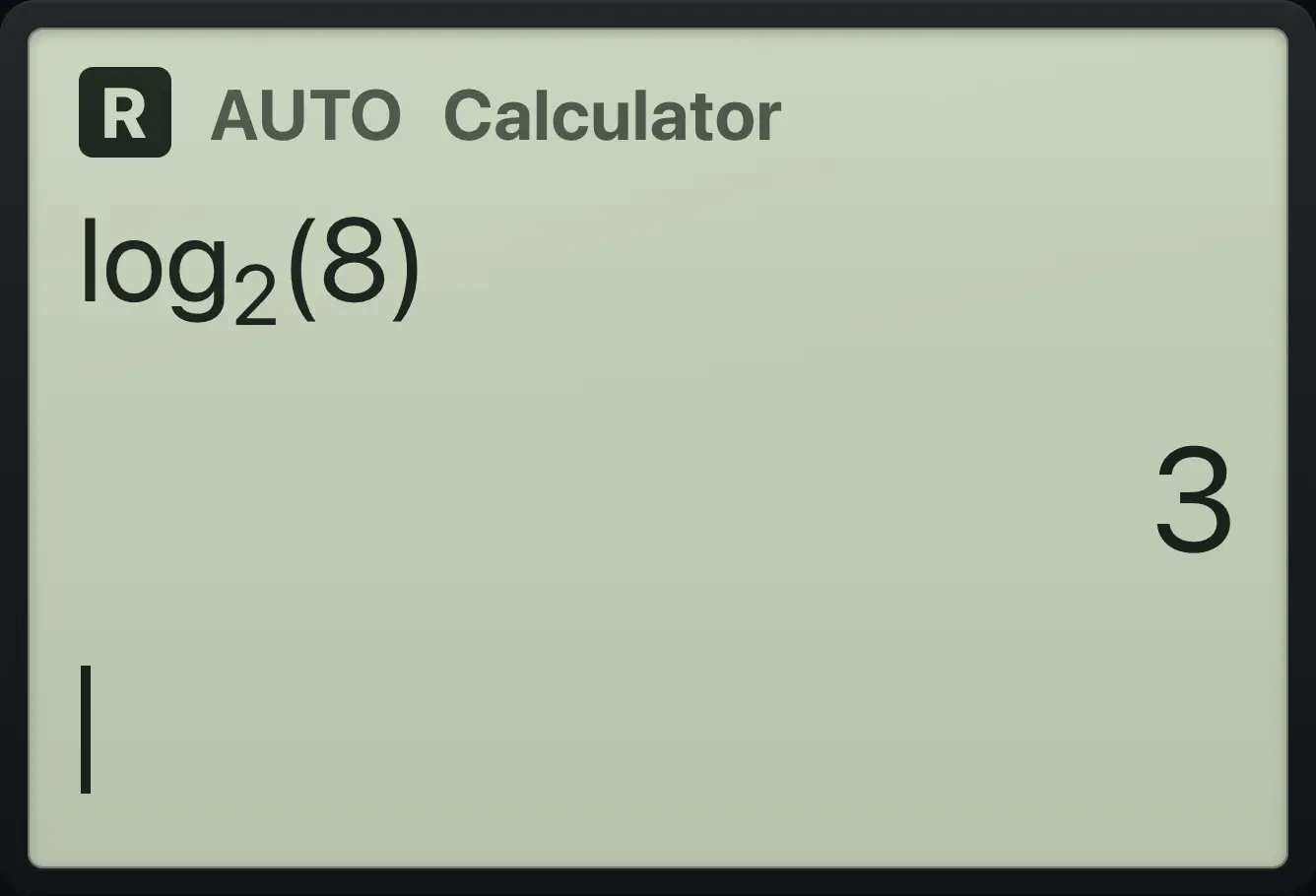
log_2(8) 3e squared and its decimal
Press ctrl ln, type 2, right, then ctrl enter.
ctrleˣln2▶ctrl≈enter
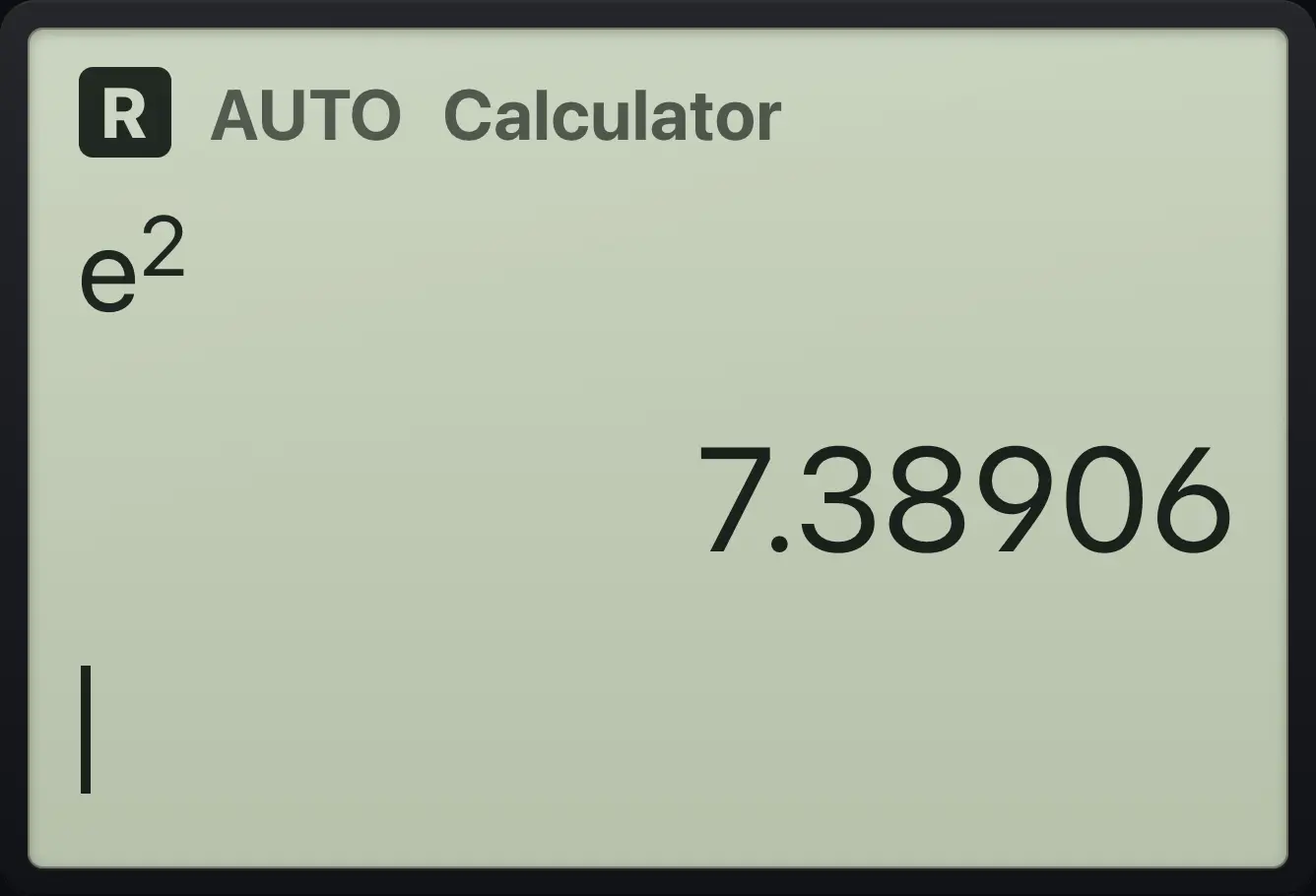
7.389064.3Sine, cosine and tangent#
Trig answers are exact when the angle is a familiar one. The Angle setting decides whether the angle is read in radians (default), degrees or gradians. The Trig menu also holds secant, cosecant, cotangent and the hyperbolic functions.
Sine of pi over six
Type sin( π / 6 ).
sin(π÷6)enter
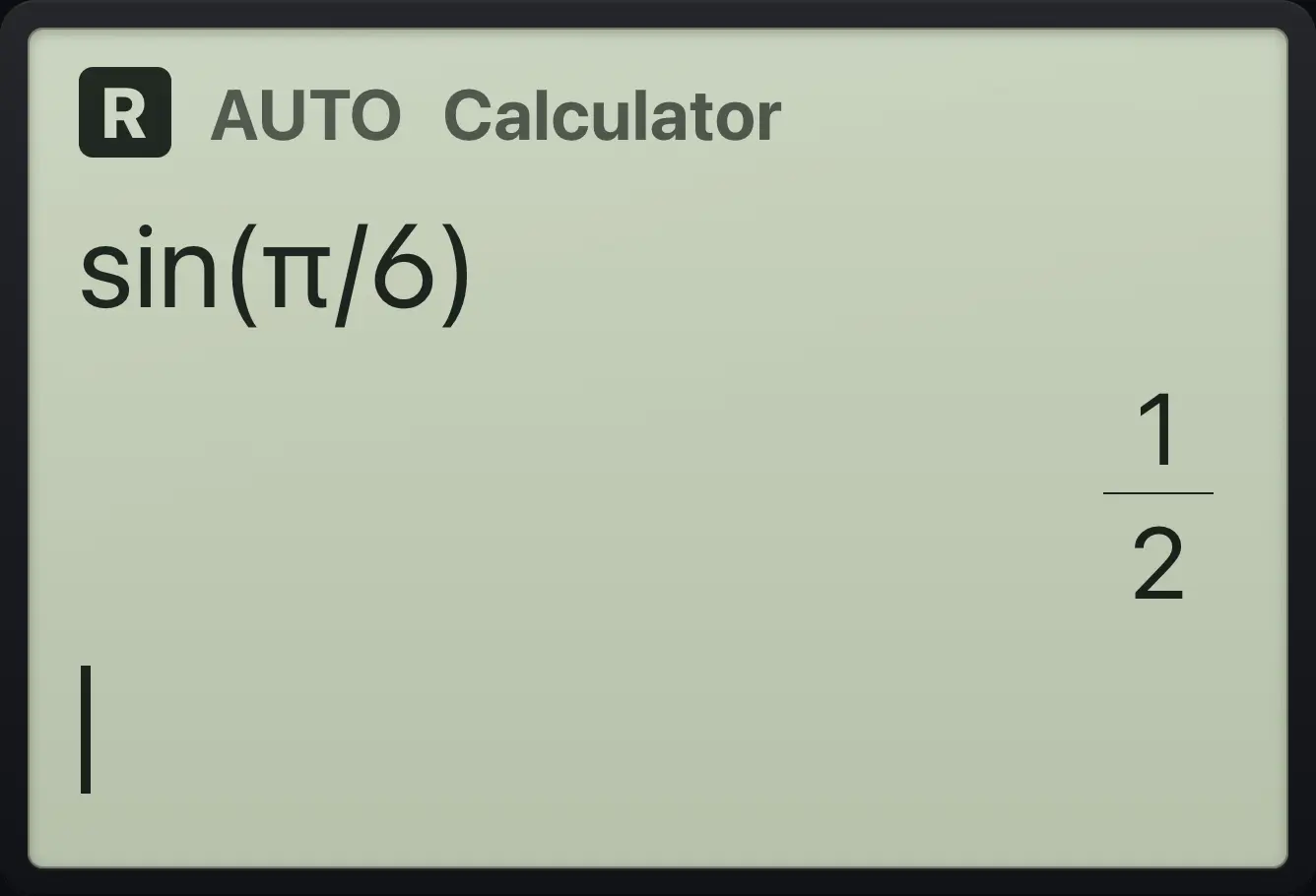
1/2Sine of pi over four
Type sin( π / 4 ).
sin(π÷4)enter
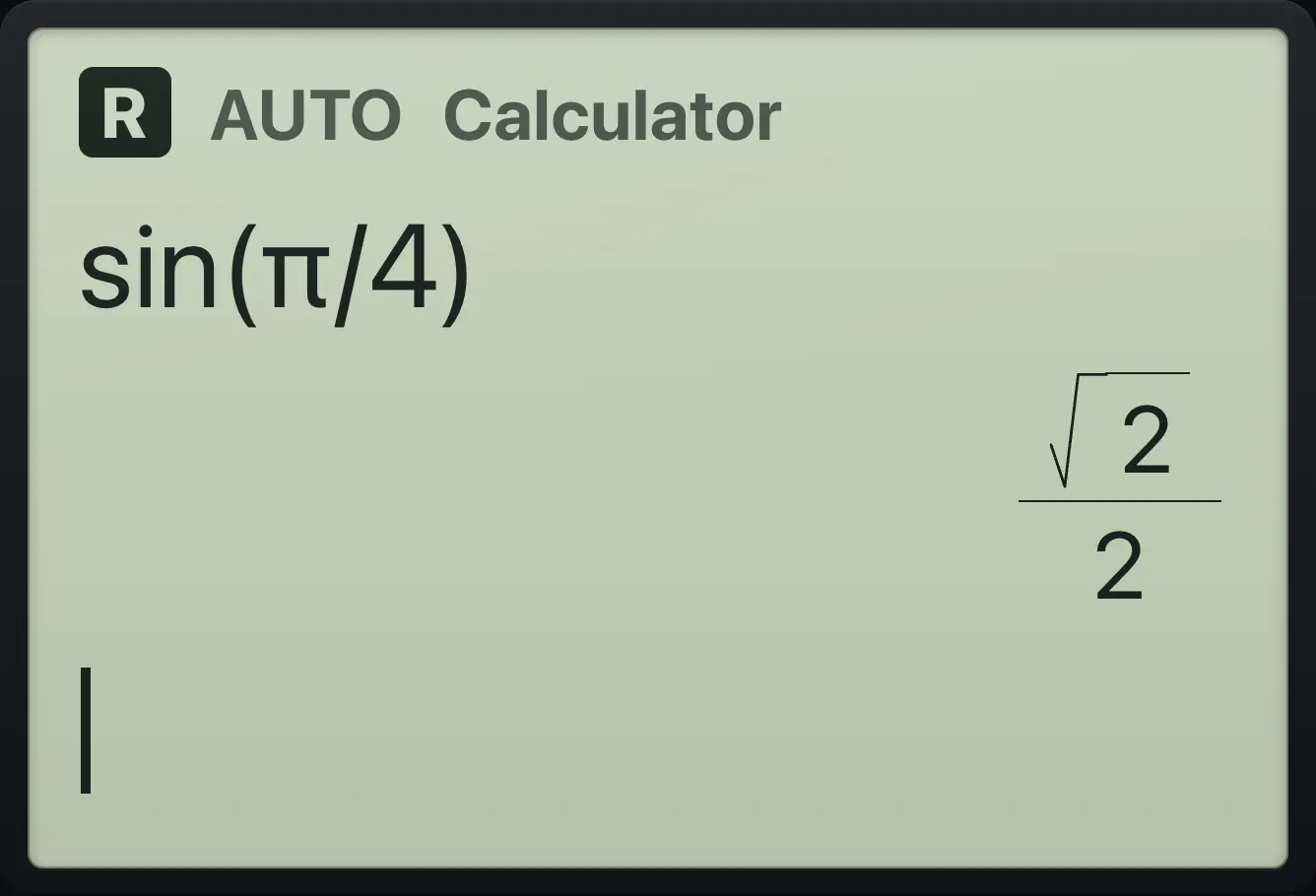
√2/2Inverse sine
Press ctrl then sin, type 1/2, close the bracket.
ctrlsin⁻¹sin1÷2)enter
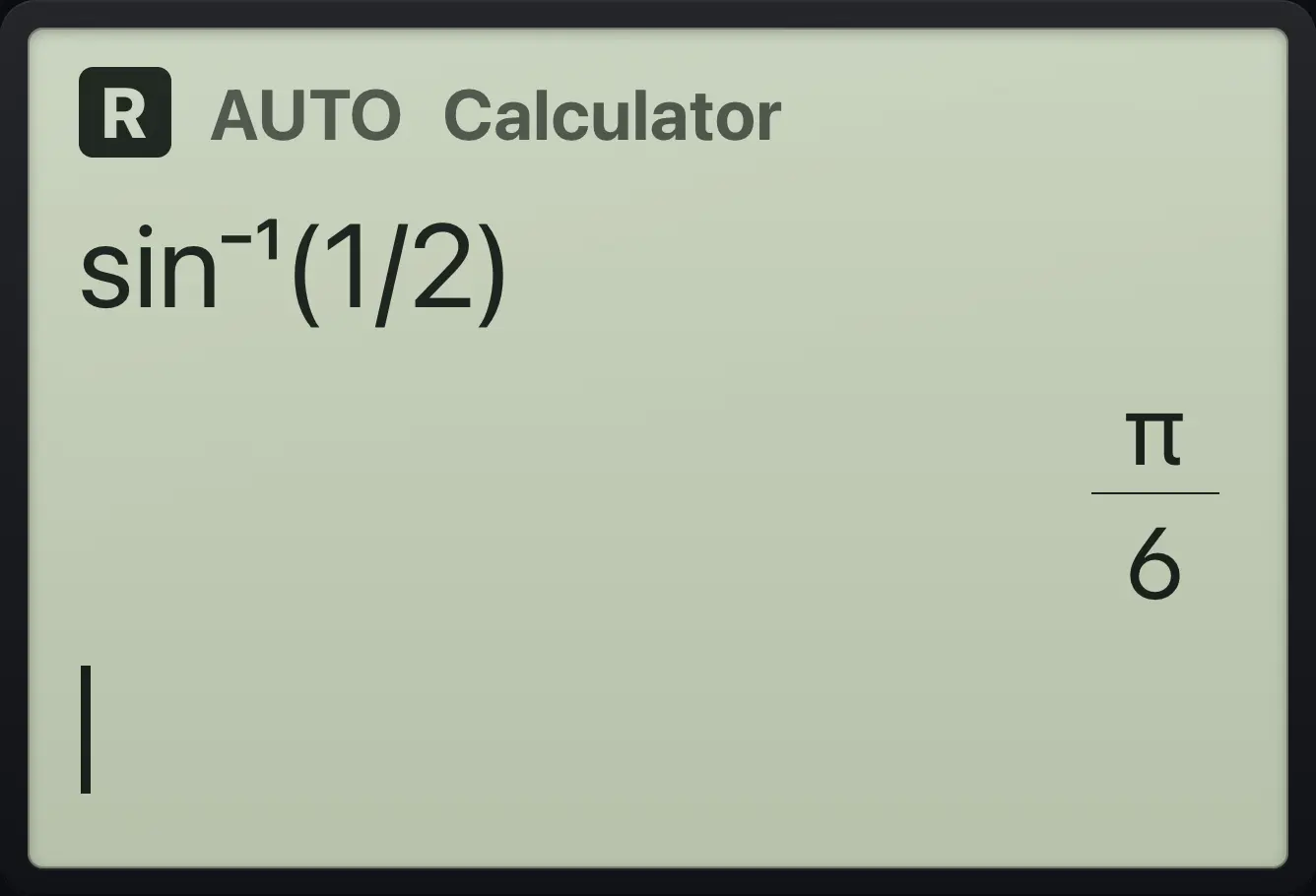
π/6Use a degree sign
Type sin( 30, ctrl dot (degree sign) ).
sin(30ctrl°.)enter
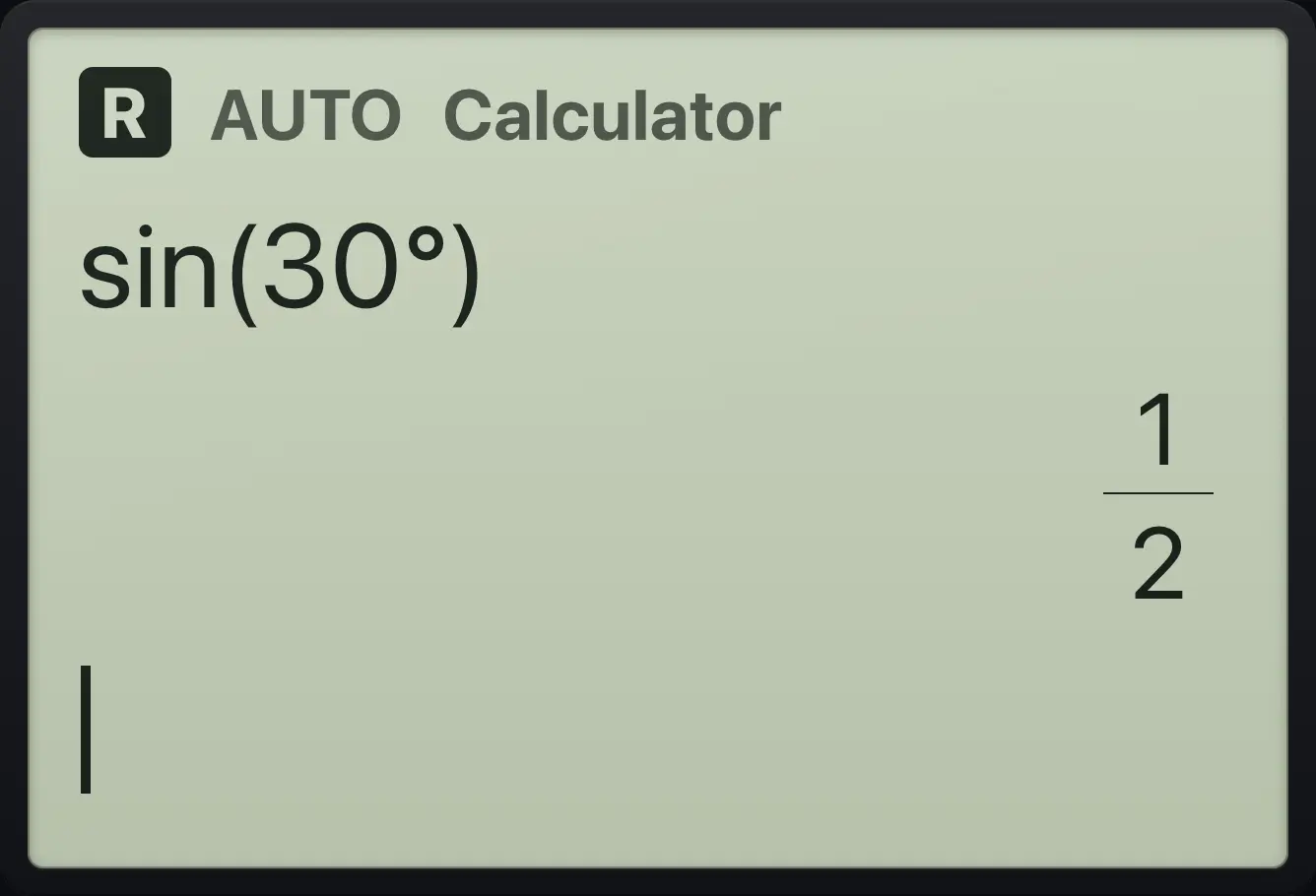
1/2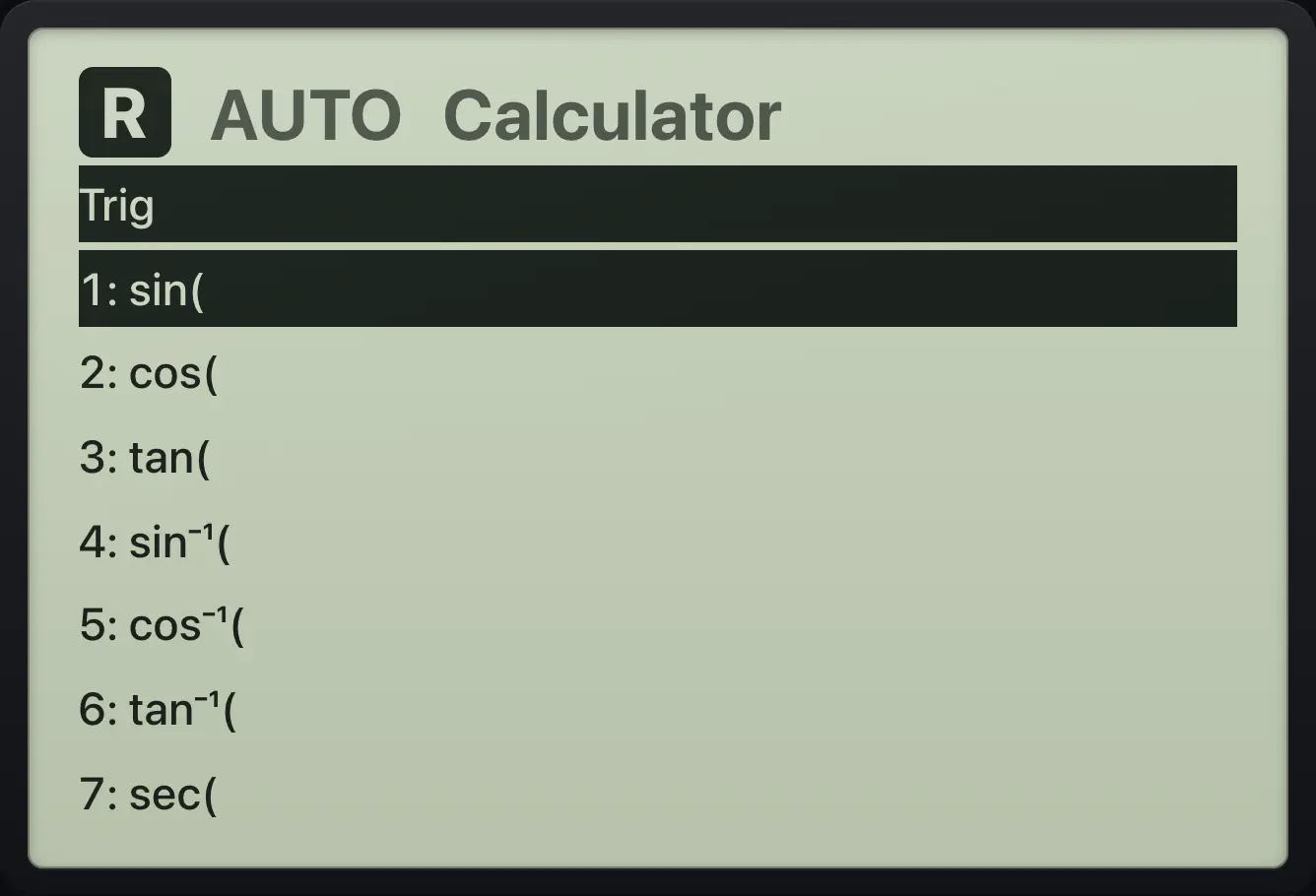
Secant from the Trig menu
Press trig, choose 7 (sec), type π/3 and close.
trig7π÷3)enter
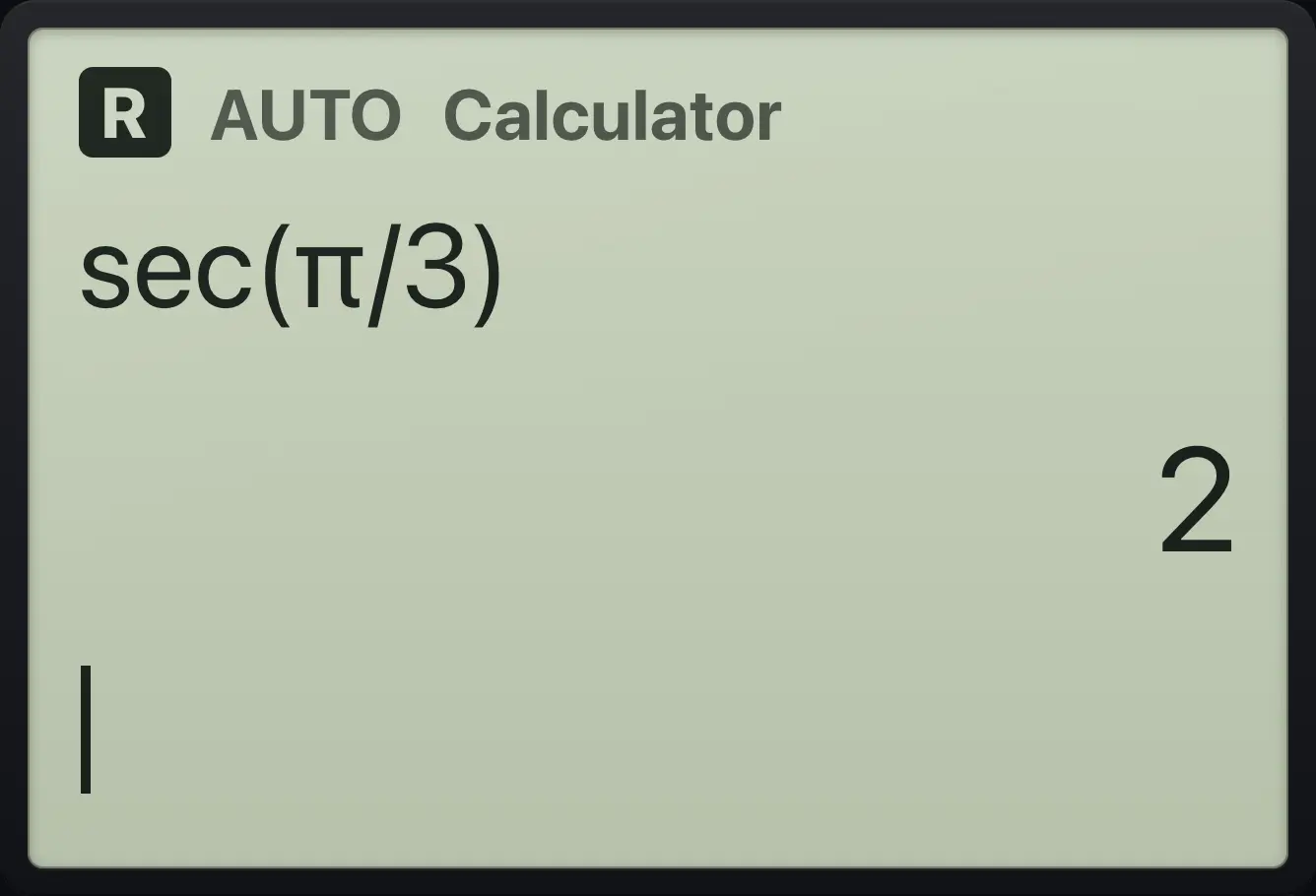
2Hyperbolic cosine
Press trig, choose B (cosh), type 0.
trigb0)enter
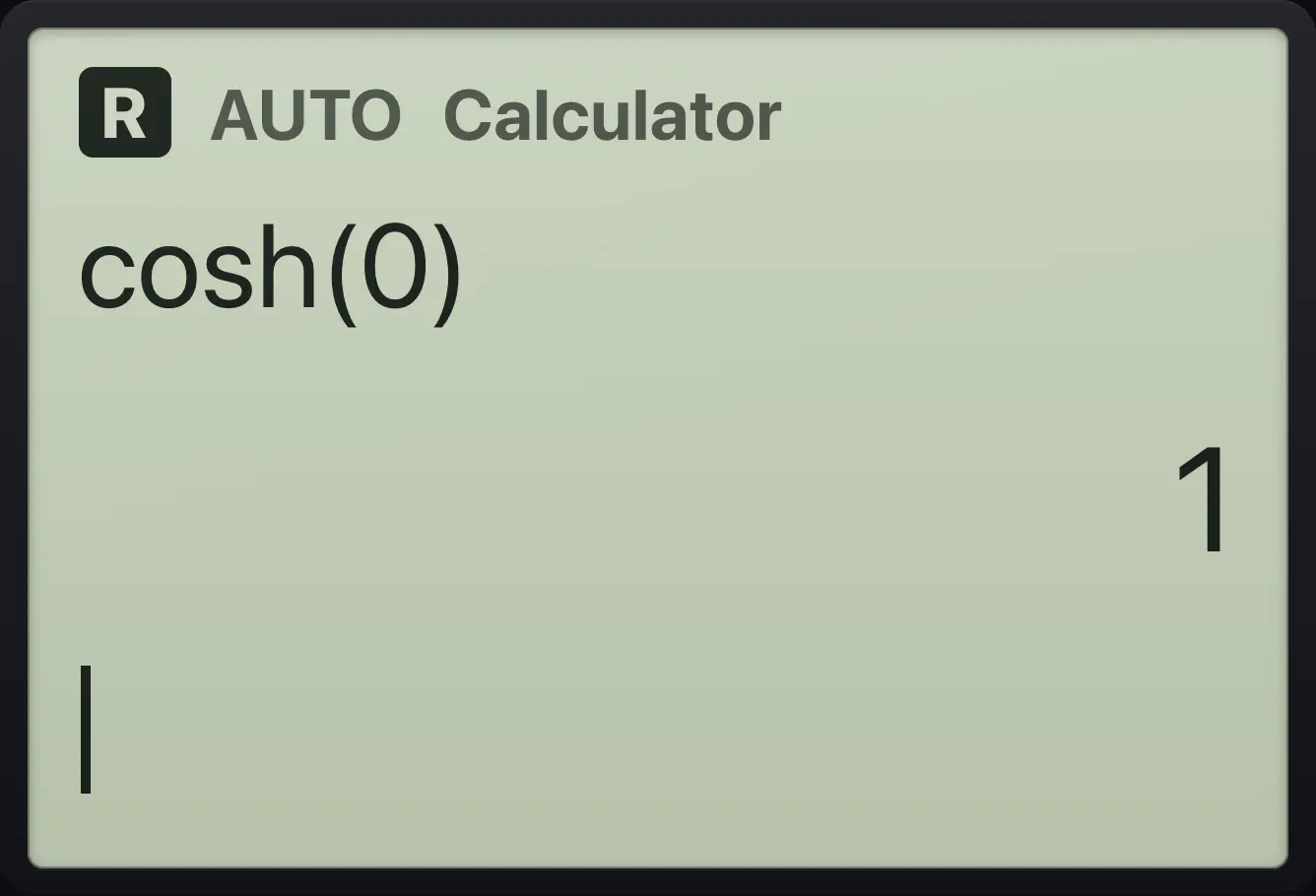
14.4The constants π, e and i#
Pi as a decimal
Press pi, then ctrl enter.
πctrl≈enter
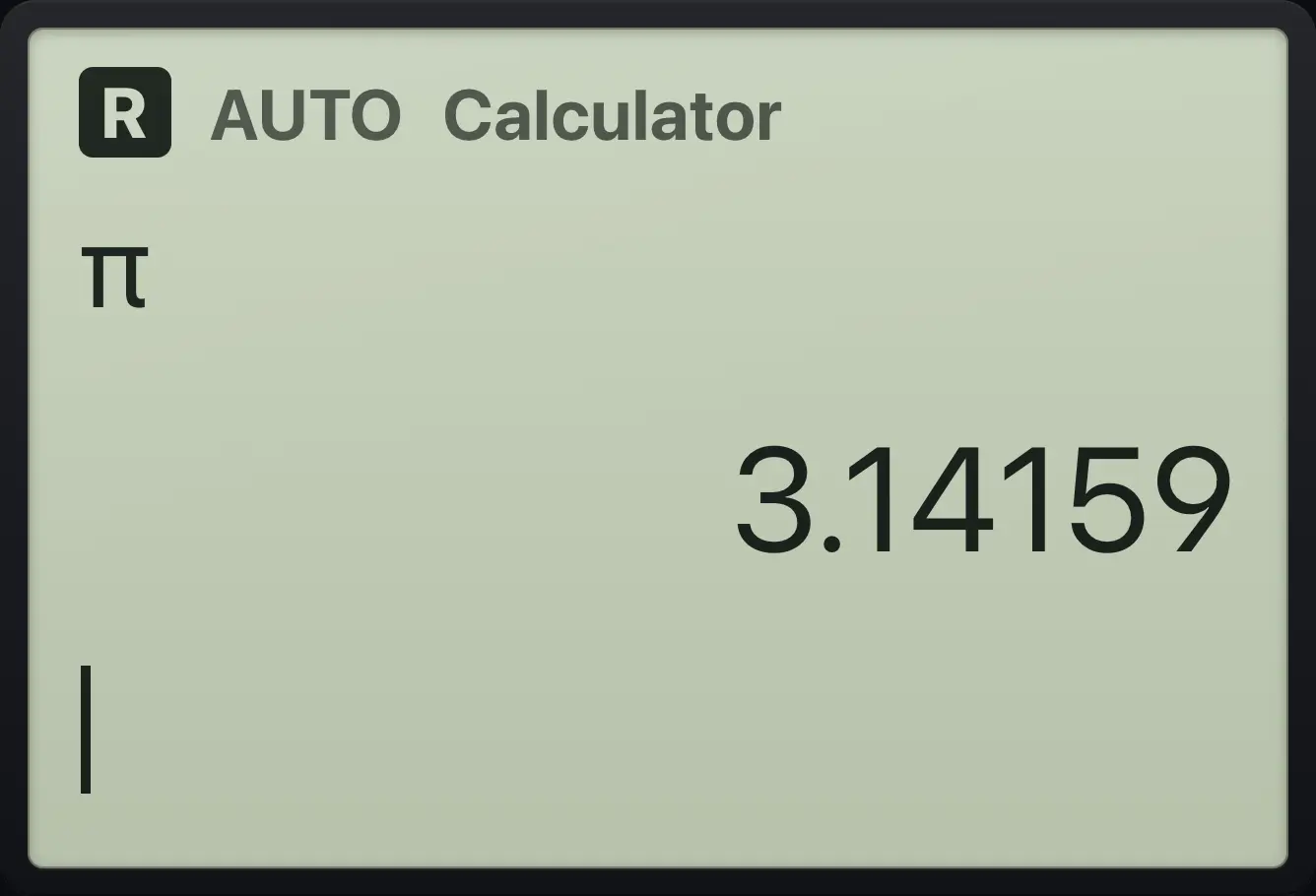
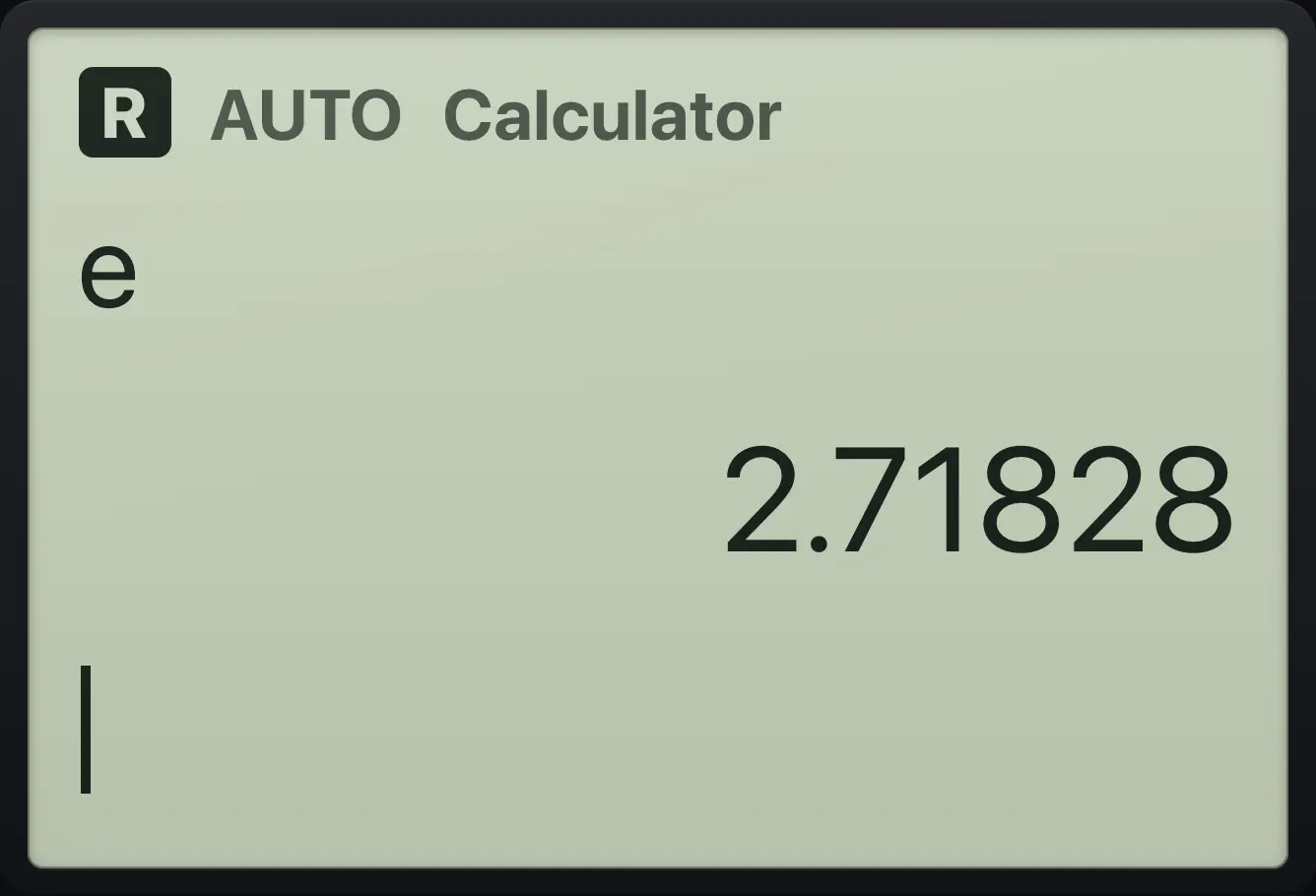
3.14159Euler number as a decimal
Press e, then ctrl enter.
ectrl≈enter
2.71828Euler identity
Type e ^ ( ctrl-i × π ).
e^(ctrl𝑖ππ)enter
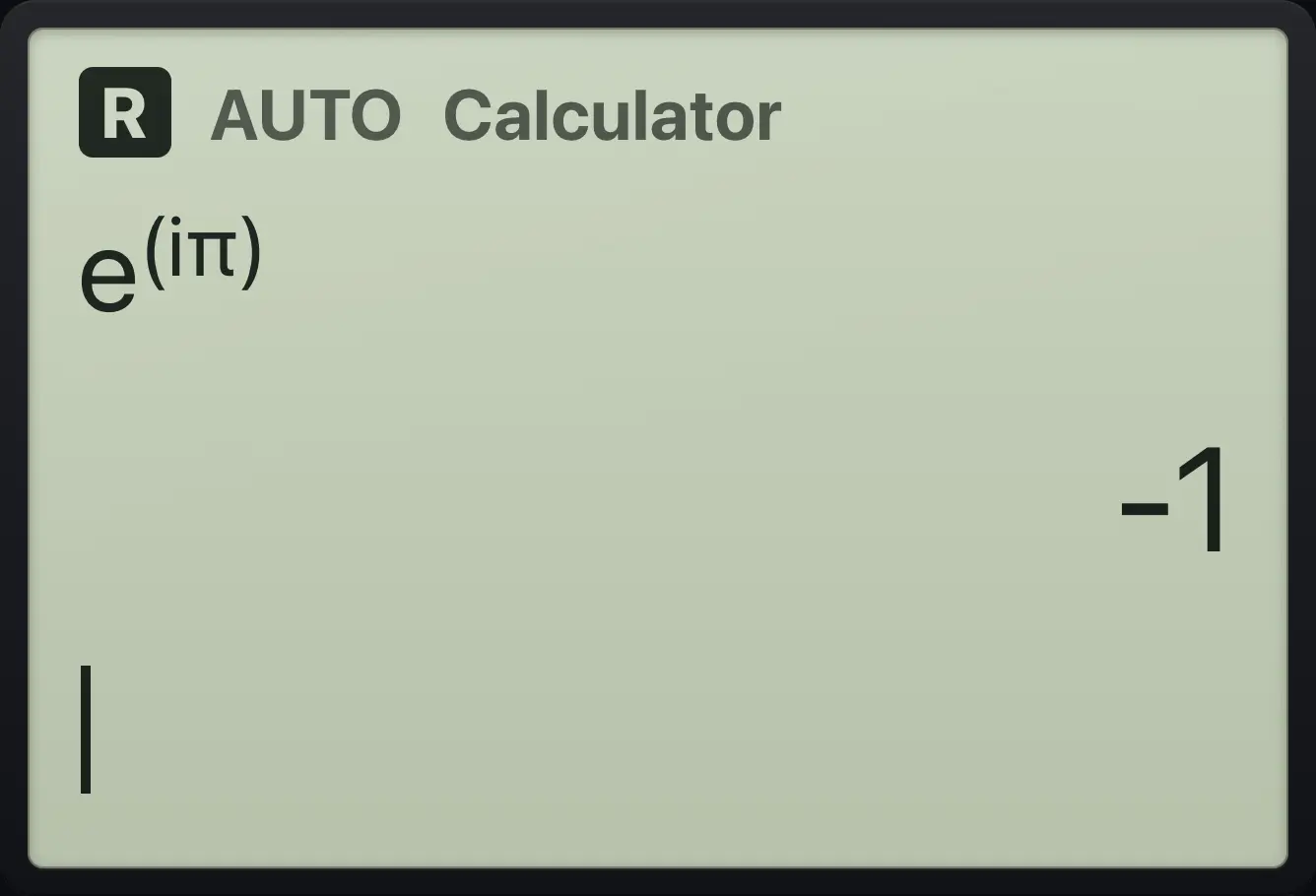
-14.5Number functions: gcd, lcm, mod, rounding#
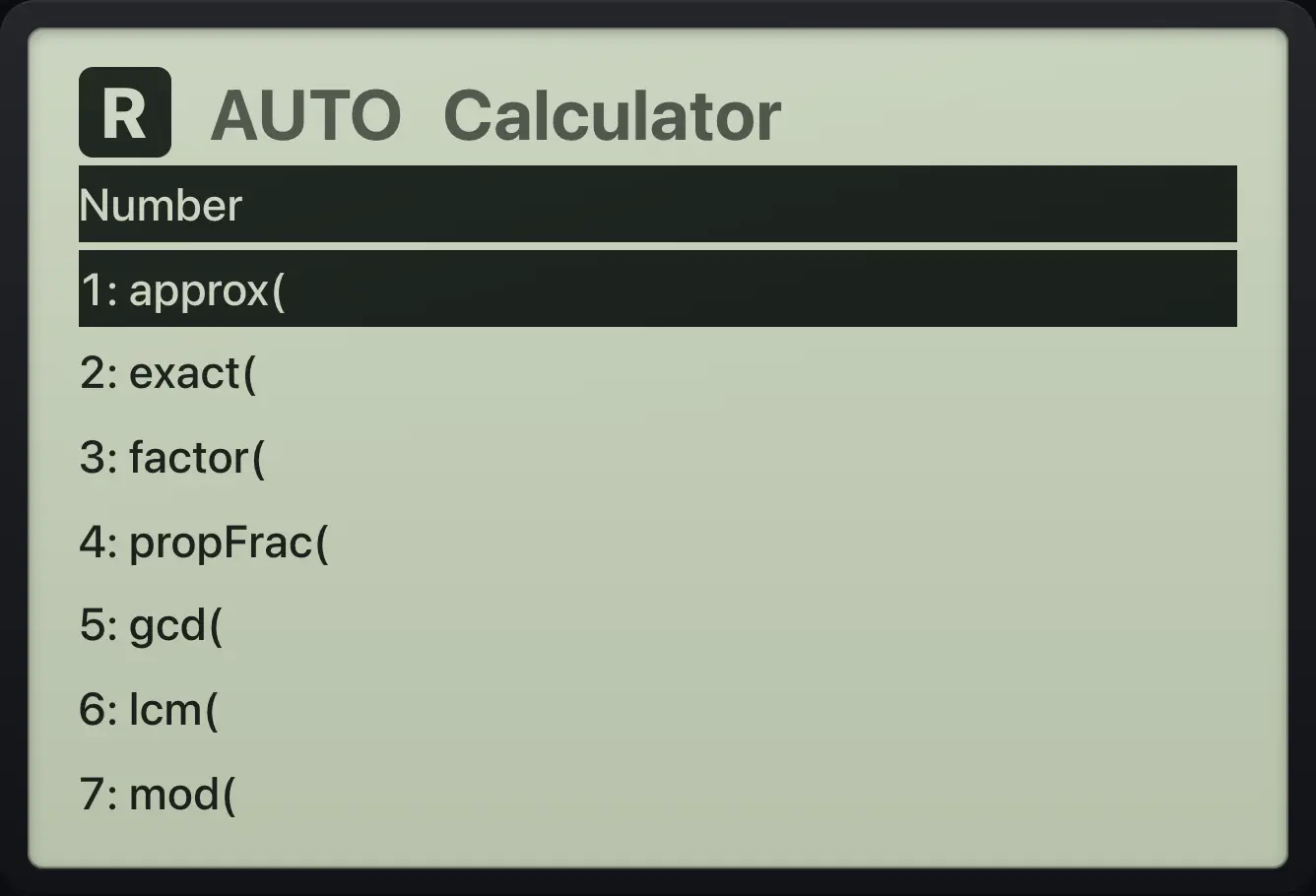
The Number menu (menu, 2) holds these functions. Each one is a name followed by a bracket; type the arguments separated by ,.
| Function | Meaning |
|---|---|
| approx(x) | Decimal value of x |
| exact(x) | Exact value of a decimal |
| factor(n) | Factors a whole number into primes (or a polynomial into factors) |
| propFrac(x) | Improper fraction to mixed number |
| gcd(a,b), lcm(a,b) | Greatest common divisor, least common multiple |
| mod(a,b), remain(a,b) | Remainder after dividing a by b |
| floor(x), ceiling(x) | Round down, round up to a whole number |
| round(x,n) | Round to n decimals |
| iPart(x), fPart(x) | Whole part, fractional part |
| isprime(n) | true or false |
| abs(x), sign(x) | Size, and −1 / 0 / 1 |
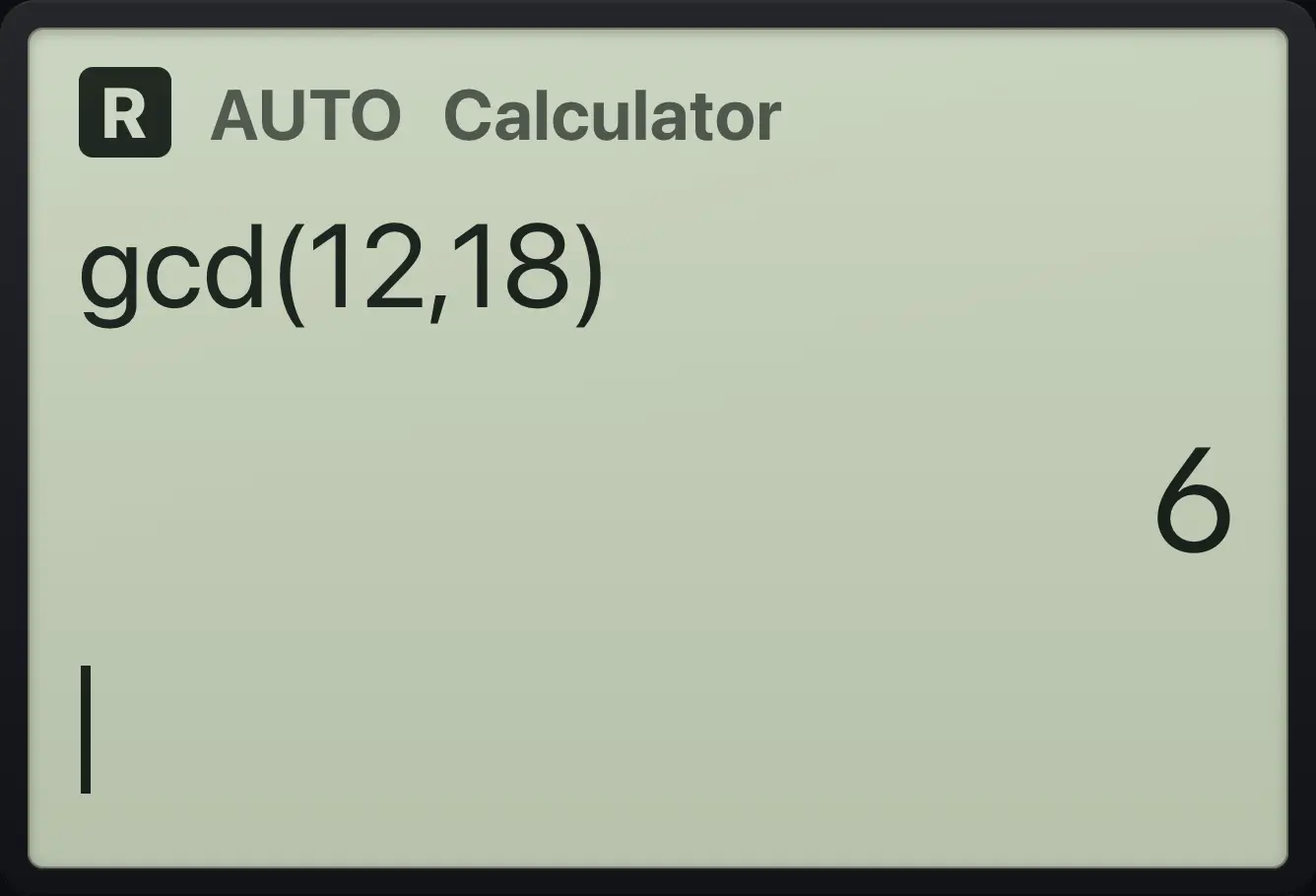
Greatest common divisor
Type gcd(12,18).
gcd(12,18)enter
6Least common multiple
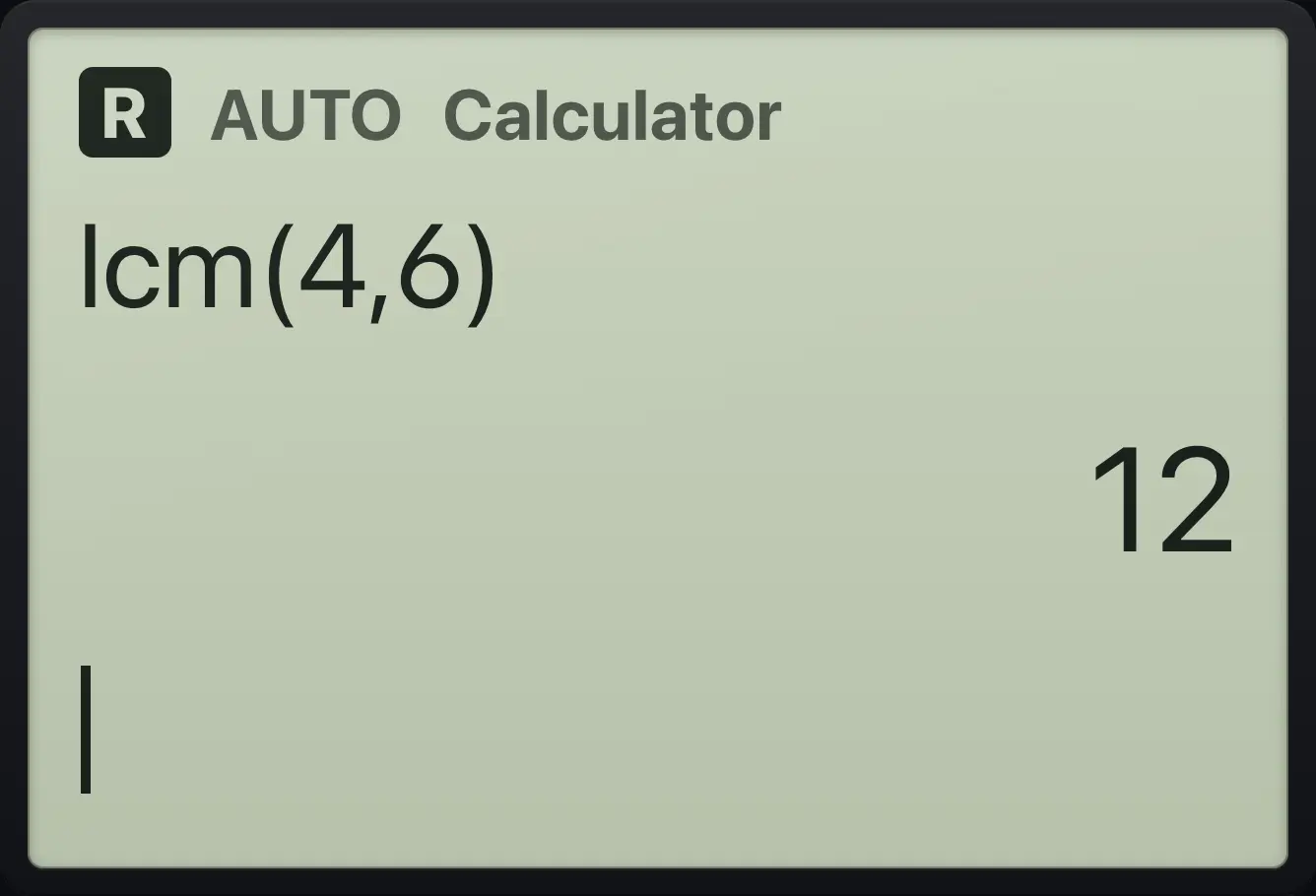
Type lcm(4,6).
lcm(4,6)enter
12Remainder
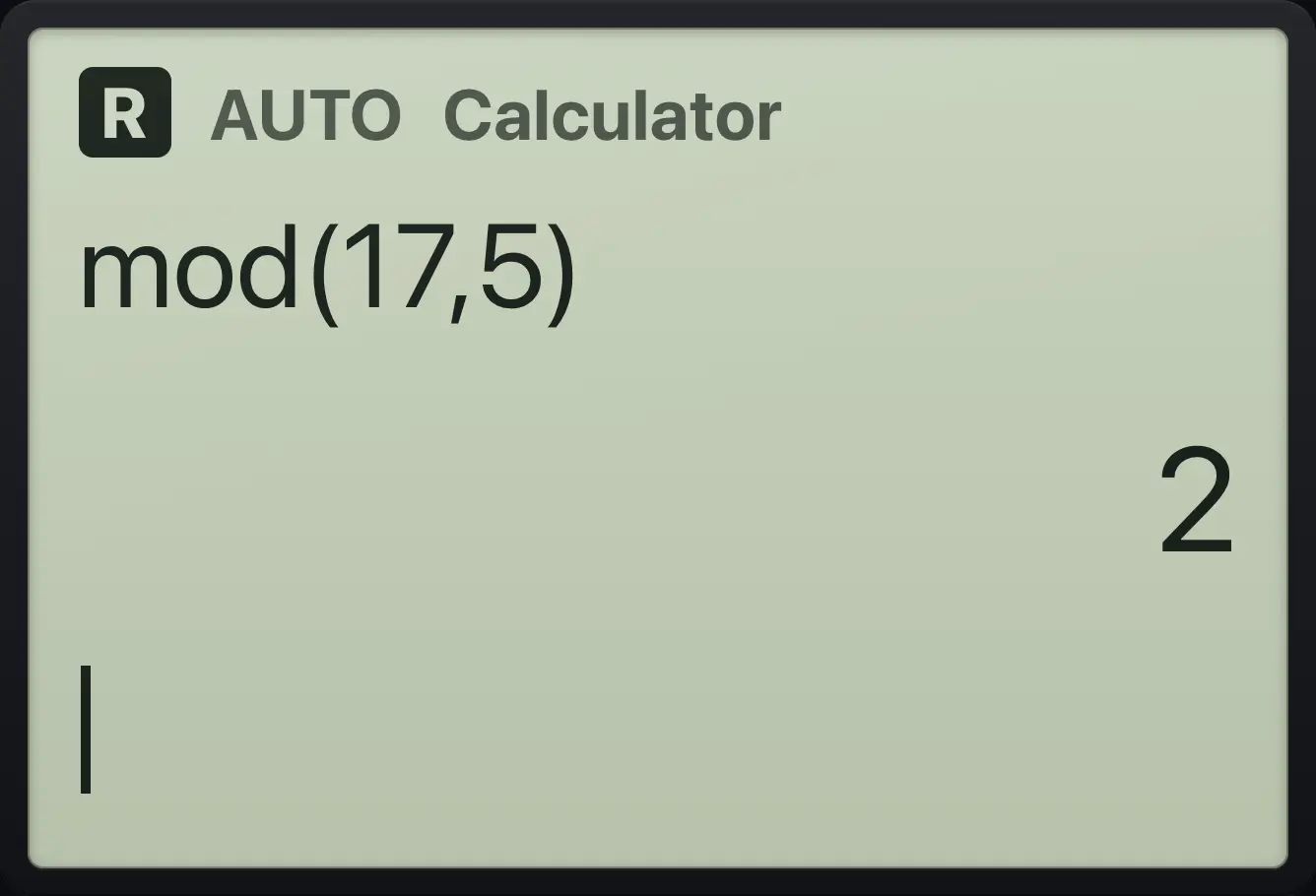
Type mod(17,5).
mod(17,5)enter
2Is it prime?
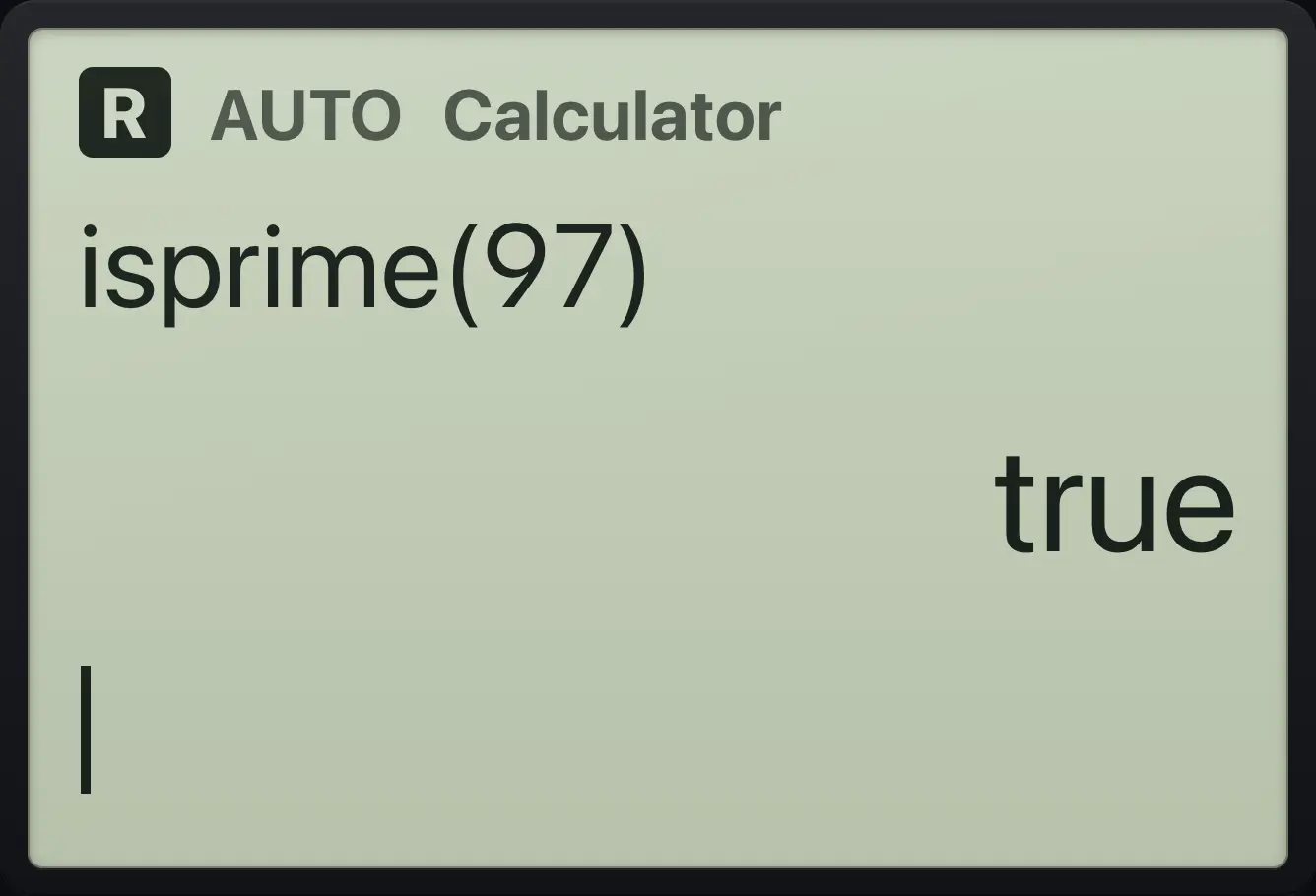
Type isprime(97).
isprime(97)enter
trueFactor a number into primes
Type factor(360).
factor(360)enter
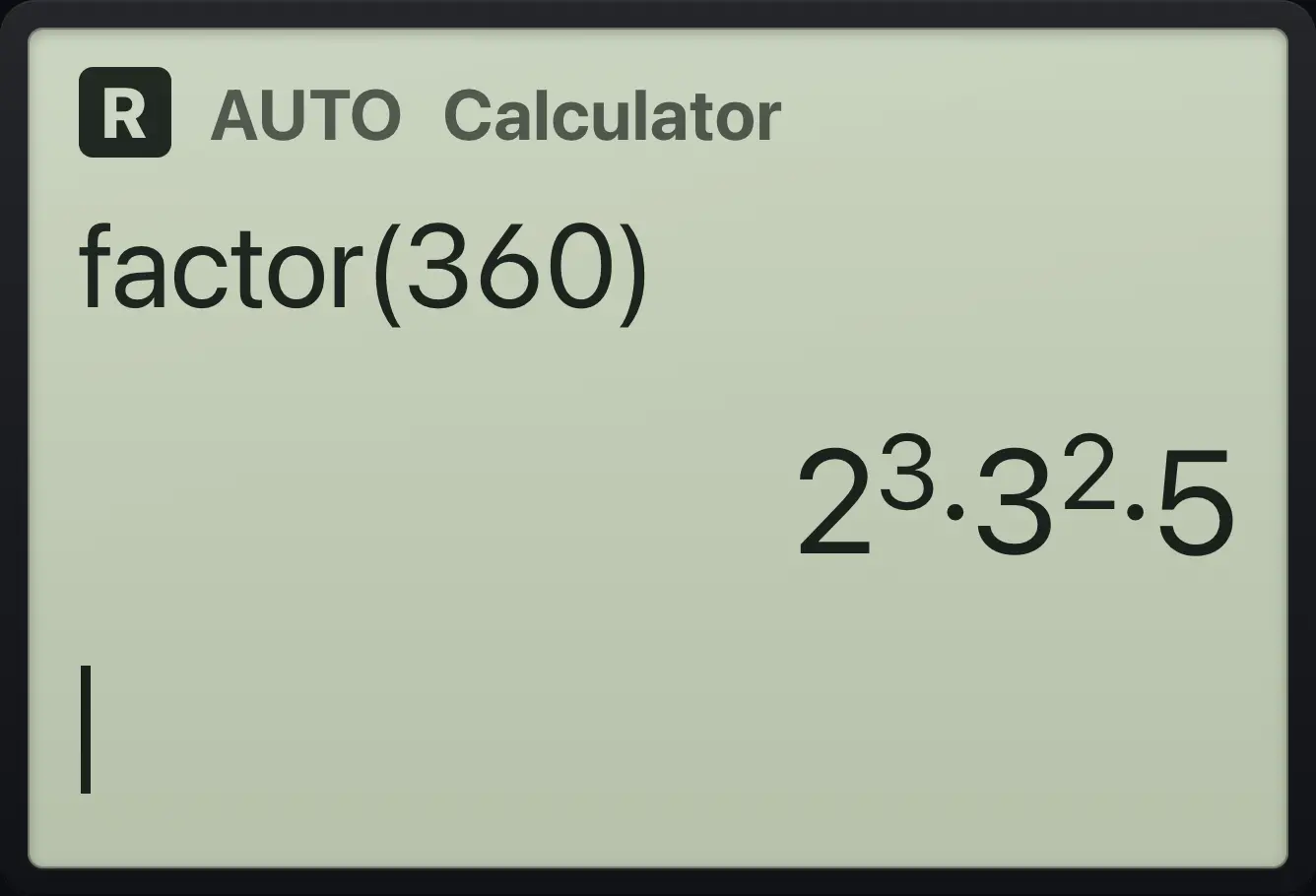
2^3·3^2·5Round to two places
Type round(π,3).
round(π,3)enter
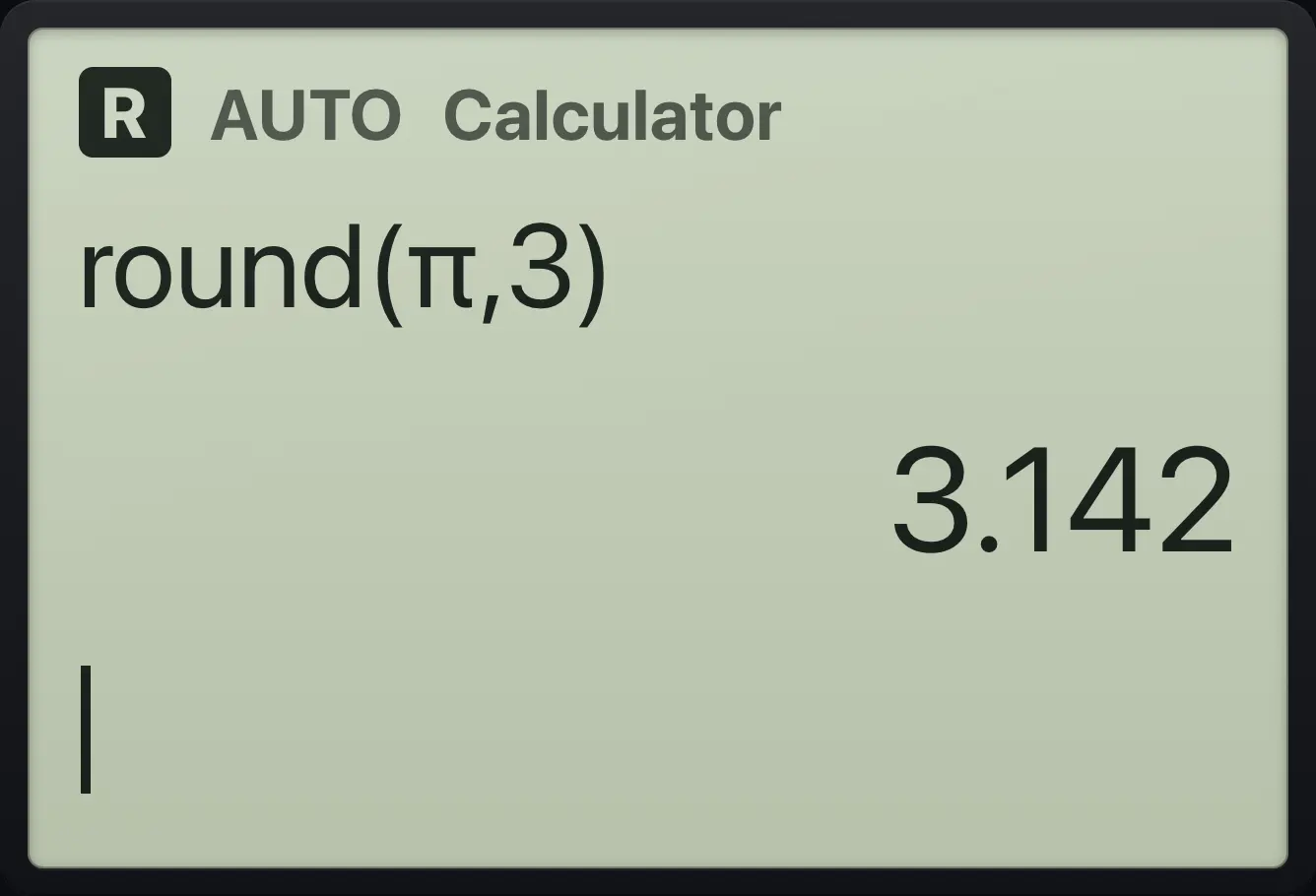
3.142Floor of a negative decimal
Type floor(−2.5).
floor((−)2.5)enter
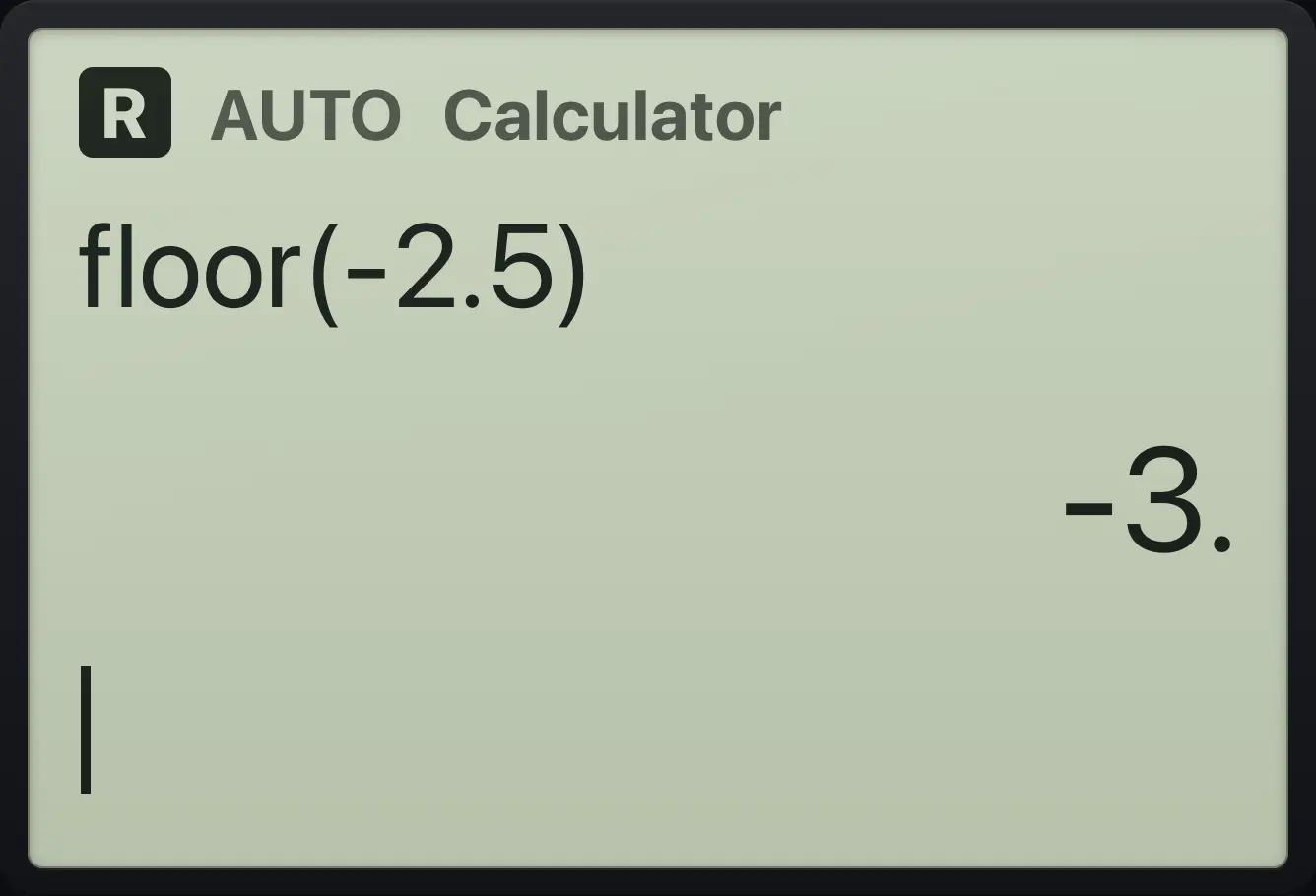
-3.4.6Factorials, permutations and combinations#
Factorial
Type 5, then ctrl then x (the ! key).
5ctrl!xenter
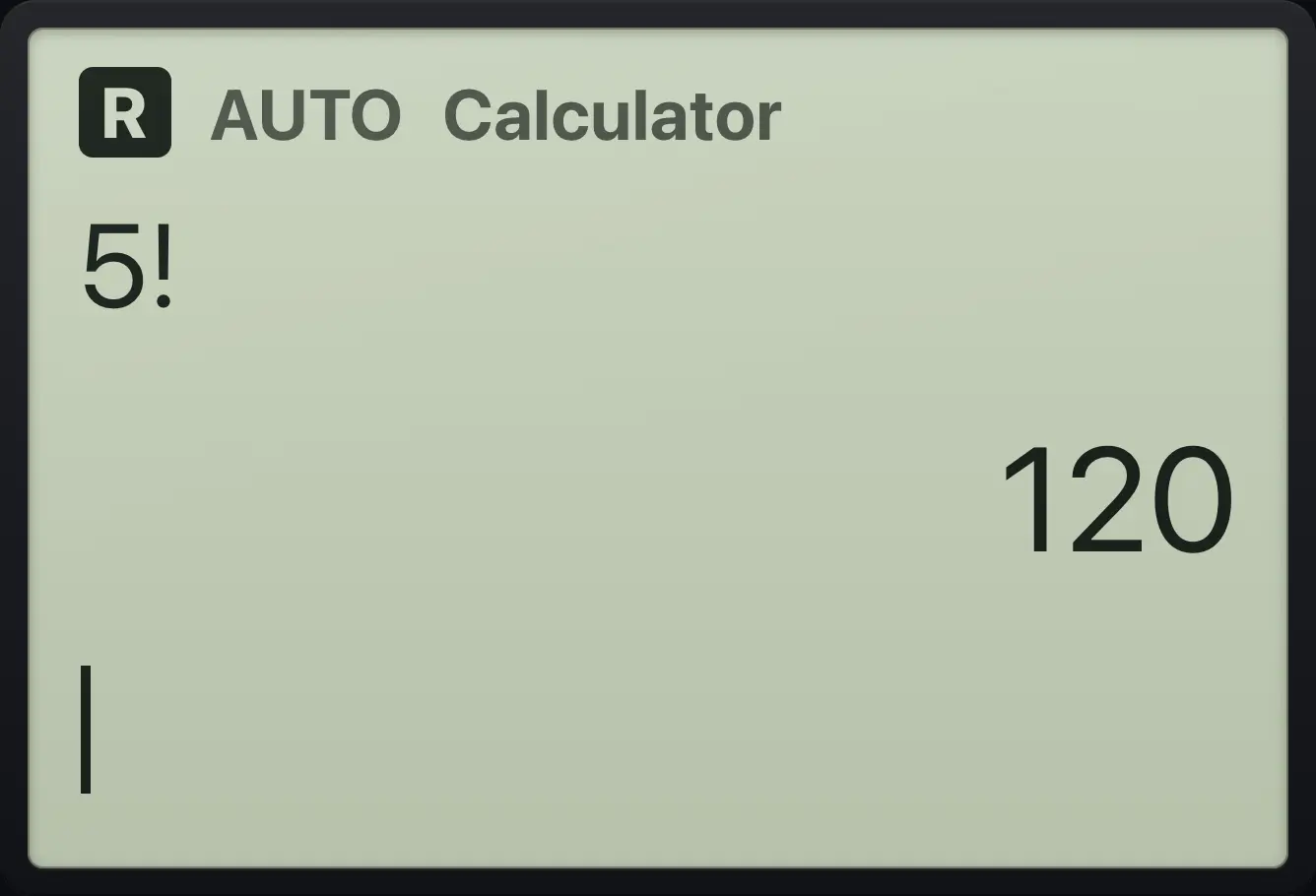
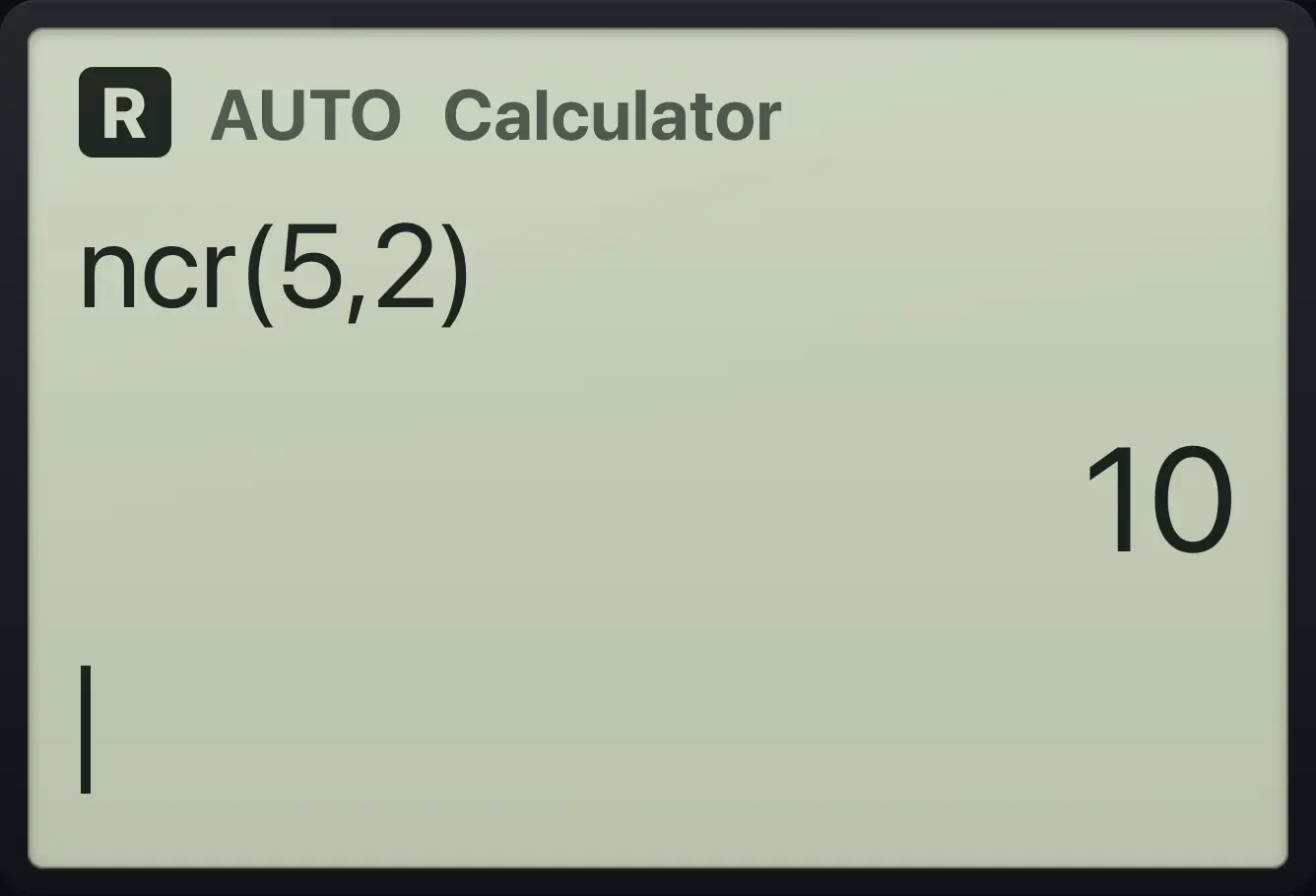
120Combinations
Type nCr(5,2).
ncr(5,2)enter
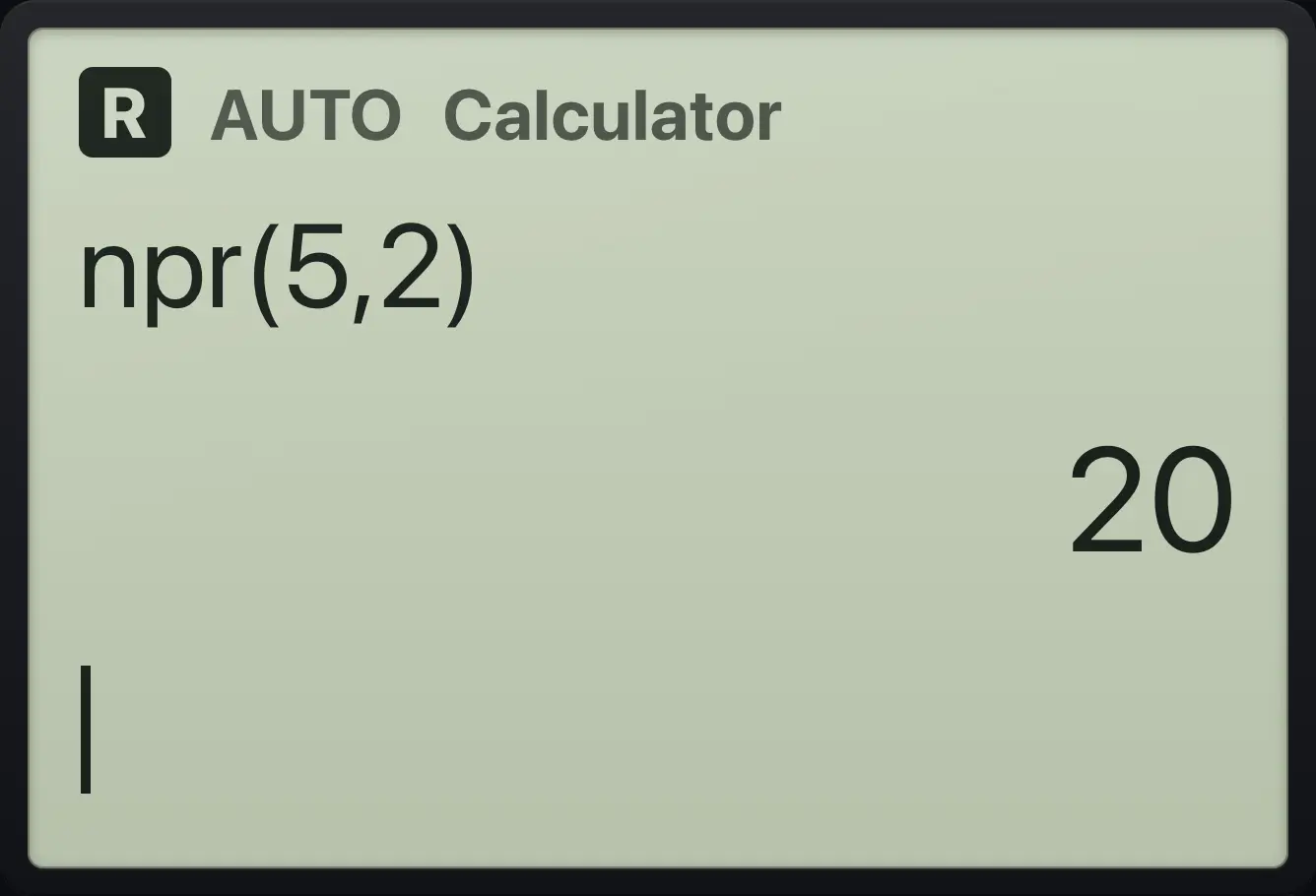
10Permutations
Type nPr(5,2).
npr(5,2)enter
20rand() gives a random decimal between 0 and 1, and randInt(a,b) gives a random whole number between a and b. They give a different answer every time.
TI-Nspire CX CAS is a trademark of Texas Instruments Incorporated. Trident Calculator is an independent product by South View Studios and is not affiliated with, sponsored by or endorsed by Texas Instruments. The name is used only to describe the kind of calculator this model resembles; Trident's names, keys, display, fonts and software are its own clean-room design.