
Classic Financial II manual · Chapter 7 of 16
Loan amortization (AMORT)
See the balance, principal and interest for any span of payments of a loan.
7.1Open the schedule for a loan#
First solve or enter the loan in the TVM keys. Then press 2NDAMORTPV (AMORT). Set P1 (the first payment of the span) and P2 (the last) and the sheet shows the balance after P2 (BAL), the principal paid (PRN) and the interest paid (INT) over that span. Principal and interest are negative because they are payments.
- TVM values
- 2NDAMORTPV
- P1 = 1 ENTER
- P2 = 12 ENTER
- ↓ BAL, PRN, INT
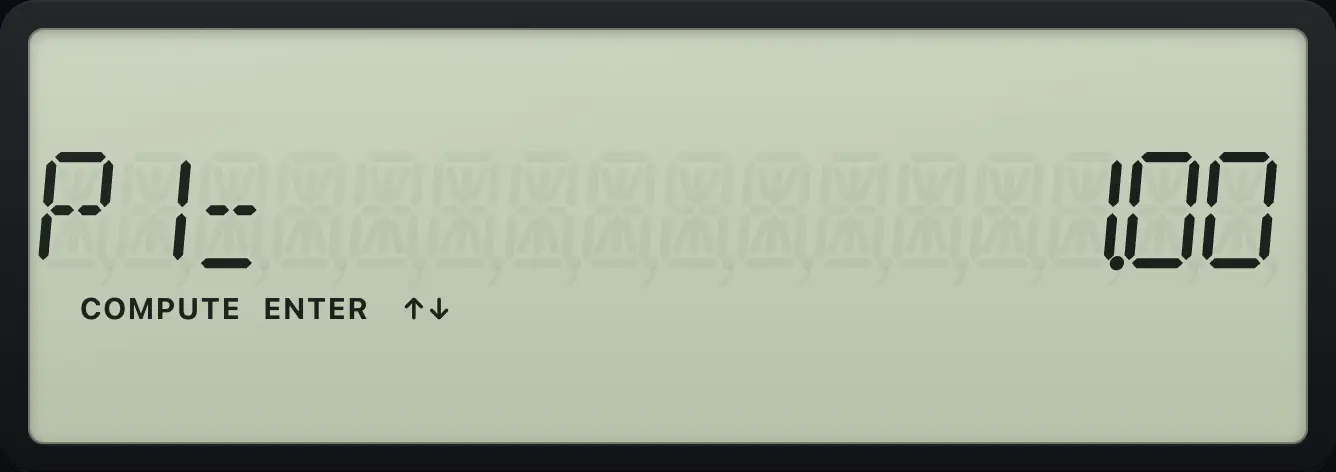
Balance after the first year
Compute the payment, open AMORT, set P1 = 1 and P2 = 12, then press down to BAL.
2NDP/YI/Y12ENTER2NDQUITCPT360N6I/Y200000PV0FVCPTPMT2NDAMORTPV1ENTER↓12ENTER↓
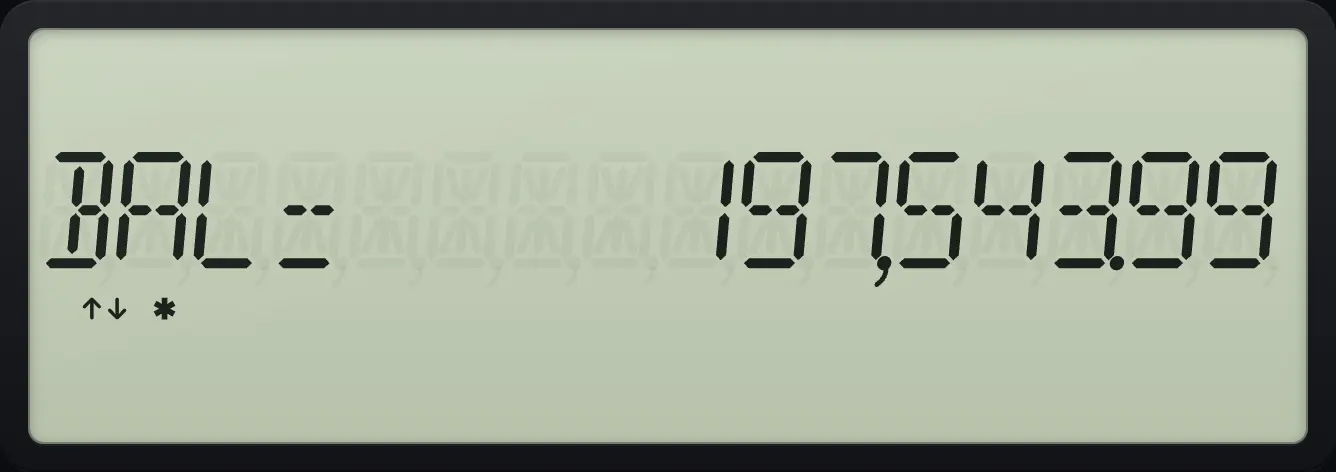
BAL= 197,543.99Principal paid in year one
Press down once more for PRN.
2NDP/YI/Y12ENTER2NDQUITCPT360N6I/Y200000PV0FVCPTPMT2NDAMORTPV1ENTER↓12ENTER↓↓
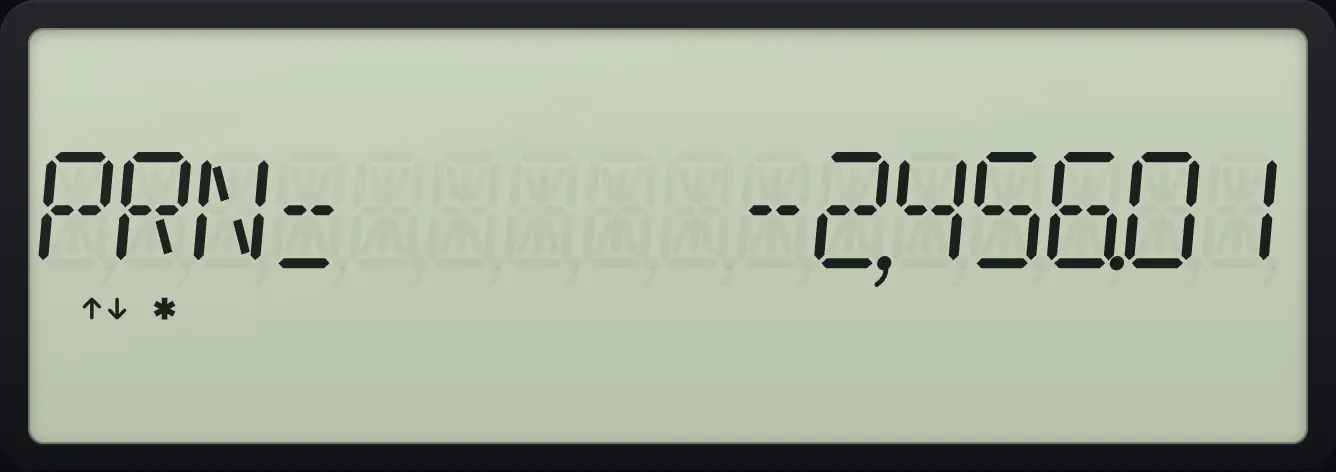
PRN= -2,456.01Interest paid in year one
And once more for INT.
2NDP/YI/Y12ENTER2NDQUITCPT360N6I/Y200000PV0FVCPTPMT2NDAMORTPV1ENTER↓12ENTER↓↓↓
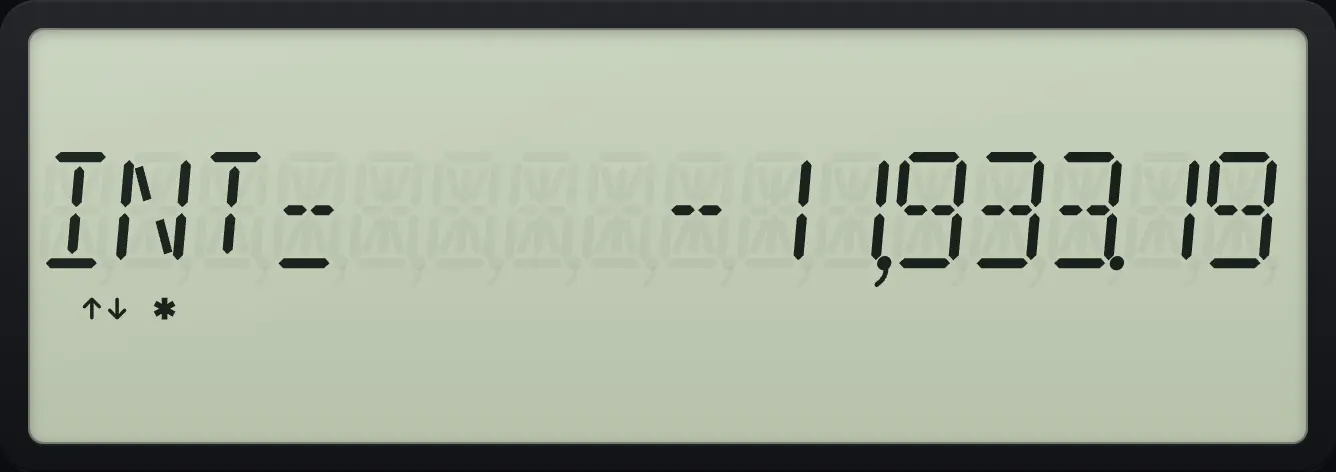
INT= -11,933.197.2Step to the next block of payments#
With P1 or P2 selected, press CPT to move on: P1 becomes the payment after P2, and P2 moves ahead by the same span.
Second year
After setting year one, compute P1 to move on, then press down to P2.
2NDP/YI/Y12ENTER2NDQUITCPT360N6I/Y200000PV0FVCPTPMT2NDAMORTPV1ENTER↓12ENTERCPT
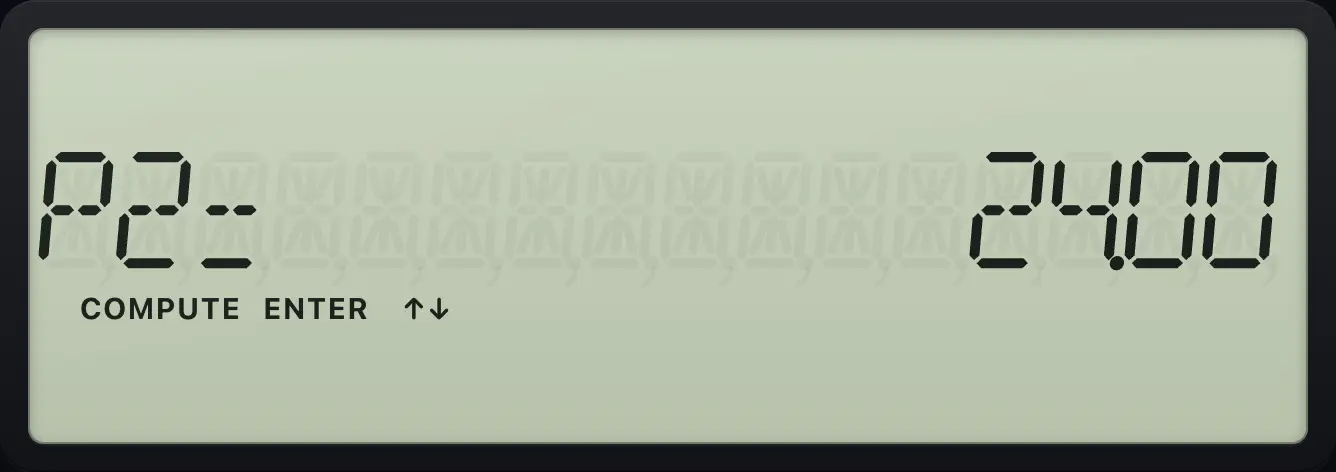
P2= 24.00Balance after year two
Press down for the balance after payment 24.
2NDP/YI/Y12ENTER2NDQUITCPT360N6I/Y200000PV0FVCPTPMT2NDAMORTPV1ENTER↓12ENTERCPT↓
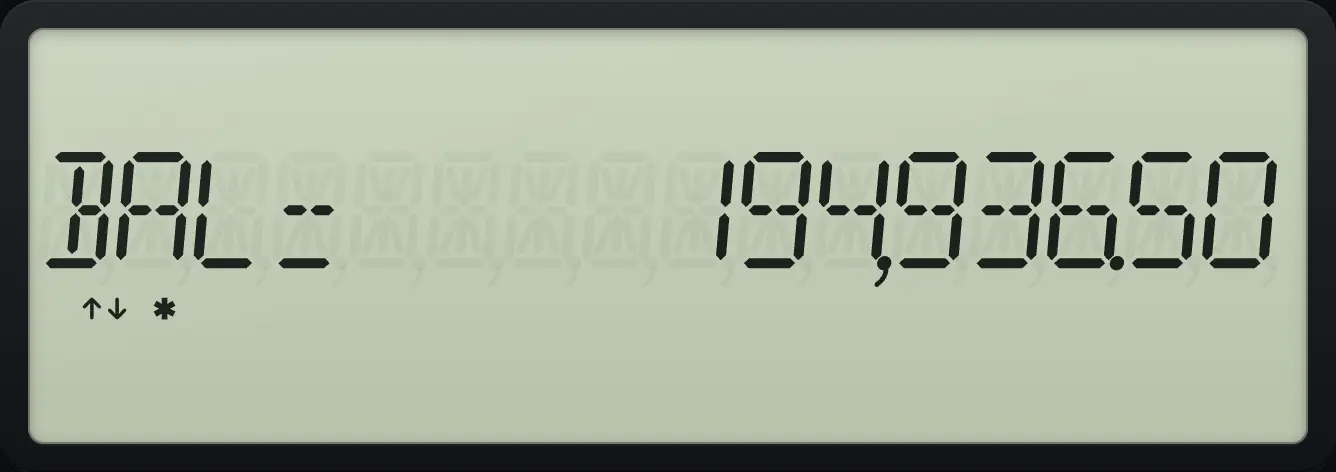
BAL= 194,936.50One payment only
Without changing P1 and P2, one payment: balance after payment 1.
2NDP/YI/Y12ENTER2NDQUITCPT360N6I/Y200000PV0FVCPTPMT2NDAMORTPV↓↓
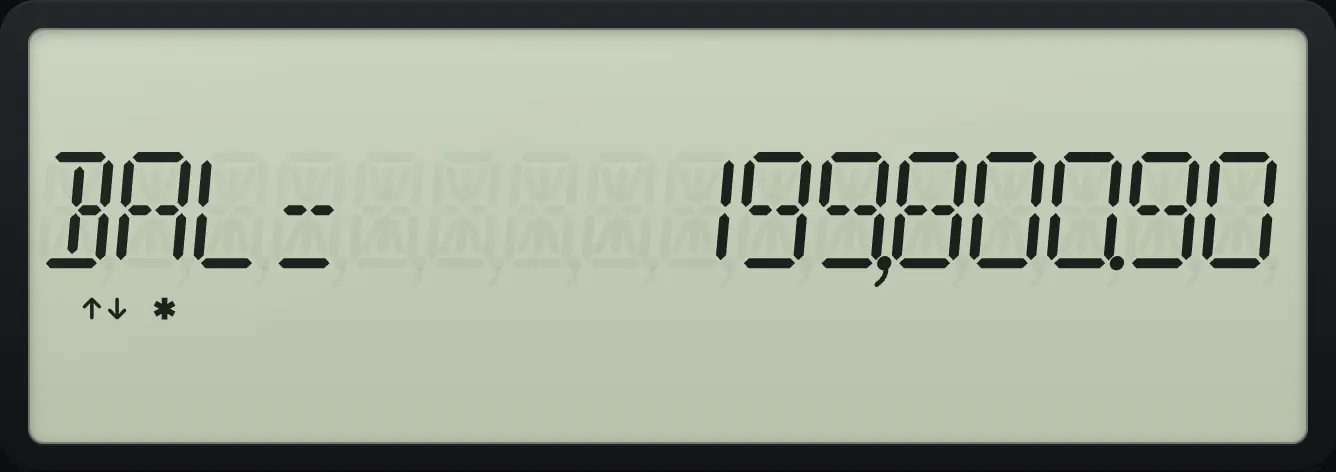
BAL= 199,800.90BA II Plus is a trademark of Texas Instruments Incorporated. Trident Calculator is an independent product by South View Studios and is not affiliated with, sponsored by or endorsed by Texas Instruments. The name is used only to describe the kind of calculator this model resembles; Trident's names, keys, display, fonts and software are its own clean-room design.