
Classic Financial II manual · Chapter 10 of 16
Depreciation (DEPR)
Straight-line, sum-of-the-years digits and declining-balance depreciation, one year at a time.
10.1Choose a method and enter the asset#
Press 2NDDEPR9 (DEPR). The first line is the method: SL straight-line, SYD sum-of-the-years digits, DB declining balance and DBX declining balance with a switch to straight-line. Press 2NDSETENTER to change it. Then LIF (life in years), M01 (month of the first year, 1 at the start), CST (cost), SAL (salvage value) and, for DB methods, DB (the percent rate). Then YR (the year to look at), DEP (that year's depreciation), RBV (remaining book value) and RDV (remaining depreciable value).
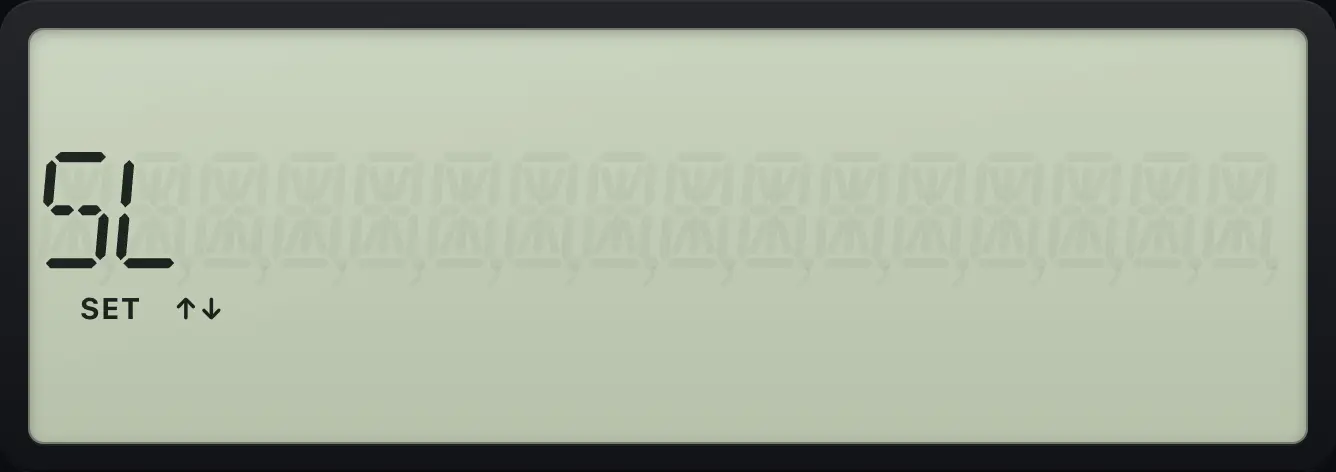
Cycle through the methods
Press 2ND ENTER once on the method line to get SYD.
2NDDEPR92NDSETENTER
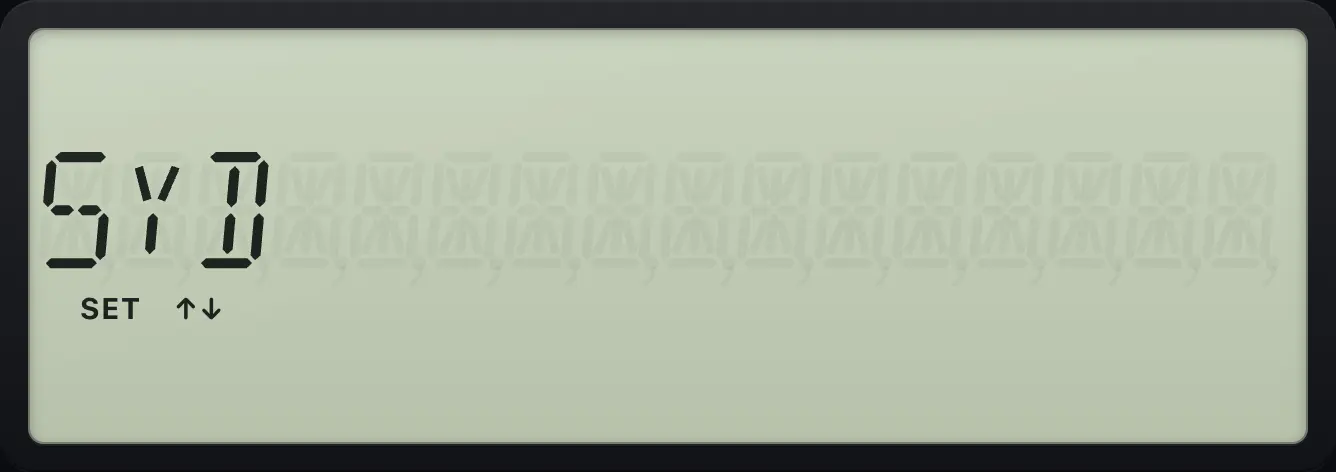
SYDSee also Depreciation of an asset
10.2Straight-line depreciation#
Equipment costing 10,000, life 5 years, salvage 1,000
Open DEPR, enter life 5, skip M01, cost 10,000, salvage 1,000. The year line comes up as YR = 1.
2NDDEPR9↓5ENTER↓↓10000ENTER↓1000ENTER↓Move to DEP.
↓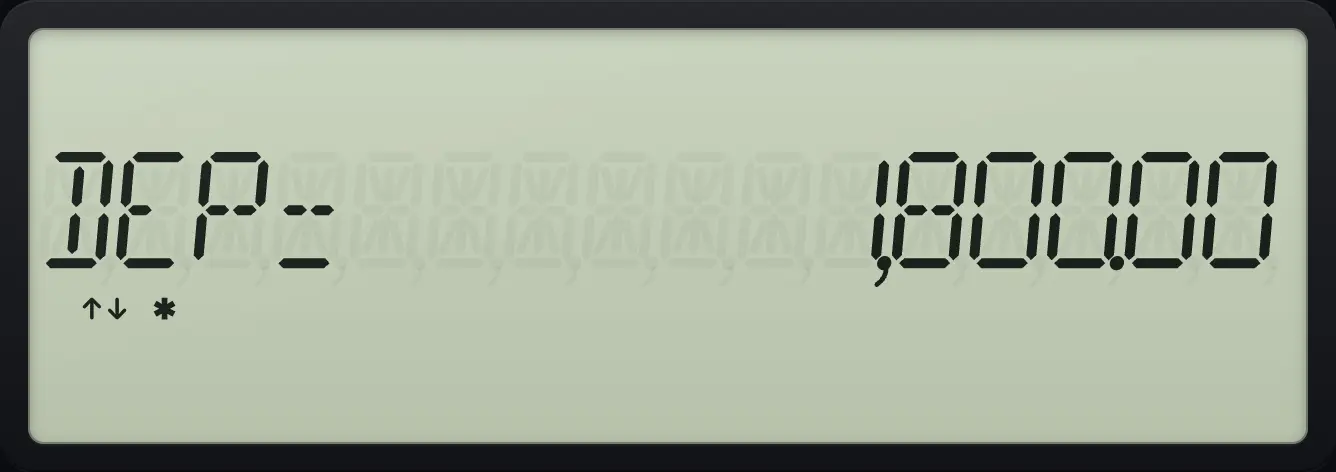
DEP= 1,800.00Remaining book value after year 1
Press down for RBV.
2NDDEPR9↓5ENTER↓↓10000ENTER↓1000ENTER↓↓↓
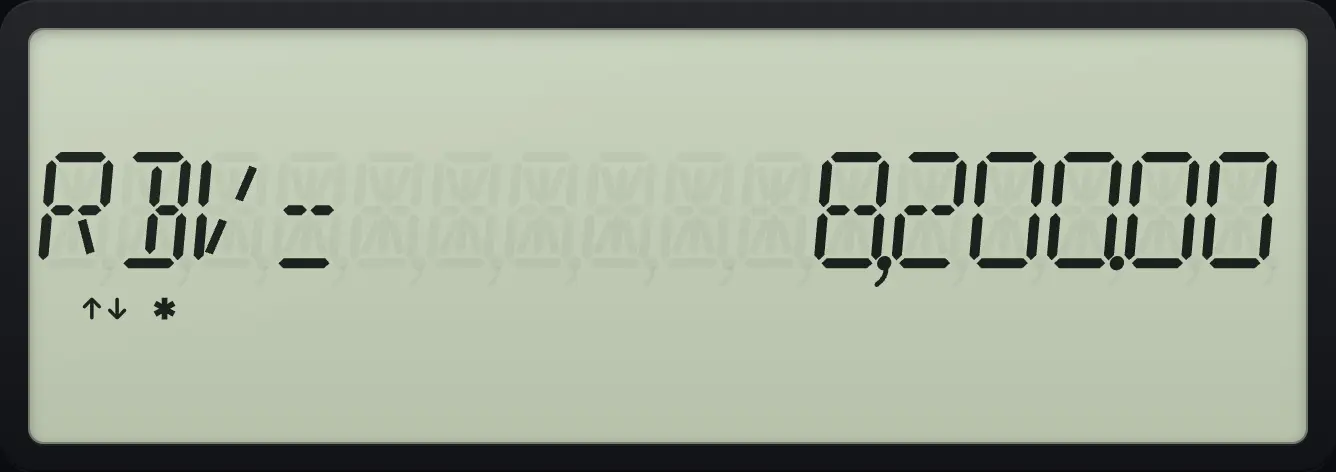
RBV= 8,200.00Year two
At YR, press CPT to step to the next year, then down twice for the book value.
2NDDEPR9↓5ENTER↓↓10000ENTER↓1000ENTER↓CPTCPT↓↓
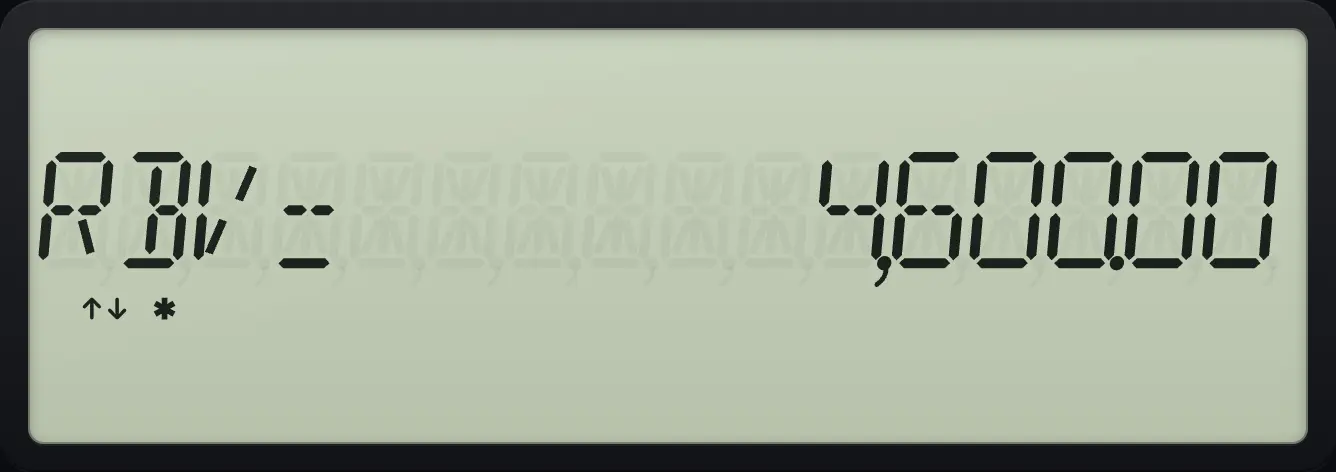
RBV= 4,600.0010.3Sum-of-the-years and declining balance#
SYD, year one
Pick SYD with 2ND ENTER, then enter the same asset.
2NDDEPR92NDSETENTER↓5ENTER↓↓10000ENTER↓1000ENTER↓↓
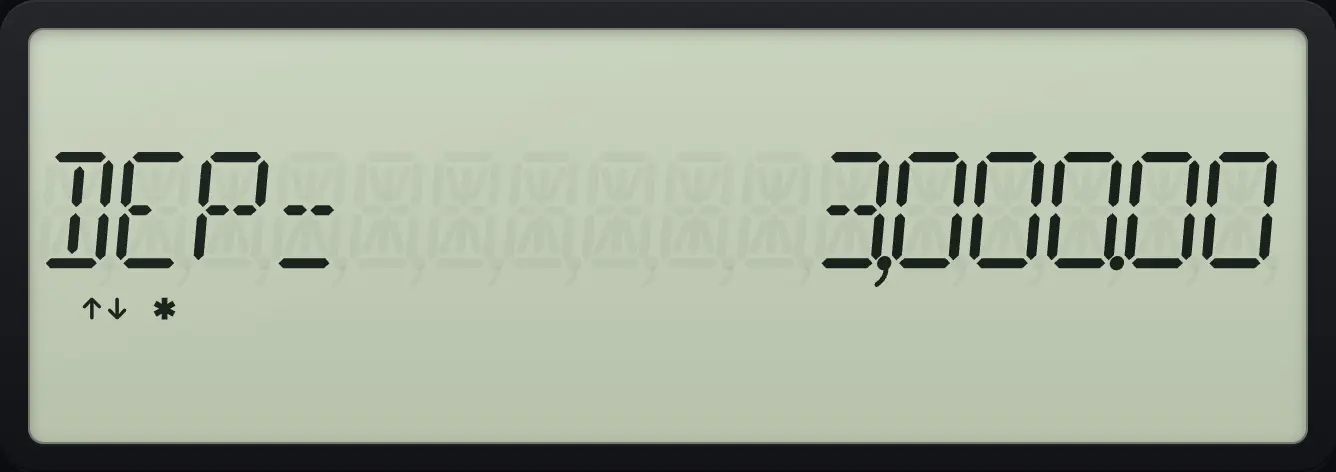
DEP= 3,000.00SYD, year two
Step the year with CPT, then read DEP.
2NDDEPR92NDSETENTER↓5ENTER↓↓10000ENTER↓1000ENTER↓CPT↓
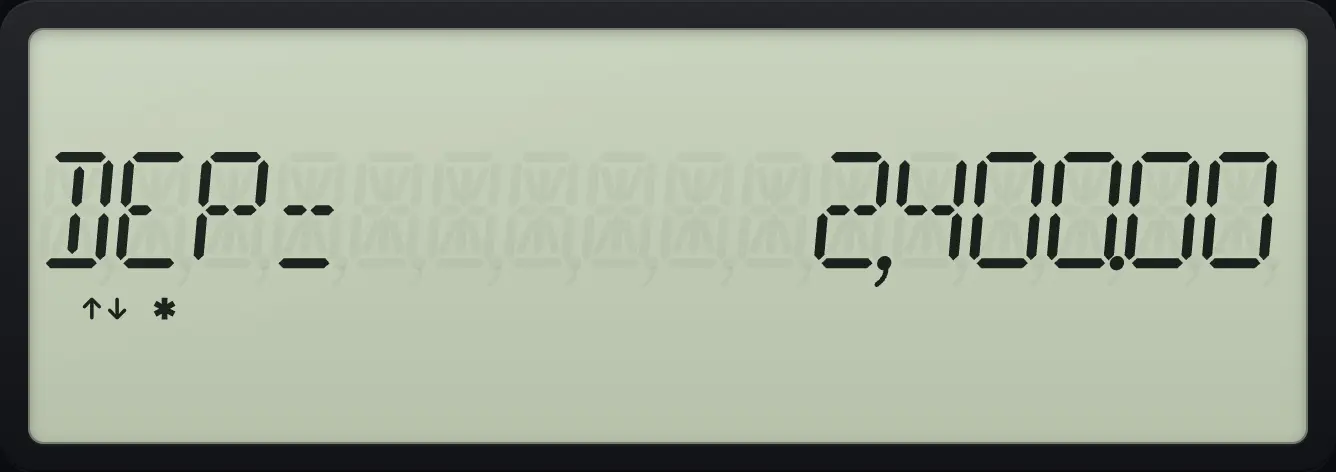
DEP= 2,400.00Declining balance at 200%
Pick DB (two presses of 2ND ENTER). A DB line (the rate, 200 percent at the start) follows M01, so move down once more before the cost.
2NDDEPR92NDSETENTER2NDSETENTER↓5ENTER↓↓↓10000ENTER↓1000ENTER↓↓
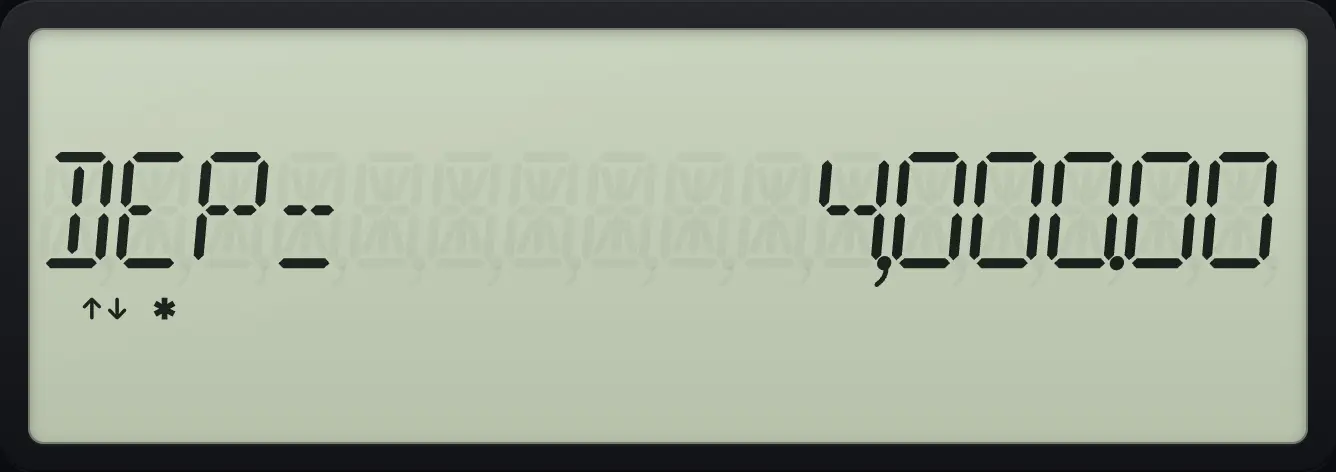
DEP= 4,000.00BA II Plus is a trademark of Texas Instruments Incorporated. Trident Calculator is an independent product by South View Studios and is not affiliated with, sponsored by or endorsed by Texas Instruments. The name is used only to describe the kind of calculator this model resembles; Trident's names, keys, display, fonts and software are its own clean-room design.