
Classic Financial II manual · Chapter 6 of 16
Time value of money (TVM)
Solve loans, savings and annuities with N, I/Y, PV, PMT and FV, payments per year, compounding and beginning-of-period payments.
6.1The five TVM keys#
Five numbers describe a loan or a savings plan: the number of payment periods N, the yearly interest rate I/Y (in percent), the present value PV, the payment PMT and the future value FV. Fill in four, press CPT and then the fifth key, and the calculator solves for it. Money you pay out is negative; money you receive is positive.
Here is the interest rate per payment period. The calculator solves this equation for whichever key you ask for.
6.2Store a value and compute another#
To store a value, type it and press the key: N, I/Y, PV, PMT or FV. The screen shows the label and the value. To solve, press CPT and then the key you want.
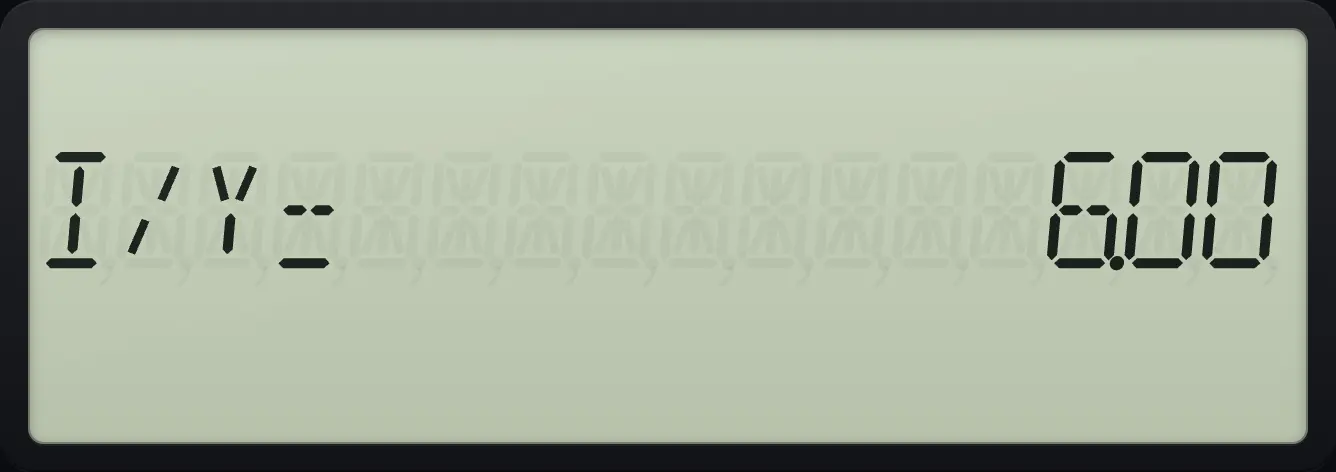
Grow 1,000 at 5% for 10 years
Enter 10 years, 5 percent, put 1,000 in as a negative PV and no payments.
10N5I/Y1000+/-PV0PMTPress CPT then FV.
CPTFV
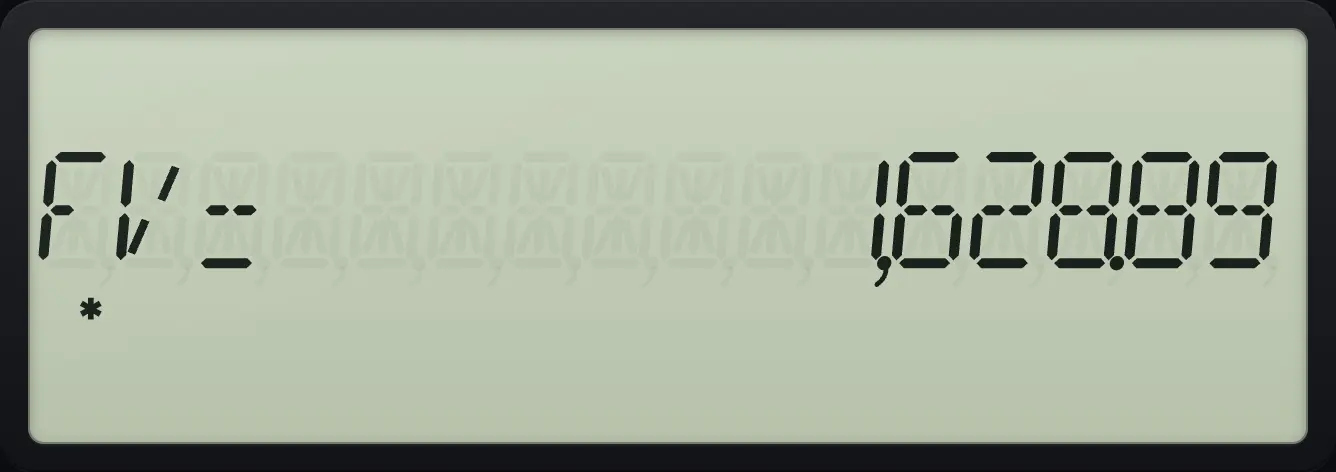
FV= 1,628.89Show a stored value again
After computing a payment, RCL then PV shows the stored present value.
2NDP/YI/Y12ENTER2NDQUITCPT360N6I/Y200000PV0FVCPTPMTRCLPV
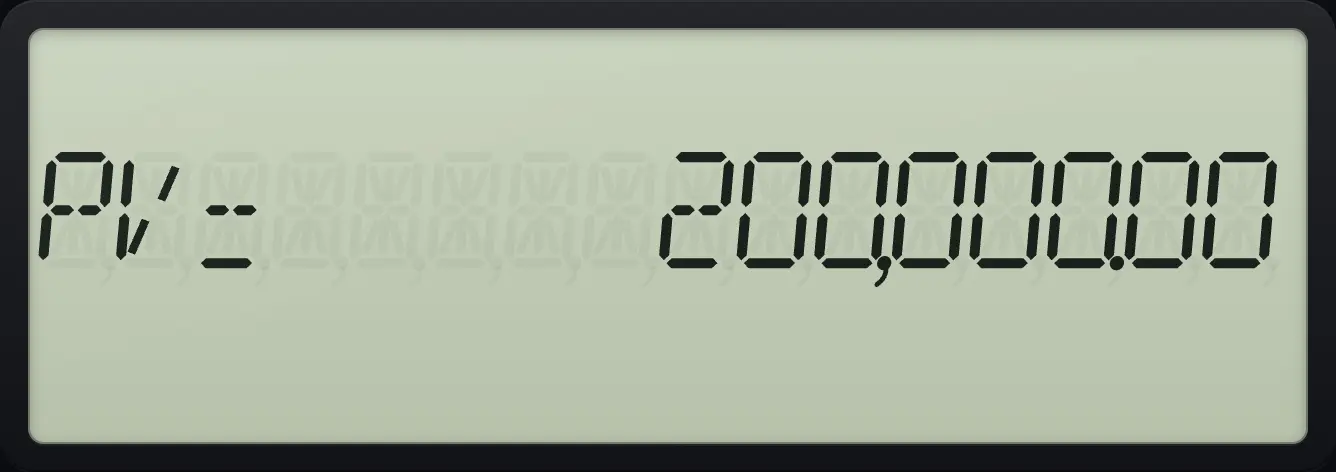
PV= 200,000.006.3Set payments per year (P/Y) and compounding (C/Y)#
At the start the calculator assumes one payment per year (P/Y = 1) and the same compounding. For monthly payments set P/Y to 12. Press 2NDP/YI/Y, type 12, press ENTER. C/Y (compounding periods per year) follows P/Y unless you change it: press ↓ to see it. Leave with 2NDQUITCPT.
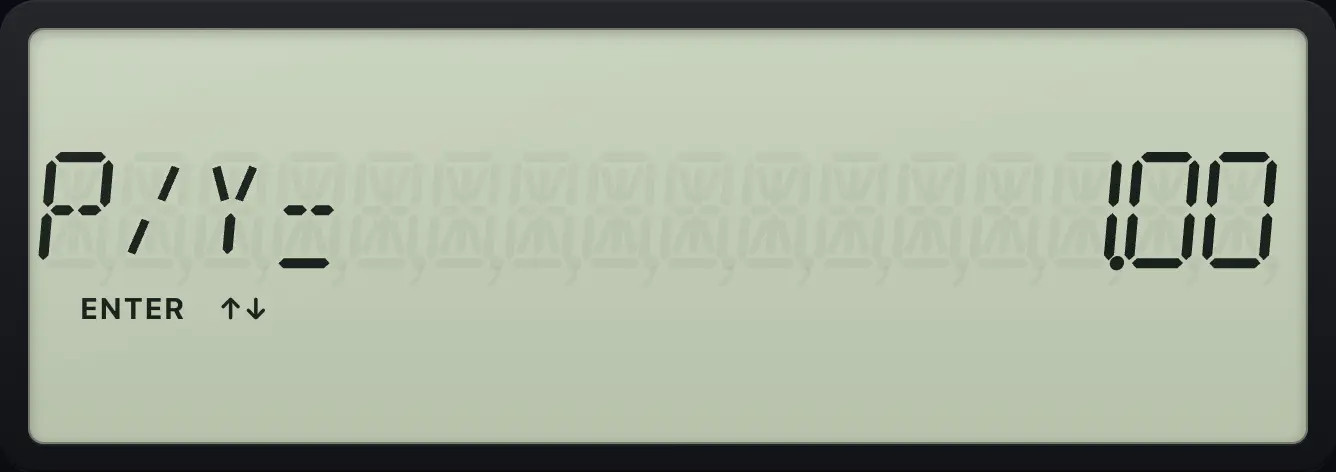
Set monthly payments
Open P/Y, type 12, enter, and press down to see C/Y follow.
2NDP/YI/Y12ENTER↓
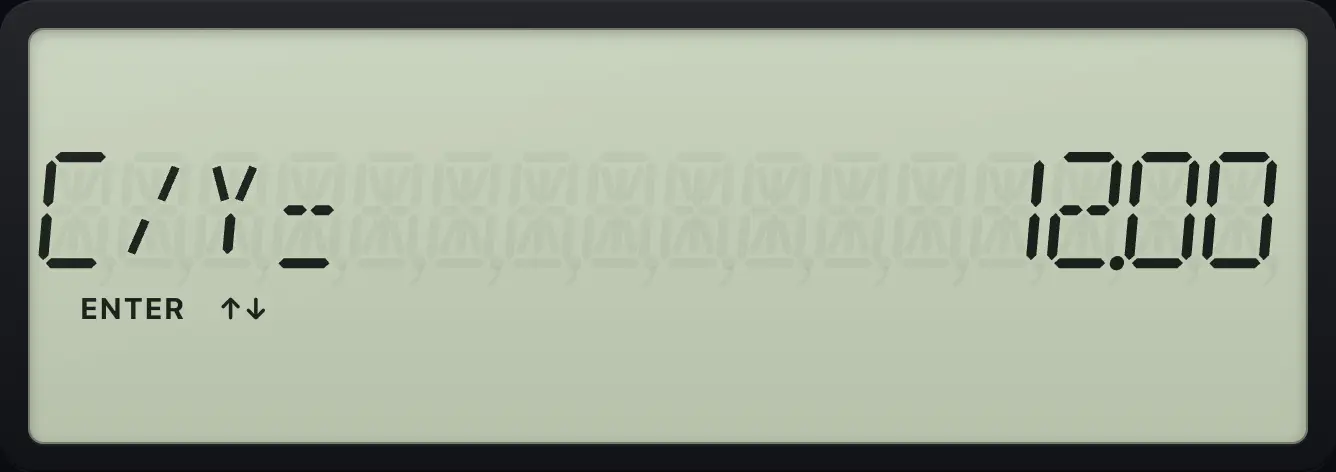
C/Y= 12.00Compound quarterly, pay monthly
Set P/Y to 12 and C/Y to 4, quit, then grow 1,000 for 12 months at 8%.
2NDP/YI/Y12ENTER↓4ENTER2NDQUITCPT12N8I/Y1000+/-PV0PMTCPTFV
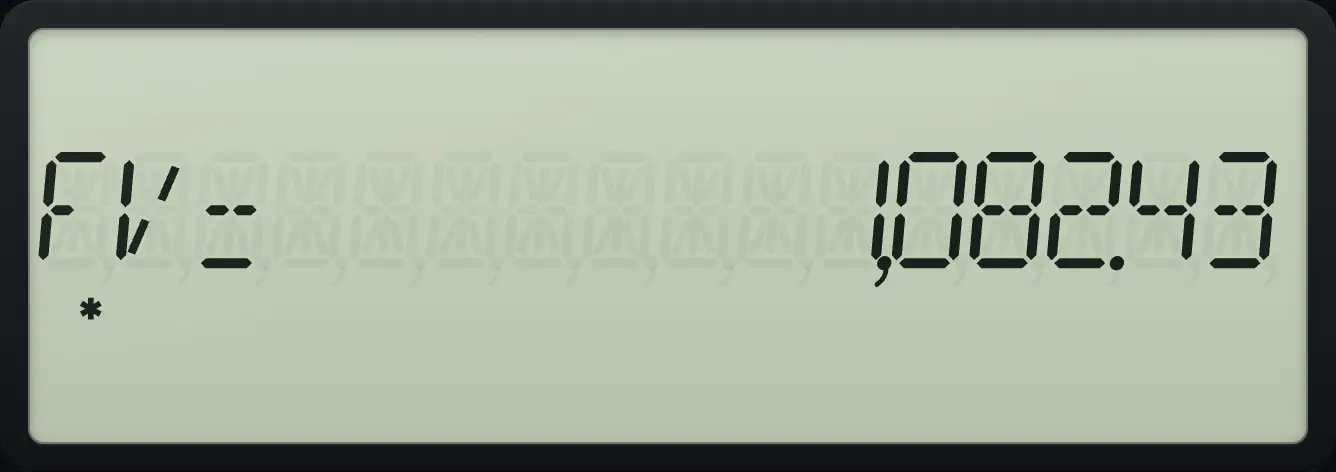
FV= 1,082.43Turn years into payments
With P/Y = 12, type 30 and press 2ND N (xP/Y) to get 360 payments.
2NDP/YI/Y12ENTER2NDQUITCPT302NDxP/YN
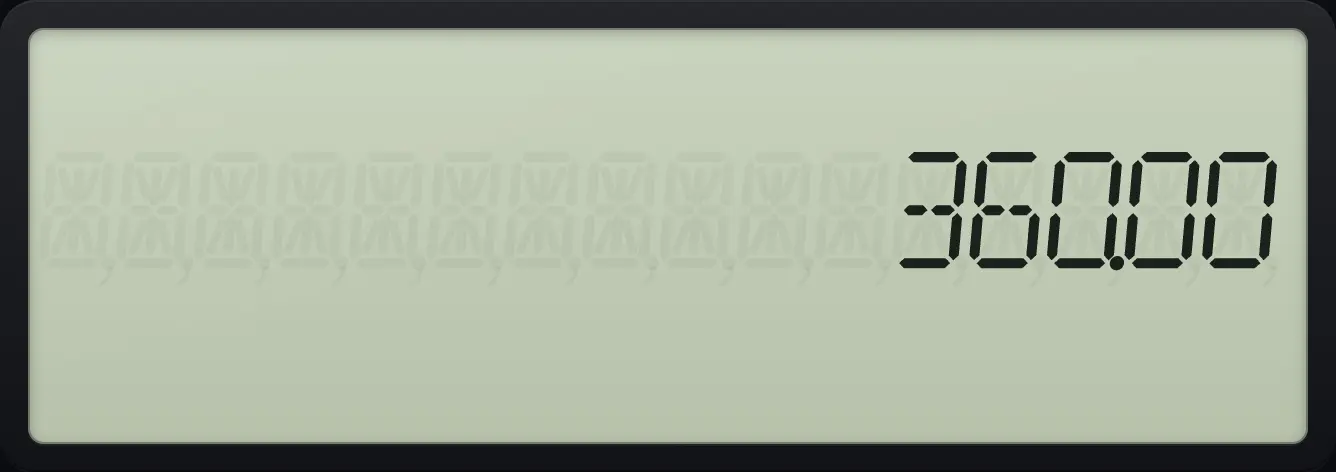
360.006.4Find the payment on a loan#
A 200,000 loan at 6% over 30 years with monthly payments has N = 360 and PV = 200,000. The payment is negative because it is money you pay.
Monthly mortgage payment
Set 12 payments a year and leave the sheet.
2NDP/YI/Y12ENTER2NDQUITCPTEnter N = 360, I/Y = 6, PV = 200,000 and FV = 0.
360N6I/Y200000PV0FVCompute the payment.
CPTPMT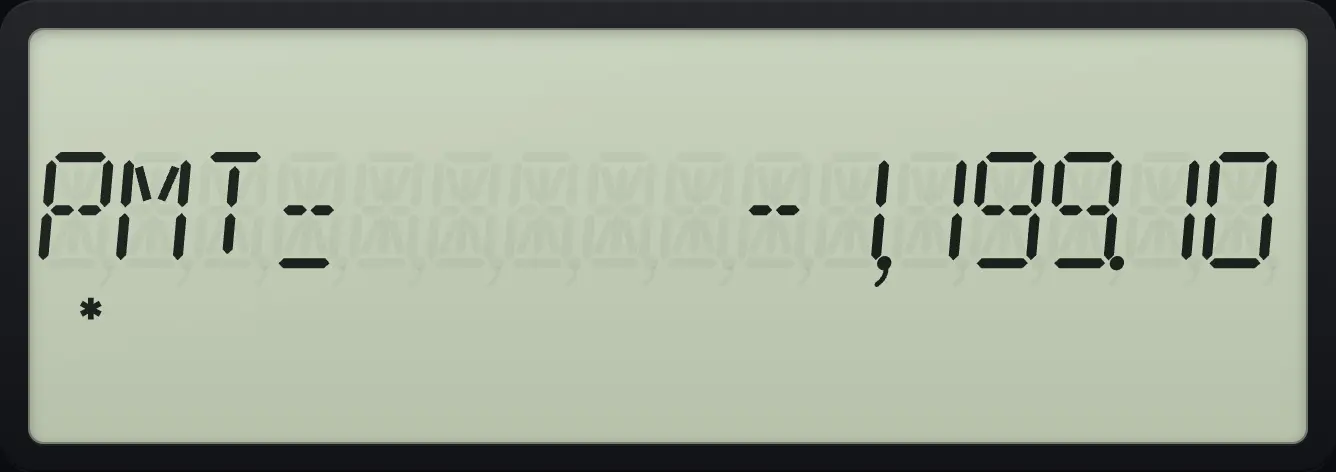
PMT= -1,199.10Car loan
48 monthly payments at 7.5% on 25,000.
2NDP/YI/Y12ENTER2NDQUITCPT48N7.5I/Y25000PV0FVCPTPMT
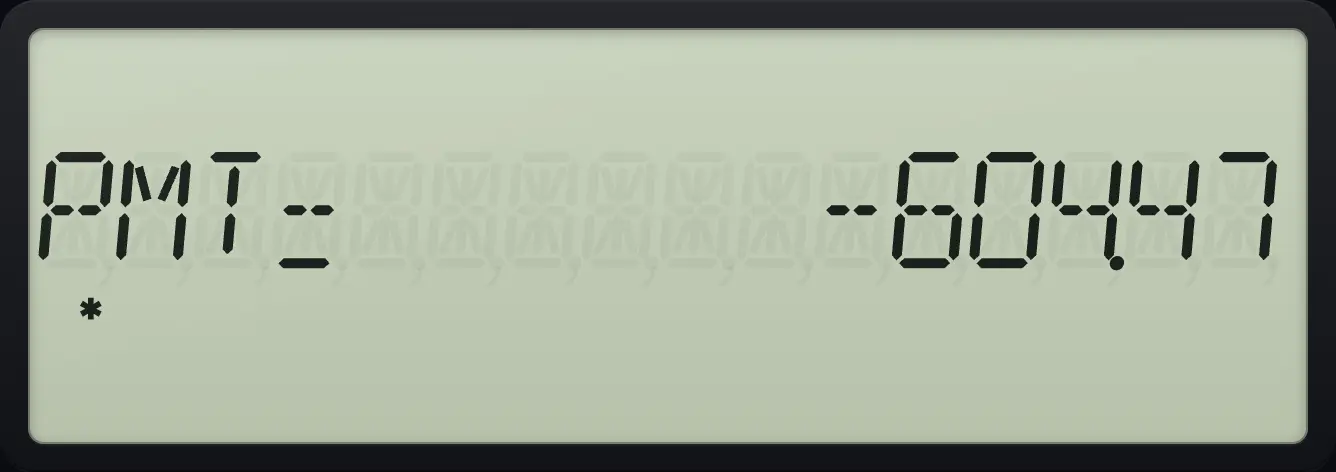
PMT= -604.47See also Calculate a monthly loan payment
6.5Solve for the loan amount, term or rate#
The same five keys work for any unknown. Enter the four you know and compute the fifth.
How much can you borrow?
With P/Y = 12 and 360 months at 6%, a payment of -1,199.10 supports this loan.
2NDP/YI/Y12ENTER2NDQUITCPT360N6I/Y1199.1+/-PMT0FVCPTPV
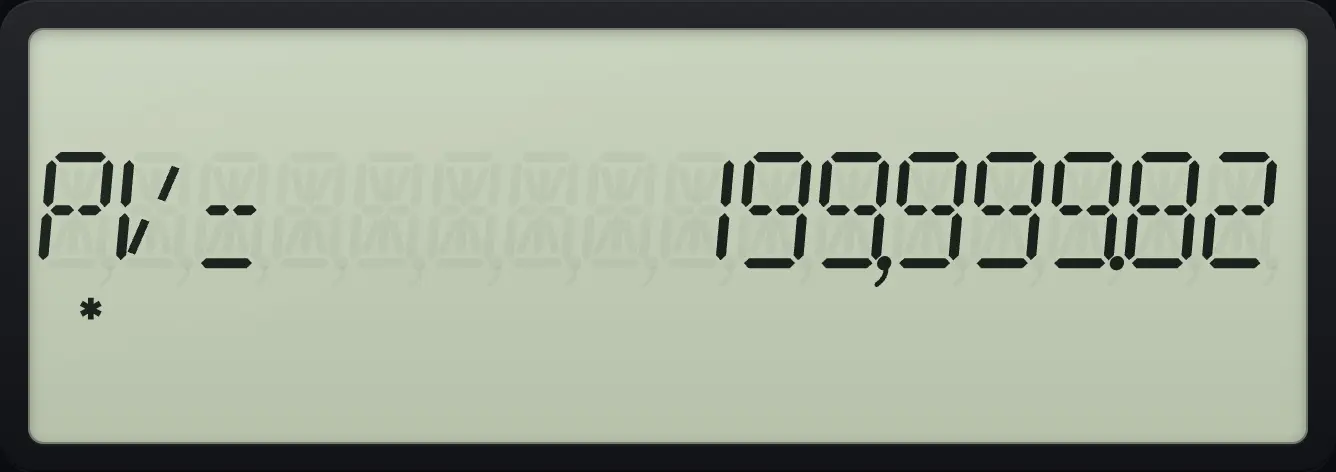
PV= 199,999.82How many payments?
Loan 200,000 at 6%, paying 1,199.10 a month.
2NDP/YI/Y12ENTER2NDQUITCPT6I/Y200000PV1199.1+/-PMT0FVCPTN
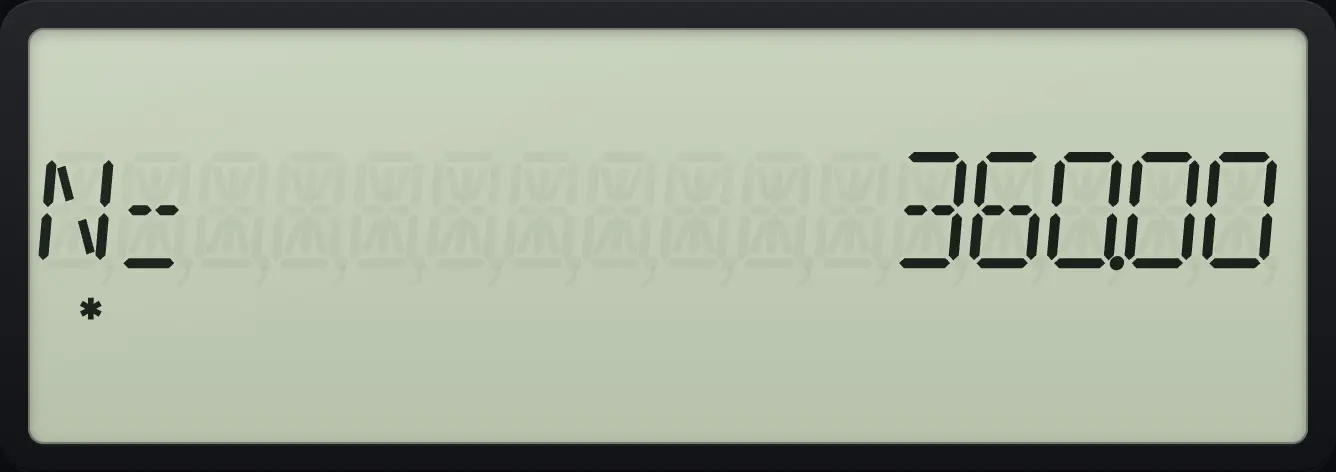
N= 360.00What is the rate?
Loan 200,000 over 360 months, paying 1,199.10.
2NDP/YI/Y12ENTER2NDQUITCPT360N200000PV1199.1+/-PMT0FVCPTI/Y
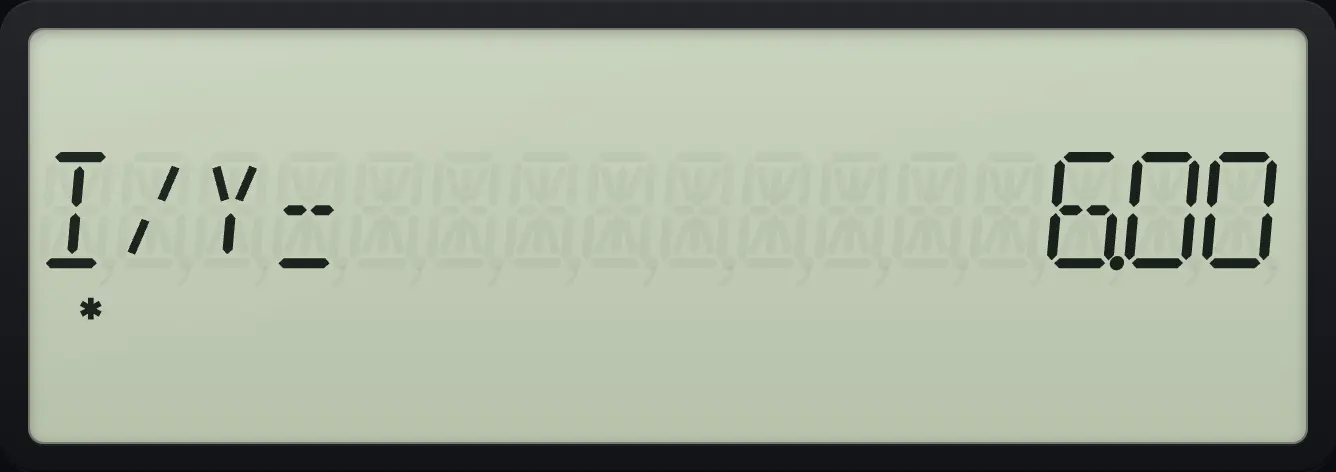
I/Y= 6.00Savings with regular deposits
Deposit 1,000 a year for 20 years at 5% with nothing to start.
20N5I/Y0PV1000+/-PMTCPTFV
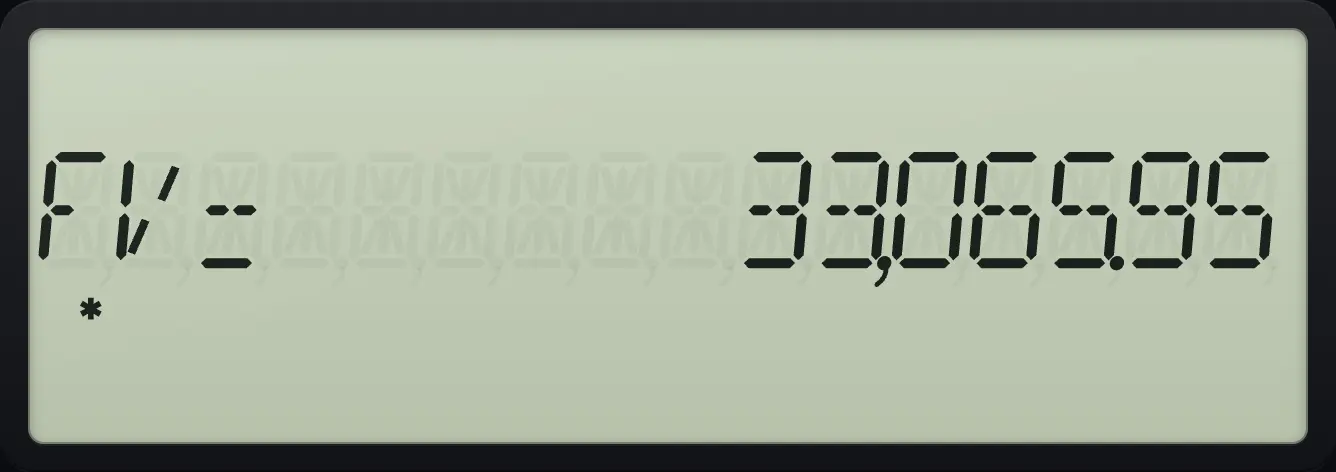
FV= 33,065.95Present value of an annuity
5,000 more at the end, 300 a month for 60 months at 9%.
2NDP/YI/Y12ENTER2NDQUITCPT60N9I/Y300+/-PMT5000+/-FVCPTPV
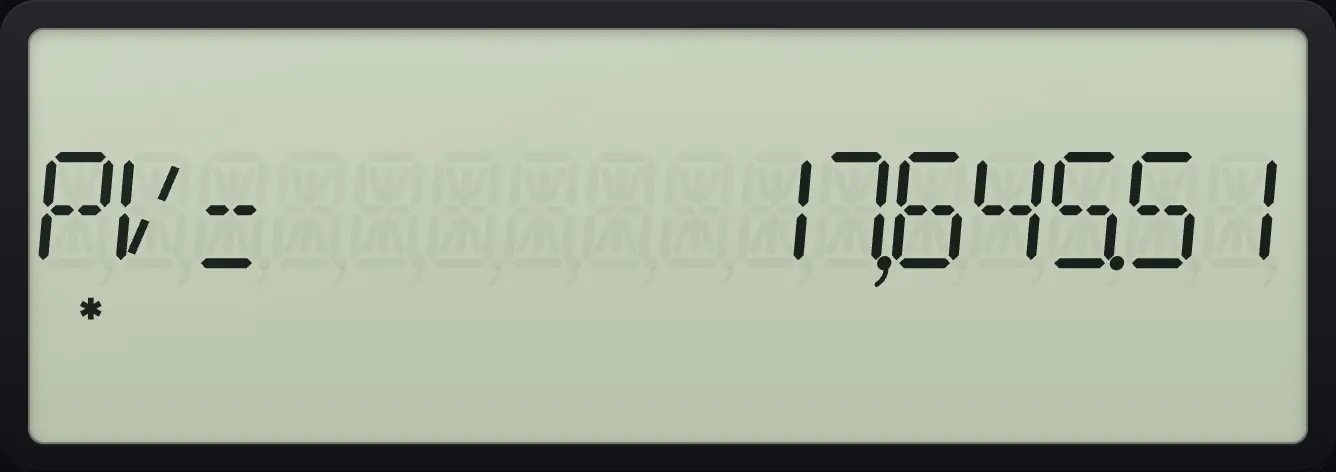
PV= 17,645.51See also How much will my savings grow to?Find how much to invest todayFind the interest rateFind how many payments are needed
6.6Payments at the beginning of the period (BGN)#
For rent, leases and some savings plans the payment comes at the start of each period. Press 2NDBGNPMT to see END, press 2NDSETENTER to change it to BGN, then 2NDQUITCPT to leave. The BGN indicator then stays on until you switch back.
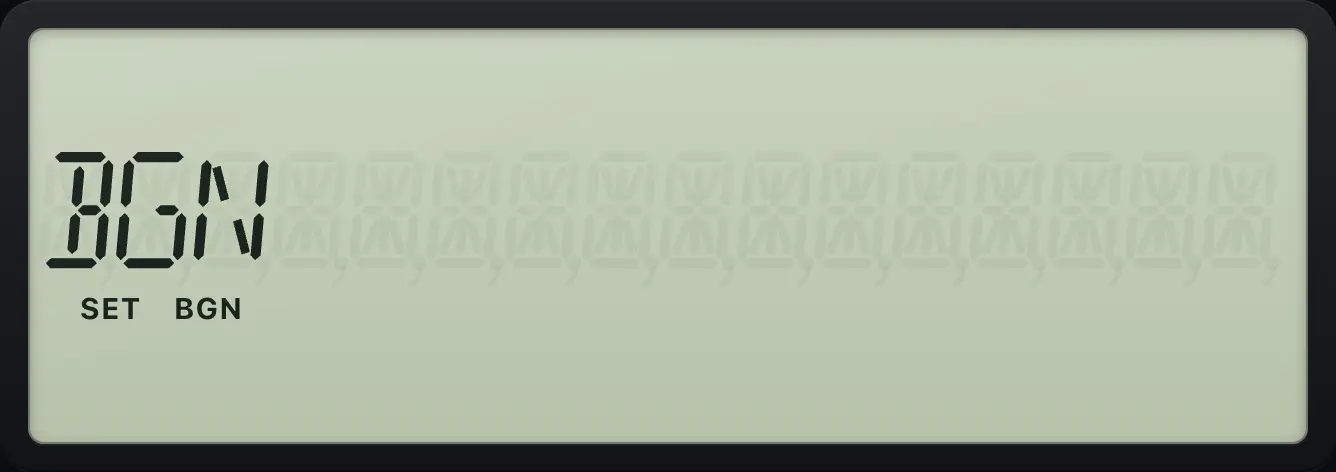
Lease payment due at the start
Switch to BGN, then find the payment on 20,000 over 36 months at 6%.
2NDP/YI/Y12ENTER2NDQUITCPT2NDBGNPMT2NDSETENTER2NDQUITCPT36N6I/Y20000PV0FVCPTPMT
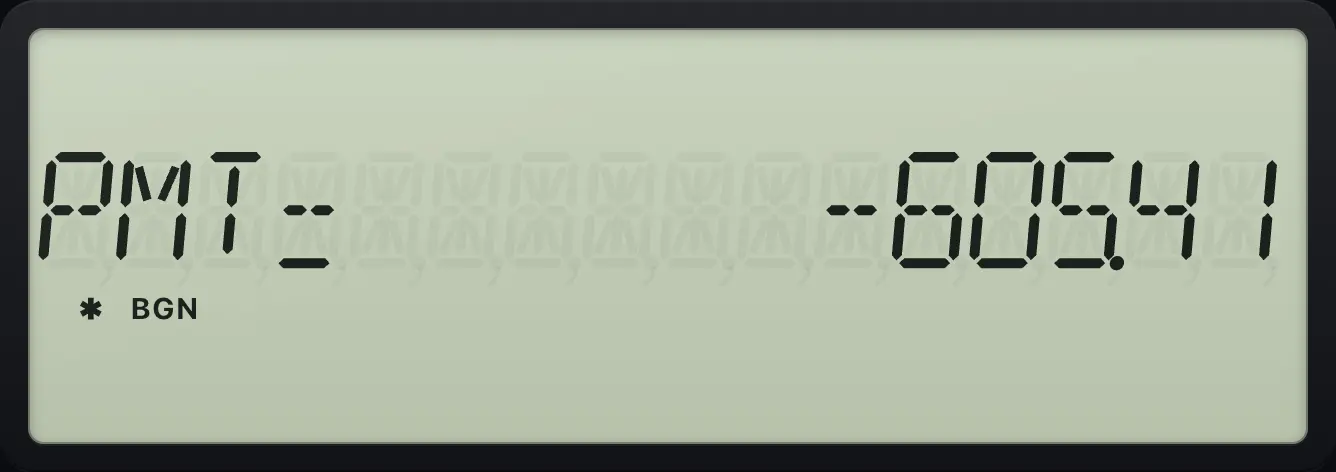
PMT= -605.41Switch back to END
Press the same sequence again to return to END.
2NDBGNPMT2NDSETENTER2NDSETENTER
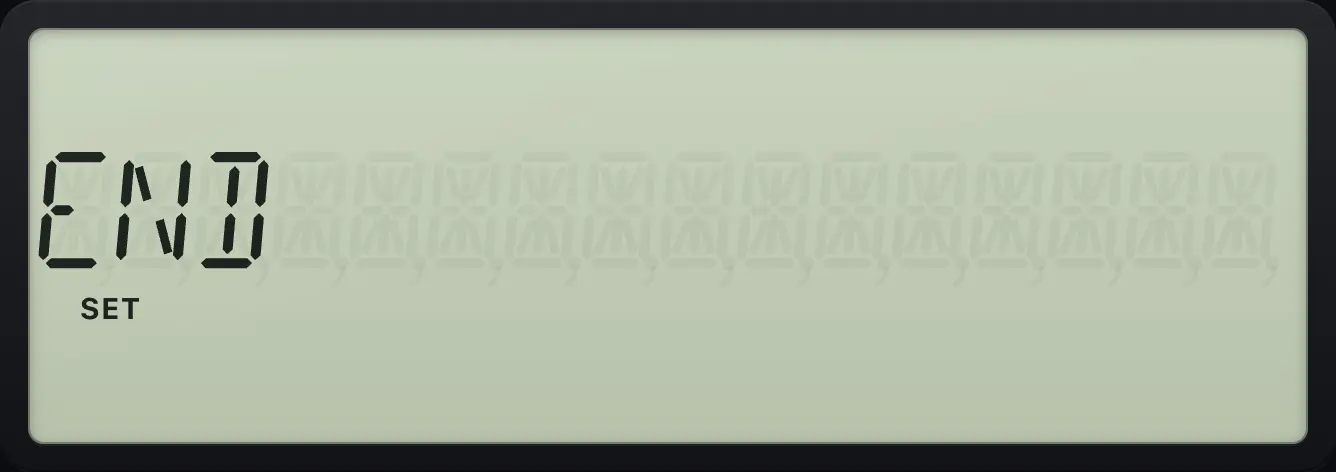
END6.7Clear the TVM values#
Press 2NDCLR TVMFV (CLR TVM) before starting a new problem. It clears N, I/Y, PV, PMT and FV but keeps P/Y, C/Y and END/BGN.
Clear and check
Solve a payment, clear TVM and recall N.
2NDP/YI/Y12ENTER2NDQUITCPT360N6I/Y200000PV0FV2NDCLR TVMFVRCLN
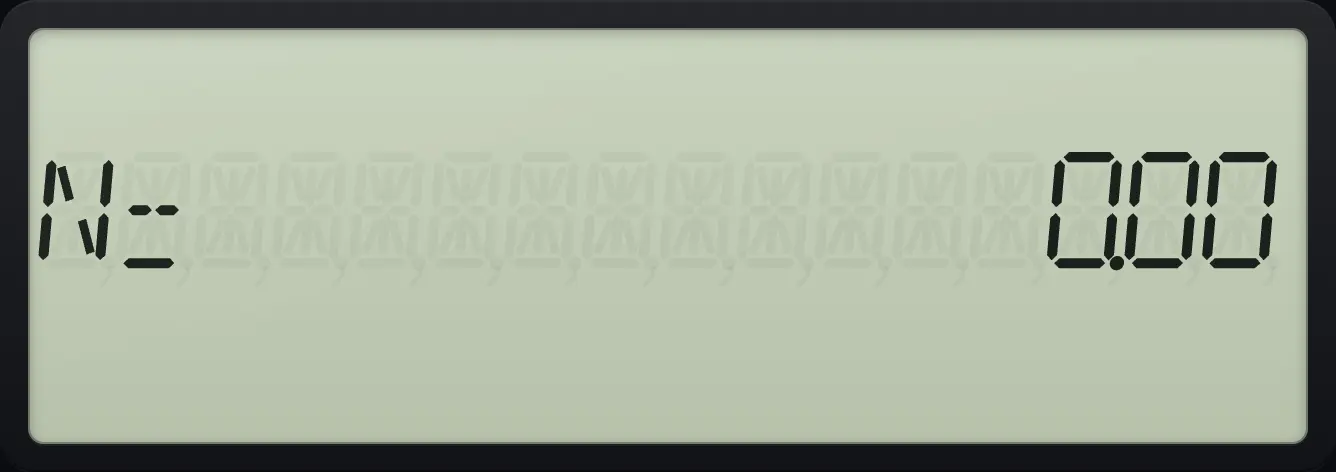
N= 0.00P/Y survives CLR TVM
The payments-per-year setting stays at 12.
2NDP/YI/Y12ENTER2NDQUITCPT360N6I/Y200000PV0FV2NDCLR TVMFV2NDP/YI/Y
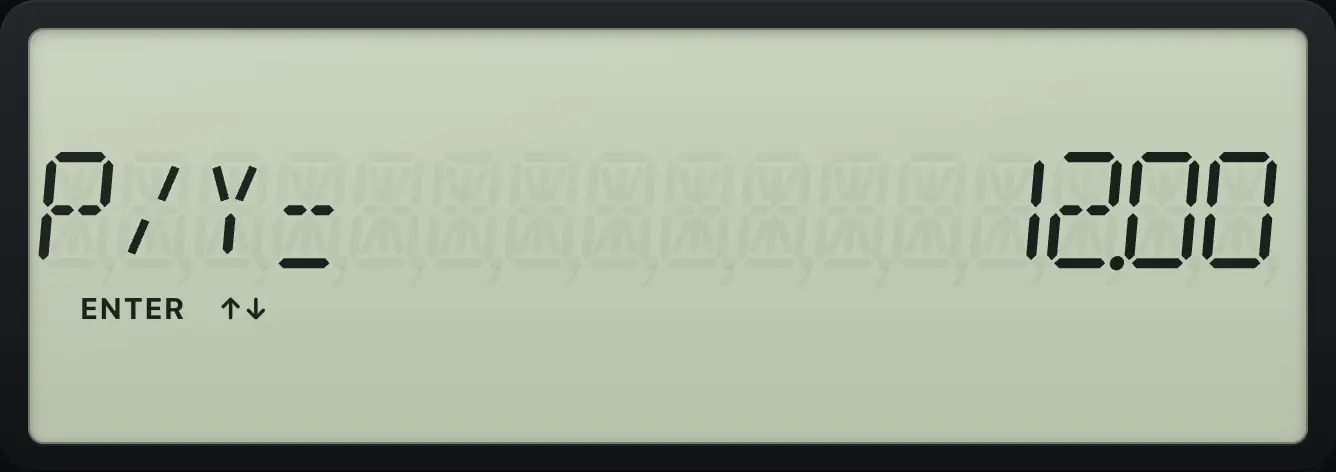
P/Y= 12.006.8When there is no solution#
If the five values cannot describe a loan, for example because every payment has the same sign as the starting amount, the calculator shows Error 5 (no solution). Check the signs and press CE/C.
Signs that cannot balance
All amounts positive: no interest rate can balance them.
10N100PV10PMT100FVCPTI/Y
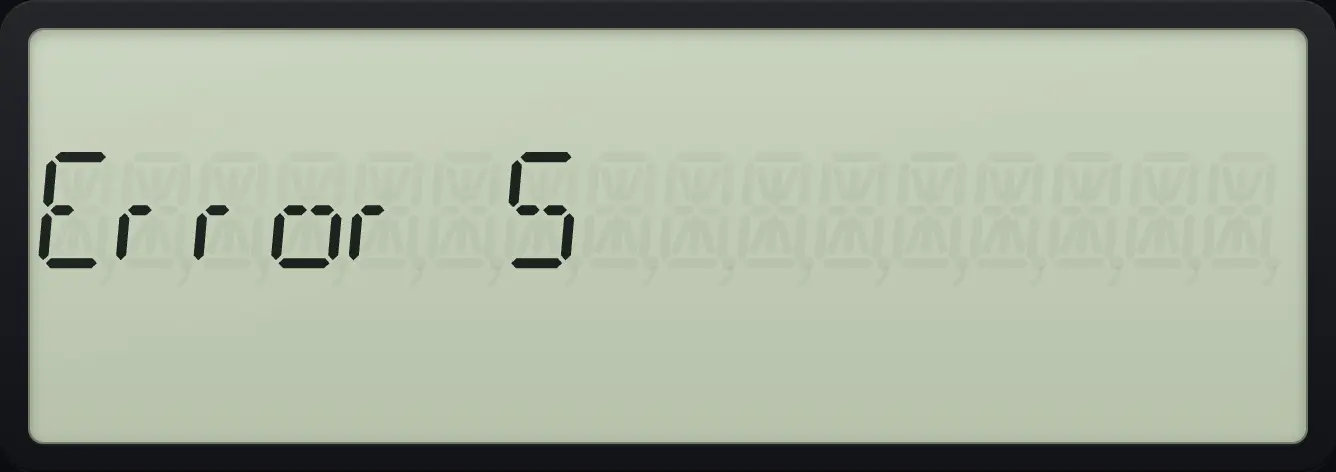
Error 5BA II Plus is a trademark of Texas Instruments Incorporated. Trident Calculator is an independent product by South View Studios and is not affiliated with, sponsored by or endorsed by Texas Instruments. The name is used only to describe the kind of calculator this model resembles; Trident's names, keys, display, fonts and software are its own clean-room design.