
Classic Financial II manual · Chapter 9 of 16
Bonds
Find the price or yield of a bond and its accrued interest from its dates and coupon.
9.1Enter the bond#
Press 2NDBOND4 (BOND). The lines are: SDT settlement date, CPN annual coupon rate (percent), RDT redemption date, RV redemption value (100 at the start), a choice between ACT and 360 day counts, a choice between 2/Y and 1/Y coupons, then YLD (yield to maturity), PRI (price) and AI (accrued interest). Dates are typed as month.dayyear, for example 6.1224 for June 12, 2024.
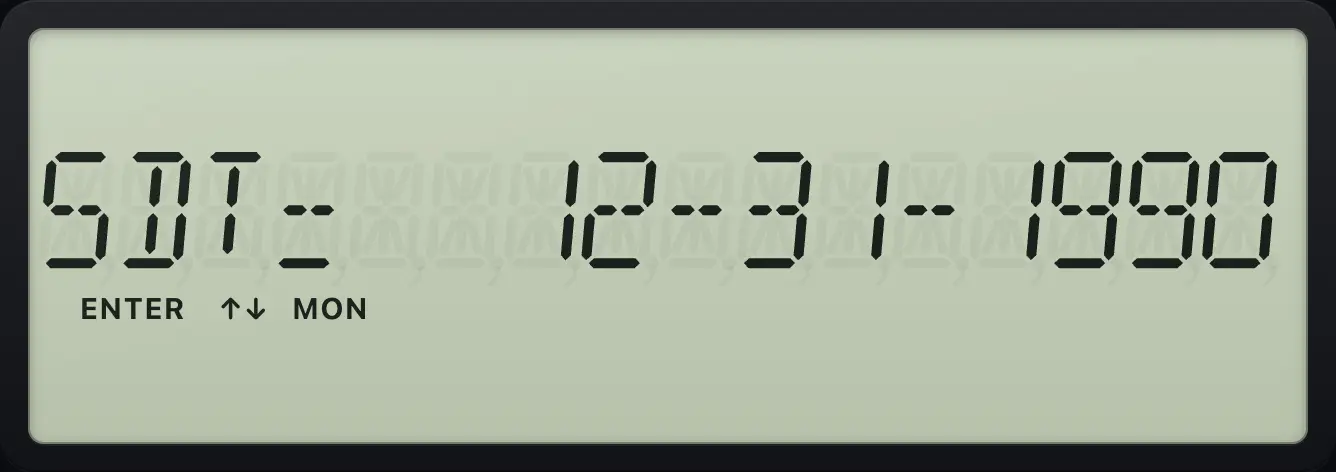
- 2NDBOND4
- SDT, CPN, RDT
- YLD ENTER
- PRI CPT
Day count and coupon choices
Press 2ND ENTER on the day-count line to switch between ACT and 360.
2NDBOND4↓↓↓↓2NDSETENTER
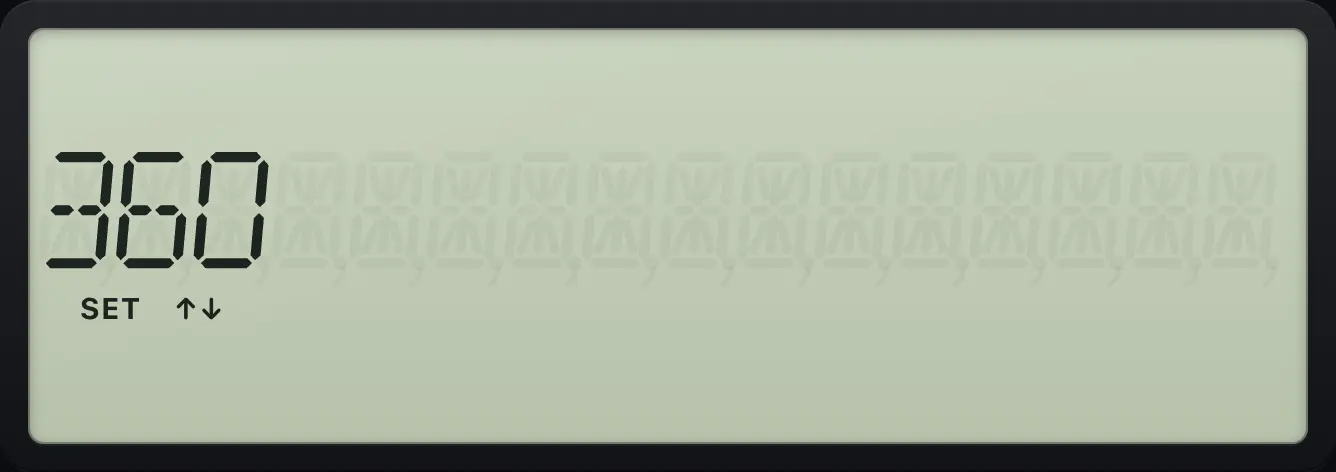
360Coupon frequency
The line after the day count switches between 2/Y and 1/Y.
2NDBOND4↓↓↓↓↓2NDSETENTER
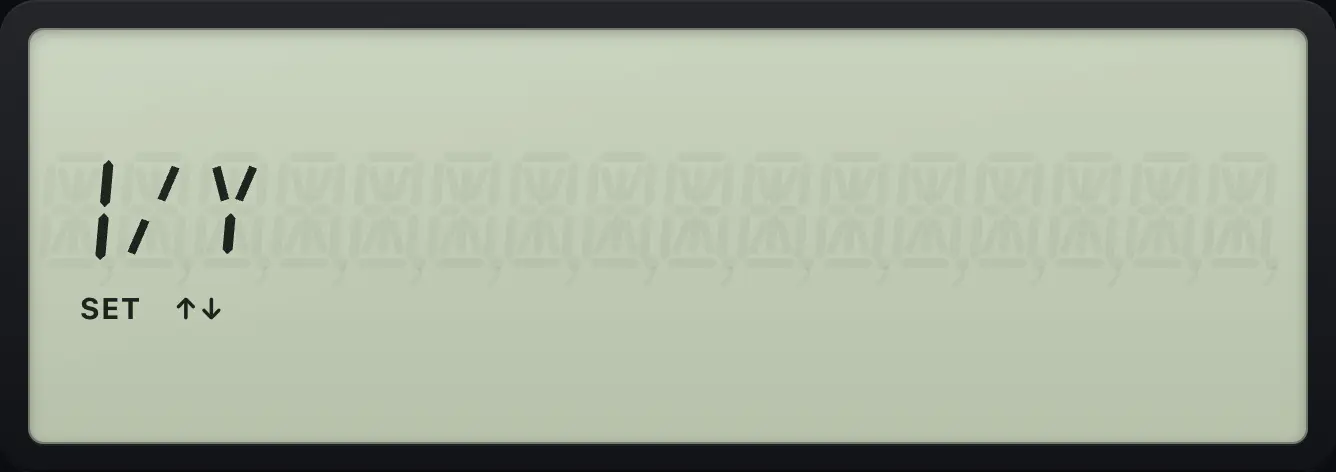
1/Y9.2Find the price of a bond#
Enter the settlement date, coupon and redemption date. Type the yield you want in YLD and press ENTER. Then move ↓ to PRI and press CPT. AI, the accrued interest, is on the next line.
Price at an 8% yield
6% coupon from 2024 to 2034 (settlement 1.0120, redemption 1.0130), yield 8, compute the price.
2NDBOND41.0120ENTER↓6ENTER↓1.0130ENTER↓↓↓↓8ENTER↓CPT
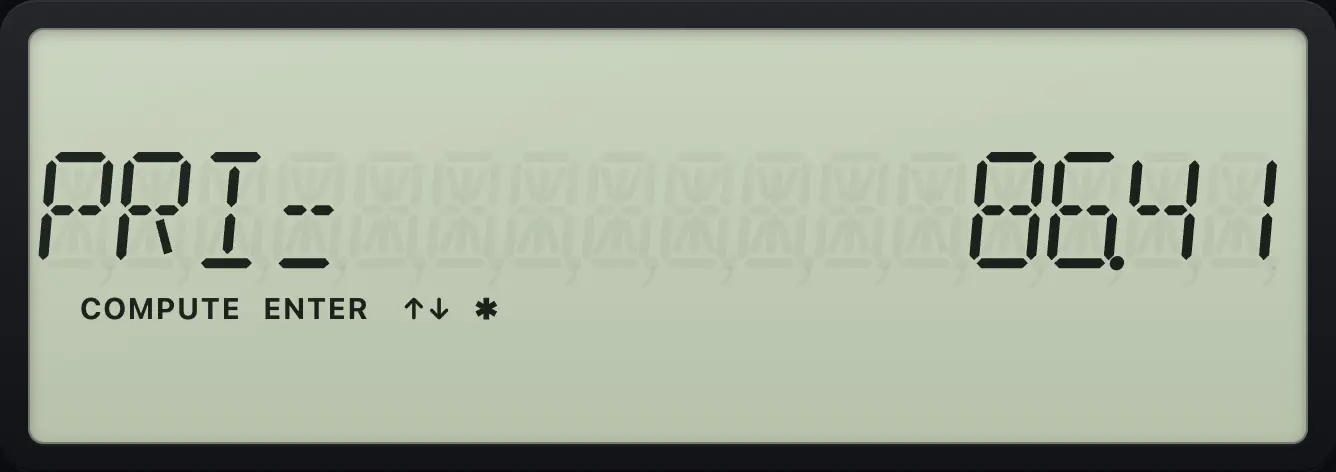
PRI= 86.41Accrued interest
Press down once more to read the accrued interest.
2NDBOND41.0120ENTER↓6ENTER↓1.0130ENTER↓↓↓↓8ENTER↓CPT↓
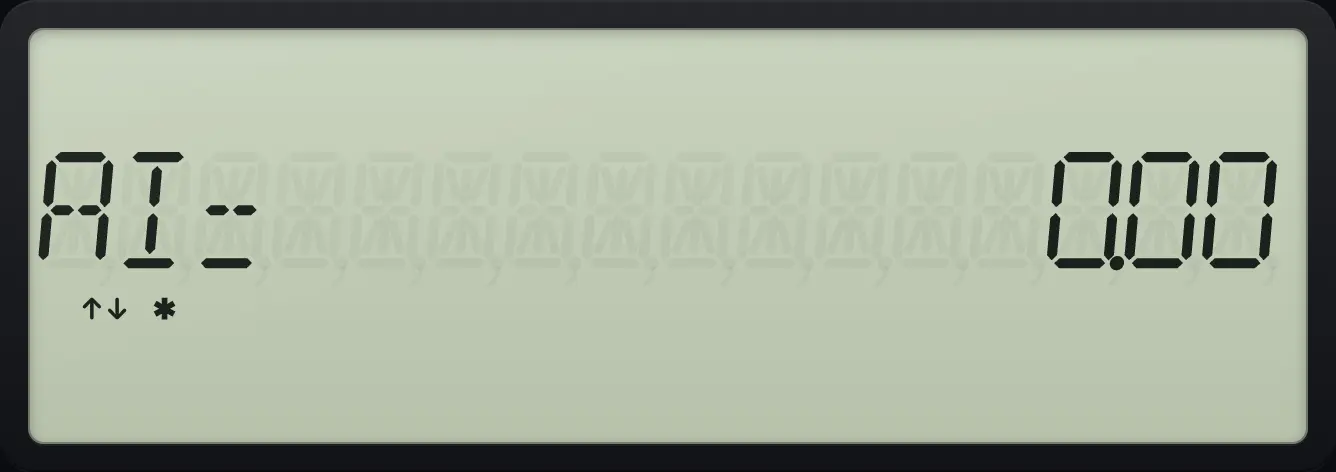
AI= 0.00Find the yield from a price
Enter the price 86.4089 and compute the yield on the line above.
2NDBOND41.0120ENTER↓6ENTER↓1.0130ENTER↓↓↓↓↓86.4089ENTER↑CPT
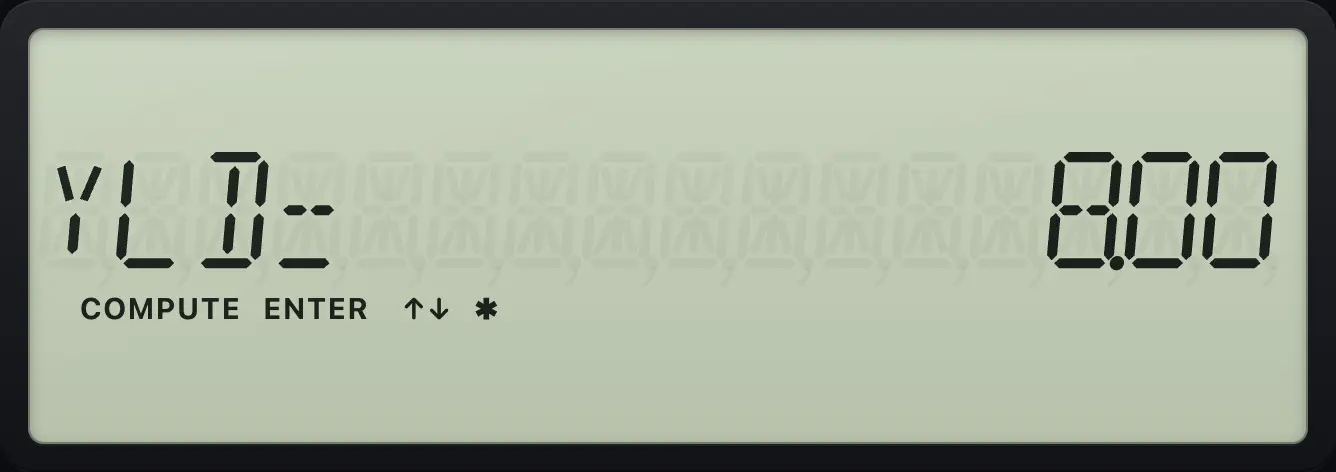
YLD= 8.00See also Price of a bond
BA II Plus is a trademark of Texas Instruments Incorporated. Trident Calculator is an independent product by South View Studios and is not affiliated with, sponsored by or endorsed by Texas Instruments. The name is used only to describe the kind of calculator this model resembles; Trident's names, keys, display, fonts and software are its own clean-room design.