
Classic Financial II manual · Chapter 8 of 16
Cash flows, NPV and IRR
Enter uneven cash flows with frequencies, then find the net present value and the internal rate of return.
8.1Enter a series of cash flows#
Press CF to open the cash-flow worksheet. CF0 is the starting cash flow (usually negative: the money you invest). Press ↓ for C01, the first later cash flow, and then F01, how many times in a row it happens (1 if you skip it). Each new C line appears when you enter the one before. Up to 32 cash flows can be entered.
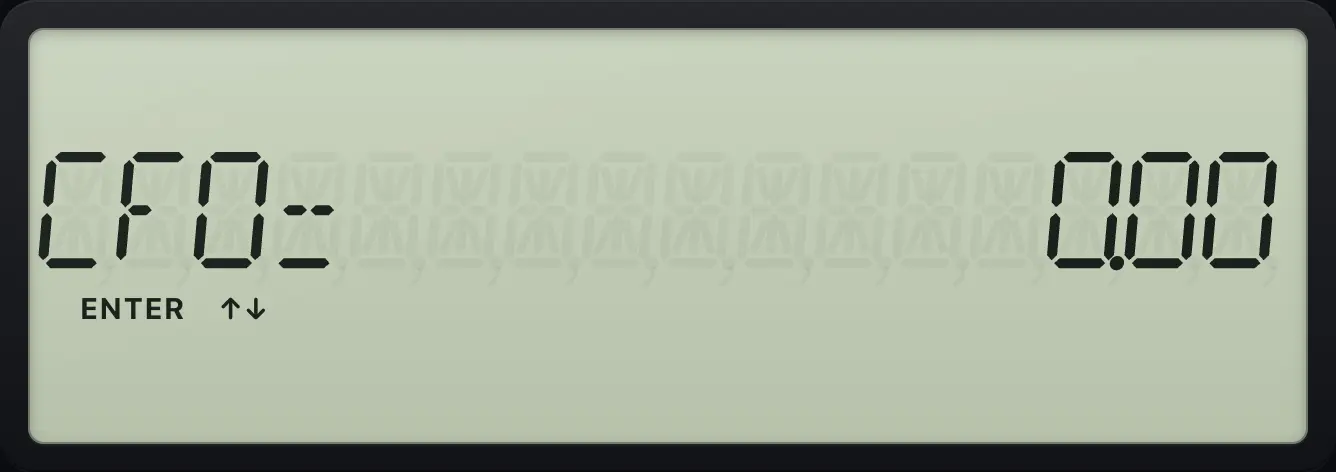
Enter an investment and two returns
CF0 is -100, C01 is 60, skip F01 and enter 60 for C02.
CF100+/-ENTER↓60ENTER↓↓60ENTER
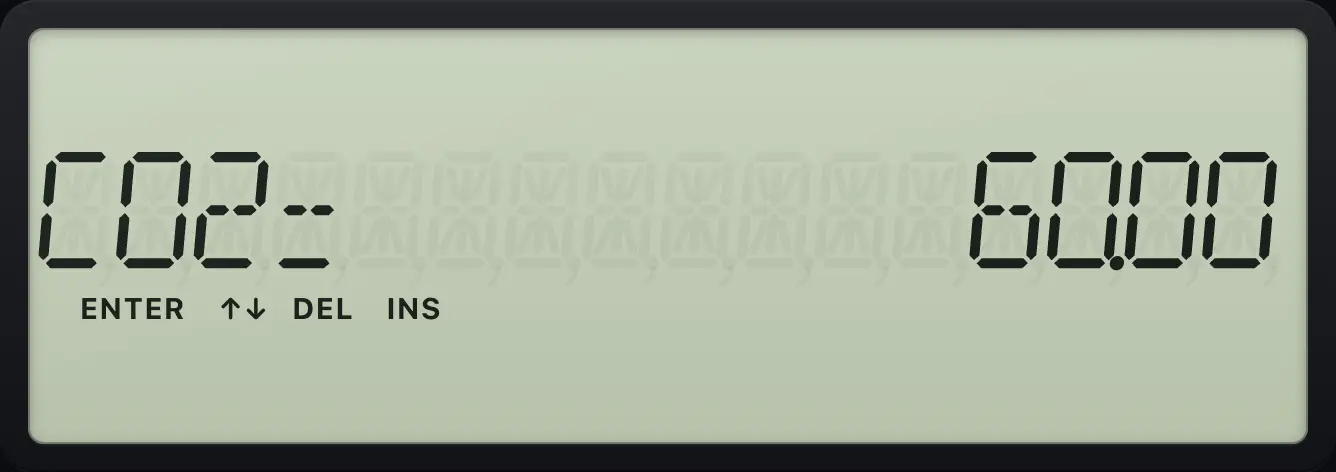
C02= 60.00Use a frequency
CF0 = -7,000, then 3,000 once, then 5,000 four times.
CF7000+/-ENTER↓3000ENTER↓↓5000ENTER↓4ENTER
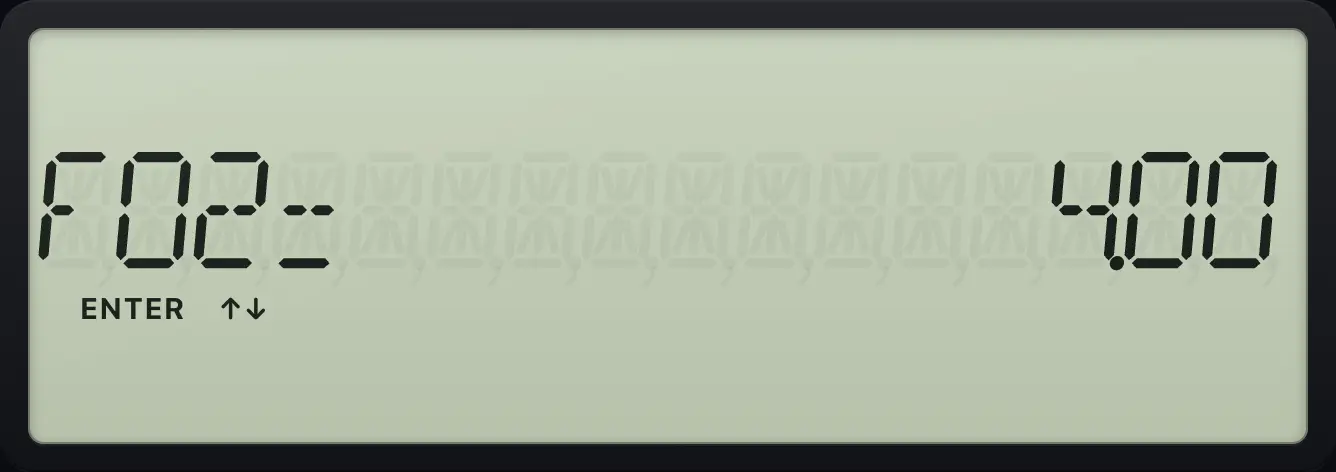
F02= 4.00See also Net present value of cash flowsInternal rate of return
8.2Find the net present value (NPV)#
NPV adds up the cash flows after discounting each at the interest rate you give. A positive value means the investment earns more than that rate.
Press NPV, type the rate per period in I and press ENTER, move ↓ to NPV and press CPT.
NPV at 10%
Enter the cash flows, open NPV, enter 10 for the rate, then compute.
CF100+/-ENTER↓60ENTER↓↓60ENTERNPV10ENTER↓CPT
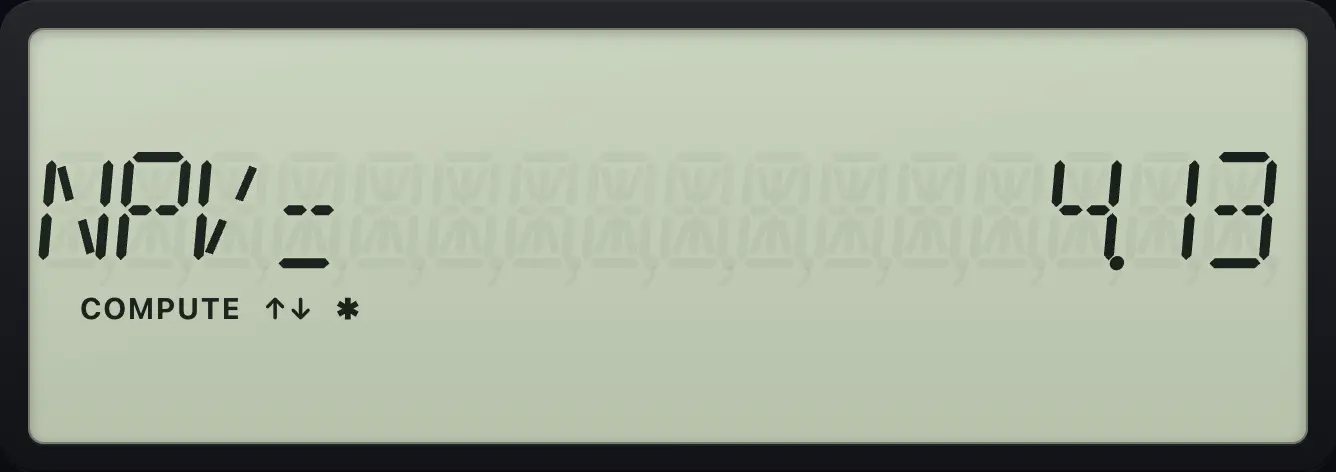
NPV= 4.13NPV with repeated cash flows
The series with a repeated flow, at 20%.
CF7000+/-ENTER↓3000ENTER↓↓5000ENTER↓4ENTERNPV20ENTER↓CPT
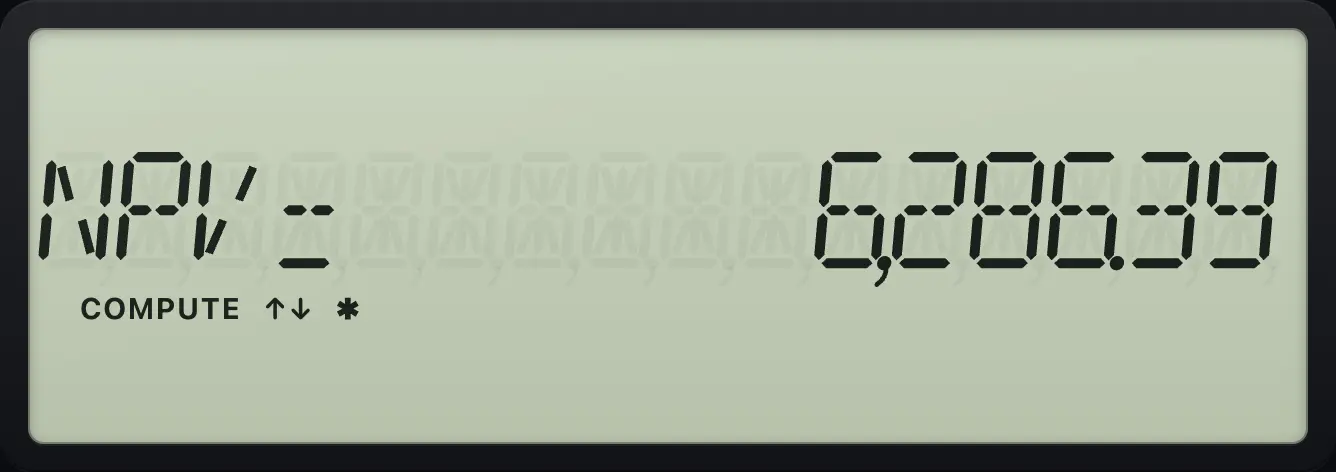
NPV= 6,286.39See also Net present value of cash flows
8.3Find the internal rate of return (IRR)#
IRR is the rate at which the NPV is exactly zero. Enter the cash flows, press IRR and then CPT.
IRR of an investment
With the same cash flows, open IRR and compute.
CF100+/-ENTER↓60ENTER↓↓60ENTERIRRCPT
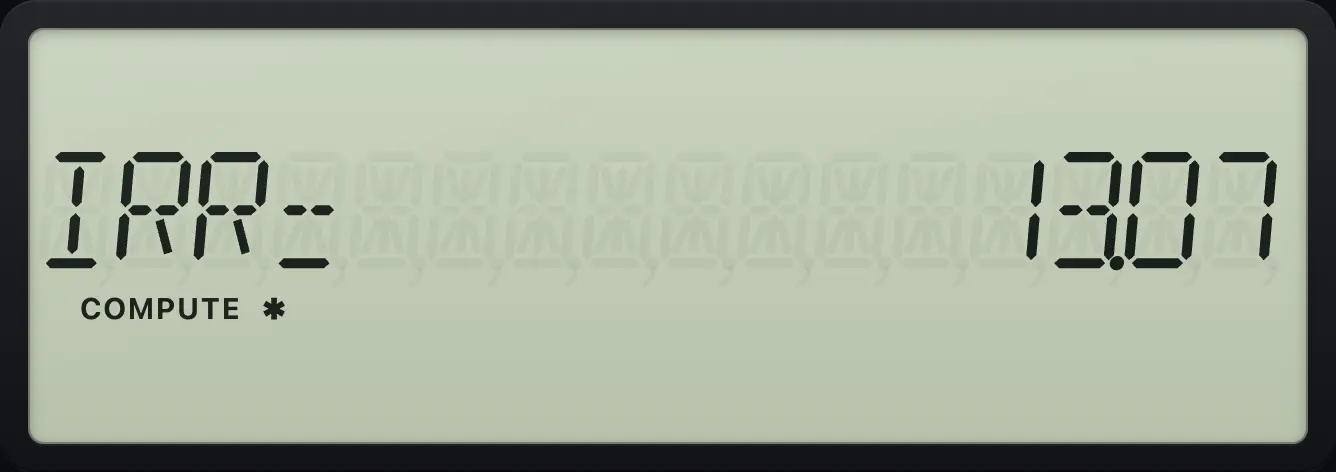
IRR= 13.07IRR with more digits
Show nine decimals first.
CF100+/-ENTER↓60ENTER↓↓60ENTERIRRCPT2NDFORMAT.9ENTER2NDQUITCPTIRR
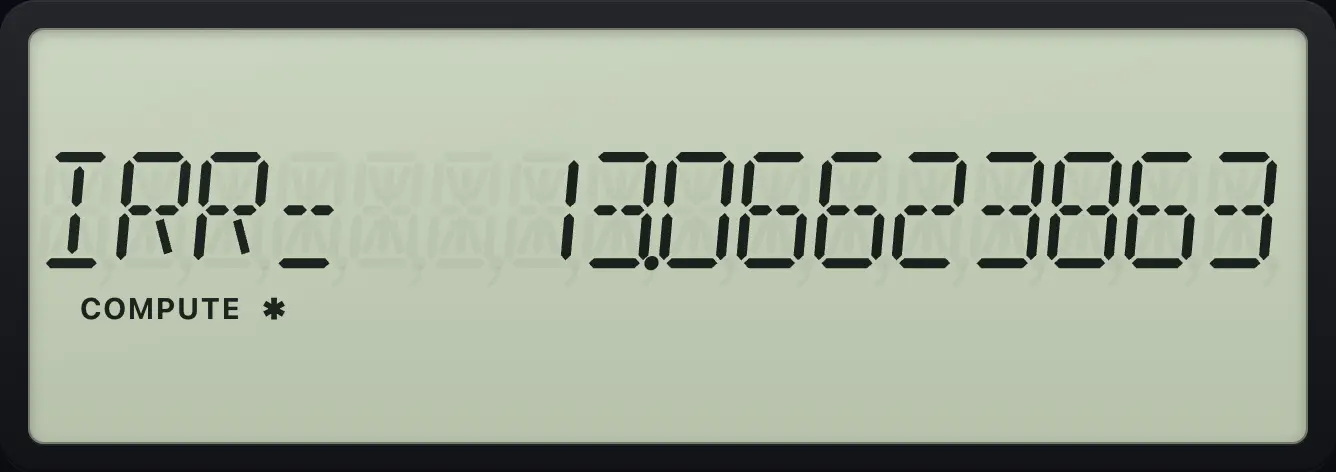
IRR= 13.06623863IRR when there is no sign change
All cash flows positive: no solution.
CF100ENTER↓60ENTERIRRCPT

Error 5See also Internal rate of return
8.4Delete or insert a cash flow#
Move to a C line and press 2NDDEL↑ (DEL) to remove that cash flow, or 2NDINS↓ (INS) to insert a blank one before it. 2NDCLR WORKCE/C clears the whole worksheet.
Delete a cash flow
Enter the series, go back to C02 and delete it. The next line is C01 again.
CF7000+/-ENTER↓3000ENTER↓↓5000ENTER↓4ENTER↑↑↑2NDDEL↑
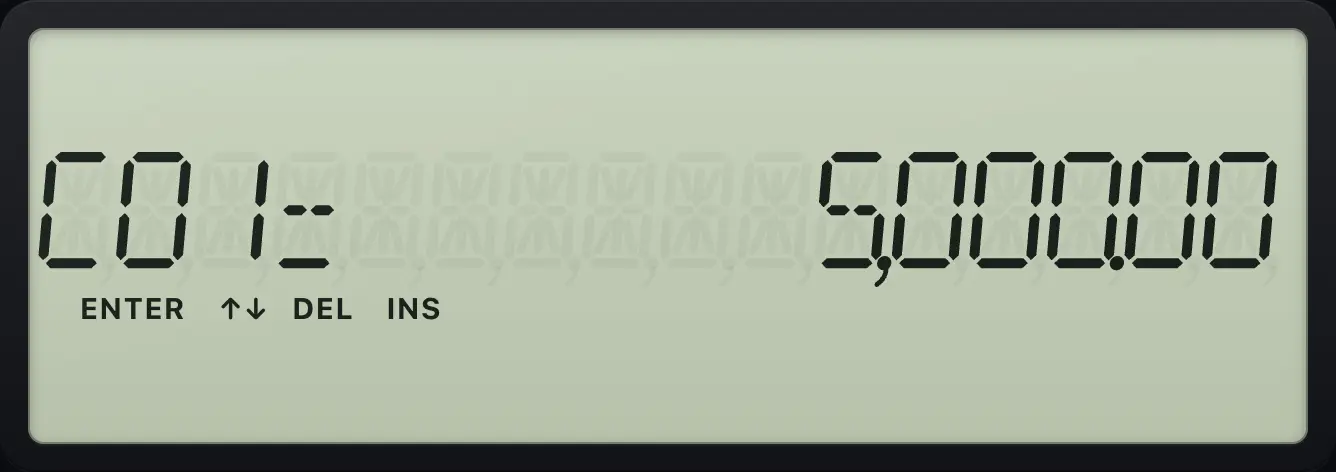
C01= 5,000.00Insert a cash flow
Insert a blank flow before C01; it appears as 0.
CF7000+/-ENTER↓3000ENTER↓↓5000ENTER↓4ENTER↑↑↑2NDINS↓
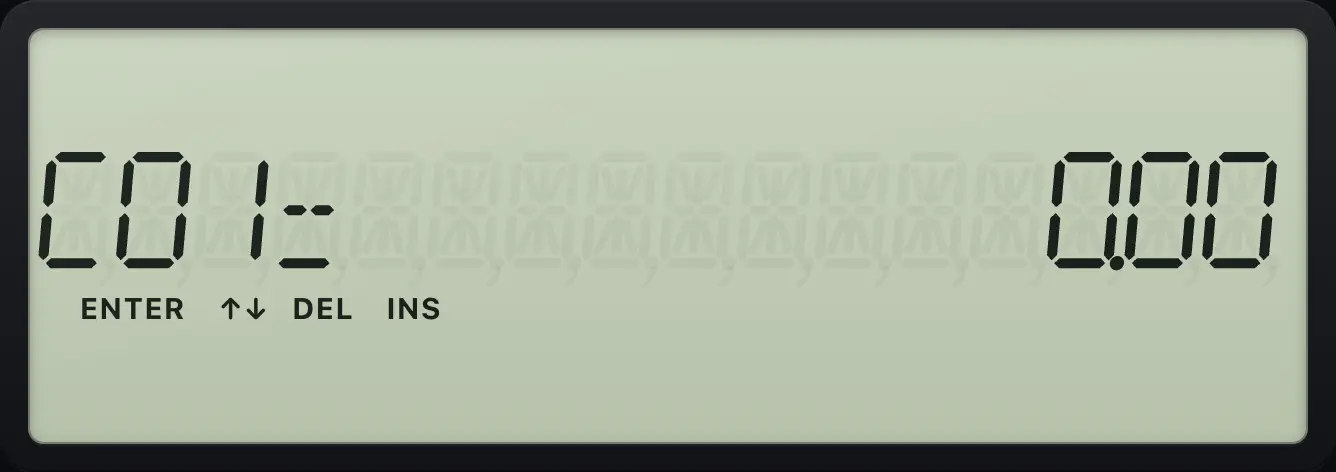
C01= 0.00BA II Plus is a trademark of Texas Instruments Incorporated. Trident Calculator is an independent product by South View Studios and is not affiliated with, sponsored by or endorsed by Texas Instruments. The name is used only to describe the kind of calculator this model resembles; Trident's names, keys, display, fonts and software are its own clean-room design.