
Classic Financial II manual · Chapter 14 of 16
Modes and settings (FORMAT)
Decimal places, angle unit, date and number styles, chain or AOS calculation, and payment timing.
14.1Open the FORMAT worksheet#
Press 2NDFORMAT. (FORMAT). The lines are DEC (decimal places 0 to 9), the angle unit DEG or RAD, the date style US or EUR, the number style US 1,000.0 or EUR 1.000,0, and the calculation method Chn or AOS. Move with ↓. Type a value and ENTER for DEC; press 2NDSETENTER to change the other choices. Leave with 2NDQUITCPT. 2NDCLR WORKCE/C on the sheet restores the start values.
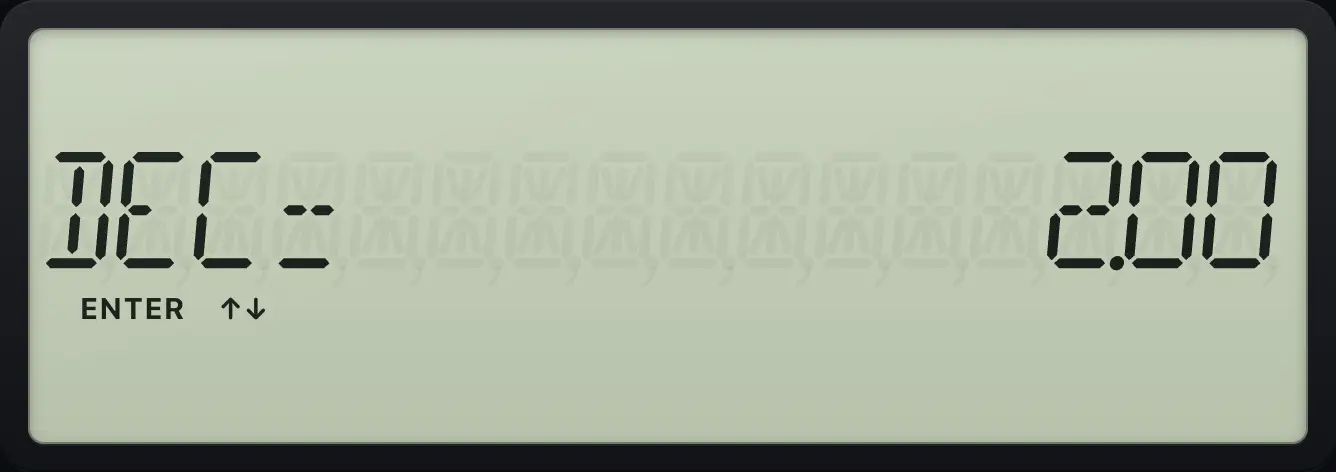
| Line | Choices | Start value |
|---|---|---|
| DEC | 0 to 9 (9 means floating) | 2 |
| Angle | DEG, RAD | DEG |
| Date style | US (month-day-year), EUR (day-month-year) | US |
| Number style | US 1,000.0 or EUR 1.000,0 | US |
| Method | Chn (chain) or AOS | Chn |
14.2Change the number of decimals#
Four decimals
Open FORMAT, type 4, enter, quit, then divide 2 by 3.
2NDFORMAT.4ENTER2NDQUITCPT2÷3=
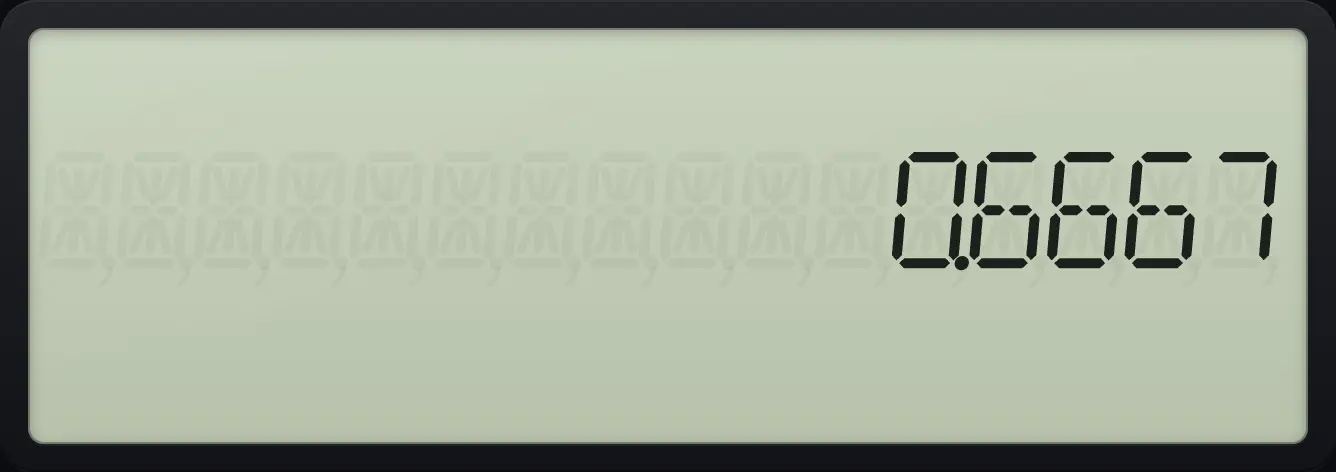
0.6667No decimals
Zero decimals rounds to a whole number.
2NDFORMAT.0ENTER2NDQUITCPT2÷3=
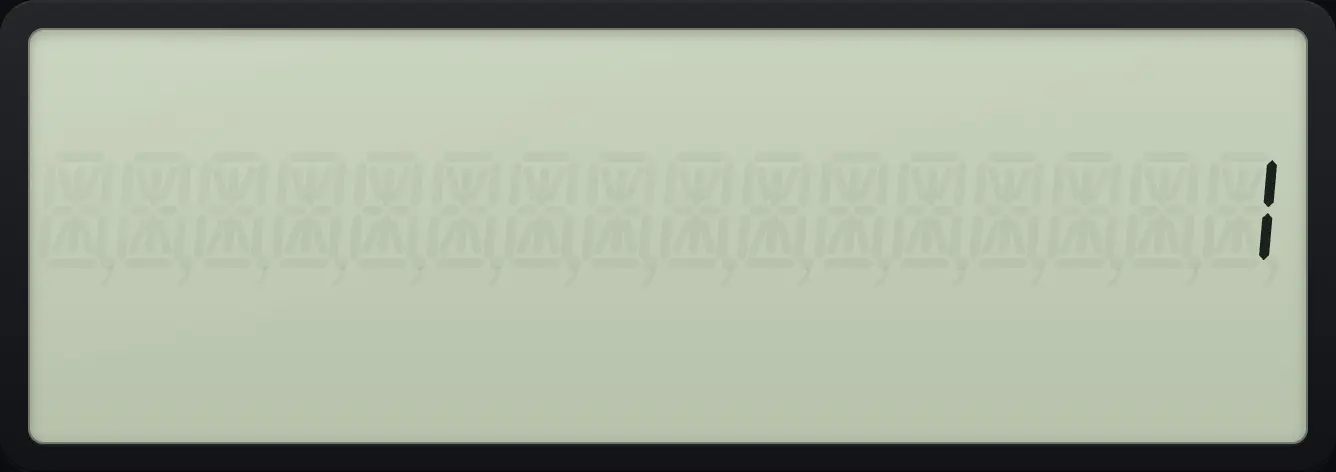
1Nine decimals
Nine shows as many digits as fit.
2NDFORMAT.9ENTER2NDQUITCPT2÷3=
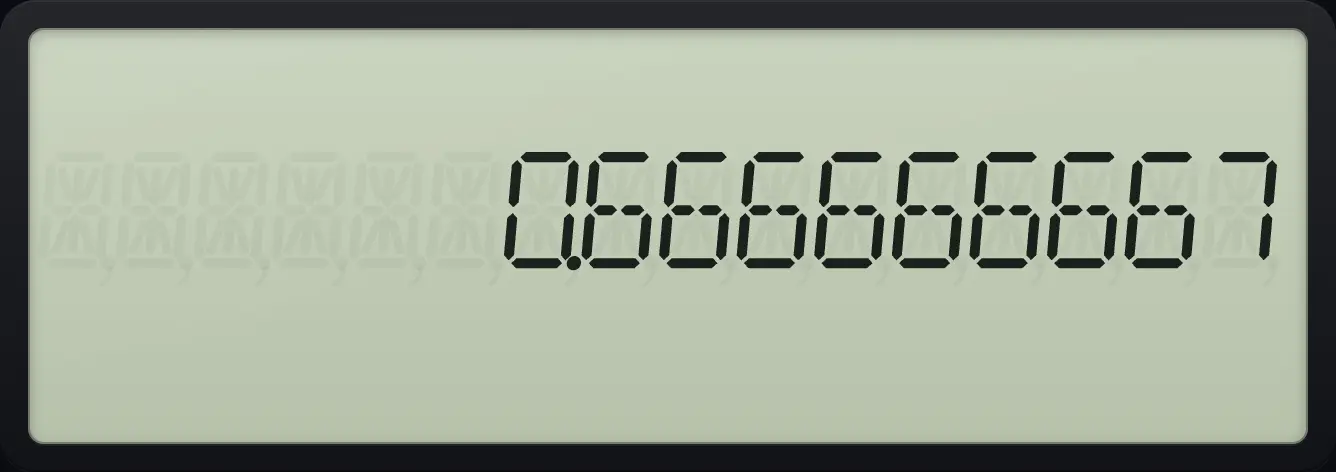
0.66666666714.3Angle unit and date style#
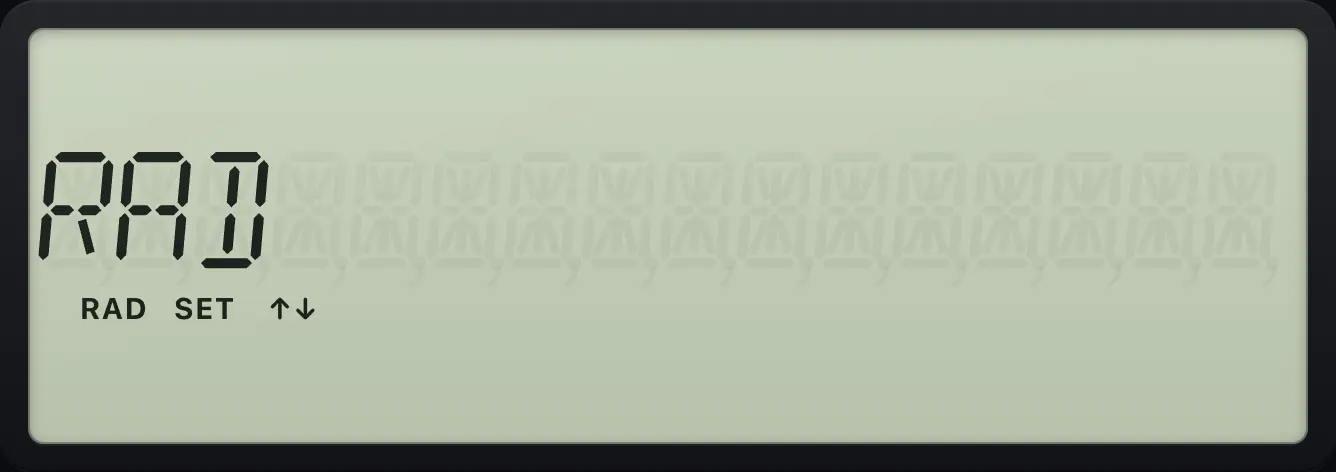
Radians
Press down to the angle line; 2ND ENTER switches it.
2NDFORMAT.↓2NDSETENTER
RADEuropean date style
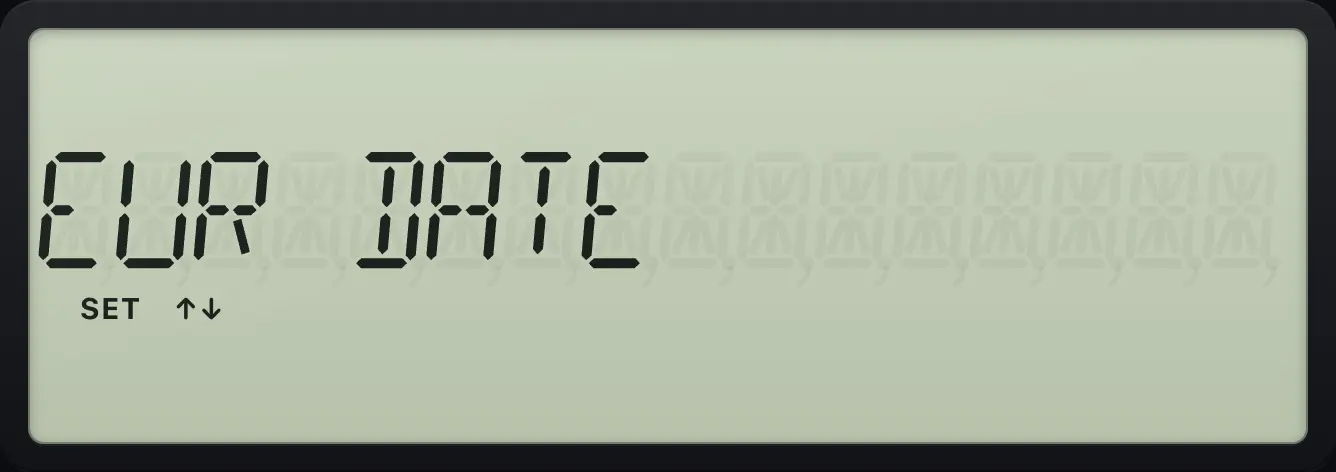
Two lines further down, switch US to EUR.
2NDFORMAT.↓↓2NDSETENTER
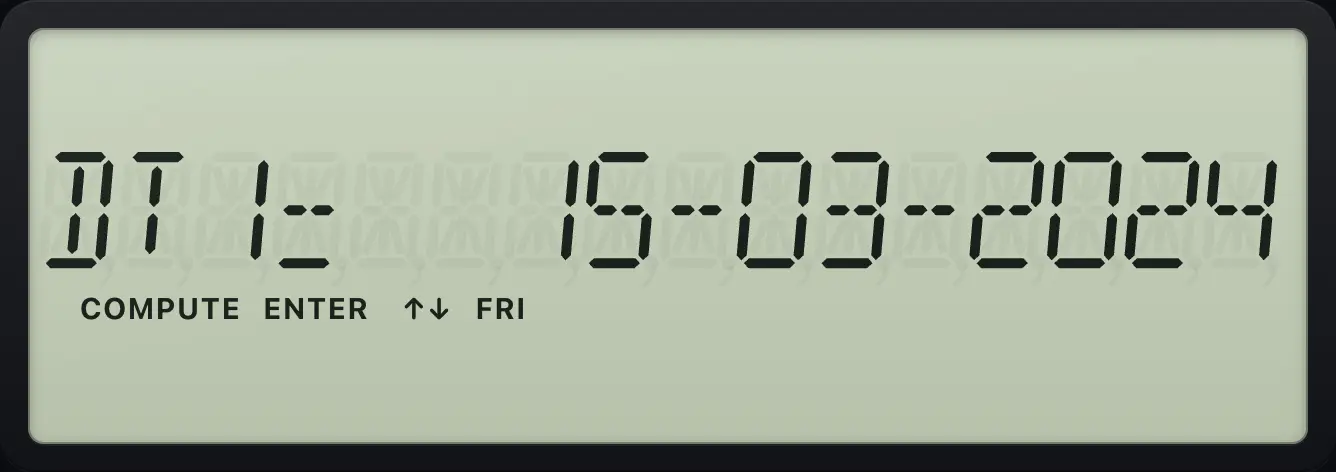
EUR DATEEnter a date in day-month-year order
With EUR dates, 15.0324 means March 15, 2024.
2NDFORMAT.↓↓2NDSETENTER2NDDATE515.0324ENTER
DT1= 15-03-202414.4Number style (comma or point)#
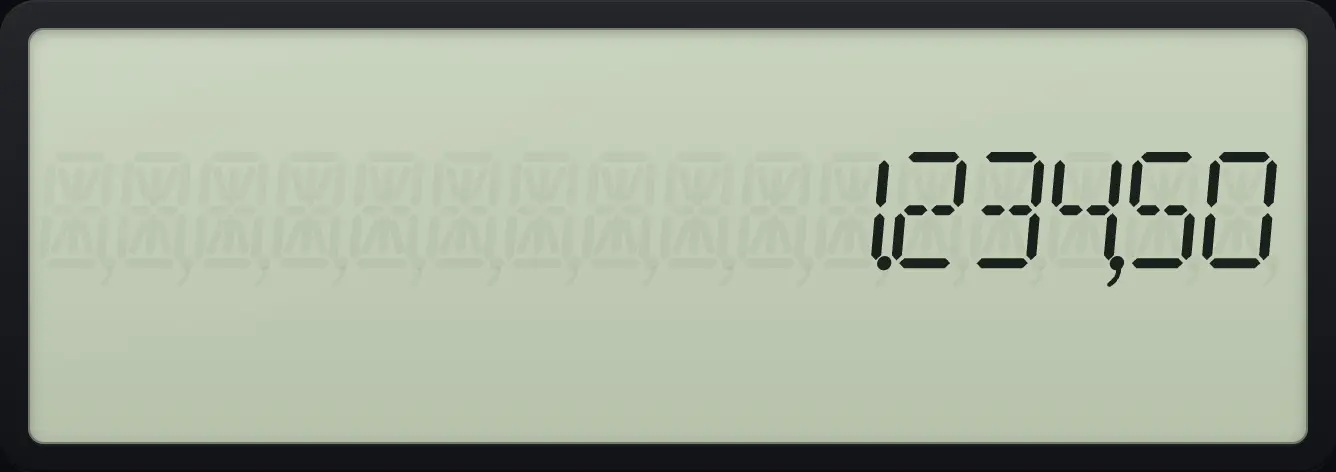
European separators
Switch to 1.000,0 and type a number.
2NDFORMAT.↓↓↓2NDSETENTER2NDQUITCPT1234.5=
1.234,5014.5Chain or AOS#
Switch to AOS
Go to the last FORMAT line and change Chn to AOS.
2NDFORMAT.↓↓↓↓2NDSETENTER
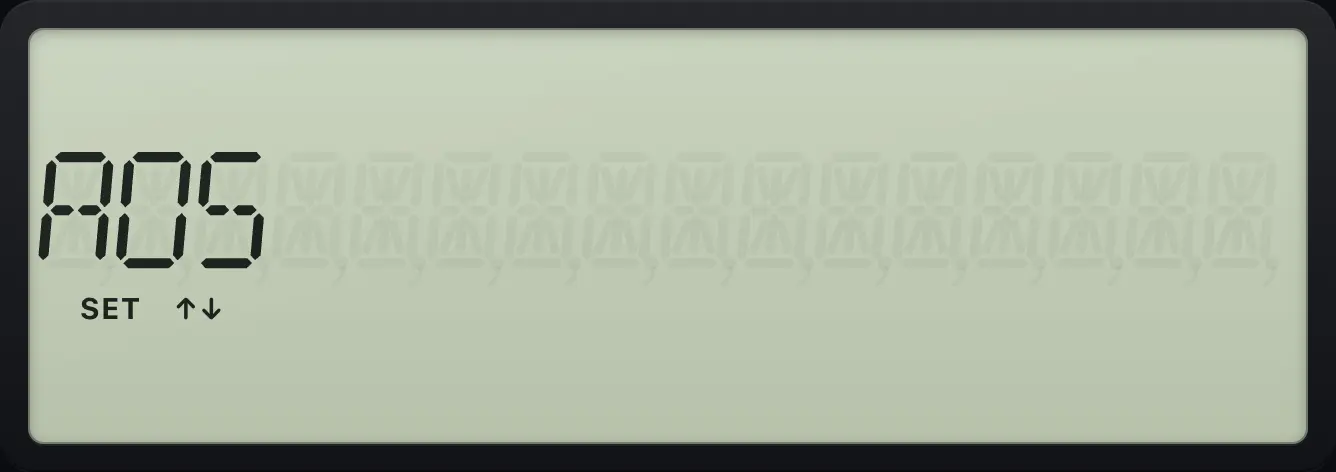
AOSBA II Plus is a trademark of Texas Instruments Incorporated. Trident Calculator is an independent product by South View Studios and is not affiliated with, sponsored by or endorsed by Texas Instruments. The name is used only to describe the kind of calculator this model resembles; Trident's names, keys, display, fonts and software are its own clean-room design.